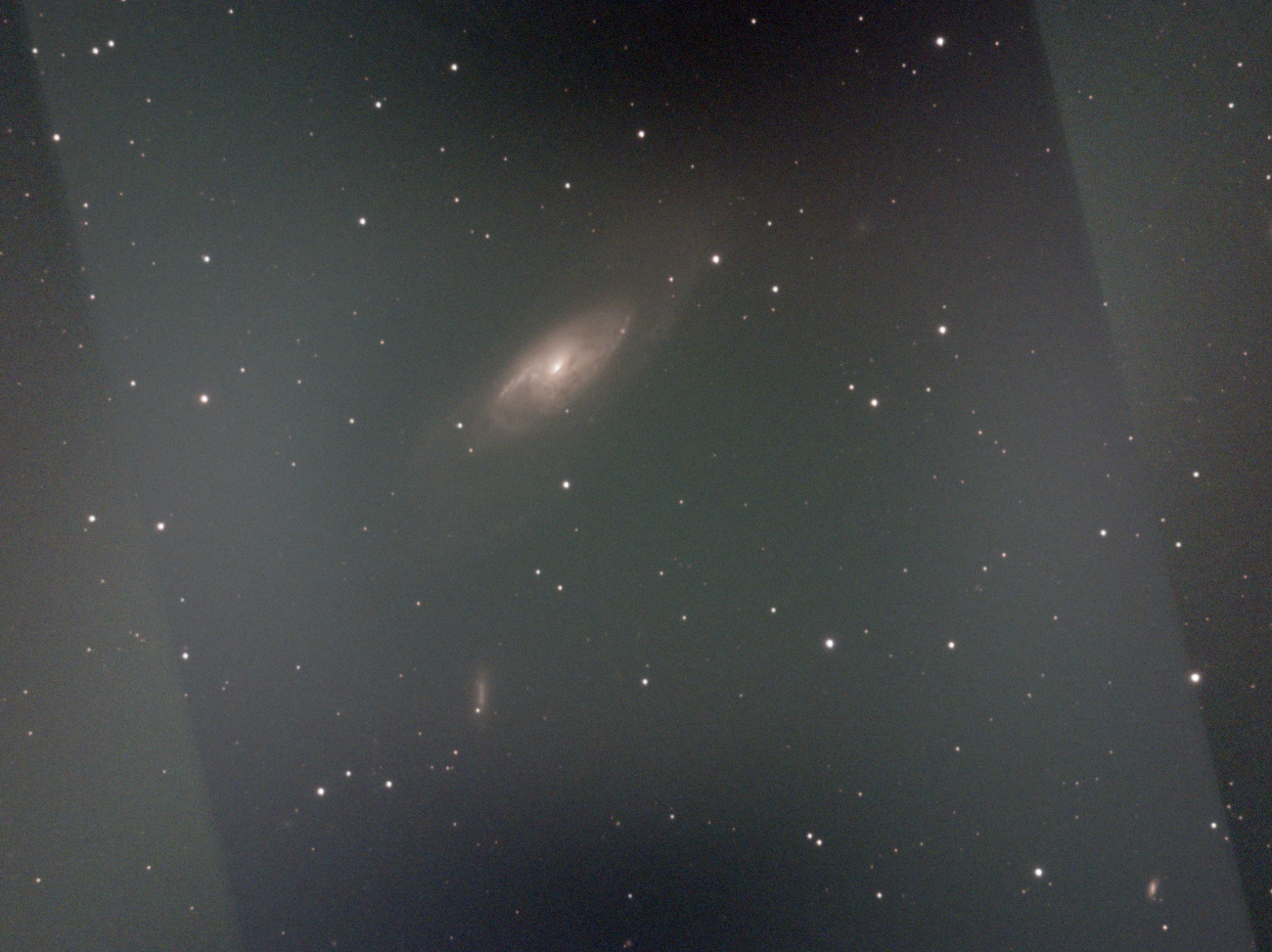
Hello, I have taken photos of M106 for two nights. I have used “OSC_preprocessing.ssf” to stack images from both the nights. After that, I copied the “pp_light” files from the “process” directories of both the nights to a folder “lights”. Then I used “OSC_preprocessing_WithoutDBF” to stack the pp_light frames from both the nights. The problem is that, between first and second night, I have camera rotation. In the final stacked images of both the nights ( from pp_light frames), I can clearly observe the boundaries of rotation. Is there a way to “feather” this rotation boundaries, when I am stacking?
PFA - screen shot of the final stacked image - showing the rotation boundaries with no gradient removed.
Hello, there seem to be a lot of gradient on images, are calibrated images look alright? Make sure calibration is good, you may need to use gradient removal on each image too, make also sure normalization is enabled for stacking. Perhaps the feather options of mosaics can be used too, I’m not sure.
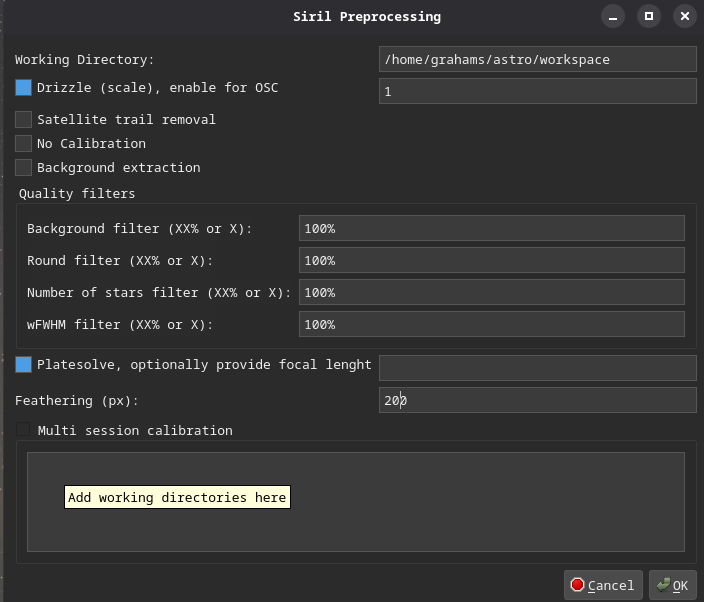
At the risk of self promotion you may want to try my script GPS_Preprocess.
Select platesolve and provide a feathering value. I also allows calibrations of multi sessions if your flats/darks differ between night. The platesolving is primarily for mosaics, but helps with rotation like this.