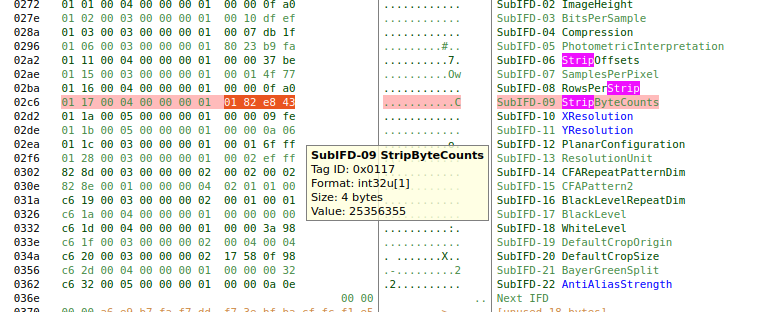
It’s from a Leica M240… a camera from around 2014. 99% of the files from that camera are working in Darktable. I have only a few of them that have this problem.
4,1755 [rawspeed] L1006401.DNG corrupt: void rawspeed::AbstractDngDecompressor::decompress() const, line 249: Too many errors encountered. Giving up. First Error:
rawspeed::Buffer rawspeed::Buffer::getSubView(size_type, size_type) const, line 80: Buffer overflow: image file may be truncated
4,1779 [rgbe_open] RGBE bad file format: no FORMAT specifier found or it’s not 32-bit_rle_rgbe
Not a JPEG file: starts with 0x4d 0x4d
I don’t understand that error. 4D 4D 00 2A is Big-endian TIFF.
@Peter All is explained in the link above and associated issue.
P.S. Ignore the rgbe_open line and the one below - rawspeed already failed and other loaders are attempted as fallbacks… They will of course fail as well for other reasons.
It’s already mentioned in the linked issues: it’s strict about compliance and security. Non-compliant files could carry malicious payload and if you keep reading beyond what the file told you the end was your machine could end up being compromised. It’s a feature, not a bug.
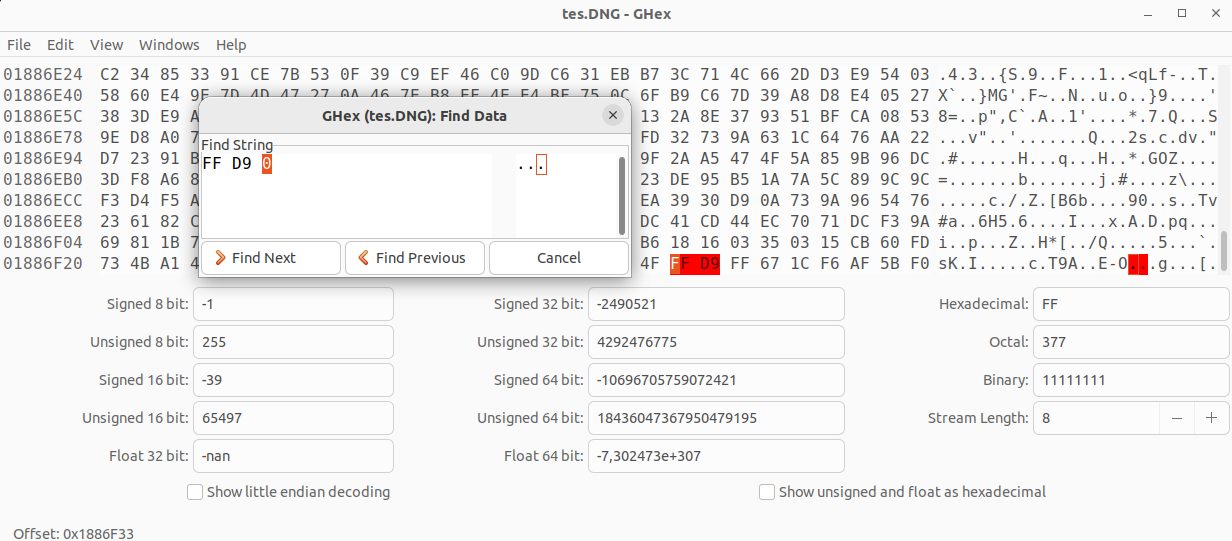
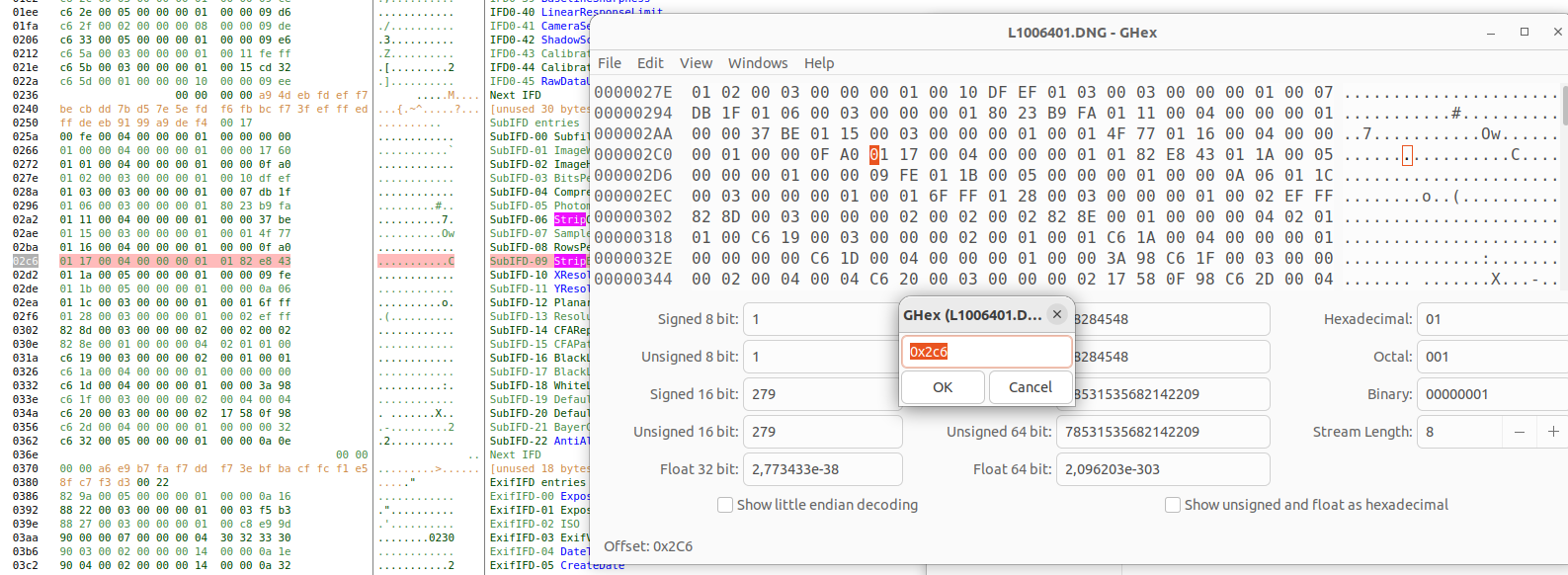
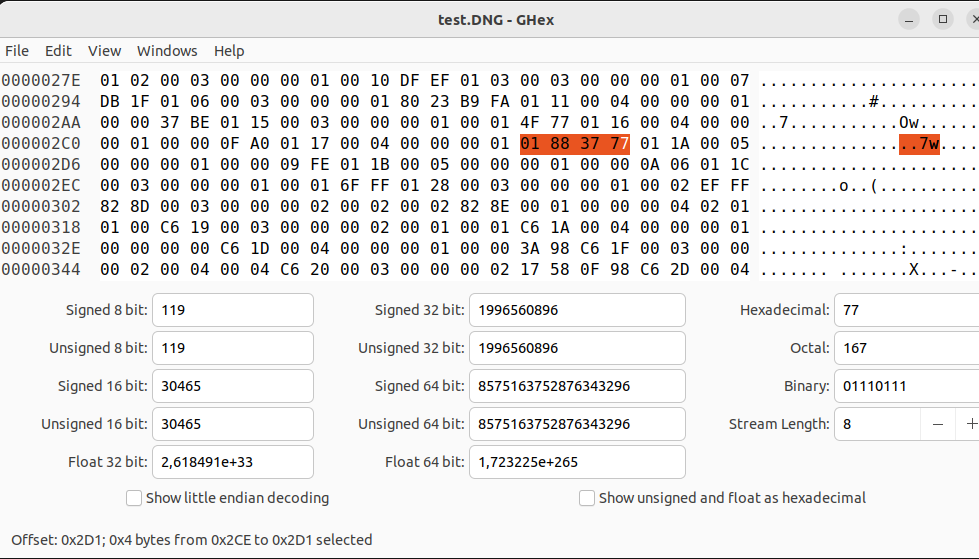
Well, you still have to open the file in the hex editor to look for the EOI signature offset and recalculate the the count value. So might as well change it while in the editor. (The actual writing could be done even w/ a simple dd.) A custom tool would be needed to do all the steps automatically. If you ask me, it’s Leica who should be provide it.