Hi, I’m trying to install the SPCC catalog through the Siril catalog installer script, but after some time, it fails with the following message:
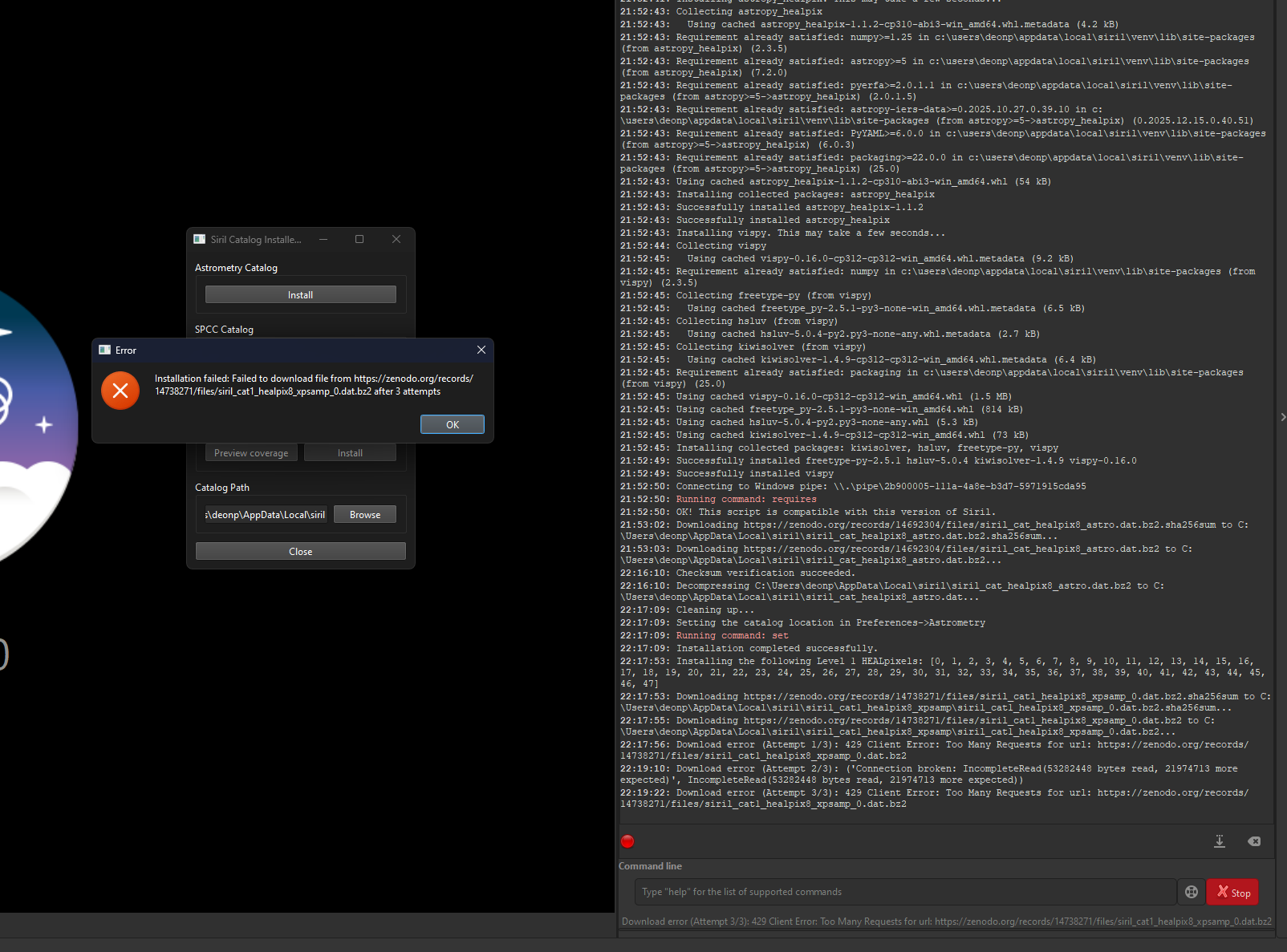
I’m running on Windows 11 with Siril 1.4.0 installed. I managed to install the Astrometry catalog after a few attempts. Areas of Interest are set to “Galaxy Season”, and selection method set to “All”. Any advice here or source where I could potentially download them from manually would be appreciated.