For about a month now since using darktable 4.1 and now 4.2 my exports to my piwigo account as the file destination have been exported as a raw file. If i export to file on disk it is exported as a jpeg. Has anyone else had this issue? I’m not sure where to begin to try to fix this.
That’s not possible I would say. I’ve worked on the code and I’m using a lot the darktable piwigo support and I have never seen this.
Its happening. Let me know what you need from me and i’ll send what I can.
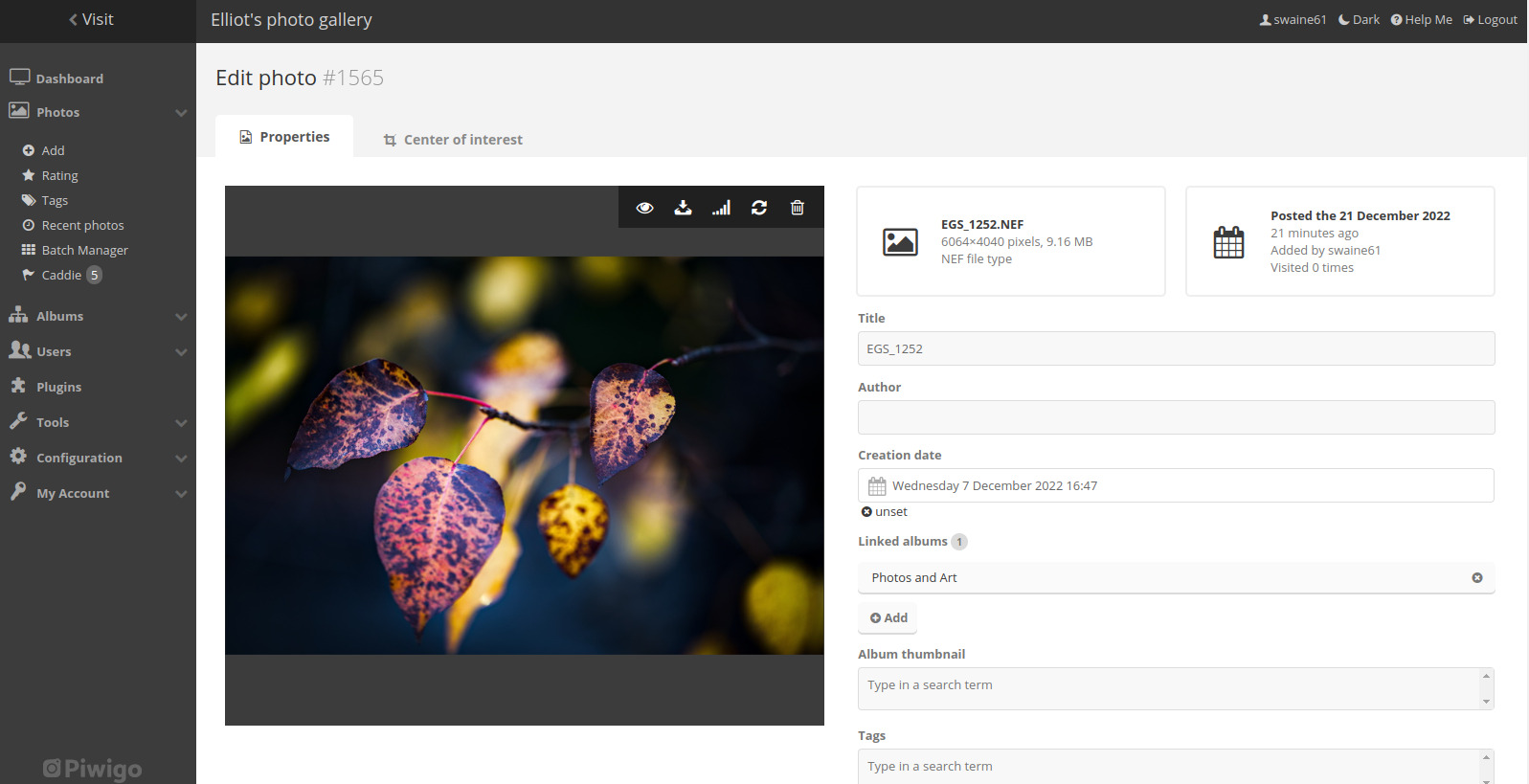
NEF file type i exported from darktable to piwigo.
My only thought is that I made a change to export variable to reflect the file name so every file didn’t have darktable.randomname file. Maybe i did something when I changed that variable? Im using $(FILE.NAME). i cant remember what I changed it from.
Can you post a screenshot of your export module
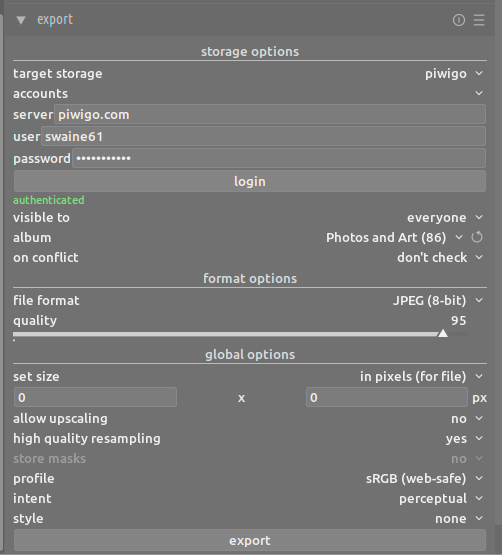
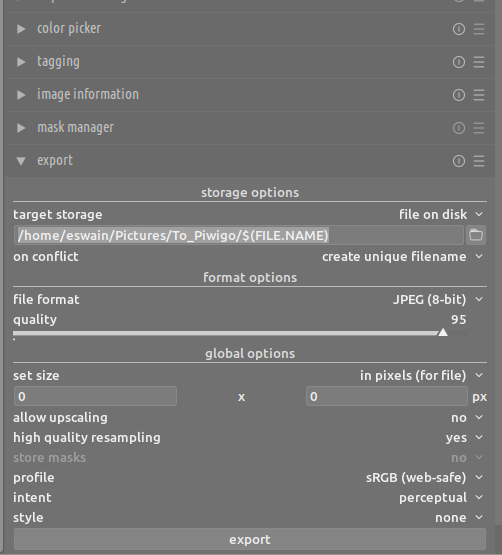
If you go back to the export option “file on disk” what does that say?
Just updated my last comment to include that. Sorry.
The name here is the name of the original file, not the actual uploaded file. Don’t believe me, do the test… crop a picture and make it b&w, upload to piwigo and you’ll see the image correspond to latest development.
I figured that this change is responsible for whats happening. So I went back to manual under export → File name template → variable etc. File.name seemed to make the most sense as to what I would want a file to be exported as. Its apparent im missing something. What do you use for your export file variable? Never said I don’t believe you on anything. Trust me, i’ll take your word for it.
I don’t understand, there is no pattern in use for the piwigo export. Those variables are for export on disk, web gallery or latex.
The uploaded file size is just 9mb. What’s your original filename of your file?
On my side, my RAW is ~50Mb, the uploaded file is 2.3Mb still displayed as RAW (.NEF) (the original file). Also I doubt that Piwigo would display a RAW.
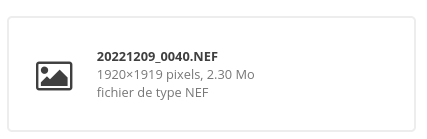
Ok. So yes, it should be the jpeg thats being exported. Original raw is 26MB piwigo file 9.16. So the problem is the file still has a .nef (the orginal file name). So how do i change the file name that darktable exports as. I was assuming that since I had the variable set to $(FILE.NAME) for export to file on disk that is what it used for the export to piwigo. If thats not the case how do I change it? If theres no pattern in use for the piwigo export whats going on?
There was a recent change to the export filename to avoid a random filename. I think you should start an issue in GitHub.
I was just looking at this one - Darktable - Export to Piwigo - Unexpected change of filename #12401.
Thanks, I guess I will.
No need, how one would be able to find the filename to ensure that we can erase, update metadata or whatever if the name is random?
Since 4.2 the filename is not random anymore, so no need to hack it using $(FILE.NAME) → no problem
Its just the file extension. Download back from piwigo, change from .NEF to .JPEG and back in business. I’ll i’ll transfer from file to piwigo to avoid having to change it back to a .JPEG.