External Device Detection Not Working on Kubuntu 26.04

I just upgraded two systems from Kubuntu 25.10 to 26.04 and now Rapid Photo Downloader (RPD) does not detect external devices, such as an SD card. As part of the upgrade, the latest version of RPD was installed on both systems, so I don’t know if the issue is with Kubuntu or the latest RPD. I tried both the Ubuntu maintained version and the PPA version with the same results.

Any suggestions on troubleshooting this would be appreciated.

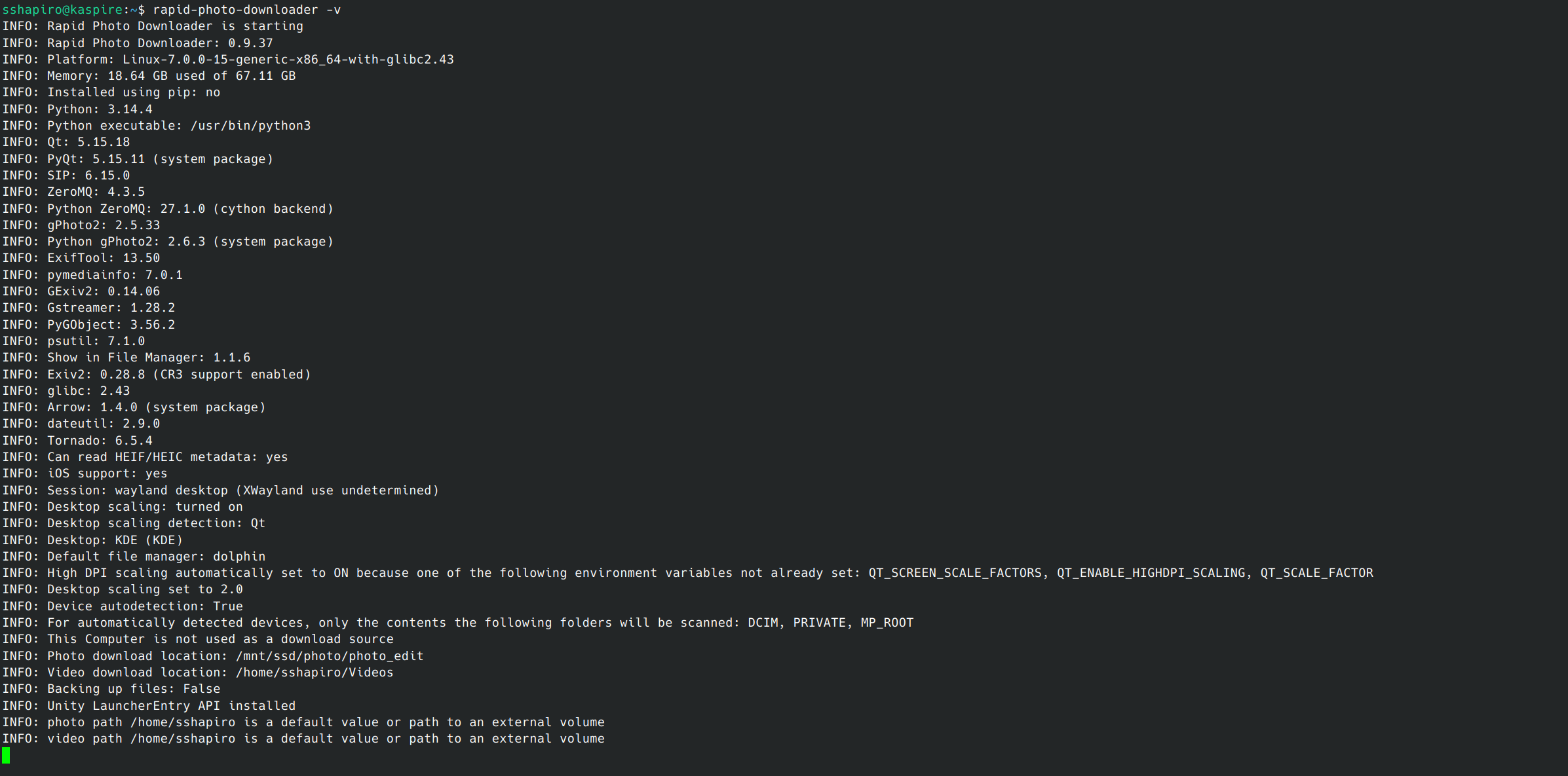
Can you start it from the terminal and share the results?

I ran it in verbose mode, but I don’t see anything useful.

Are you sure your external devices are mounted such that your user can see them? How are you mounting external devices?

Yes, I tried two different USB card readers. Upon inserting an SD card, the card is mounted and I am able to view the images with the file manager and open the images with other programs such as Geeqie and Gwenview.

One other fact is that the mount point for the external device is /run/media/“username”/disk. Maybe RPD does not use that path to find devices.

I found a workaround. I configured RPD to open the path on the computer where the device is being mounted, and I am now able to see the files on the SD card.

Bitten by the same bug here.

Running RPD with --debug gave an interesting line:

DEBUG: Probing for valid mounts
DEBUG: Media dir is /media/michael
DEBUG: To be recognized, partitions must be mounted under /media/michael

So looks like you are on the right track @sshapiro63 .

Question is, how do we proceed from here? Is this a bug in ubuntu, or kde on ubuntu (I am using ubuntu studio), or in RPD?

I am comfortable with opening a bug report; but which would be the best place?

Maybe just creating a symbolic link between /media/“username” and the actual mount point will work. I will test this today.

I created a symbolic link:

/media/sshapiro >>> /run/media/sshapiro/disk

but using the DEVICES function in RPD did not show the files on my SD card.

I then enabled THIS COMPUTER and set the location to /media/sshapiro and am able to see the files. This does seem to be a bug, but I don’t know if it is with RPD, KDE, or Ubuntu.

1 Like

Sounds like you’re getting it mounted automatically by kio, and perhaps RPD doesn’t see it. How did you install RPD?

@paperdigits I installed it from the ubuntu repos; also tried the PPA which changed nothing.

It looks like the problem is with the logic of detecting the mount point; it currently assumes /media if ubuntu is detected.

When I make it detect Ubuntu 26.04 specifically and use /run/media, device autodection works again for me.

I created a pull request; it should be refined to work for 26.04 and up though.

1 Like

Should work with future ubuntu versions too now.

I will take a look at this week, I hope. I would do so today, but am not healthy enough to do so. Sorry about that.

4 Likes

No worries. Take care!

1 Like

This is exactly what’s failing for me on Kubuntu 26.04, too.

I even tried to create a symlink for /media/x to go to /run/media/x, but it looks like the detection doesn’t accept a symblink for the device.

Not sure if the same issue. I upgraded from kubuntu 25.10 to 26.04 and none of my bookmarks worked that were linked to my external drive. I had the problem in dolphin and darktable.
I’m not a techy person but I thought the problem was related to the Home folder. In dolphin i reinstated the path from Home to my external folder and all was ok.

To test the fix for the problem, add the Rapid Photo Downloader testing PPA:

sudo add-apt-repository ppa:dlynch3/rapid-photo-downloader-testing

then upgrade:

sudo apt upgrade

That should result in Rapid Photo Downloader 0.9.38b1.

Let me know how it works out.

Edit: This will only do the upgrade on Ubuntu flavours 25.10, 26.04 and 26.10.

1 Like

Can confirm that the package is working on Ubuntu Studio 26.04

1 Like

Hi Damon,

I hope you are doing well.
Just checked out the testing version of RPD and I can also confirm that it now sees the SD card mounted on /run/media/$USER/disk.
Volpesce

1 Like