I think we are mixing up two completely different things here.
I am already a fairly experienced RawTherapee user, so simply opening or loading a profile is not the issue. That part is easy, and RT already offers multiple ways to do that, including via right click menus.
What I am talking about is applying a custom default profile automatically to an entire RAW folder.
At the moment, this only works cleanly with the built in profile structure from the RT config/profile folders, things like the standard ISO based defaults, camera defaults, etc.
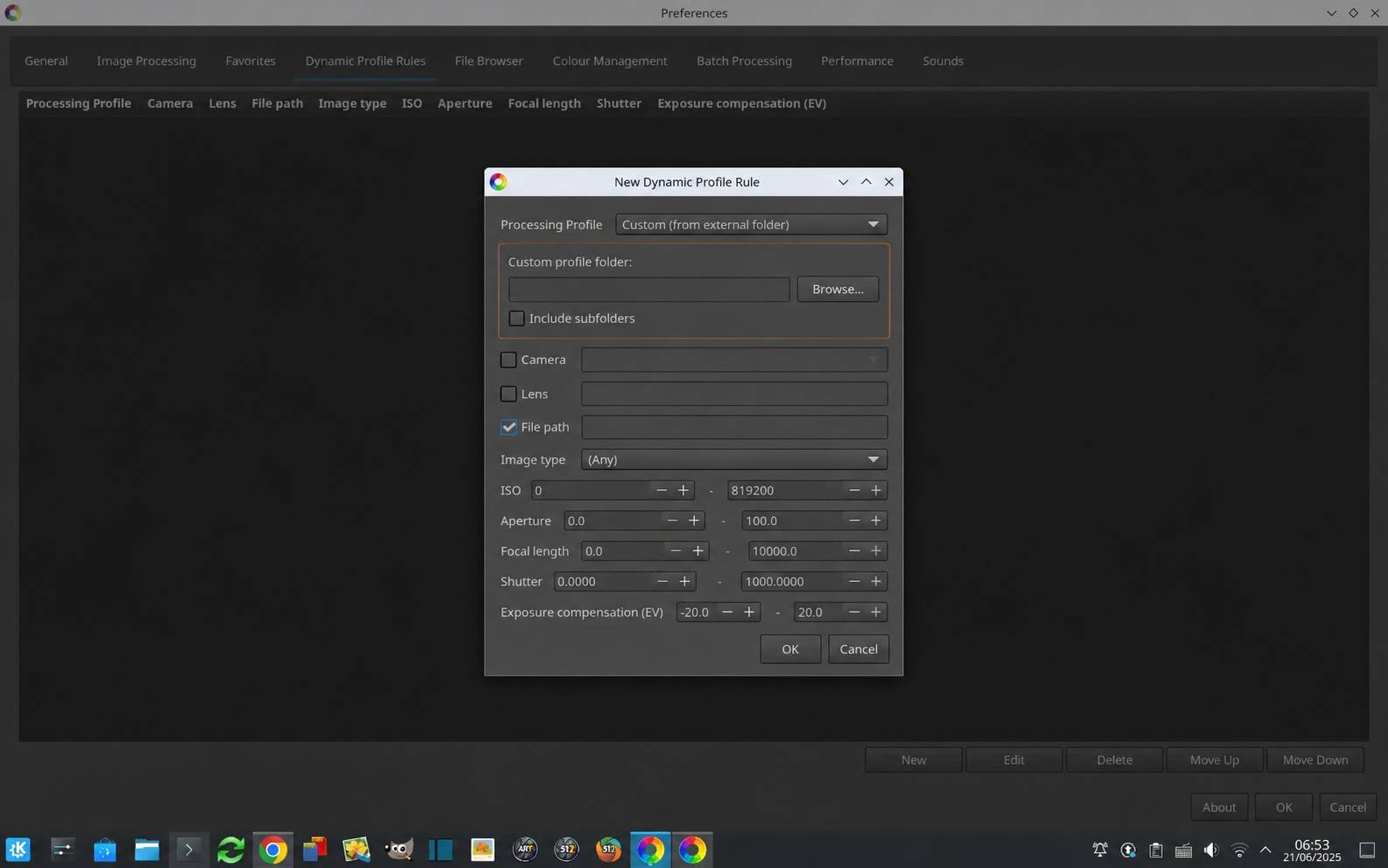
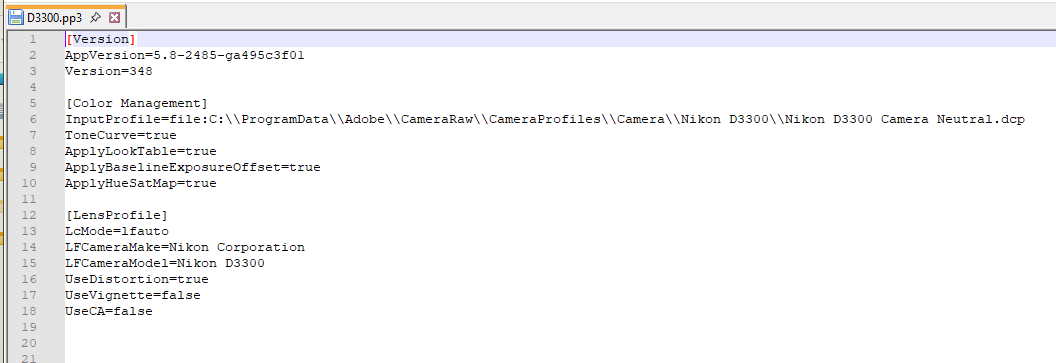
The goal is to assign my own custom profiles automatically, either directly or through Dynamic Profiles and Rules, which was also suggested by others here.
But you always hit the same limitation:
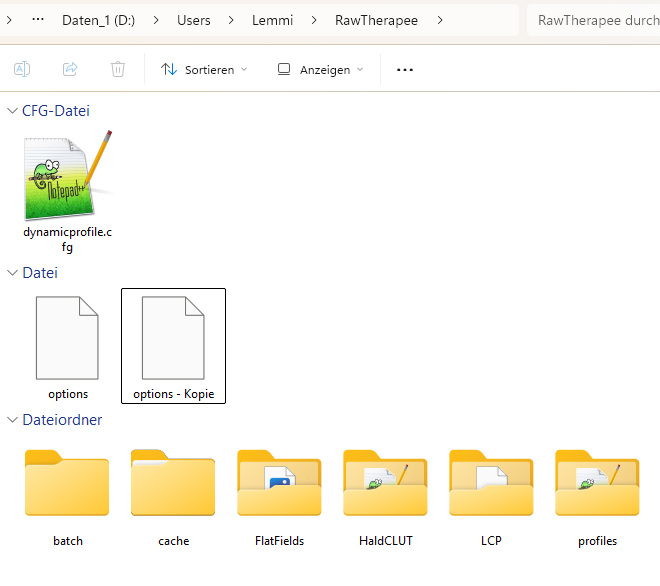
custom user made profiles are not easily assignable unless they are manually copied into the RawTherapee system profile folders themselves.
Rick does that, and honestly I can do that as well without any problem. But for a new RT user, or somebody who is not comfortable with computers, that quickly becomes confusing, especially on Linux.
And just to be clear, yes, there are workarounds for this already. For example, inside the RT browser you can copy a profile, select all images, and paste it as a processing profile to the entire folder.
But that is still not the same thing as opening a RAW folder in RT and having a fixed custom profile automatically applied immediately as the default processing profile.
So this is not about “how to open a profile”.
It is about being able to apply custom user profiles automatically as defaults to an entire RAW folder, without requiring users to manually copy files into internal RT profile directories.