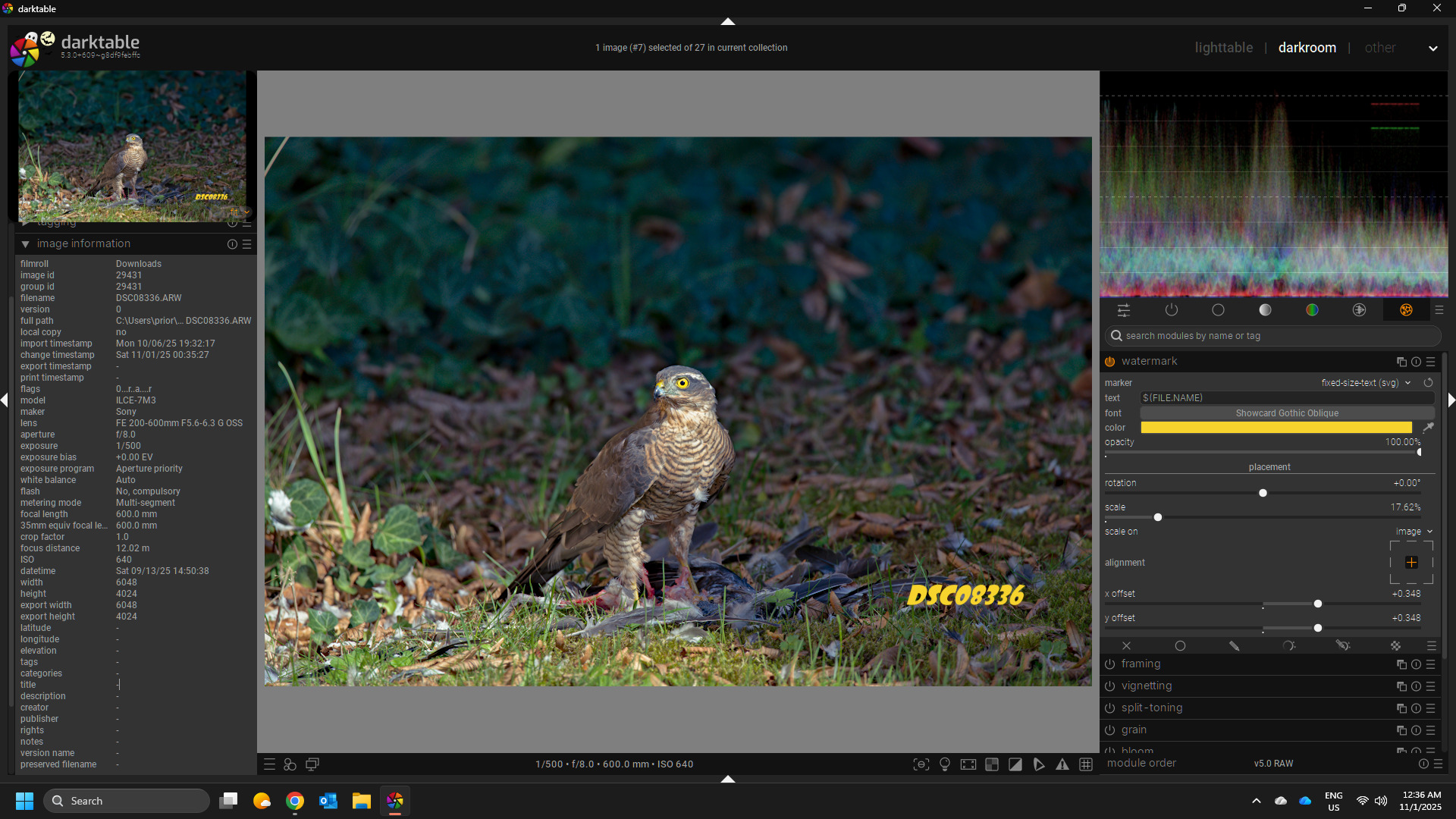
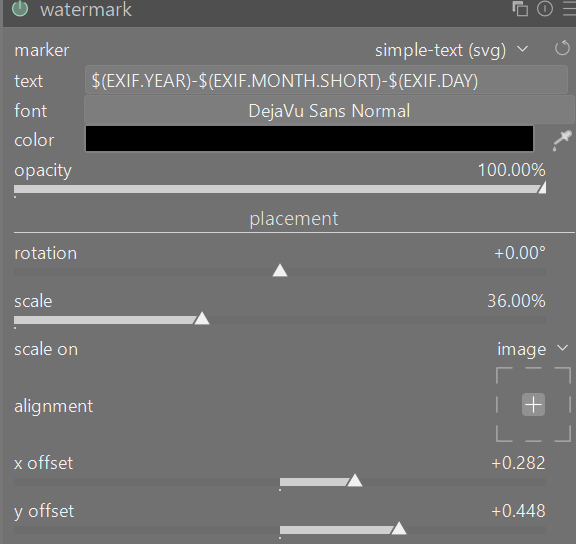
Is there a way to use the file name as a time stamp or watermark?
Once in a while, I shoot film on a Canon eos630. There is no way to imprint the date on the film. The negatives are developed and scanned at a local lab, and then sent to me via wetransfer. I keep notes of dates, ISO, lens used, etc. and I manually rename each photo.
If all photos of a given directory were taken on the same day, the process I follow on digiKam is:
- Select all photos in the folder and click on Batch Queue Manager.
- Select all photos (yes, again) in the Queue box.
- Double click on the Add Watermark option from the Tools tab in the Control Panel box.
- Select the Text option, write YYYY MM DD on the watermark box, choose the font, the size, the colour, and the position.
- Click on Run.
Sometimes it takes me three days to go through a roll of 36, therefore my process implies three different folders for one same roll.
All my pictures are named YYYY MM DD (a number).ext
YYYY tells me the year, MM tells me if it was spring, summer, or winter. DD tells me the day.
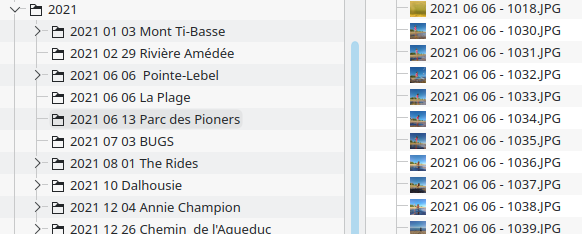
What I want is to be able to add the file name (without the extension), to a bunch of pictures taken on different dates.
Something like this; what some 90s cameras used to do.
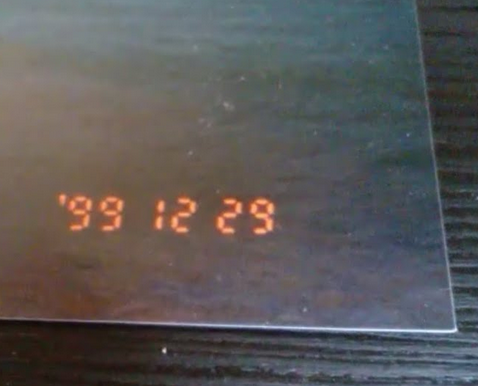
Hopefully someone is kind enough to also tell me what the name of that casio-calculator font is.
Thanks.