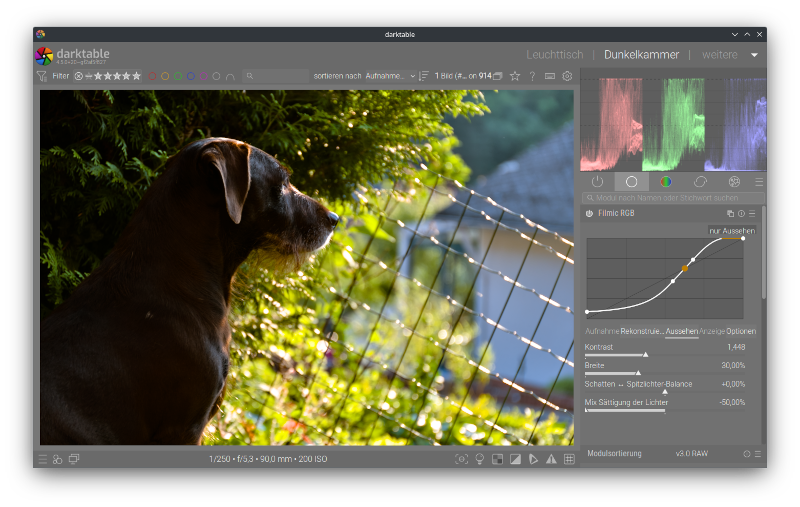
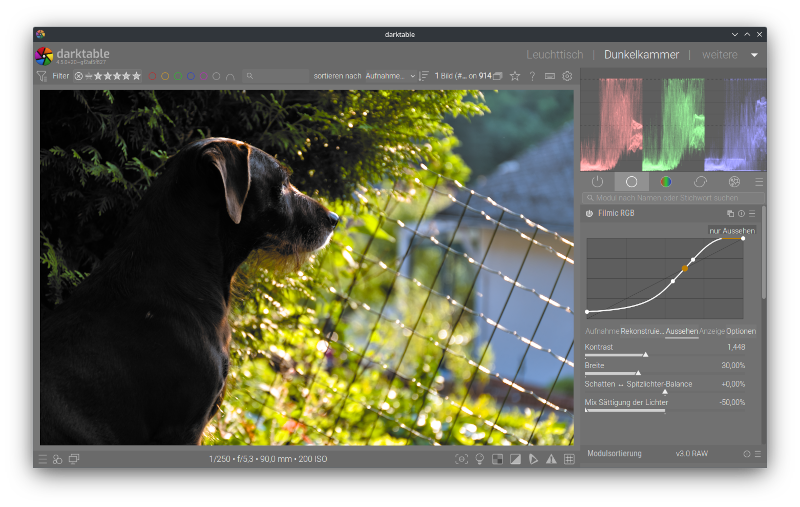
I’ve noticed that filmic v7 seems to have an issue relating to openCL vs non-openCL consistency. I noticed on one image I was getting different results on my laptop vs desktop, and figured out it was due to whether or not openCL was activated or not. My laptop doesn’t have openCL support but my main desktop does. So I could test both scenarios on my desktop by just changing the openCL setting under the Processing menu.
The effect is more noticeable when “highlights saturation mix” is adjusted to -50% (drag slider all the way to the left).
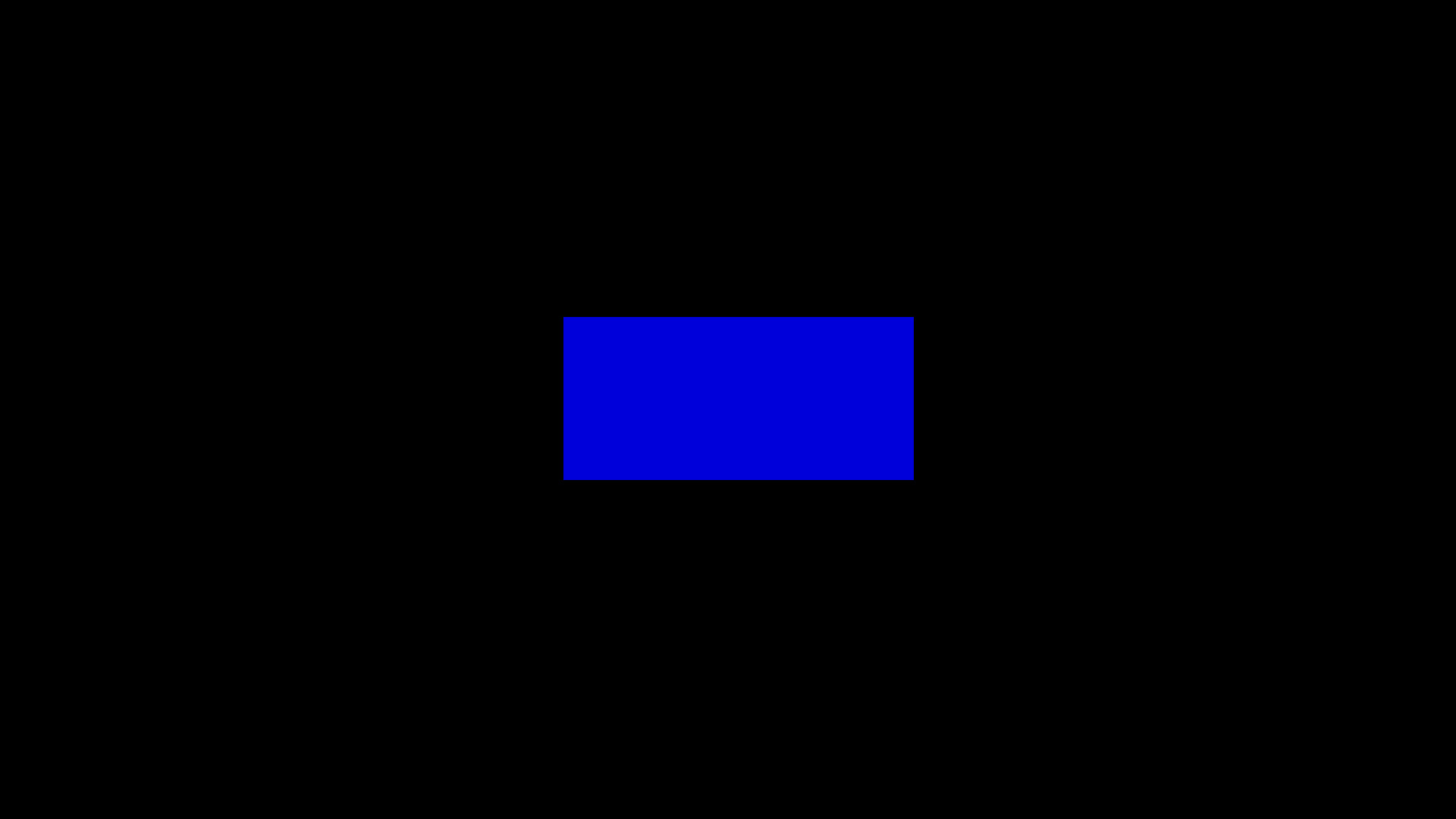
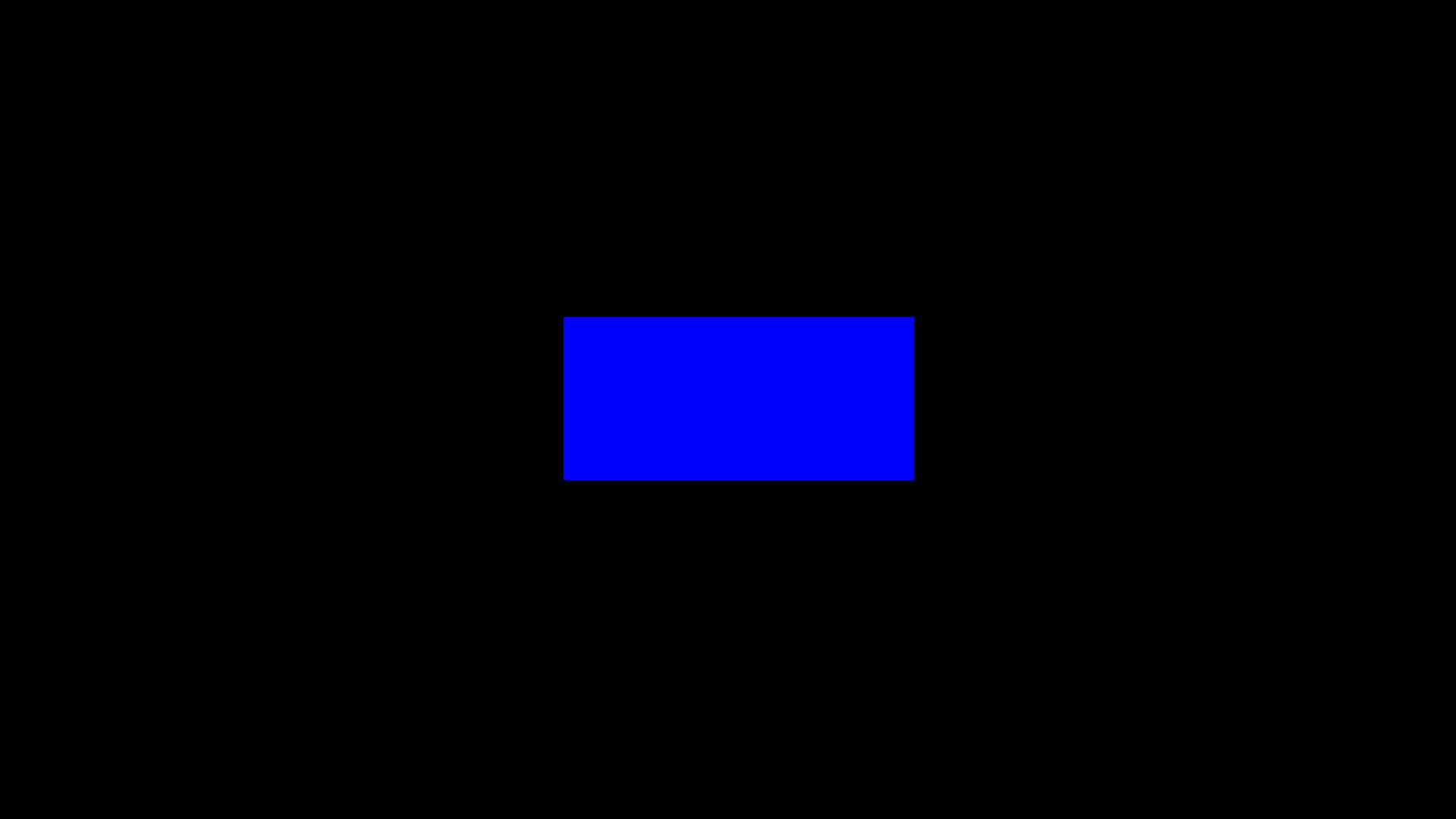
I’ve attached a simple test to illustrate what I’m seeing. I know that the filmic settings are not right (or needed) for a png image, but the point with this very simple example is to compare the results with openCL disabled to when it’s enabled. The results should be identical but they are not. The source file is a blue (0,0,1) rectangle against black.
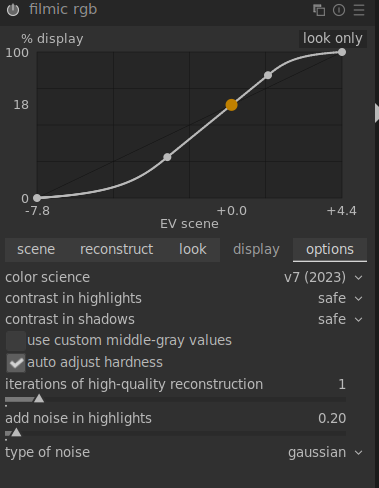
I’ve attached the source file, xmp file, filmic v7 settings, and two output files (one for openCL disabled and one for openCL enabled).
Curious if others can see the same thing.
Source file
XMP
blue square on black.png.xmp (4.2 KB)
filmic v7 settings


resulting image (openCL disabled)

resulting image (openCL enabled)