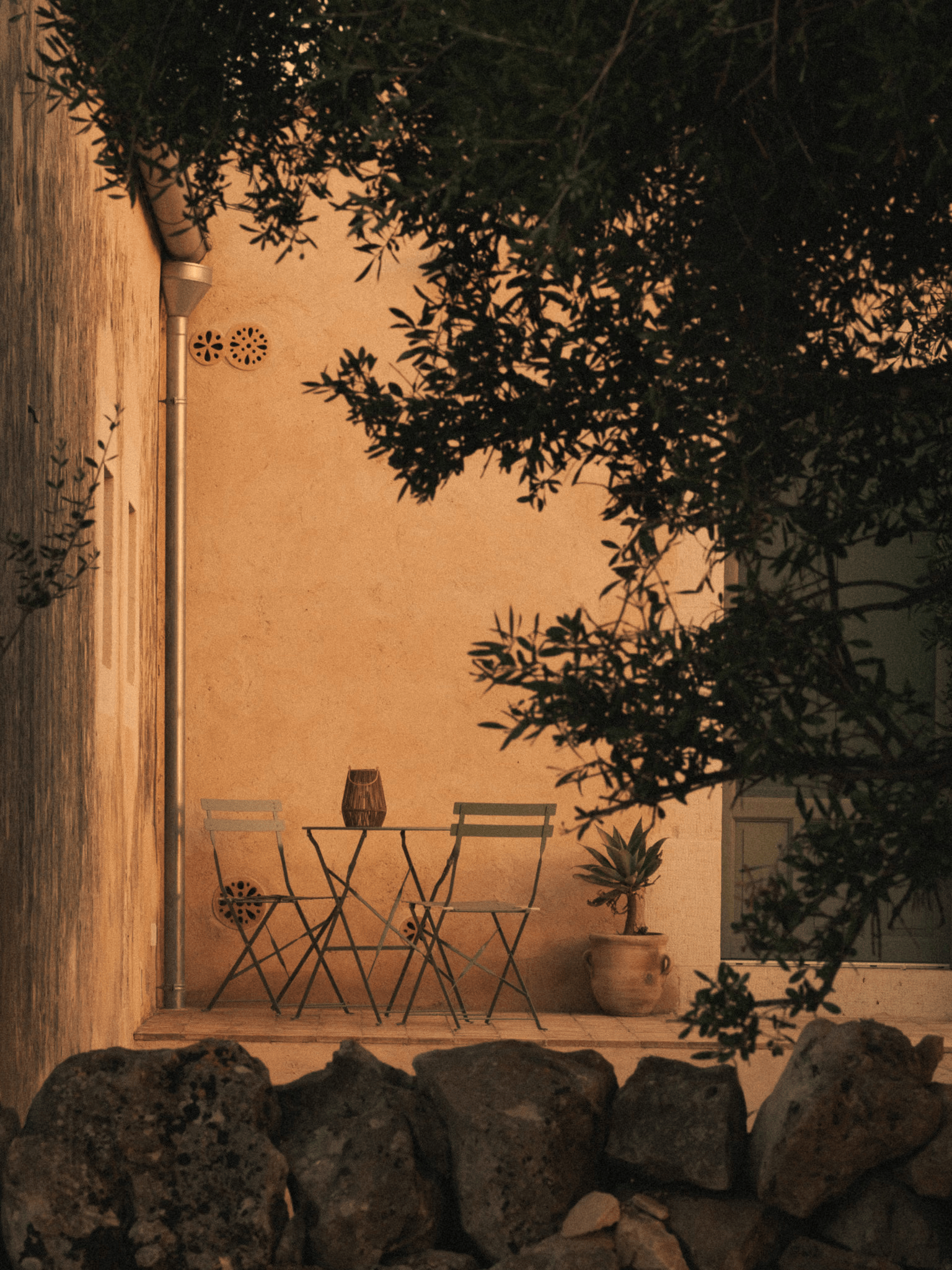
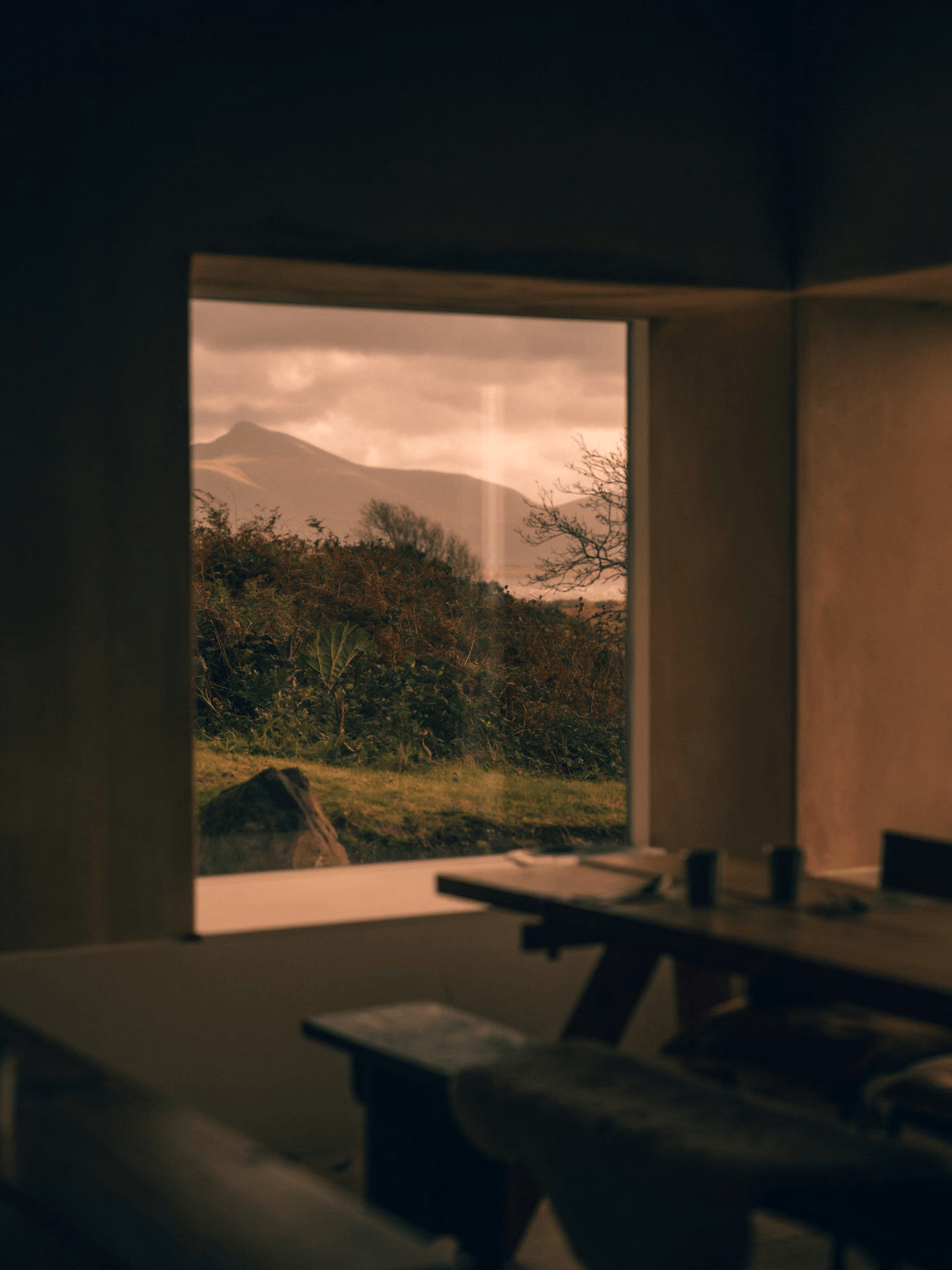
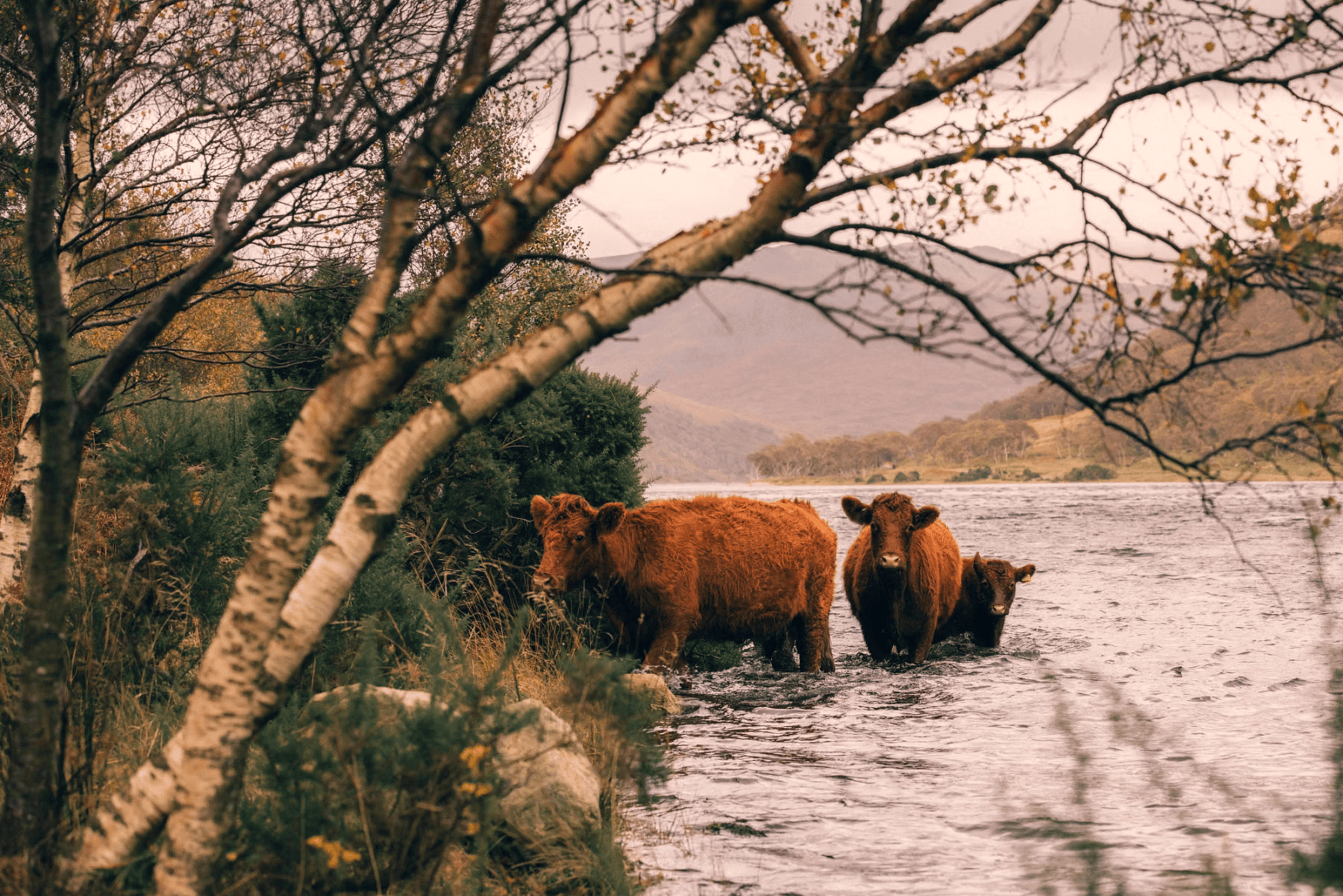
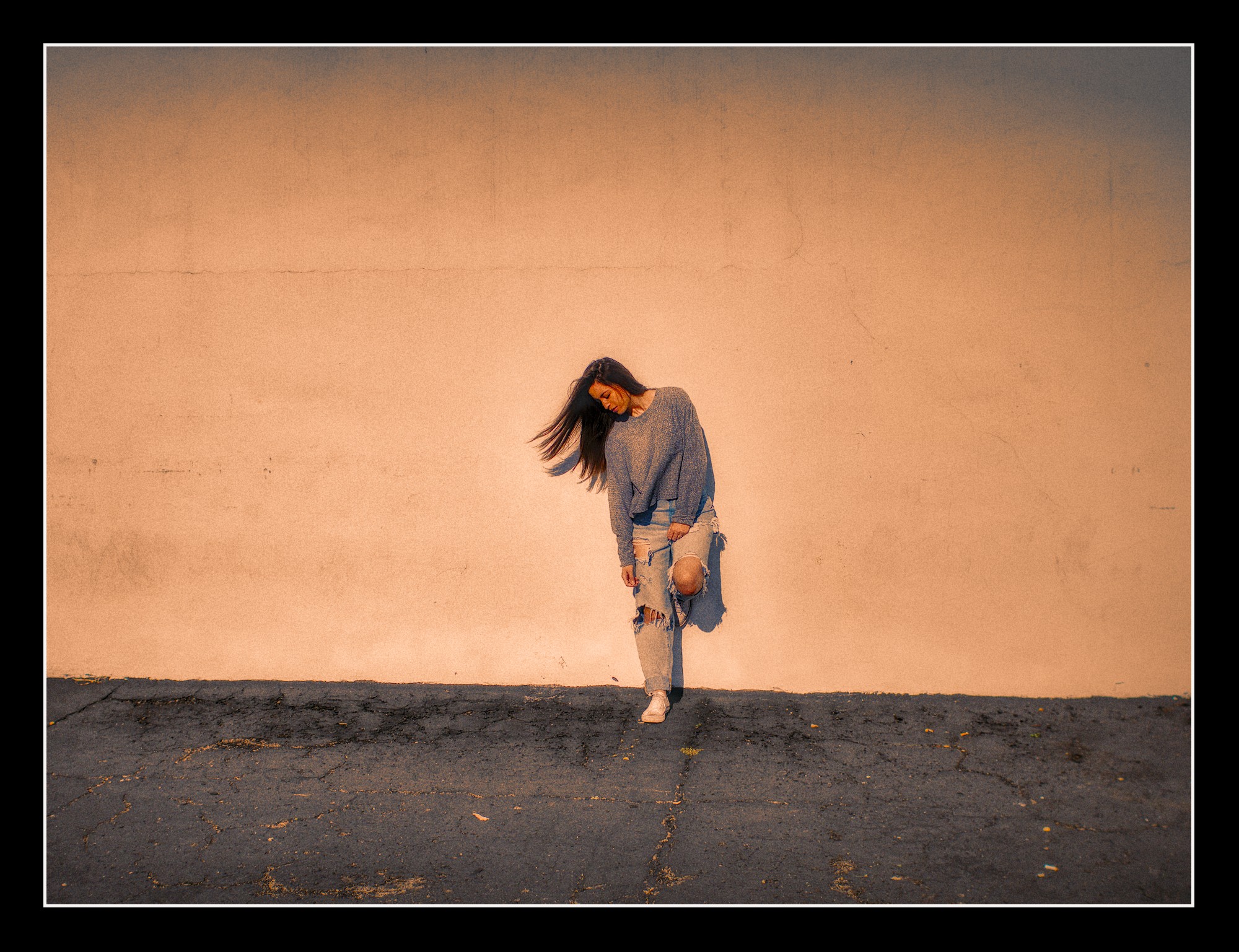
I took a look at the link and he has various styles. These start in the camera and are not simply created in editing. Look at his use of lighting. Some of his images use soft directional lighting similar to a window light source.
The orange color you like just looks like a warm white balance setting to me. You have a grain module in Darktable if you want to add grain. This preset for softer skin in the diffuse or or sharpen module might give you the softness you like as well. Or just a bloom preset in various modules. diffuse_Softer skin.dtpreset (1.1 KB)
Cant help you out with an edit right now, but there is a ton of tutorials on YouTube for lightroom that will fit darktable too. Try to search for moody brown style.
Mainly they selectively desaturate and turn the colours to warmer with color equalizer, except the greens in this case, which seem to be cold and more saturated.
Then an orangeish tint is introduced using colorbalance rgb 4ways tab. I think in this case highlights have the strongest cast.
Something similar:
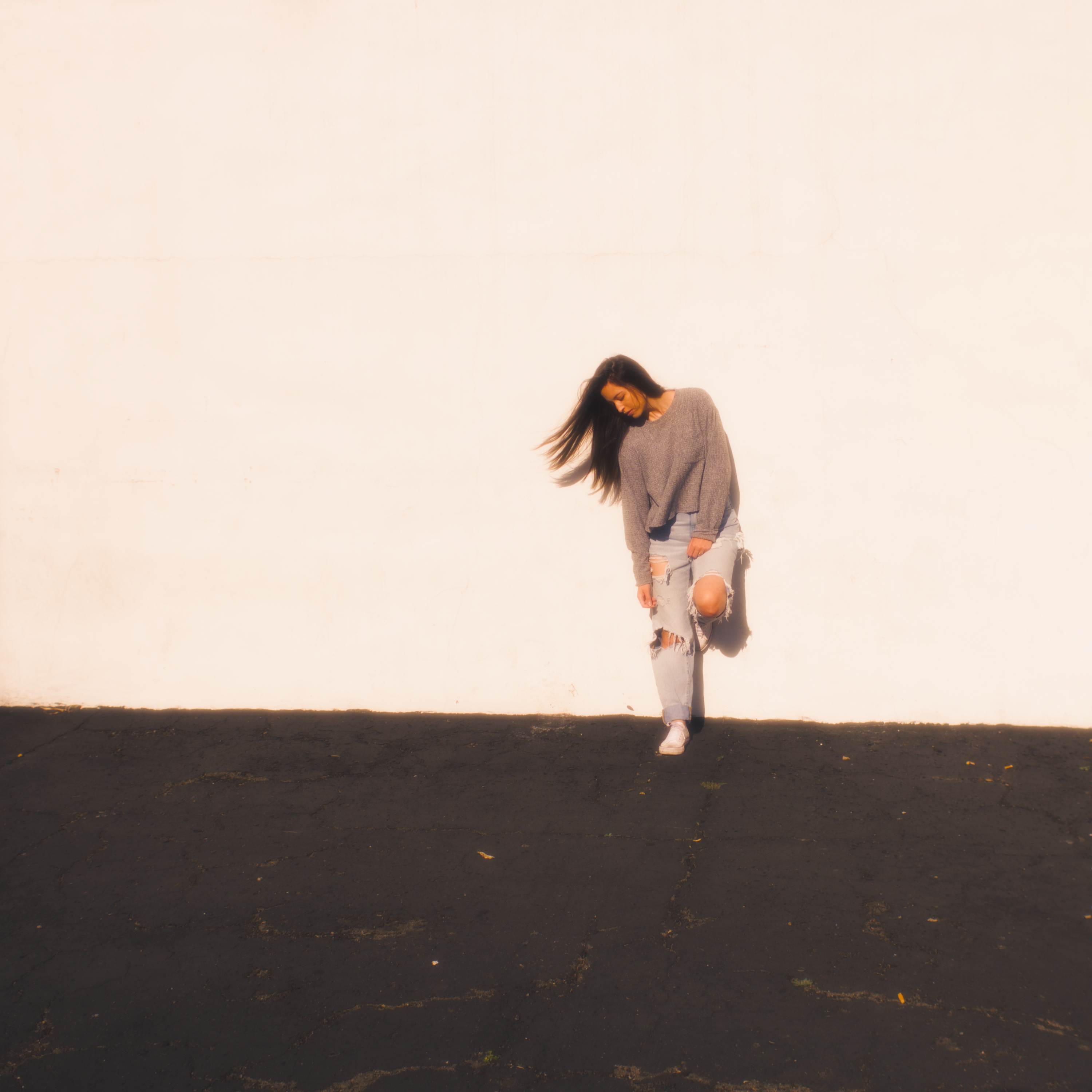
I’ve had a go, it’s hard though as the raw file you provided is in harsh direct light whereas the examples are all in very diffuse light.
I’m on a beta version of darktable, but hopefully the xmp will load ok as I only used older modules.
20261031-1132-08580.ARW.xmp (13.4 KB)
If you duplicate the image in your lighttable, then apply my xmp in overwrite you should be able to go through the active modules and see what I have done.
Basically used primaries rgb to give an orange cast, then diffuse and sharpen (edit: with the ‘bloom’ preset) to add softness, increased contrast in AgX, and finetuned colours in color balance rgb and color equalizer
I’m not a big fan of those degenerative edits. There are a lot of teal and orange edits on this website. Many quite trivial shots, which were made “intersting” by heavy postprocessing. There is as well really nice stuff, where I wonder why it has to be treated that heavily.
Enjoy it! I know firsthand it can be frustrating at times when you want to achieve a certain result and don’t know how, but the more you learn and see and experiment the more things will click into place.