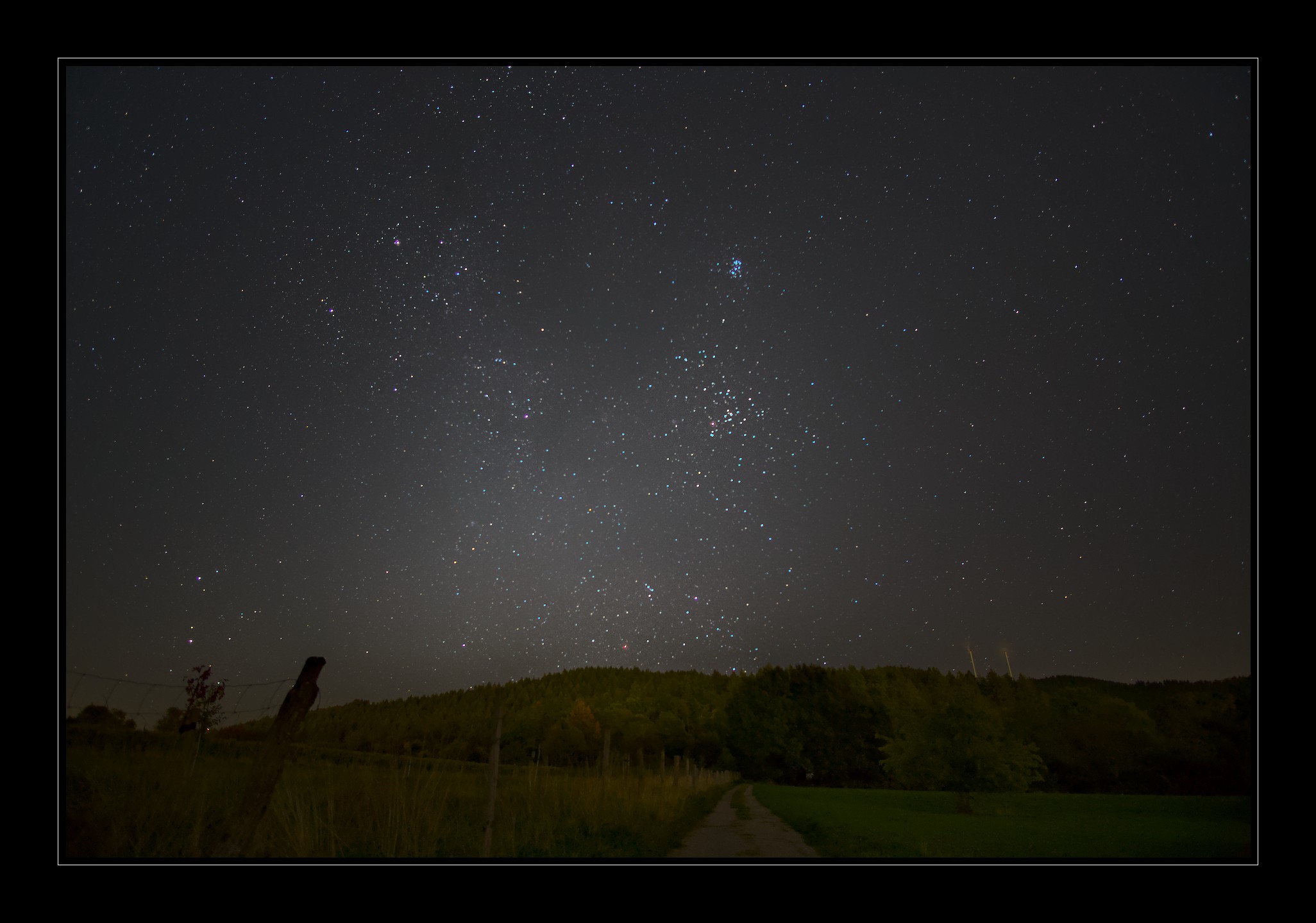
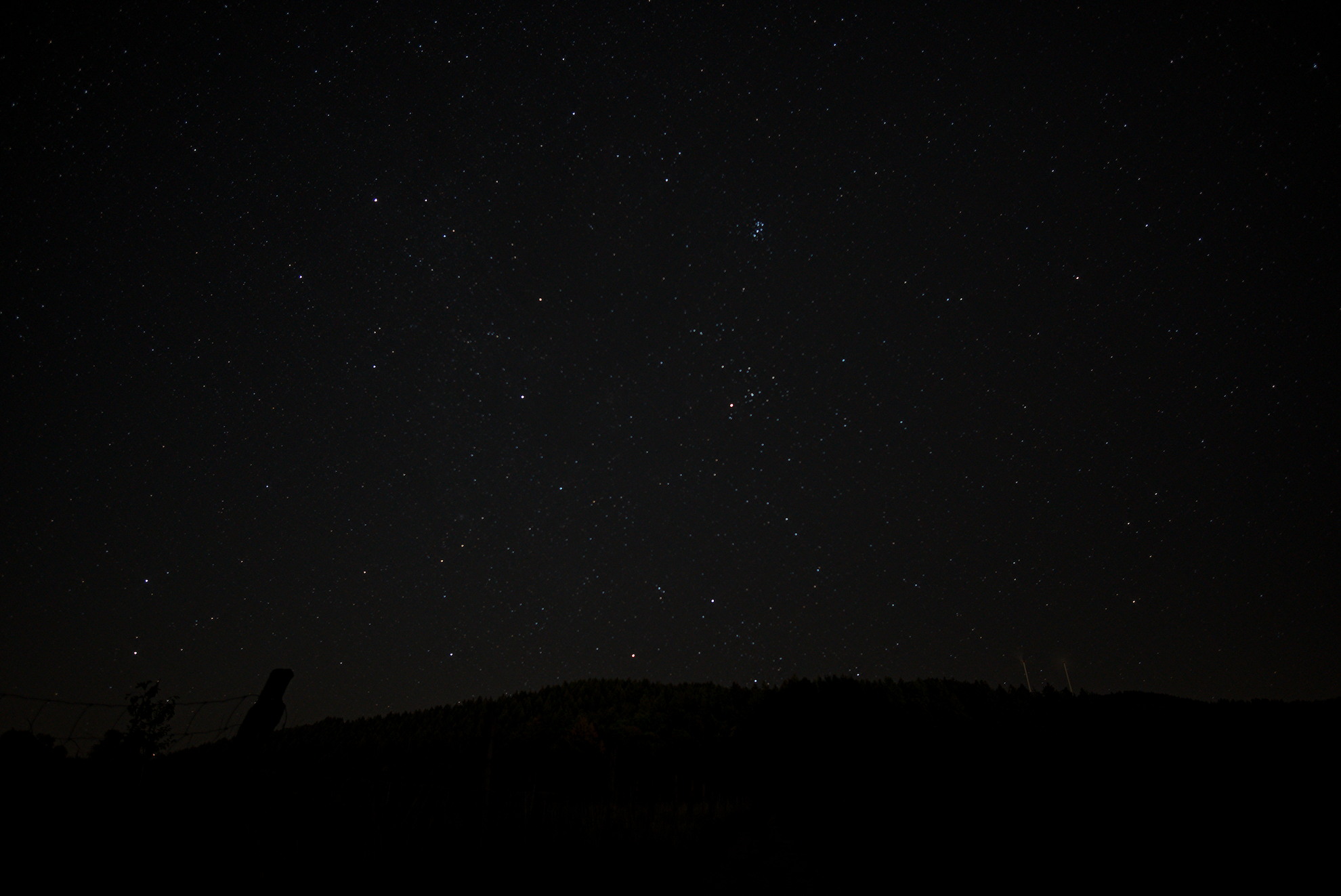
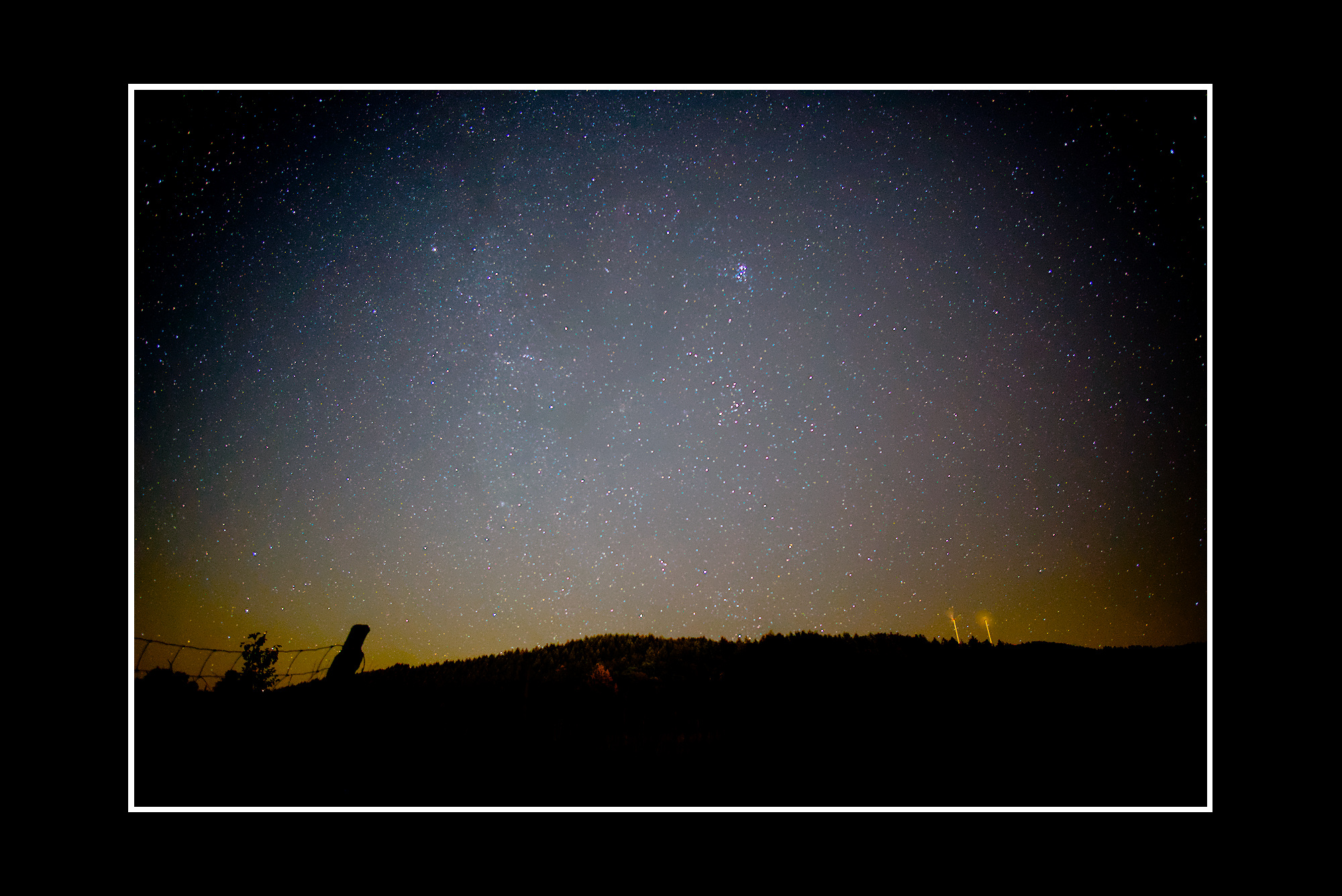
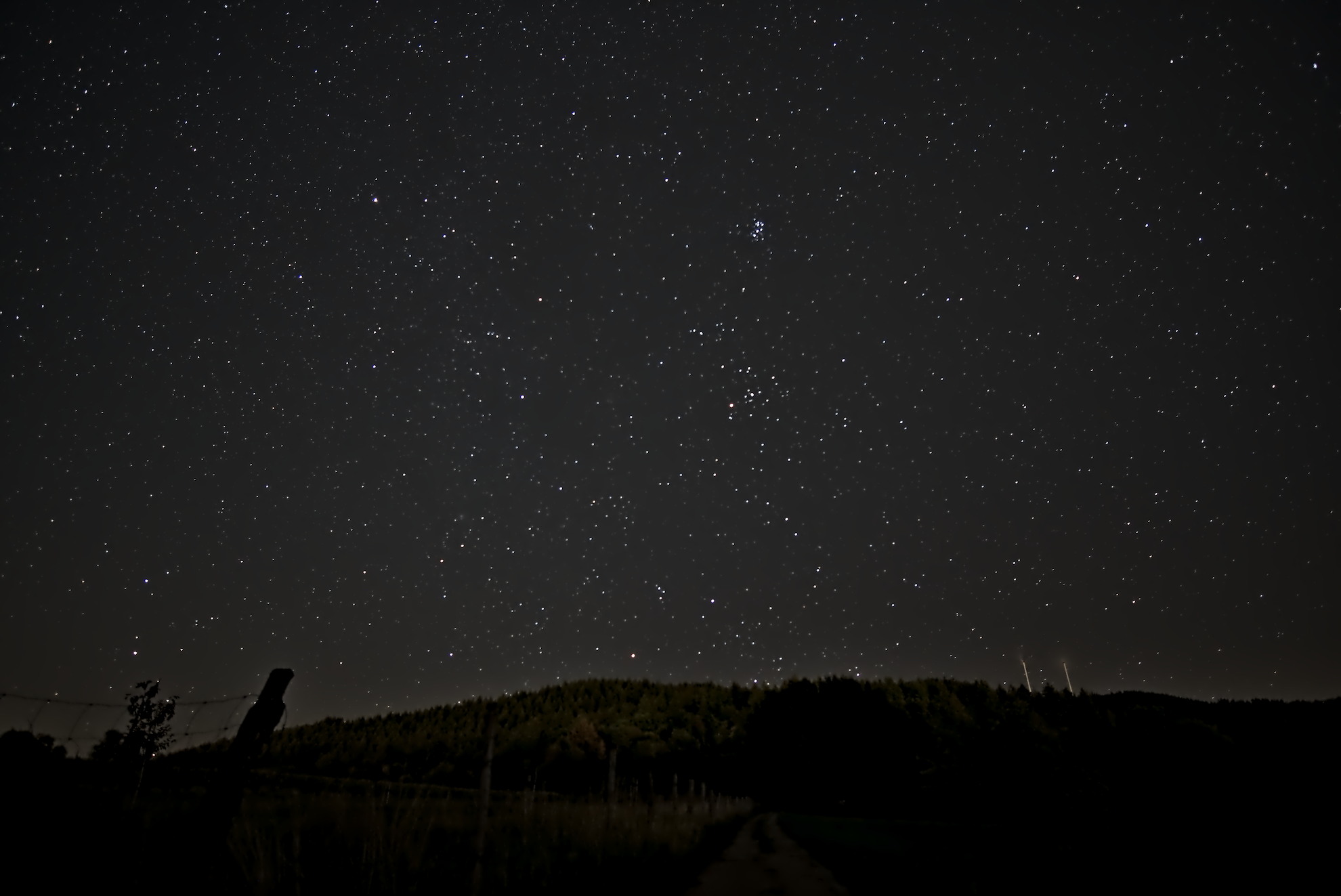
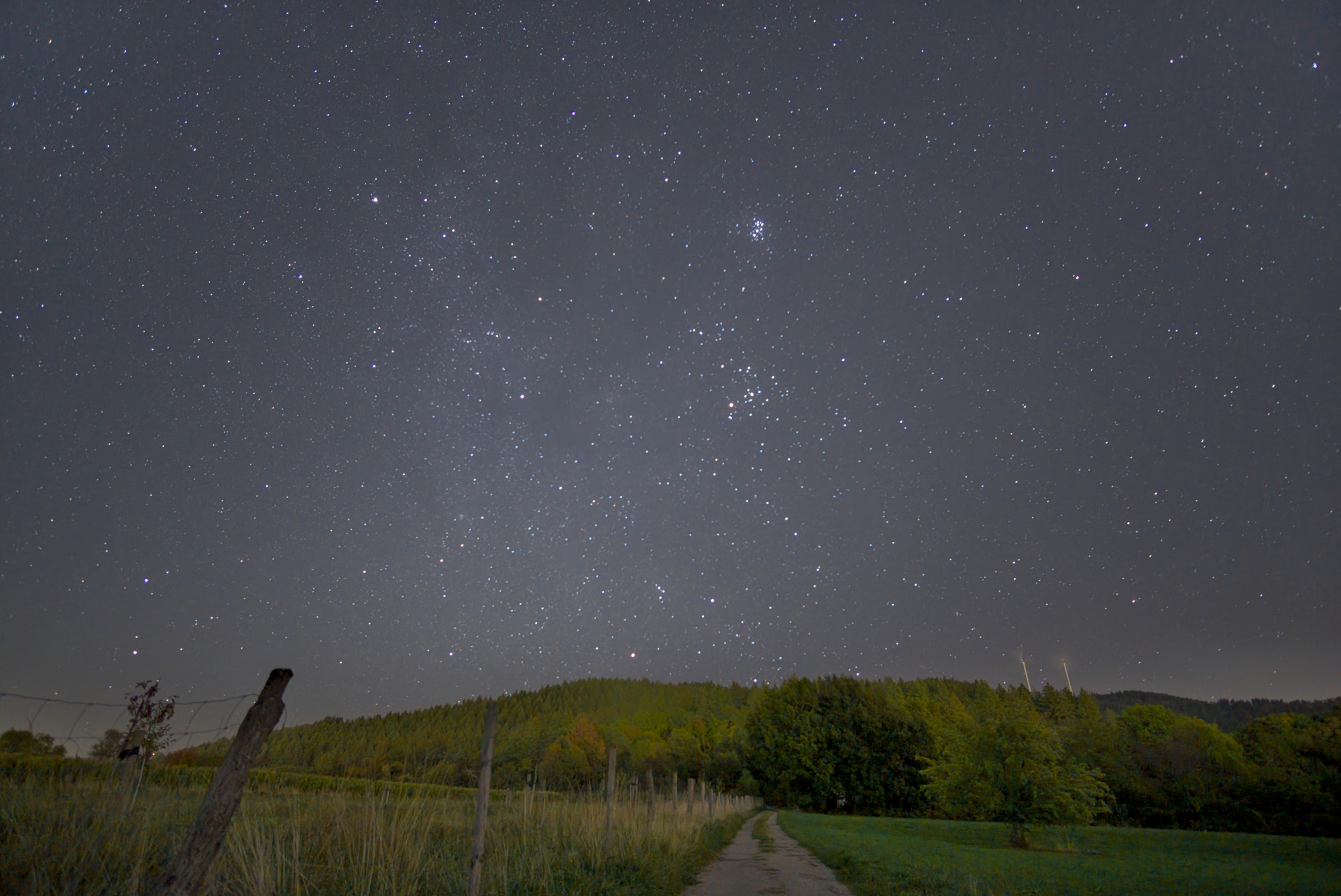
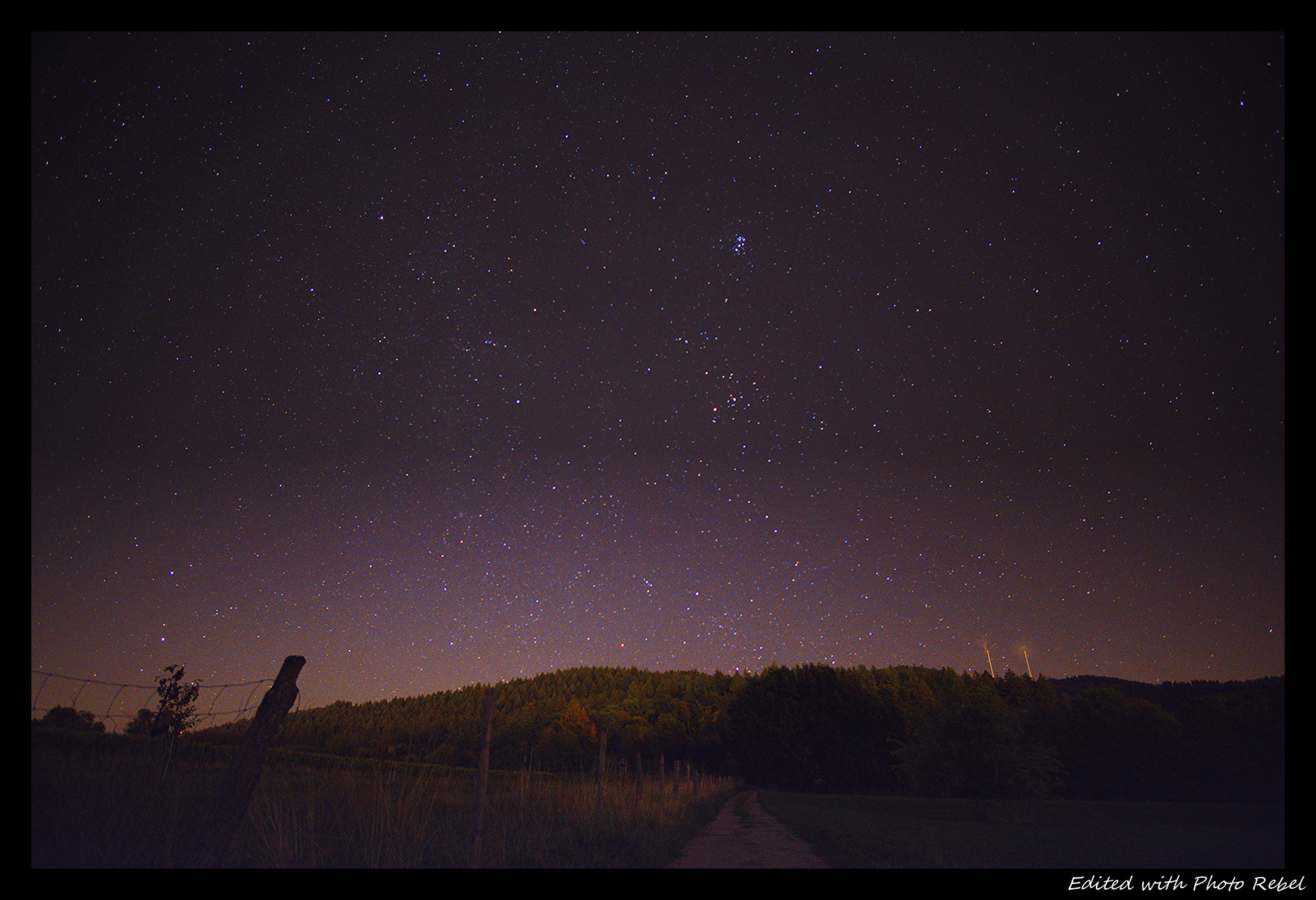
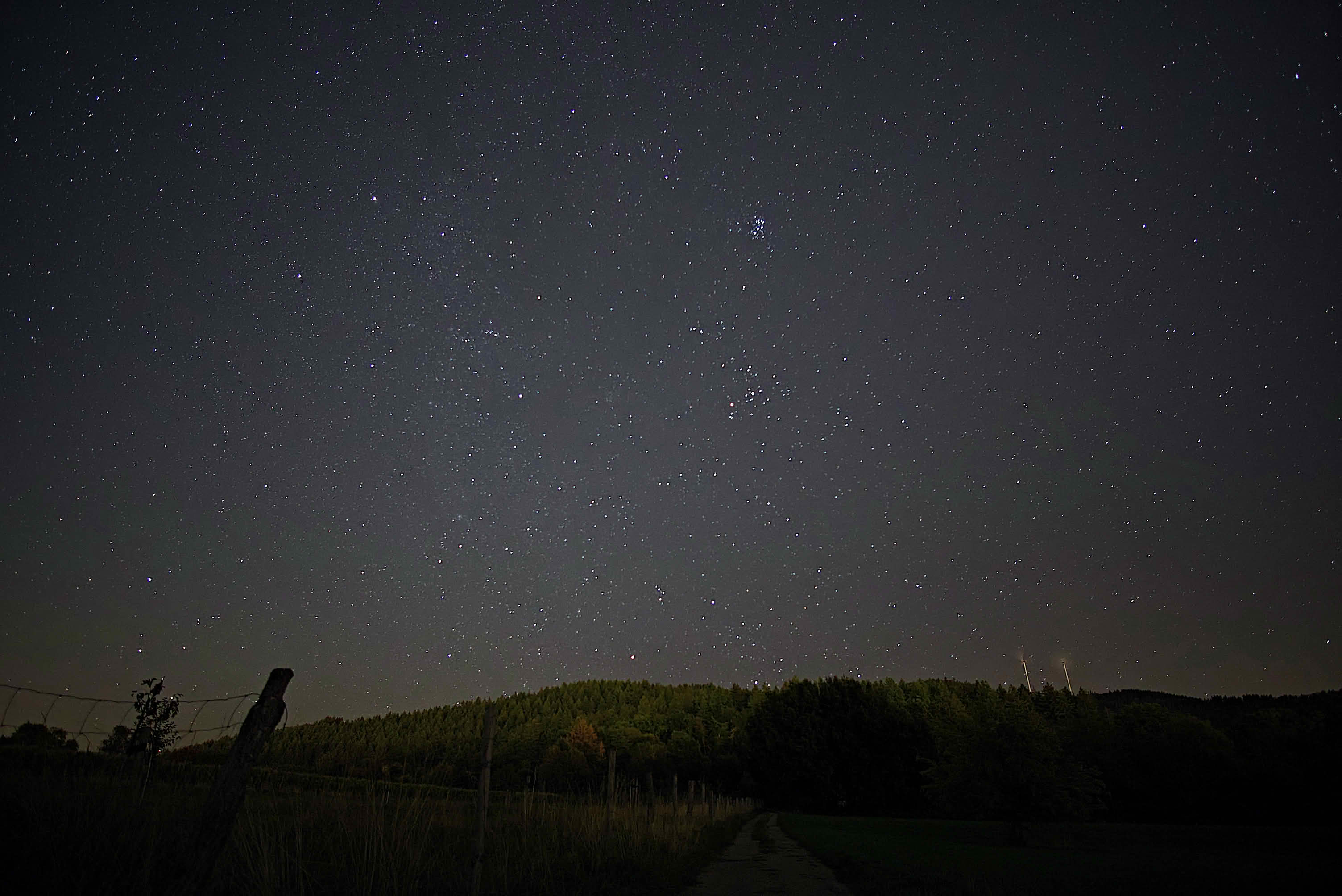
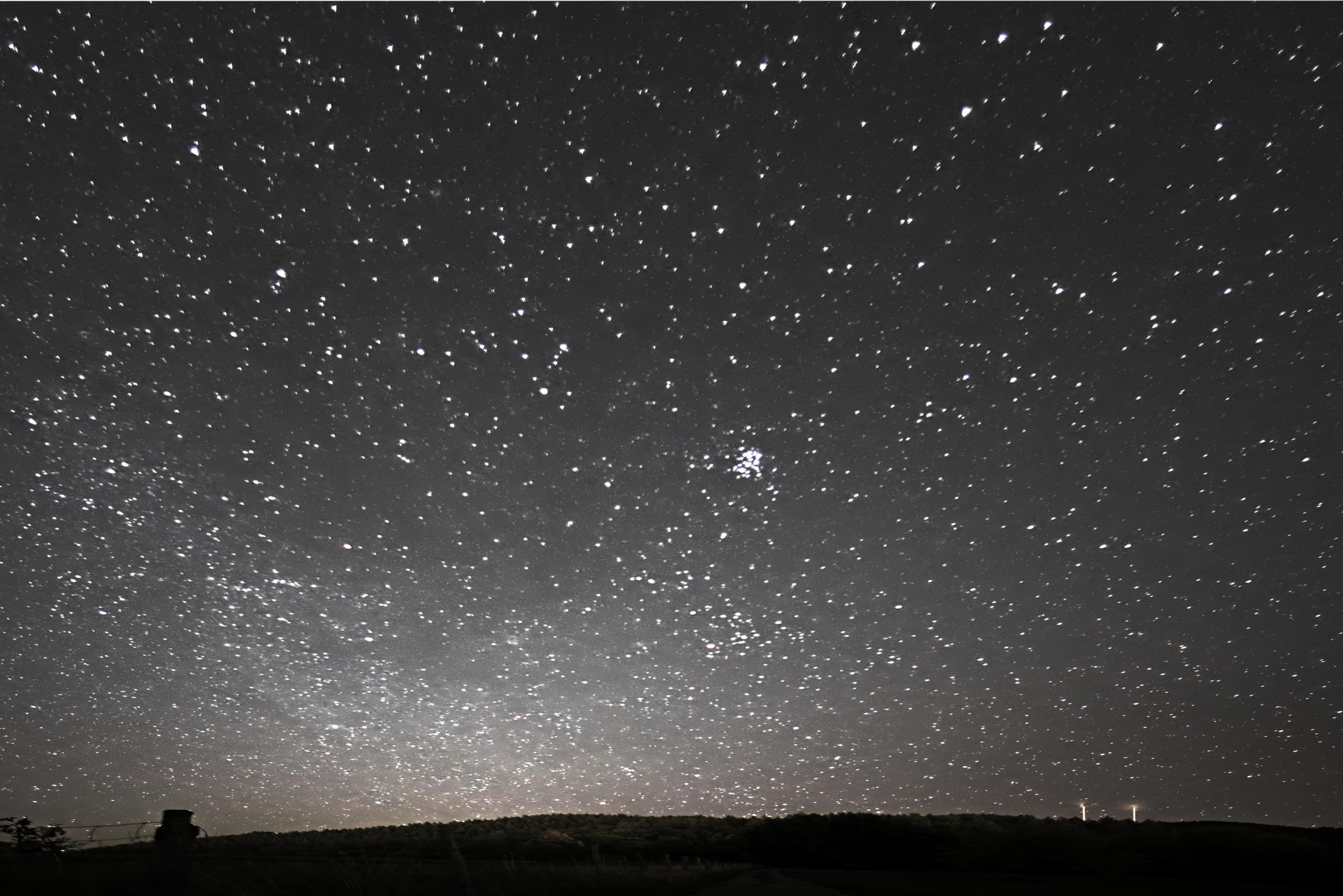
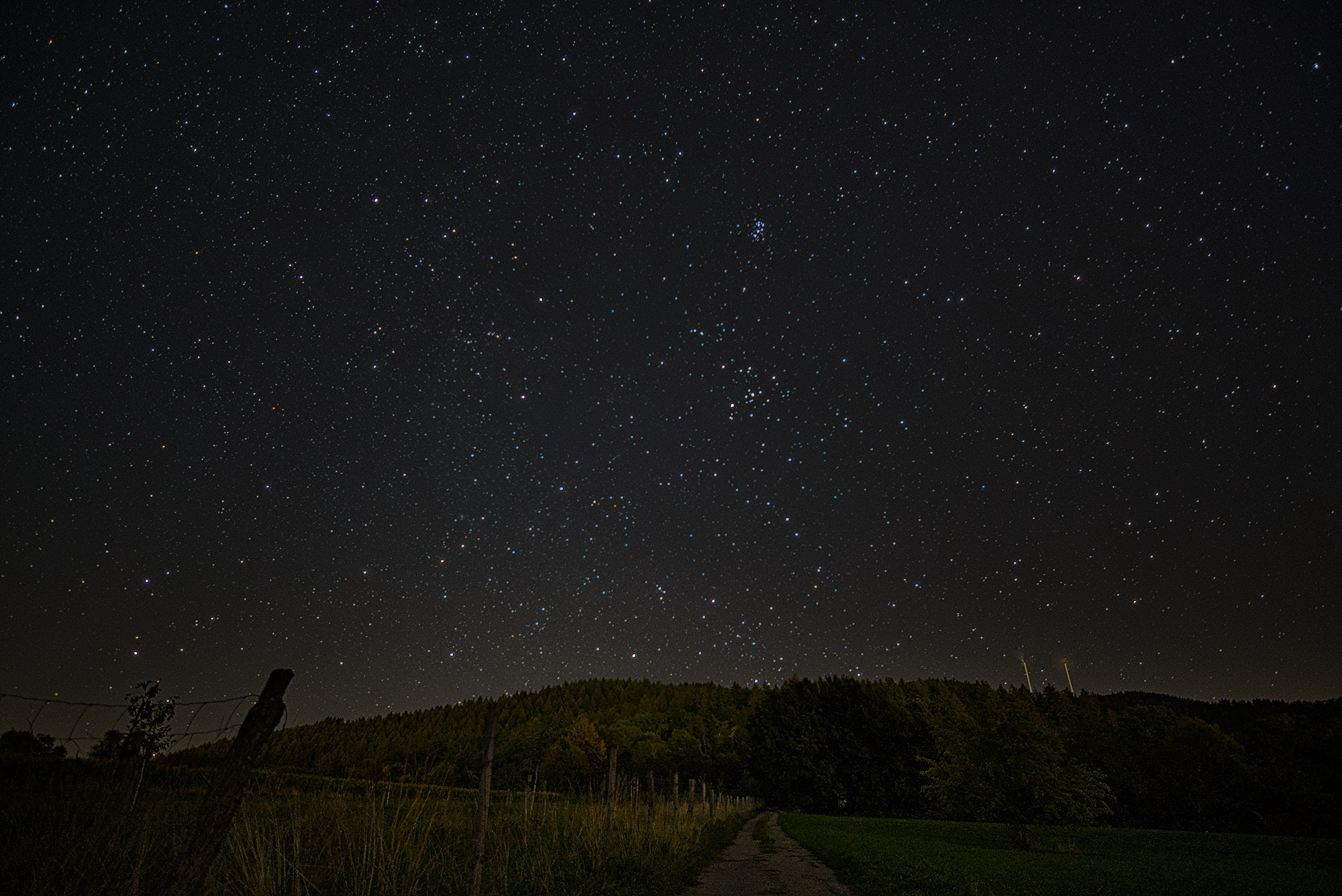
As the title suggests, this is my first post in this forum. I’m also an absolute beginner when it comes to both photography (I bought my camera just two weeks ago) and post-processing. I want to give darktable a try, as I really like the open-source philosophy.
Regarding the picture itself:
It was taken with a Samyang 12mm f/2 lens on a Sony Alpha 6300.
Mainly, I tried to increase the contrast between the stars and the sky using the tone curve. I also tried to highlight the landscape with a drawn + parametric mask for an exposure module, but I didn’t really like the outcome. So i deleted it in my attempt.
I’m really curious to see your edits!
Thanks in advance for any feedback and suggestions!
Welcome here Leo (what’s in a name (both a beautiful constellation and the abbreviation of low earth orbit),
I think it to be a very nice present to start here with a play-raw!
Some general and specific remarks:
Nice image, starshots aren’t the easiest way to start photography, this result is quite a good start!
I would suggest experimenting with a bit shorter exposure (say 12" or so) as the stars started to make trails, you might up the ISO a bit further as there is not much noise in your picture. And experiment with focusing trying to exactly nail it if possible. And I do like you’ve tried to catch the foreground as well. I do not know which aperture you used.
It might be that your tripod is not up to its task here or that you’ve touched your camera starting or during exposure? Or maybe the underground was not stable? This might be the reason the stars are slightly blurry.
I think you’ve started to catch the first traces of the Milky Way!
I like the way the two wind mills rendered…
There is no need to make the sky completely black, in reality out there the sky is never completely dark often a faint green. By making it black you risk loosing the fainter stars, nebulae or the Milky Way
Demosaic: suggest to activate capture sharpen
Tone mappers: you used two tonemappers, that is mostly not regarded a good habit. In this picture you may even start with the tone mapper off.
I used a mask for to up the foreground a bit. What I did is fairly simple, draw the mask slightly smaller then the area I want to mask and use feathering radius (beware, not feather size during the drawing process of the mask)to extend it with a soft border.
Then I complicated the mask to refine it with two gradients which in the mask manager I set to ‘mode intersection’
I used 2 instances tone equalizer to get more detail in the fainter stars and to up the foreground a bit
used color balance rgb to bring out - in fact grossly overdo - the star color.
I switched of lens correction as it slightly removes some stars at the edge of the image and I do not mind a bit of vignetting. This may also lead to color faults clearly visible in stars in the corners, I did not check for that.
And of course nothing I say or propose will be beyond discussion…
Welcome to the forum, darktable and photography. Nothing fancy in my edit but I really cranked up the contrast slider in AgX module to try and bring out the colors. I ended up typing in 10 for the contrast and then settling for 6.78 which is beyond the soft limit of 5. DSC08360.ARW.xmp (11.8 KB)
I cranked up the contrast. With respect Tim many of your edits look dark and I wonder if your screen is brighter than the average persons or at least mine?
Hi @Popanz,
thank you for the really nice render !
What i really like about your work is the well-balanced accent between the sky and the Landscape which i intended to achieve.
Also, the sky and the stars itself look much cleaner in colour as well as in sharpness compared to my try.
As i was looking at your sidecar-file i was wondering about the following:
Let’s say you add a new module, do you allow yourself to adjust previous ones like “jumping back and forth” between several modules or do keep lower layer modules fixed ?
Cheers,
Leo
Hello @Jetze !
thank you for the encouraging words and your detailed remarks !
On that night, I took a few shots, experimenting with shutter speeds between(10"-20") and ISO ( 400-2500) at max apertufe of f/2 my lens could achieve. As I didn t render every shot in great detail but judged them mainly on the histogramm by looking for shots with a large propotion of spikey pixels in the higher intensities and low continouum at the lower end which attribute to the background.
But i will definitly look on the other shots and try to experiment a bit.
Also regarding your remark about the stability during exposure, i can t rule out any of the mentioned error contribution. The underground was gravel, the tripod is a cheap one i picked up on ebay and yet i don t have a remote trigger for the camera, working with +5s delayed exposure after pressing the button.
What i like particulary about you render is the balanced exposure within the landscape as also the darker tree on the middle right looks nice.
In general i am astonished what is possibly with solid editing skills and my first shots - with let s say many points to improve.
Also, looking at your sidecar file i like how it came out based on the use of very little modules incorperating a mask.
Thanks! Maybe, on a second look there might be better material among the files you have. Would be nice to play_raw with that one as well and see what more can be done. For your info, I’m not an experienced nor highly skilled developer. I use dt nearly two years now. Came from LR+PS.
And once more - I do love that you have the courage to start making pictures of the night sky and enter a play_raw with them. In my eyes play_raw is a very effective way of learning from others. And from your comment I see you look into the sidecars thus getting a lot of info about the nearly endless possibilities.
Nice edit, @Joselp !
I would like to know, how you managed to get the landscape so sharp? Therefore, i tried to load your sidecar-file in DT Version 5.6.1.
Unfortunatly, there seems to be an issue as the picture renders black with a strange pattern…
Is there a change you used another version of DT or am i missing something ?
Thanks for your answer in advance !
Sorry, I’d forgotten to mention that it’s been developed using Ansel. Perhaps that’s why it isn’t loading properly in DT. Although you could try loading it and switching from Filmic to the default setting in DT, for example.
As for the sharpness of the landscape, it hasn’t really been edited much. It’s a combination of the contrast module in HDR mode, keeping shadows and highlights at 50 per cent, and the ‘Blur/Sharpen’ module set to ‘Moderate sharpness’.
DSC08360.ARW.xmp (14.2 KB)
Nothing fancy, used contrast equalizer to bring out details of the stars. DT 5.6.
On the other hand, I think the focus is a bit off. The stars are not dots which indicate they are a little out of focus.
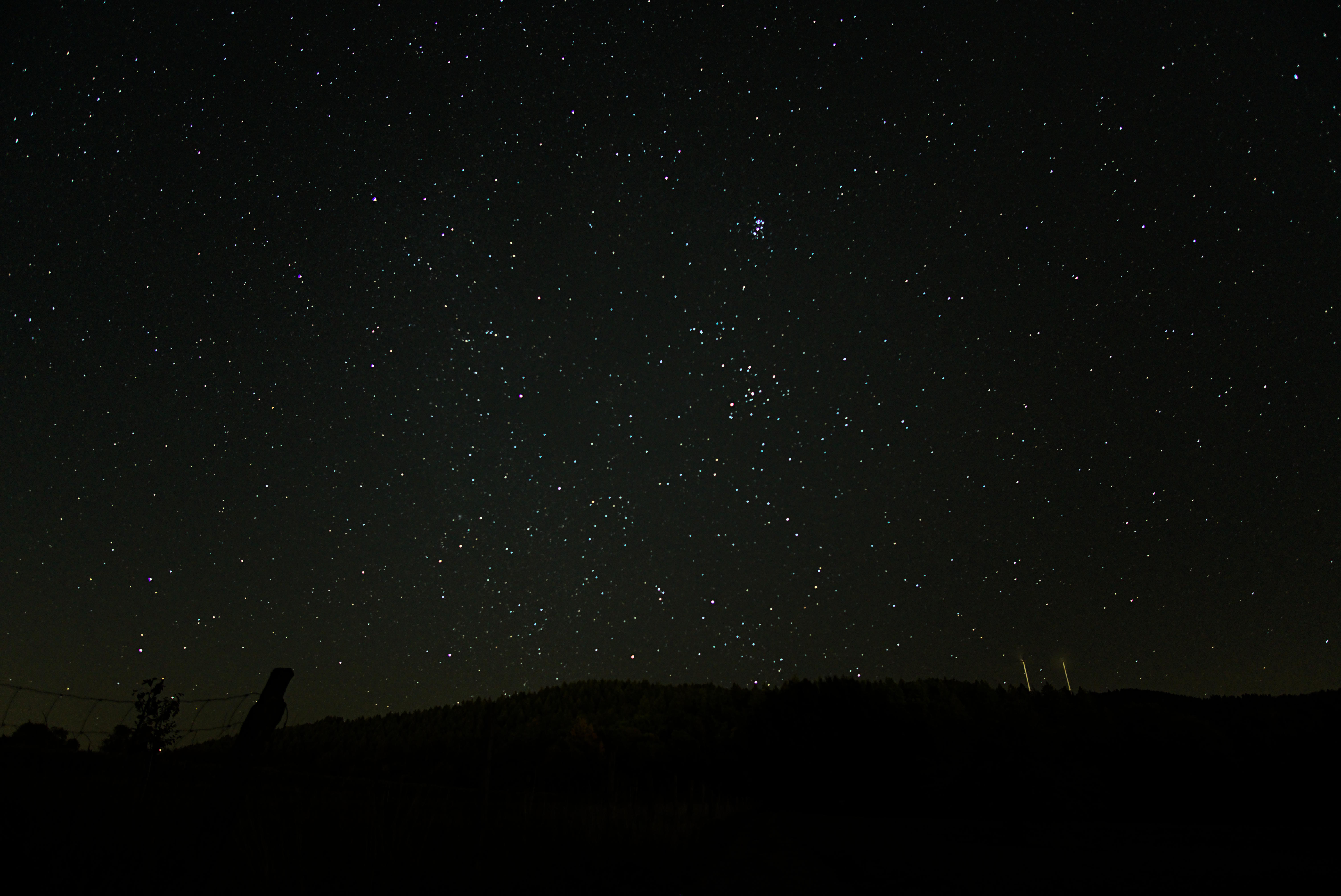
 and
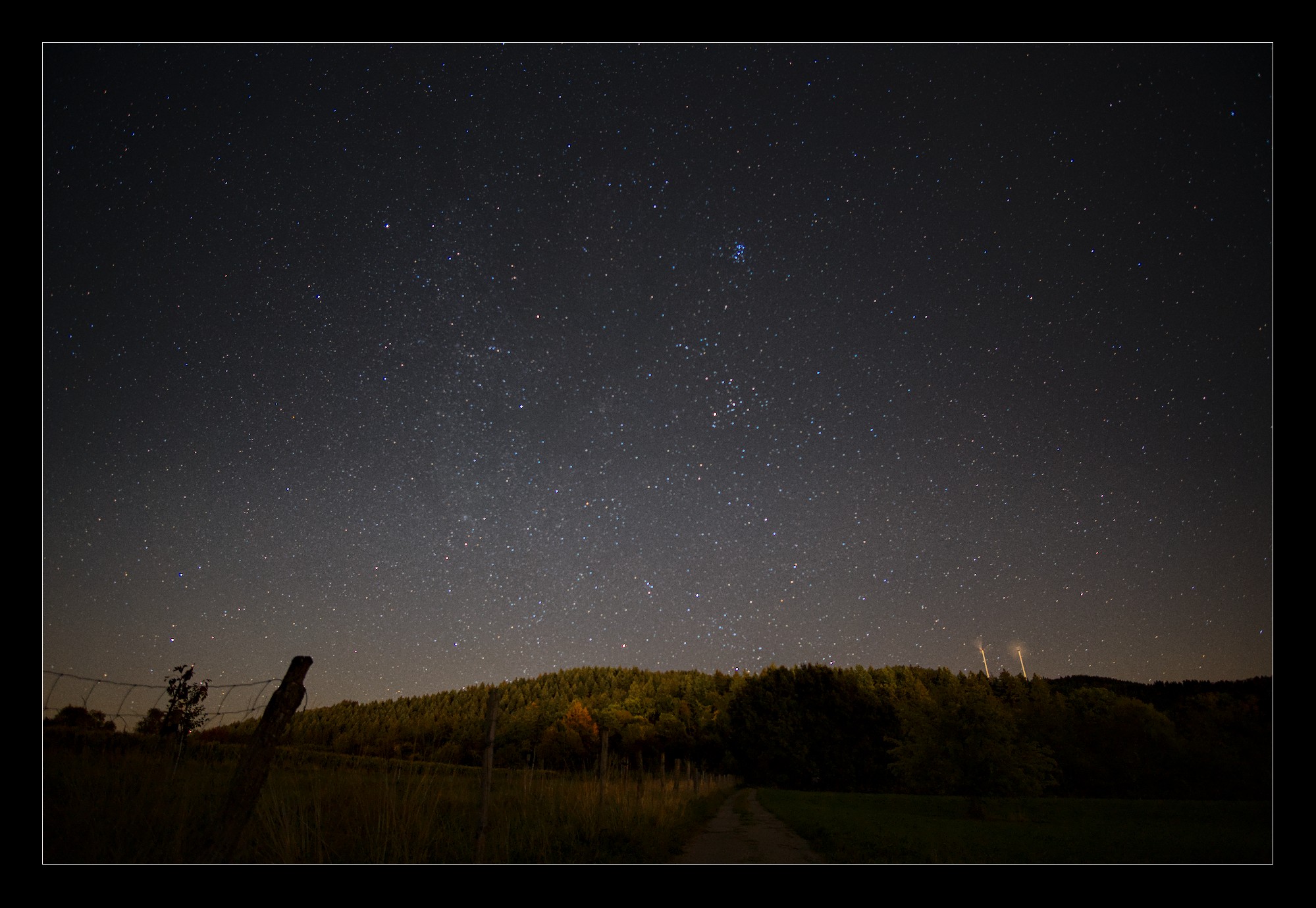
and