Hi guys!
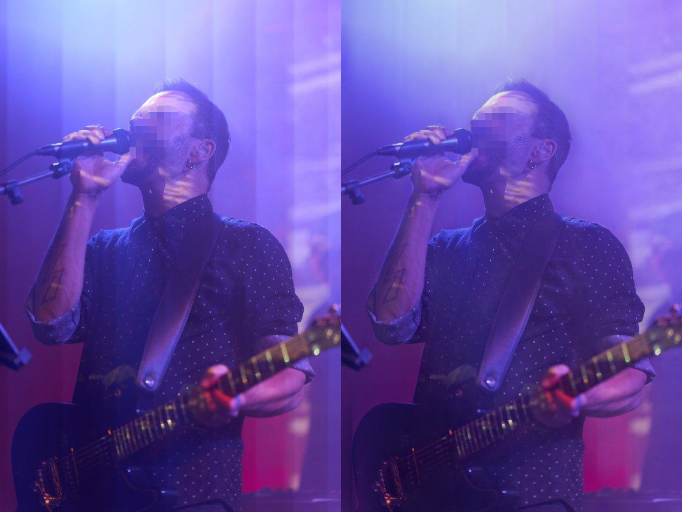
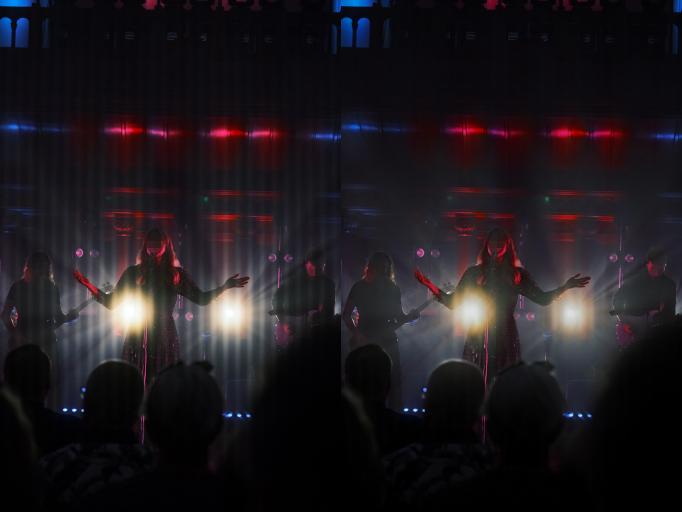
It happened to me last year that I made a photography set for a theater company during training. Unfortunately, there were very bad strobing neon lights and I had to shoot silent with my a7III to not disturb the actors.
I struggled quite a bit and ended up using very slow shutter speeds and BW only to avoid a complete disaster. That shooting piss me off a lot and after stressful online researches, I wasn’t able to find any public tools or techniques that would allow the problem to be solved in batch within a reasonable timeframe.
So… I created my own software and here I am giving it to the community .
It’s far from perfect but we have to start somewhere.
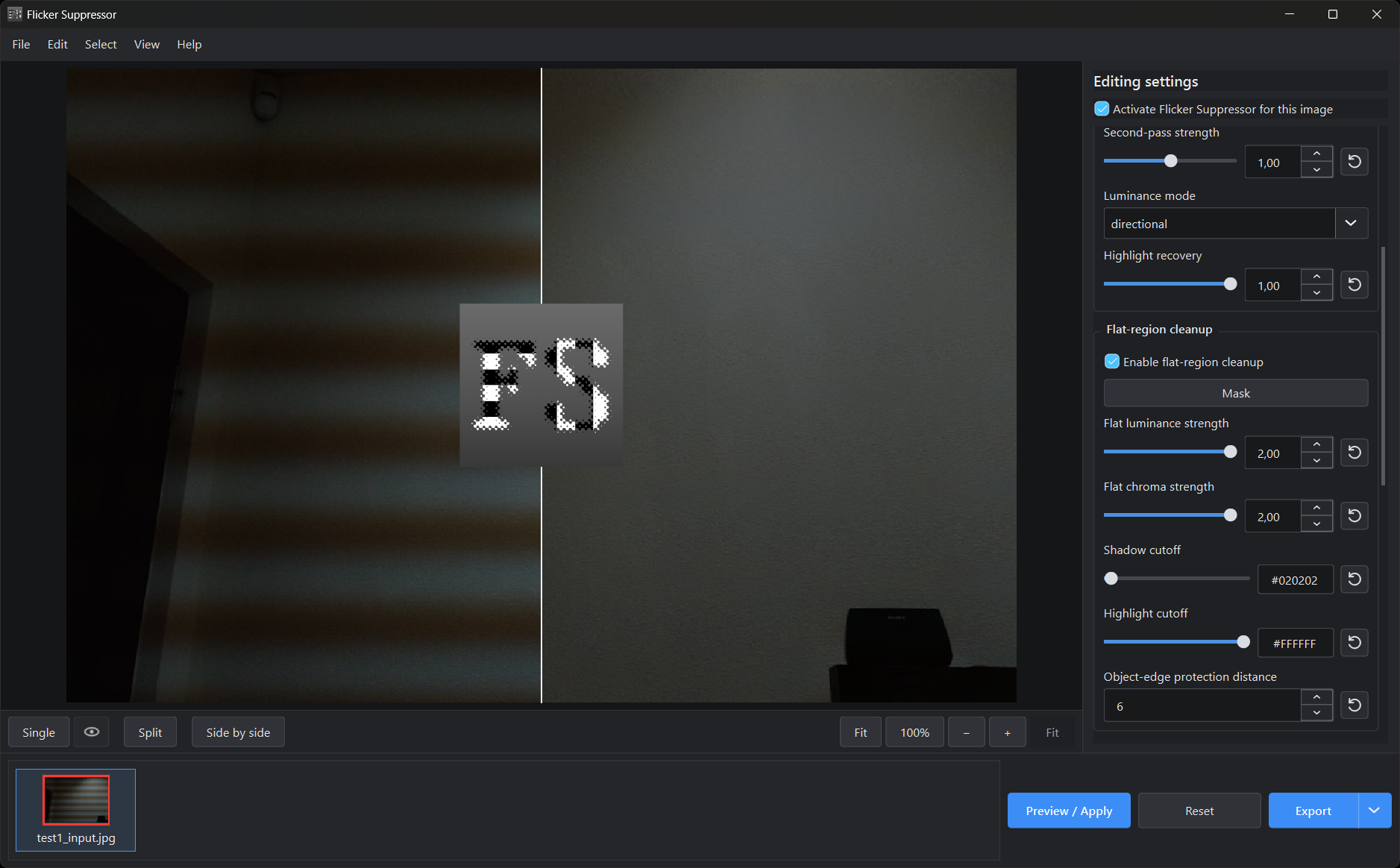
It features a very familiar GUI and deep parametrization to tackle most cases as possible. CLI usage features many more parameters if needed.
It is both statistical (AI transformer based) and deterministic (various local/global filters) and it can be used virtually on any HW, even without a discrete GPU.
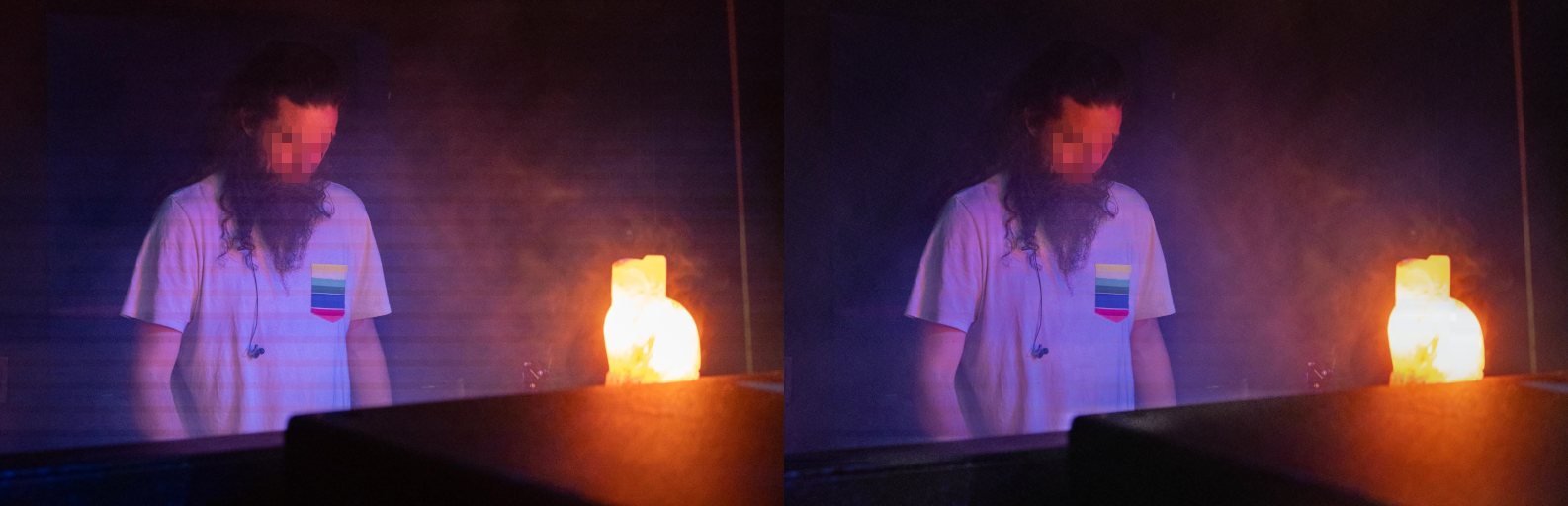
In my experience it doesn’t really help with the banding from LED’s.
I have used the “Shutter Speed, Fine Tuning” which can help fix the issue, but it’s not super ideal with the lighting in the venues changing so frequently.
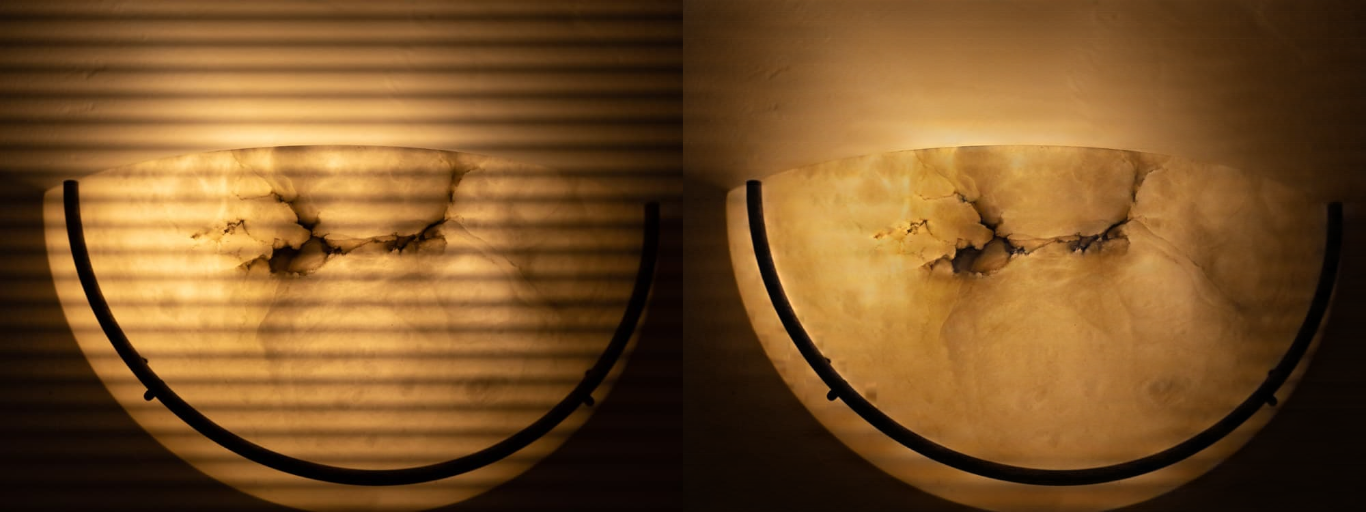
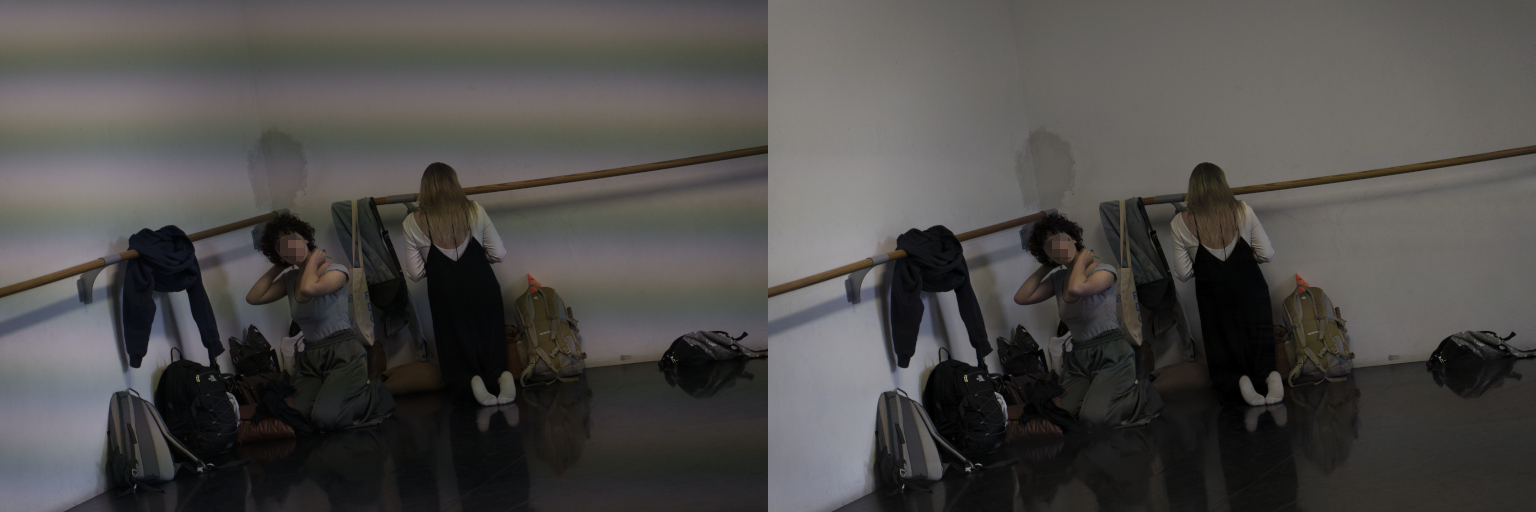
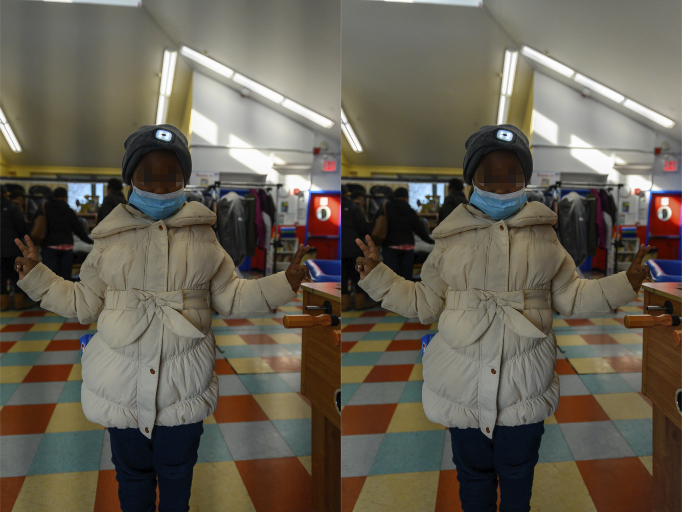
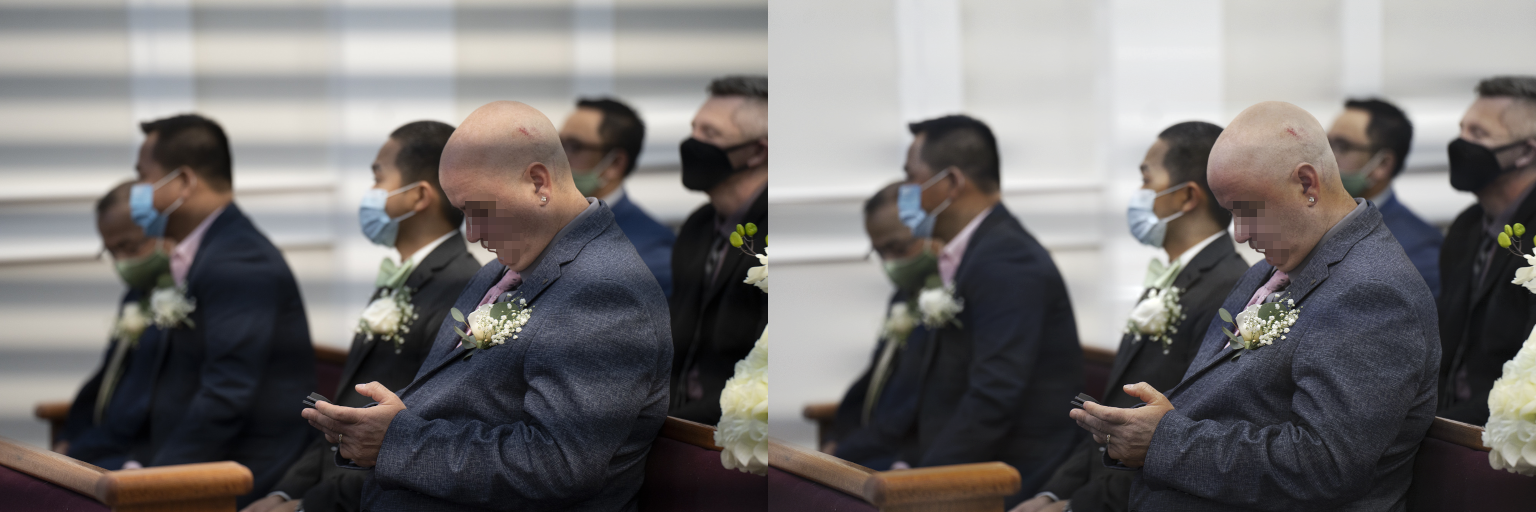
Multi-channel LED lighting flicker is a beast on its own. I have just added several refinements to the internal algorithm stages to address some more flicker types. Square-wave-like PWM flicker should be easier to tame (multi-channel LED lighting is often a very close one). Here some examples from v1.1.0. I also included the settings I used for each of the images. Settings that can now be imported at the bottom of the settings panel so it should be easier to replicate the results
P.S.
I have many tasks in the backlog including a new Restormer training dataset, to address the worst (almost) unrecoverable cases. But I need ton of time and HW power, so I can’t predict a release timeline.
The models are tuned for REC.709, but i can add linear->REC.709 and REC.709->linear conversion steps with supersampling, that would be enough.
And yes, I think it’s quite easy to integrate in darktable.
I tried to install the CUDA setup but one of the dependencies wouldn’t download, and I couldn’t run the CPU-only setup. Do you know how much memory is required, and would you expect the CUDA setup to have lighter requirements? I have 6 GB VRAM, 16 GB RAM. The next step is trying it outside WSL, or using a VPN to get the missing CUDA dependency.
Are you trying to build it, right?
I just checked the repo and for sure I forgot to mention the required Microsoft Visual Studio 2022 Build Tools I used, so I’ll add those to the README.
Anyway, I tried just now to build the tool on a VM with Windows 11 Pro 25h2. No GPU mounted to the VM and 8GB of RAM allocated.
It built fine and testing was successful. So, no specific GPU is required at build time (thus no CUDA because pytorch is precompiled) and 8GB of RAM seems fine. The only issue I can think of is Python version, I tested the tool on v3.12, so I can’t confirm if it works on previous or newer versions. That said, unless VPN/serverStatus are involved I am not sure what the issue could be.
 .
.
 .
.