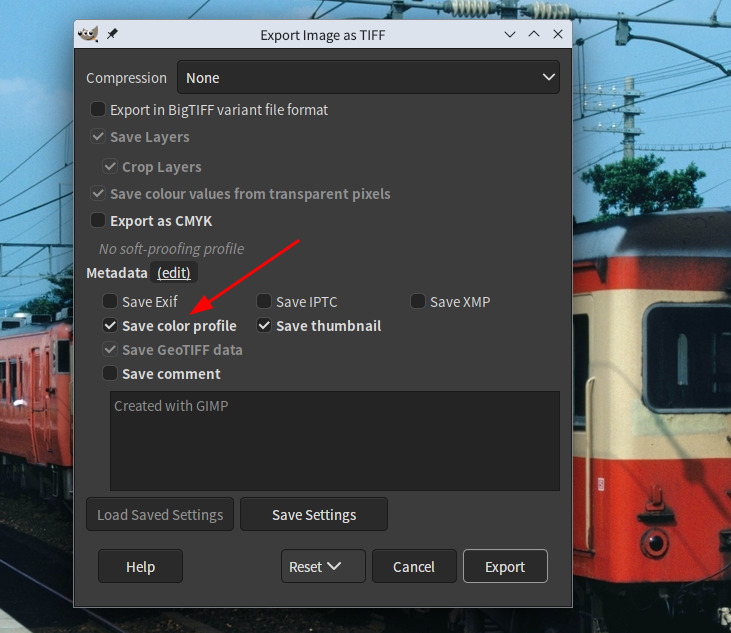
However I can’t find GIMP API for this option. When I try to save the image with Gimp.file_save API or file-tiff-export pdb command using Python, the image will be always saved in sRGB and Color Profile specification will be stripped.
And Gimp.ColorProfile.save_to_file API doesn’t seem for this purpose.
Is there anyone who knows the way to save the image with Color Profile using Python?
I also used file-tiff-export pdb API, but the result was same. It seems that there is no option to keep the color profile of the image in these saving command. Also it seems any ColorProfile APIs have no effect to file saving.
Hi! If you use the file-tiff-export PDB, there’s a include-color-profile parameter you can set to TRUE to include the color profile. Check the Procedure Browser in GIMP and scroll through it to see all the options.