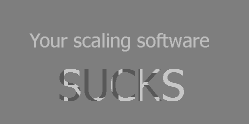
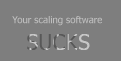
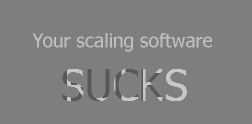
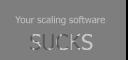
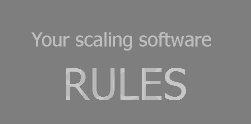
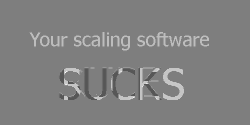
I have processed a big astro-Picture in Gimp and there it looks perfect.
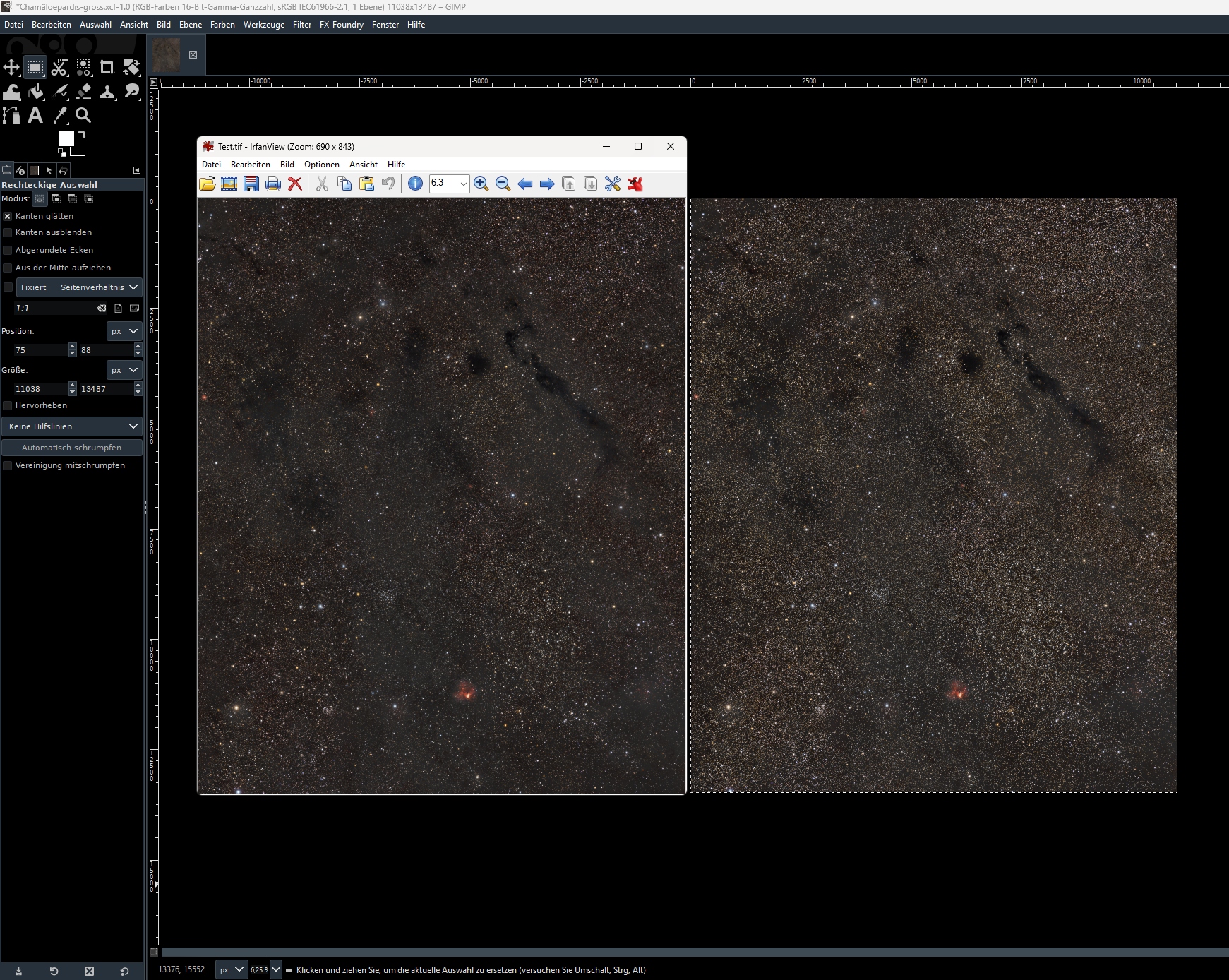
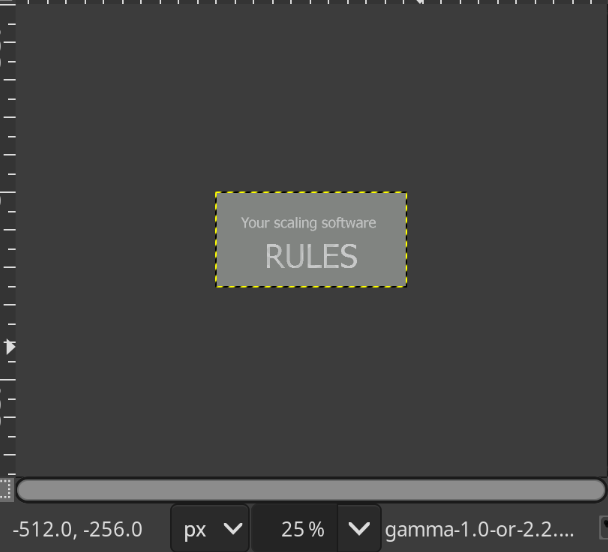
The Gimp View ist at 6,25% at the moment of Screenshot.
I export the Picture to Tiff and open it with Irfanview or Windows viewer or Siril, it is exact the same color everywhere, but always Darker than in Gimp:
I have tried all with Color Profiles, but no effect.
This Problem only occurs when the Image has many Stars. It seems for me that Gimp would “push” the Stars brighter so the Image looks brighter in Gimp that it really is.
But when I Resample the Picture, everything is OK.
Scaling in non-linear modes is problematic, this is not specific to Gimp.
I’d try working in linear mode. I don’t know how that affects Gimp’s scaling for the display, though. It’s worth a try.
The darkness is due to your viewers not being colour managed, or encoding metadata missing from the output file, so the viewers don’t realise the image has no transfer function (‘gamma’) applied. Linear output is rarely the best option for storage, but it can be very useful for processing.
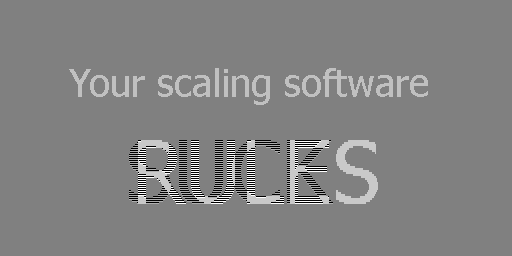
The issue with linear vs non-linear processing is that when you zoom out, e.g, to 50%, a group of two black (0) two white pixels (255) could be averaged to 128 in linear mode, but such a simple calculation does not work if the values are not linear. But again, it was just a suggestion, I don’t know if using linear encoding while editing influences how Gimp does the maths for zooming in the display.
Im sorry, maybe I misunderstood. If looking at Gimp and in Irfanview at 100%, do they look the same? Yet another way: does brightness seem to change when you zoom in/out in Gimp or in Irfanview?
I’m pretty sure it’s the linear vs non-linear pixel maths issue.
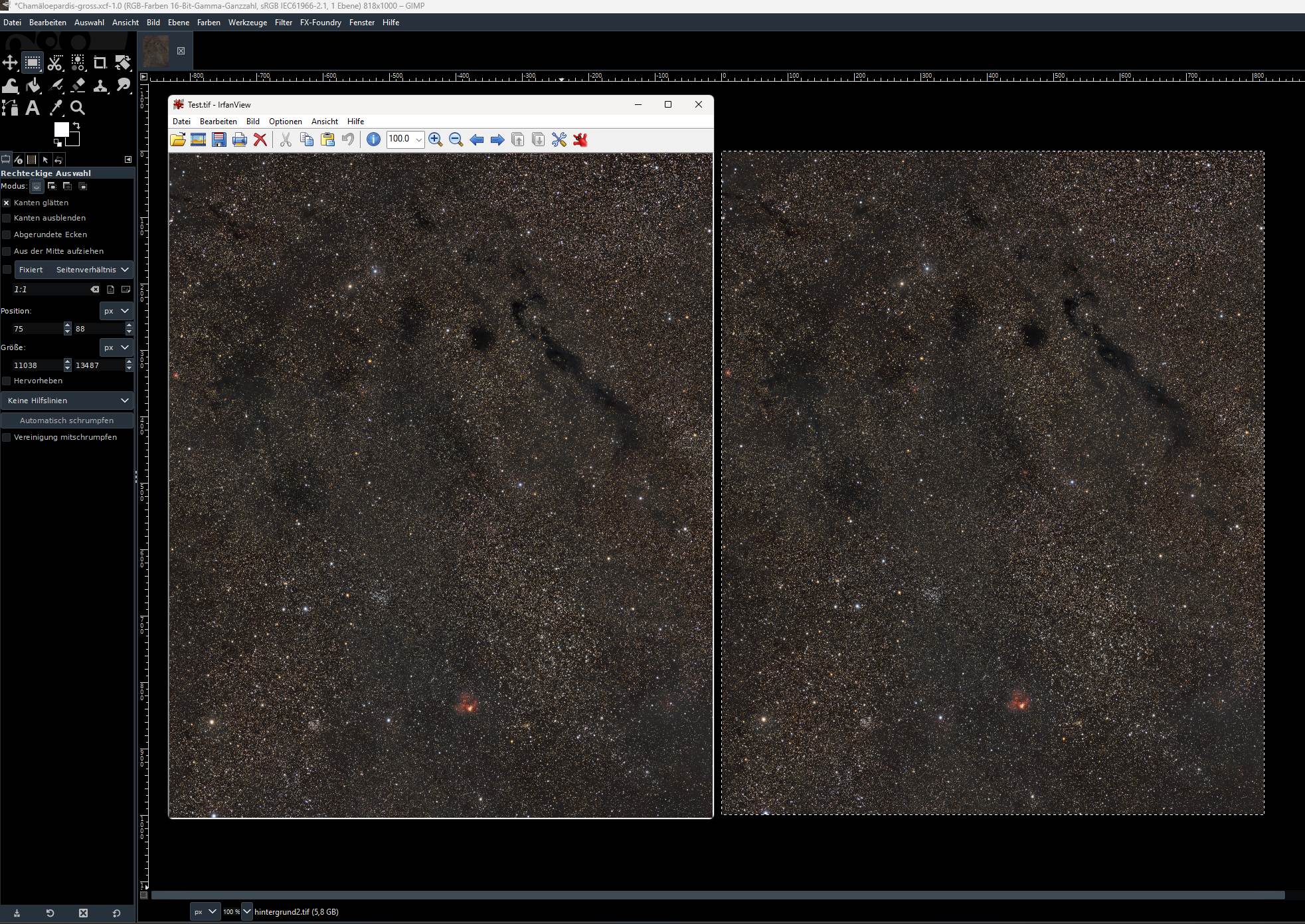
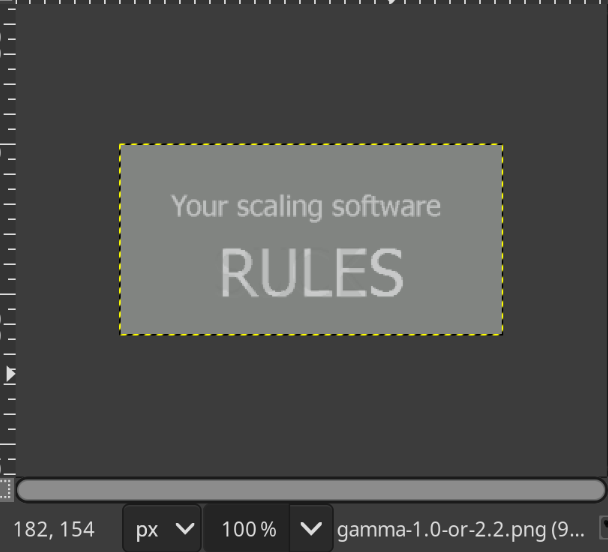
When i open the File in Gimp al Full size and zoom to 100% and export the Result, is the view the same than in Irfanview at 100%.
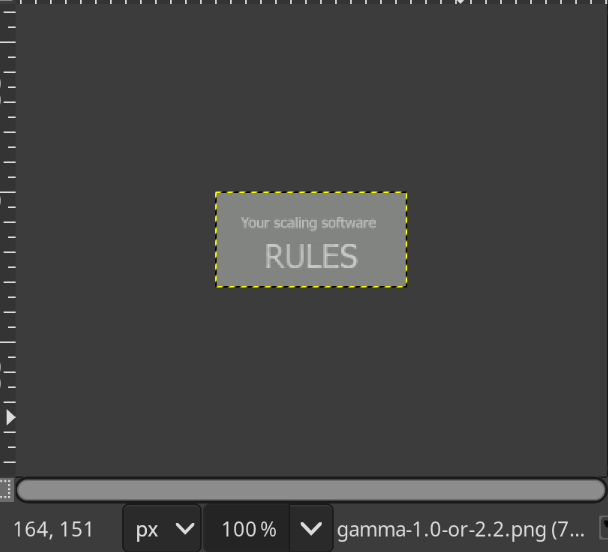
But when i zoom in Gimp back to eb. 15% and zoom in Irfanview too to 15% the Irfanview gets darker.
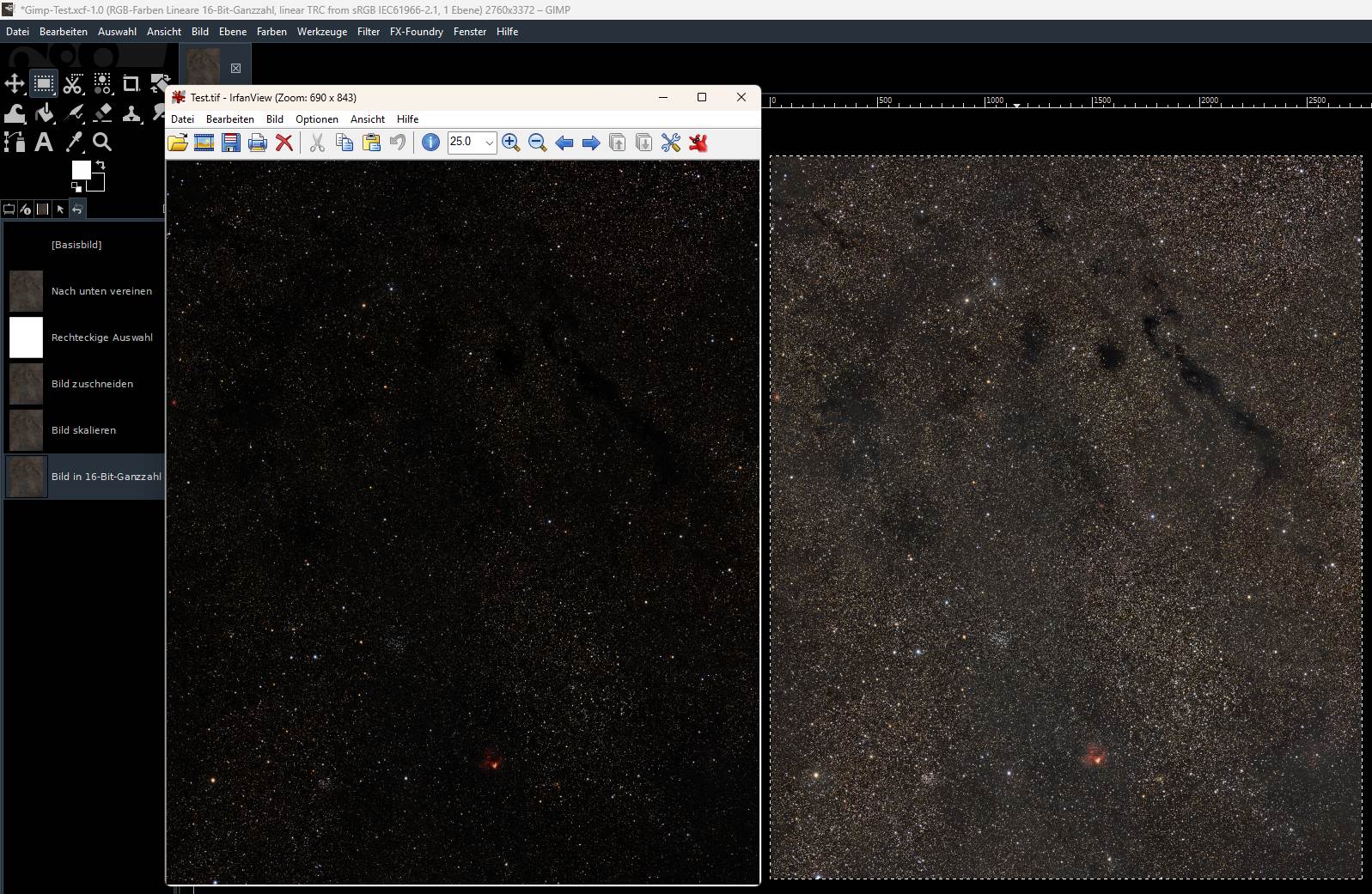
When i Resample in Gimp that the Picture fits to Screen and export this picture, the view in irfanview is the same.
It seems that Gimp has a different resample algorithmus that irfanview, and this is the Problem. In big Images i work often not at 100% to “Compose” the Picture Colours.
The example File i have posted above, you can test by your self.
I hope there is a chance to solve this problem, maybe in Preferences a Option to choose the View Zoom algorithmus ?
‘Getting it out’ (exporting) is not the problem. The problem is that Gimp’s zoomed-out display does not use linear calculations, and distorts brightness and colour information. On continuous images, that’s hardly noticeable, but when you have a lot of bright and lot of dark pixels mixed (such as the starry sky), it becomes evident.
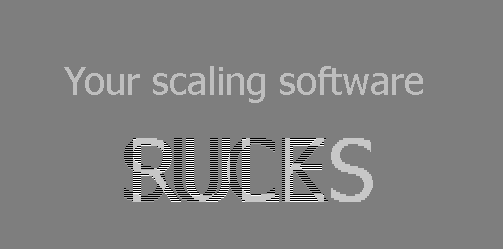
It would seem so, at least when processing the image. Unfortunately, its zoom on the screen is not correct (see the Gimp 50% zoom vs 50% resampling images), you still get brightness differences – what you see on the screen is not how it will look when properly downscaled.