kofa@eagle:~/darktable-master/bin$ ./darktable-cmstest
darktable-cmstest version 5.5.0+491~gd9cde4787d
this executable was built with colord support enabled
darktable itself was built with colord support enabled

primary CRTC is at CRTC 0

DP-4    the X atom and colord returned different profiles
        X atom: _ICC_PROFILE (969640 bytes)
                description: U2720Q #1 2024-07-13 10-06 D6500 S XYZLUT+MTX
        colord: "(none)"
                description: (file not found)
Darktable is set to use the x-atom; in Firefox and Gimp, the profile is loaded manually.
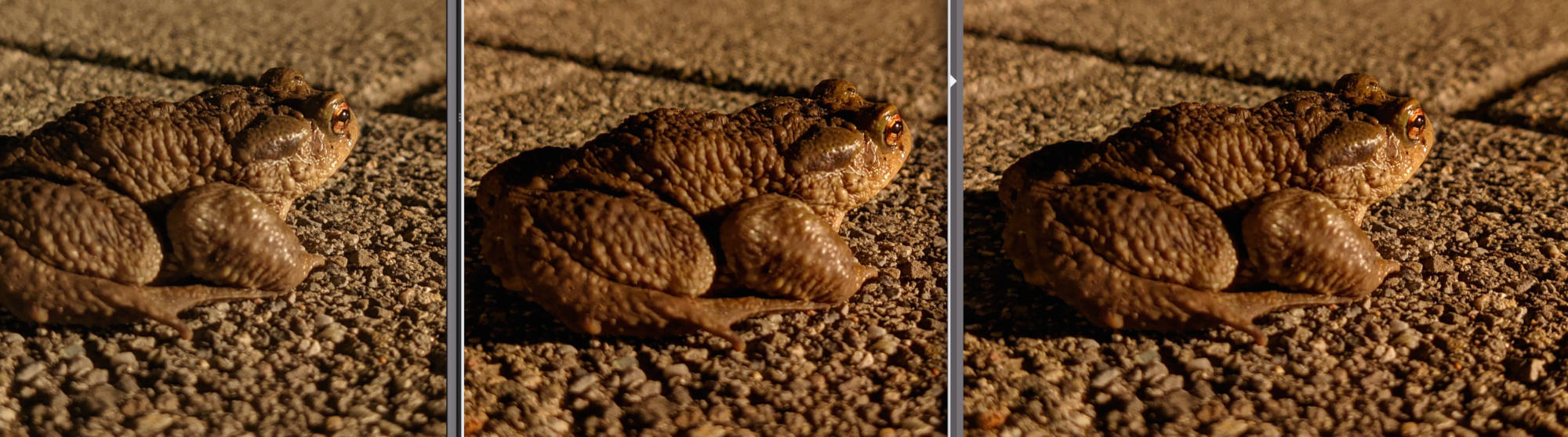
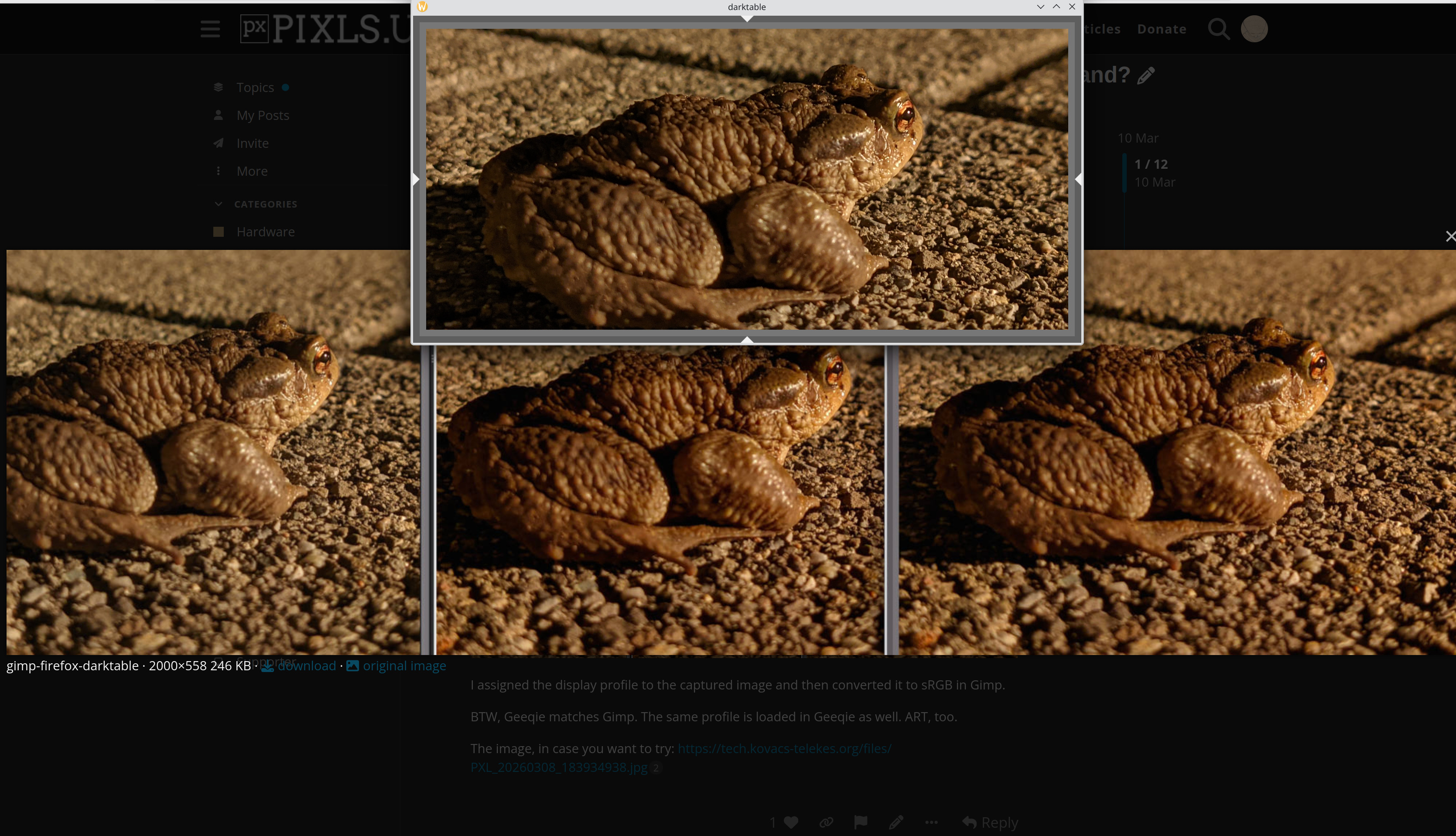
No matter what I do (Gimps prompts me to convert to its own sRGB or keep the existing, with/without black-point compensation), I cannot get them to match; Gimp being the one that’s wide off from the other two.
Gimp - Firefox - darktable
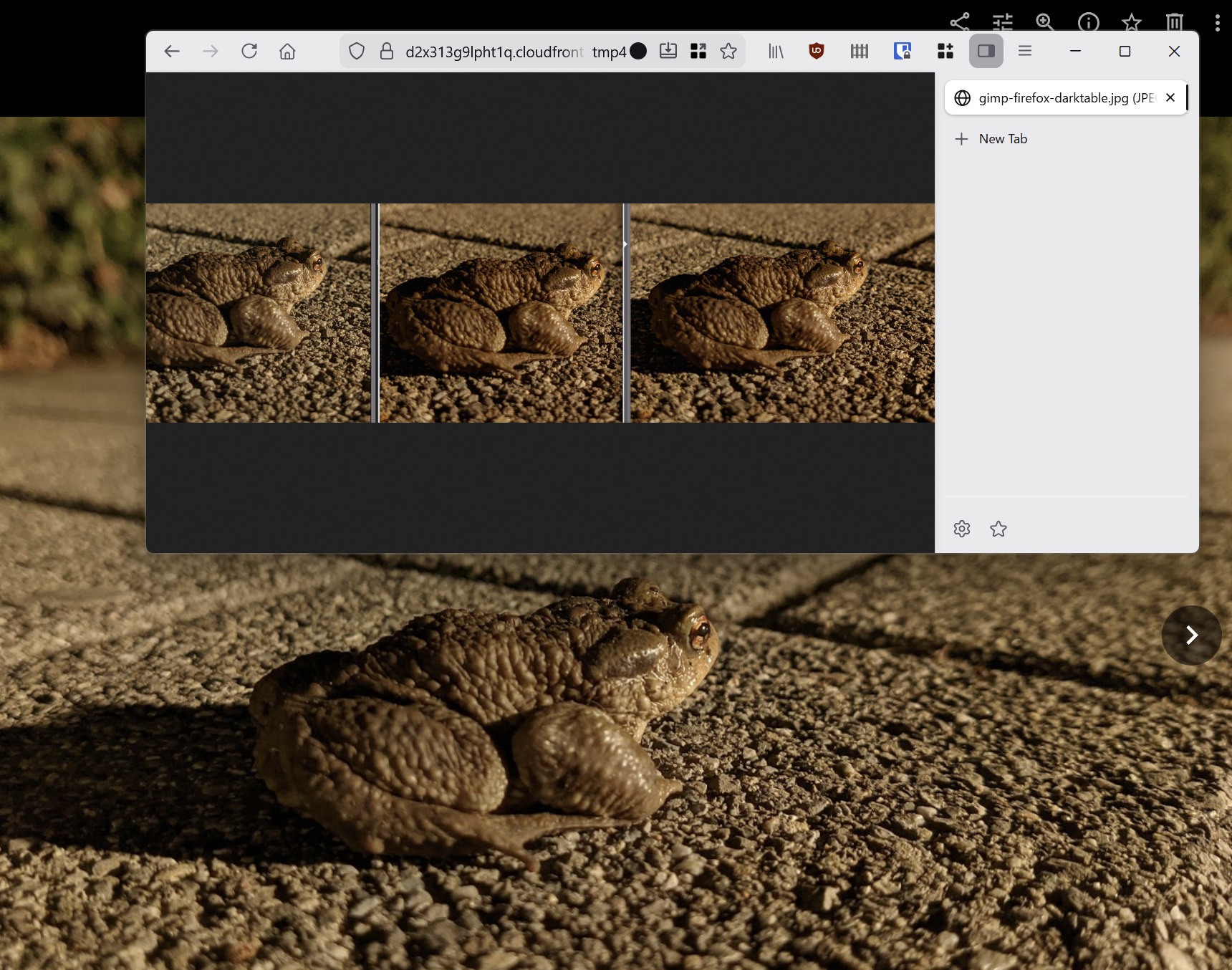
For what it is worth: When I load up the jpg from your site, they all look the same under dt, geeqie, and gimp. They all look like your gimp version (less saturation)
When I view the exif data for that file in geeqie, it says the color space is sRGB. I am not sure if it was supposed to be a display profile or not.
I am working on x11 and NOT wayland, but I thought it might be useful anyway.
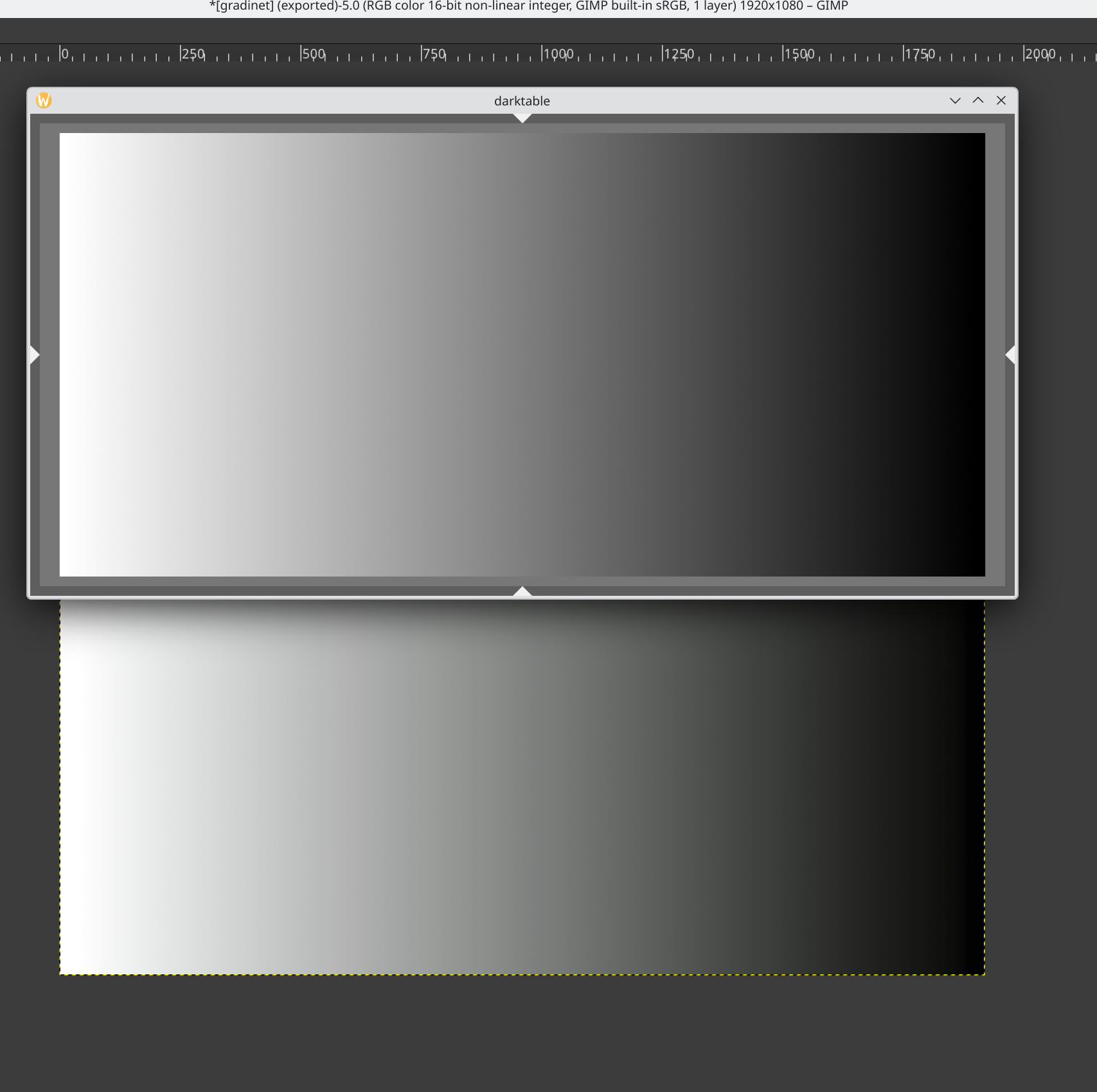
In the screenshot, the darktable window reads R = G = B.
The Gimp window reads, for example, 77, 79, 76, which, I think, is normal, as my display profile is not sRGB.
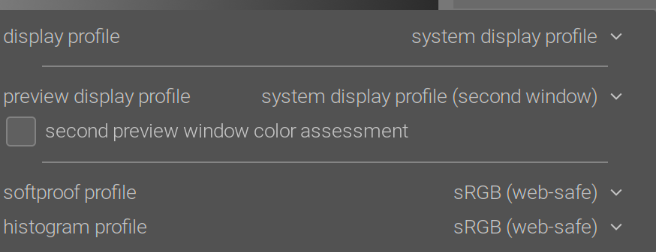
My darktable display profile is set to system, too:
I was just messing with my calibration last night (display cal gives different values in linux and win 11). So maybe I tripped up somewhere, and my display is off now. Keep that in mind.
When I open the ramp (in dt) using system display profile most of the values are equivalent, or I get a small variance like 199,200,200. The largest variance I see is @ 174,175,176.
If I set my display profile to sRGB, then R=G=B across the entire image. I seem to recall that because of picker mechanics, we need to set the display to the target color space…eg sRGB in order to get the correct values listed. I will see if I can find that thread.
EDIT: So here Color Picker shows values above 255 - #3 by priort@priort mentions the display, working, and histogram need to be set to the same profile. I remember a different thread, but can’t seem to find it now. Maybe Todd has more input.
I think it’s accurate to say the DT profiles are matrix profiles and unbounded. Display profiles from displaycal are often using a lut. Because of the DT pipeline certain profiles can influence the picker values presented by the color picker which uses the histogram profile. Usually it’s a problem when you have the picker set to a wider space and then the display profile if it’s not well constructed can clip. It’s simple to test your display profile. Set your working profile histogram profile and display profile to say linear rec2020 for a pass thru. Your image will not be correct on the screen but that is not what you are testing. Now set the display profile back to your usual one and see if the picker values change…if not all good if so then your profile could at times alter values by clipping the data before they are processed by the color picker.
$ dpkg -l|grep kwin
ii  kwin-addons:amd64                                        4:6.4.5-0ubuntu1                                     amd64        additional desktop and window switchers for KWin
ii  kwin-common                                              4:6.4.5-0ubuntu3                                     amd64        KDE window manager, common files
ii  kwin-data                                                4:6.4.5-0ubuntu3                                     all          KDE window manager data files
ii  kwin-decoration-oxygen:amd64                             4:6.4.5-0ubuntu2                                     amd64        KWin decoration for the Oxygen desktop theme
ii  kwin-style-aurorae                                       6.4.5-0ubuntu1                                       amd64        KWin Aurorae decoration style engine
ii  kwin-style-breeze                                        4:6.4.5-0ubuntu1                                     amd64        KWin Breeze Style
ii  kwin-wayland                                             4:6.4.5-0ubuntu3                                     amd64        KDE window manager, Wayland version
ii  kwin-x11                                                 4:6.4.5-0ubuntu3                                     amd64        KDE window manager, X11 version
ii  kwin-x11-data                                            4:6.4.5-0ubuntu3                                     all          KDE window manager X11 data files
ii  libkwin-x11-6                                            4:6.4.5-0ubuntu3                                     amd64        KDE window manager X11 library
ii  libkwin6                                                 4:6.4.5-0ubuntu3                                     amd64        KDE window manager library
ii  qml6-module-org-kde-kwindowsystem:amd64                  6.17.0-0ubuntu2                                      amd64        QML module for kwindowsystem