Here are ART sidecar files appropriate to import RAW with this plug-in to apply nind-denoise on GIMP3.
nind-denoise_arp.zip (757 Bytes)
Extract this zip file and copy the extracted arp files to profiles directory under ART setting directory (for example, $HOME/.config/ART/profiles on Linux). And you can select the profile appropriate for applying nind-denoise plug-in.
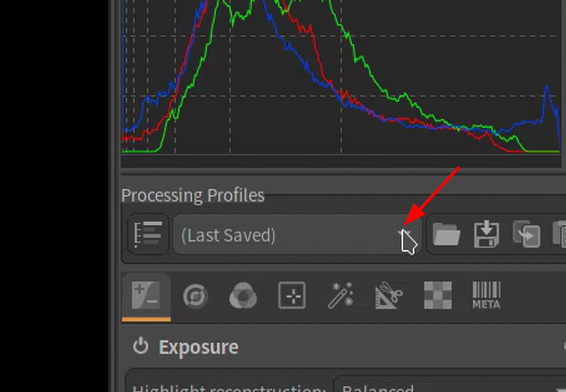
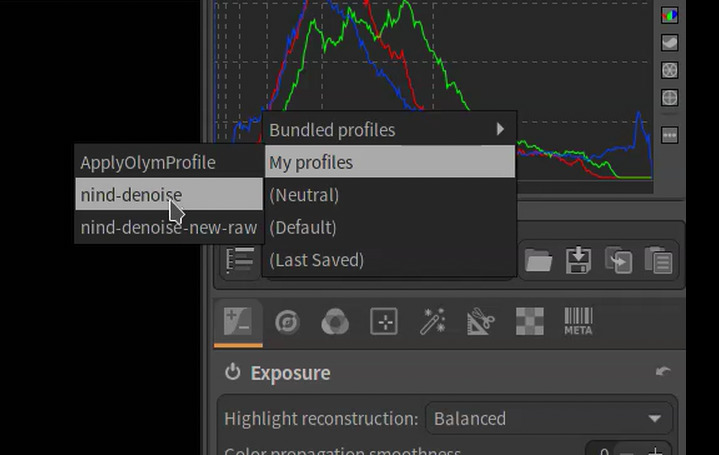
If the targeted raw file has already sidecar file of ART, apply “nind-denoise” profile. Otherwise, apply “nind-denoise-new-raw”.