I save my “XCF files always with better but slower compression”.
Is there a default setting for this when saving?
The default setting has that option un-checked:
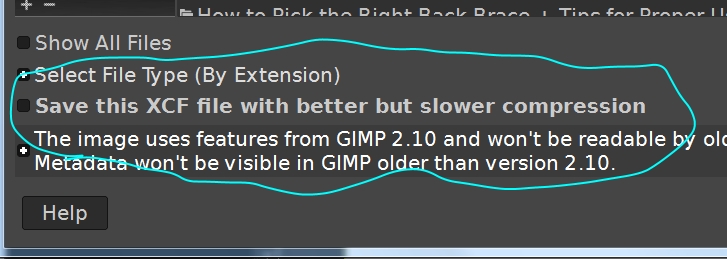
In GIMP 2.10.34 doesn’t seem selectable in edit>prefs …
Yes, that’s the problem when I edit a lot of images and then save the XCF, that I have to click on it every time, there doesn’t even seem to be a shortcut for it. It would be nice if this could be preset.
Try Save as… On my machine when I select that option once, all the next files to be saved default to that option.
Unfortunately this does not work. Shift+Ctrl+S also only does this:

even though I had this before:

Only with the same picture.
With a new photo again without:

It looks like there is a fix for this. A year old ? Was it ever implemented ?
Edit: Answering myself. It is there but only per session. Not a option I use.
Obviously depends on the image but not much difference between saving with better compression and saving in a compressed format filename.xcf.gz