G'MIC for the 'just released' Canva Affinity

Hi, will the G’MIC suit work for the just released Canva Affinity. I find that Canva affinity is not detecting the plugin when I copy the file and folder to the plugin folder. C:\users.…\Appdata\roaming\affinity\affinity\3.0\plugins

I am in the windows environment

Please advice

That’s a question indeed. I’m also curious.
I don’t have Windows at home so I cannot test easily though.

I wont be surprised if they announce that unless you are in their “new developer program” it would be considered untrusted code.

I am not a user of that software but I see online that ‘affinity photo’ has a checkbox in the interface for plugins to ‘enable unknown plugins’ that you need to check to allow 3rd party plugins.
It also says that there are various plugins that won’t work though, with said ‘affinity photo’.

So perhaps AdmFubar is both right and wrong and you can still enable it even when they don’t trust it? Assuming things are the same for ‘Canva Affinity’
I have ticked the checkbox to allow 3rd party unknown plugins. It did not help

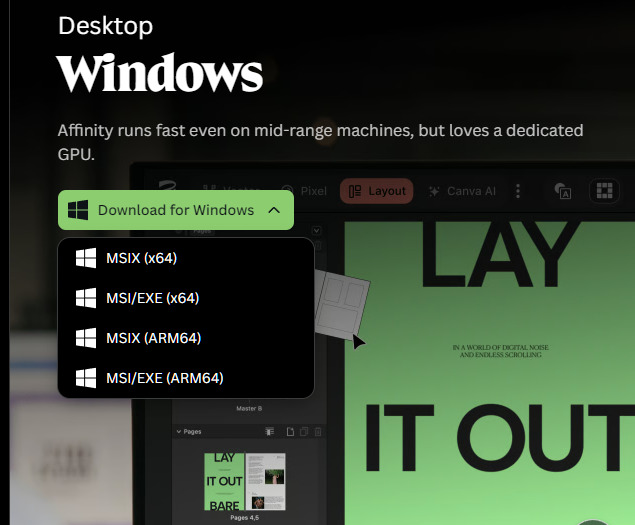
Is there msix and exe install options… If so maybe one will work and the other will not??

Nope, only a plugin folder and a file, unfortunately

Okay I just wondered if there were install versions for Canva like there was with Affinity

Edit…it appears there is…

Which version did you install…

In one case I think the folders will be in “USERPROFILE / .affinity” if you use the msix and in appdata if not…

And maybe this has no bearing on you query but I just wondered about checking it with you…