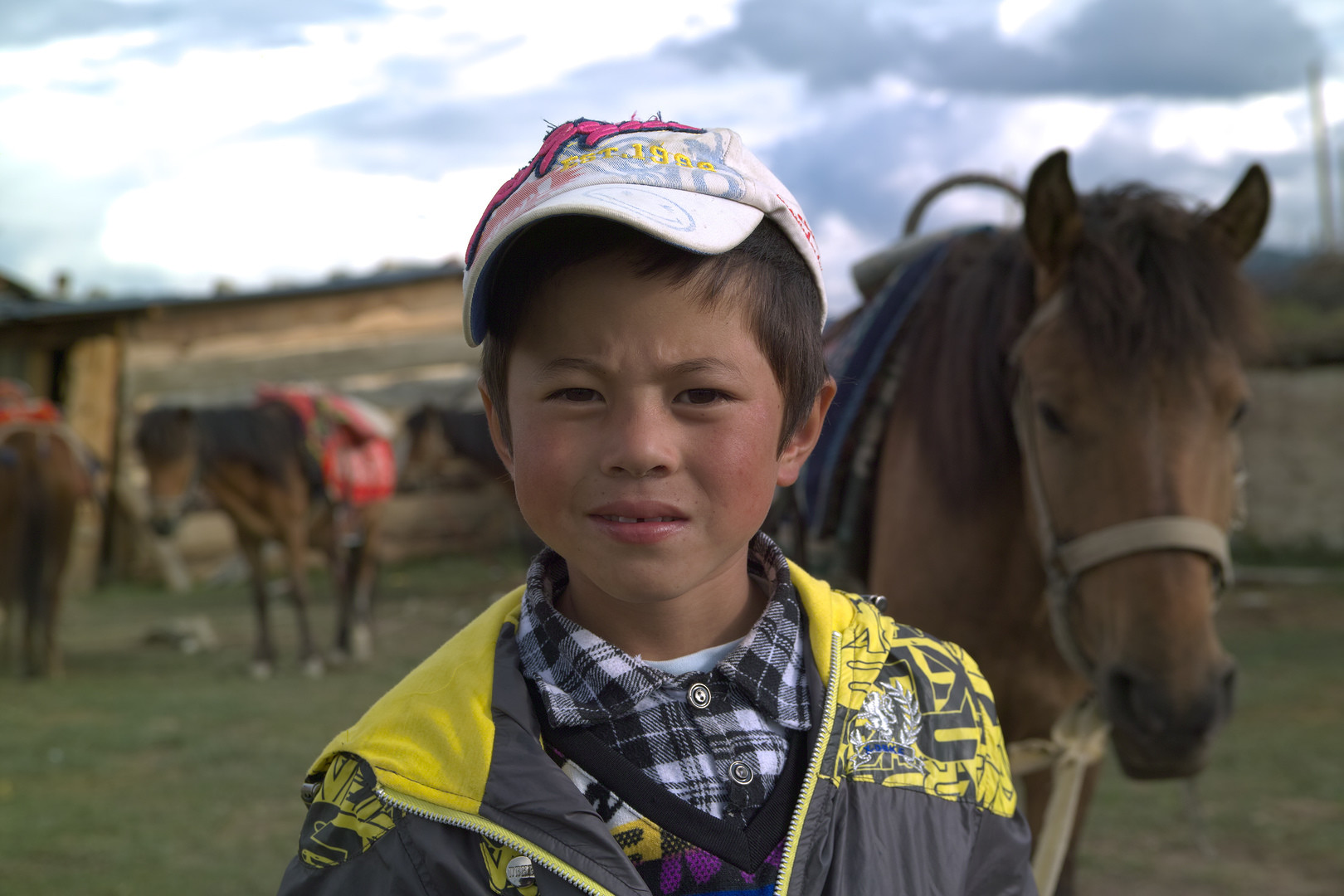
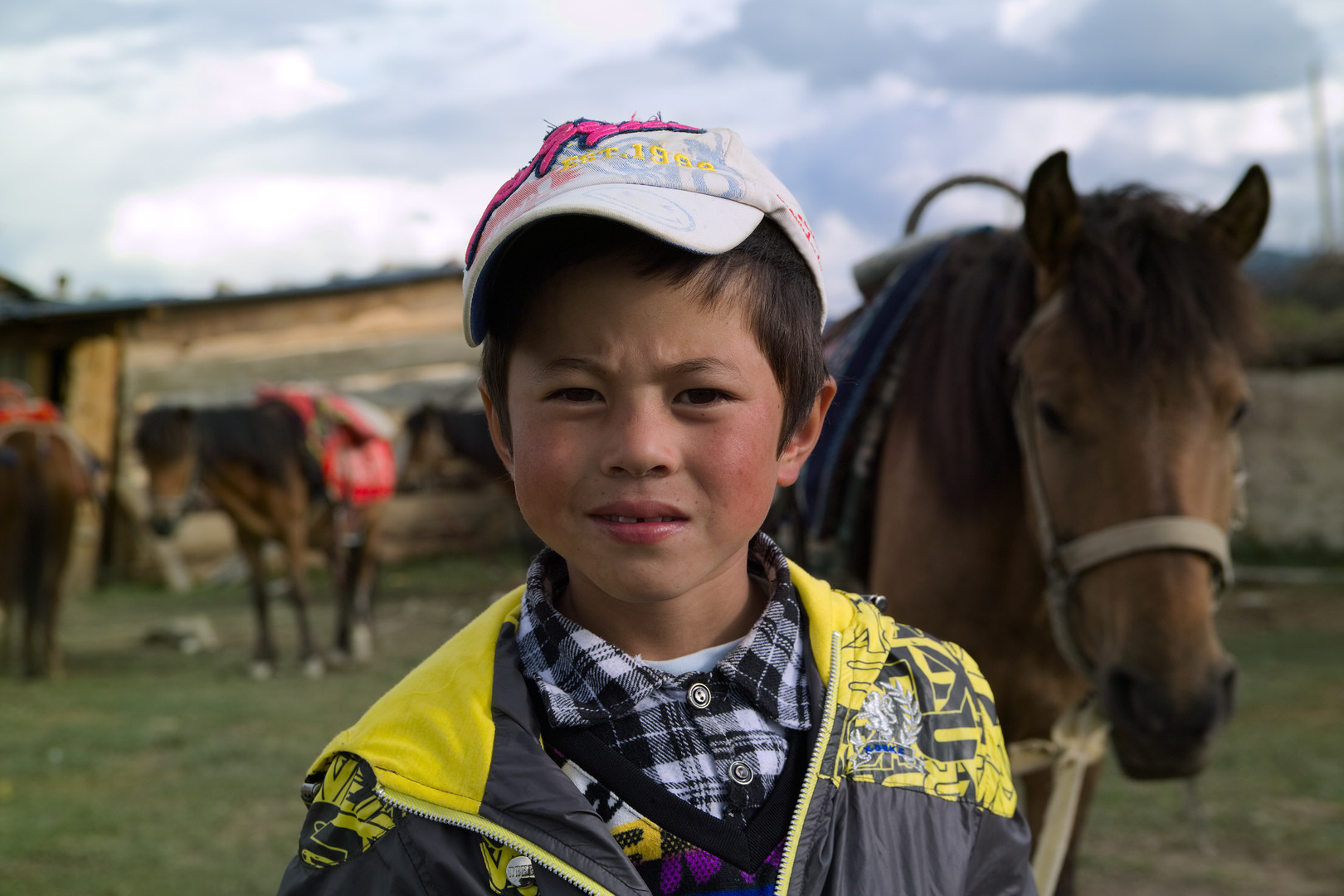
Hello. I have bought an SD1 and am looking for the best software for Raw conversion.
So far I have tried SIgmas SPP, Irident and Raw Therapy. The problem with RT is the files look grainy and it is a coarse coloured grain (see under the boys cap in the images I have uploadeI have no sharpening or anything applied. Tried demosaicing Immse but has no effect on Foveon files. Note I am very experienced in processing Raws but through Bridge/Photoshop.
Thanks Morgan. That is helpful. What about the handle bars and mirror on the bike? Weird stuff happening to the blown out highlights.
I tried a few more images and RT is reading the files as being much darker than they are and the exposure comp it is giving (up to +5 stops) is causing the coloured noise/grain
I haven’t followed SD1 or SD14 discussions closely. You can read through the issues yourself:
@ilias_giarimis added experimental support for various Sigma models including SD1 and SD14, and there are ICC profiles for both shipped with RawTherapee in the iccprofiles/input folder. They are not loaded automatically and it appears they have white levels which are too high. It appears there is still work needed to be done.
You could help us by uploading the required raw files as explained in the camconst.json link, and include daylight + tungsten photos of a color target if you have one.
Afaik Foveon files are recorded always the same, regardless of the ISO you used. In consequence the higher the ISO you used, the darker they appear in RT (at least when using neutral profile) and the more noise appears too.
No way to dig in for the next week
But I would also say that RT’s support for Foveon files is VERY limited. These files have idiosyncracies that cannot be covered by the single colormatrix (color response is very different under differing illumination) nor Black/White Levels are stable so camconst constants are ineffective…
We have to decode all Sigma tags correctly first, to gather correct black/white levels, color conversion etc
Then apply special color-denoise treatment on raw data . (although RT’s color denoise is also effective if tuned for this situation (target the green ? colors and use gamma = 1 so that darks are denoised mostly …)
All the above are included in Roland Karlssons free tool Releases · Kalpanika/x3f · GitHub … if RT team could port Kalpanika code all would be happy
… for the moment the best is to first convert to DNG using x3f tools … then the only missing element in RT is full support of DNG flat field correction …
Hello, I am late to this thread (only just joined) but I own and use an SD1 Merrill, have SPP 5.5.3 and RawTherapee 4.2.222.
The simple answer to your grain question is that the default for X3F decoding is unsharp masking ON and set to an amount 250 and quite a high radius. Not only that but the decoding is based on DCraw by a team from LibRaw with little, if any NR. And not only that but the the red raw channel is said to be pretty noisy according to Roland Karlsson over on DPR.
Personally I don’t use RawTherapee for decoding X3F files. But if you’re looking for one-stop processing then, when the review image opens up, immediately turn of the sharpening and head down to the NR function and apply to your taste.
Some other sliders will open up with higher values than I would apply, so you might want set them all to default and adjust to what pleases you.
My own work flow for serious stuff is SPP 5.5.3 - adjust only the EC to get your highlights right. Set the sharpness to -1.0 for every SD1M high res capture. Then export as ProPhoto 16-bit TIFF to RawTherapee which is far more capable at everything else.