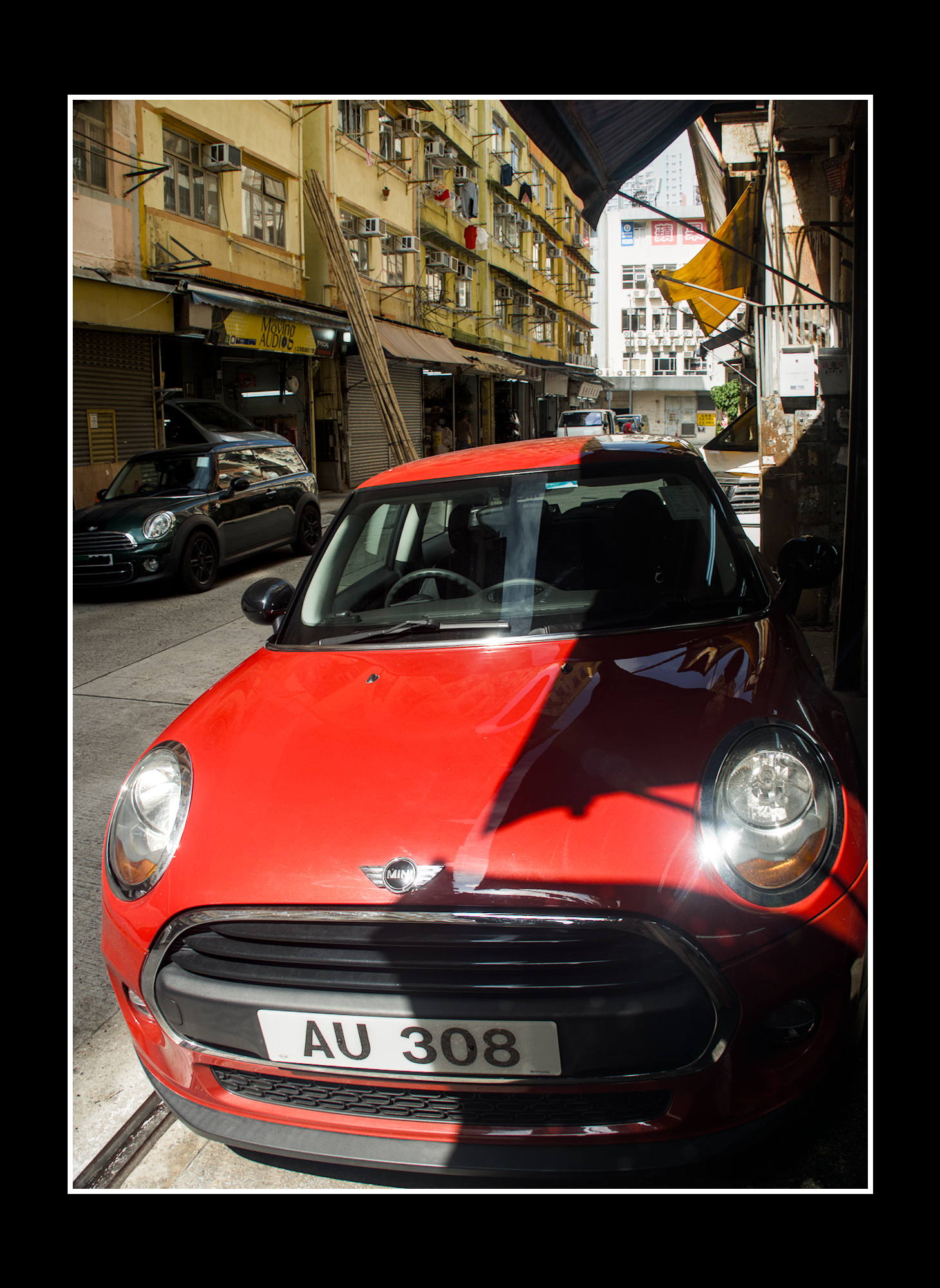
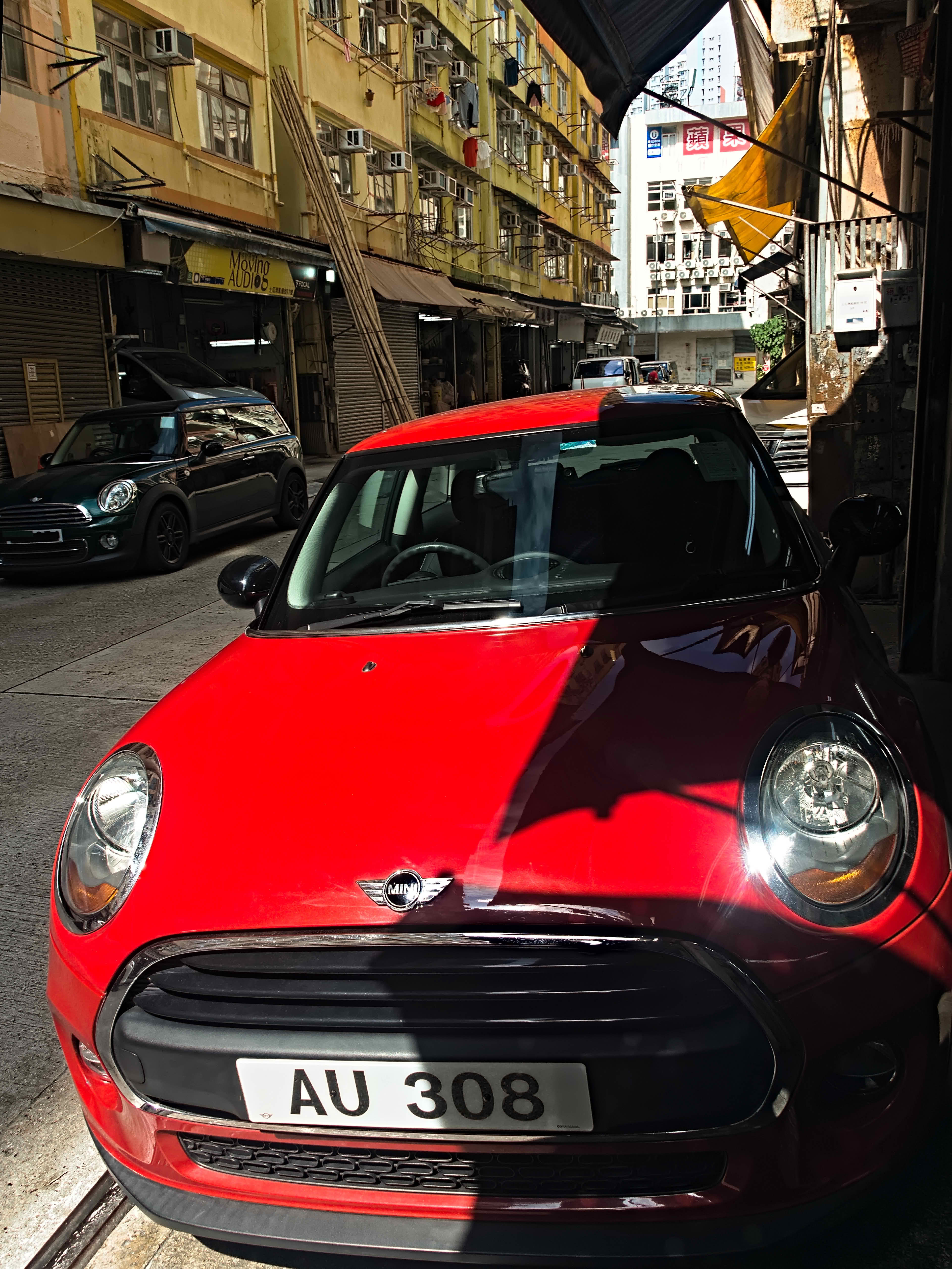
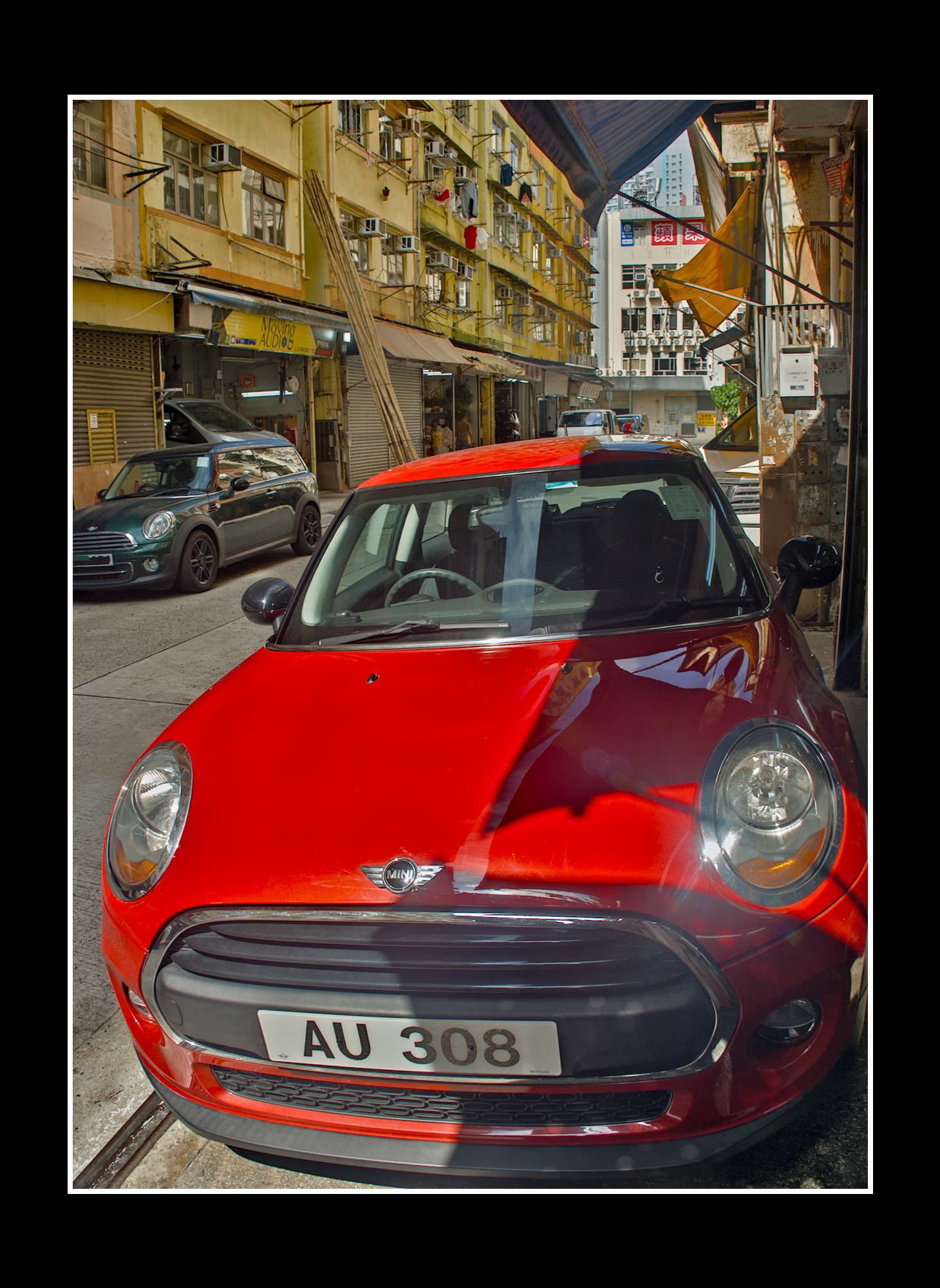
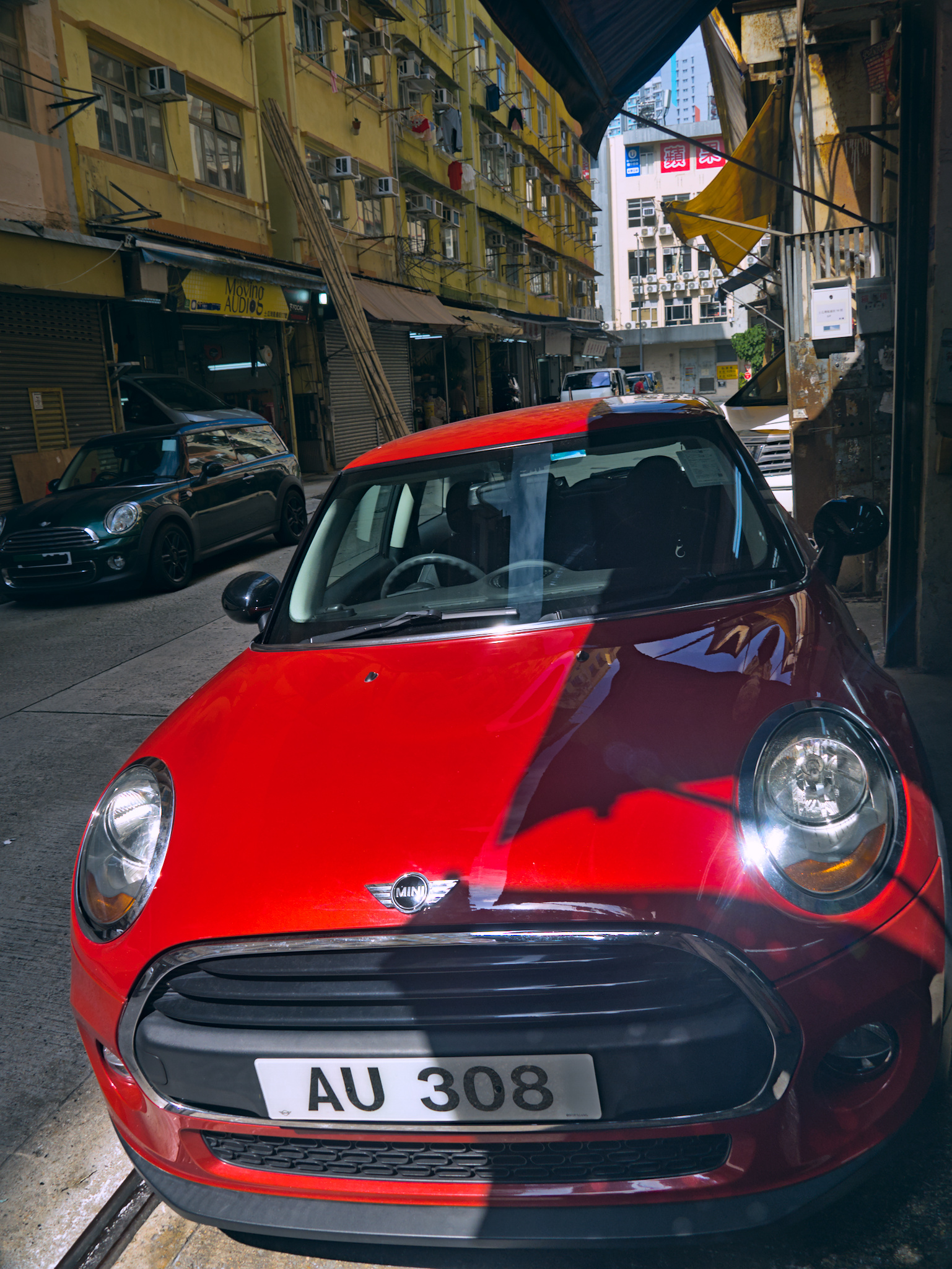
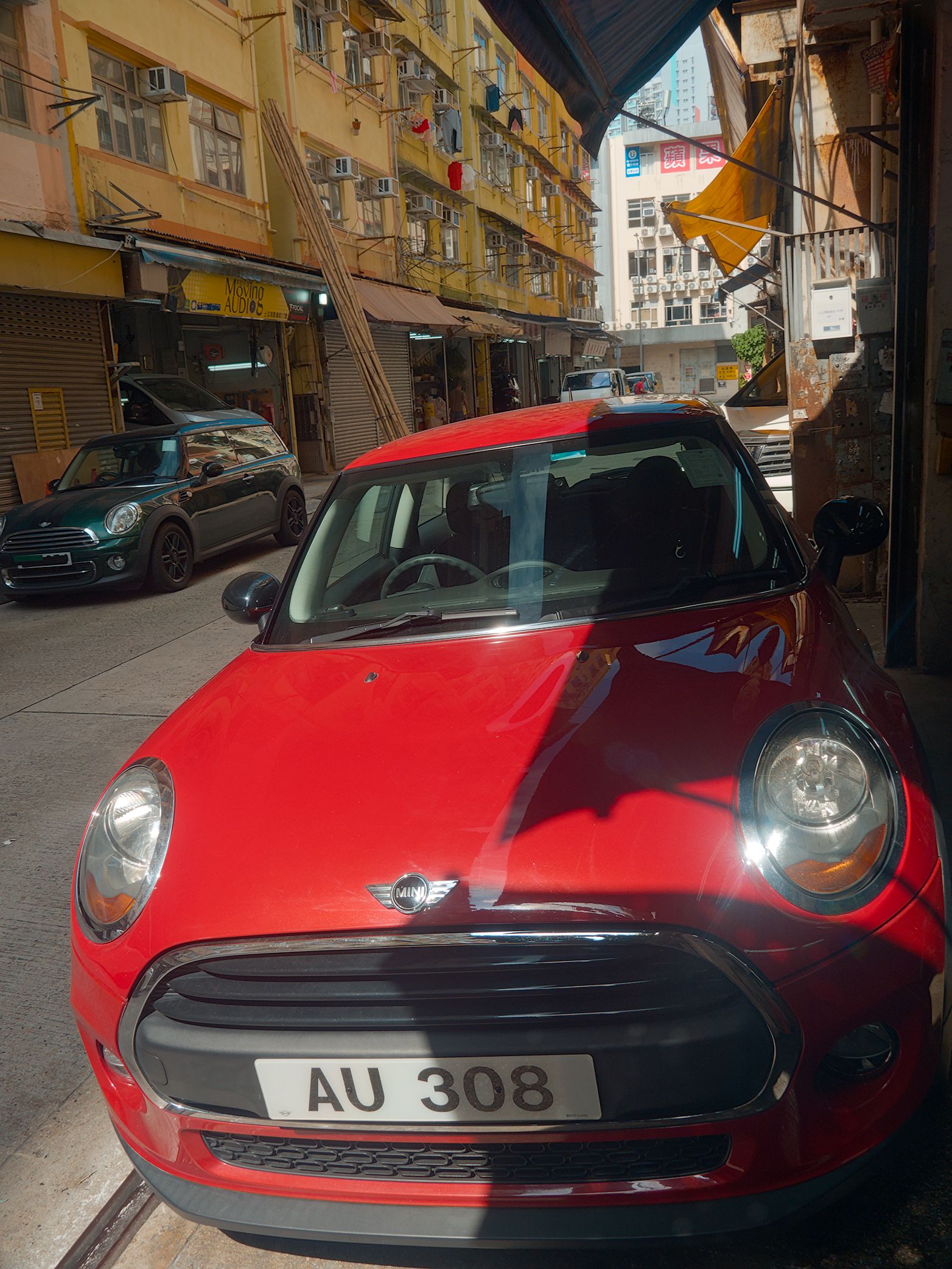
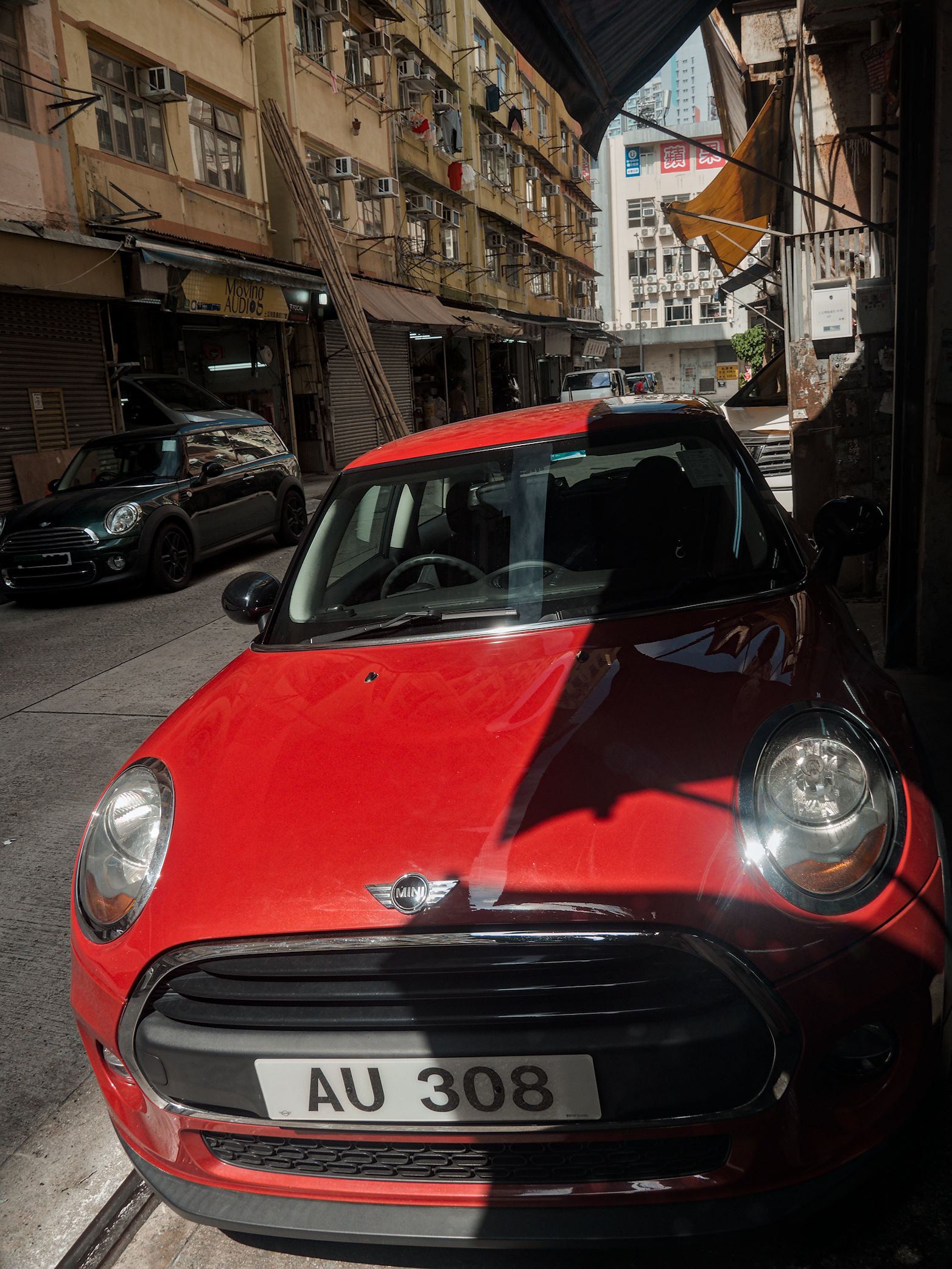
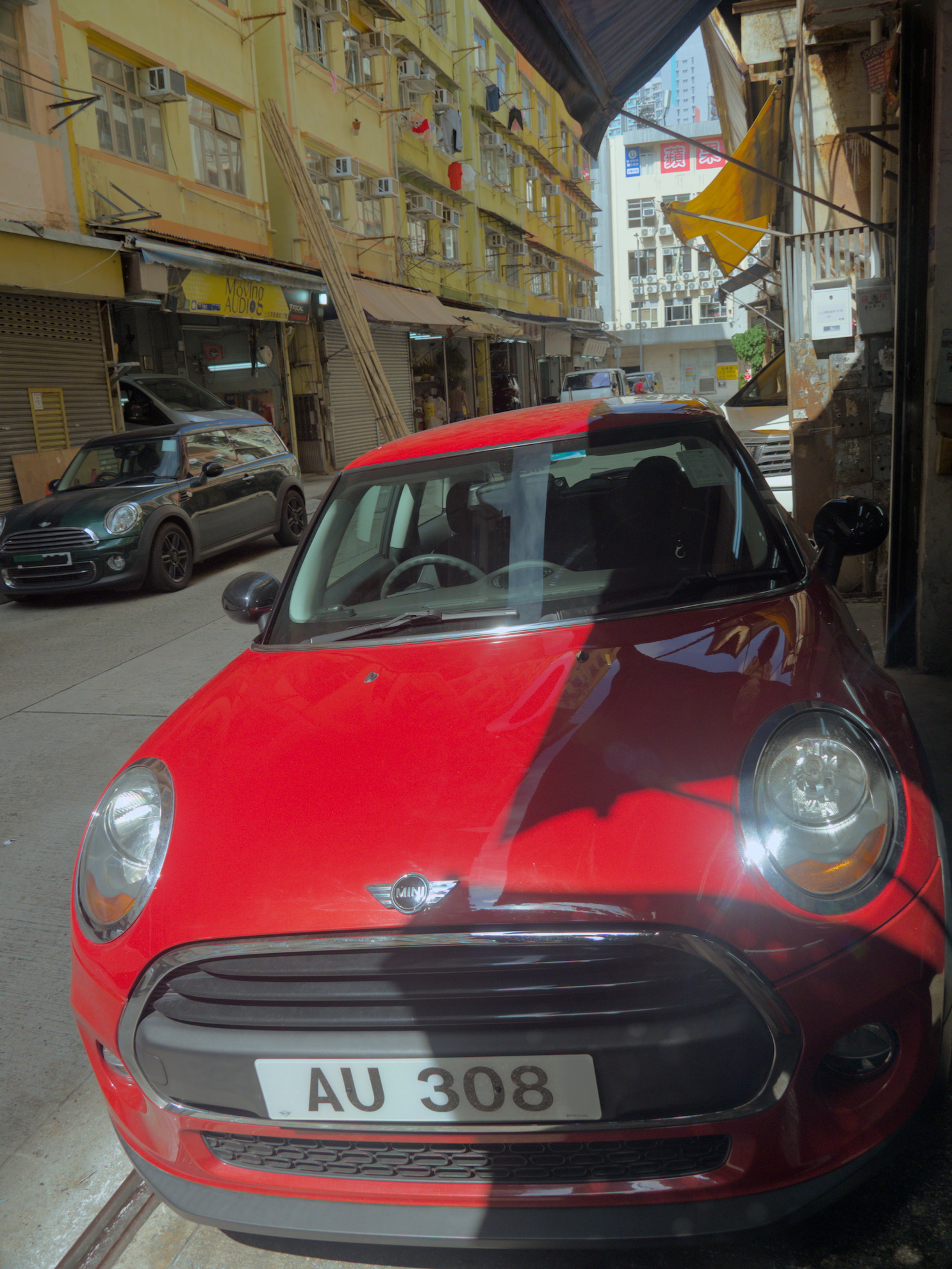
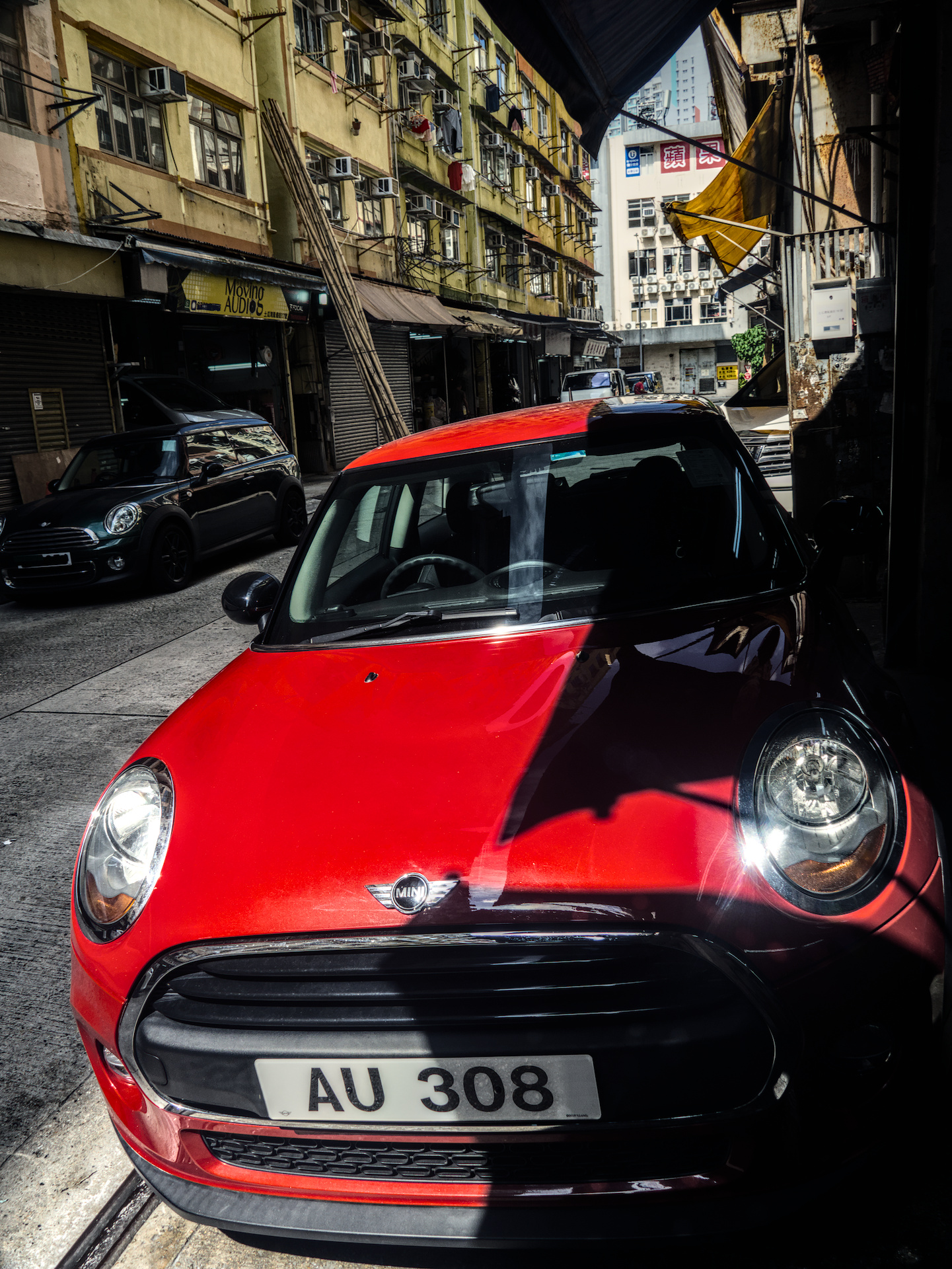
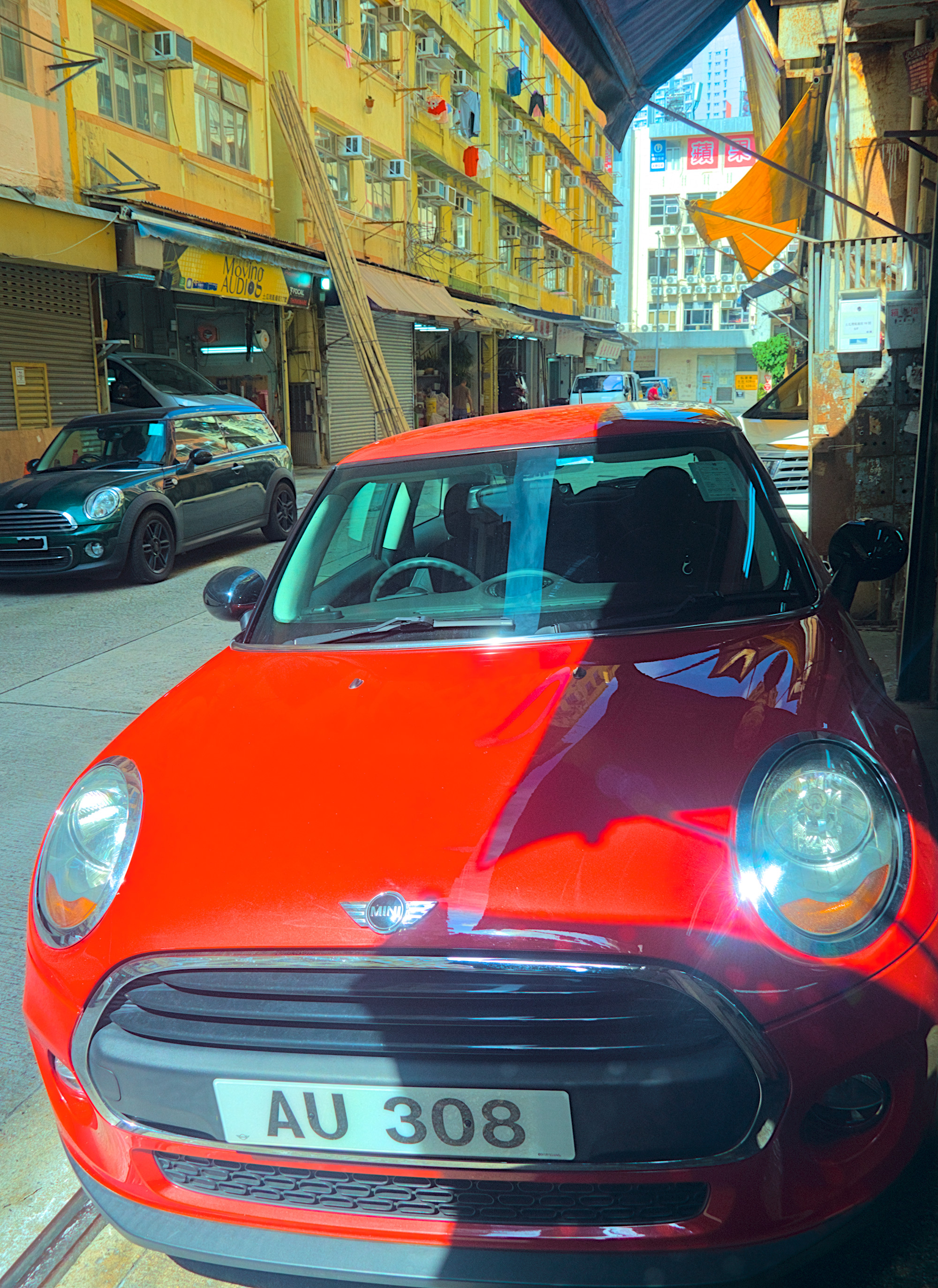
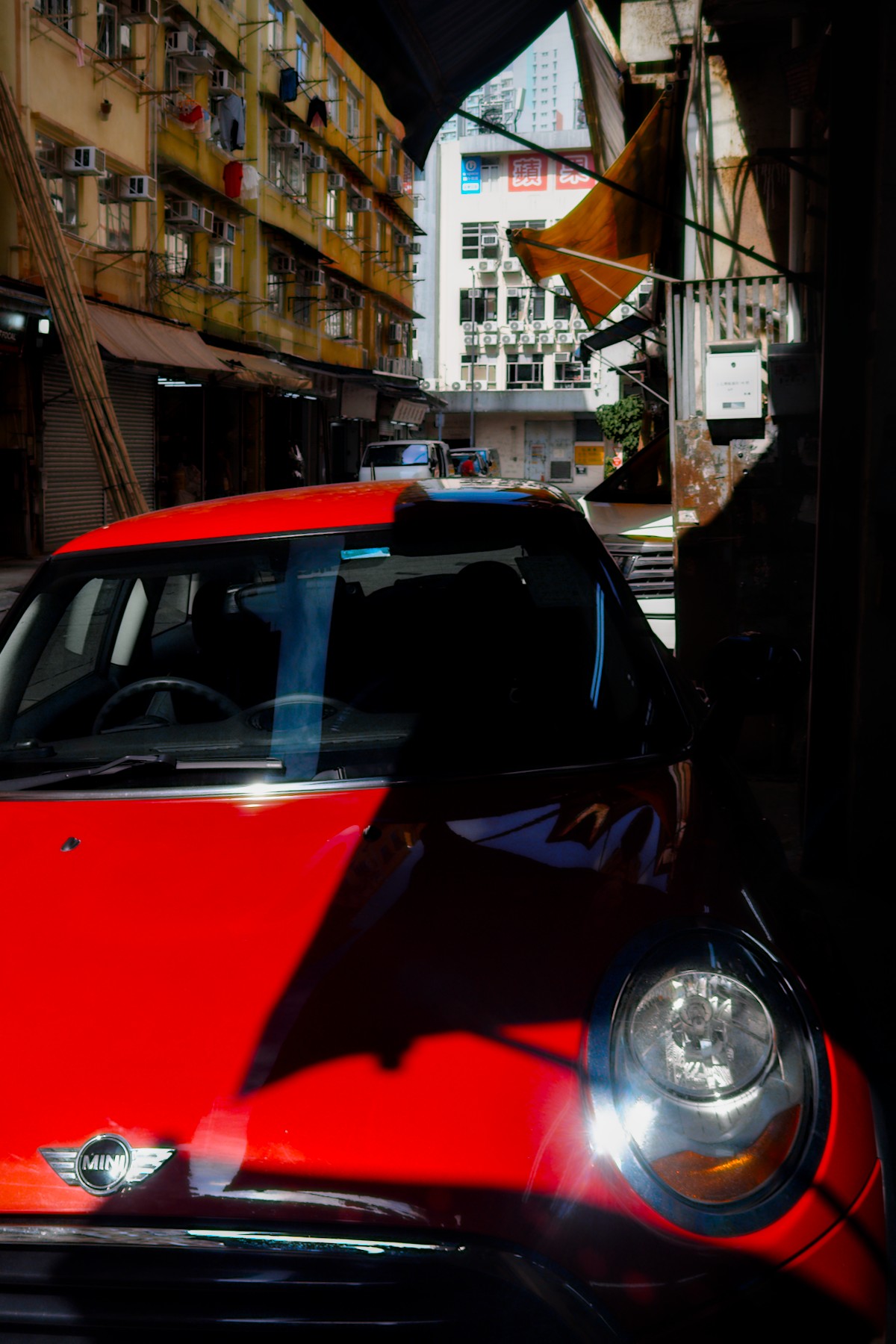
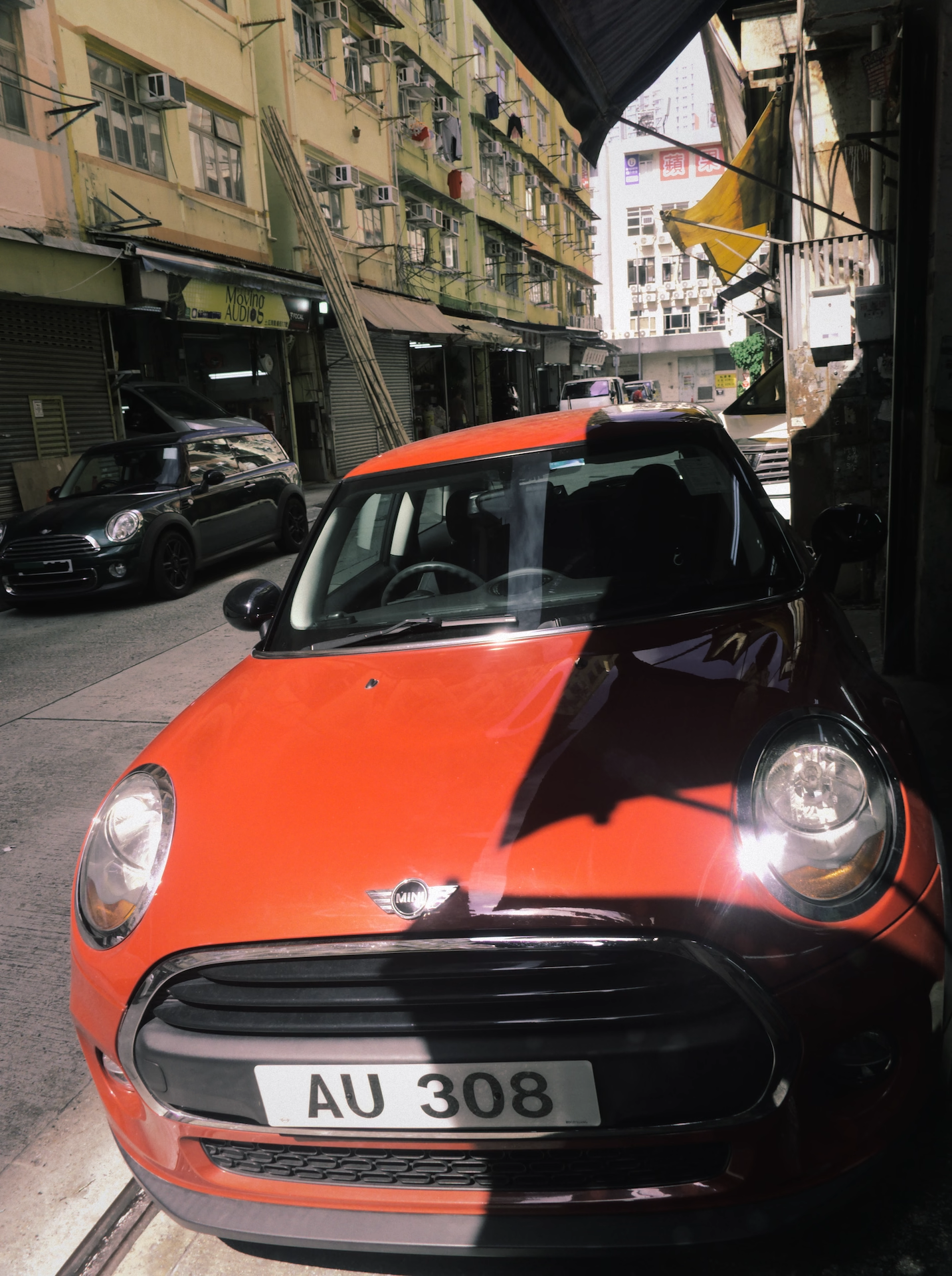
I am using camera’s inbuilt HDR mode. Also shoot Jpeg and Raw together. I use DT5.6.1 and still am learning how to edit raw file to be less HDR like.
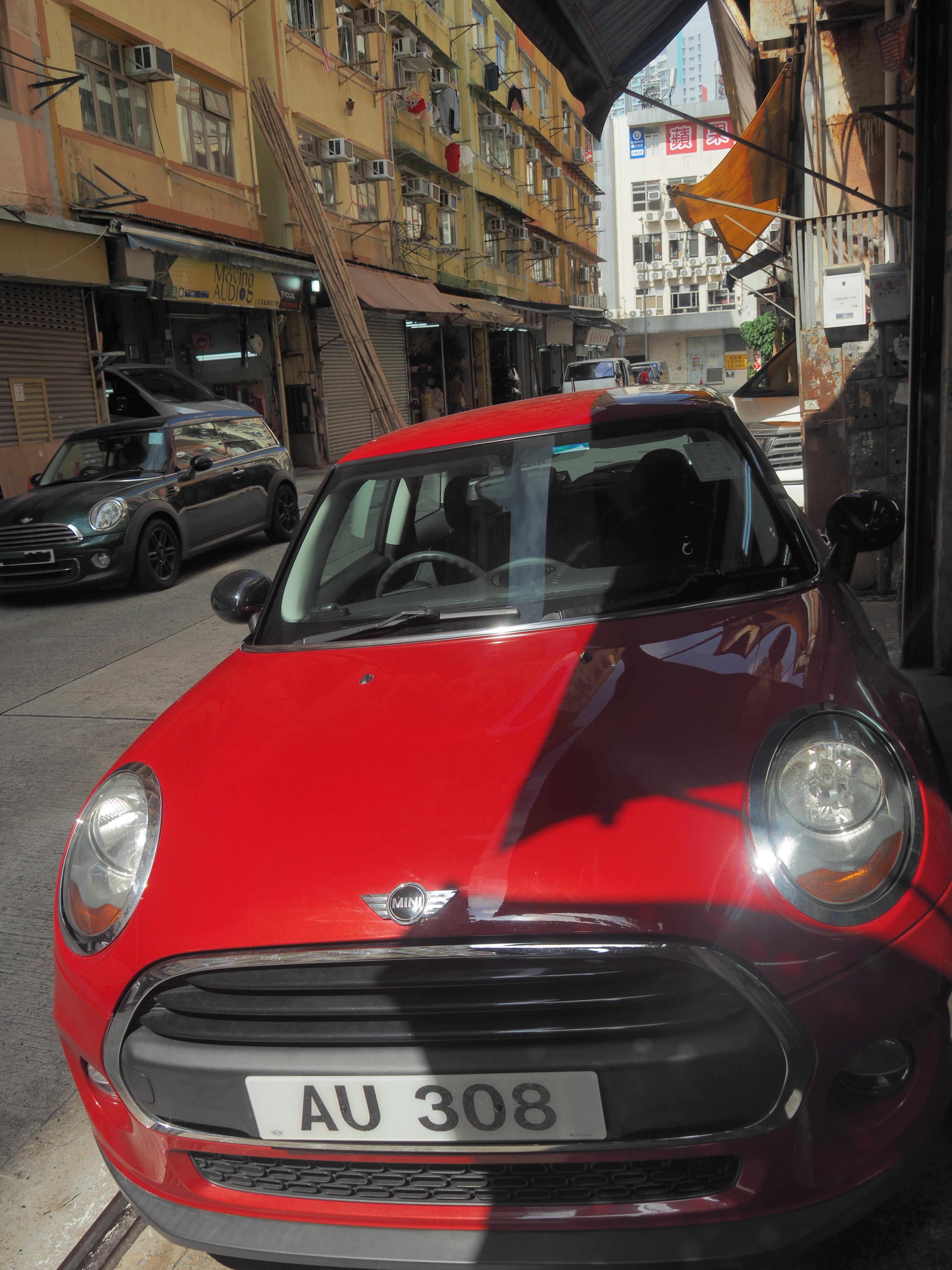
5M071612.ORF (17.0 MB)
This file is licensed Creative Commons, By-Attribution, Share-Alike.
I am using camera’s inbuilt HDR mode. Also shoot Jpeg and Raw together. I use DT5.6.1 and still am learning how to edit raw file to be less HDR like.
This file is licensed Creative Commons, By-Attribution, Share-Alike.
Well I am going to wonder why you want a flat contrast HDR look. Dark shadows are not evil and add contrast and interest to an image. I didn’t even consider lightening the shadows in this image. There are good tools in DT to do that if needed.
warning DT5.7 xmp 5M071612.ORF.xmp (10.2 KB)
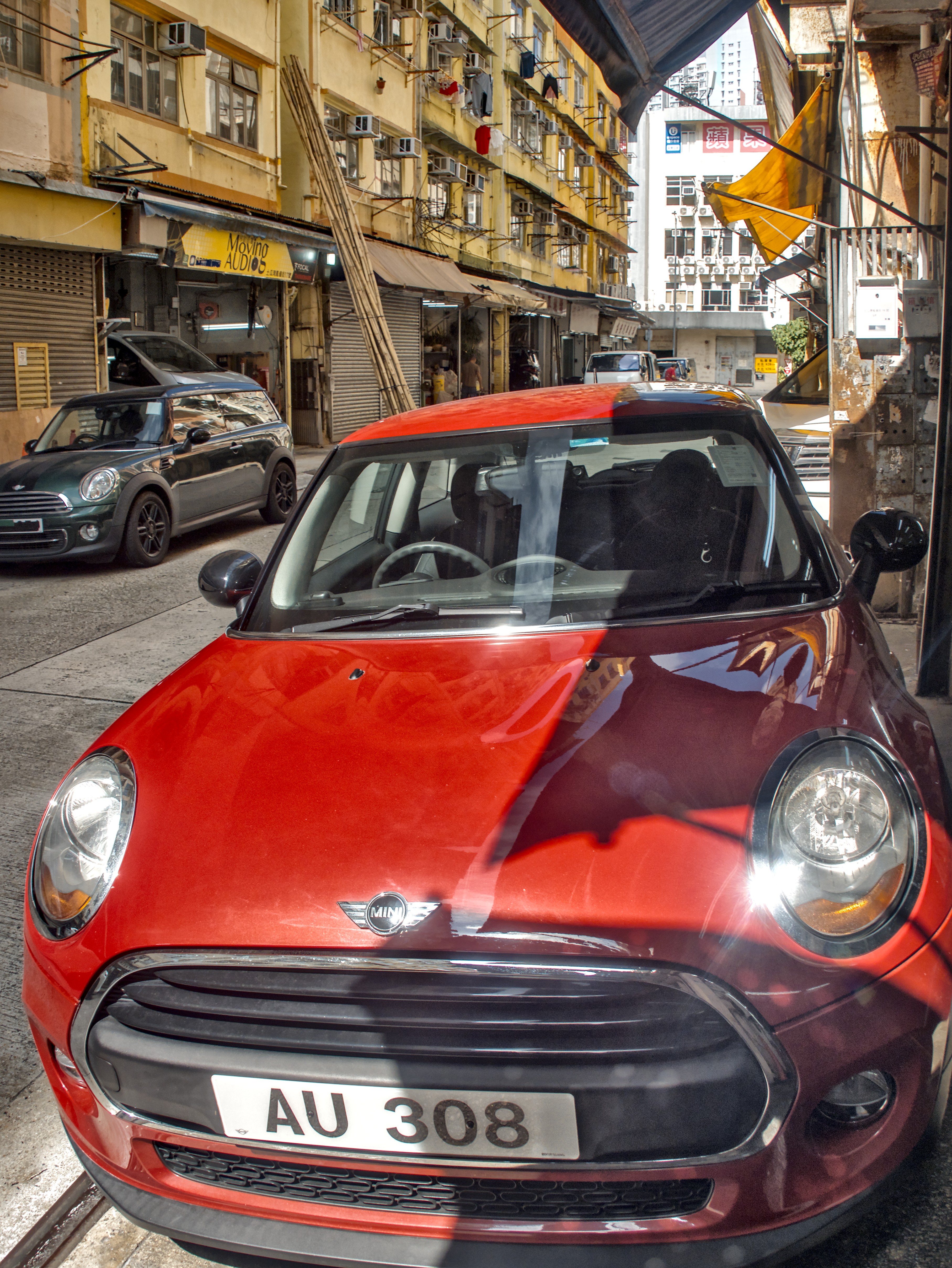
Here comes a typical HDR look edit, for comparison. In my eyes the winner is without discussion @Terry 's edit:
Well I am going to wonder why you want a flat contrast HDR look. Dark shadows are not evil and add contrast and interest to an image.
Oh…I dont have DT 5.7 yet. Only 5.6.1. So, can I use your sidecar.
I actually do not like the HDR look straight from camera. But sometimes, I worry the raw file (without HDR) will be difficult to work with (esp my beginner’s DT skills).
Yeah…HDR is a bit flat. However, good to learn how you did it. I like the less vibrant color, making the car more vintage like. With less shadow, the cars all look bigger.
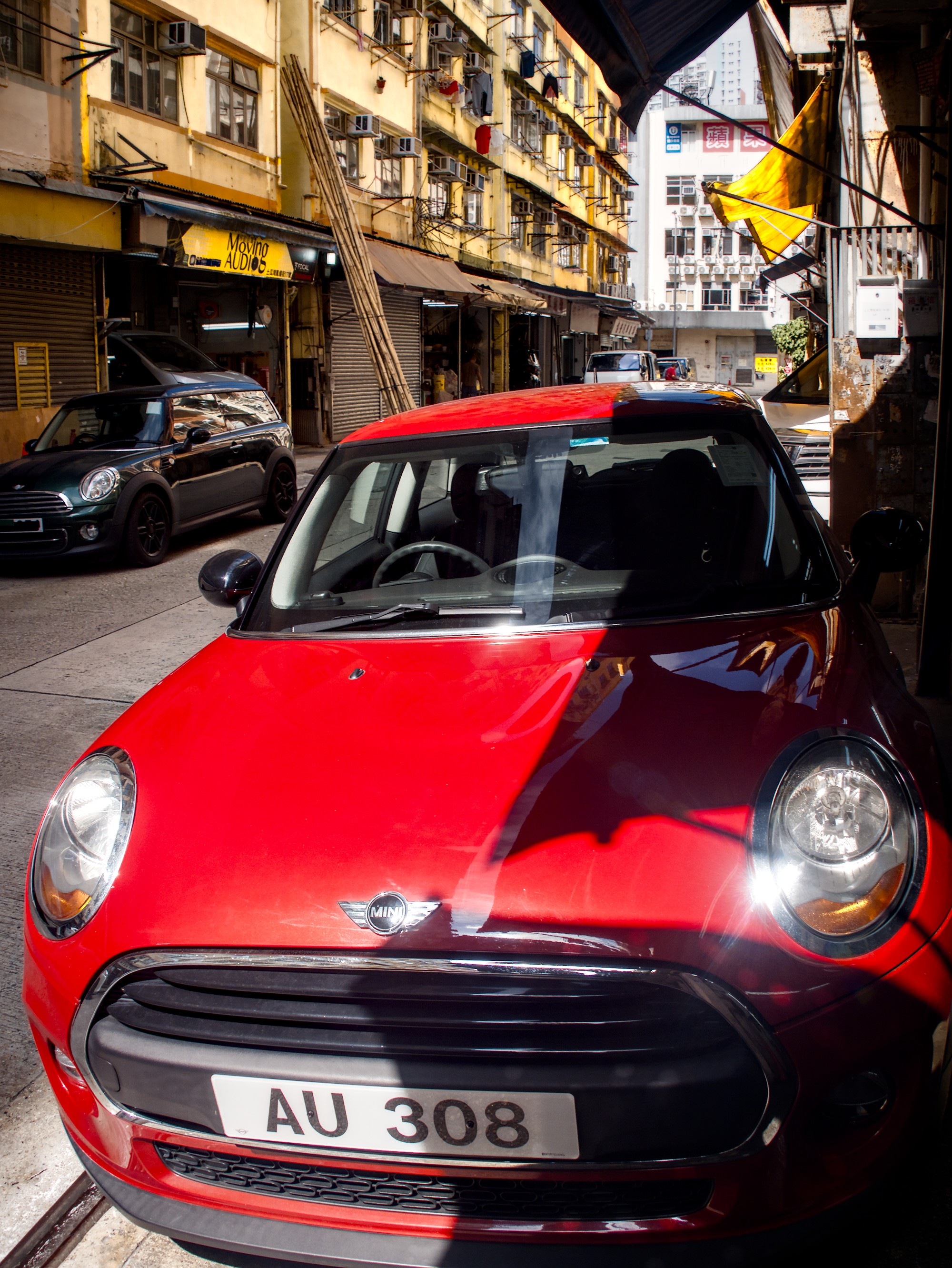
And here comes my normal edit:
I also like this one. BTW, I saw many people using Local contrast modules…Is there a reason? I know there are many paths to that. I sometimes use other modules , like AGX…and other modules with a slider named “contrast”. Lol,I sometimes don’t really understand what I am doing.
If you like the colour of the car more adjust it:
Regarding local contrast:
It is a very mighty tool which acts different than the contrast sliders. It only generates contrast in a defined range. It helps to make pictures lively. It can be used to sharpen. The area the contrasts are applied are are usually much smaller than whith the contrast sliders which affects usually just the overall contrast.
HDR without local contrasts would simply look flat and boring. Well you can discuss about the look anyway, but without local contrasts, I guess noone would use HDR at all.
If you want to see the differences of the effect try them on your own and use the sliders to it’s extrems. Though that you can clearly see what they do.
HDR look in camera probably only affects the JPG. I can do the HDR look if I want but I shouldn’t. God gave us dark shadows and man gave us HDR. Don’t use my xmp on DT 5.6.
5.7 xmp 5M071612.ORF.xmp (13.7 KB)
I simply like the look. In a recent DT class I taught one student did not like the look while all the other students did. It is personal taste. I apply it to most of my edits and it forms part of the default styles I apply. In DT 5.7 contrast and texture module has been added, and I might be wrong, but I believe the idea is to apply local contrast in the scene referred part of the pipeline, but I still like my local contrast module.
The HDR setting in the camera should not be affecting your RAW files. Such settings tend to only tune the JPEG files that the camera produces. The RAW files are raw, there isn’t even a demosaicing applied to them, they look like a bunch of black and green dots.
Then there’s also a distinction between a “smartphone HDR” file and a real HDR file, which the photographers usually call a file with a wide latitude between the brightest highlights and the darkest shadows (hence the name). This can be achieved by the process called various names such as HDR stacking, HDR stitching, and so on. In this process, multiple RAW files are overlayed on top of each other to improve the amount of data each pixel holds, usually it’s done with a few files each shot at different exposures. Modern cameras all have a mode for this “burst with variable exposure” shooting. Usually this would require a tripod as well, but on a very sunny day you can pull it off handheld in a few attempts.
It seems that what you’re referring to by HDR is a photograph with a low global contrast - that is, the shadows aren’t that much deeper than the midtones, and the highlights aren’t that much brighter than the midtones. This has nothing to do with HDR in general and it’s a matter of how you tune the contrast of your shot. Some scenes are inherently high contrast (e.g. shooting a backlit subject), some are inherently low contrast (e.g. shooting in overcast conditions, indoors). How you end up treating the contrast in your edit is in my opinion one of the 3 most important choices you make when editing a photo, along with white balance and the midtone exposure (underexposed, overexposed, etc).
There’s also a tainted definition of HDR, that is being the “smartphone HDR” - it’s the type of overprocessed shot a smartphone would typically produce, which looks similar to @Popanz 's first edit.
I feel like the attached jpeg isn’t too far off from ‘just a shallow global contrast curve.’ It’s fairly close to what you get with no processing in darktable, with some saturation and sharpening. Spent some time trying to match the colours and tones, but didn’t push the red as much. The detail in the bonnet isn’t even obvious until a lot of processing is added to it.
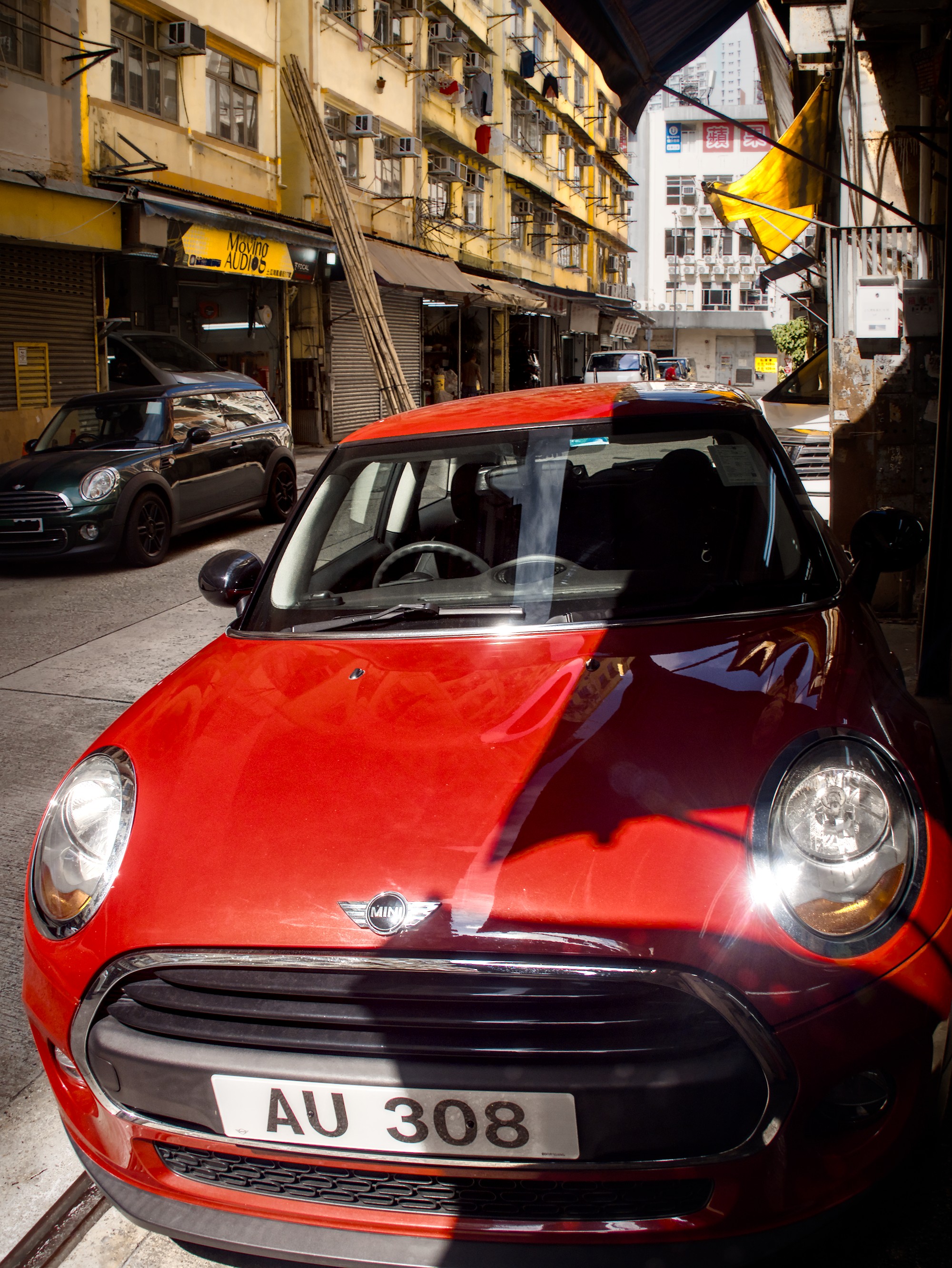
Here’s a more contrasty edit.
You pretty much have an HDR edit, but it looks good. And we are free to play in Play Raw, so…
Probably a bit wild and overwound on the controls, but I will go with it anyway:
I thought smartphone also took a few photos and stacked and processed them to become a HDR. But similar to camera’s in built HDR stacking, you rely on the equipment to do it for you. I am sometimes too lazy to do exp bracketing …lol
I suggest you embrace the scene’s high dynamic range by editing and publishing it as an HDR file! This is what true HDR is designed for. 
Edited with HDR Finisher v0.9.0. Project file attached.
5M071612-HDRF.zip (3.2 KB)