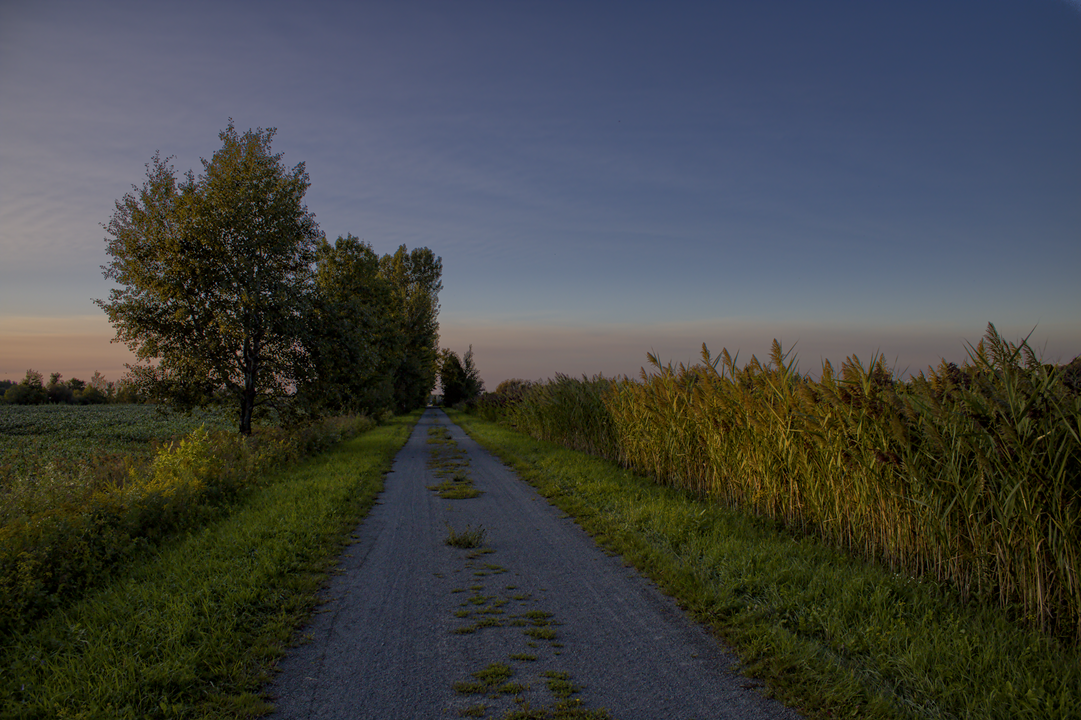
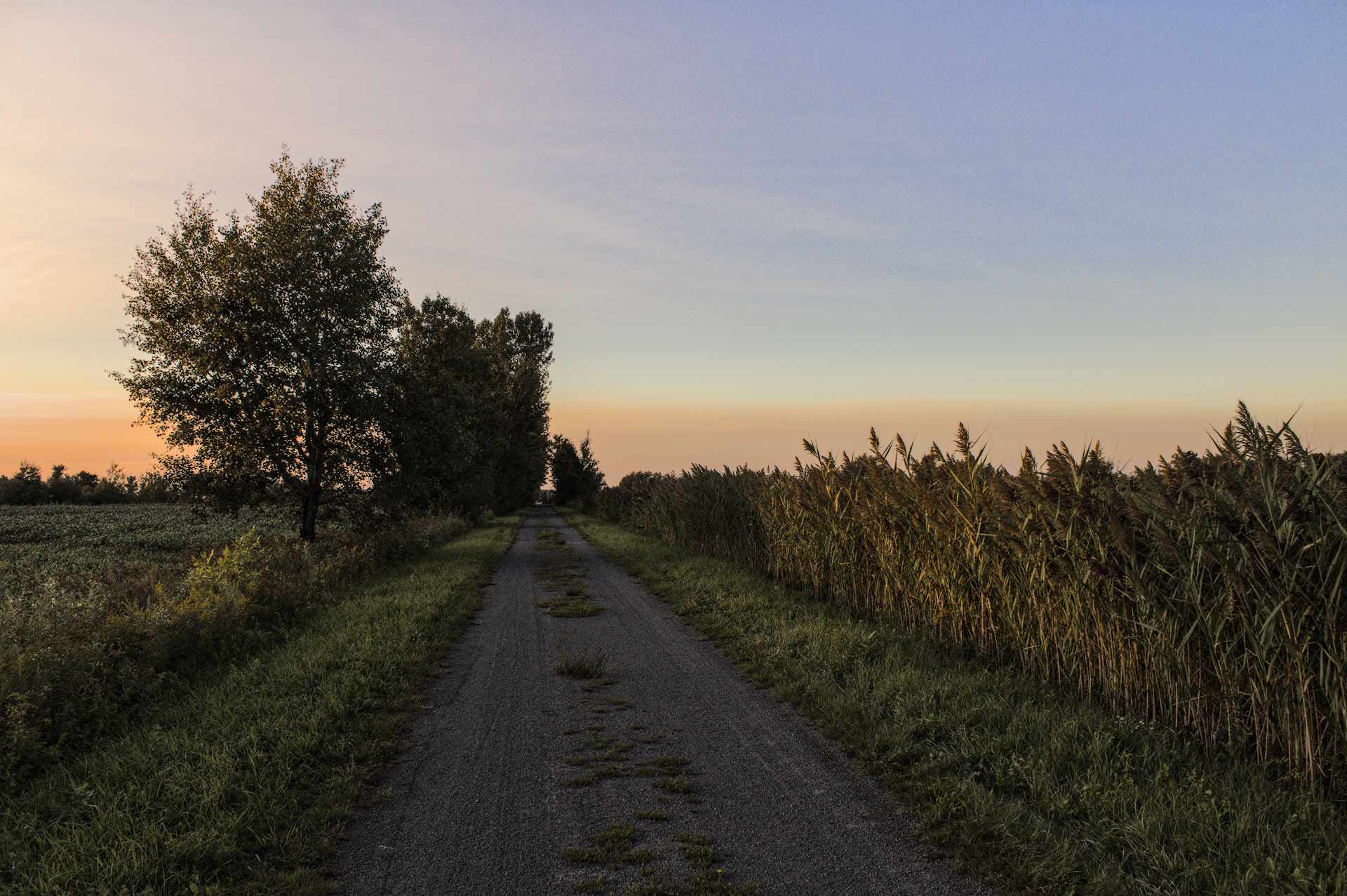
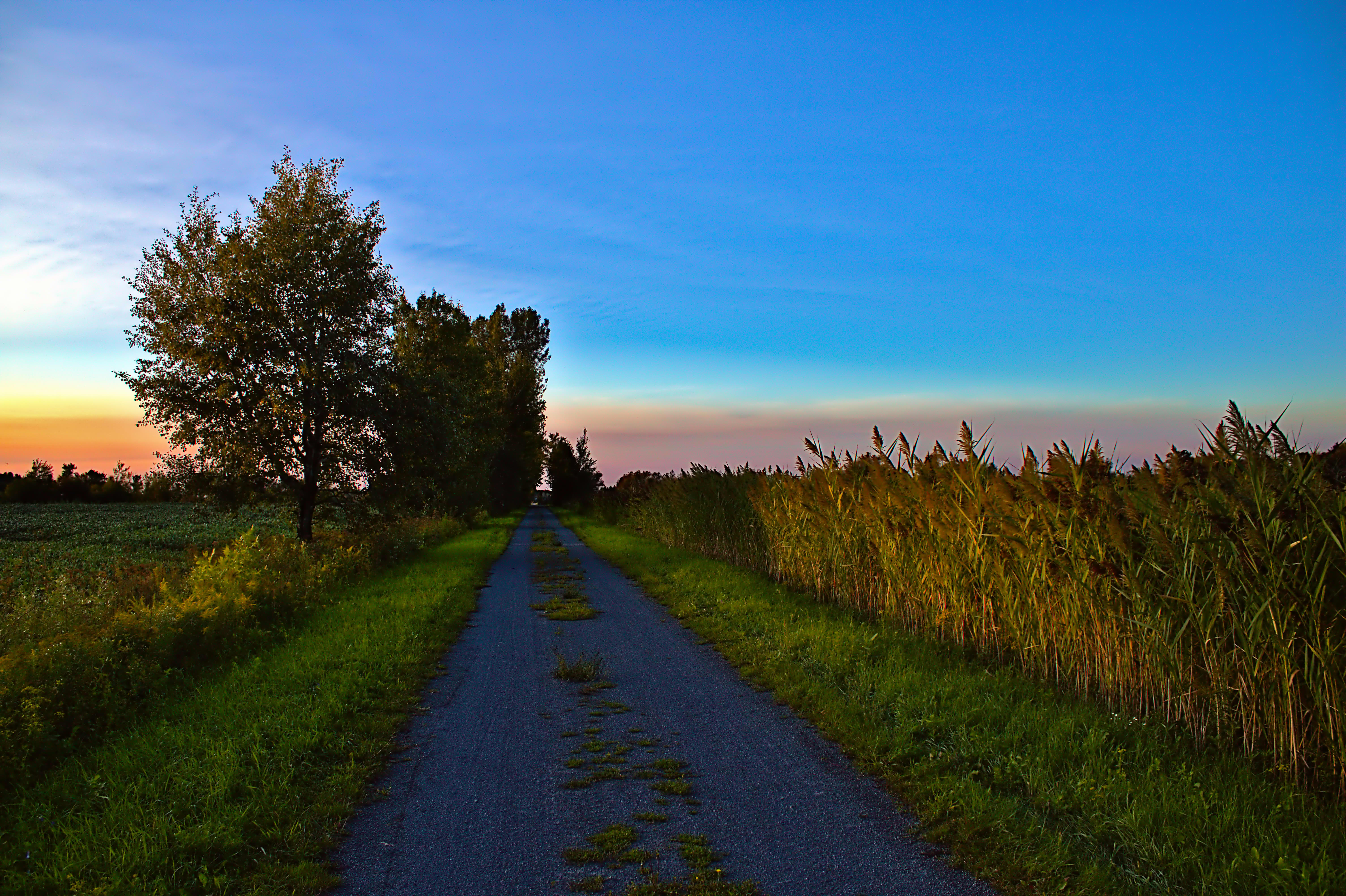
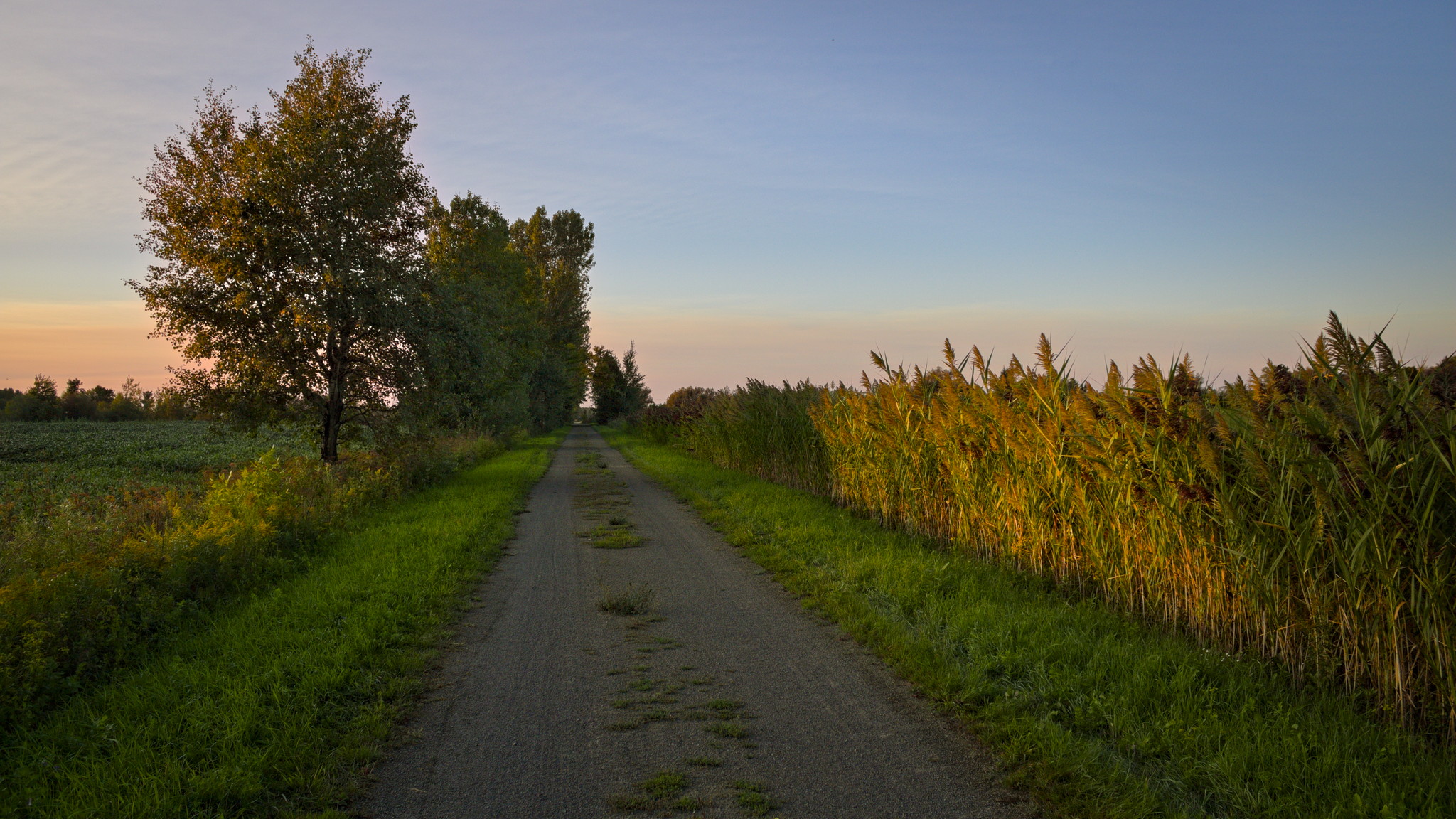
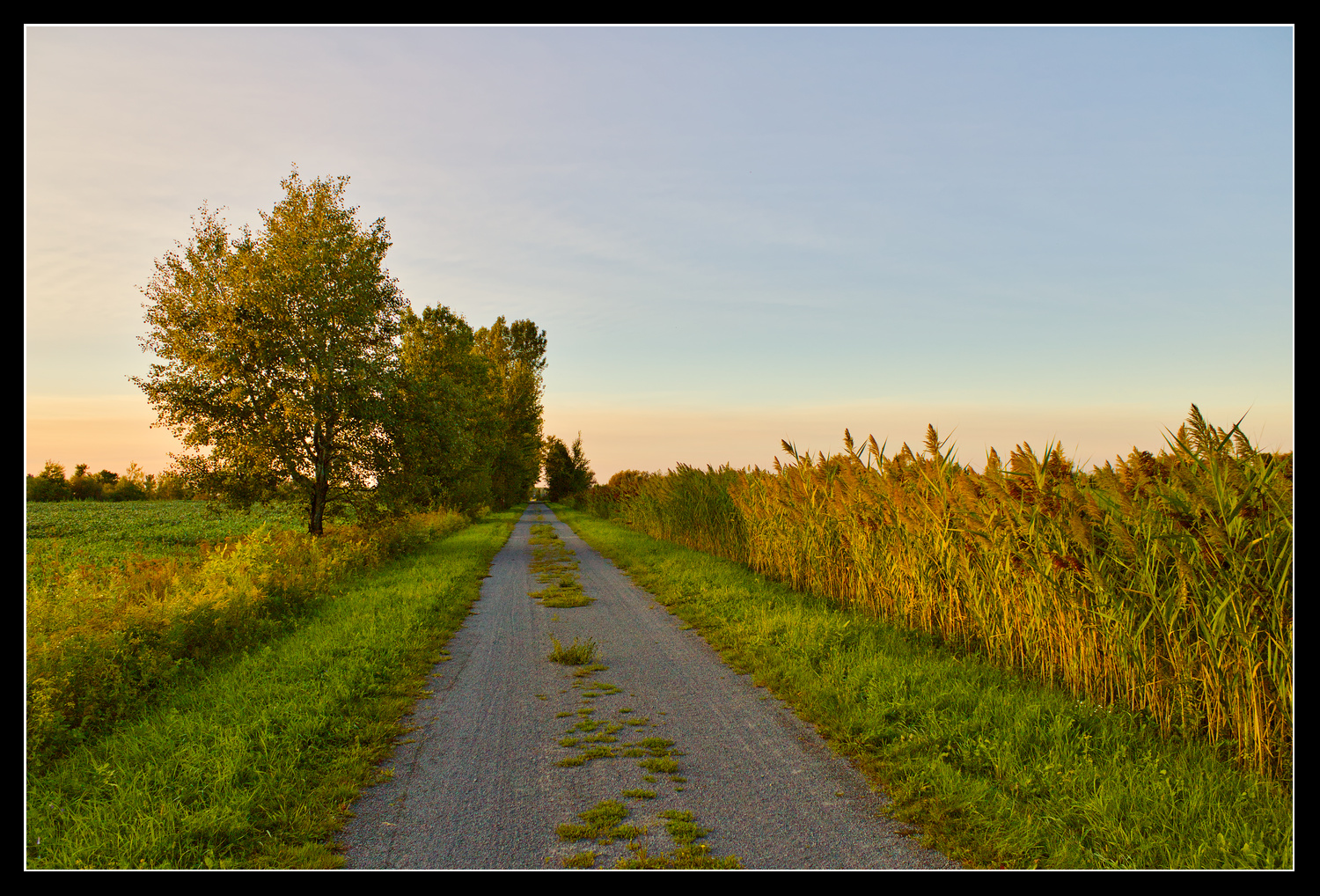
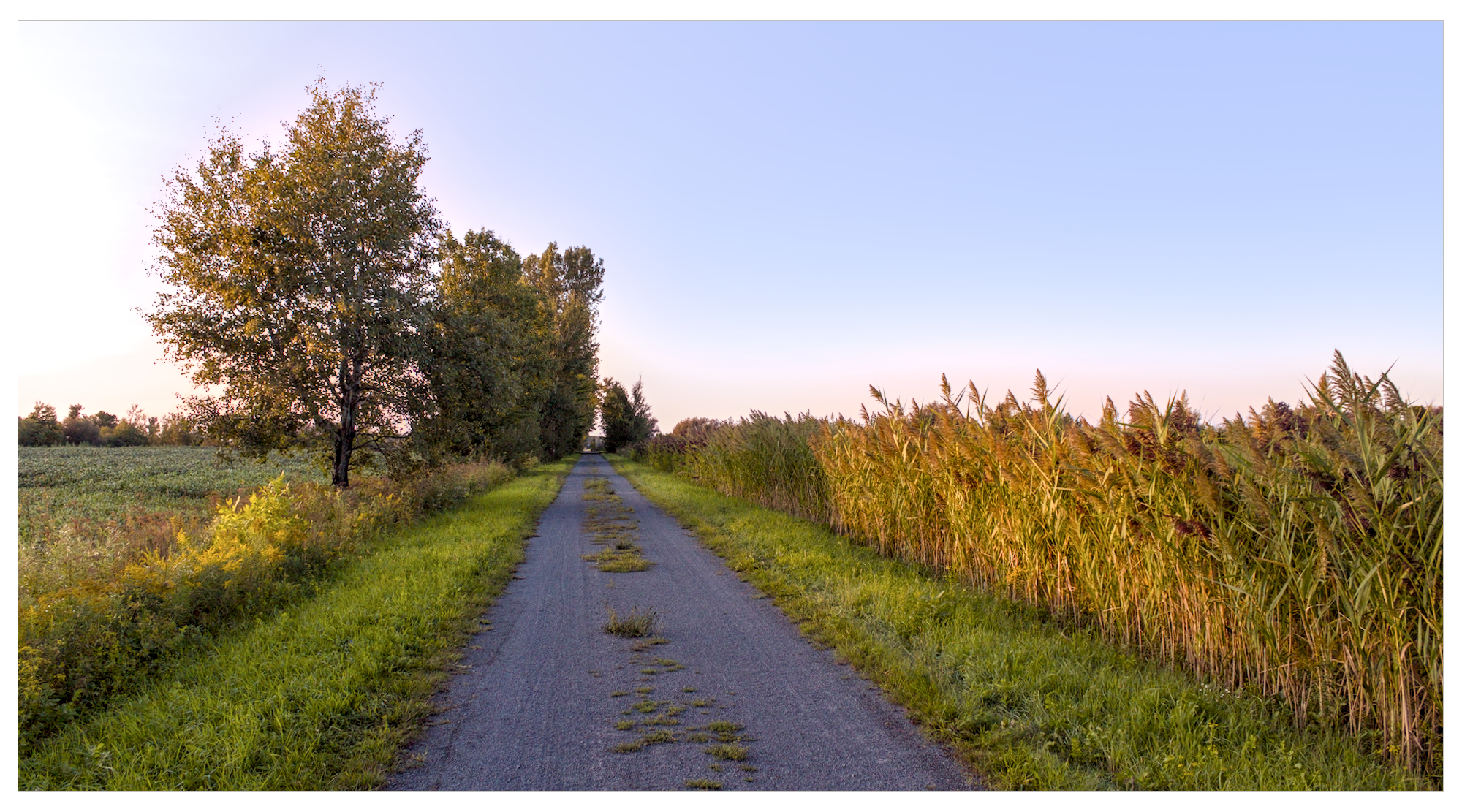
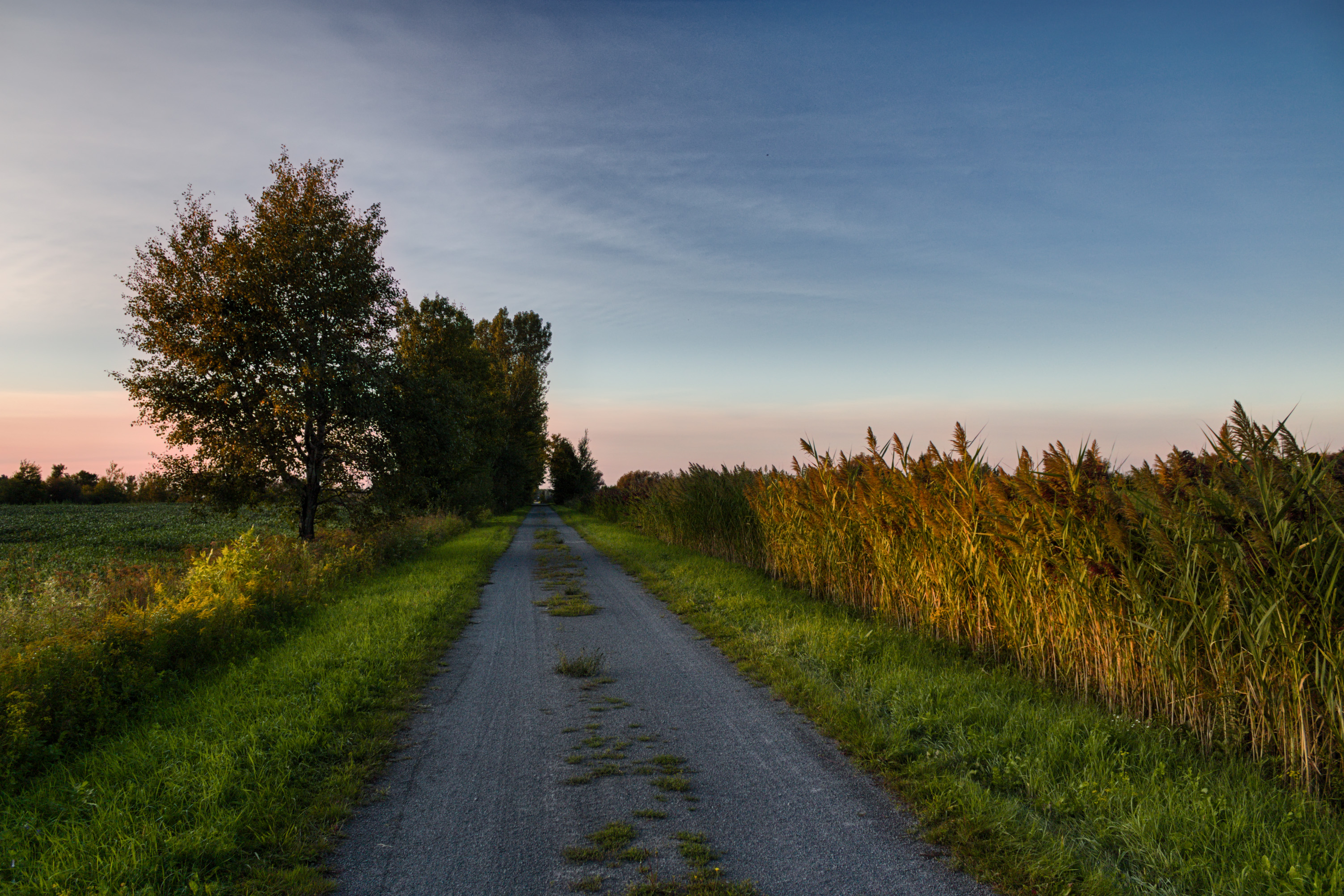
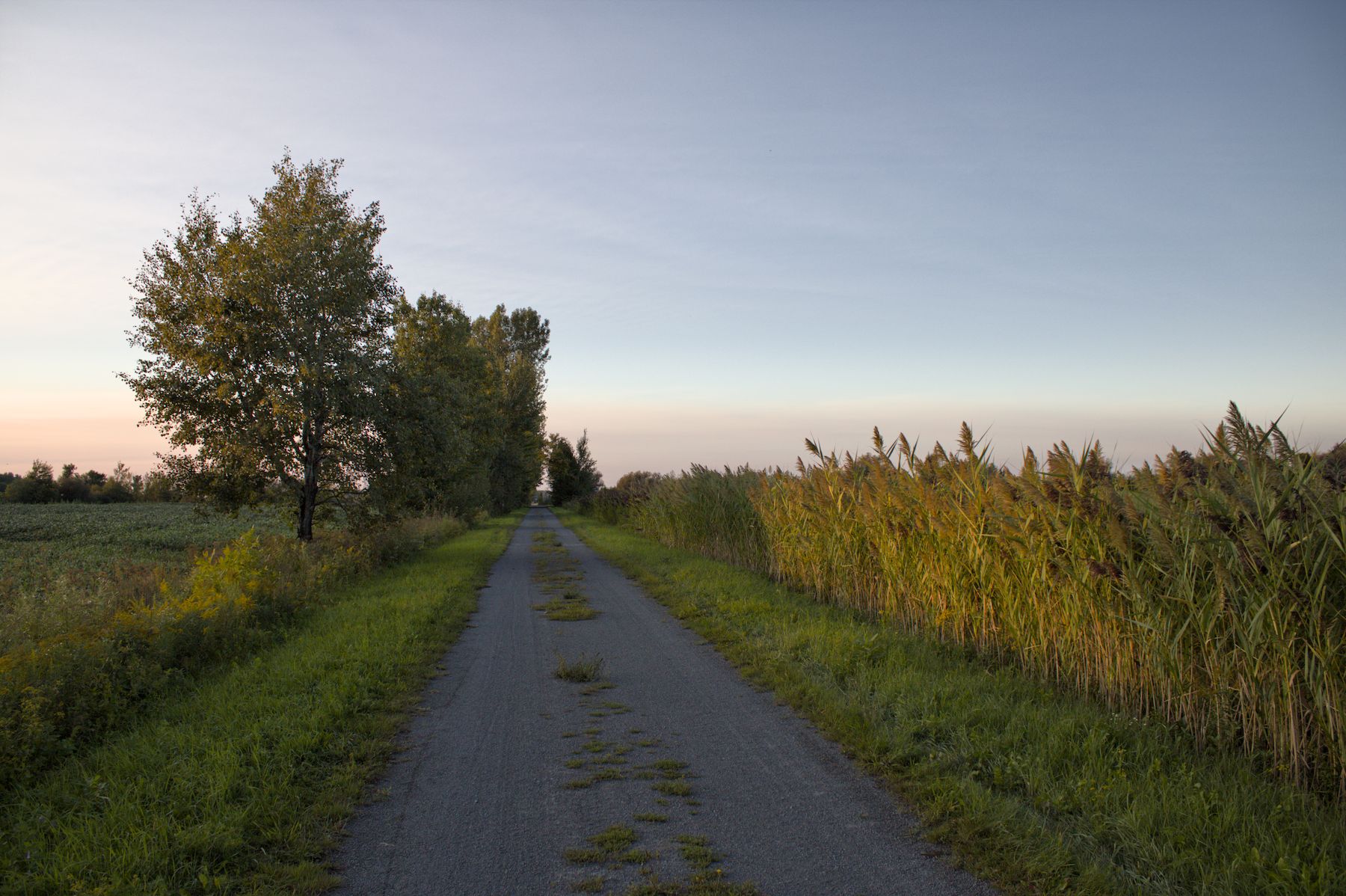
My take with ART:

IMG_0745-1.jpg.out.arp (11.7 KB)
I notice that in most of the edits, where the road is lighter in tone, there is a distinctive ‘blue’ hue to the road portion.
This is something that I often notice with my images that are ‘well’ saturated. Blue often is just a bit too dominant.
I love color zones for this. using the shift modifier in the saturation tab I select an area and it nicely desaturates it. I can then use opacity or the mix slider to just tune it to the level that looks best…
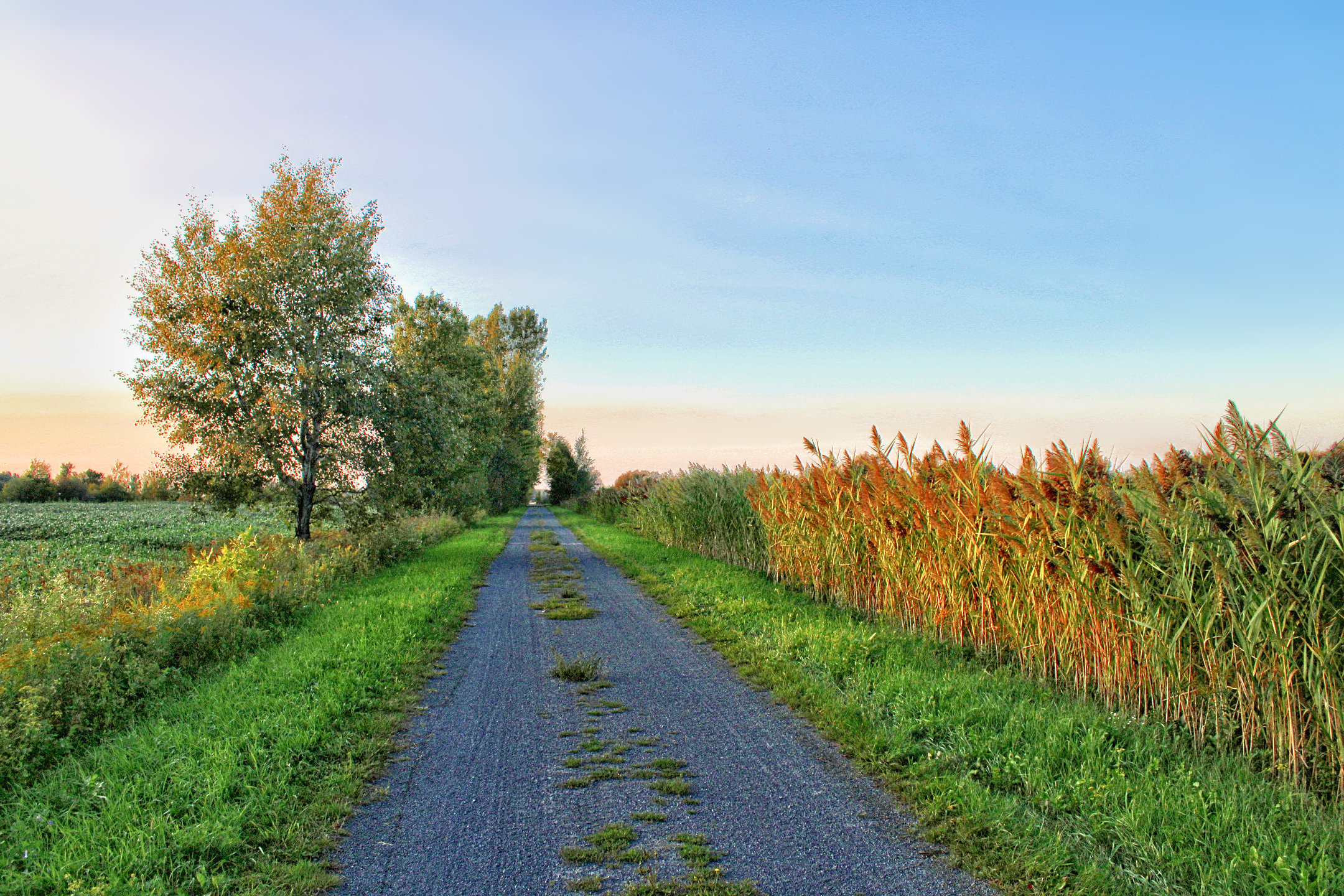
Here is my attempt. Couldn’t quite clean up the edges on the horizon or in the tree.
I imagine it’s the blue I tend to see come out in granite or similar gravel used in these “dirt” roads.

Thanks for this exercise it’s really interesting to get the artistic perspective of everyone, it’s like an art gallery. I looked at the images yesterday and slept on it, then I looked at them today again, I see very sweet variations.
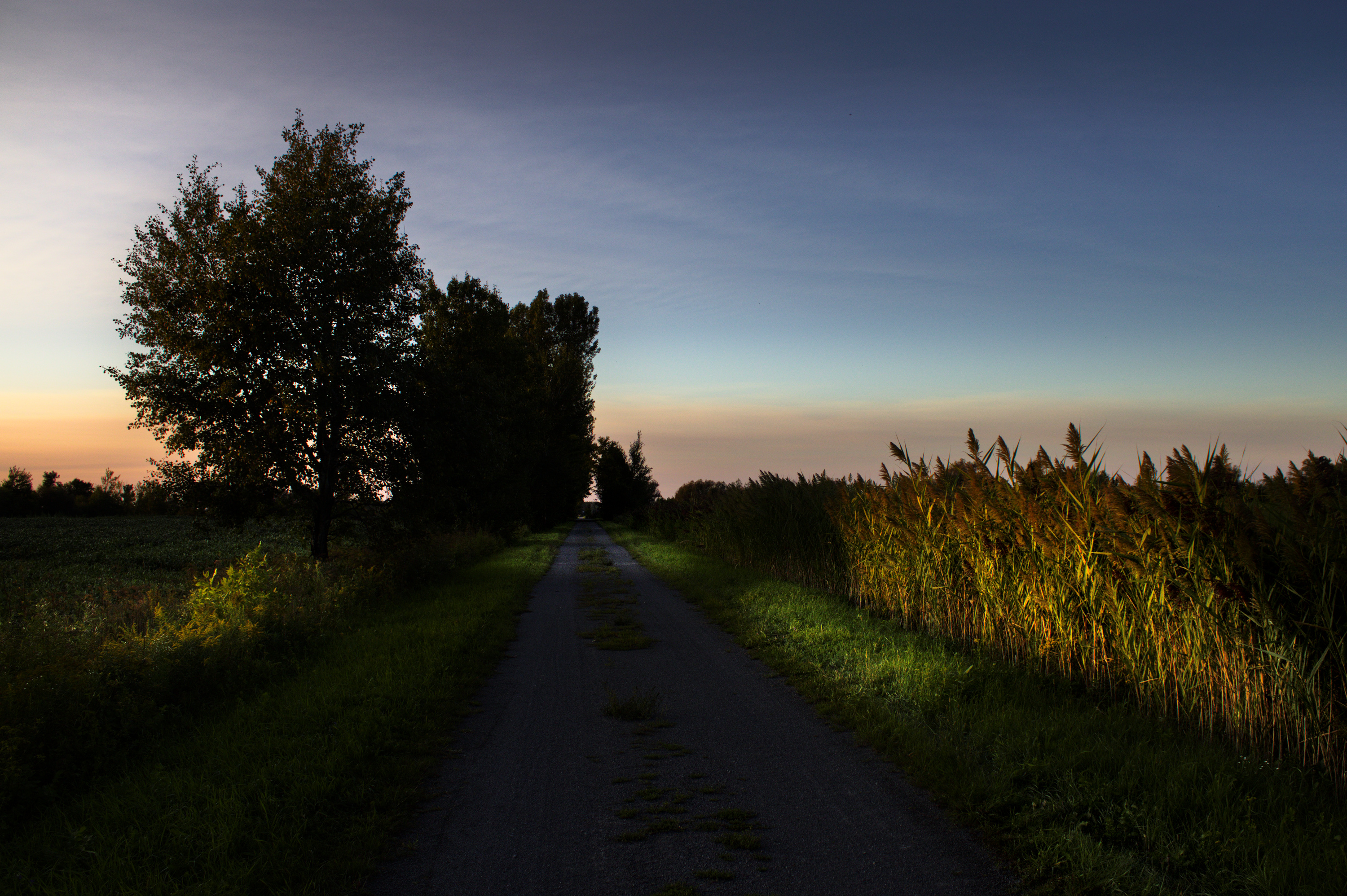
It was popular to add more exposure in the trees and the landscape, to enhance the colors and to pull some data out of these dark shadows, in the trees. Which was one problem of my original image.
This is steering my attention towards what people like to see in a picture, it’s useful to know.
IMG_0745-.CR2.xmp (10.8 KB)
ART 1.23
Tried to minimize the cyan hue shift above the clouds in the sky, neutralize the road a bit (although I don’t know its true color) and warm up the light hitting the trees and crop to the right.
Hello everyone,
I’ve used a few presets that go well with this photo. For the white balance (old module) I based it on the road and warmed it up with a preset from the “Colorize” module.
I also used lut 3D Ciel_Bleu.zip (6.5 MB)
Greetings from Gargas (France)
Christian
This interpretation is beautiful, pastel tones balanced well (my opinion).
Greetings. Roberto
Thank you!
This is really awesome, thank you all for participating. (maybe it is not over, we never know)
→ Very fun and instructive PR.

Tomorrow will be a rainy day, I’ll probably be here to look at some .XMPs, learning new tricks and maybe launching a new Play Raw with another image.
I have another RAW that I’m having a lot of trouble getting to my post-processing goal. This project is under preparation, I wish to give it a shot a second time. (actually it could even be the 4th time)
Used color to alpha (inverted first and then re-inverted) to bring out the shadows, but then did a lot of other tweaks for the final result. Didn’t want to overtly filter the sky. 
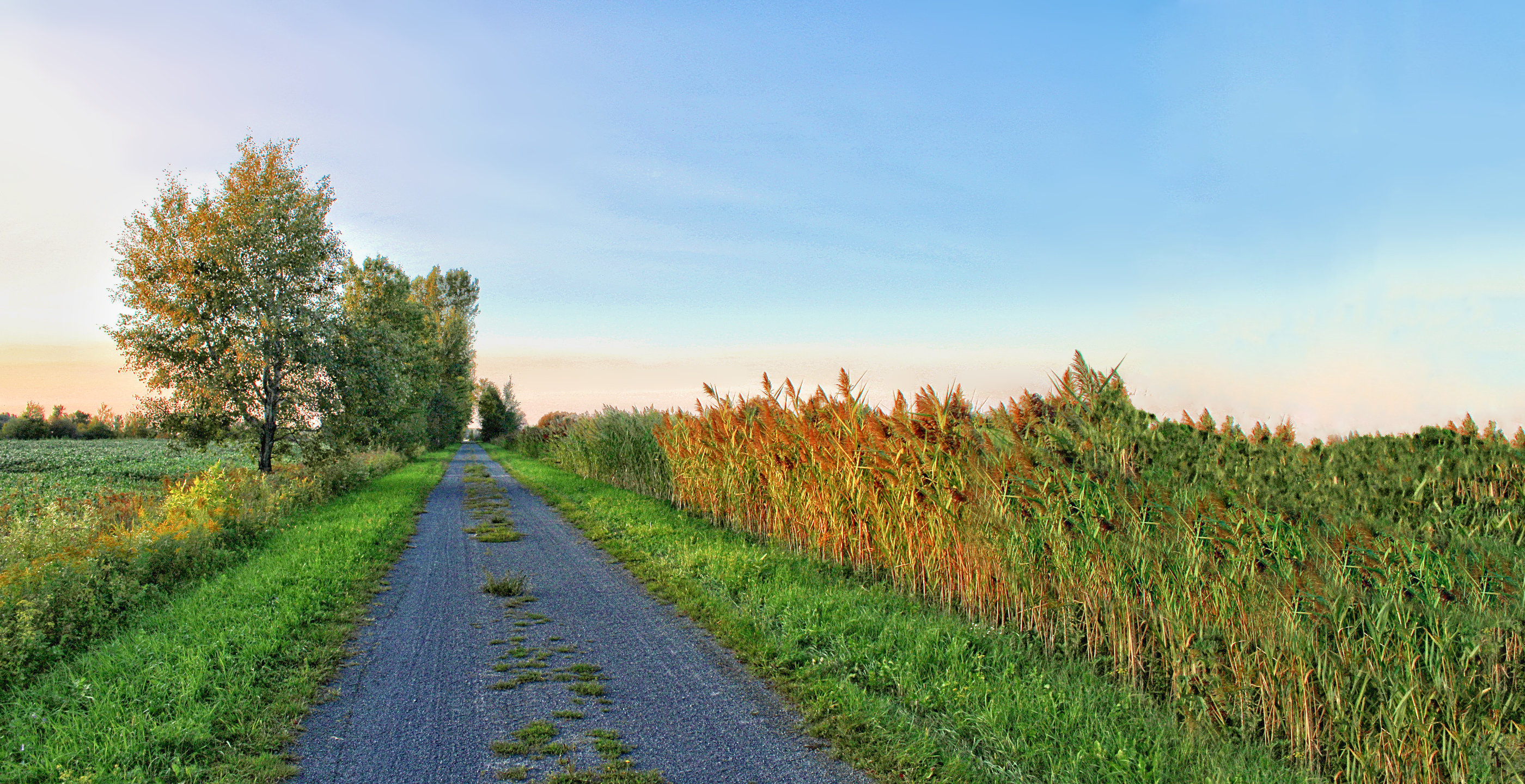
And why not try to widen it up a bit (with a lot of help from old school Resynthesizer). Yes; cloning and healing brush work as well (and that’s the messy stuff; not a bot for sure since my bet is a bot will do this a lot better; lol).
@MarcoNex Amazing version you came up with there. This is shifting my ideas in a new direction literally.
Thanks!