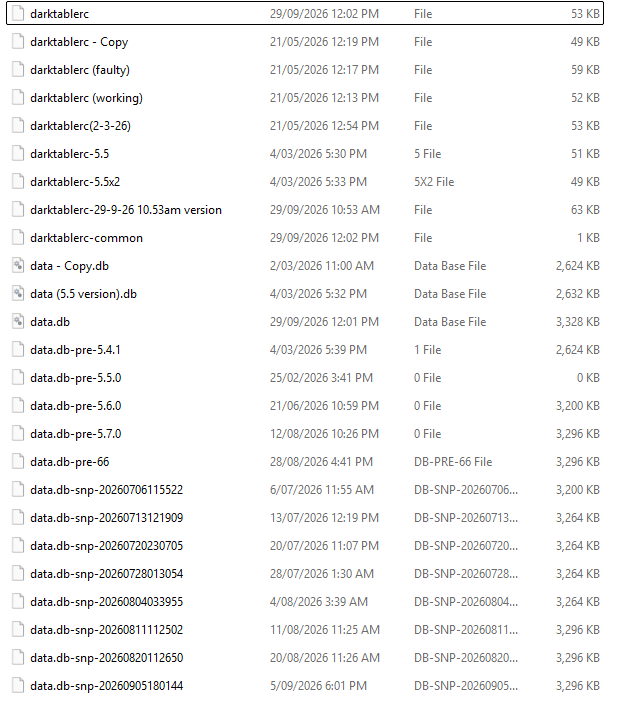
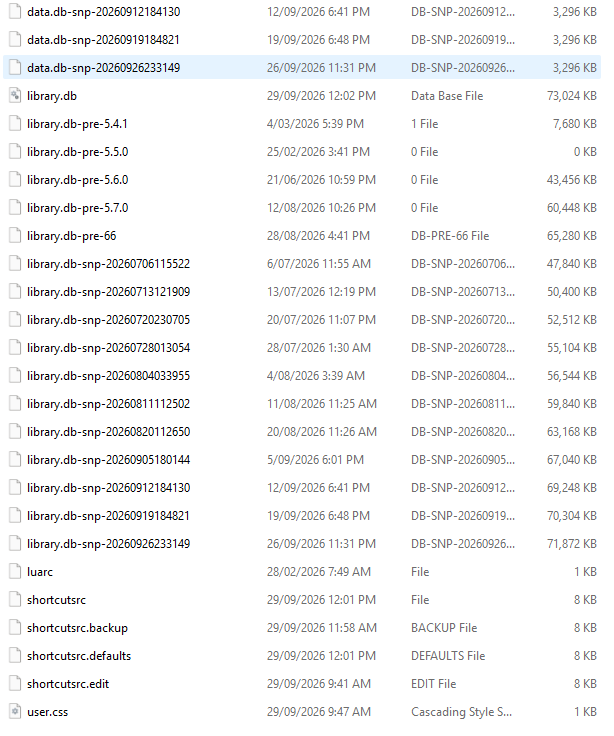
I just tried installing DT 5.7 again on my Windows 11 laptop and it caused DT 5.6 to crash and 5.7 crashed on startup as well. I identified a folder which caused crashing and renamed that folder so it would not crash the system.
But I uninstalled DT 5.7 and I want to delete any files of DT5.7 that may be left behind. Then I want to try a fresh totally clean install of DT5.7 following the guide posted a short while ago on this forum.
I presume the files I need to delete are in the AppData>Local>darktable directory. Any help or guidance much appreciated as I want to start testing DT 5.7 and using it as my editing version before the 5.8 release.
Thanks for the reply Todd. 5.7 was installed into own directory but was sharing the configuration file. My problems first occurred weeks ago and may have been caused by the highlights module. I figured that was fixed now so I would try 5.7 again.
reverting the darktablerc file to the version from 21/5/2026 got DT5.6 running again after I deleted 5.7.
I want to try and install 5.7 totally isolated from 5.6
Yes you should never let it use the same configuration folder that will mess things up badly… of course when you do a full upgrade and keep running the latest you are usually fine but to keep each running at the same time I would be sure to use --configdir and set it to an empty folder and I also turn off xmp for the dev version or any test versions if I have intentions of running something older concurrently …
You could have copied the config folder contents from the default install to the directory that you were going to point the dev version config to and then when you ran that with the --configdir pointing it there it would update and carry things over as if you were doing an install but it would preserve your default install…
I actually run every version on my machine from a custom config folder using a custom shortcut…then mishaps in the default config folder if they happen don’t cause much of an issue…
I feel I am asking a very basic question here but how do you create a custom config folder. Sorry for such a stupid question but I want to get this right.
It can be any folder. You point a specific install to it with the --configdir “folder” when you run it by modifying the command line in your shortcut. If its blank then the install will create clean default config files for you. If you as I mentioned above copied all your default files to that folder first before the install then they will be updated/converted during the install and carry over your settings…
I will give it a try in a couple of days. I am ready to abandon 5.6 and try the dev version for the rest of the year but have had some troubles with 5.7. Thanks
Creating the folder isn’t the problem, you have to point darktable to the separate directory at startup. See Step 2 of the Guide in the docs for setting up a testing environment.
The Windows installer for the current 5.7 snapshots has this feature built in. It will prompt you for the config folder you want to use and will set up the shortcuts to darktable.exe accordingly.
Thanks Todd and Mino. I will refer to this document on Thursday and try and install 5.7. I have never had much problem with dev version in the past but something is happening this time.
I installed DT5.7 with its own directory and configuration. It loaded totally blank as expected. So I decided to import the folder of playraw photos in DT and that process started but then crashed DT5.7. I can open this same folder in DT5.6 without crashing. Does anyone have any ideas?
EDIT: So I cleared the local AppData for 5.7. Restarted 5.7 fresh again. I imported a folder of images which have previously been edited in 5.6 and/or earlier. Again it crashed.
Again cleared local AppData, restart 5.7 and again imported this same folder of images but with xmp files removed from folder. Pictures imported and can be edited. One happy DT5.7.
But why are my earlier edits upsetting DT5.7? Any ideas?
Second Edit: Using DT 5.6 I got another small folder of images, cleared history stack from all, applied a editing style to all. When I imported this folder into DT5.7 the edits were fine and no crashing. These experiments of mine suggest to me there may be some backwards compatibility issue.
I have never had this problem before. You could try importing the raws+xmps one by one to find the problematic one and share it here so we can try to reproduce.
Or work by bisectioning: import half of the range including the offending files, if that works, use half of the remainder, etc.; until you hit a crash. Then start again, but with half of the range that caused the crash.
Which is faster depends on the number of files involved…