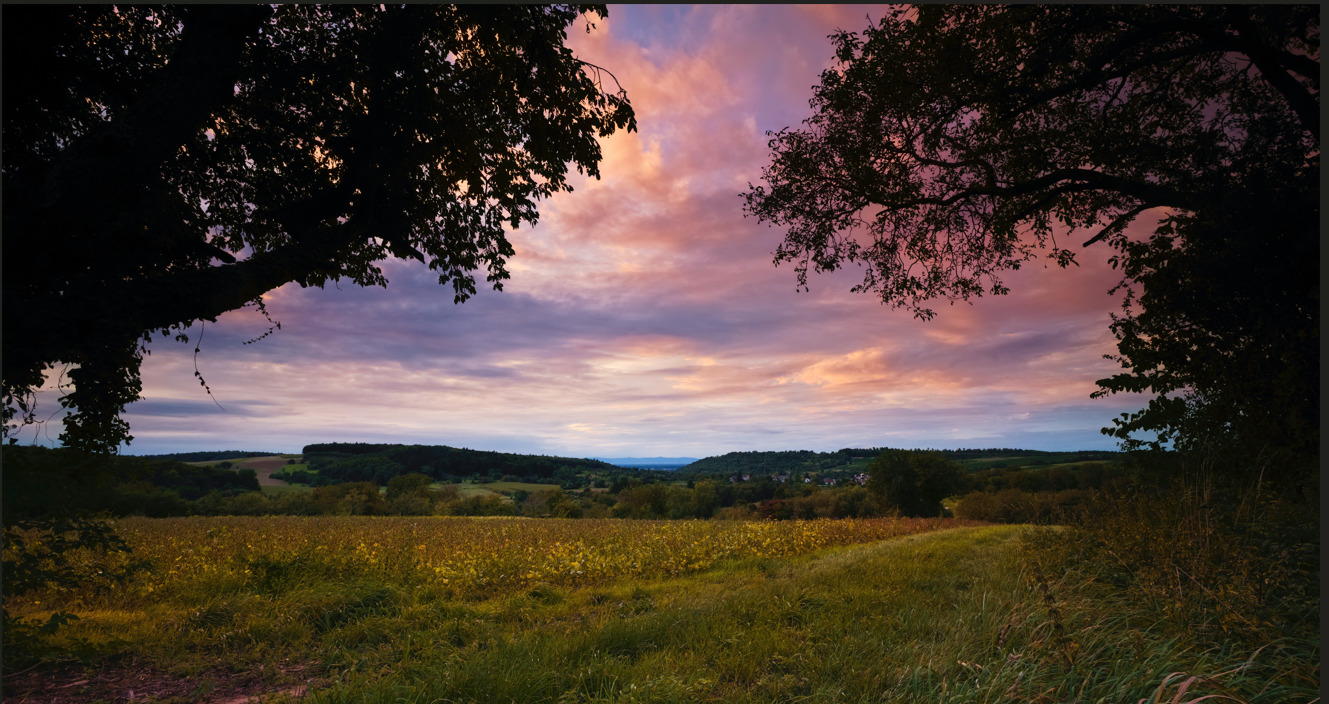
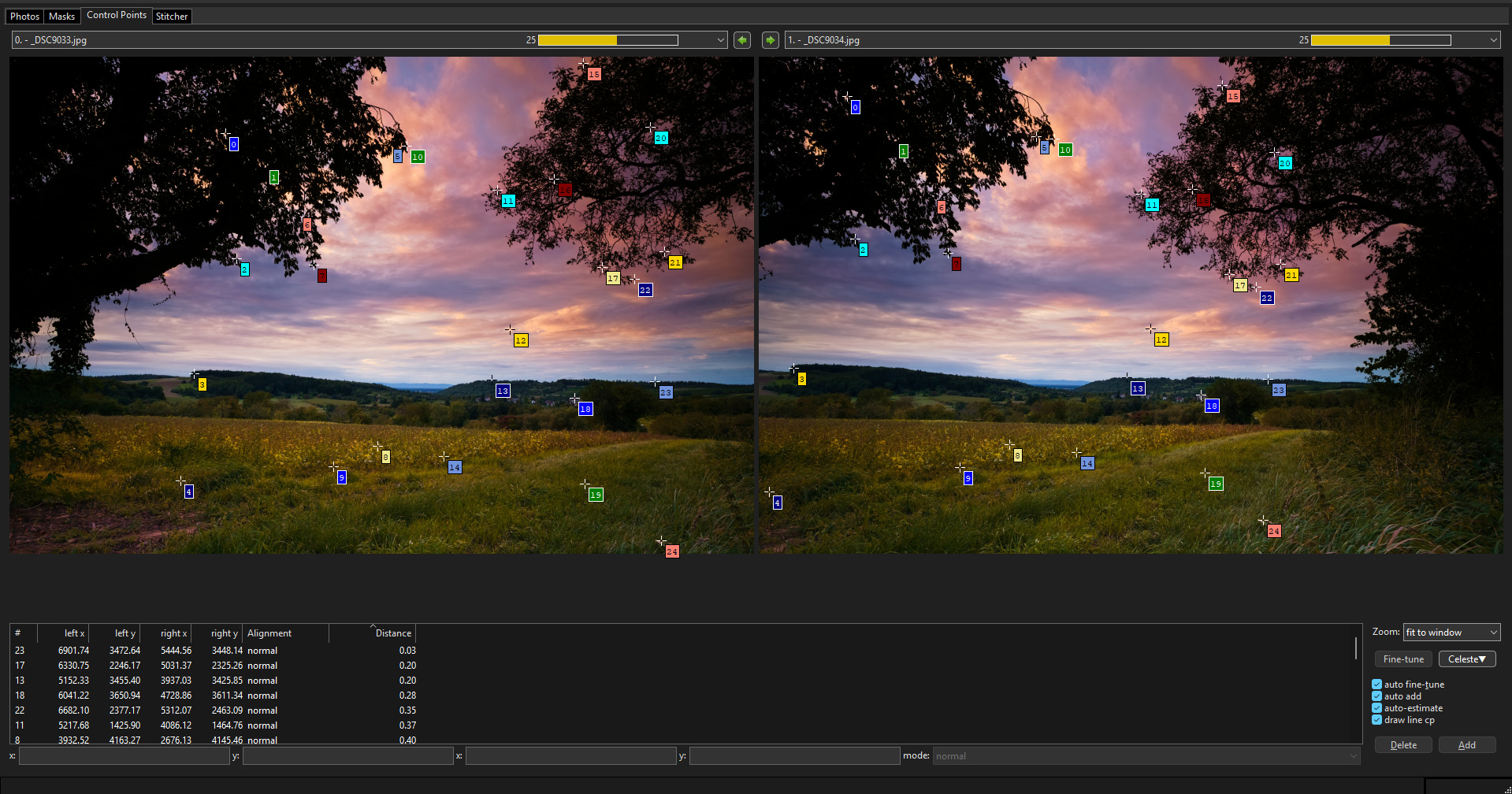
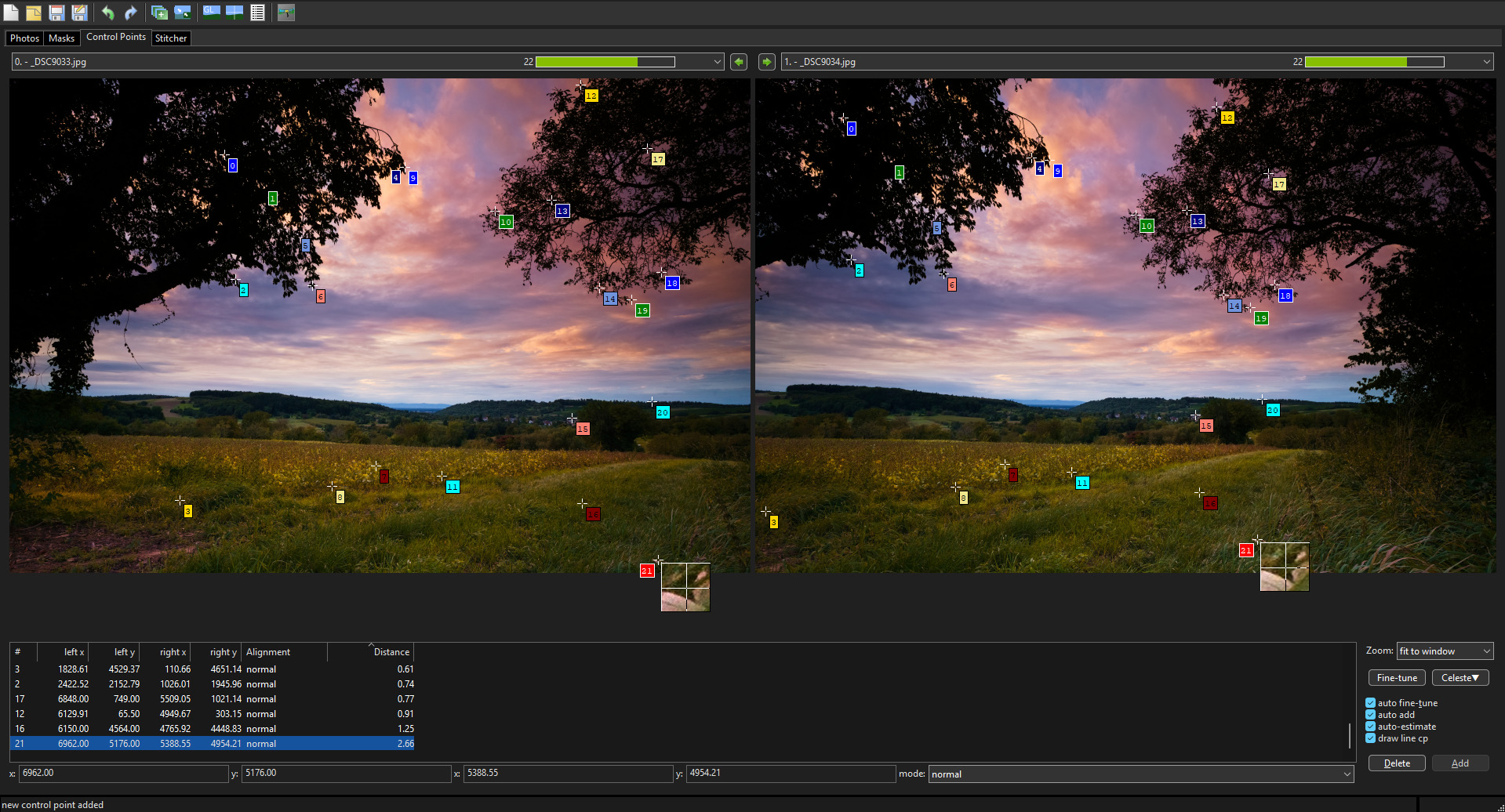
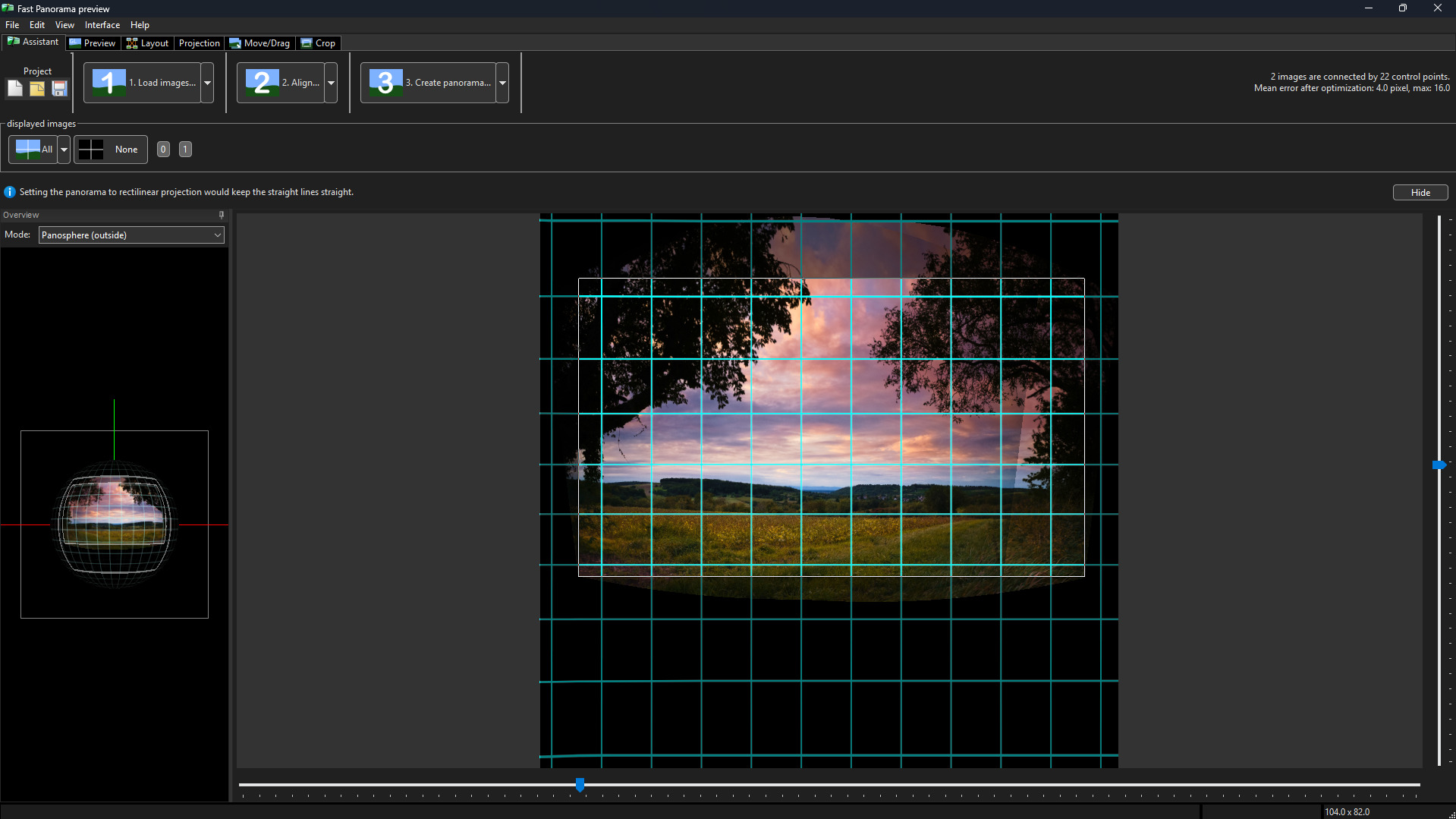
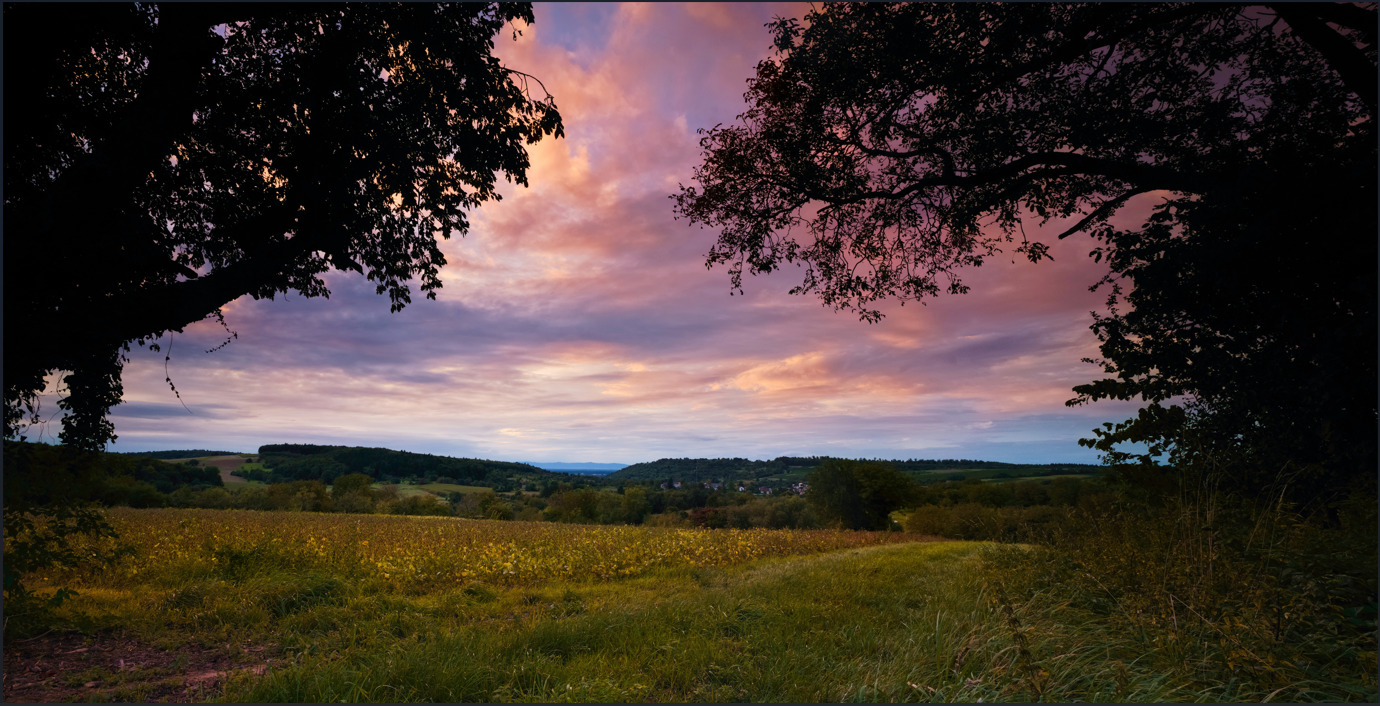
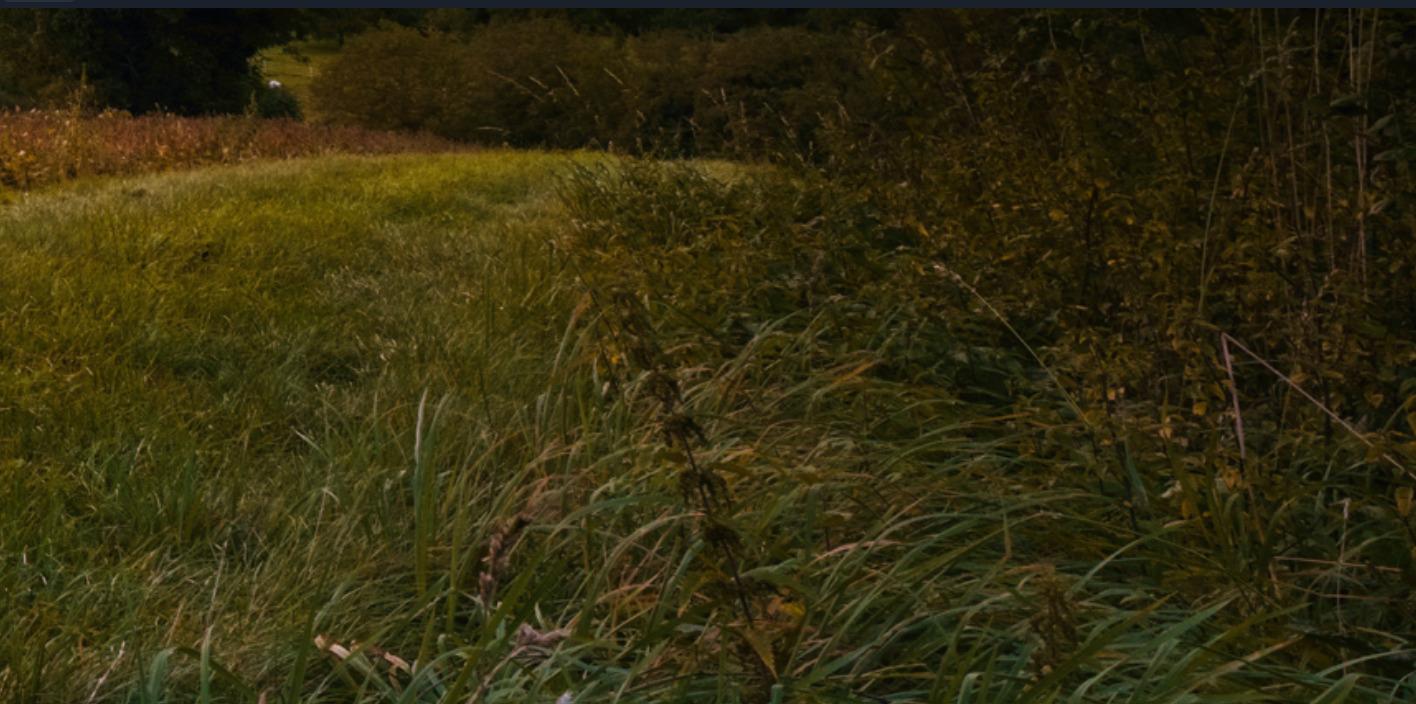
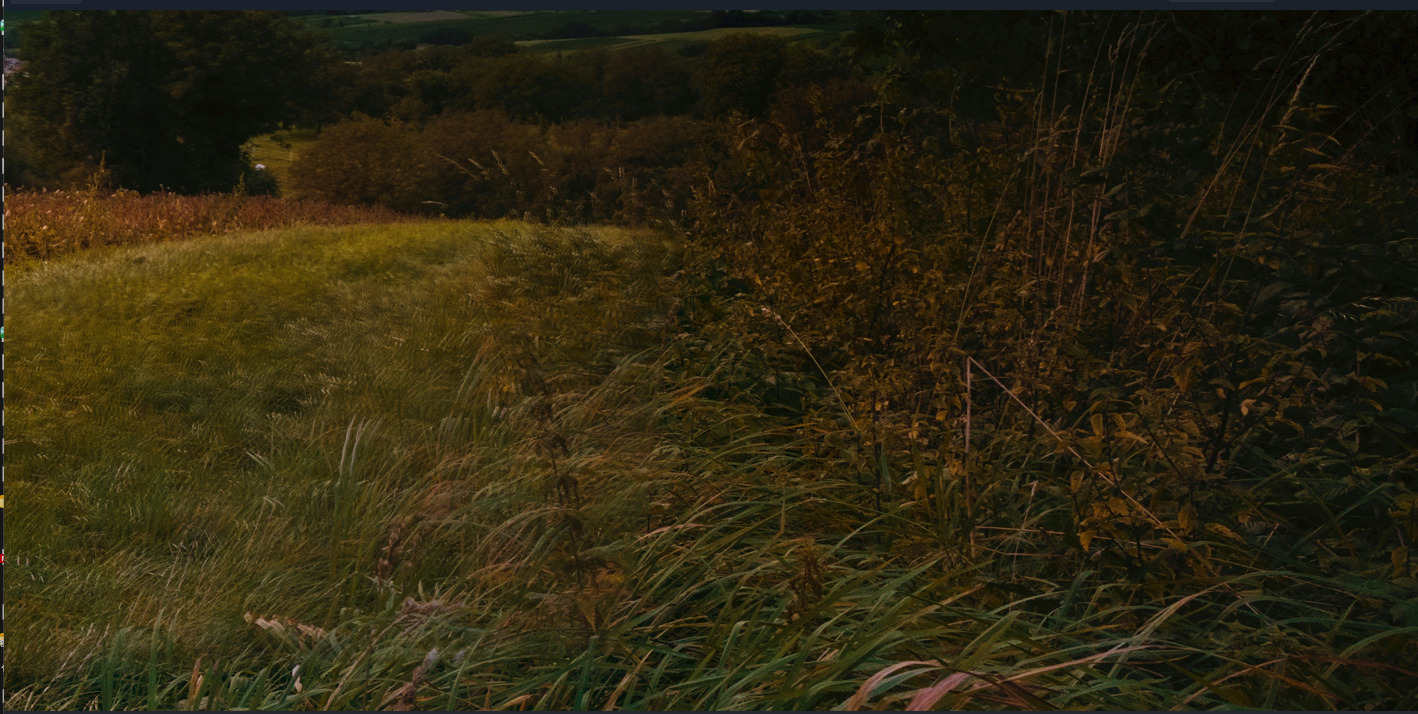
I am having a problem stitching two images with Hugin 2025.0.1 on Ubuntu. In my opinion the two images overlap sufficiently but I cannot make it work. I believe the problem is that the mistakes of points is very high. I have uploaded the two original images here:
I actually like Hugin very much and would like to understand what I am doing wrong and learn how to use it properly.
Could someone have a look and tell me what I am doing wrong with Hugin, or which settings/control-point strategy I should use?
As you don’t tell us what you did, I can’t tell you what you’re doing wrong.
You can check the indivual control points in the corresponding tab. It’s not that rare that a few are badly placed, and show a huge error after initial fitting. I usually just delete those (if thre are only a few!).
The exact settings for “optimise” are also important, if your images are taken handheld, you may need to fit on more parameters.
But again, as you don’t tell us what you did, I can’t tell you if and where you went wrong…
I took this photos with a tripod. I use a 21mm lens. I do not think there is parallax here. So I am optimizing position with anchor. This I believe it is the correct setting.
Most of the points are quite wrong. Depending of what I try in terms of projection, they can be very wrong of less wrong. But average can be 100.
I had Hugin installed from Flatpak. I uninstalled and went for apt package. Just to test different things.
I was able to get a very good picture removing just a couple of points.
I run my test again and got a terrible one. After a while I found my pictures have focal increase factor 2.
I was not asked the second time to provide this data. The first one yes. I look at this to check after reading your input, were you mention this factor.
I have had not the issue with the weeds. For me was the tree left that have ghosts.
No idea how hugin works. But I have the impression that results are not repeatable between two trials.
same thing here i think that probably need to be fixed maybe someone here knows a dev that can look into that becaue i’d assume that that is wrong (especially when in the metadata there’s this FocalLength35efl 21.0 mm)
i don’t know but i would assume that it shouldn’t be random on those things but yes i also had differences like that between runs and i think that it might be because of slighly different settings and or control points
I think I can repeat now the results, from one trial to the next. Very probably the factor 2 is a problem.
Otherwise I have a question. If I import the images, create the points and optimize them I obtain a (fairly good) error in the points.
If I then change perspective nothing happens. After recalculating I get the same errors in the points.
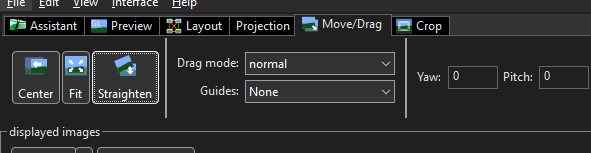
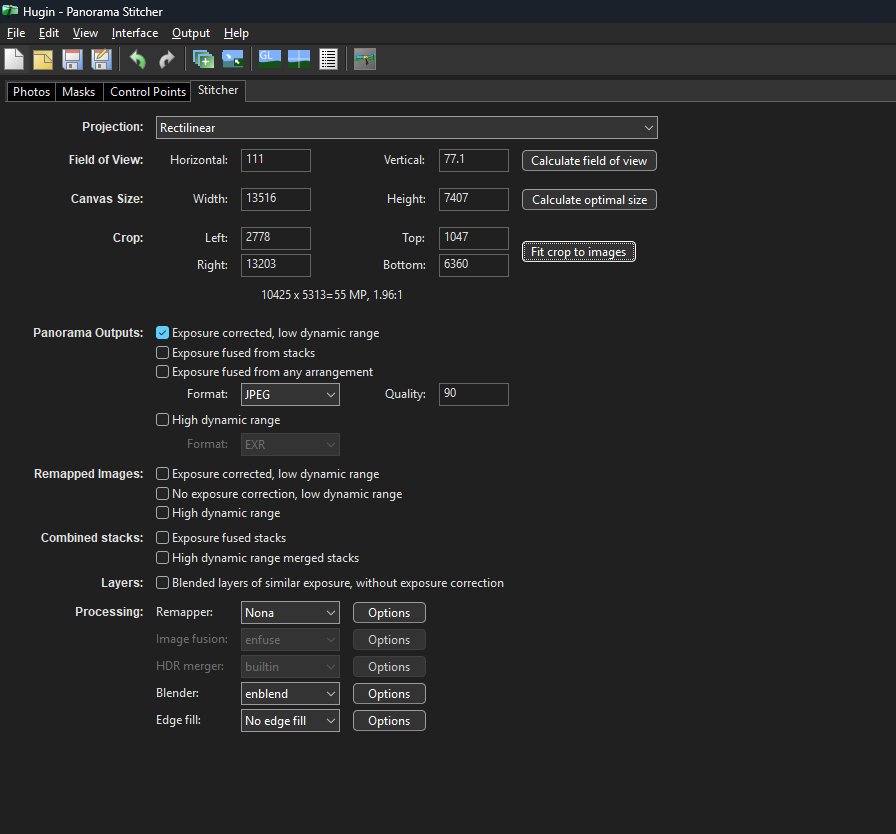
If I straighten, recenter and crop, and then rerun the calculations of the points I obtain a worser error. I can live with it but it increase by a factor 3.
My question is. Should I recalculate after aligning and cropping? or should I simply retain the previous values and go to stitching?