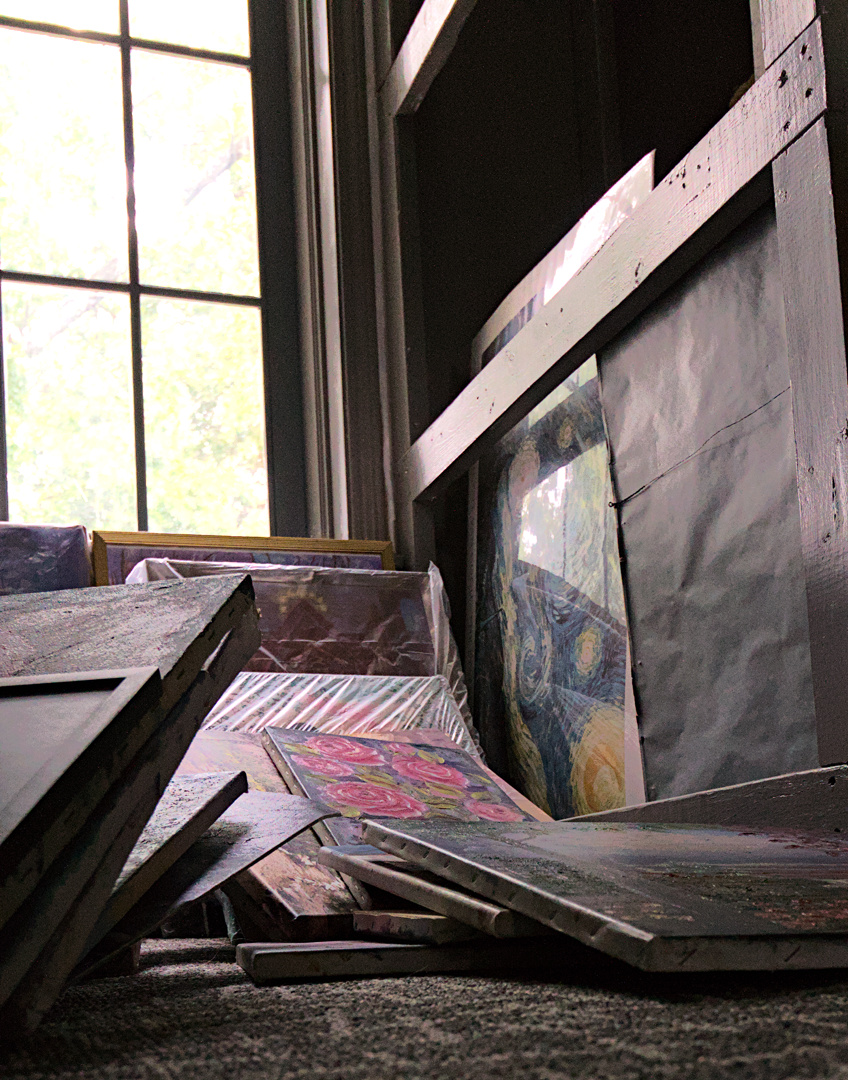
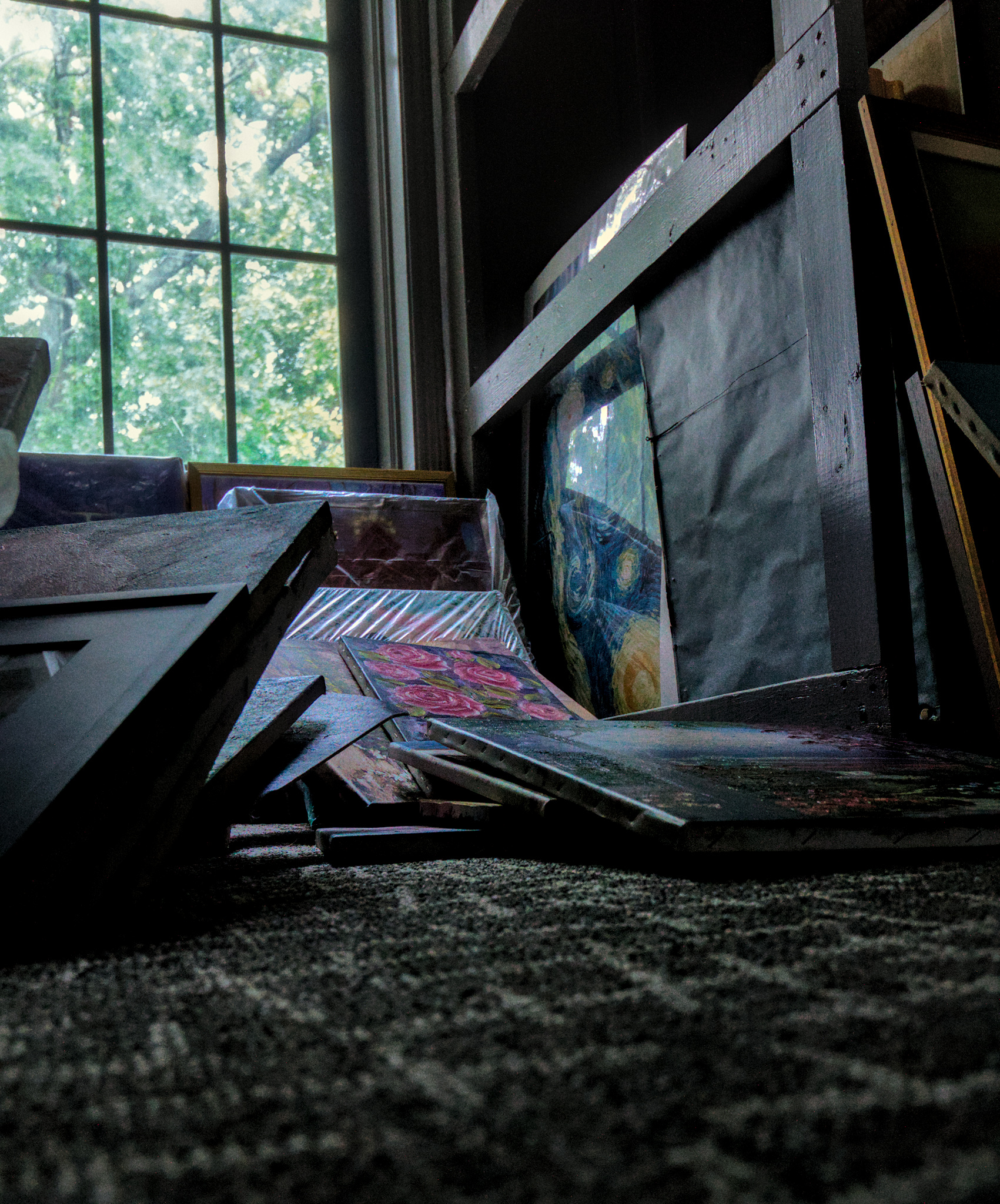
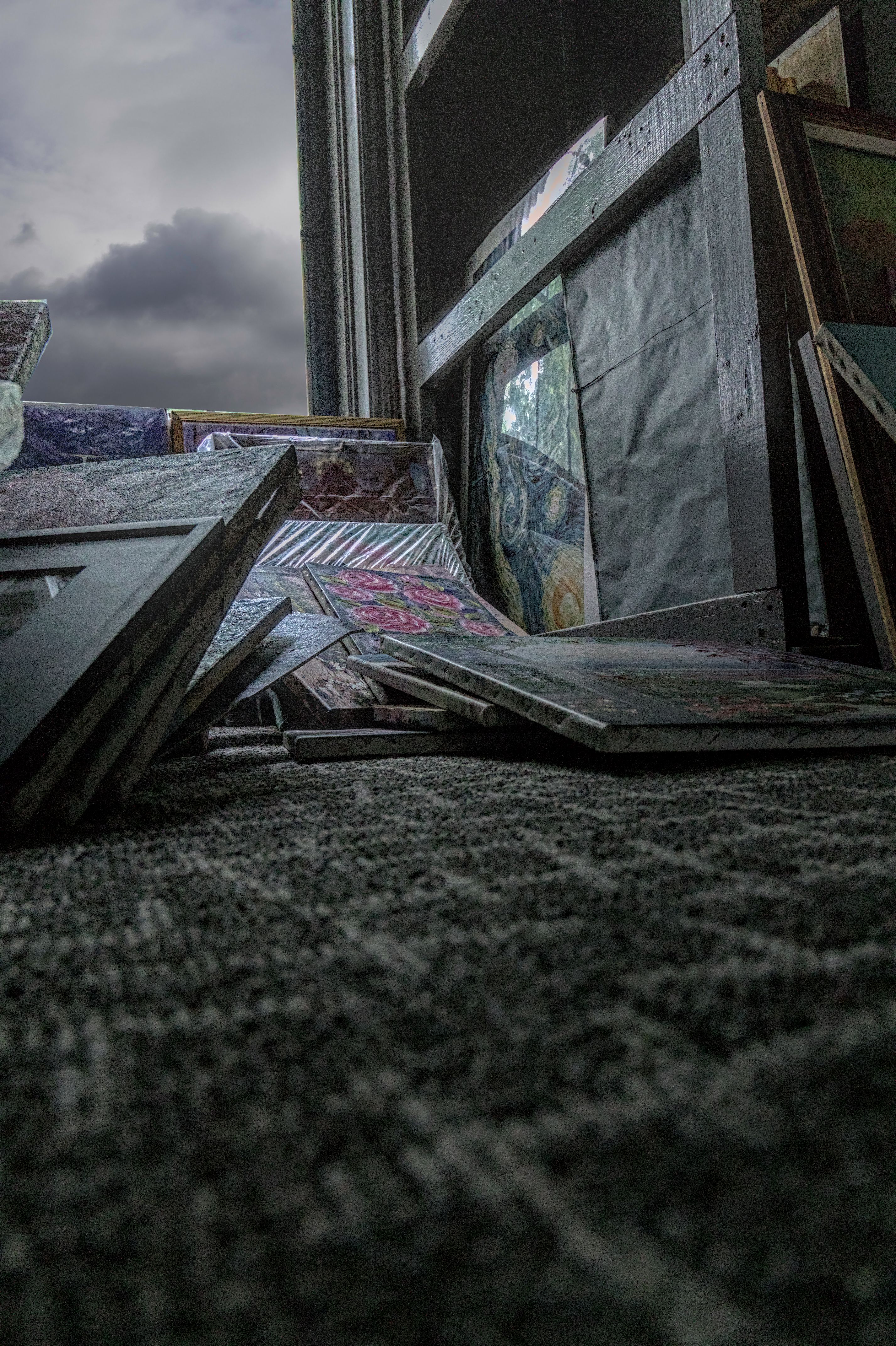
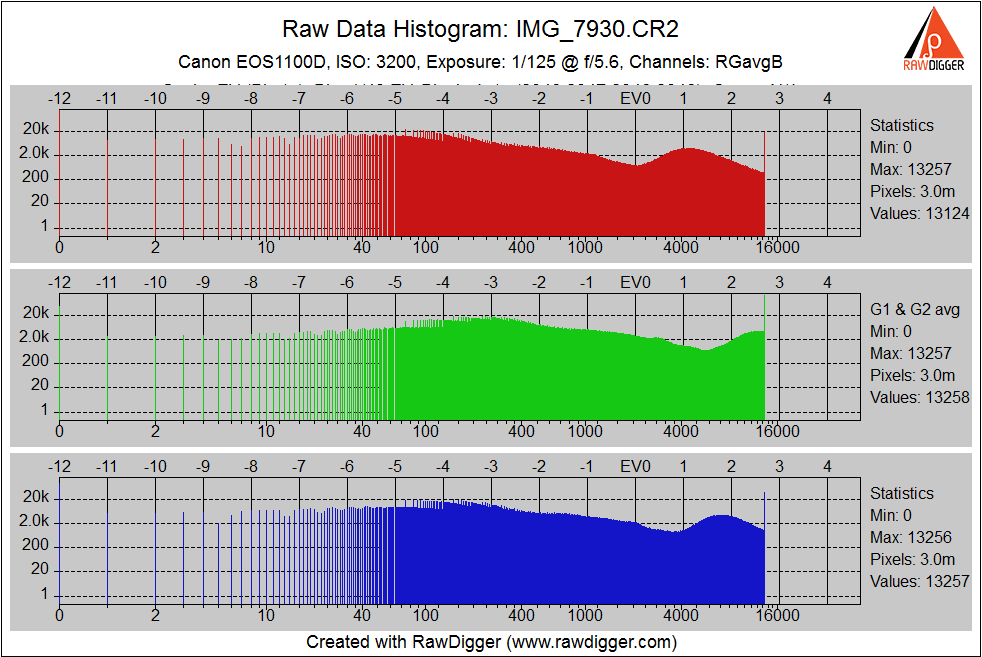
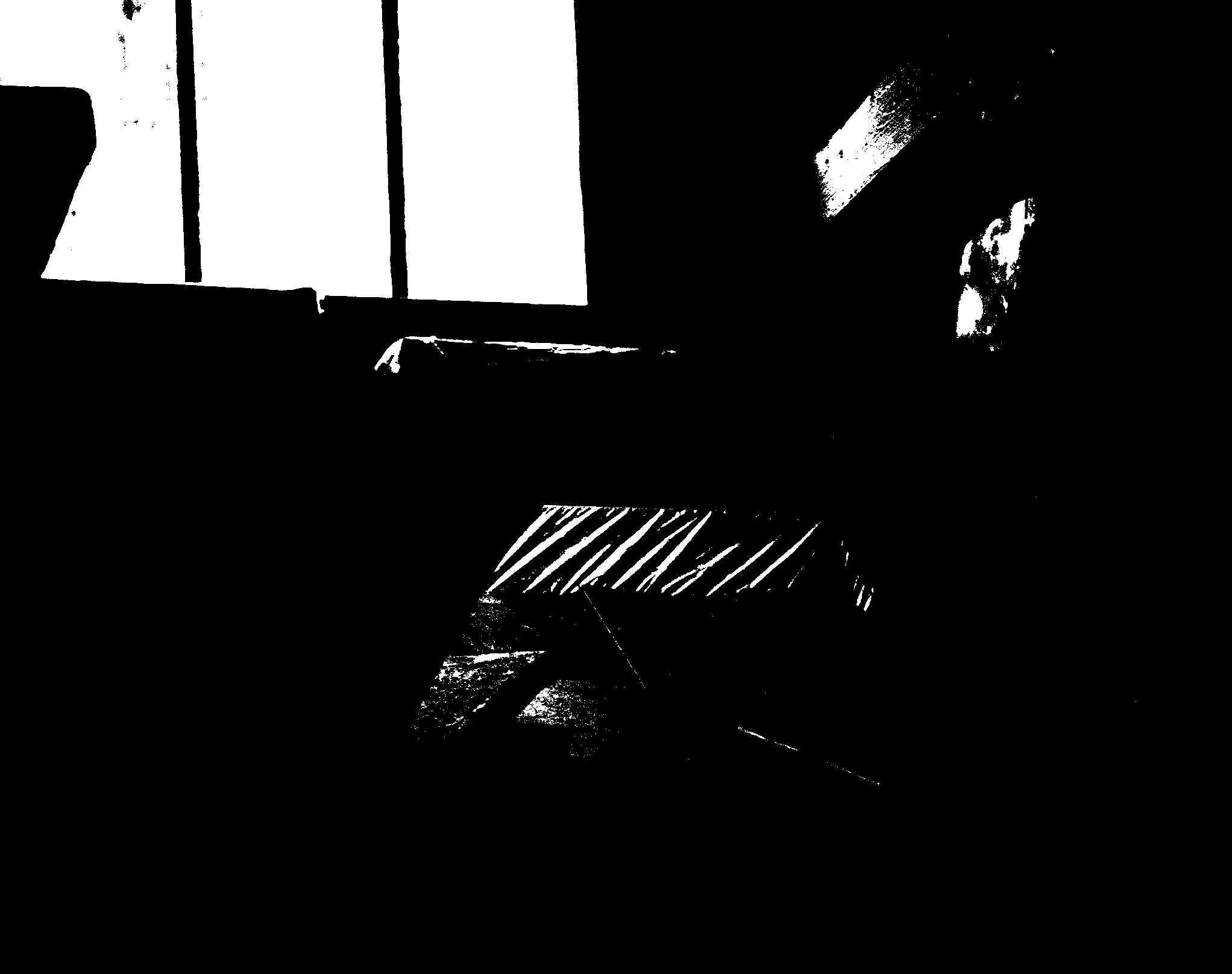
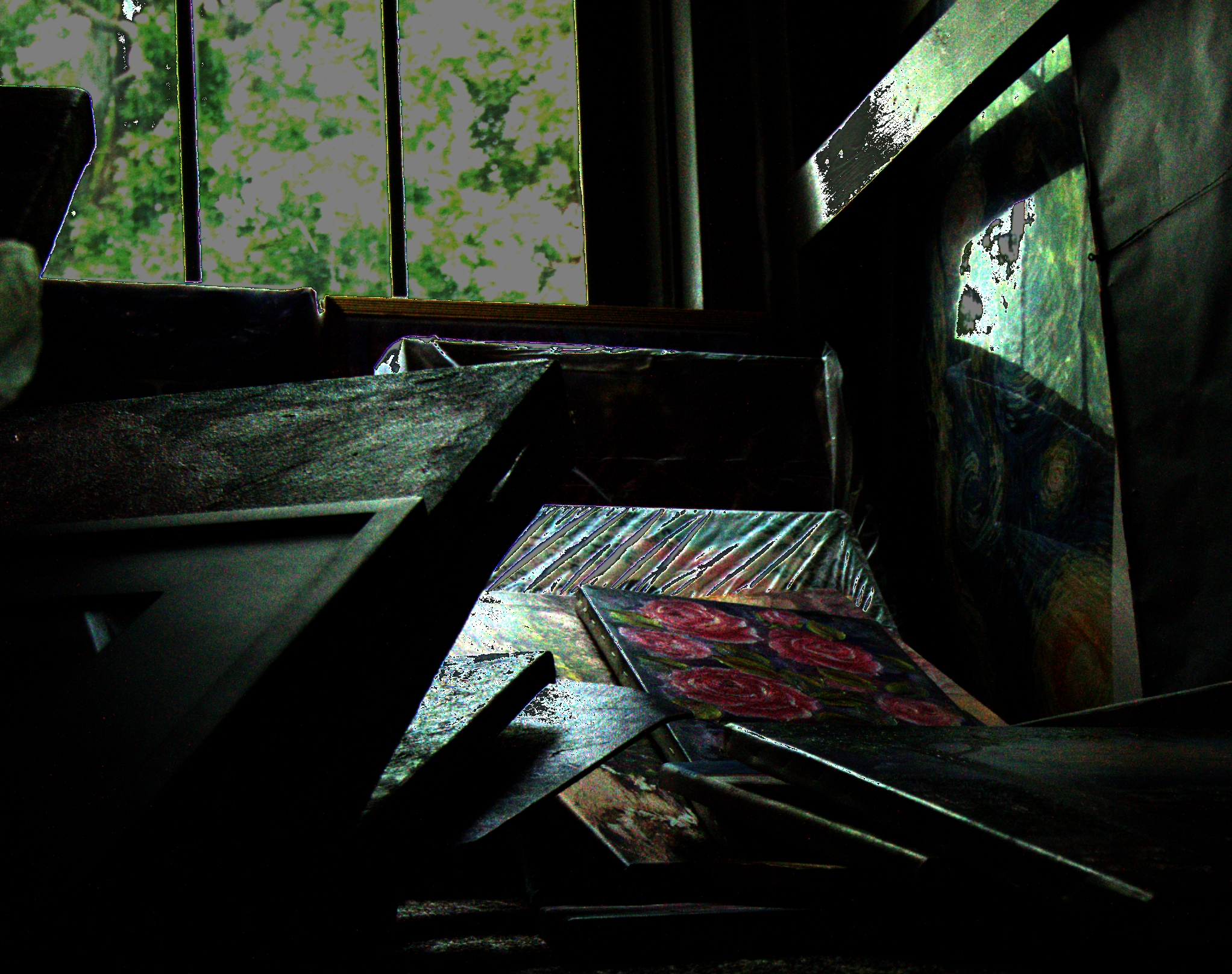
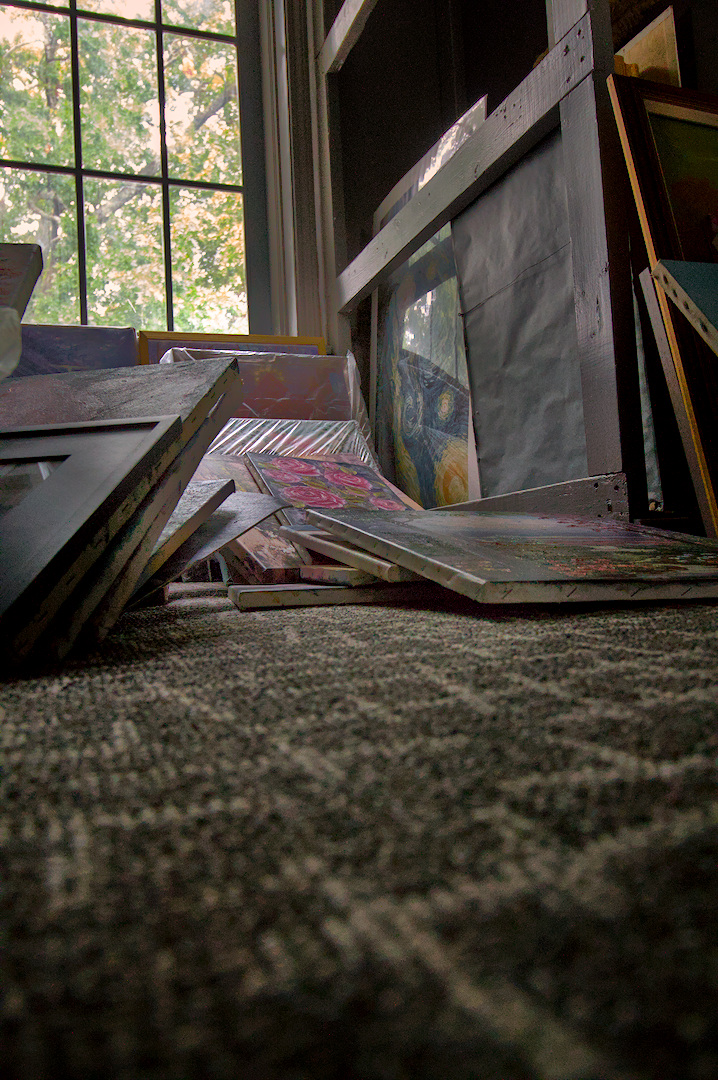
Could use some help with this photo. Shot in the attic of an art museum, I’ve worked a bit to get the focus on the painting of the flowers. still a bit of a work in progress. However, the sun was so bright coming in that I had a lot of whites blown out so I used a bit of filmic to tame what’s seen in the windows. I want to print this on 11x14 but I’m afraid of how bad those window panes with the trees will come out. Any ideas?
I’m afraid your understanding is wrong. filmic maps scene-referred data with values over 100% of screen brightness to max. 100% screen brightness. Naturally, it reduces highlight contrast, and it also ‘darkens’ highlights.
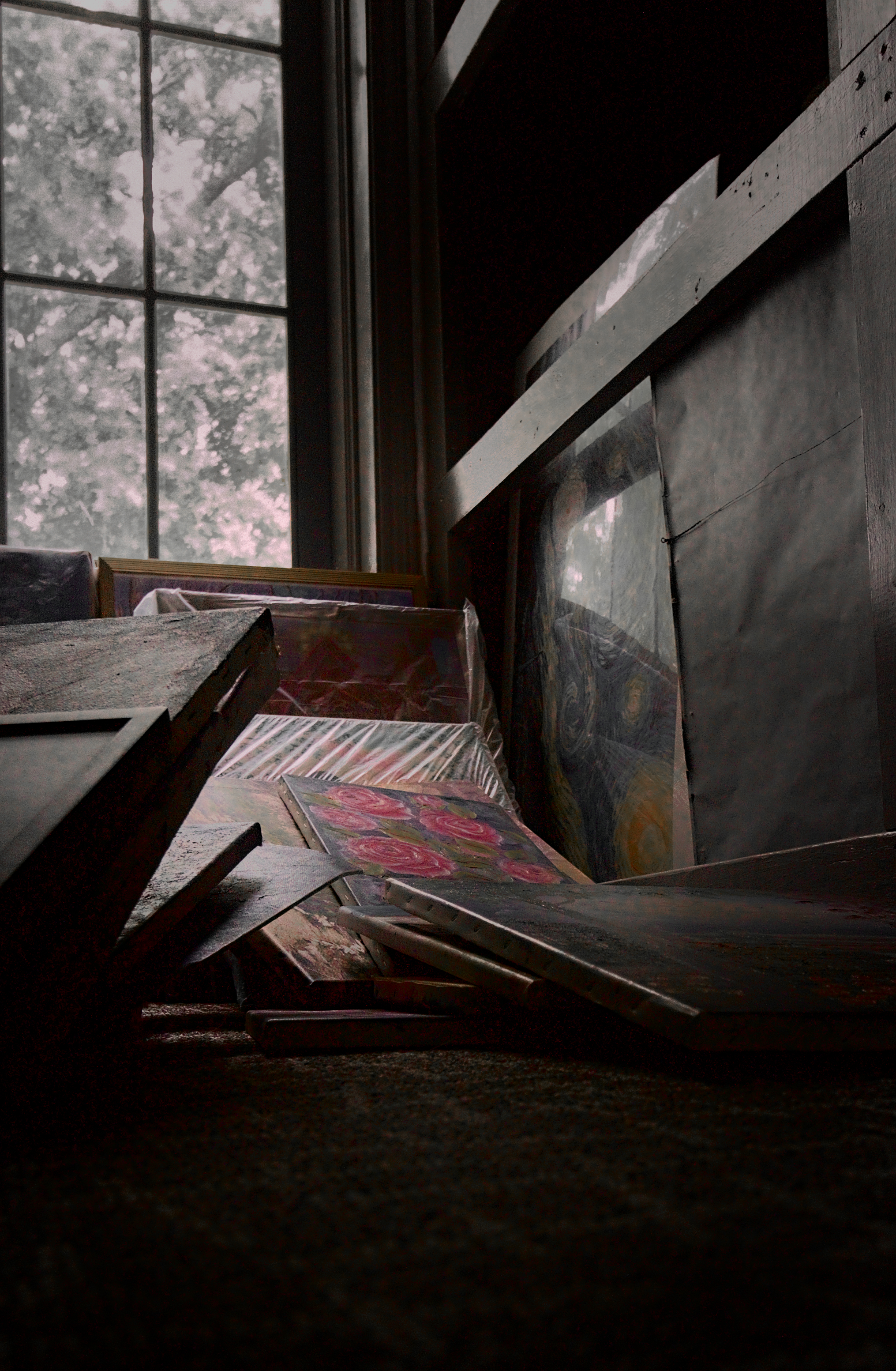
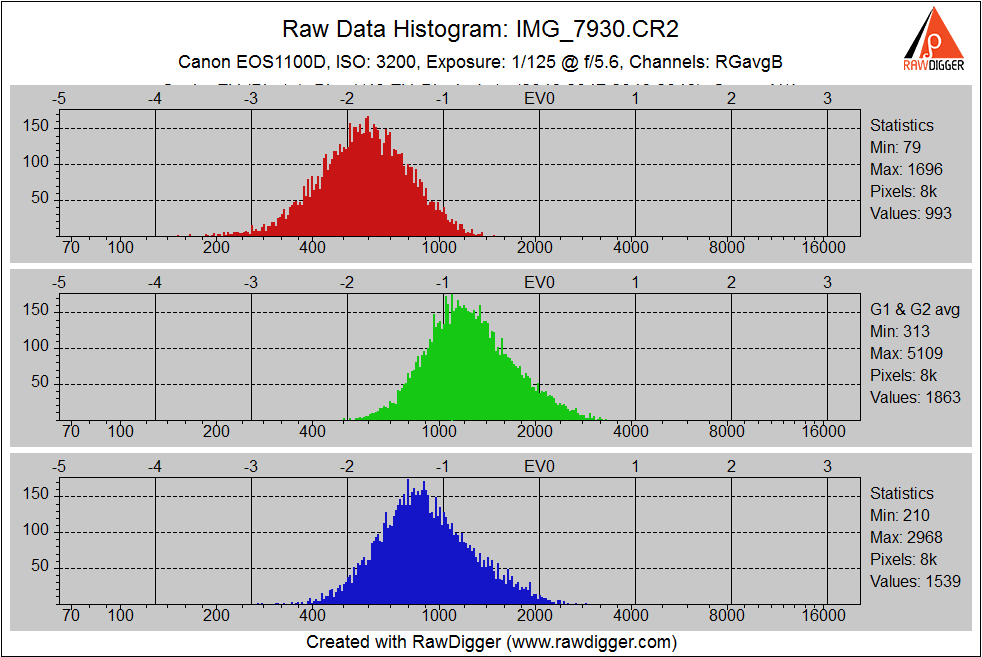
This is just a quick attempt using Sigmoid instead of filmic. I will try filmic later. The secret to my approach here is to adjust the exposure to optimise the highlights of the image. I then use various modules including tone equalizer, color balance rgb, shadow and highlights and a second instance of exposure to recover the shadow details. I would not try to recover shadows in a single module. So my approach in editing and even shooting in the camera is to take care of the highlights first and then recover the shadows. There is more I could do with this image, but I was rying to show that there is hope for your window. IMG_7930 (1).CR2.xmp (16.0 KB)
Sounds like you want a (drawn) mask to separate the window from the rest of the scene.
Once you have that mask, one option is to use it to set a separate white balance for window and interior (with “colour calibration rgb”; that would help getting rid of the magenta you have now in the highlights, while keeping some colour there).
You could also selectively change saturation or exposure, etc, once you have that mask in place (bonus: as the cross in the window is almost black, you can safely include it in the mask area for most changes!).
I would keep the window overexposed. Otherwise, the scene appears somewhat unnatural.
And definitely no “dramatic sky” . That distracts too much from the main subject.
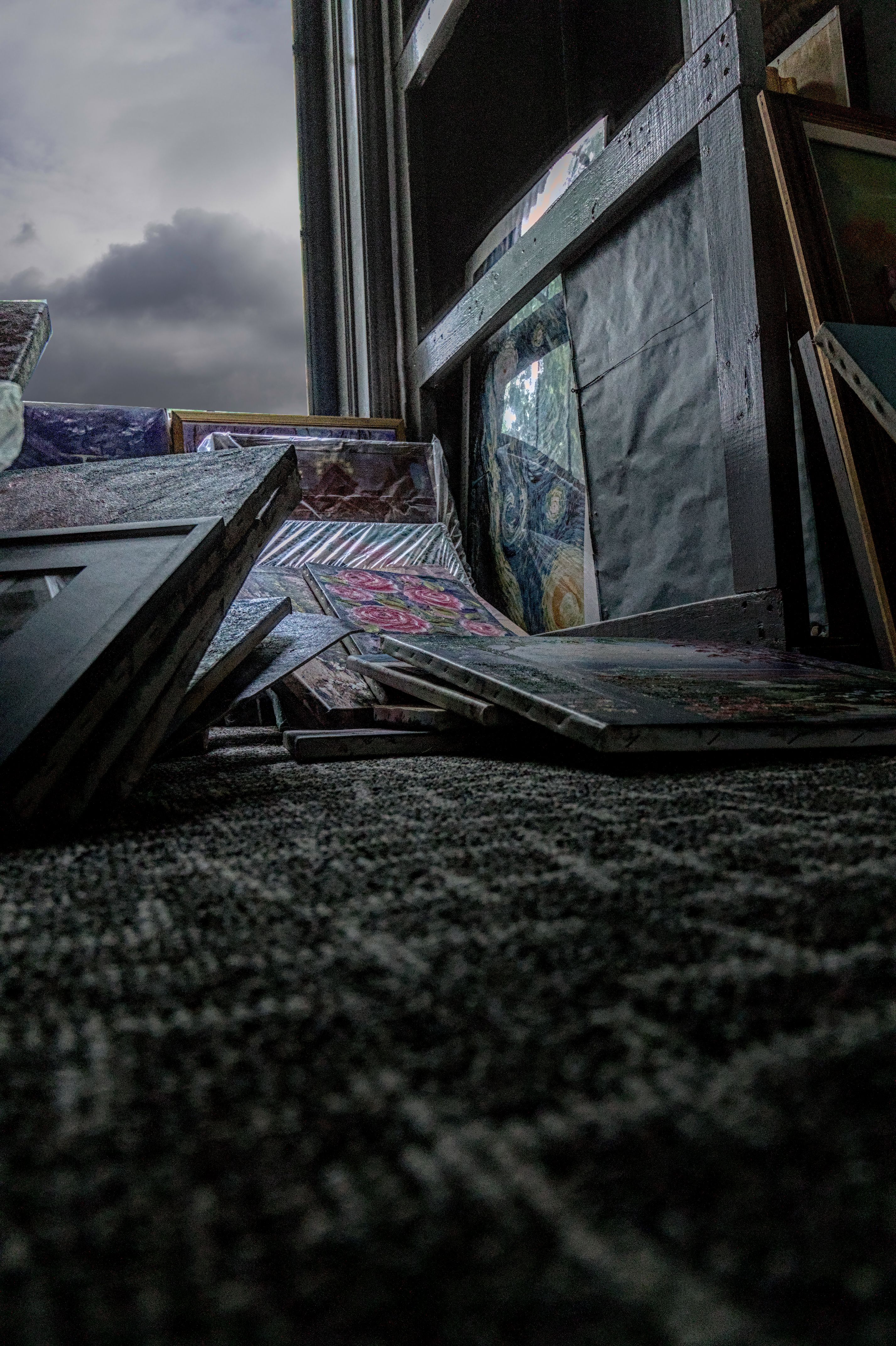
 . That distracts too much from the main subject.