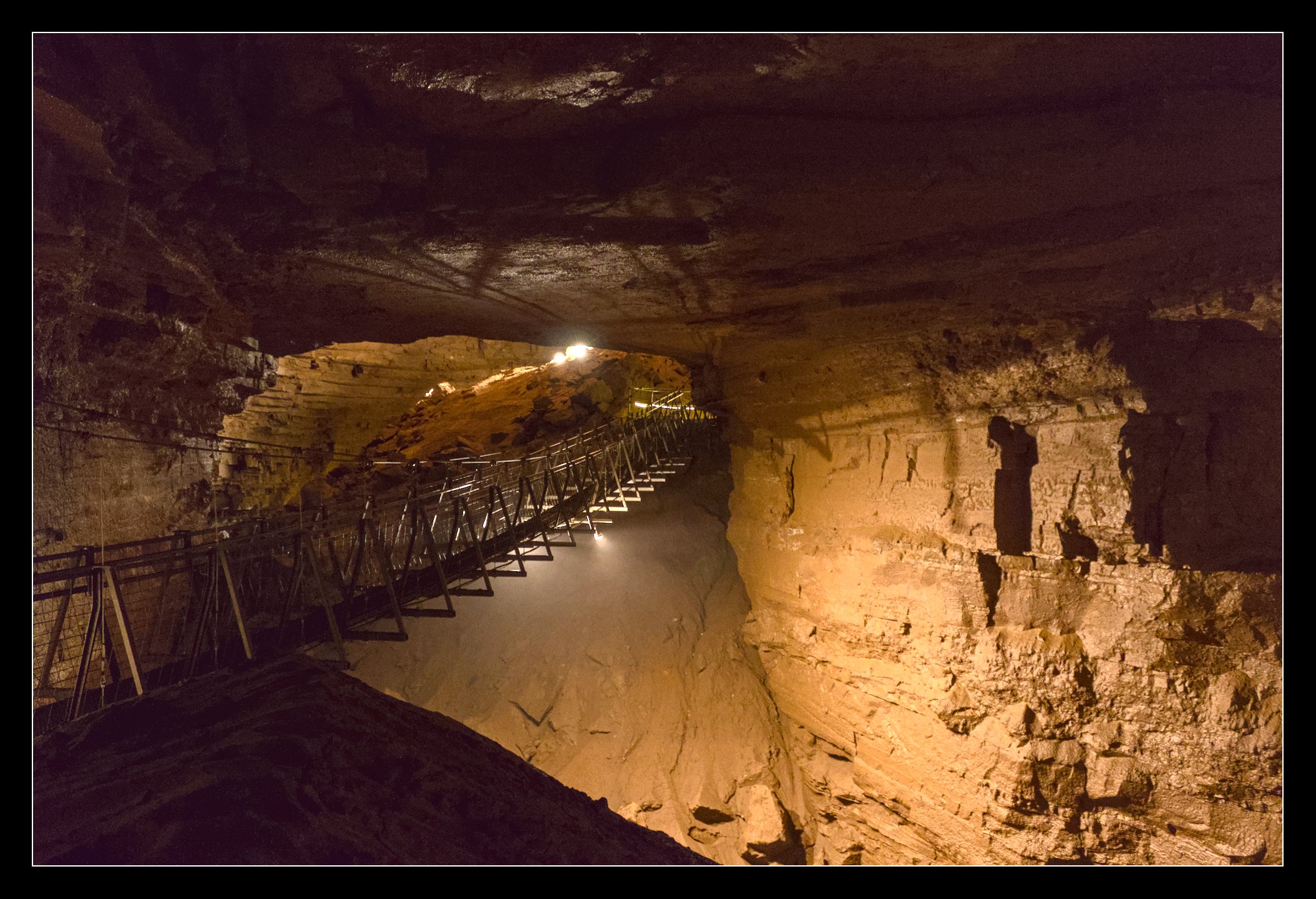
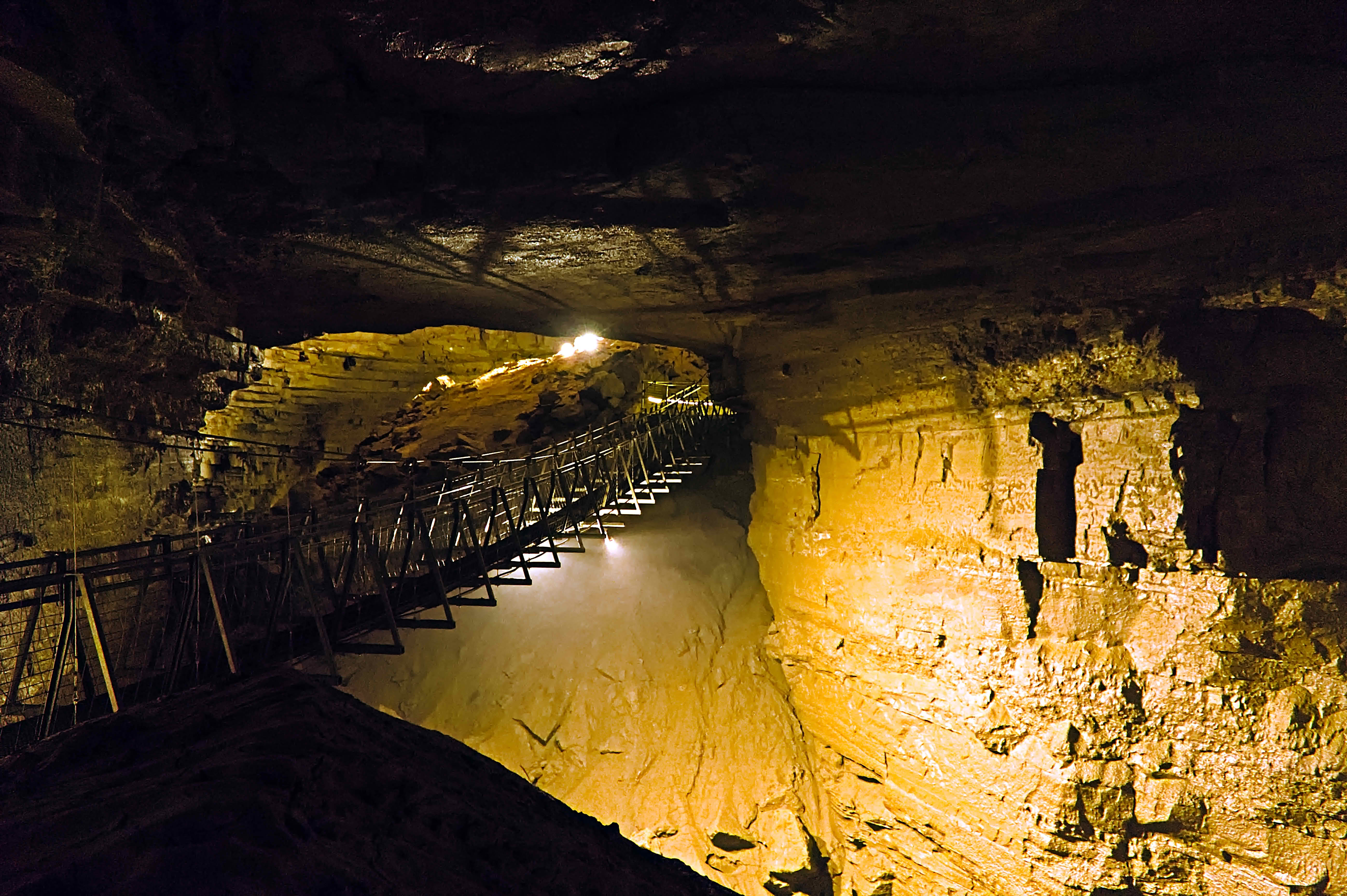
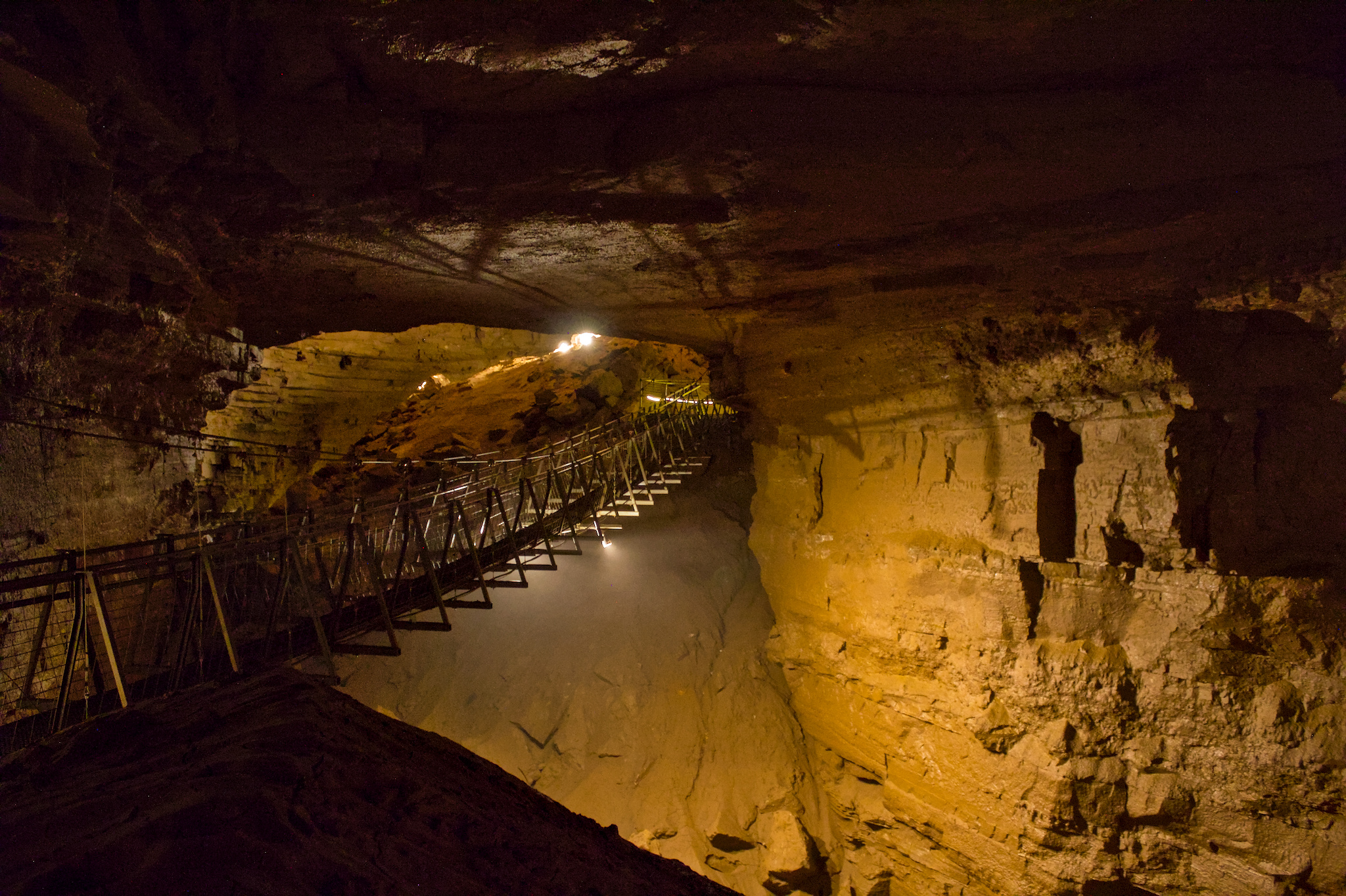
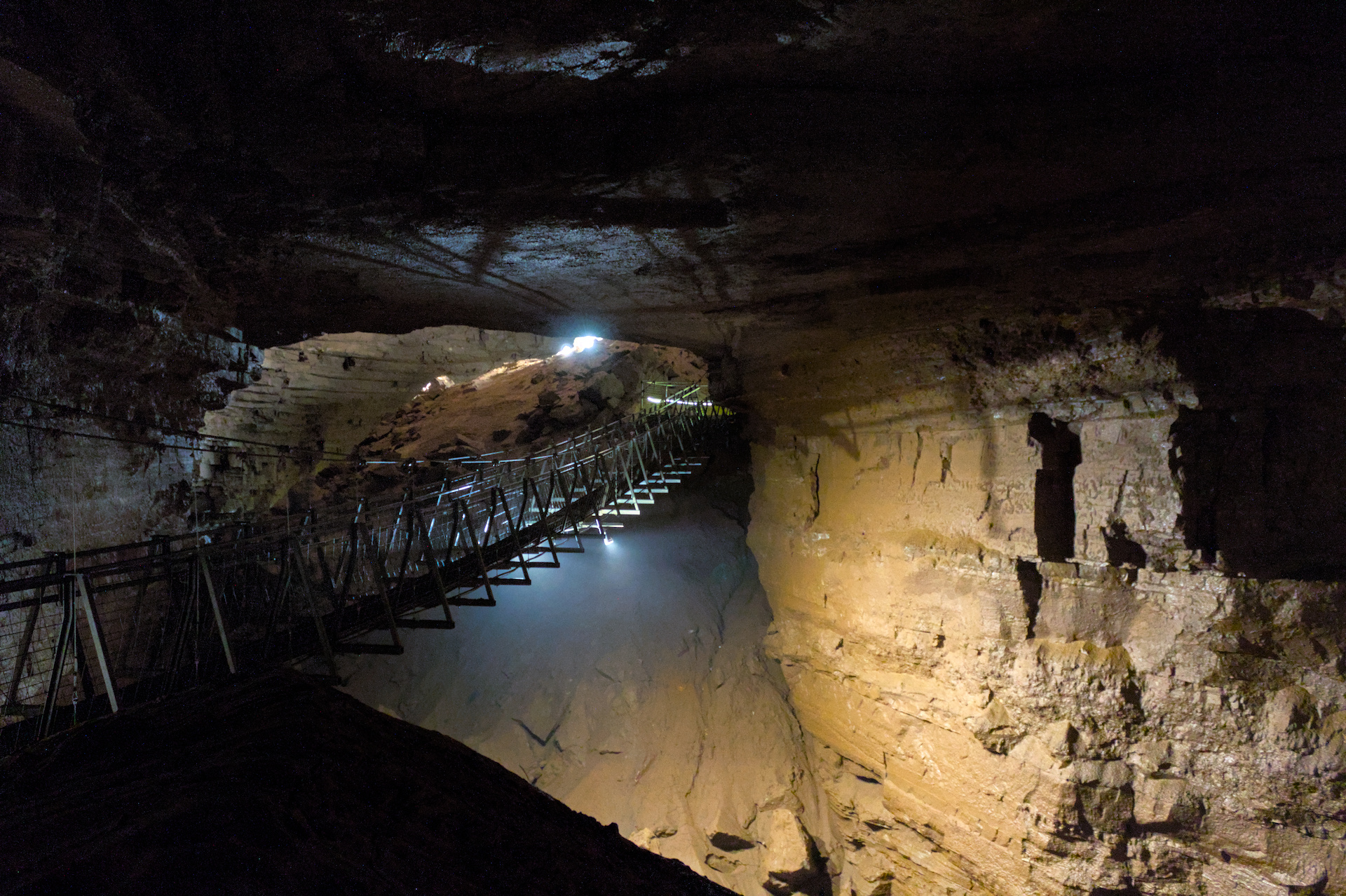
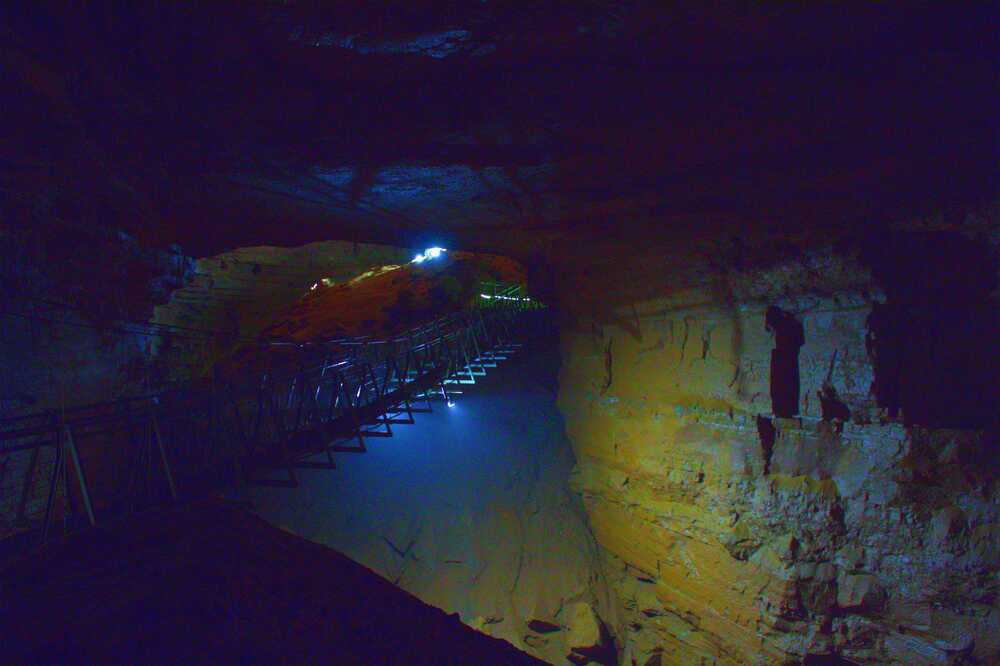
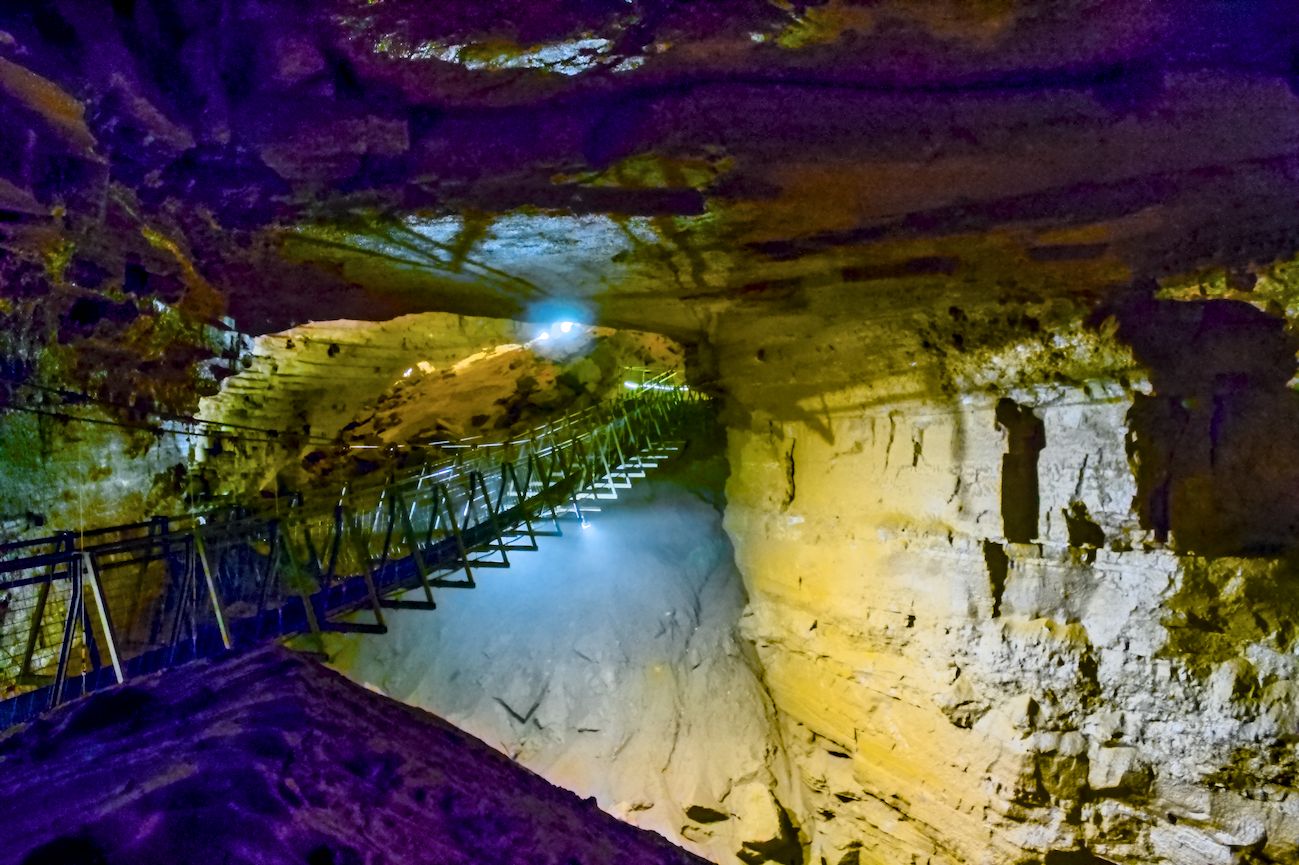
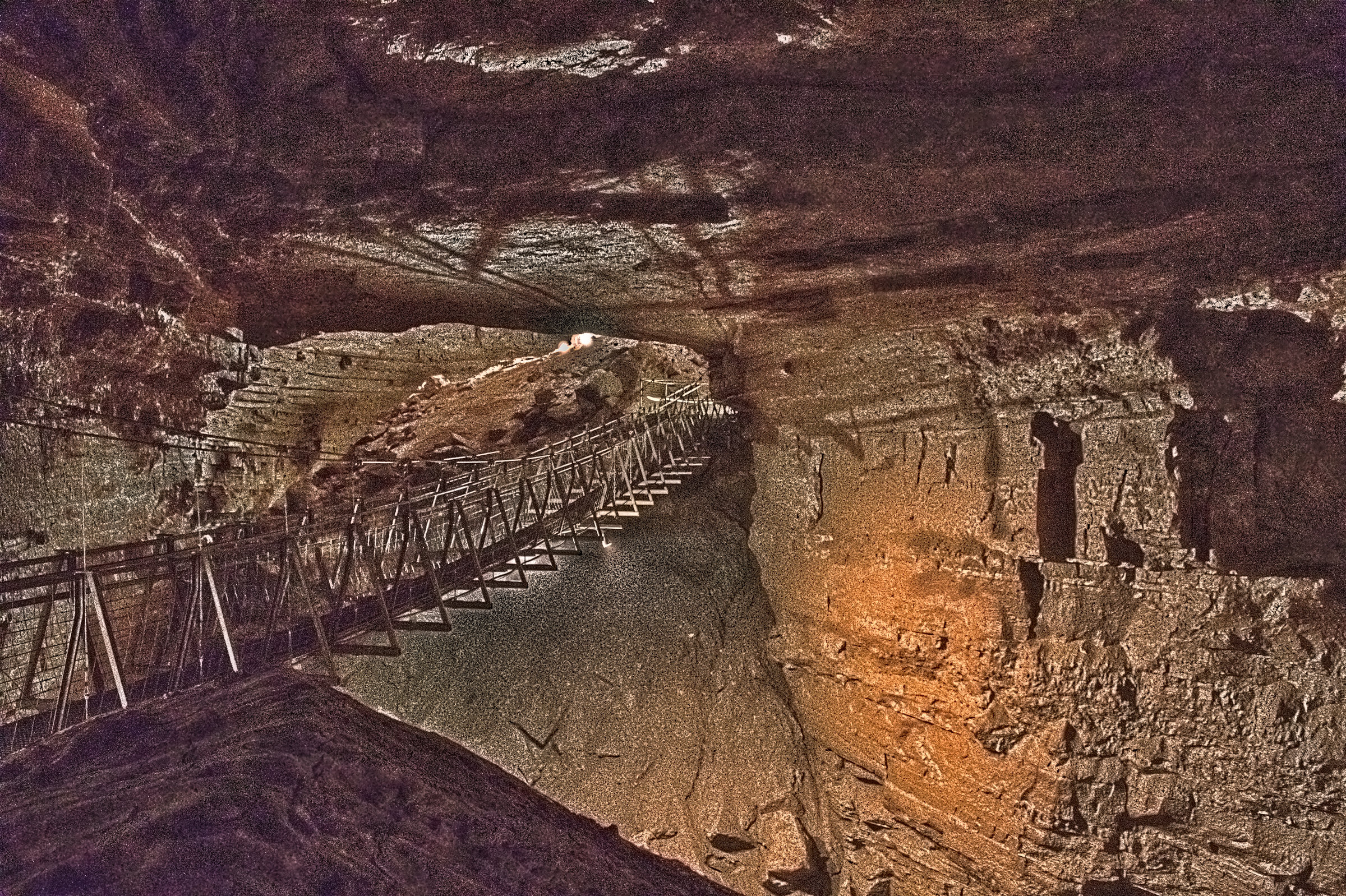
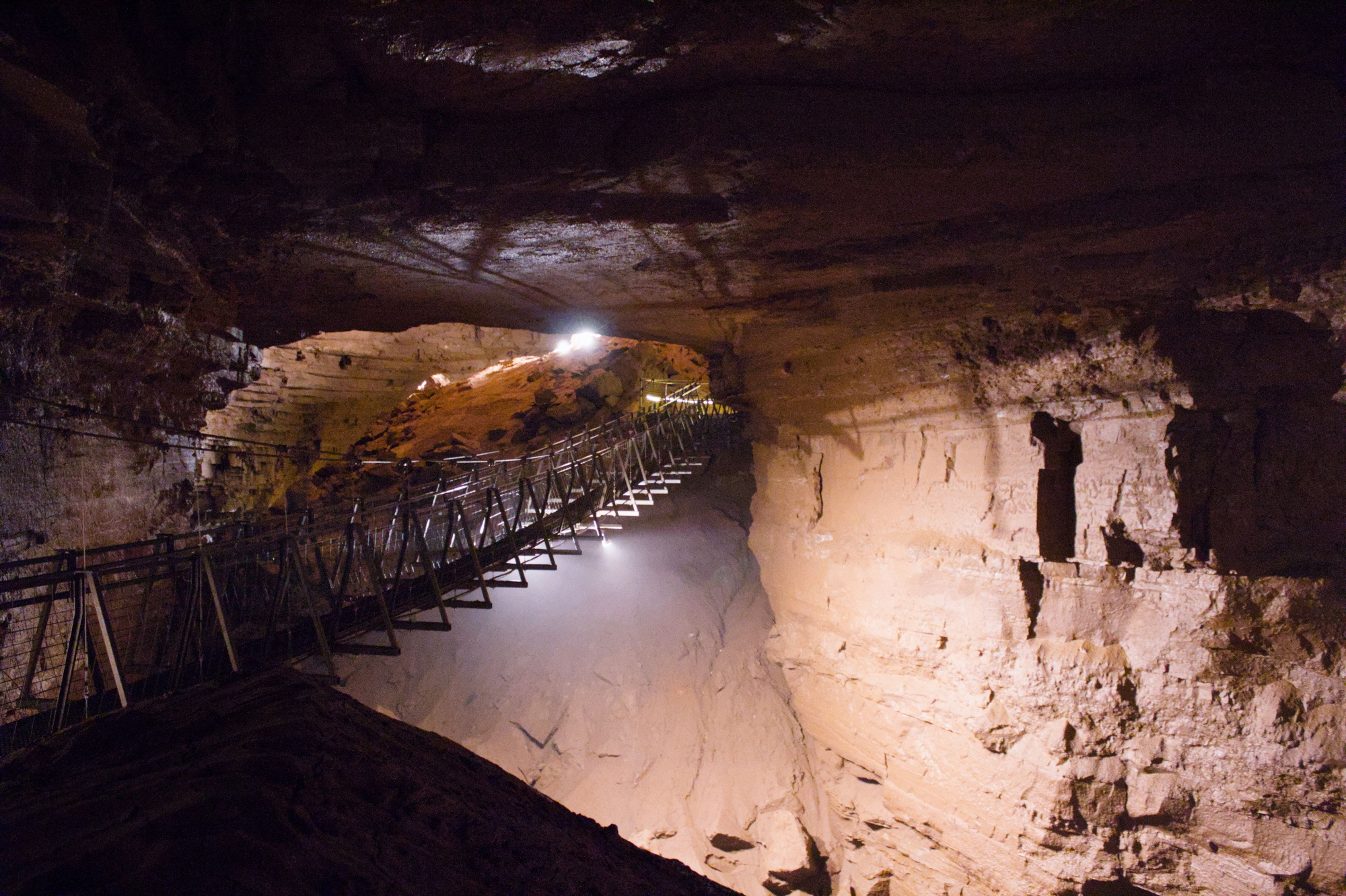
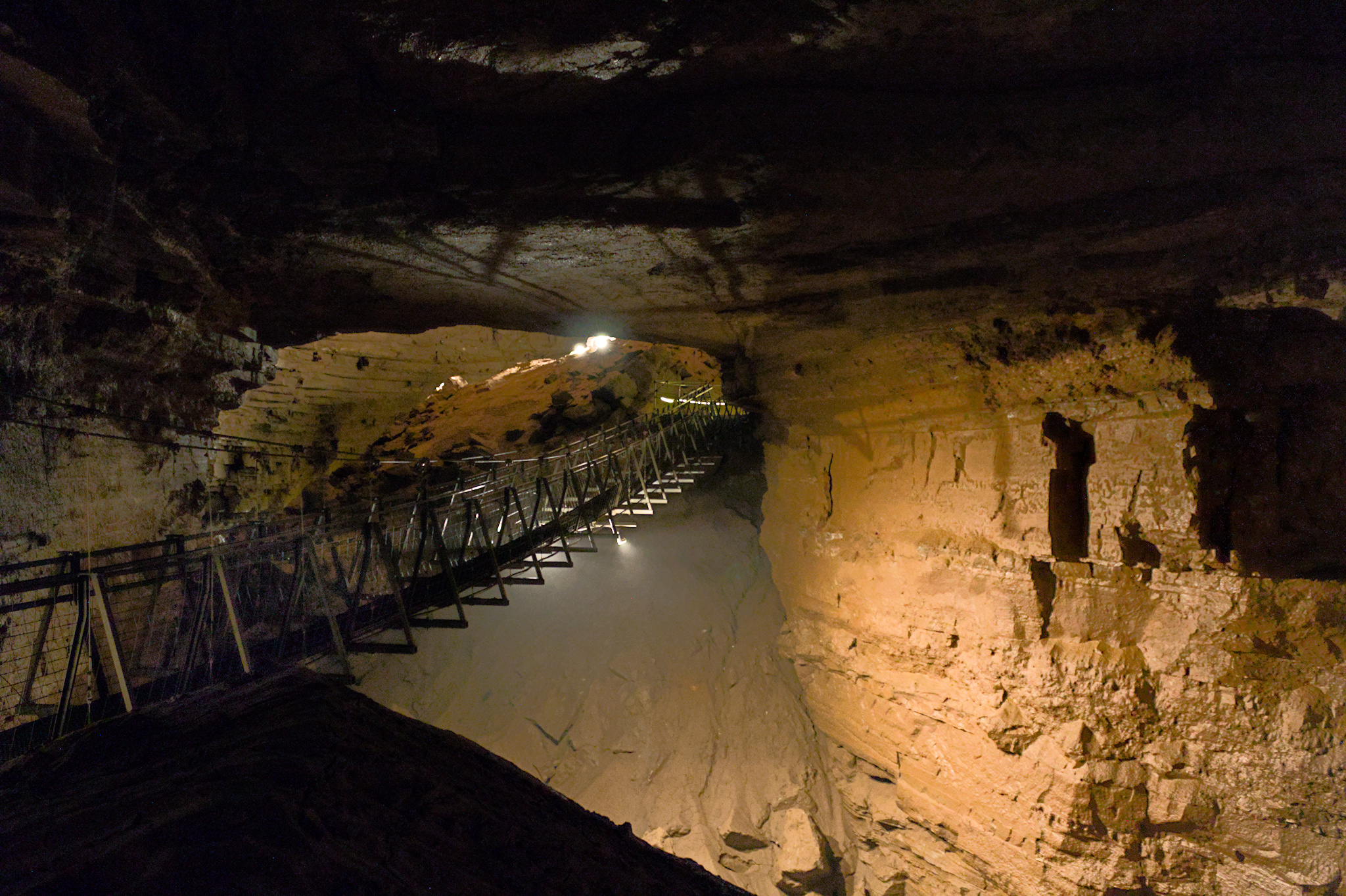
I’m primarily interested in outdoor (birding) photography, but have been trying to branch out. I attempted some long exposures during a few cave tours, and I’m realizing I don’t really know how to edit artificial lighting. Have fun with these, and any tips you would like to offer are welcome. IMG_1248.CR2 (24.5 MB)
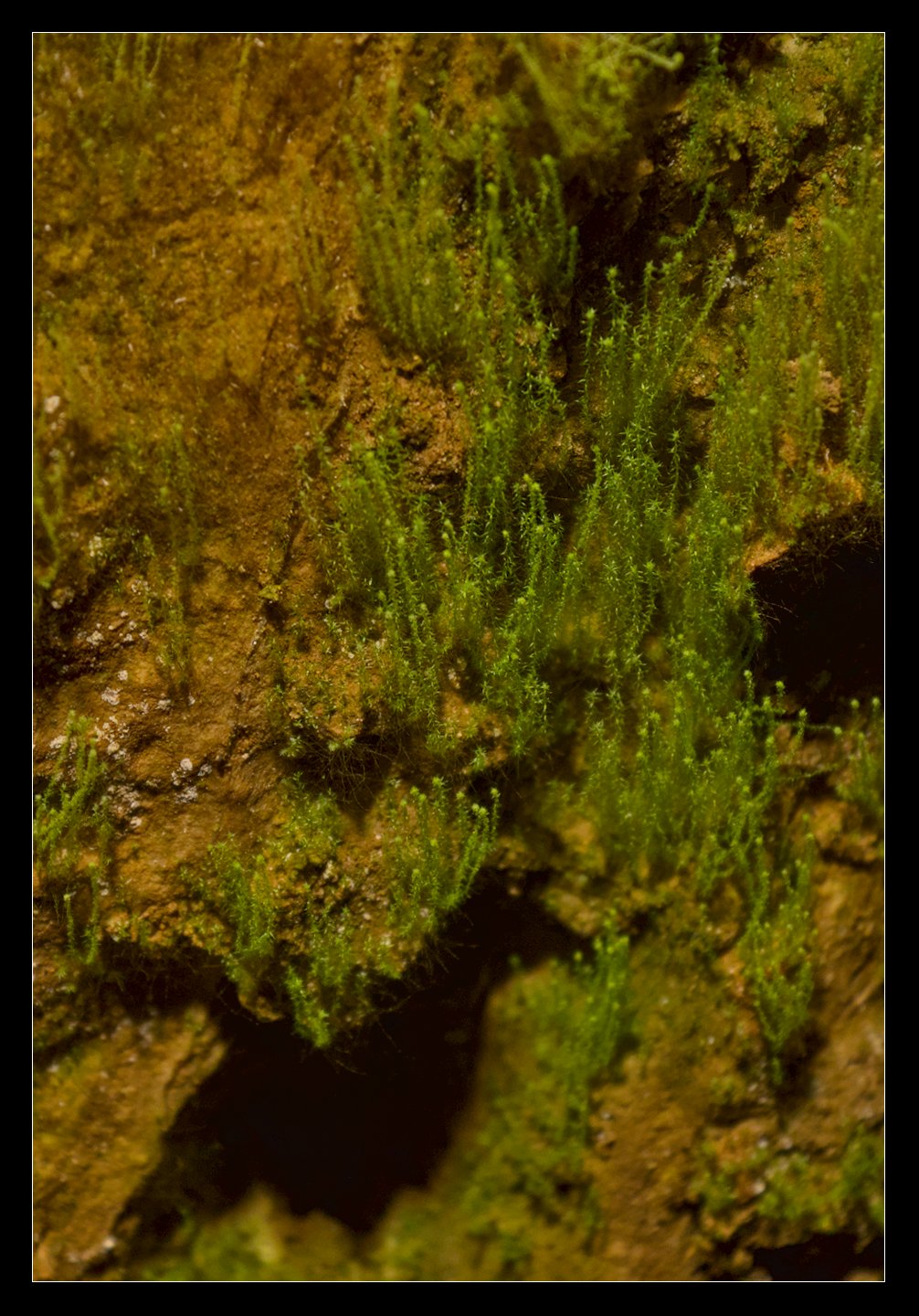
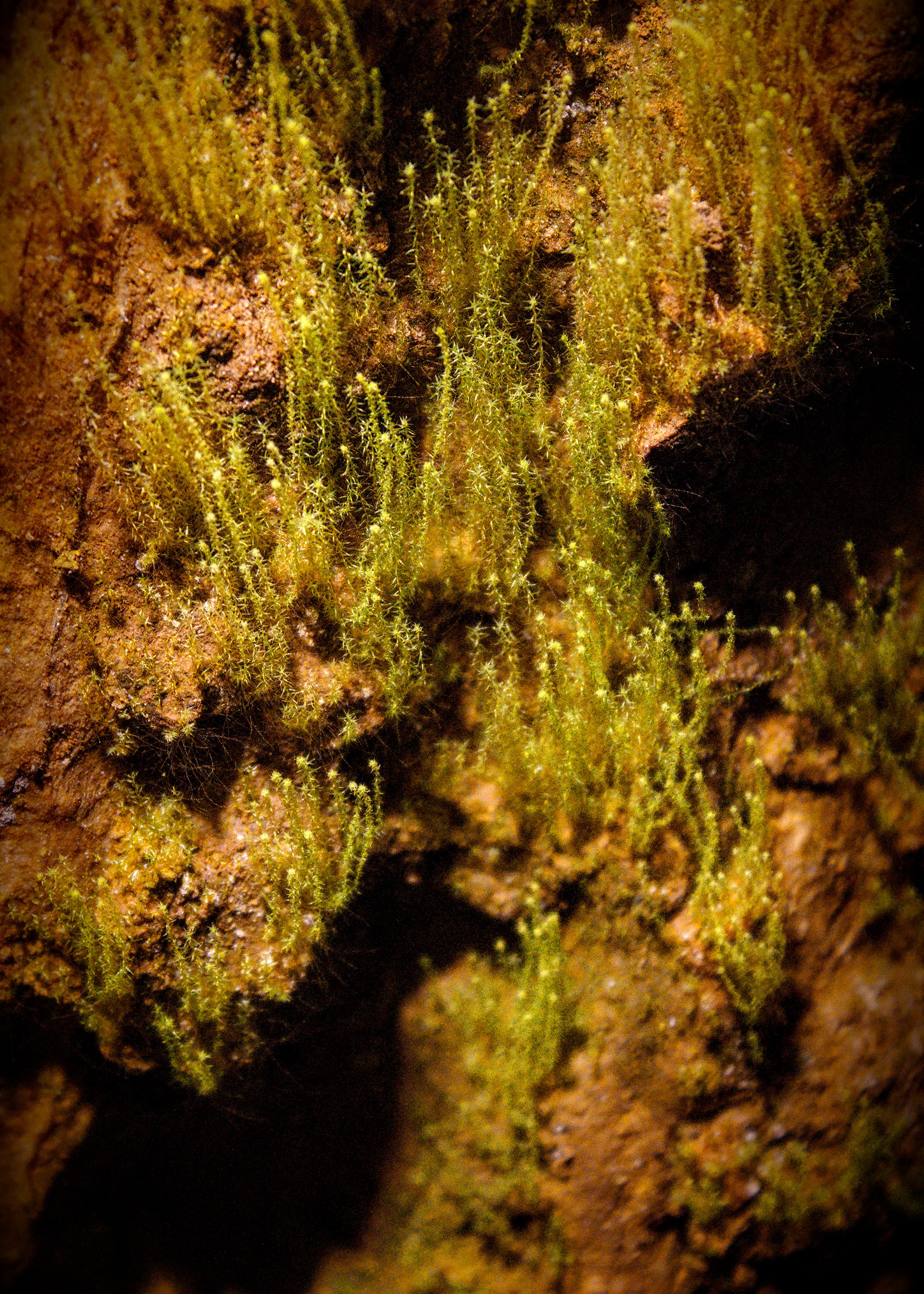
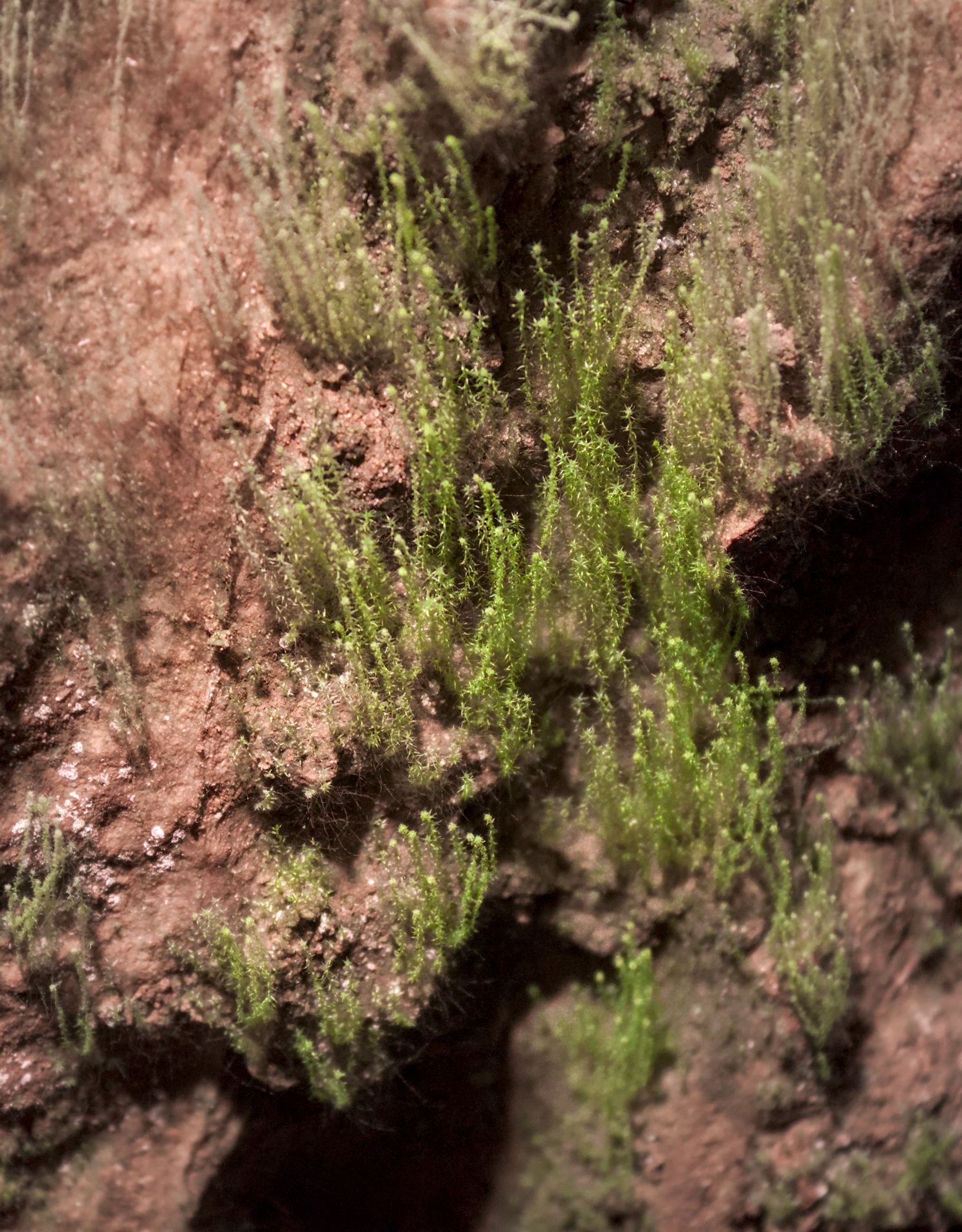
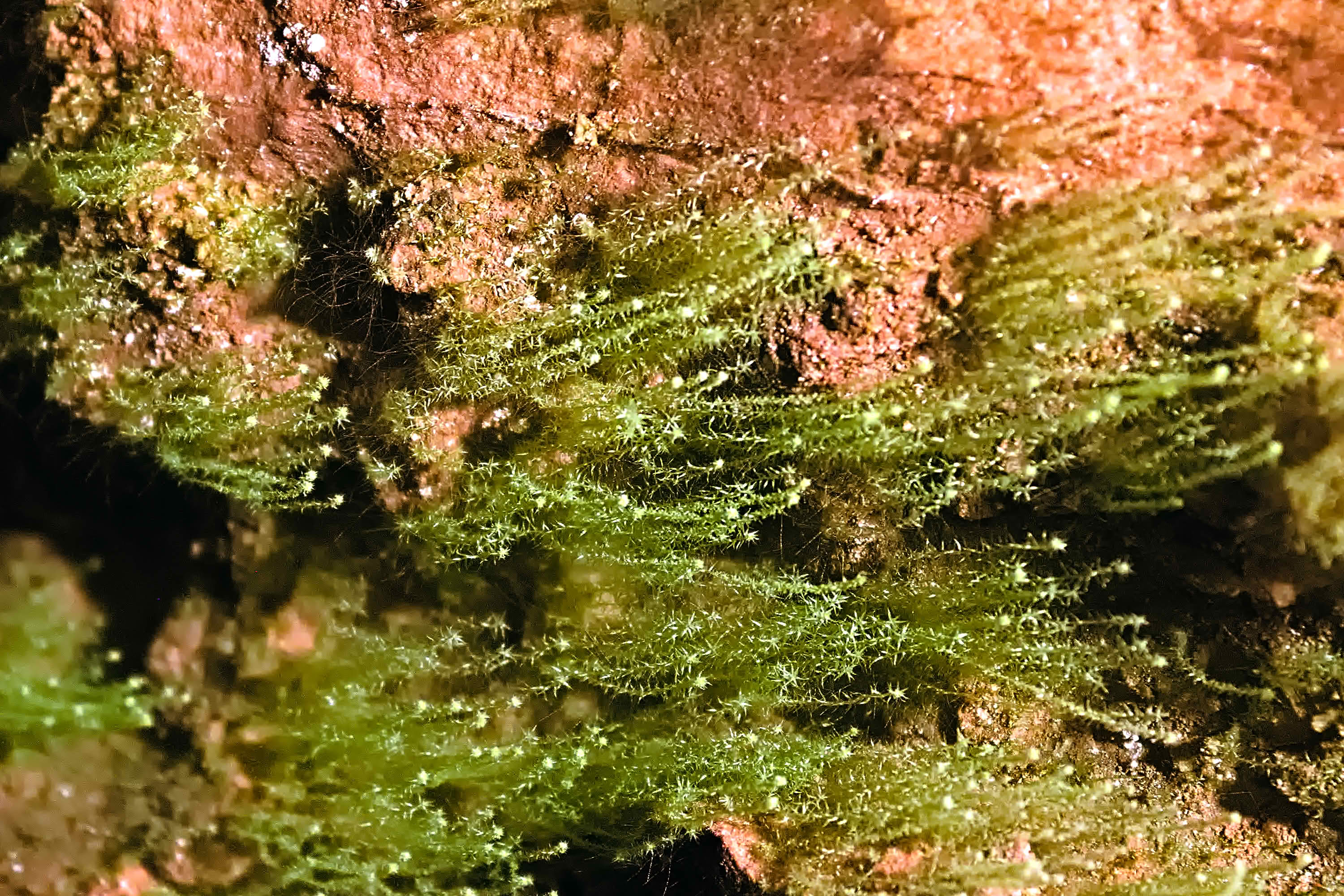
some type of moss, stretching toward an artificial light. IMG_1239.CR2 (28.5 MB)
I set the illumination to Incandescent, having no other clues.
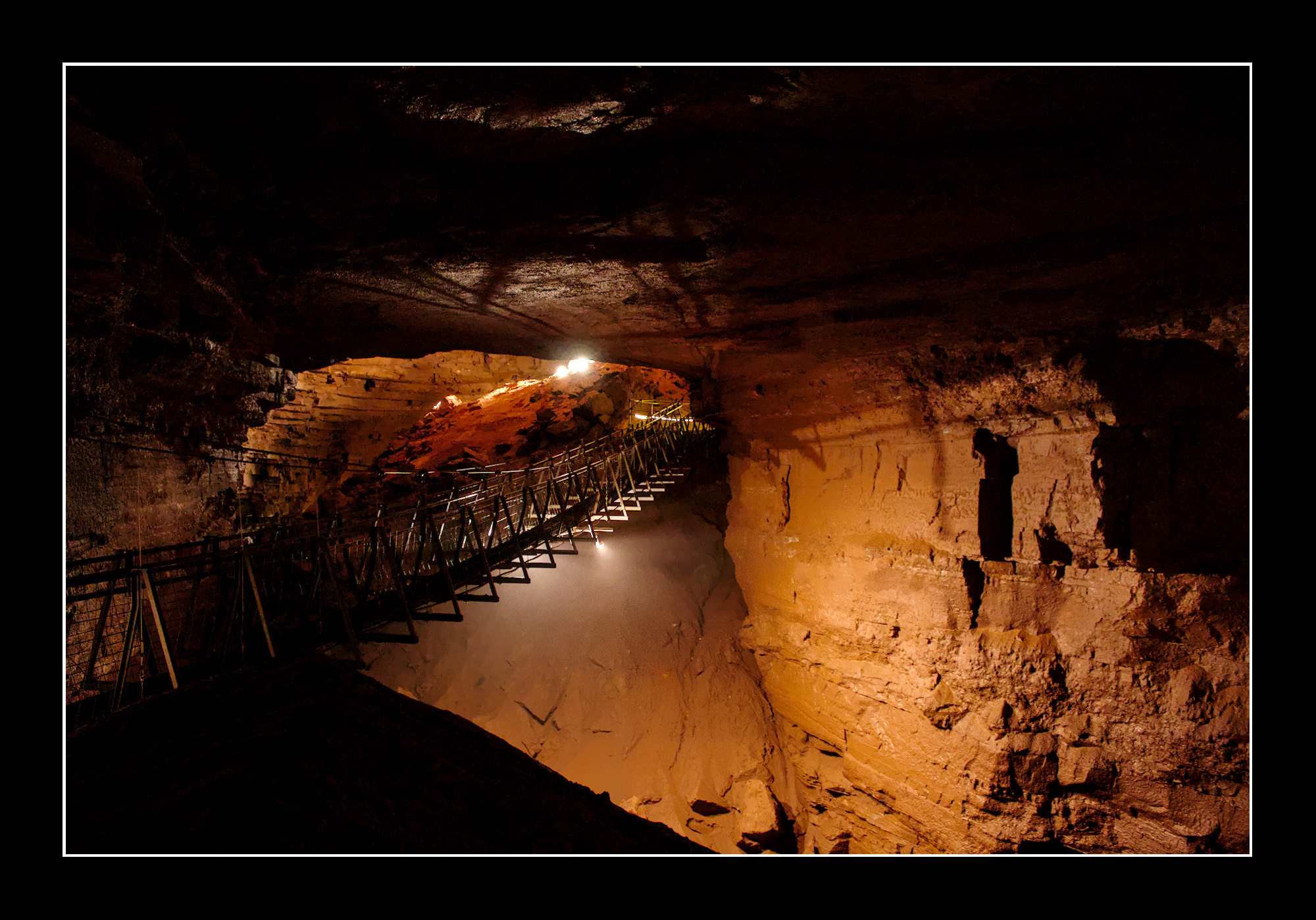
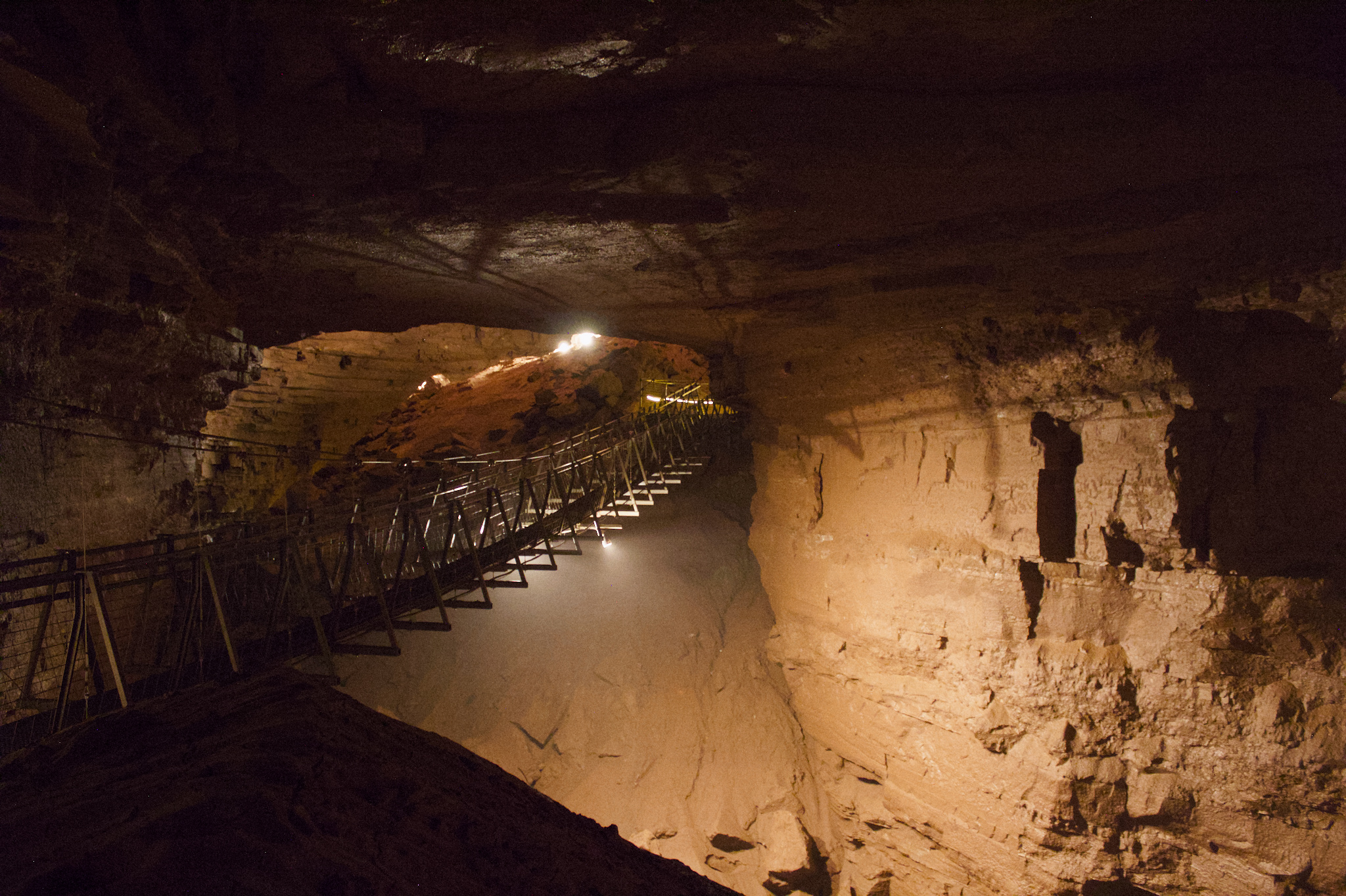
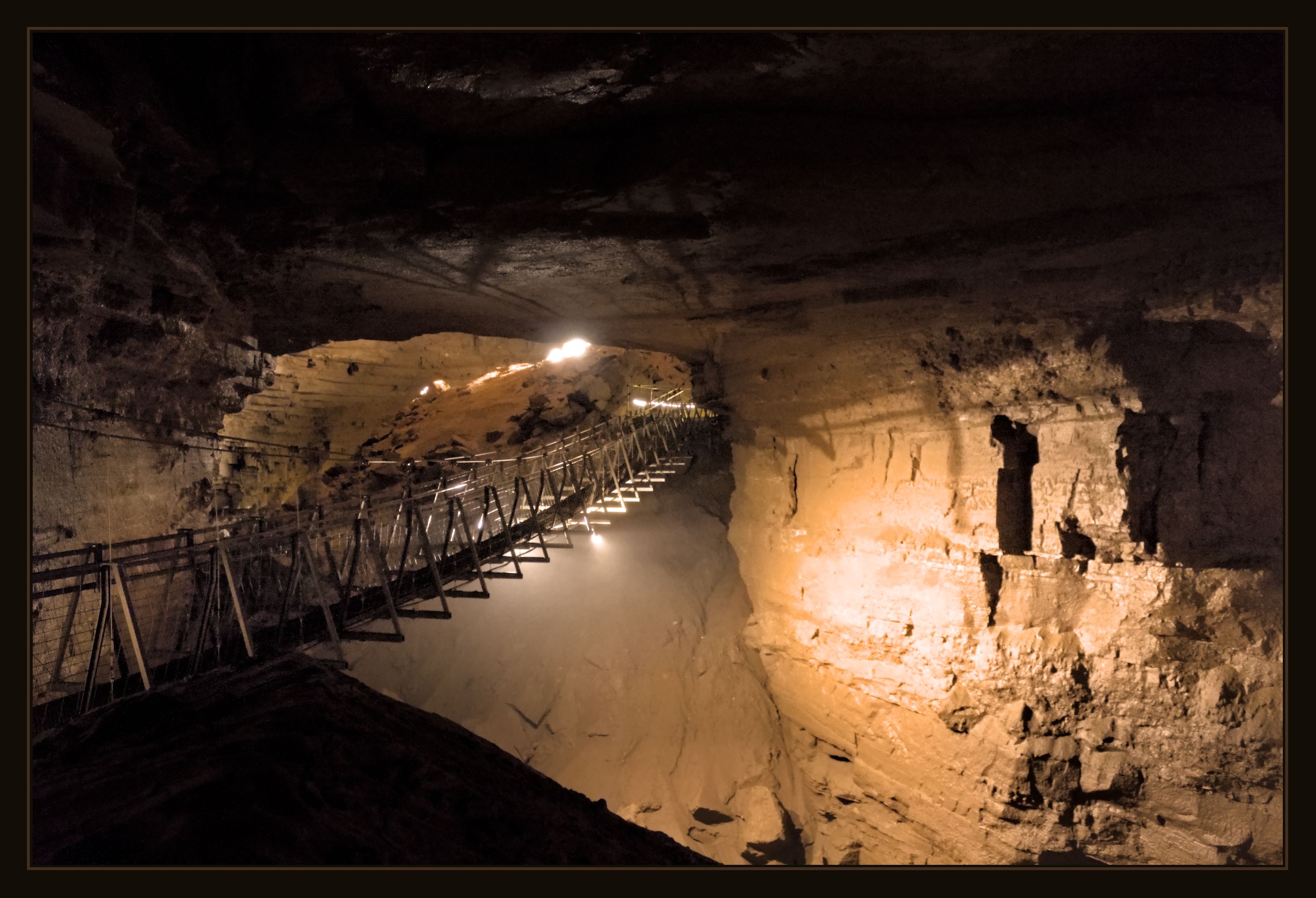
In picture of suspension bridge were some hot-pixels so I applied the subsequent module. That one was a bit noisy too. I aint no denoise whizkid so experimented by seperating treatment of color-noise and the rest. Using a mask applying most denoising to darker parts of the image.
that’s more than fair. We had just gotten back, I’d done an initial cull, and tried to do a few edits. I usually try to edit to make it look as natural as I can. I kept getting either a purple or green hue in the first picture that I’m not sure the best way to correct. As for the second picture, it was some moss growing sideways toward the nearest light. I haven’t tried to edit it yet, but was mostly curious what others would do.
I am interested in the colour of the cave photo. I use dcraw with a “gray world” colour blance. The result, x.tiff, is very gray with hardly any visible colour.
I then use ImageMagick to manipulate the chroma channel of HCL colorspace. Dividing by the maximum stretches the chroma to the full range, which in this image is superfluous as the chroma already uses the full range. Then raising it to pow(log(0.5)/log(mean)) applies a power curve to make the mean approximately 50%.
This extreme processing, after converting back to sRGB, has made pixel values outside the range [0,100%]. The process oogbox pushes out-of-gamut values inside the [0,100%] box. See Putting OOG back in the box.
Two things: I think it needs some denoise first, and then I think that white balance based on the whole image results in blue spotlights and magenta foreground rock.
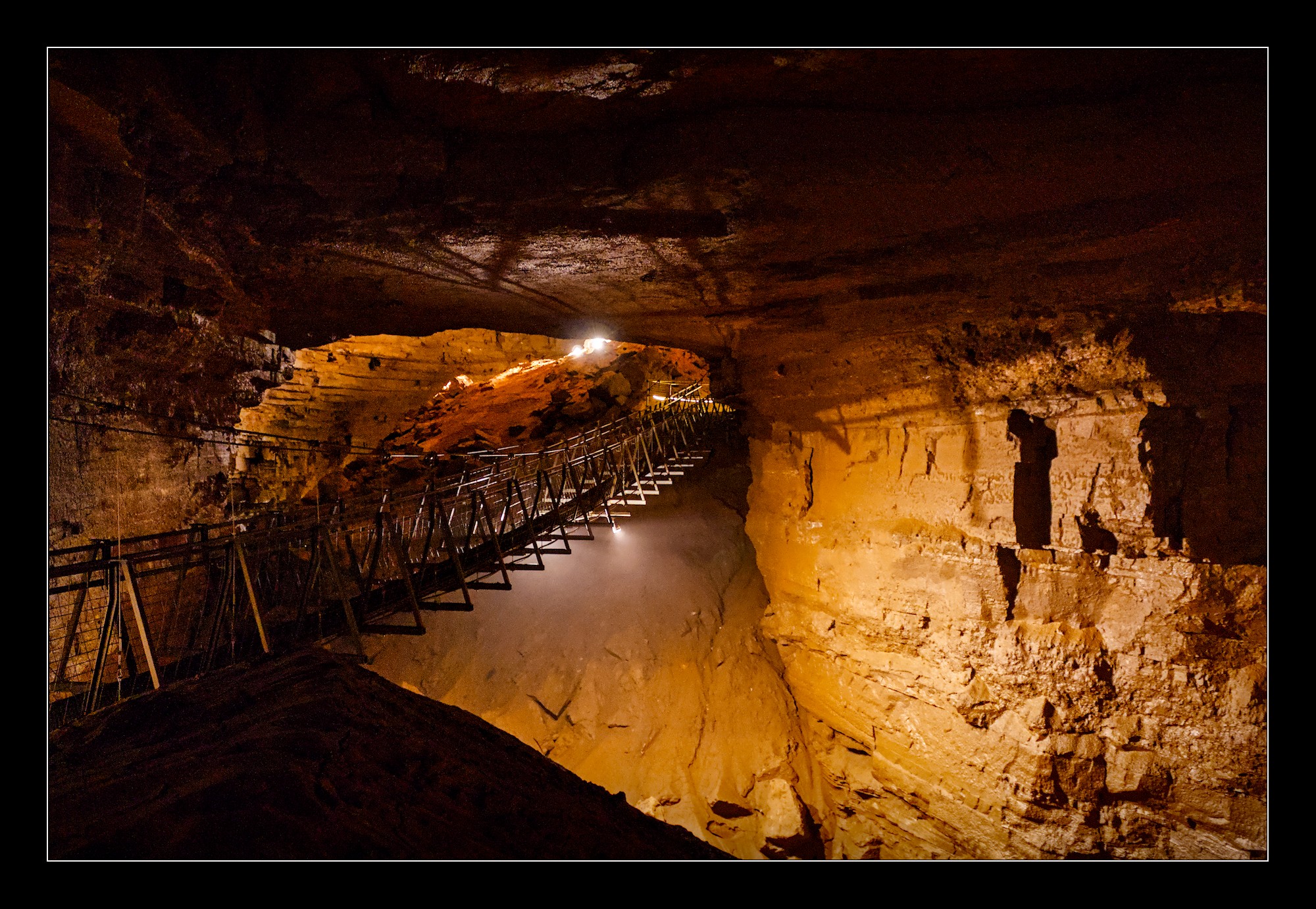
It is quite the rainbow though. This was also a little exercise in denoising (note the bias correction in profiled denoise).
Started out with Lucis, but the result was just not good (to be honest, it was terible; lol). Added many G’MIC blends followed by dechroma Script-fu (to get rid of the color artifacting) with a final despeckle applied selectively (haven’t used the GIMP’s despeckle filter in quite a while).
I’m not sure if I came up with something usefully different than what’s already seen here. I was going to try darktable’s neural restore again, but gave up. I don’t think I’ve found the right image to try it out with yet, or I need to take part in discussions about the new tools.
Really, my pics max at 4000 ISO. That’s not much for a modern full-frame mirrorless camera, so i don’t need super-denoising. But when getting it working, I just took a few snaps in the garden at night with much, much higher iso, just for testing.