With my old camera and the Tokina 11-20 mm i got quite strong lens flares. While I quite often swore like a sailor about these, I as often I simply loved them for giving some photos something special.
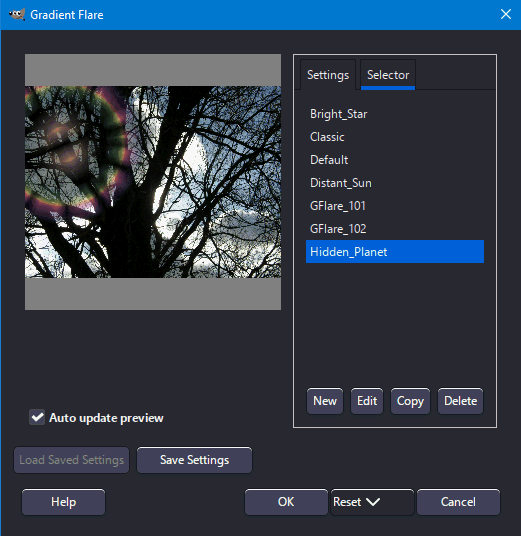
Now with the switch to Sony and my new Sigma lenses there are hardly any lens flares anymore. But sometimes I really miss them. Of course I can use GIMP to add some. But I try to use as few steps as possible to edit my photos. Needing a separate program is always hurting me somehow. On top the lens flare module in GIMP isn’t that great.
So I had the probably stupid idea to make a suggestion for a lens flare module…
Lens flares are underrated. My old Sigma EX 17-50 f/2.8 had quite strong flaring, which actually looked pretty good.
With a module, however, I’d fear that I’d make the flaring look not very believable or too artificial, but I think it’s a cool addition given that we have stuff like blurs and bloom
If it were a module that used some sort of physical modeling to add flares, then that would super awesome. If it were a module that just let you pick from a bunch of premade flare graphics, that would be less desirable to me but I wouldn’t mind it.
My idea of how this could work is to select start and end point (similar to graduated density where you define the cross-section of the gradient) and then have some parameters that would control size variation, shape, etc.
I think it would be pretty nice with a lens flare module! Maybe something like Video Copilot’s Optical flare plugin for After Effects?
You define a image per lens element in a lens and then place those on a line crossing through the center of the image multiply by the light source color and intensity, and finally add the result in scene referred space. Nothing magic really.
Make it possible to either manually place point souces (even outside of the image) or base it on the image itself with a threshold and boost och parameter to deal with clipped values being to low.
In general I agree. But another lens costs money and you have to carry it with you. And that just for some flares? It is easier to add some lens flares than to remove it afterwards. I would always prefer the lens which doesn’t produce to much of it.
Based on the halation thread, I thought you were against simulating outdated equipment in photography?
Joking/snark aside, I don’t think darktable is a place where such a module makes sense. AFAIK flares are added in post processing in raster editors like gimp or photoshop where you can add them as PNGs or similar. That said a software that can simulate a flare based on specific parameters sounds interesting.
I was aware of the danger, that someone will raise this.
I don’t think the GIMP filter simply adds a PNG. It calculates reflections depending where you place the center of the flare.
I think there are already some modules which do more than just RAW developing. Adding bloom or grain for example. Both are photogrphic effects, but strictly seen, they are not part of a developing process. The same counts in my opinion for lens flares.
I would argue the opposite. Lens flares are a physical effect that should be simulated in scene referred space before a tone mapper. Gimp and similar raster programs usually work on already tone mapped images!
I can’t say that I agree. But the standard “lens flare” filter is nice and creates a very realistic effect. But it’s quite limited and as written, I would like to have such a filter directly in dt.
Would it be possible to make a (big) series of pictures of a grey background with a spotlight in lots of different positions and a lot of different diaphragm values and convert those to raster masks?
Or maybe reduce the lots of positions thingy to position the spotlight along line and rotate the mask…
It never ceases to amaze me - in a world where we have put lots of efforts and resources into steadily improving the quality of various types of recordings – how some people want to put old flaws back in again.
Any flare was not part of the scene photographed. It’s just an occasional phenomenon within the camera itself – that lens manufacturers have tried to suppress as good as possible. If we had at the outset started with perfect images with no flare, would it ever come any suggestion to add some more random kind of colored blobs?
What’s next?
Sensor dust generator?
Turntables that can add scratches to the sound from pristine vinyls?
But each to his own. For my own part I’m very happy that lens manufacturers continue to construct better lenses with good coatings to minimize any flare. I will never use such a module/function if it’s ever introduced in dt.


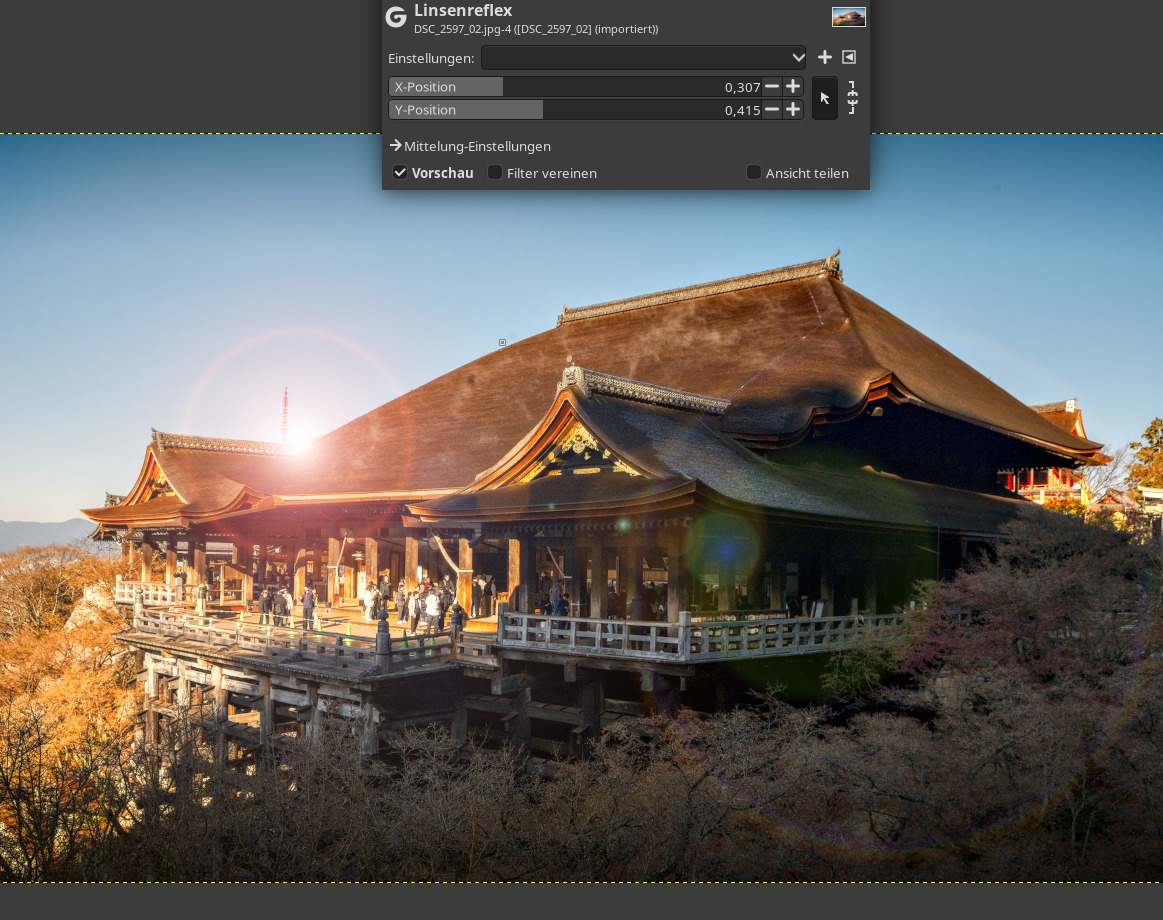
 I could not resist this one.