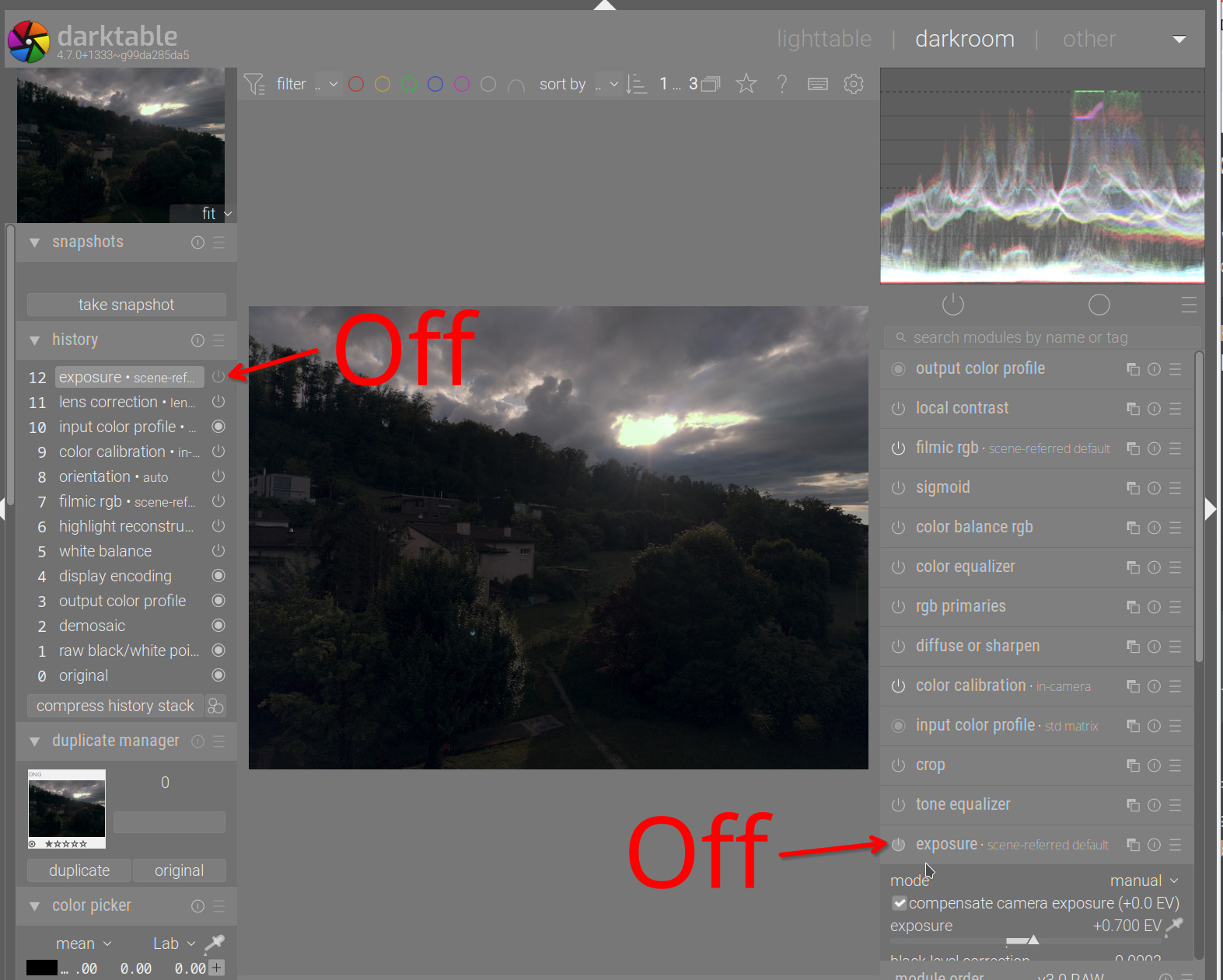
I think if the aim is to see what the camera recorded, instead of darktable’s expo compensated version, they should be looking at the preview while culling.
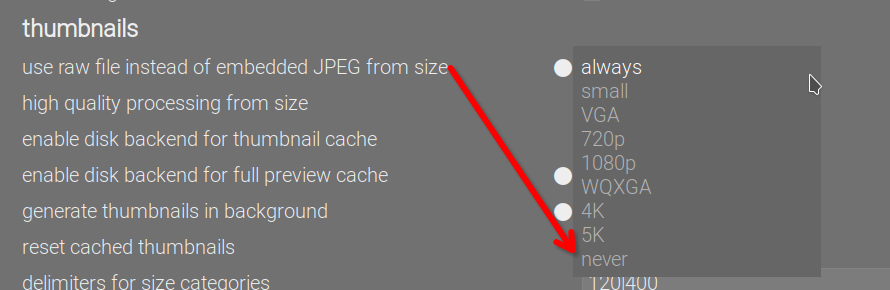
You are wrong. Read below, why.
@Terry: the following works even if raw previews are on. Tell your student to:
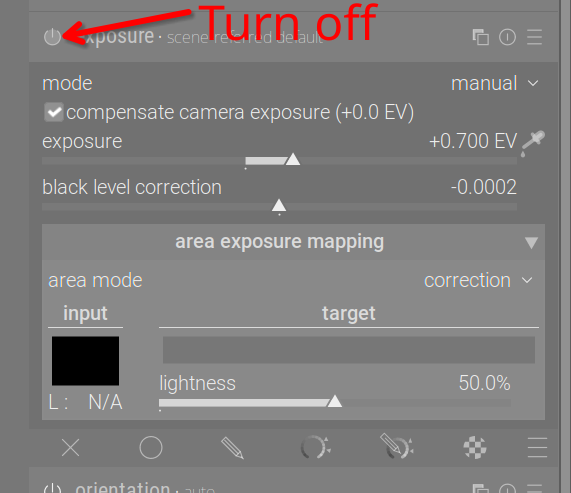
- Open a raw image.
- Turn off the exposure module:
- Create a preset:
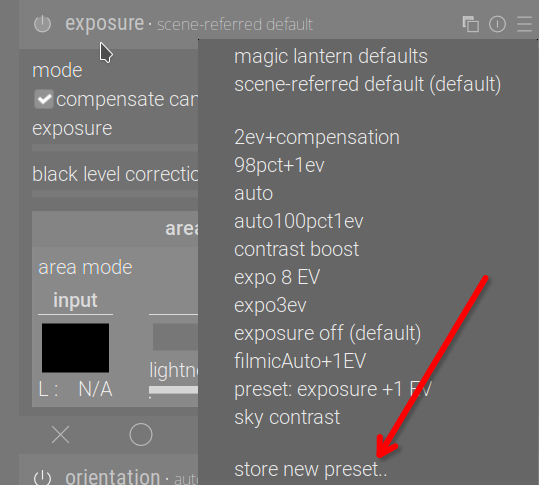
- Set it to auto-apply to all raw images / based on manufacturer or whatever filter they need:
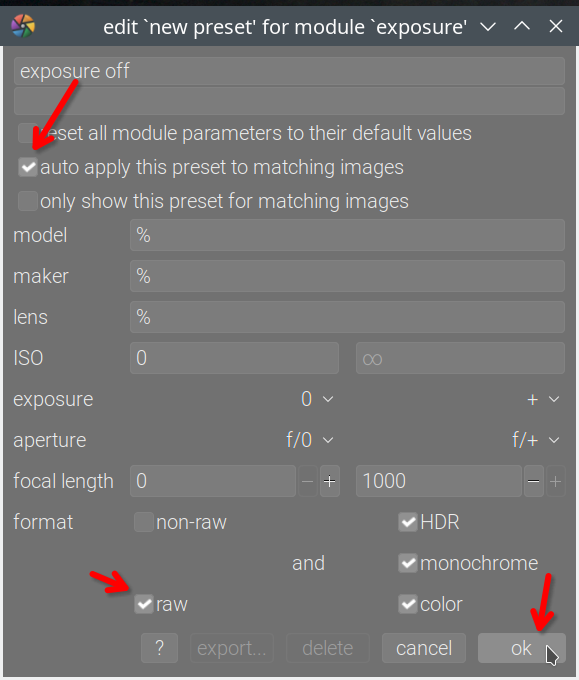
For any not yet edited raw files that they have already edited in the darkroom, they can discard the history; this will cause the exposure off preset to be applied, taking precedence over the workflow defaults: