Hi all,
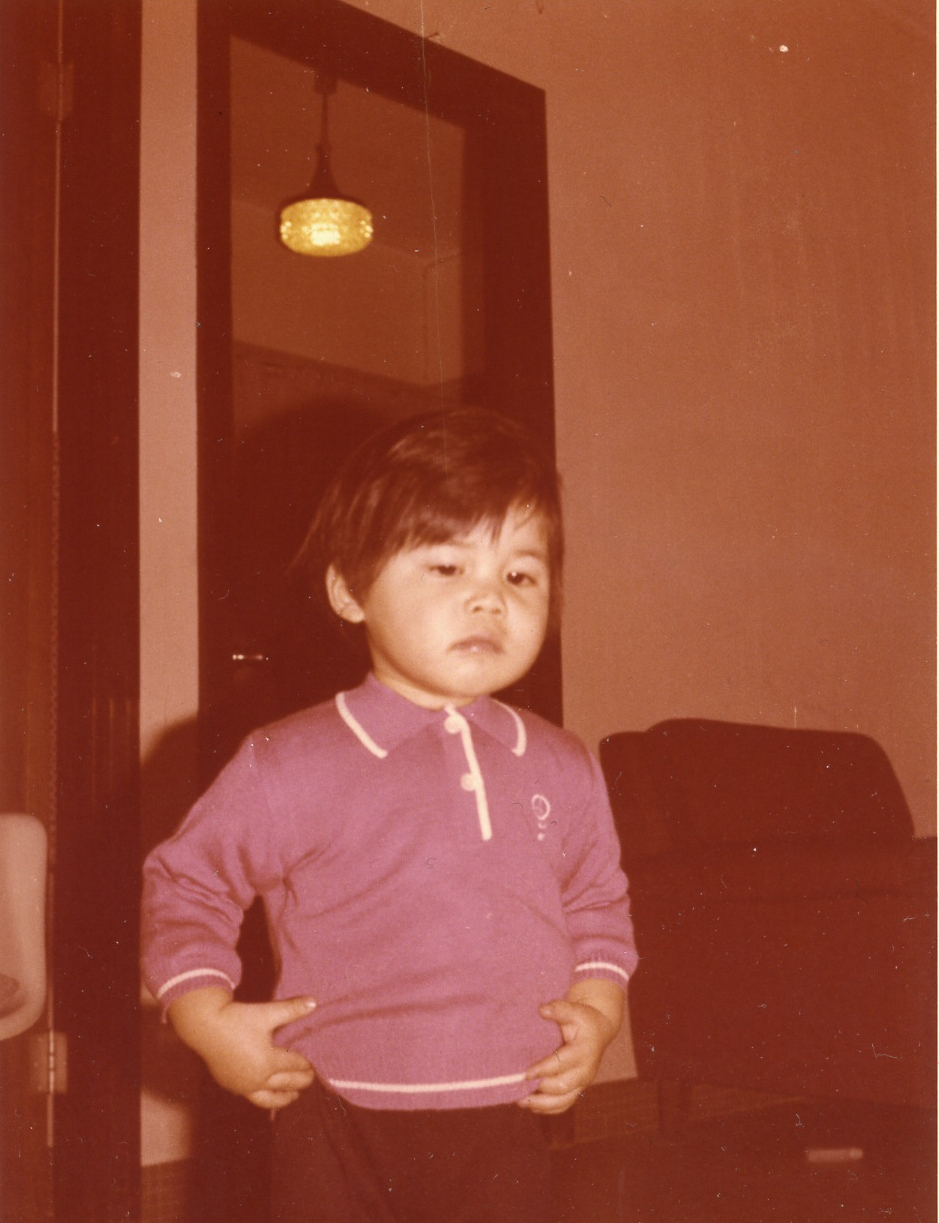
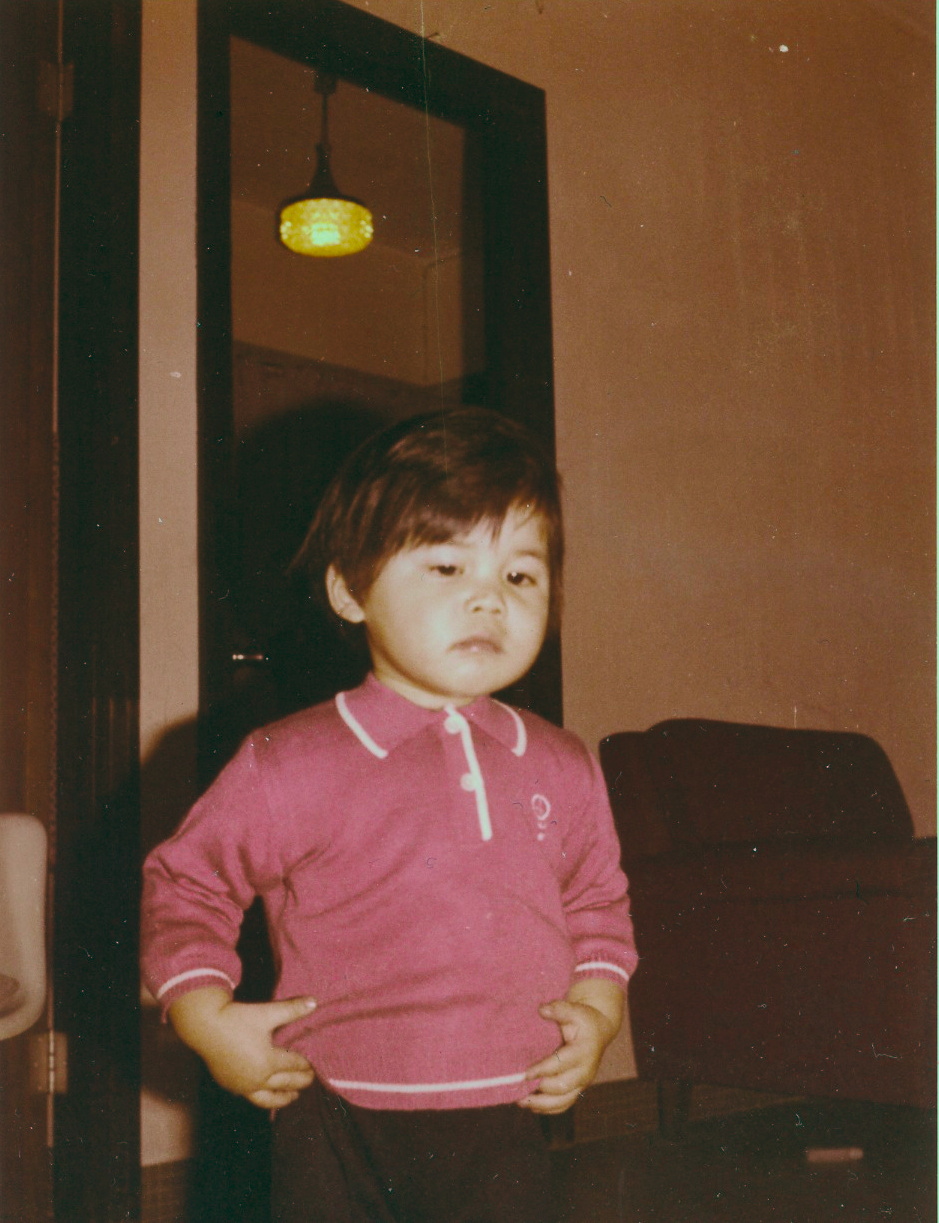
Please advise what will be an easy way to restore faded hard-copy photo tinted with yellow color.
Thanks
Regards
Hi all,
Please advise what will be an easy way to restore faded hard-copy photo tinted with yellow color.
Thanks
Regards
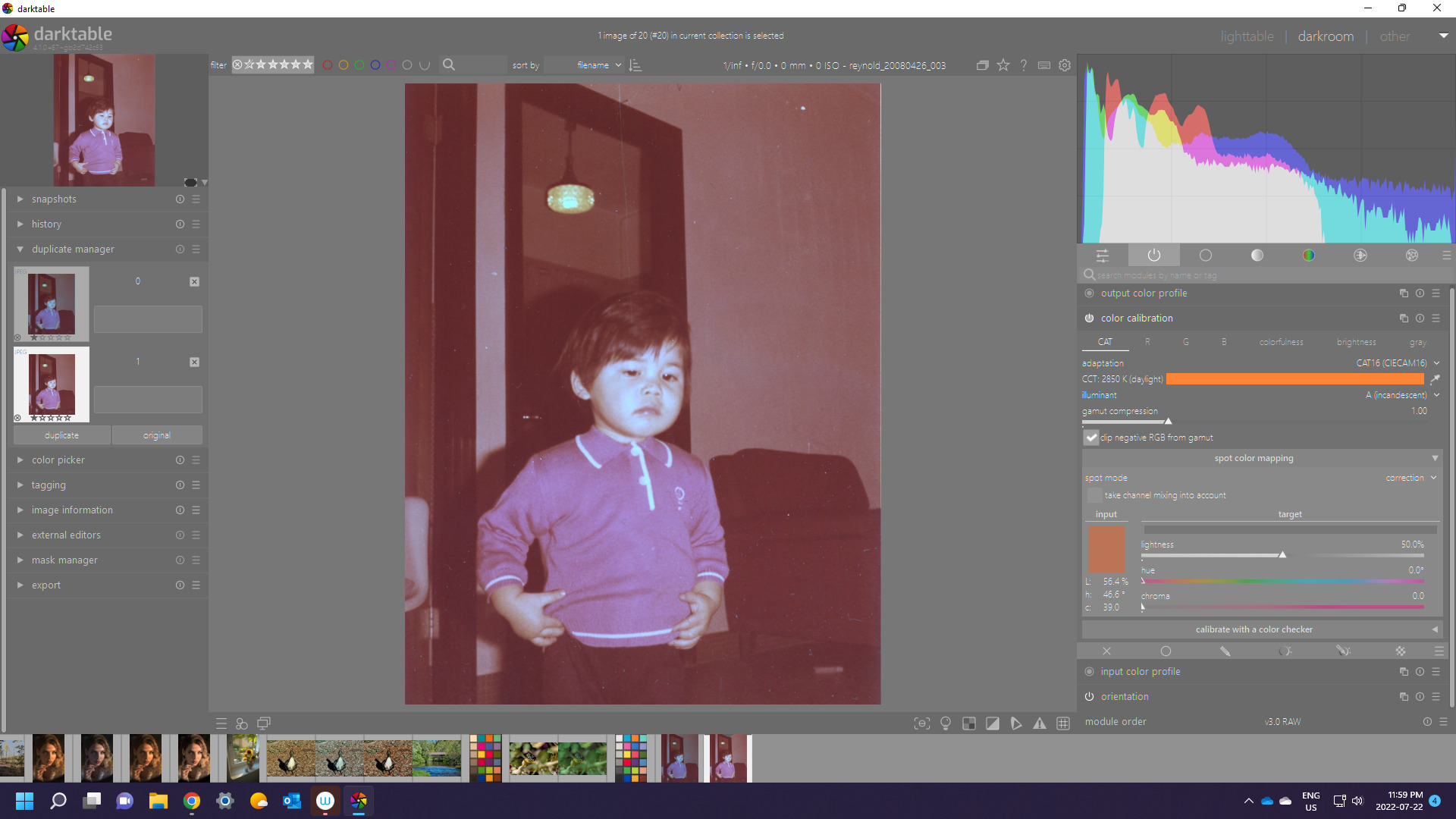
You could get a guess by spot WB on the white bit of the shirt or whites of the eyes are good too…
Just guessing and setting WB at incandescent didn’t seem too bad either…
You can flick the color calibration module to custom and then reduce the chroma to bring back a bit more of the color cast if this goes a bit to neutral…
Thanks for your advice. Darktable is completely new to me.
On GIMP 2.10.32
Colors → Auto → White Balance
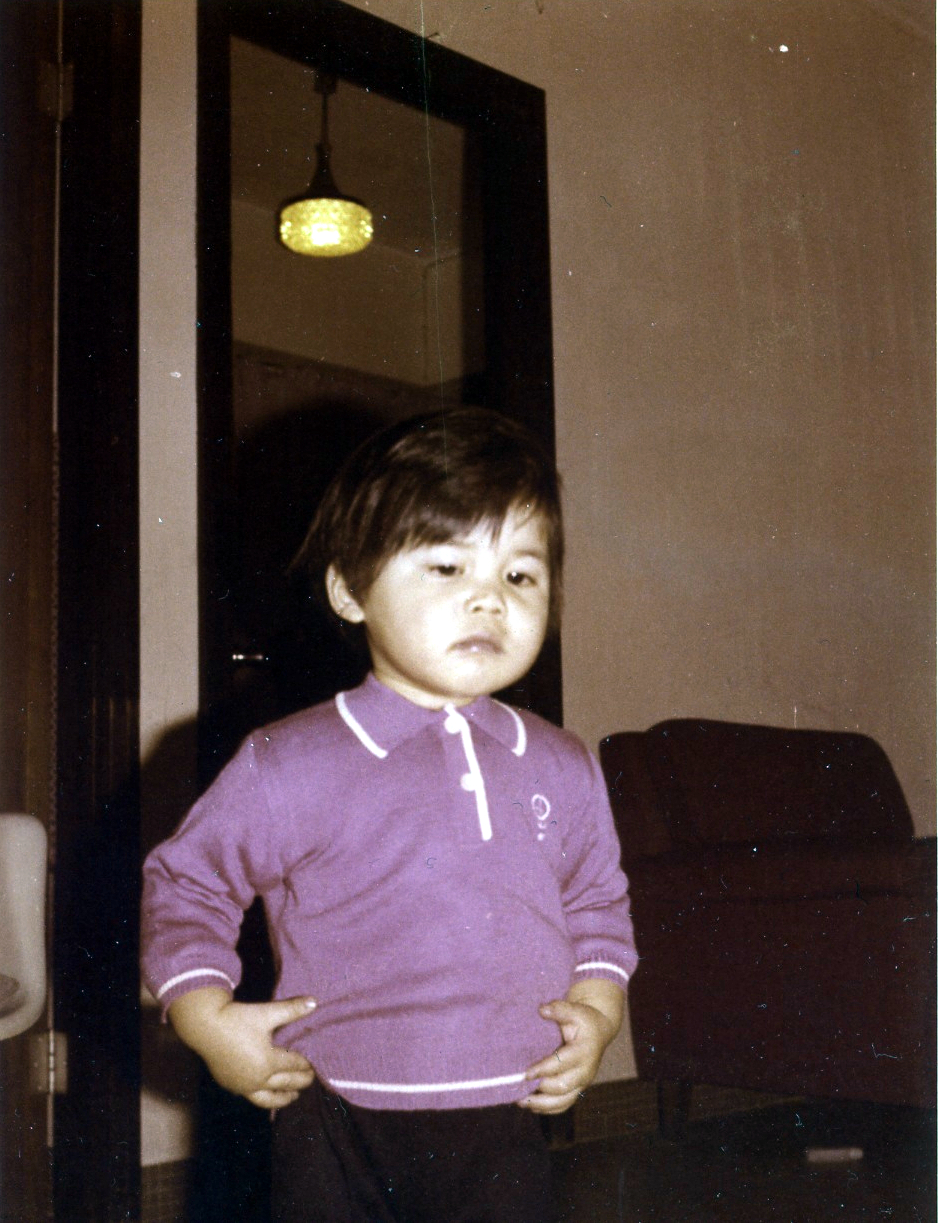
I can remove the tinted yellow color but the white wall becomes red.
Pls refers to upload photo
I’m looking for a better solution on Darktable
Regards
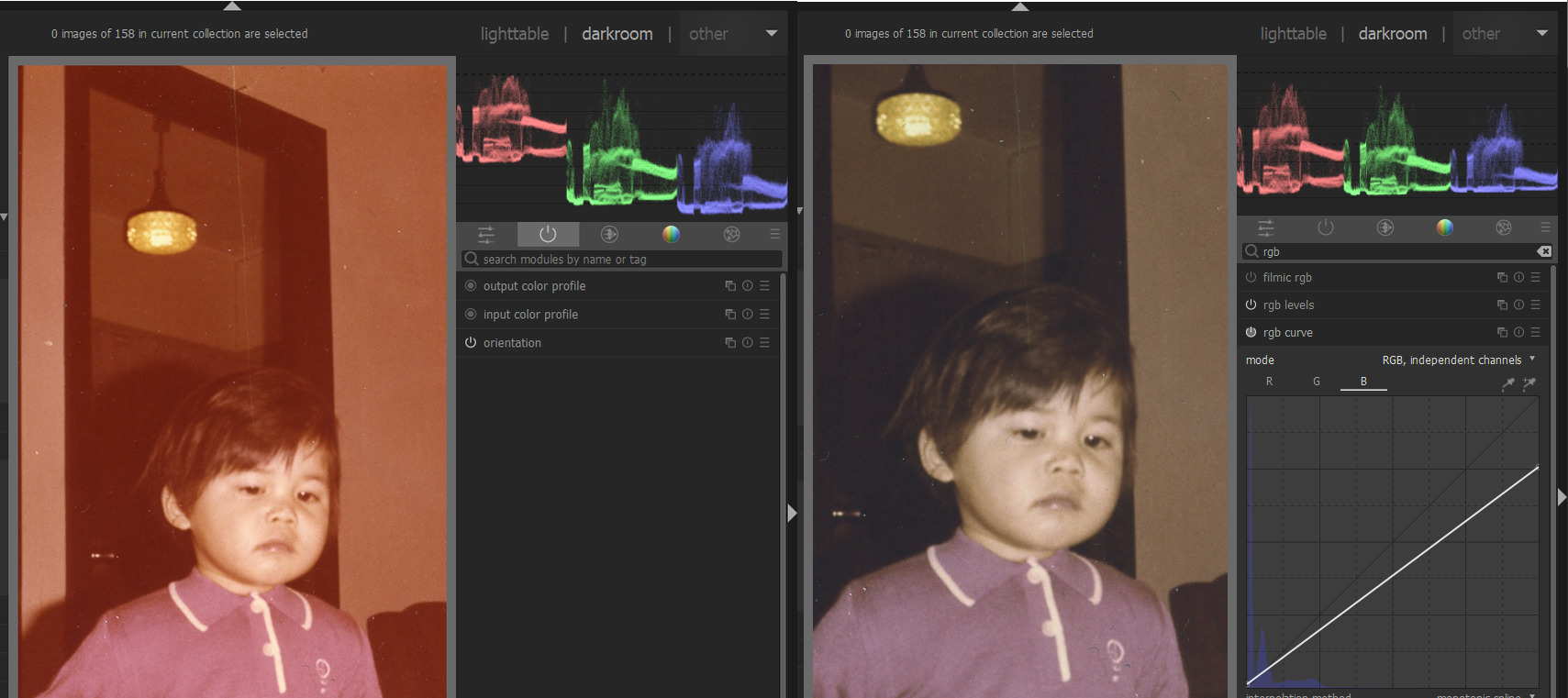
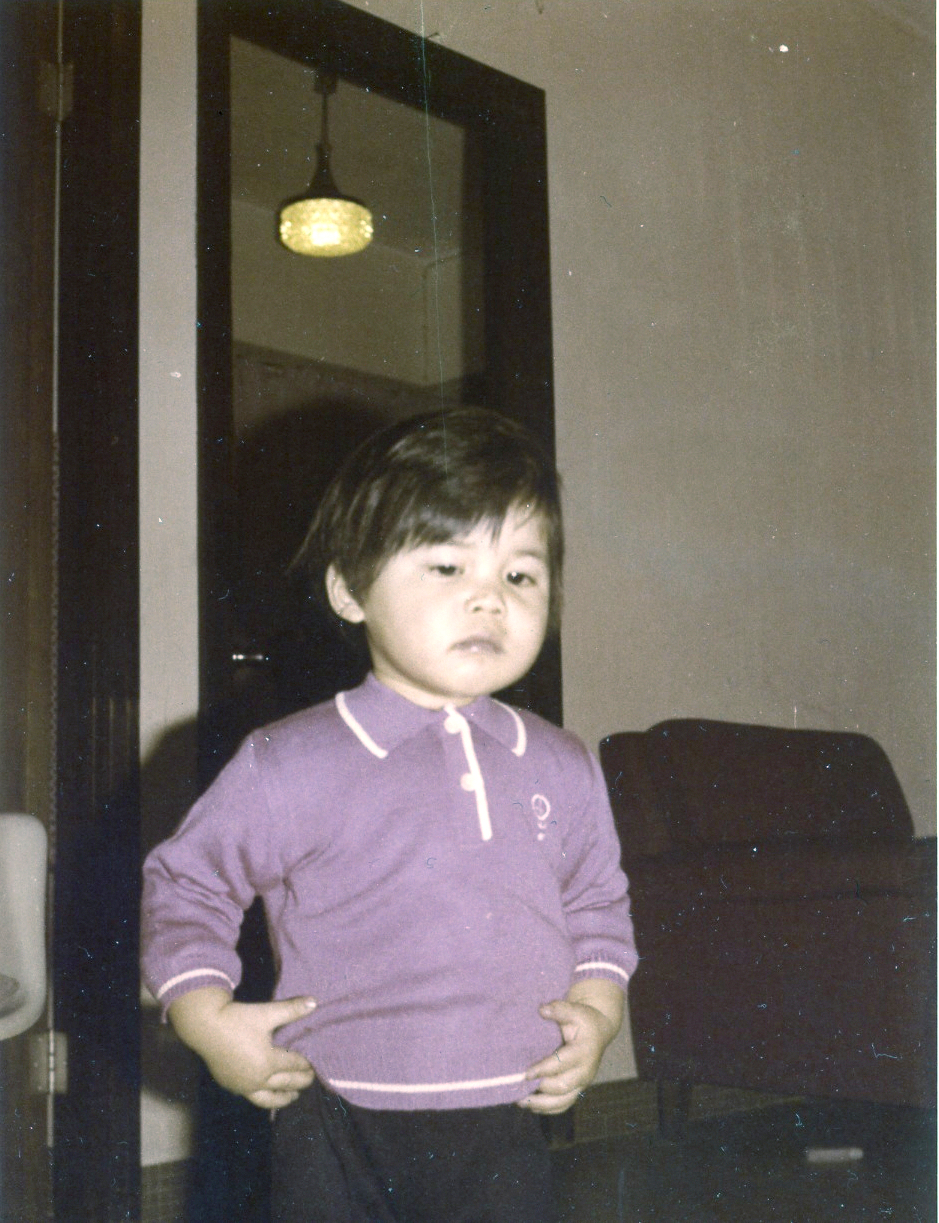
This is the best I can do with darktable 4.0.0
I used mainly the color balance rgb module to get the white balance. It worked better in my opinion as the color calibration or the white balance module.
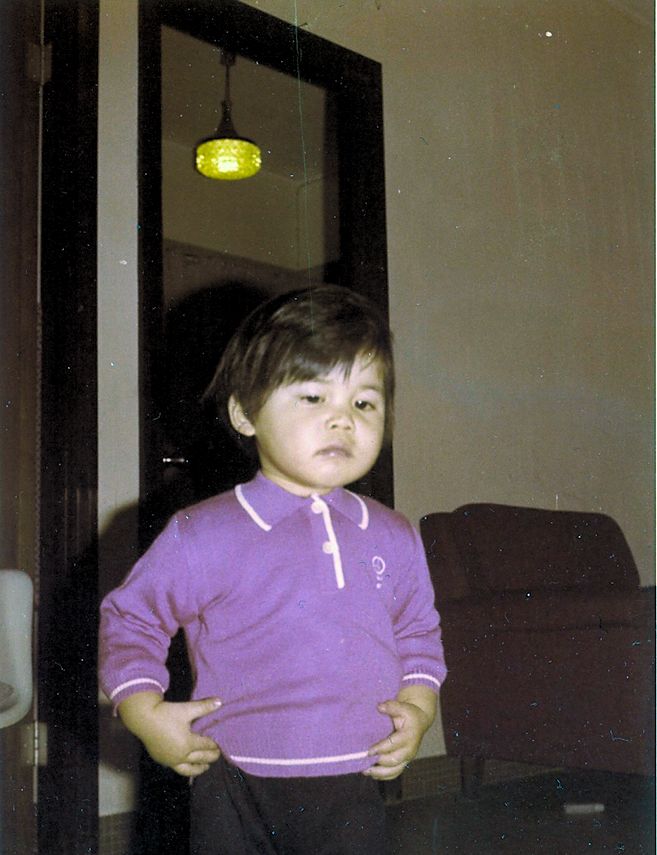
reynold_20080426_003.jpg.xmp (6.3 KB)
Edit: my laptop screen is too reddish, after seeing the edit on my iPhone I find it too greenish. But the idea is that I think you can get better results with this photo using the color balance rgb module.
Gimp would likely use something like levels to get the auto WB…
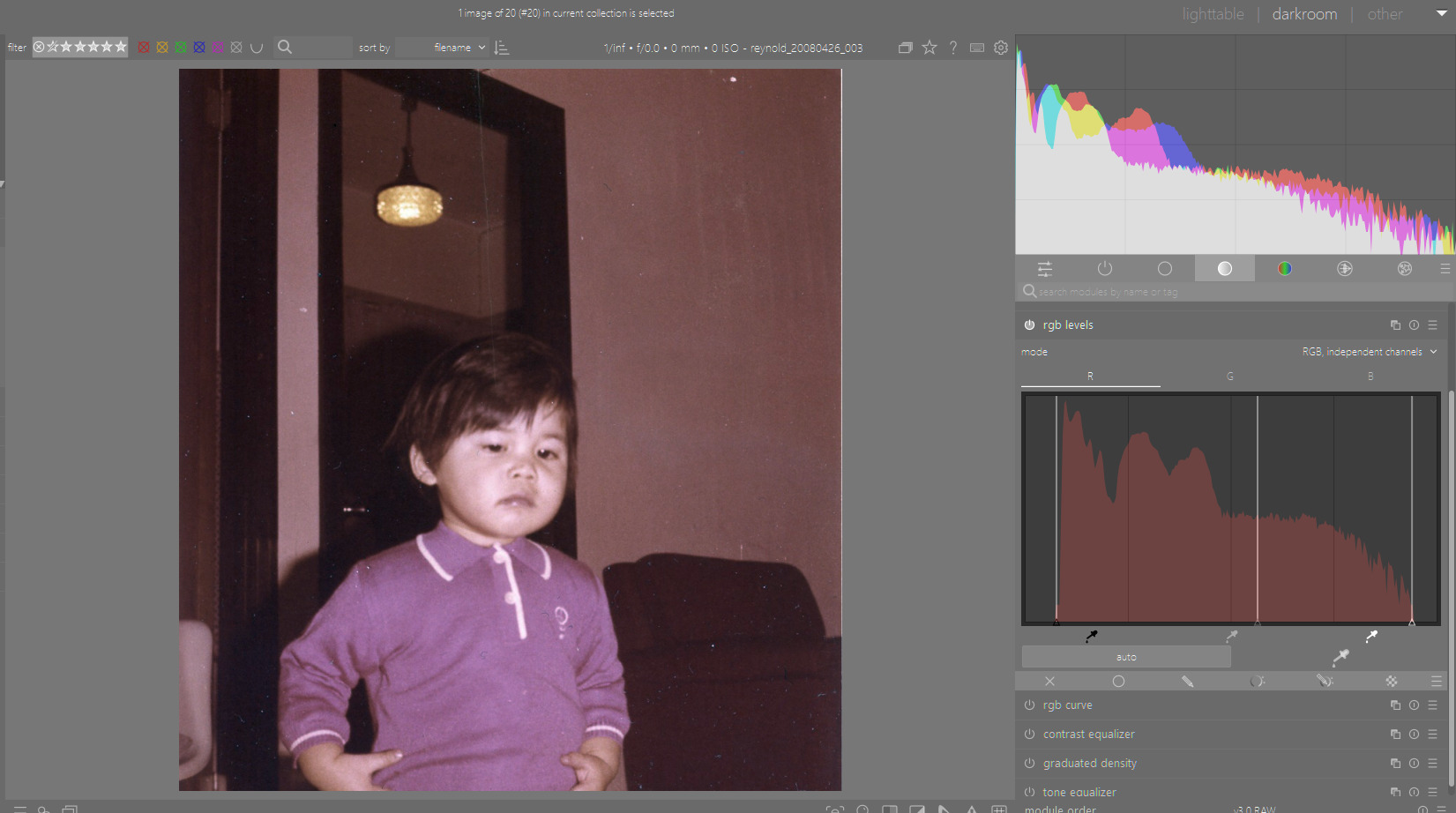
Auto WB in DT plus auto levels in rgb levels is pretty good a small tweak in rgb curve black for red and green darkens it for contrast…
Hi,
I’ll try your advice later. I’m now working on another PC without Darktable. I’m running a 32" 4K Dell display.
Regards
Hi,
On GIMP
Colors → Levels → Auto Input Levels
Same result as
Colors → Auto → White Balance
I have tried it before
Regards
In these cases where colors are destroyed, I prefer go to BW.
Surely, with some care, you can do better.
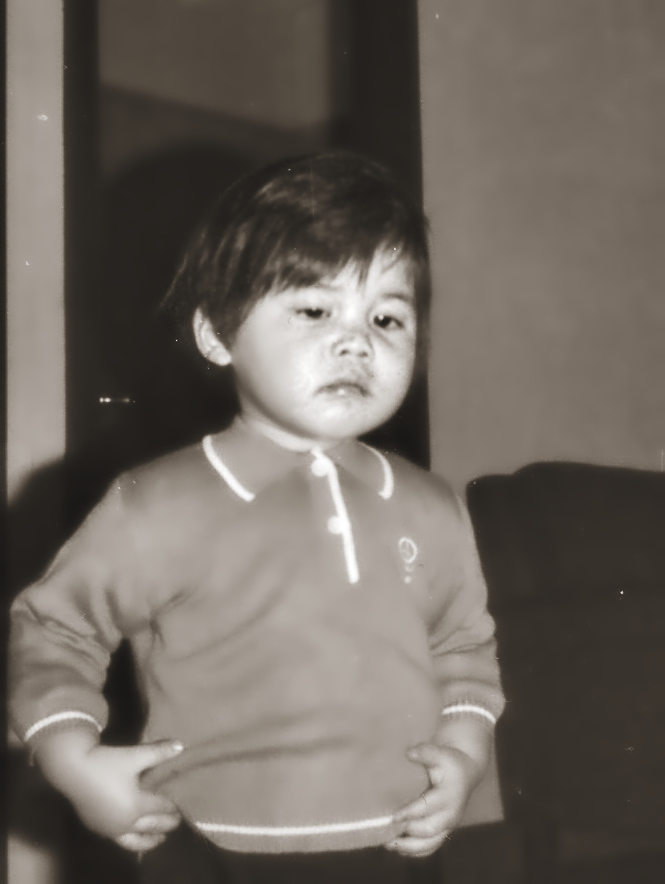
I wasn’t able to restore the original colors, I think that is hard to work with a compressed jpeg
Before
After
Who knows what were the original colors! perhaps the walls were blue or the polo yellow.
I think that all trials show that the colors are lost. I had the same problem with photos developed on Kodak paper during the 1950 1970 period. They take this rosy/brown color and I found no way to restore at least pleasant colors.
For this work i would use autolevels in gimp. Give it a try and be amazed.
According to my recollection it was a white wall. I took the photo.
Regards
Hi all,
Lot of thanks for your advice.
On GIMP
To restore faded photos tinted with yellowish color, most
time I run;
It is very simple only with one click. But they are NOT 100% workable in all cases therefore I begin looking for other solutions.
The faded photo was first scanned on Samsung Galaxy S22 Ultra mobile phone with macro lens at 1.0. Then I cropped the positive digital photo on GIMP and ran;
Colors → Auto → White Balance
No further post-editing was made.
The wall is in white color according to my recollection. I captured the photo.
Regards
Is it possibile to get raw dng files from this phone ?
Is it possibile to get raw dng files from this phone ?
[/quote]
Whether you meant “Digital Negative (DNG)”?
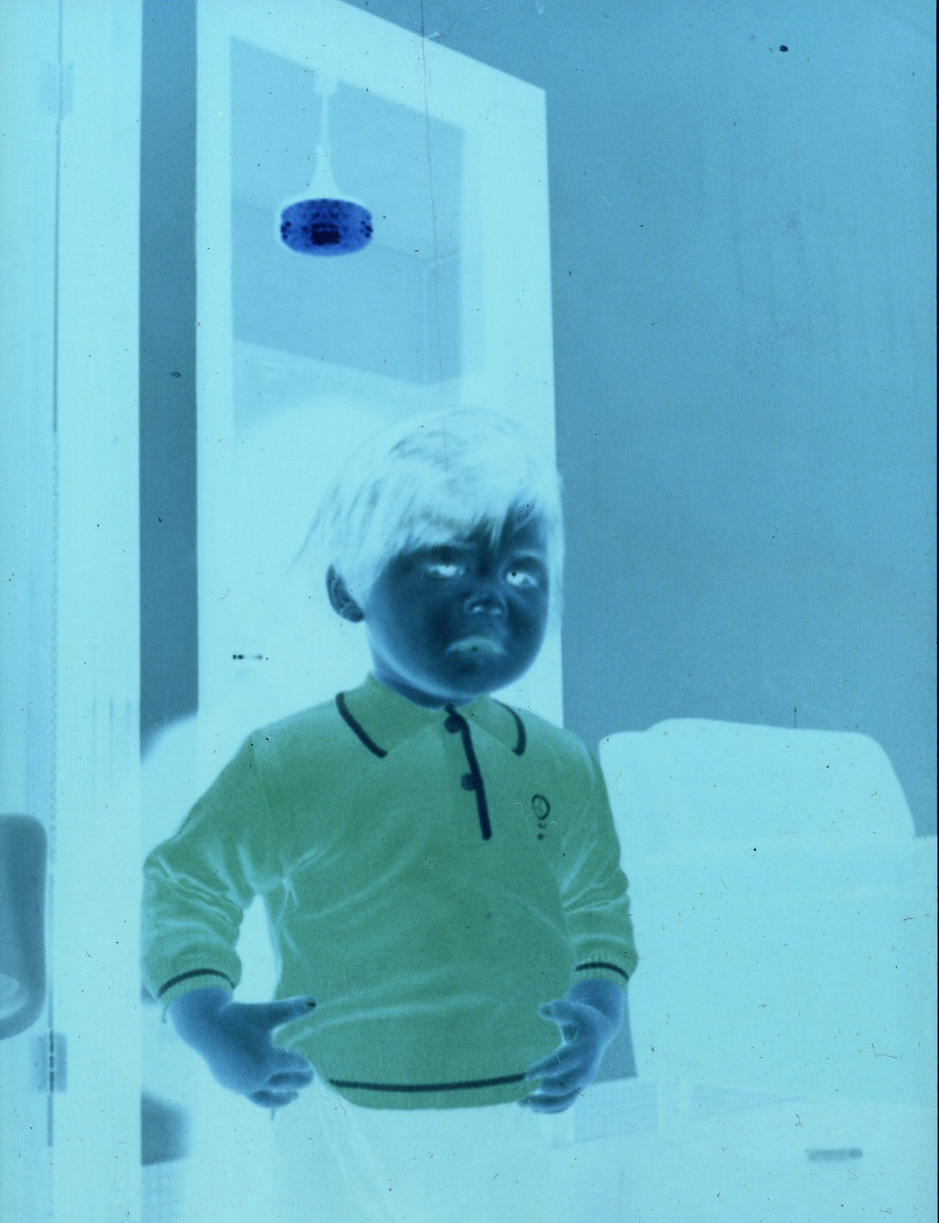
It is a hard-copy photo therefore the scanned photo is a digital positive photo. But GIMP feature; “Colors → Invert” can convert it to negative photo, I trust.
Pls refer to upload image
Regards
If you have the negatives, you can use the darktable module negadoctor.
For that module it would be helpful to have a part of the film base in the picture.
That is what I get using the negadoctor module:
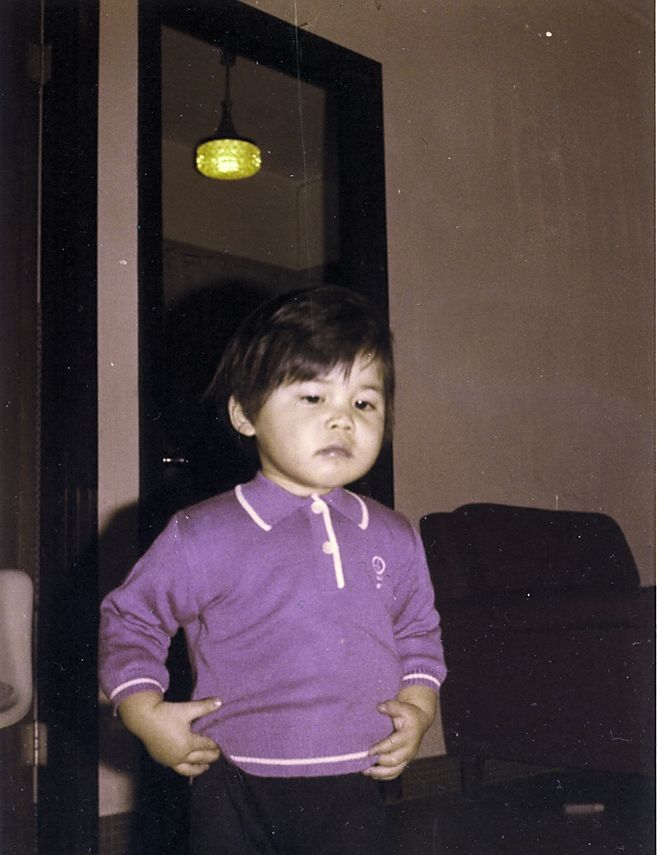
rey_invert.jpg.xmp (5.4 KB)
If you have the negatives, you can use the darktable module negadoctor.
For that module it would be helpful to have a part of the film base in the picture.
That is what I get using the negadoctor module:[/quote]
Thanks for your help
The feature using “negadoctor module” is similar to that feature of
GIMP: Colors → Auto → White Balance
Pls refer to upload image. The white wall becomes a red wall.
Regards
With old photo colors deteriorate with different speed. Blue gets typically lost first. So I think one way is to get the individual color channels sort of on a similar level.
Hi AdmFubar,
Pls advise the steps removing the red wall. Thanks
Regards