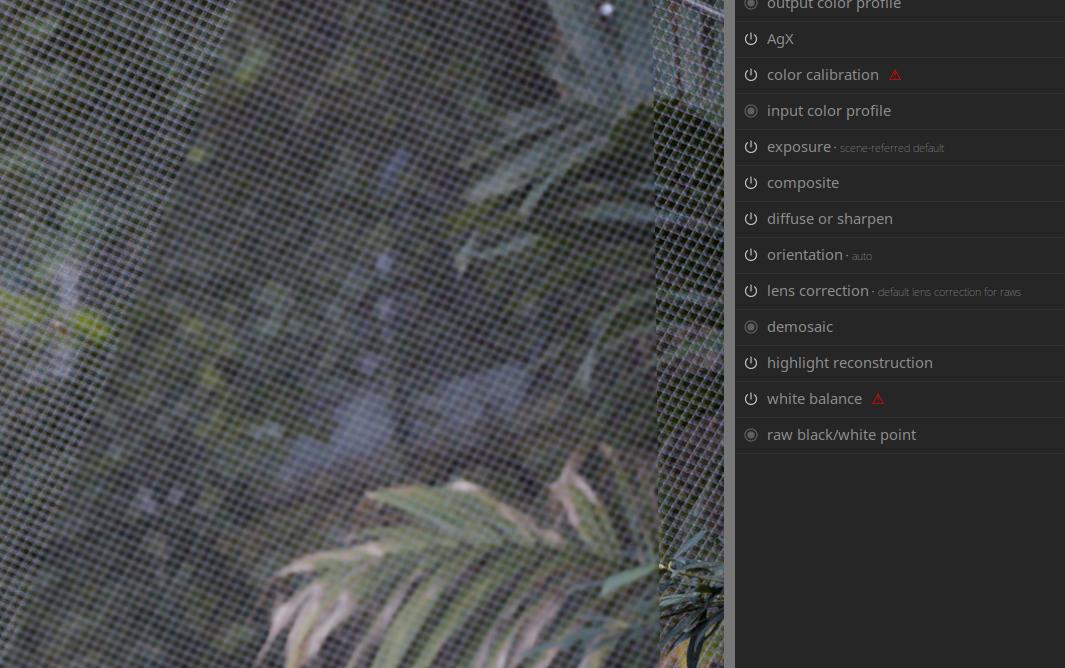
I have two photos that I want to stitch, due to a different subject being in focus in each photo. I need to match the backgrounds, which have a different degree of blur. I overlaid the sharp one over the blurred one. According to the documentation, I can apply modules to the sharp photo as long as they are before “Composite” in the pipeline. This doesn’t work. Some modules can have an effect, but “Diffuse or Sharpen” or “Blur” don’t do anything. Can I make this work or is there a rule that refuses to execute certain modules in an overlaid image?
The workaround is to reverse the order and apply DorS on the bottom image instead with a mask (reusing the gradient from the composite module).
This is the result with no blur in the overlay. You can see the diagonal line going down the center of the image:
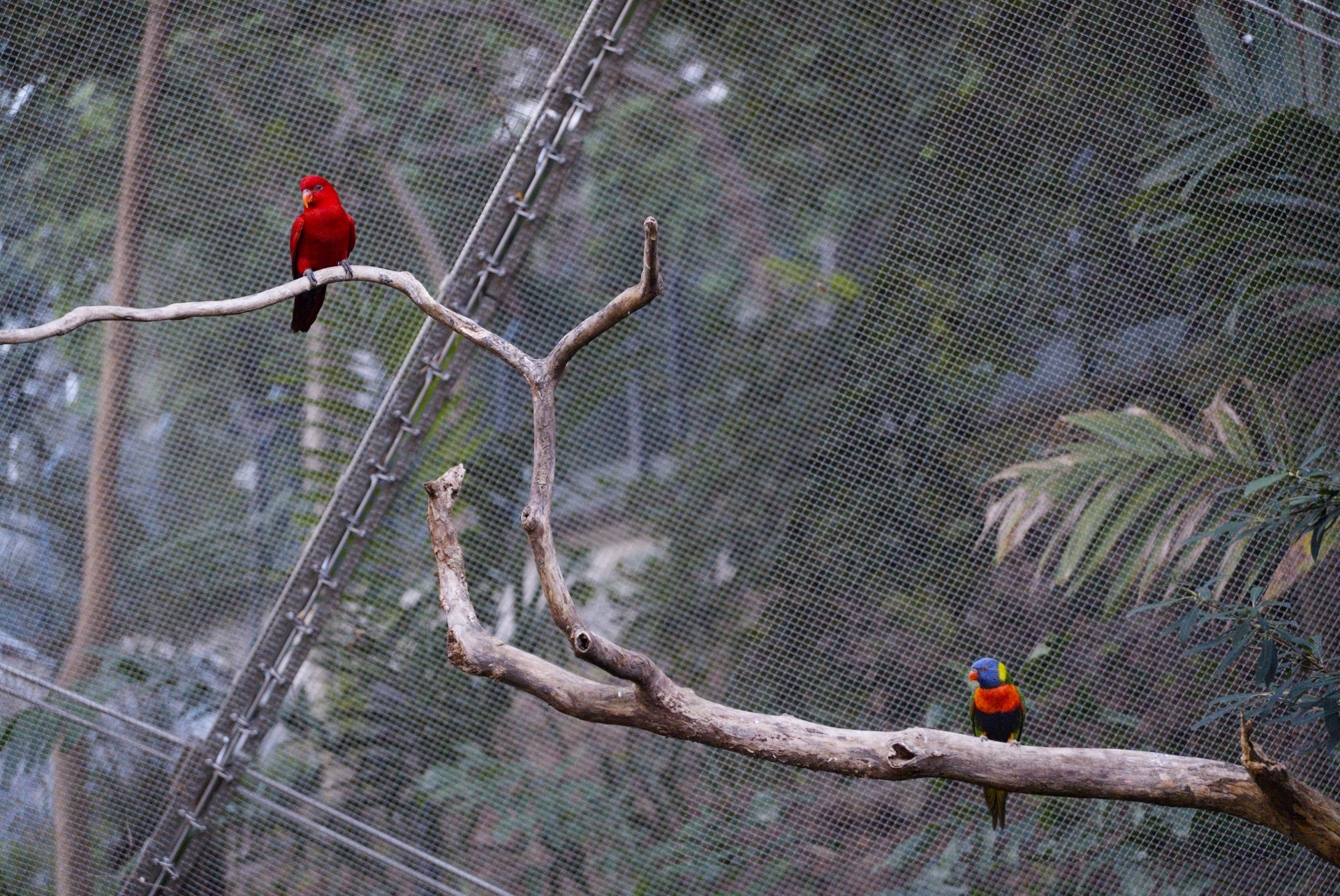
I release these images under the CC BY SA license.
SIU02545.ARW (24.2 MB)
SIU02545.ARW.xmp (17.7 KB)
SIU02550.ARW (24.4 MB)
SIU02550.ARW.xmp (13.5 KB)