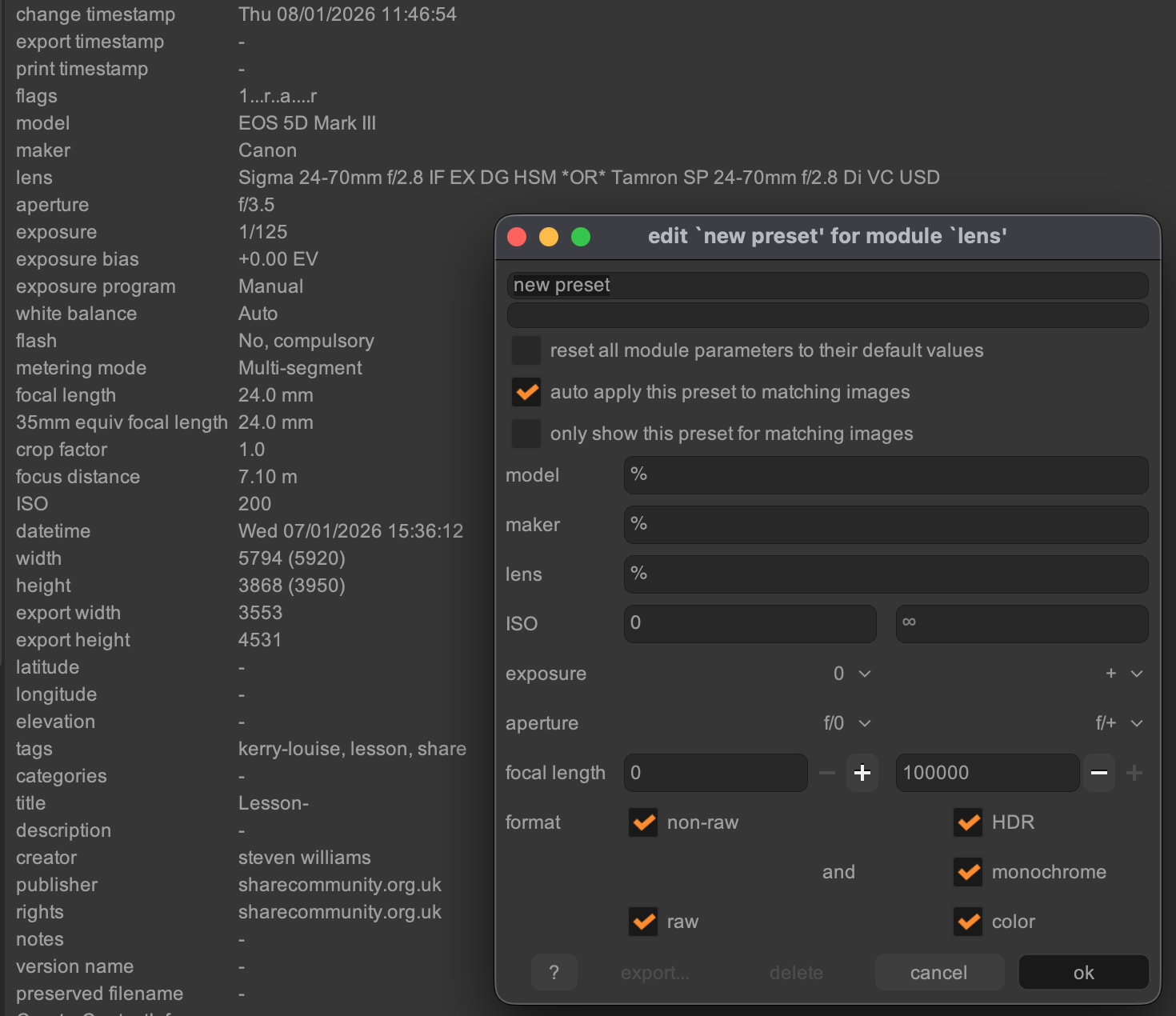
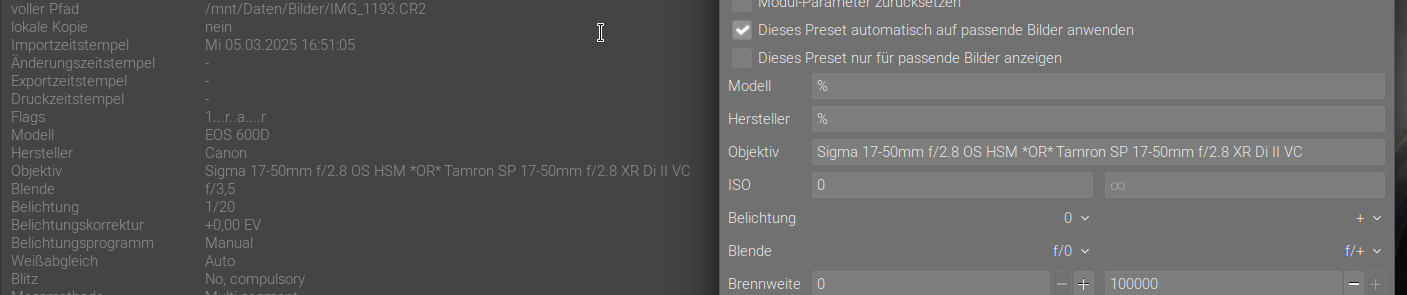
Unfortunately no bug. Since third party lens manufacturers reuse existing canons lens ids the user must override the lens identification determined by exiv2.
On Mac it’s quite simple; you just need to create the required .exiv2 file in your users directory.
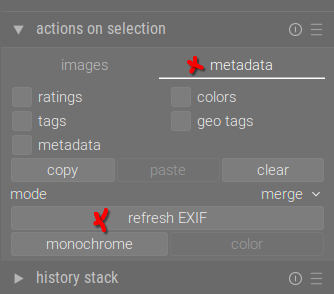
On Linux too. This works perfectly, thank you. Since I’ve never messed around with stuff like that and wasn’t aware of this function, I would like to add that you have to refresh exif on already imported photos after creating the file/entry:
in the Finder App you need to toggle display of hidden files/directories by Command (⌘) + Shift + Period (.) to see a hidden file as .exiv2
You find your Home directory via Command (⌘) + Shift + H
You can use any Texteditor to create the .exiv2 file there. Or create it via terminal: touch .exiv2
did you follow the step to update the metadata as described by apostel338.
Exif data are read during Import so for already imported stuff you need to reread the metadata with new .exiv2 settings…