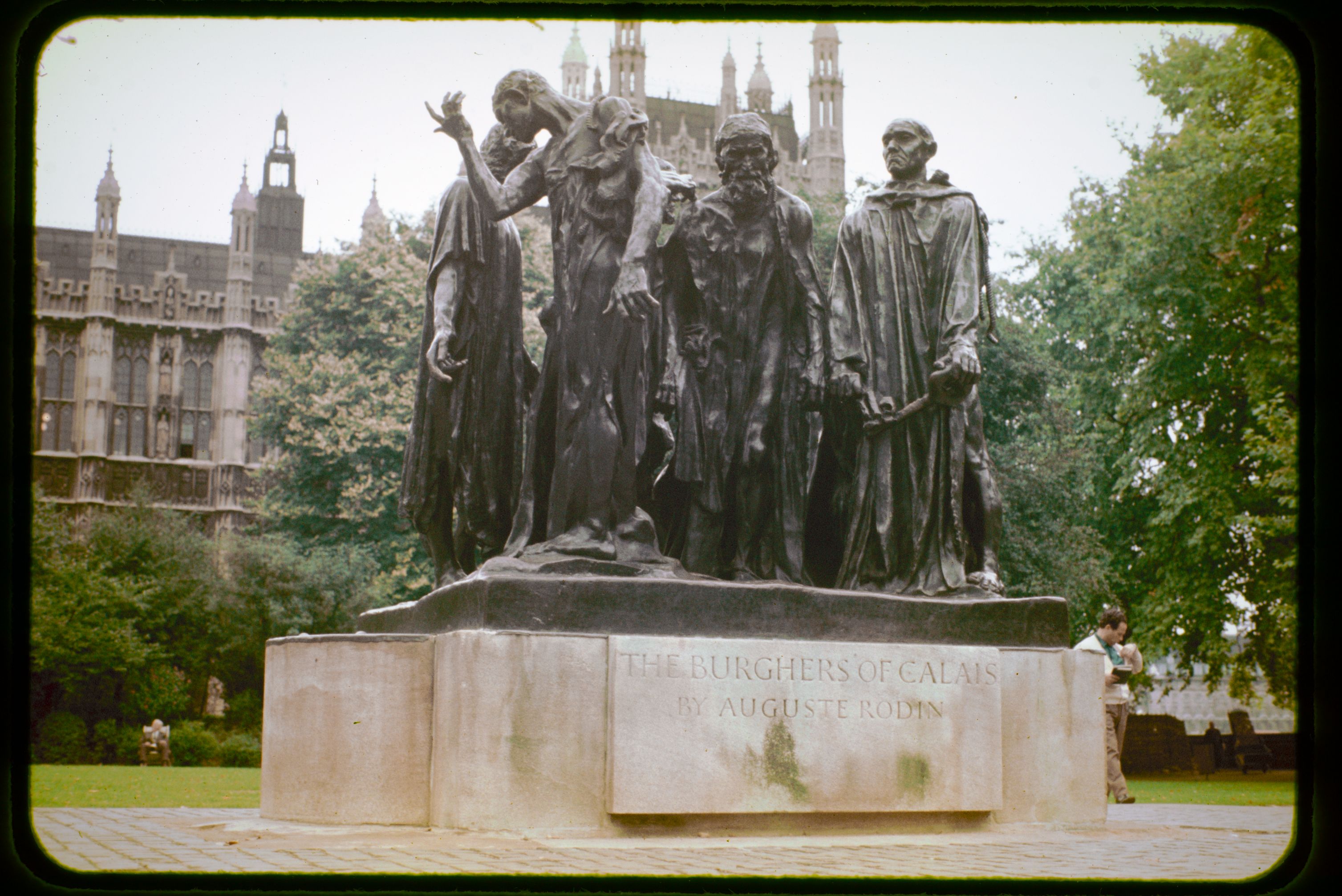
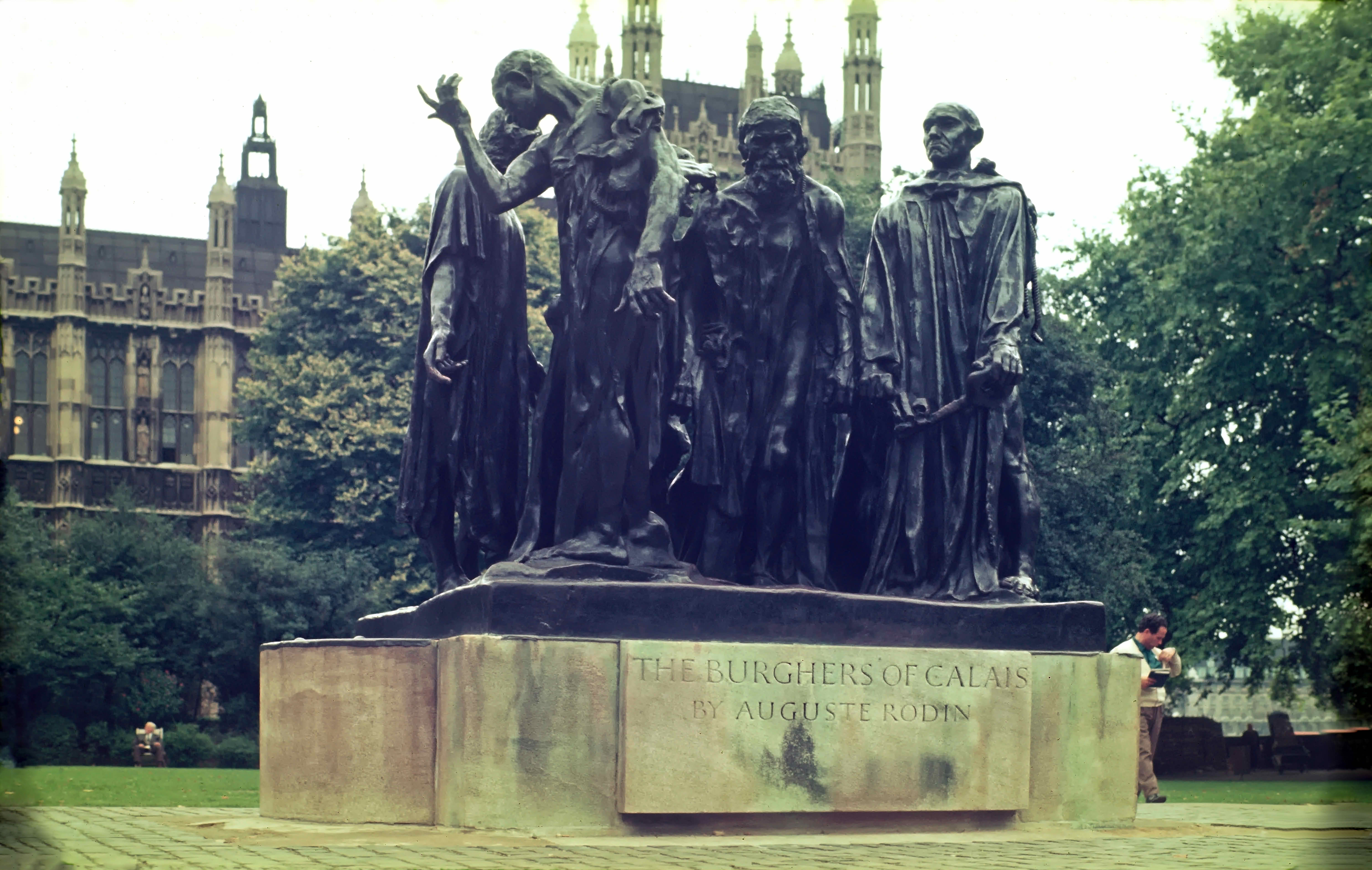
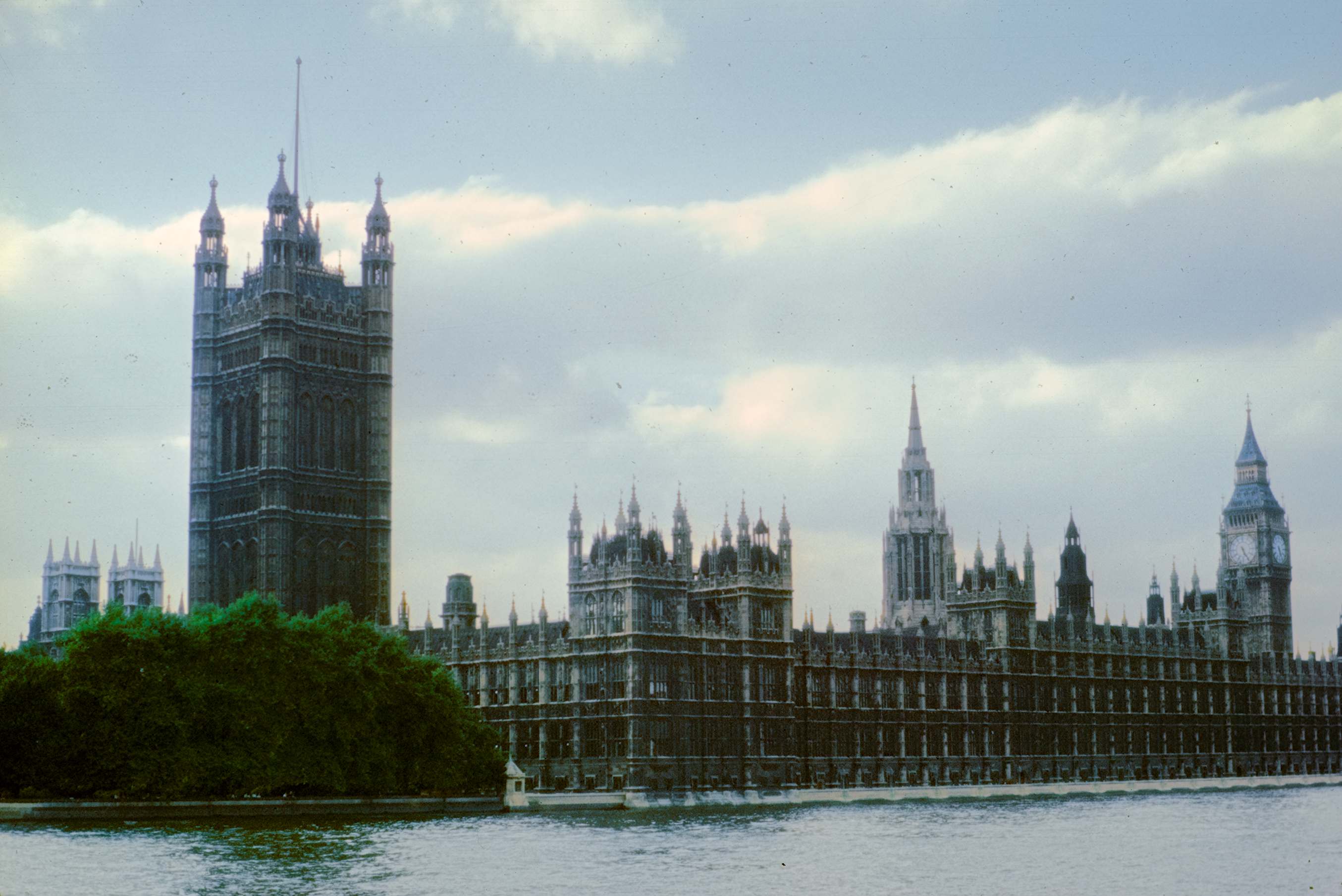
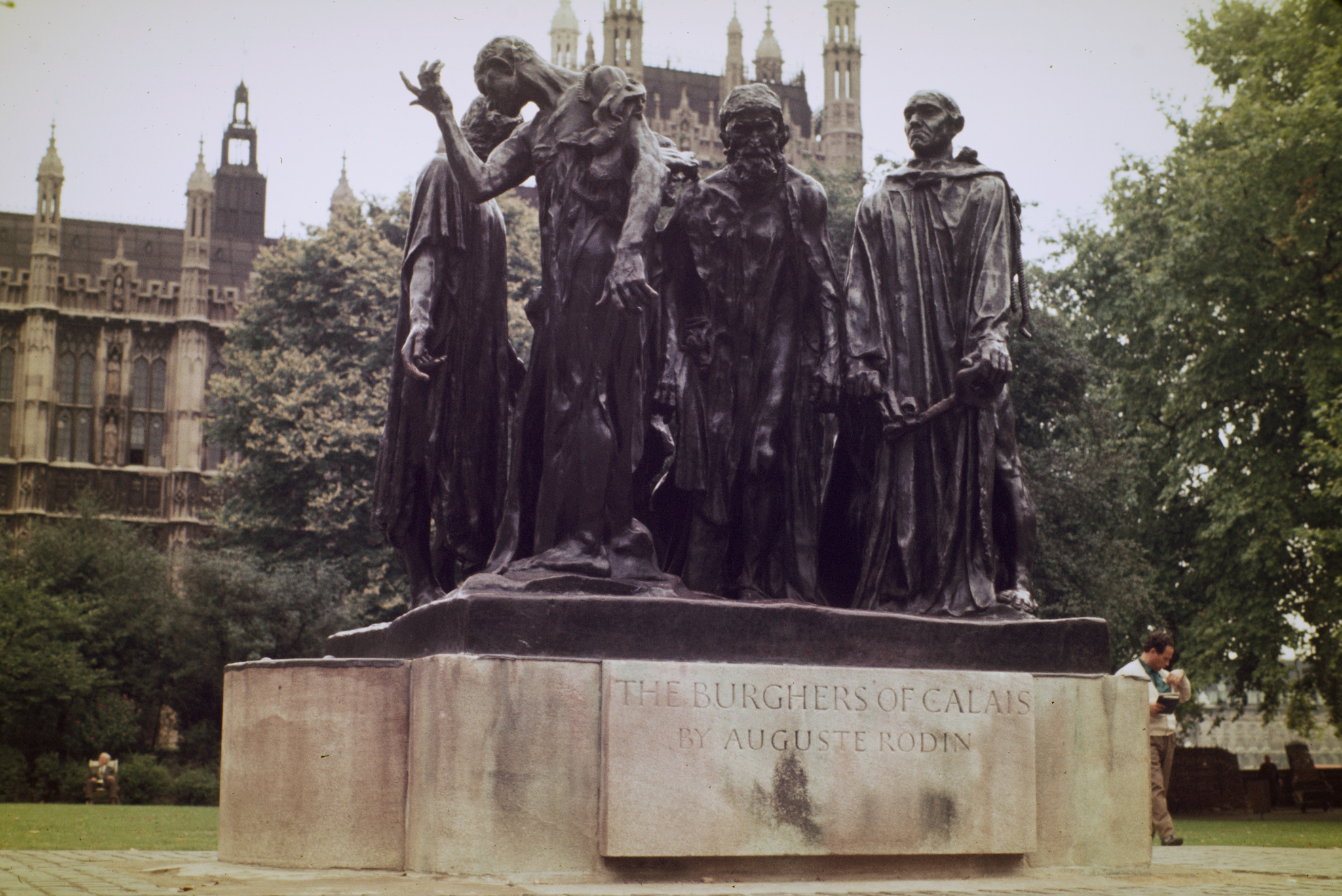
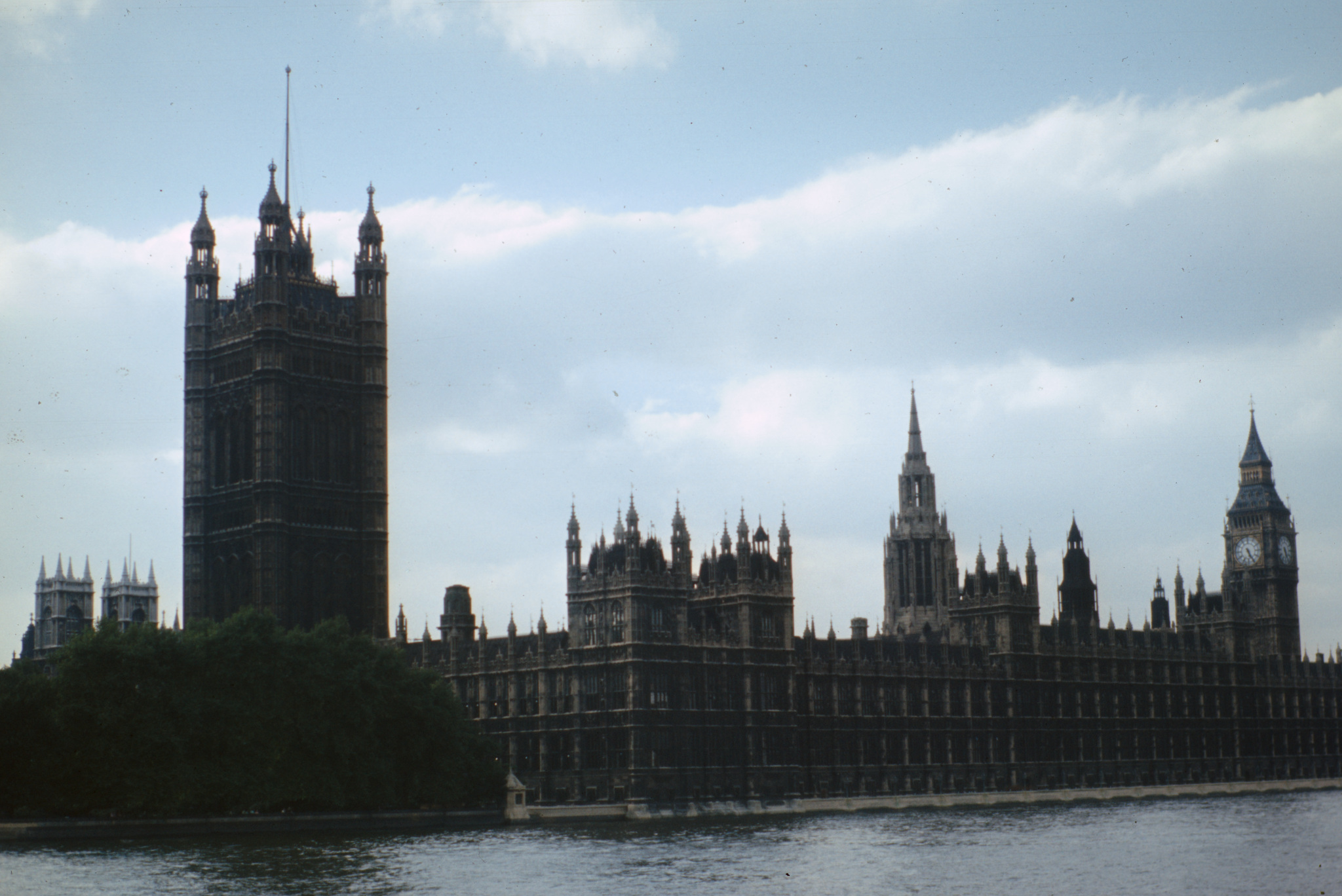
I’m having difficulty correcting the age-related colour shifts in some 60+ years old slides I scan using a DSLR. Advice would be welcome. The common characteristic of the colour shift is an overwhelming blue-purple colour cast, with considerable loss of green from foliage. There is also a significant darkening of the slides, by as much as 2 or 3 EV or more. The effect is present on all the brands of colour slide film I used in the 60s, 70s and 80s, with Kodachrome being obviously the least affected.
I have attached scans (.nef and .xmp) of 2 Anscochrome (made by GAF) slides, with the .xmps edited to show the default history stack immediately after import.
I would appreciate it if others with more experience could post their attempts to correct the colour shifts. The trees in the images should be a vivid green. The statue is bronze, with a very obvious bronze hue. Images, showing what the stone work in these buildings originally looked like in 1970 when I photographed them, are available via Google Street view of the Palace of Westminster in London, especially the Google Street view of the East elevation of the Palace, from a boat on the river. The stone in question is Clipsham Limestone, which is described a a light golden-cream colour. Of course, in 1970‘s London, it would have looked a soot-stained grey-brown. I have been unable to manipulate the Agx, and color calibration modules in dt 5.4.1 to create anything like a satisfactory result.
I will have a go. There have been a few examples of this here recently, and I’ve refined the method a little. It’s common to use the RGB Curve module in independent mode. I set the scope view to RGB Parade or Waveform.
Changing independent RGB curves can affect the other two channels in the histogram/scope view; this is because of working colour profile/histogram colour profile conversion. I’ll see if it helps to set histogram profile to work profile, but if that’s linear then darker tones get crushed in the graph. Another option might be to work in a non-linear space like Display P3 or Elle Stone’s ‘sRGB TRC’ or ‘LabL’ Rec 2020.
RGB curve tips: ctrl-click on the graph to create a new point without immediately changing its y-value. hold ctrl while moving a point to make a fine adjustment. ‘Compensate middle grey’ helps to adjust darker tones when working in a linear colour space.
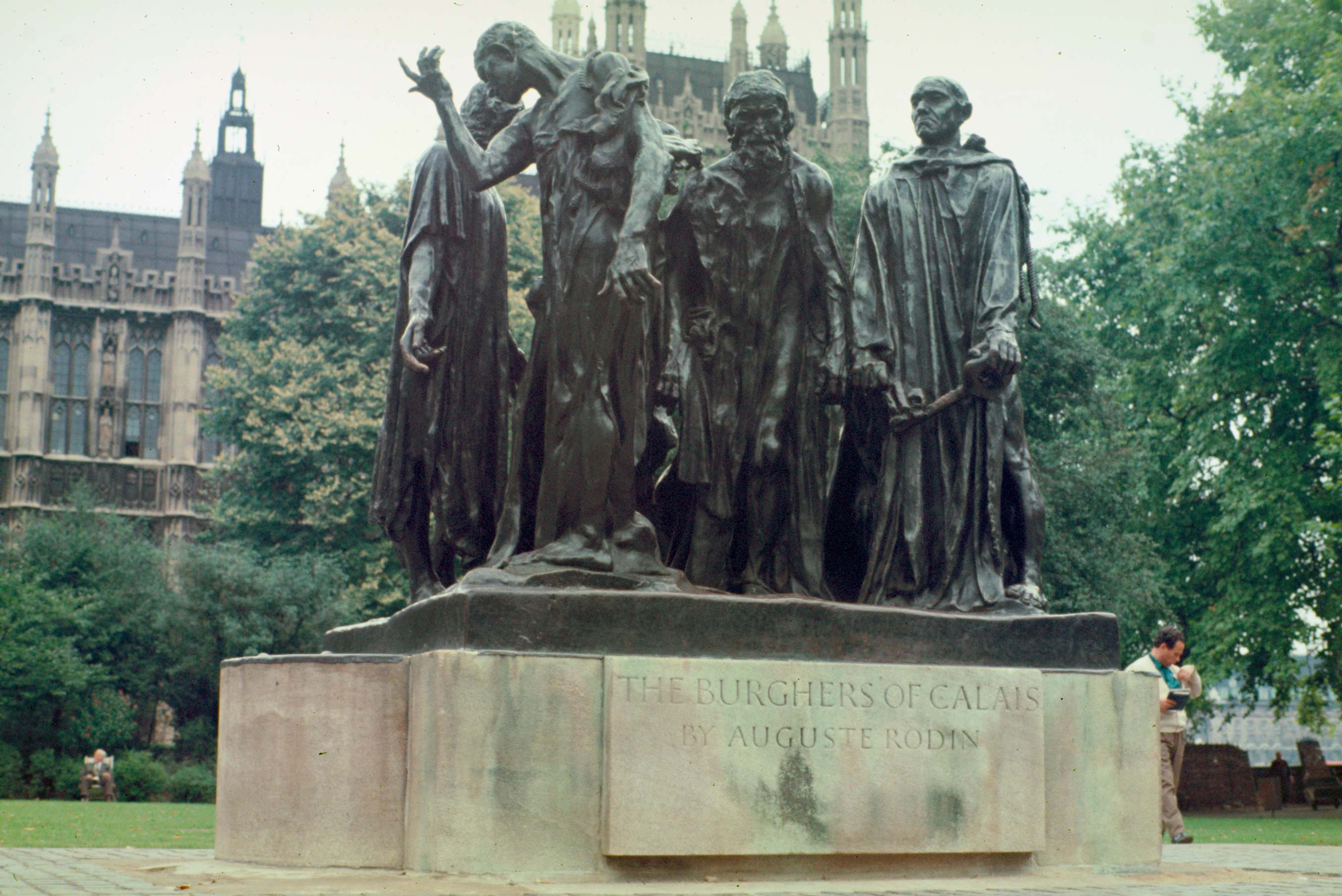
A first attempt, as I need to go sleep now and rest my eyes!
I found a modern clip of the statue (it’s been moved elsewhere), it seems the ‘bronze hue’ is very much grey, potentially a bit of gold or red?
There are shifts on the left and right (but not in the sky?) and Graduated Density did its magic for those again.
A little Colour Equaliser to add saturation and do a little different selective hue shifting.
@gwbarn I was defeated by this image so it was nice to see your attempt. I downloaded and applied your xmp file to check out what you did. I learnt something new today. I have never played with the graduated density filter which is my bad.
I look forward to seeing other peoples successful attempts with this image. I tried the auto levels lua script but that didn’t fix the color cast very well on this occasion.
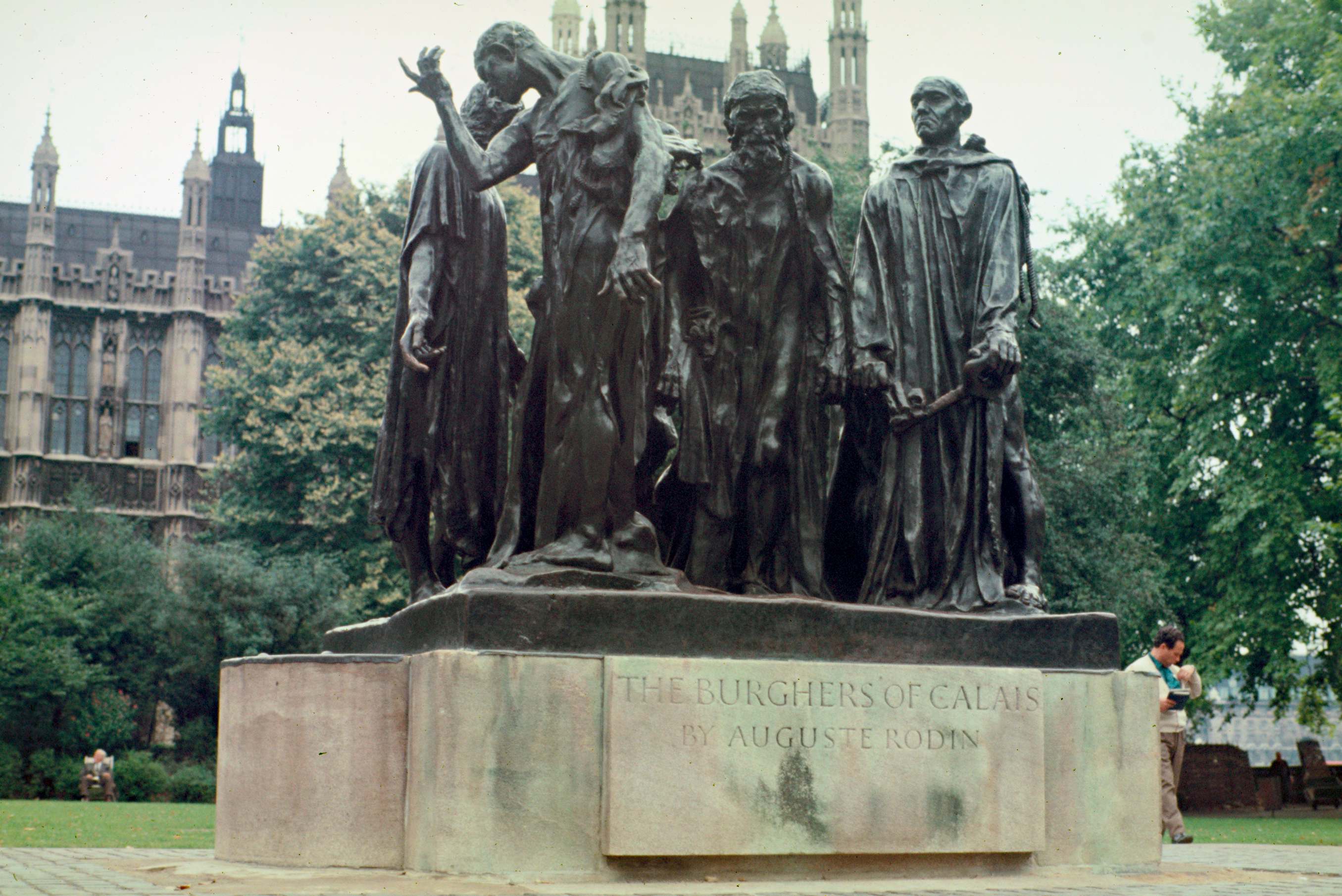
Auto-level, then colour picker to cross-reference specific colours in RGB curve module (colour of building, statues, stone), and finally Colour Balance RGB’s for saturation.
Your ‘first attempt’ result is very satisfying - thank you for working on this so quickly, and developing a result which far exceeds my own efforts. The bronze appearance is, to my eyes, particularly impressive. Over the next few days I’ll look at your .xmp in detail to see if I can learn as much as Terry Pinfold says he has!
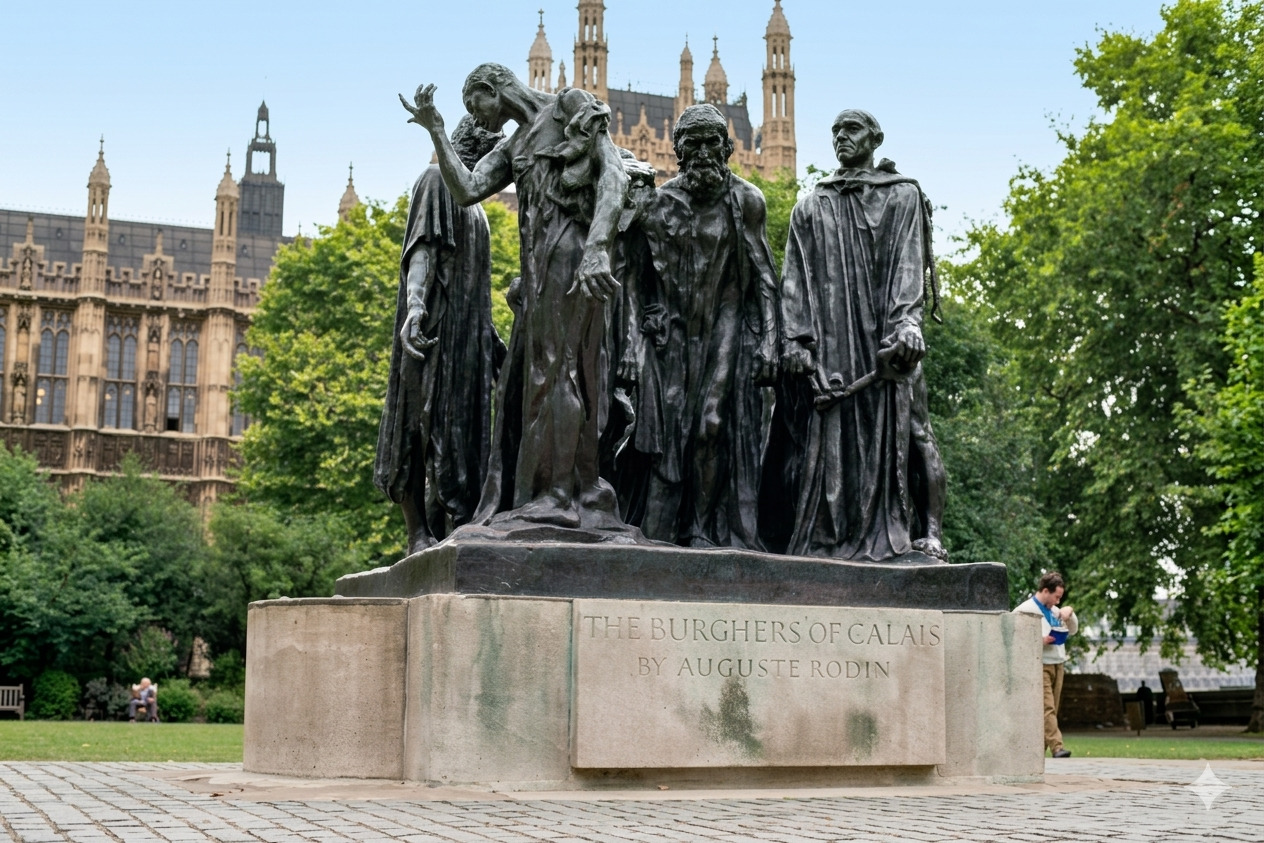
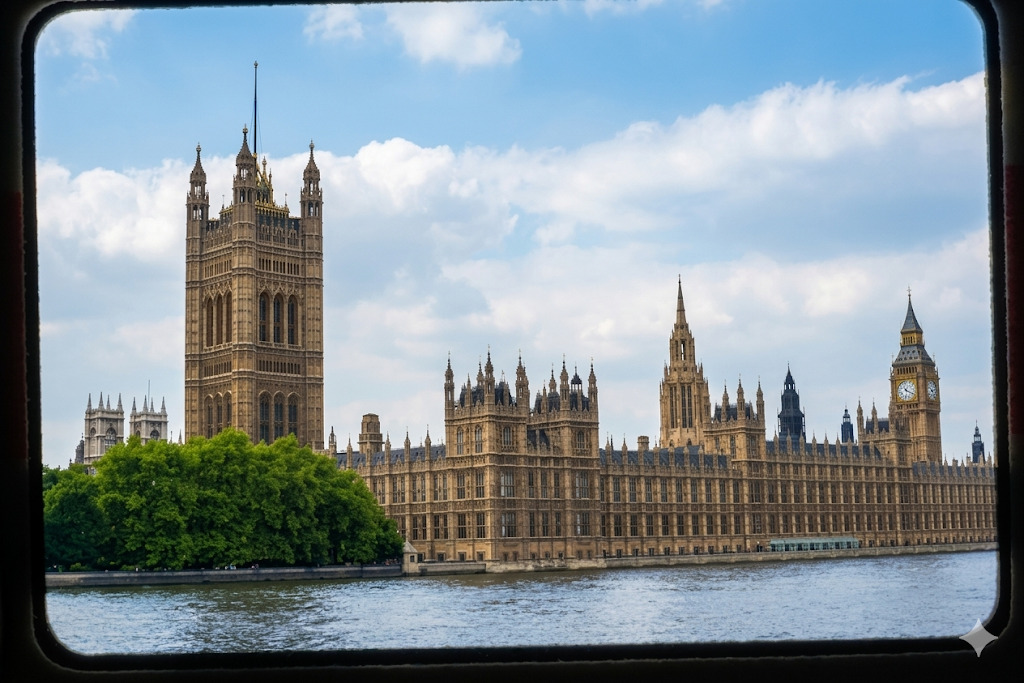
Thanks for this demo. Gemini did a credible job. How did you direct Gemini to view my original .nef and .xmp ? Could I see the text of the request you put to Gemini? (Or they out-of-scope questions for this forum?)
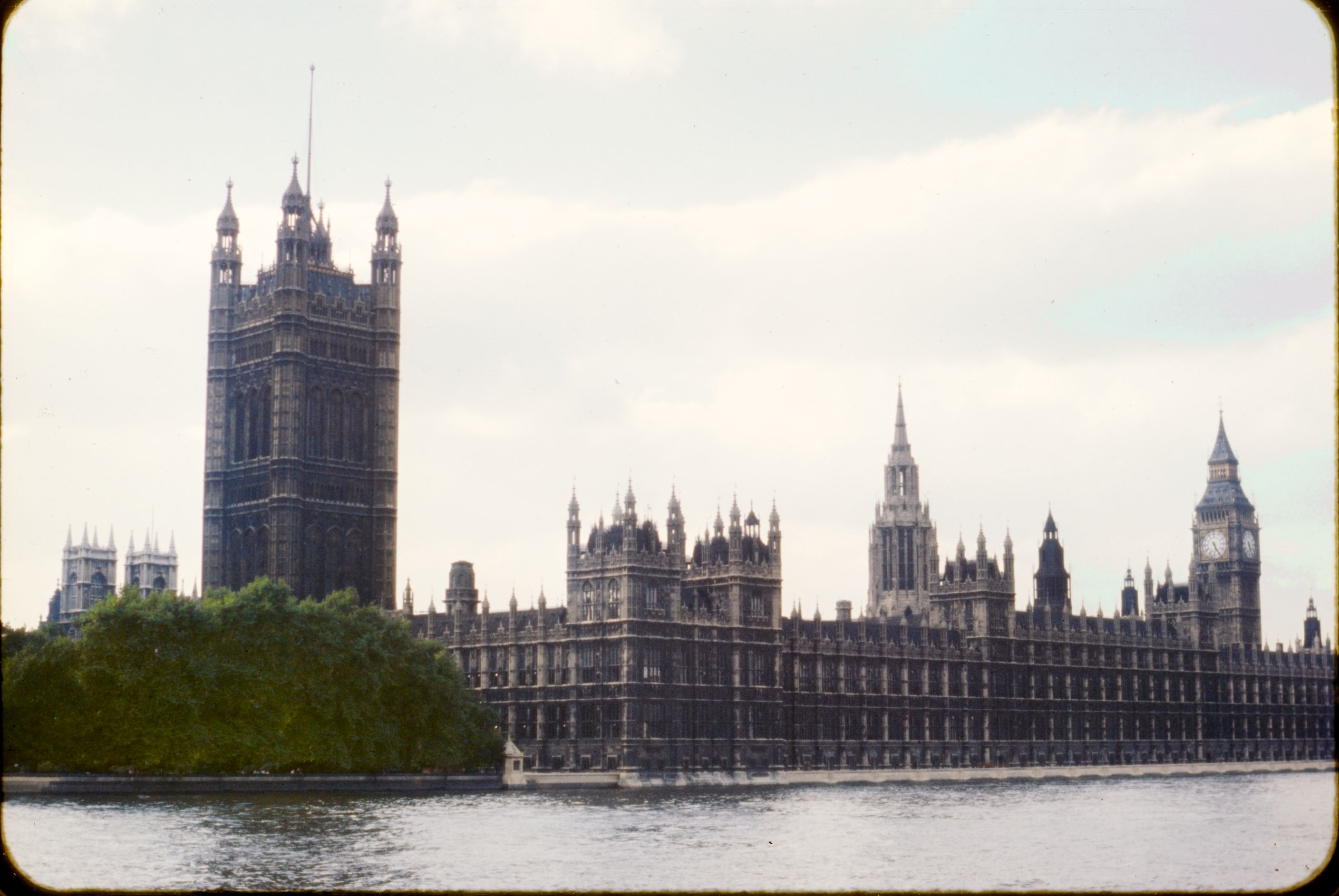
This is another excellent result - thank you. Could I ask if you could turn your skills to look at the other image (20260531_102.NEF) which shows the eastern aspect of the Palace of Westminster and has real problems of colour shift coupled with under exposure/too wide a dynamic range for the film I used at the time. Thanks.
Colour Calibration module CAT or channel mixer tabs, with a drawn mask, might be a good alternative to Graduated Density. It’s just that’s my first thought when I see a colour shift gradient in these situations.
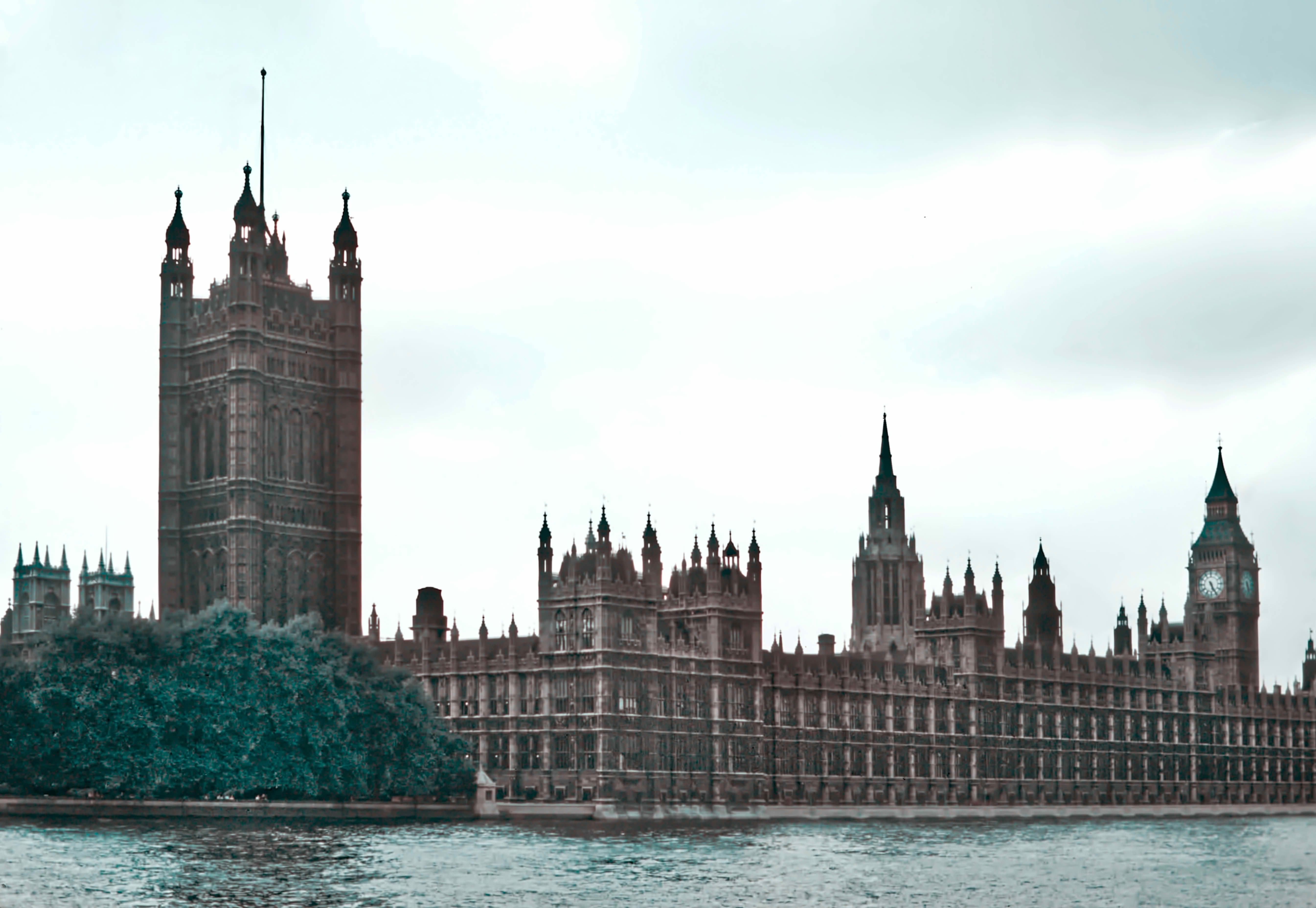
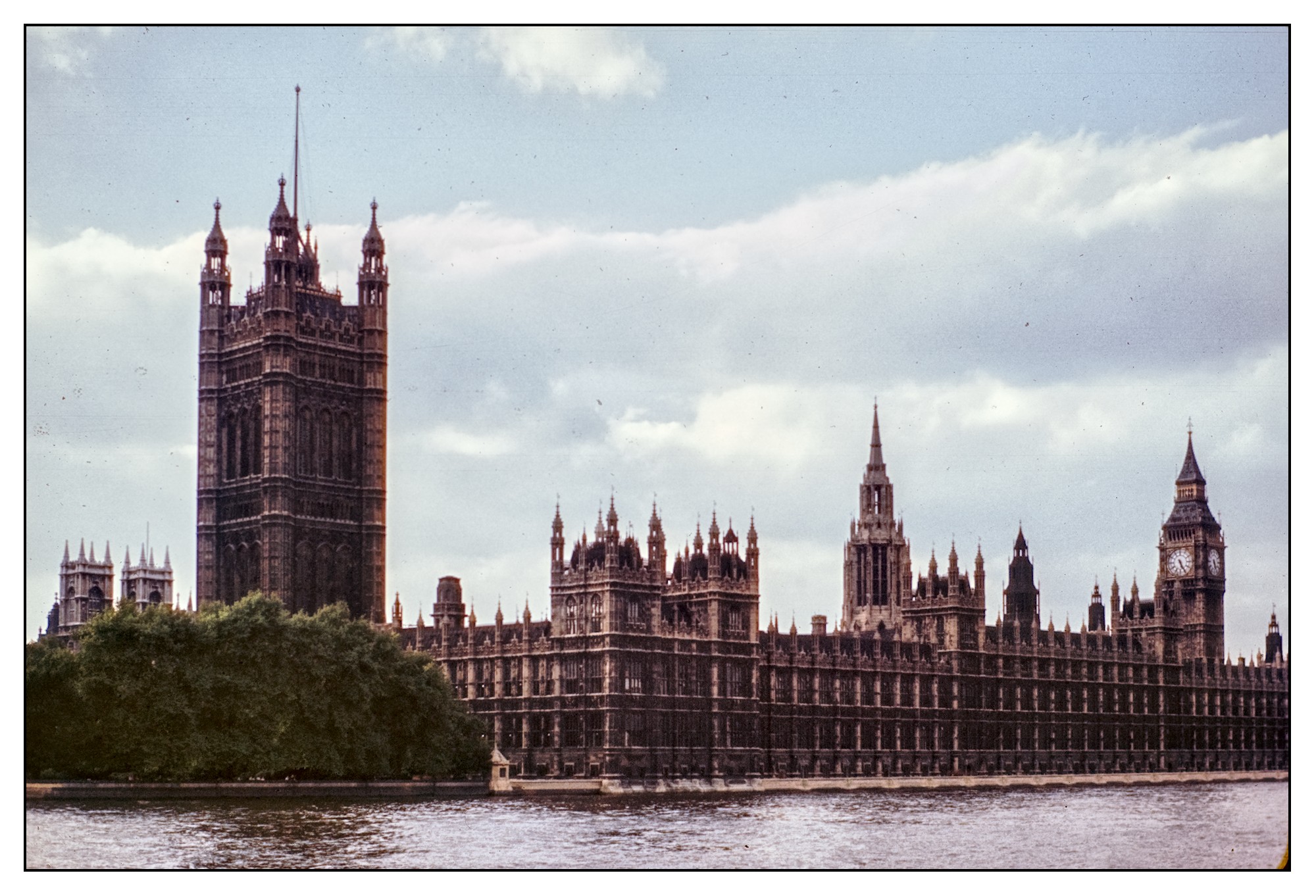
I’ve tried the other picture. I didn’t get so hung up with this one. I wonder if that’s a good thing?
There is some clipping in the sky in the RAW file; I understand that’s because the sky is so much brighter than the actual interesting content, but I used AgX to control that after everything else.
Slightly blue on the left, but some colour shifts I attribute to film response, light conditions or atmospheric effects.
This xmp does more work to the sky: 20260531_102_02.NEF.xmp (29.9 KB)
Is the green foliage a bit too strong compared to everything else? That can be adjusted with the orange/yellow/green sliders in the first Colour Equaliser.
I got something similar to Terry, I had sent it to you both last night as I know that AI posting isn’t really something for this discussion or at least it would be viewed that way by many but I asked initially for Gemini to restore the color of this scanned photo of the named site…so I guess it would know where to look also for a match…it took about 15 seconds…I got richer green colors if I recall but it was like that… I then got curious if I added your second one and just said “do the same for this photo” and again I shared the results with you…
I just extracted the embedded jpg as the source files…
Unless there is too much fiction there is no way I would have ever landed on an edit that was that good…well good depending on what you are looking for and what you want to do with the image I guess…
Struggled to bring in the dynamic range without using some kind of tonemapper (which would have destroyed all contrast in the highlights), so masked the foreground / sky and dealt with them separately.
That looks interesting -thanks. It didn’t occur to me to try RT (I’ll have to invest in a refresher course) and the GIMP function you have referenced is quite unknown to me; I’ll need to do some reading on that, so thanks for the pointer.