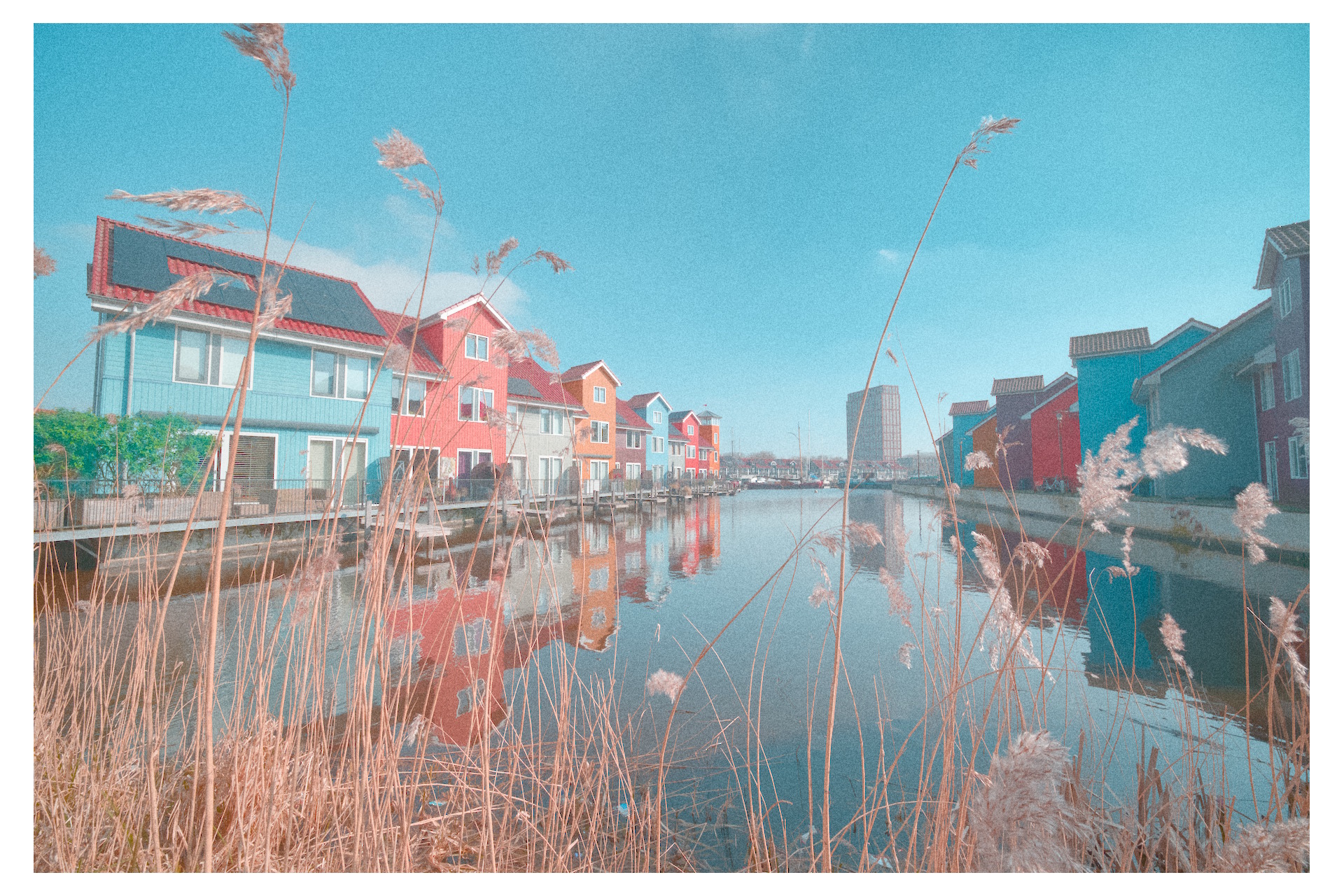
How to crop this Reitdiephaven shot?

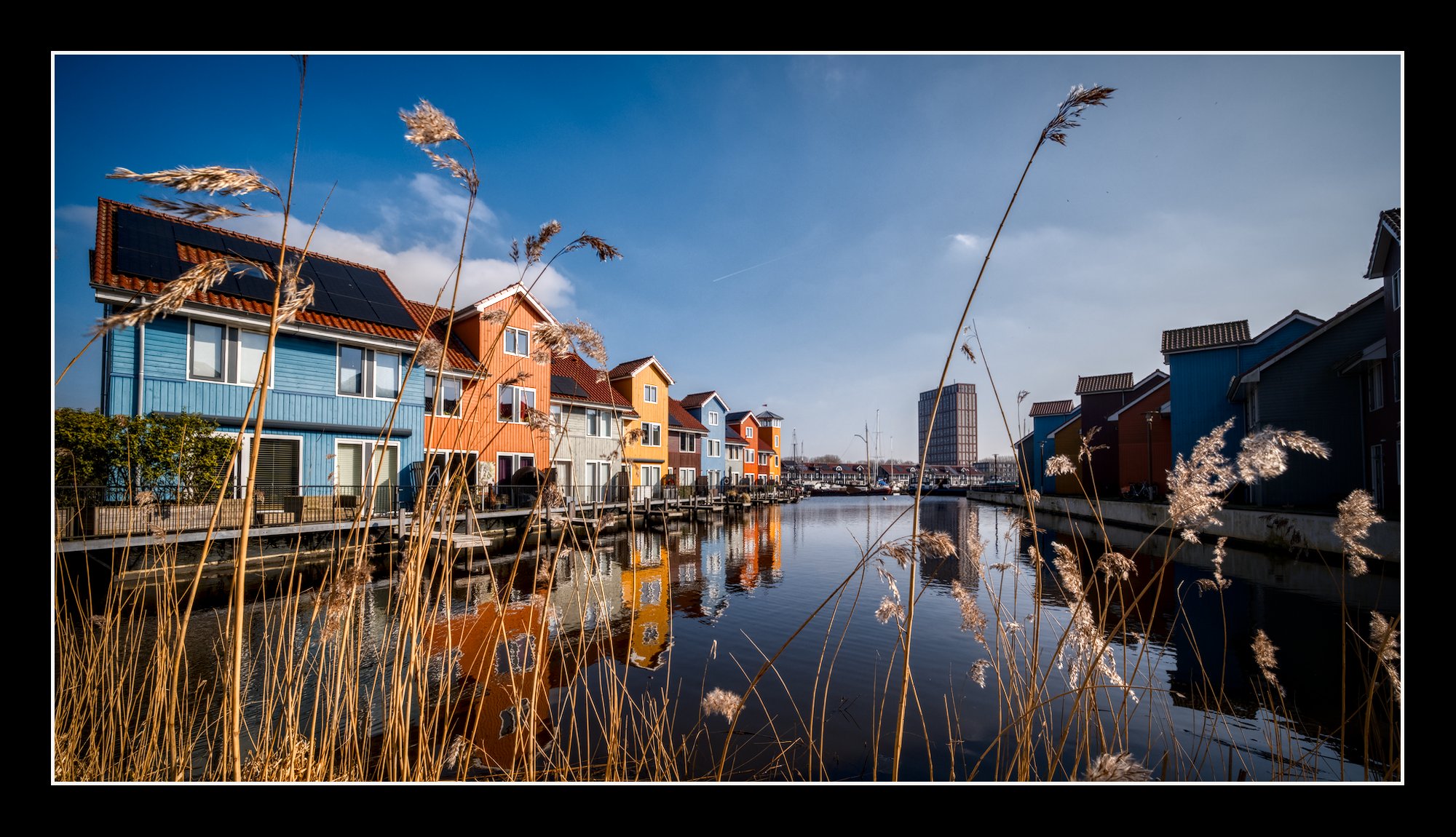
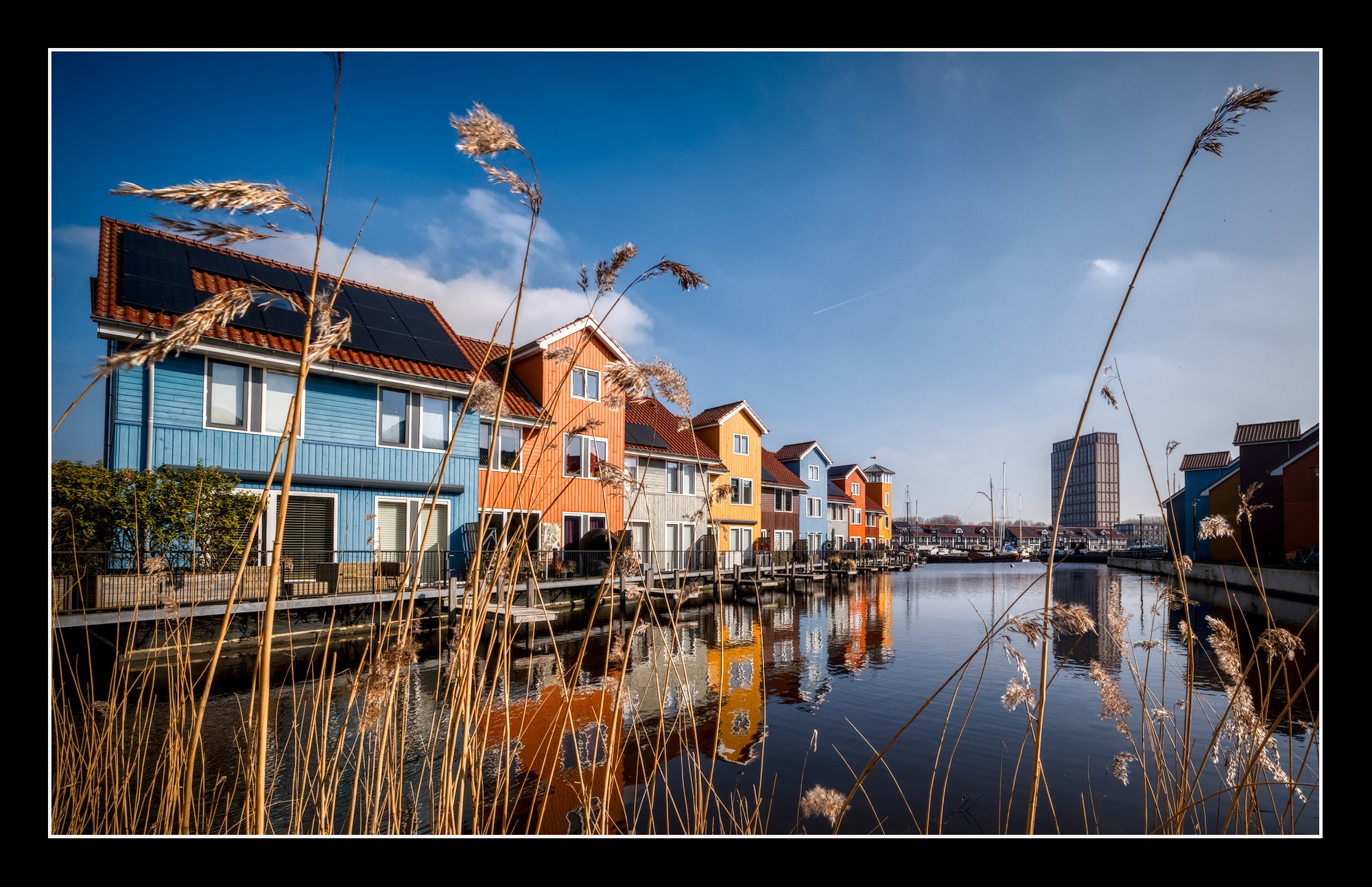
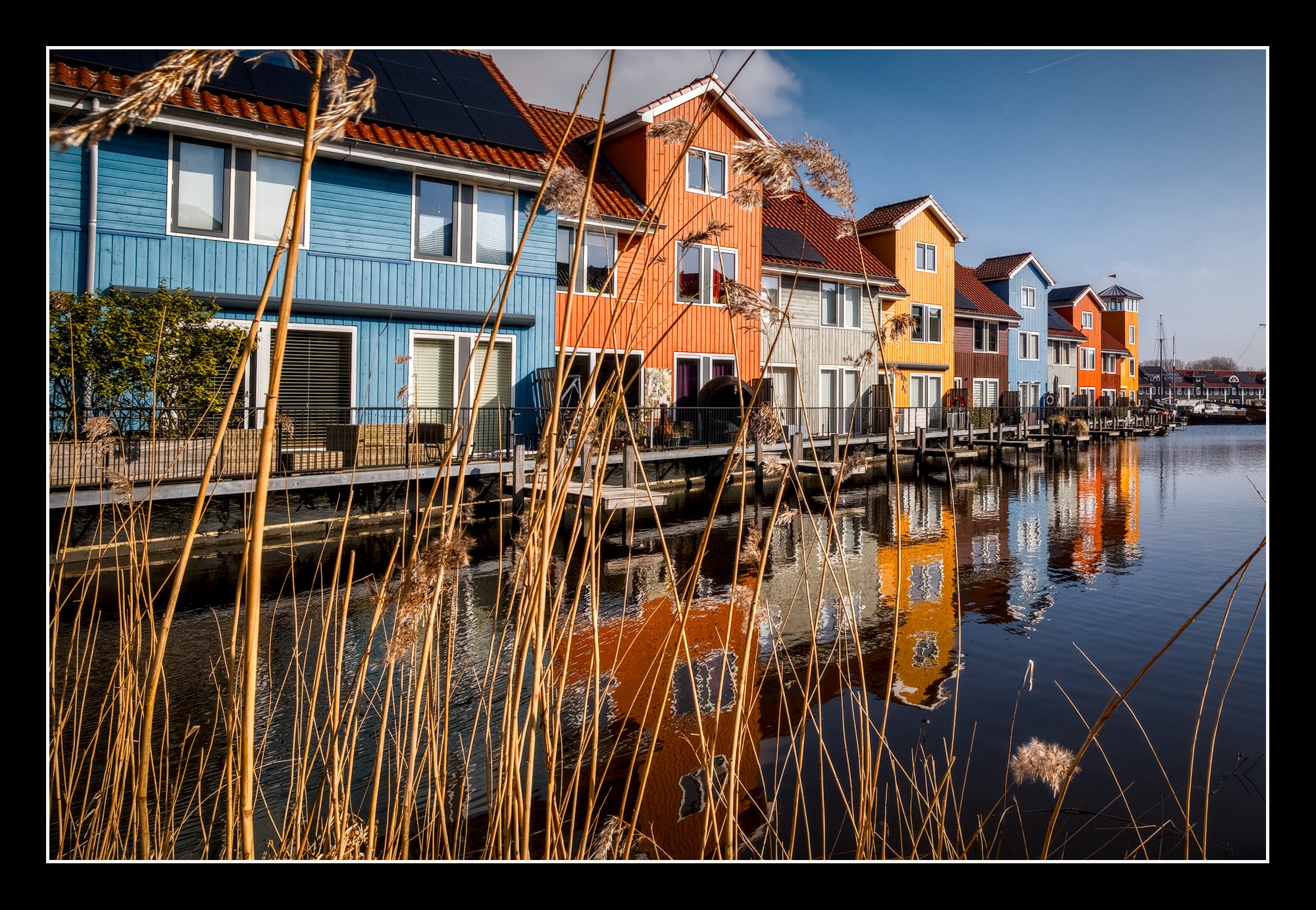
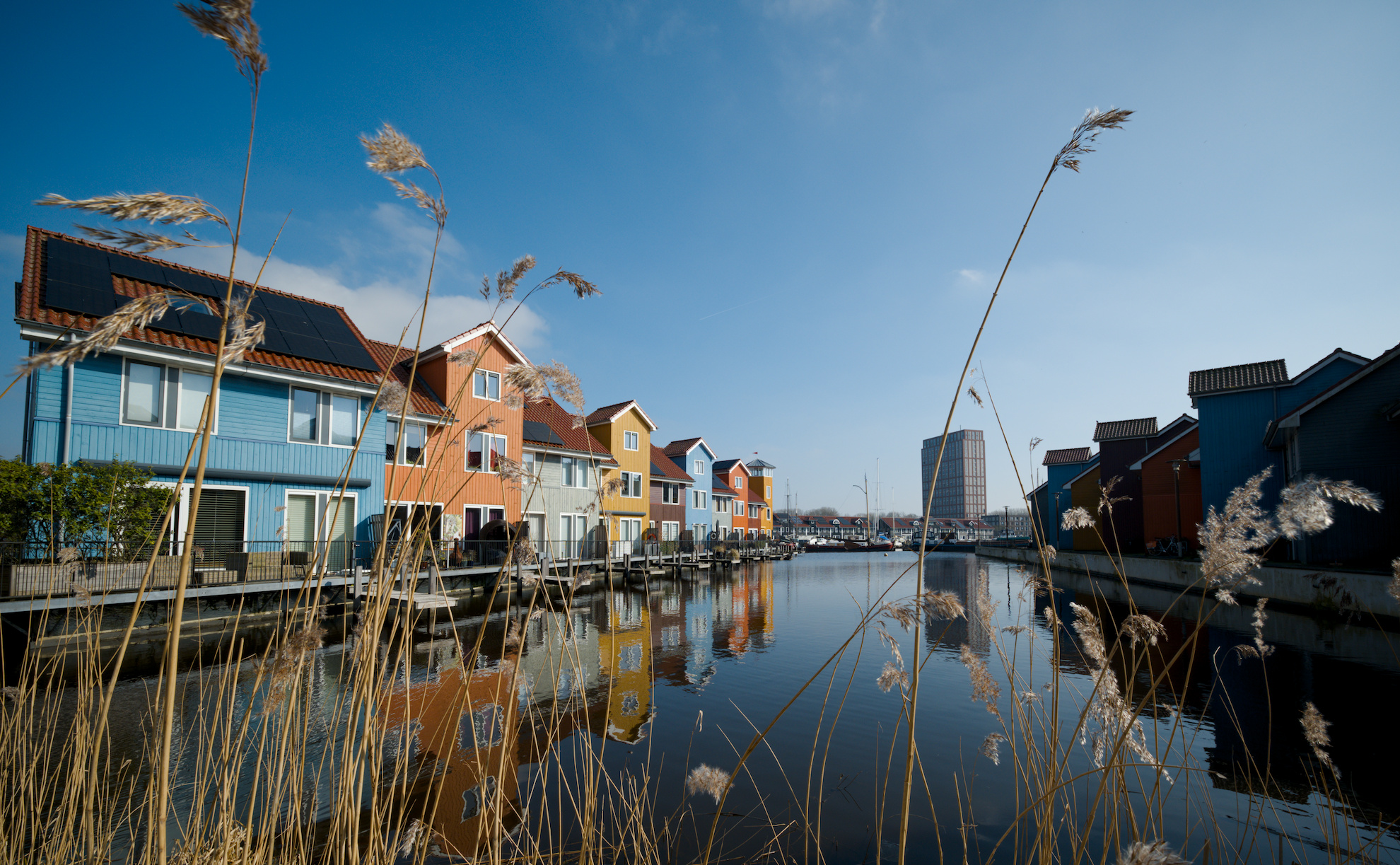
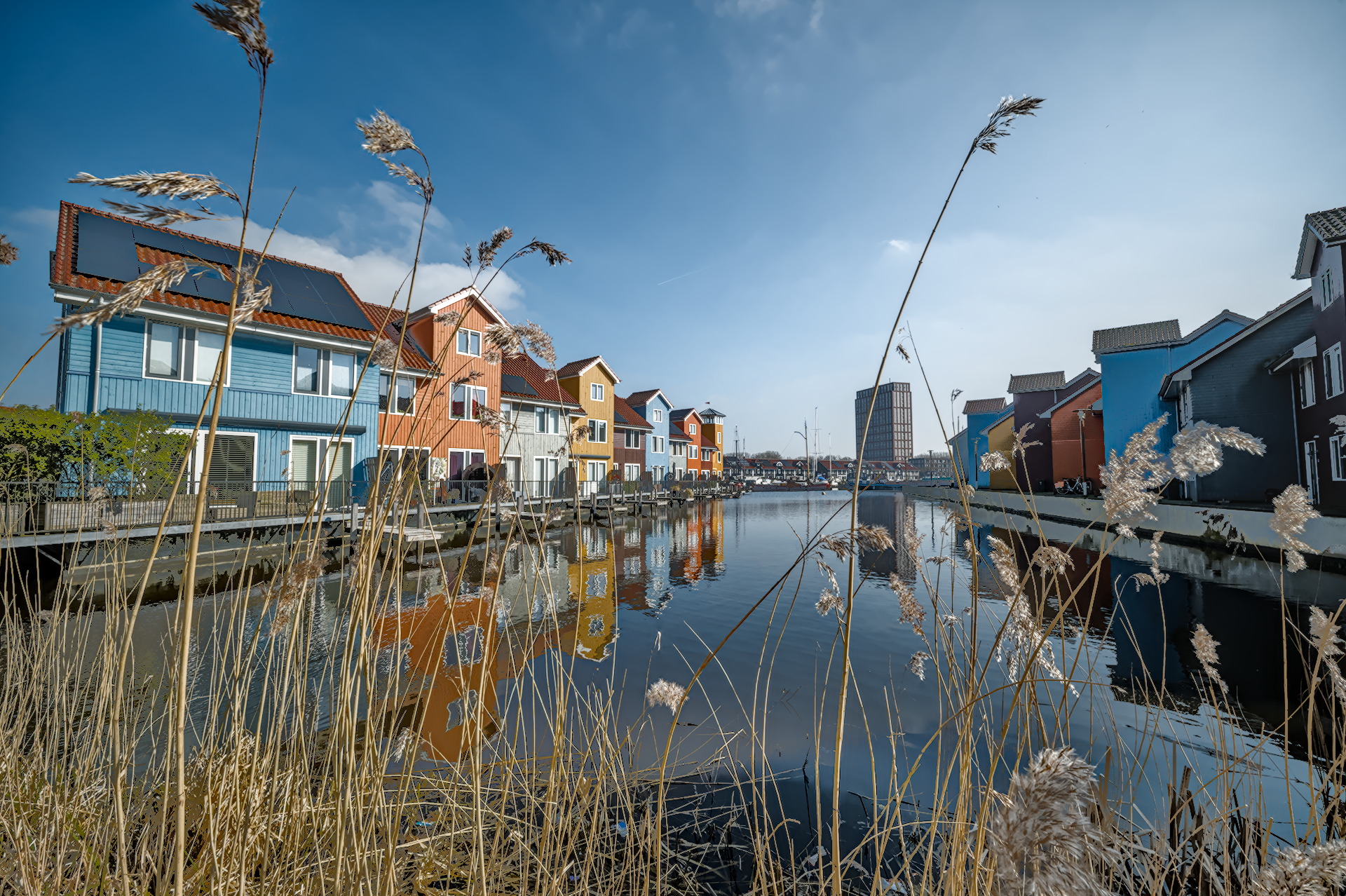
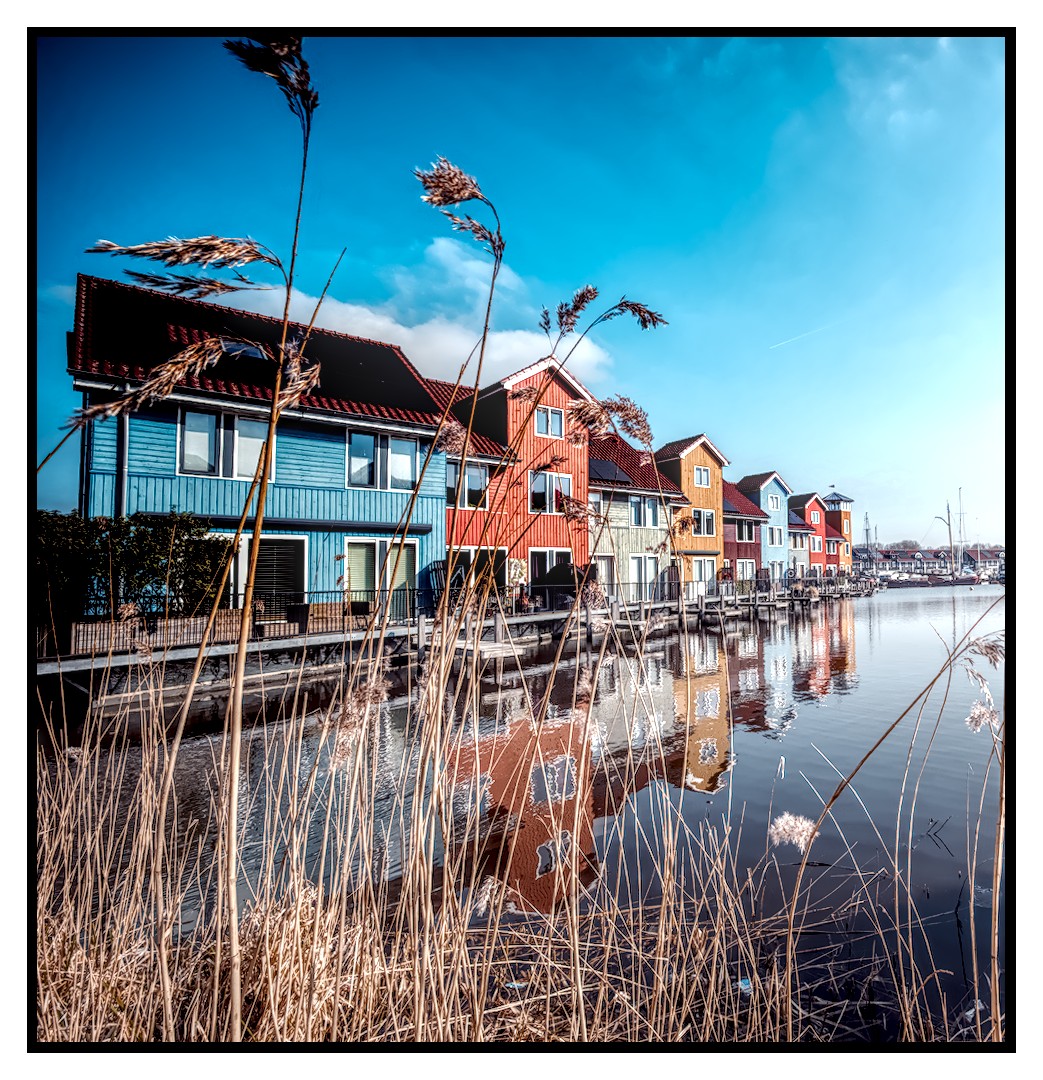
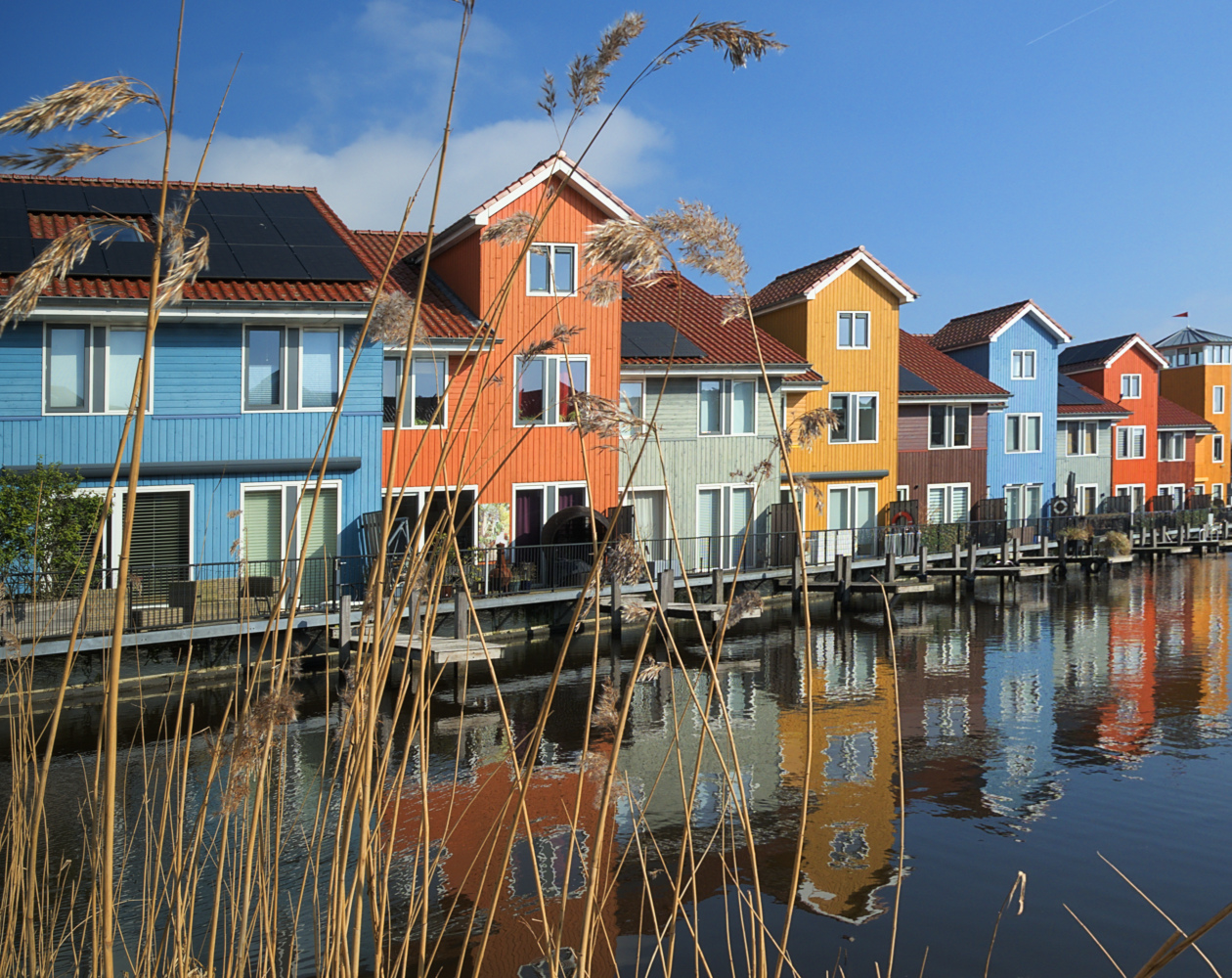
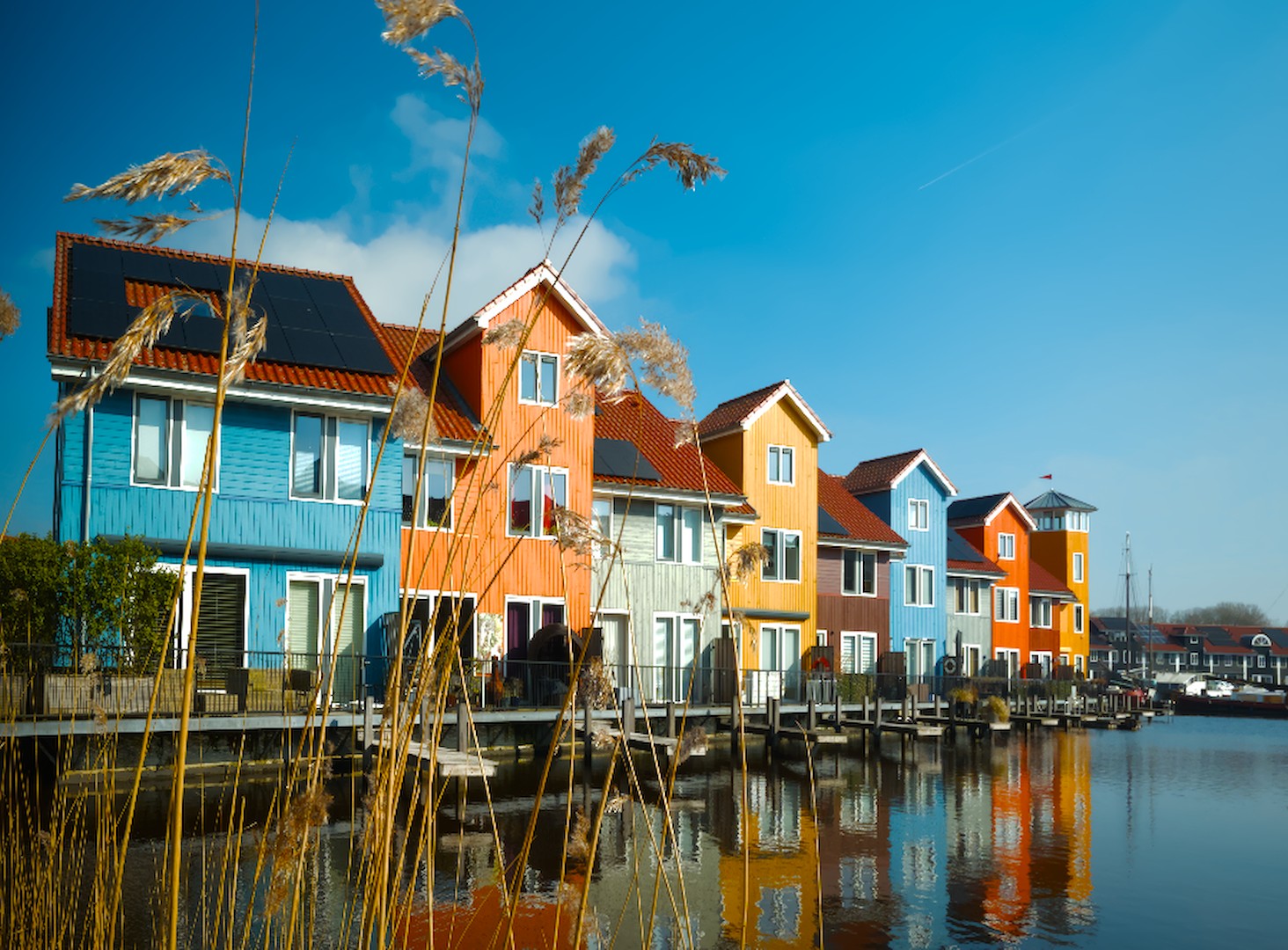
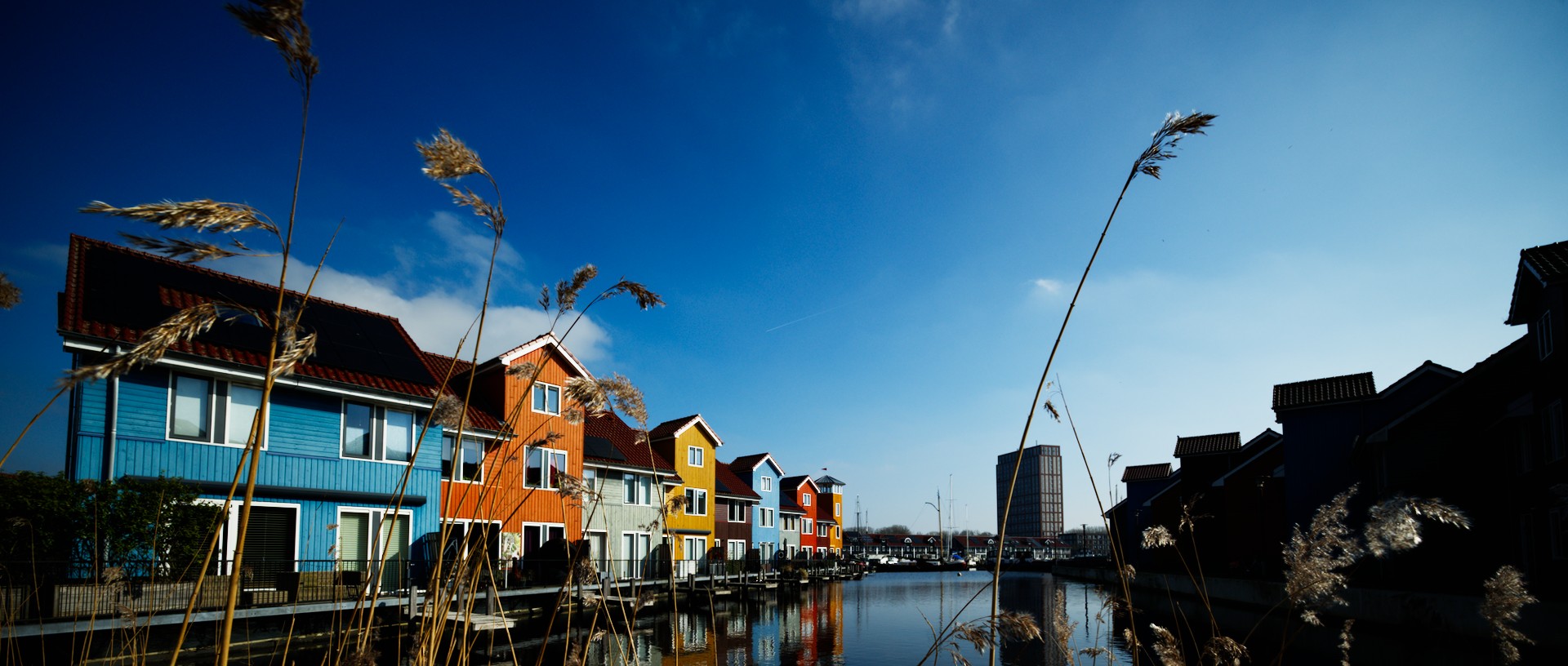
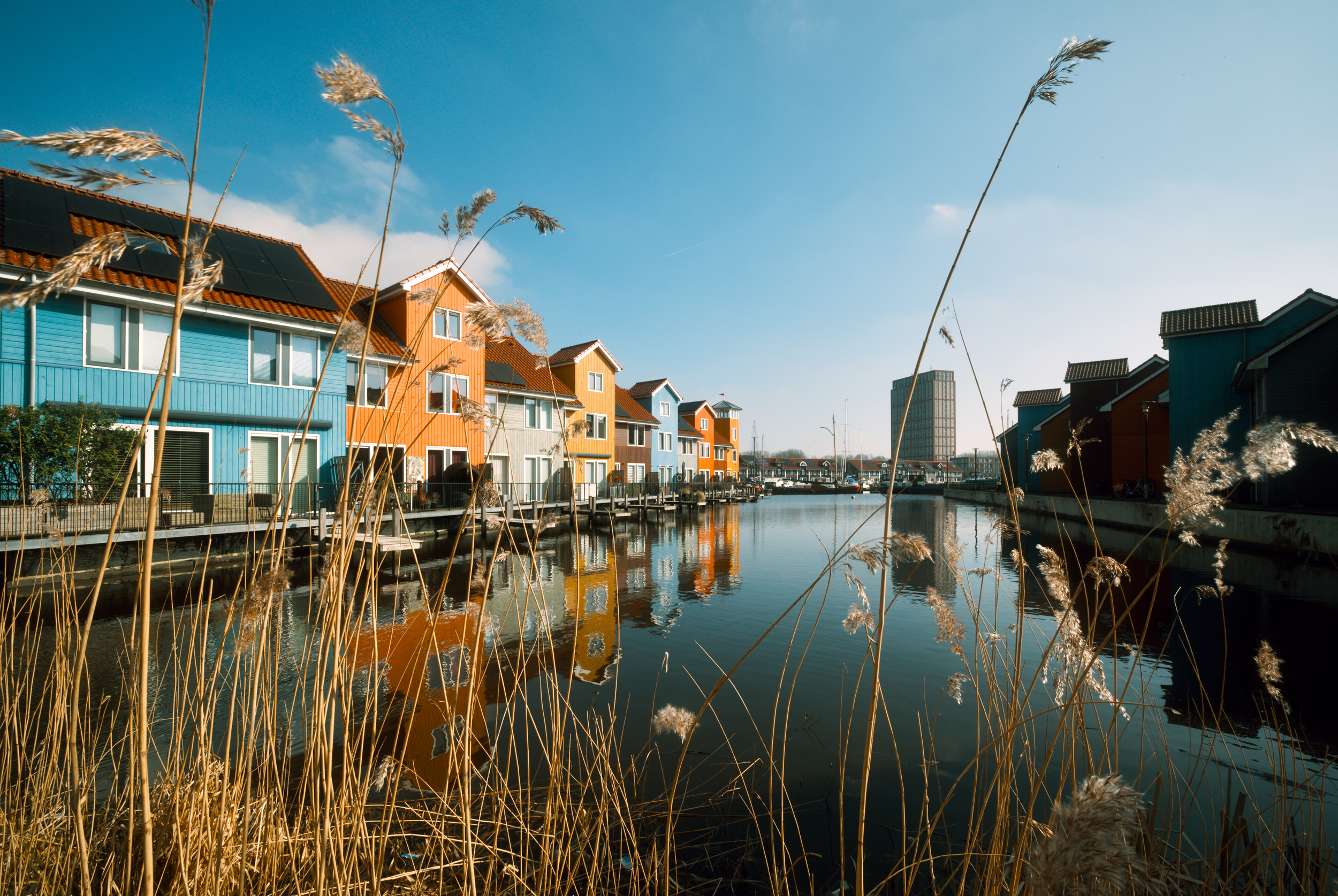
A sunny day at Reitdiephaven, an outing with the 9mm that hasn’t seen action in some time (which means I’m re-learning to framing things when there’s a lot to frame), one of the pictures was this one. Aimed for a vista between rows of houses, that didn’t quite pan out, so then what? Horizontal, vertical, or, as @andabata suggested on Matrix, square?

Have at it!

20260303-124152-DSC_0173_02.NEF.xmp (9.1 KB)
20260303-124152-DSC_0173.NEF (25.9 MB)

This file is licensed Creative Commons, By-Attribution, Share-Alike.

5 Likes

Well I think there are a lot of possibilities.
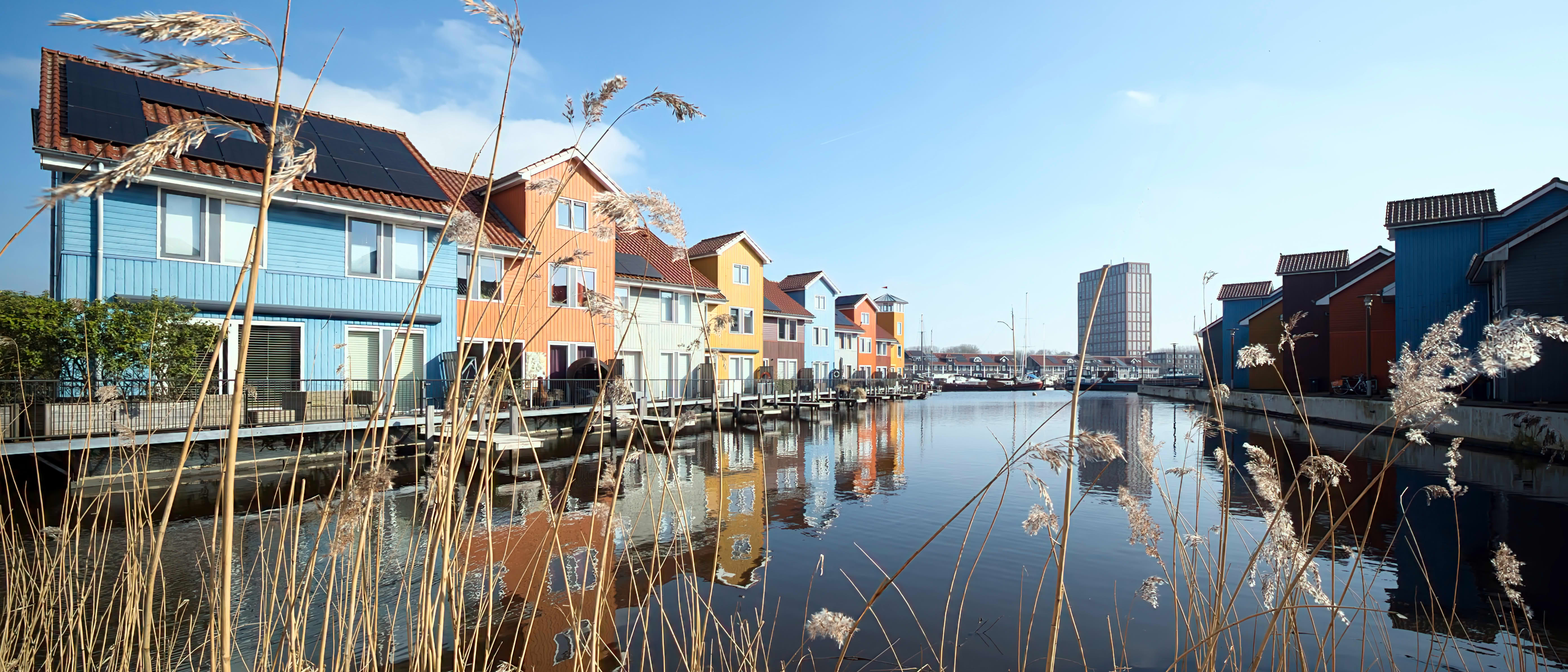
Taking into account you used a 9 mm for a reason, I would go for something like that:


20260303-124152-DSC_0173.NEF.xmp (16,4 KB)

20260303-124152-DSC_0173_02.NEF.xmp (16,4 KB)

Or alternatively, just cropping to my liking and concentrate on the main subject, but waste a lot of pixels:


20260303-124152-DSC_0173_01.NEF.xmp (15,8 KB)

5 Likes

I only cropped a little, and changed the aspect ratio. I love the weeds in the foreground.


20260303-124152-DSC_0173.NEF.xmp (8.8 KB)

1 Like

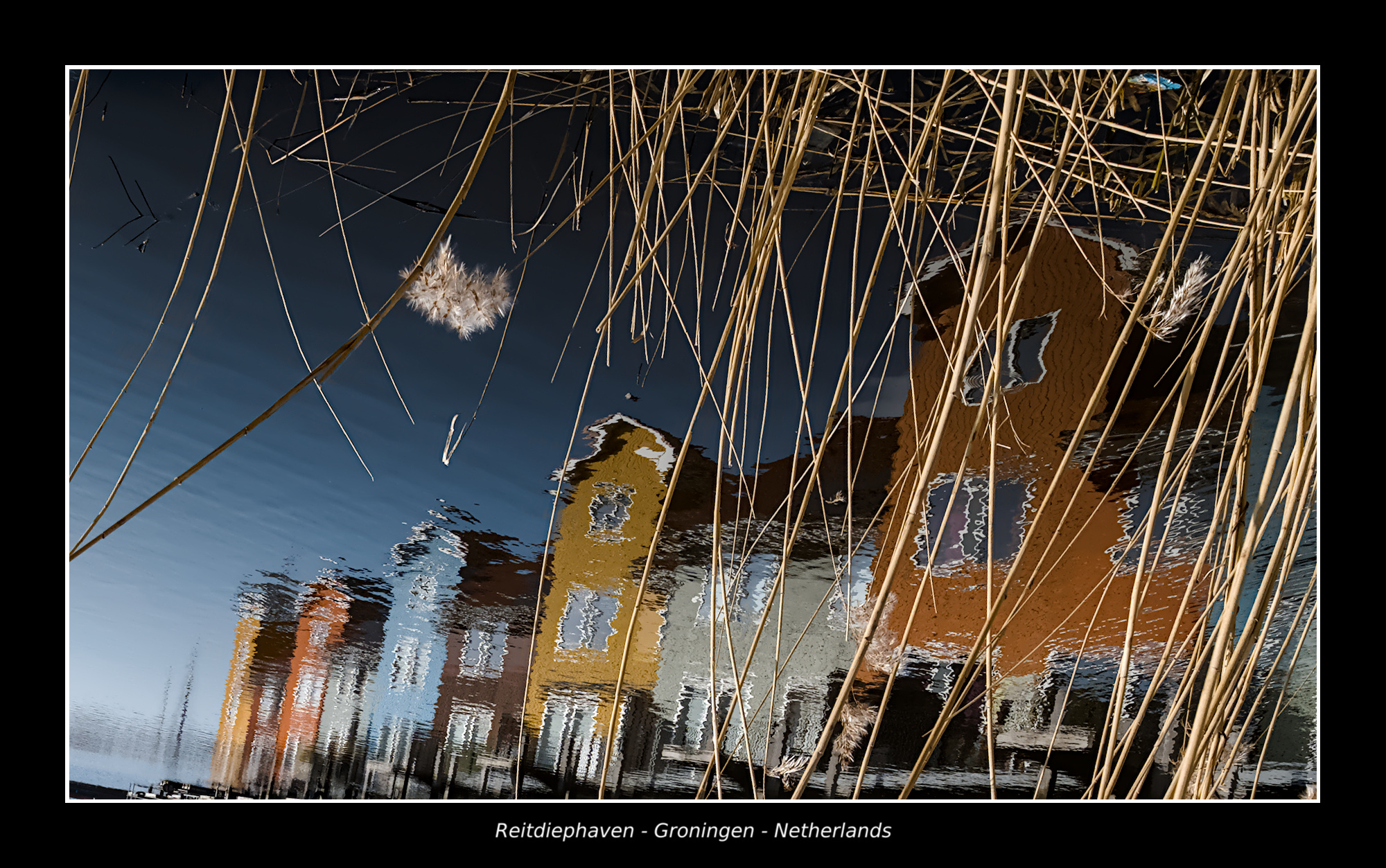
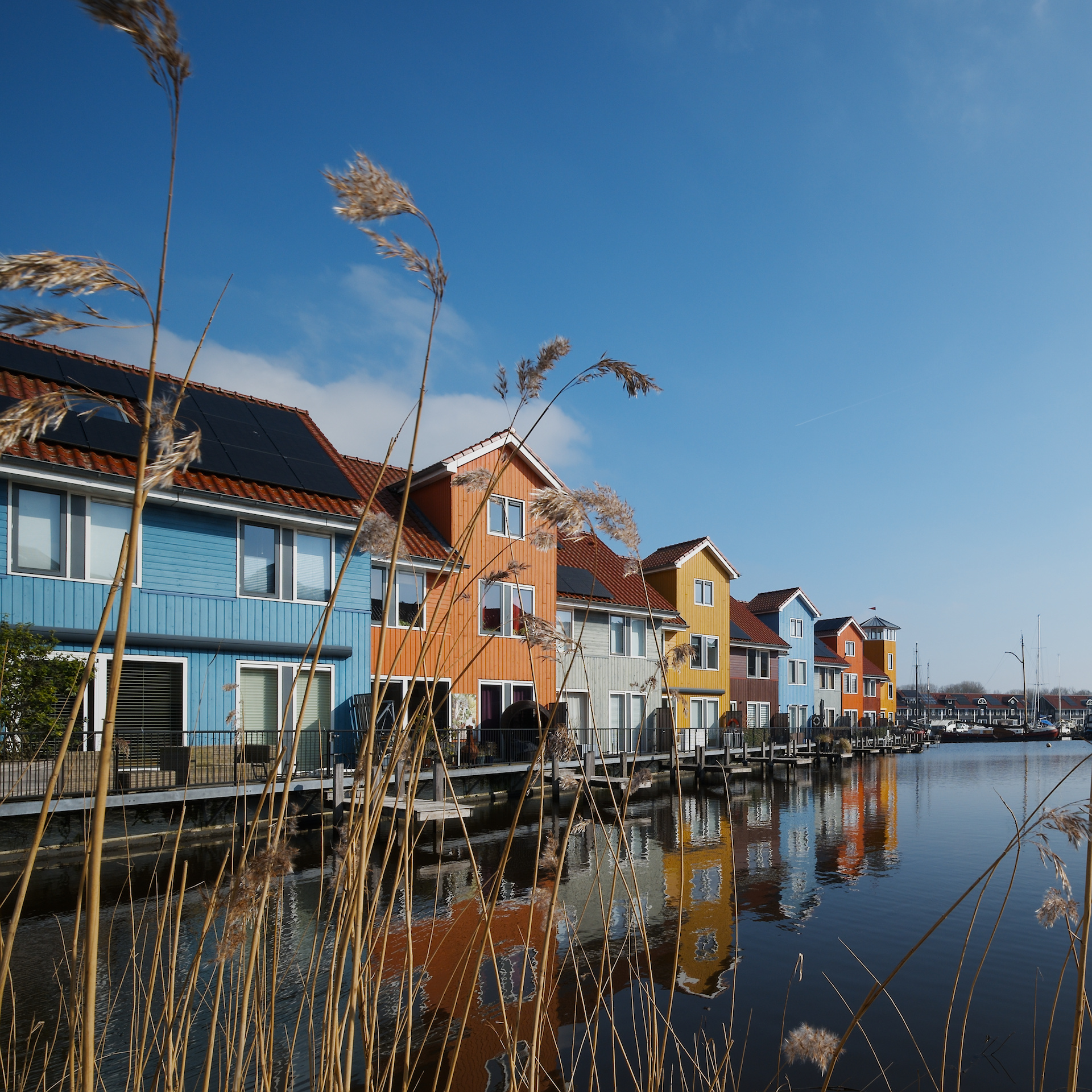
Just my attempt to see the scene in a unique way. I love to photograph reflections like this when the opportunity arrives.
20260303-124152-DSC_0173.NEF.xmp (14.1 KB)
6 Likes

Just tweaking and making it look nice and clean :blush: Why would you want to crop it?

How to remove that ugly multi-storey building in the background? The retouch module isn’t doing a very good job so I wonder how to do it.

Reitdiephaven - 20260303-124152-DSC_0173.NEF.xmp (14.2 KB)

1 Like

My fun

3 Likes

My version…

20260303-124152-DSC_0173.NEF.xmp (23,4 KB)

2 Likes

?

2 Likes