When I export from Darktable, the JPG file contains the original RAW file’s filename in the “derived from” field. This is great, as I can always find the original RAW file if I want to re-edit it.
But if I then further edit the JPG in Lightroom and export it from there, I lose this data. (Under XMP Embedded, “Derived from” now says “type=struct”.)
How can I embed the original RAW file’s filename in what I export from Darktable in way that will be permanent? I tried using the Metadata “Notes” field, but it didn’t work.
Welcome to the forum @osat! The available variables are in the manual. You could use $(FILE.NAME) to include the original filename when importing/adding to dt.
Hi Mino! Thanks. I tried that. The problem is that the exported file literally shows “(FILE.NAME).(FILE.EXTENSION)” embedded in the “notes” field instead of the actual input filename (e.g. “XXX.DNG”). Am not sure what I am doing wrong. Any idea? Thanks again.
You can use those variables in the export module’s metadata preferences to add the original filename or some other identifier into any XMP or IPTC field you want, choosing a tag that Lightroom or other editors won’t touch. I personally use the xmpMM:DocumentID tag, but I don’t usually re-edit those files so I can’t say it will survive that.
Hello again to everyone. Guillermo’s advice worked. I added the “OriginalDocumentID” tag to the exported xmp metadata, and it survived later edits in Lightroom. (“DocumentID” did not.)
I also corrected the variable in the “Notes” field to read $(FILE.NAME).
These all work now.
THANK YOU!
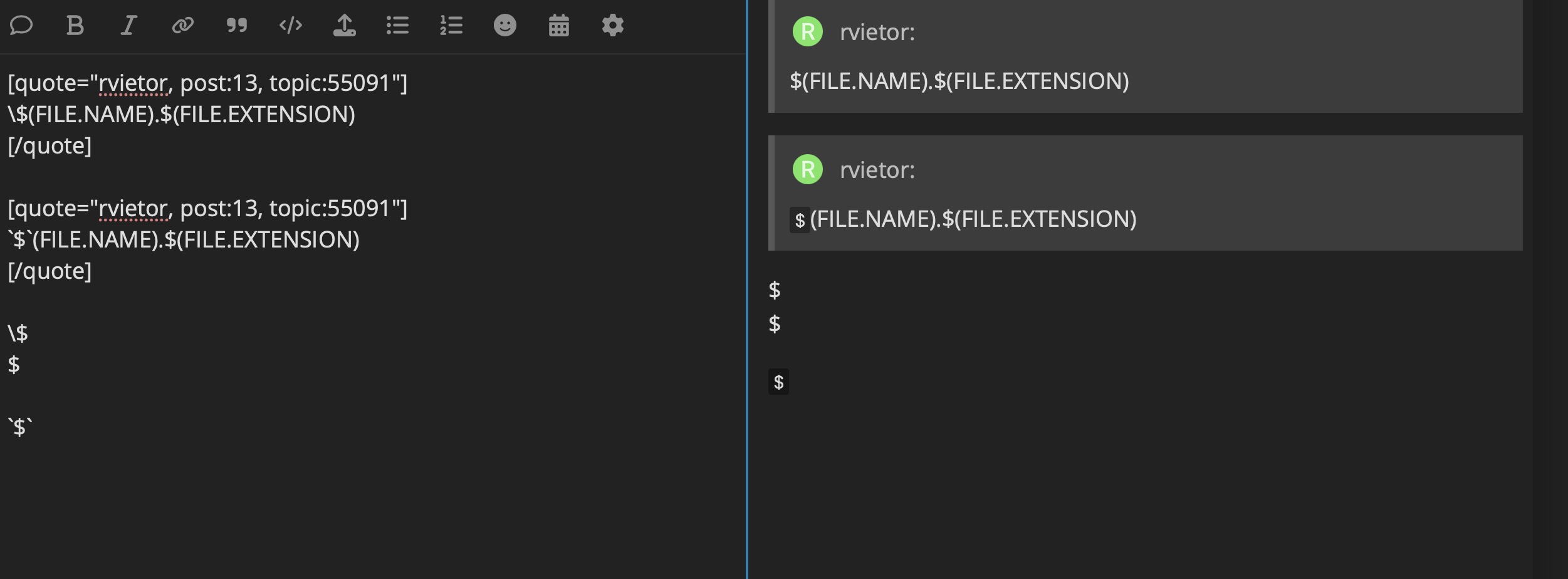
Or, ‘\’ should also work to protect a special character: $(FILE.NAME).$(FILE.EXTENSION). Difference is that you don’t get a change in font. You may or may not want that change.
Thank you for hints and clearifications. It will makes it easier for me to use the forum.
Sorry for continuing on this off topic.
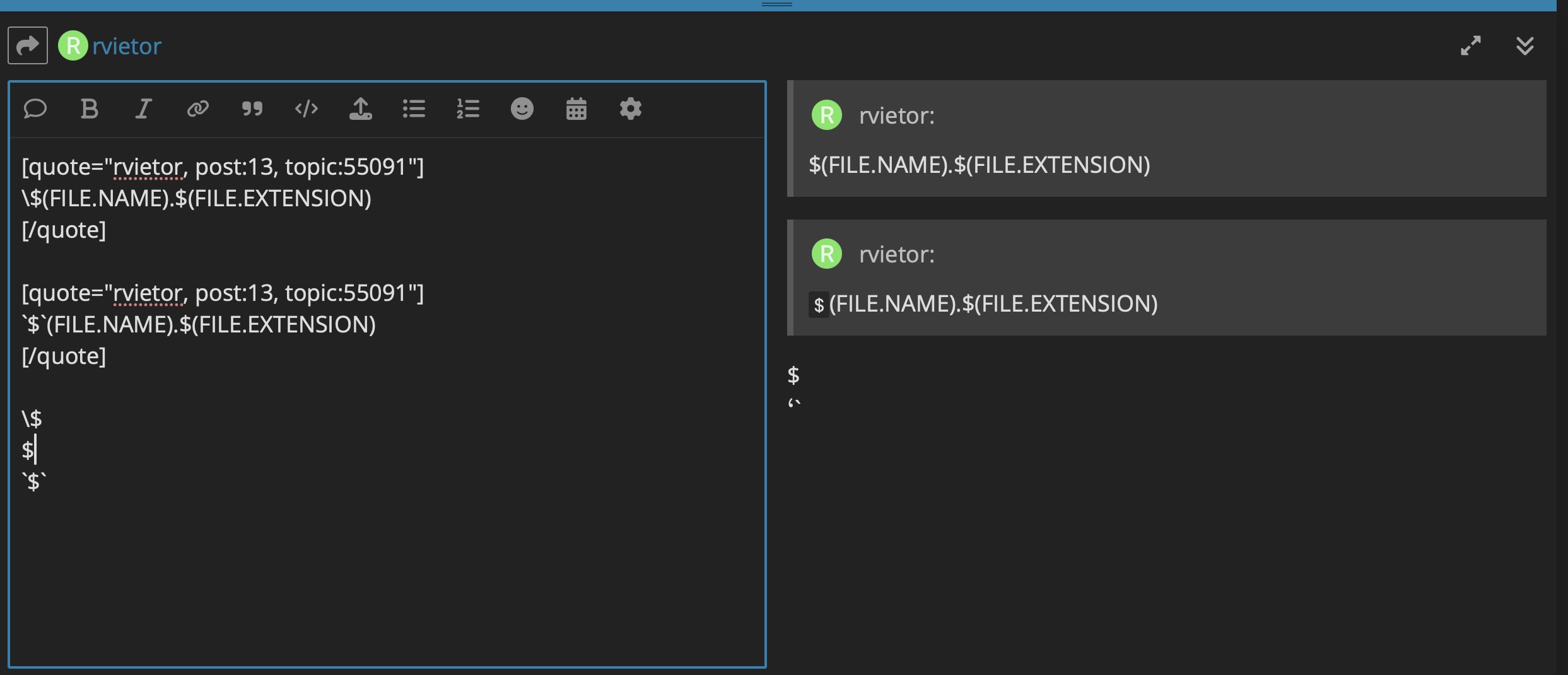
I did a bit of comparsion and recorded them as screenshots.
I saw a interesting effect with the line spacing. In the 2nd sreenshot,
if there is no line space it changes to somthing else. Assume that is a normal behevior.