Hello all. I’m finding my way around and exploring digiKam at the moment.
I’m trying to figure out how to get the IPTC data to show up for my photos in digiKam. I’m guessing I haven’t configured it properly or didn’t set things up properly when first opening the app.
The CR2 and CR3 files have IPTC info but it’s not being transferred across into digiKam. I think some keywords/tags came across, but there’s a huge number of photos where it didn’t. I’ve not done a thorough check, but it looks as if keywords/tags registered for jpg files but not for the raw files, in the main.
Would be grateful for any help on this one.
While I’m at it, do people here generally recommend storing data in xmp sidecar files or leaving them embedded in the raw files?
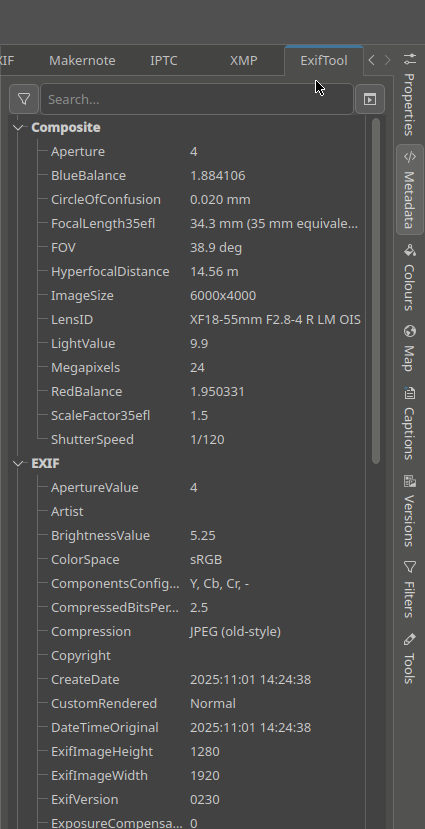
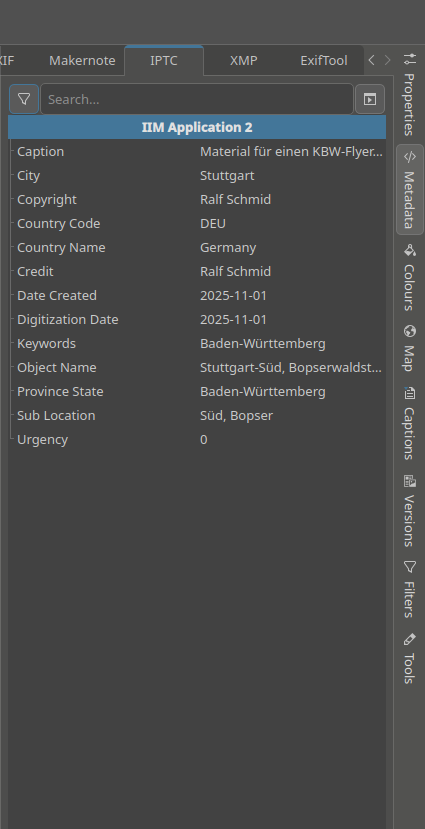
A remote diagnosis is not easy with the information you provide. In general, you should first check what metadata was actually written to your files in detail. The best tool for that is Exiftool which is integrated to digikam. Click the vertical Metadata tab on the right and then the horizontal Exiftool tab on top. Exiftool shows you literally everything that is written to your files (usually an exhausting mess), including IPTC data. To check the latter in detail there is an IPTC tab too:
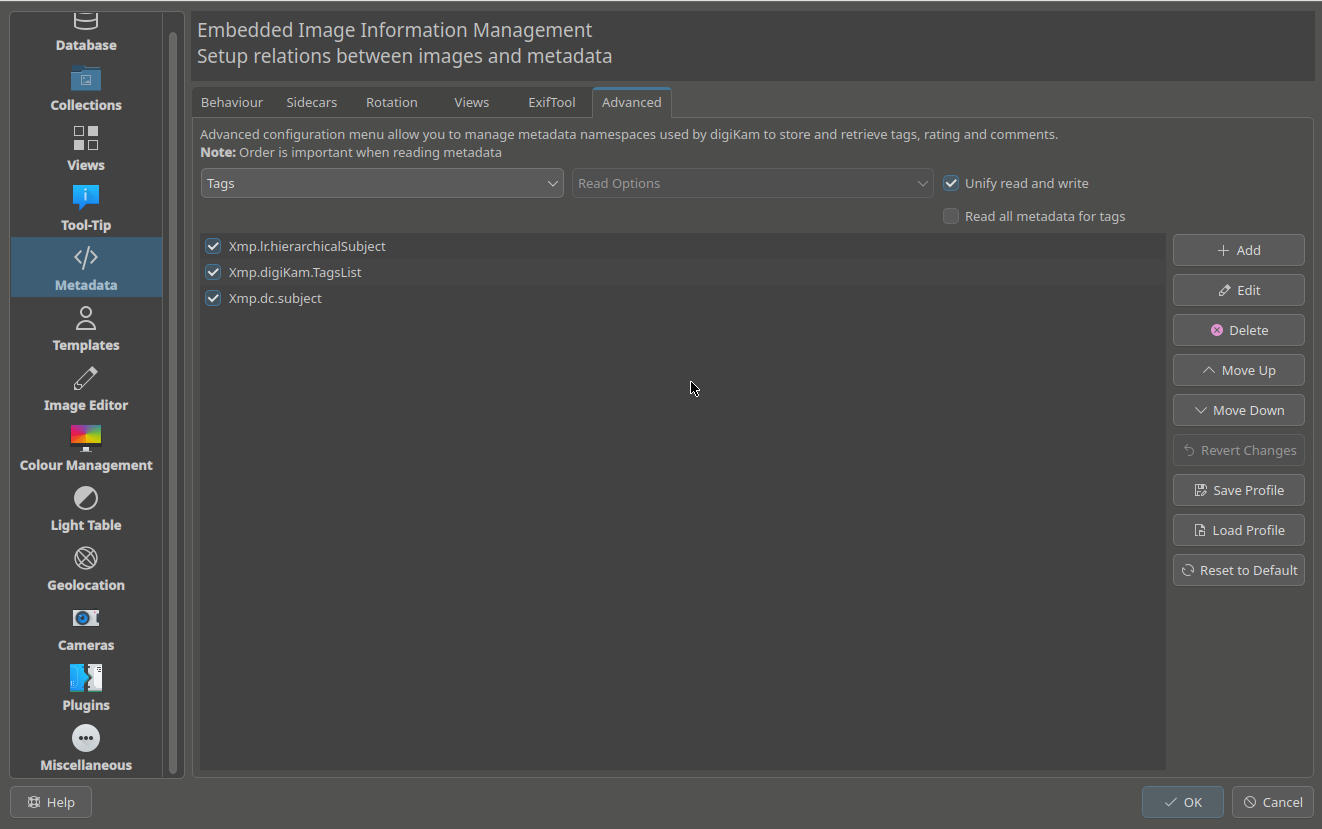
If data is actually written to a file and digiKam is setup to read it, everything should work automatically when you import images. I also prefer to setup digiKam to scan the albums for changes with every start. If in doubt, you can select files and choose Menu/Album/Reread metadata from files.
Perhaps I’d better stick with one of those for DAM if there’s no other option.
I wouldn’t do so. Admittedly digiKam has a bit of a steep learning curve, but will reward you with superior DAM capabilities. I’ve worked with a lot of DAM tools and none of them could hold a candle to digiKam.
While I’m at it, do people here generally recommend storing data in xmp sidecar files or leaving them embedded in the raw files?
As far as I know, DNG is the only RAW format explicitely designed to keep metadata inside the files. Other RAW formats might be able too, depending on their type and the tools that try to write them. Worst case is to damage an image due to badly written metadata into it. So in my opinion XMP sidecars are a much better approach.
Thank you for taking the time to respond, and in such detail. Much appreciated. I suspect I clicked the wrong things and didn’t click the right things when I was asked to choose from the various options when I installed the program. I fear my fiddling around since then to try to fix it has only made things worse.
I’ve uninstalled it now and deleted the database and everything. I’m also restoring a backup of my photos just to be doubly sure I’ve not messed anything up.
I’ll read the documentation before reinstalling digiKam, and maybe watch some tutorials if there are any good ones, and hopefully I’ll get it right next time. I’ll try it out on a small sample of photo files before anything else.
I had the wrong question. After reading your helpful post and doing further digging I can see it’s an xmp file issue. I’ve posted a more specific question in the digiKam section of the board.