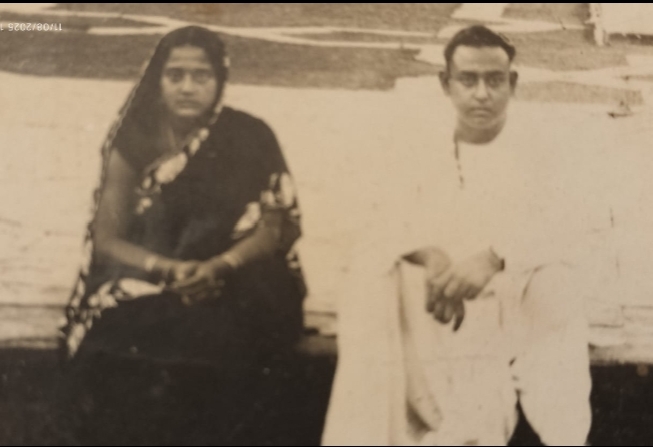
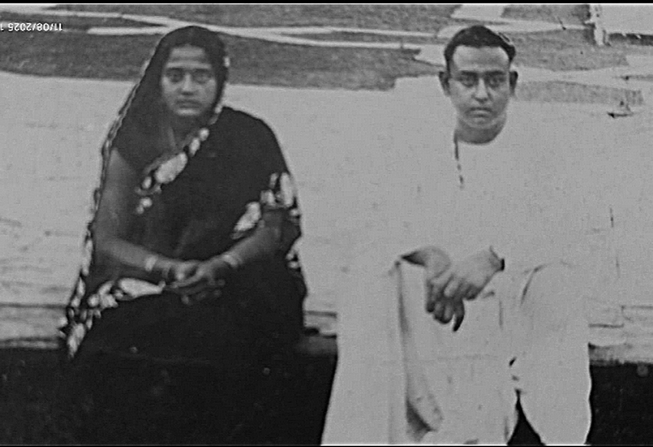
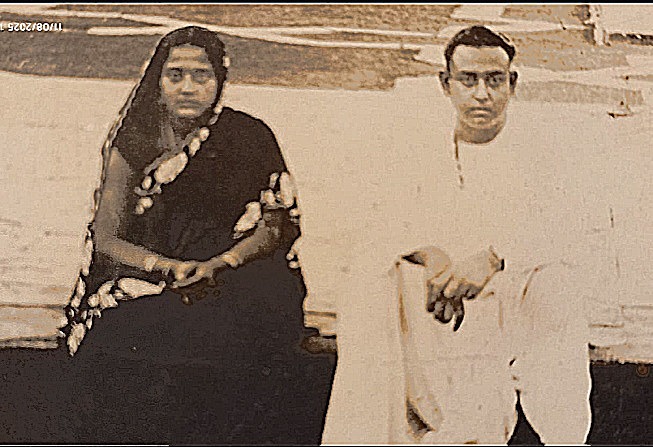
This is a very different request. recently someone gave me some old B/W photos of 1946-50 vintage. The photos need to be restored, and I am at a loss to figure out how to set them right. I am attaching one photo, and that too it is a jpg file.
Can you people use your expertise to see how far it can go. Unfortunately, “forget it” is not an option here.
Your time and effort is highly appreciated. Thanks
My initial suggestions would be to scan the photographs at much higher resolution and also make lighter and darker scans to try and extract data from the brightest and darkest parts of the image. These could then be blended, either by using Enfuse or masks.
However, I am sure Sallyanne will be along soon. She is expert at recovering photographs.
I agree scan at a bigger resolution or photograph with a digital camera. A tiff scan is better than a JPG. A raw photo is better than a JPG for editing.
The picture shown doesn’t look too bad to me. What worries you in the photo that you want to restore?
Most of my photo restoration is done using GIMP and tiff files from a flat bed scanner. If working with a raw file from a digital camera I might try darktable.
It is that the picture appears out of focus and very grainy. if these can be handled, it would come out OK (considering its vintage, who knows what camera was used). Most of the other photos are of similar quality in jpg
I just had a quick go in GIMP before reading your reply. I feel the softness and grain exist in the original and little could be done to improve it, but increased scanning resolution would help.
I would scan at high resolution and bit depth (TIFF), restore as much contrast as can be done tastefully (old prints fade, but you can’t always recover all the nuances), using a mild base curve adjustment, but otherwise leave them alone.
If you like the sepia tone, you can convert into monochrome, then restore it after.
Are they actual photographs or negatives? From the sepia tone it seems you scanned in color, is this correct? and if so, just scan in grayscale.
Depending on the physical size of the image you may need to alter the scan resolution.
i’ve scanned photos 1 to 2 inches (20-50mm) up to the size of the scanner bed. Scan resolution will impact handling and performance of the software you are using to do the restoration.
Scan at the highest bit depth your scanner and software supports. I will make a difference for the restoration.
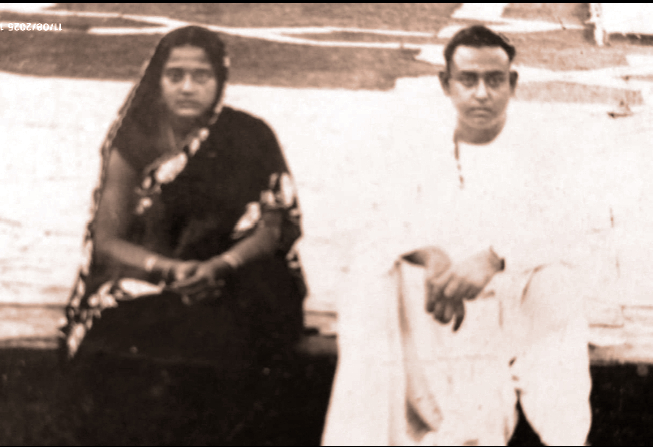
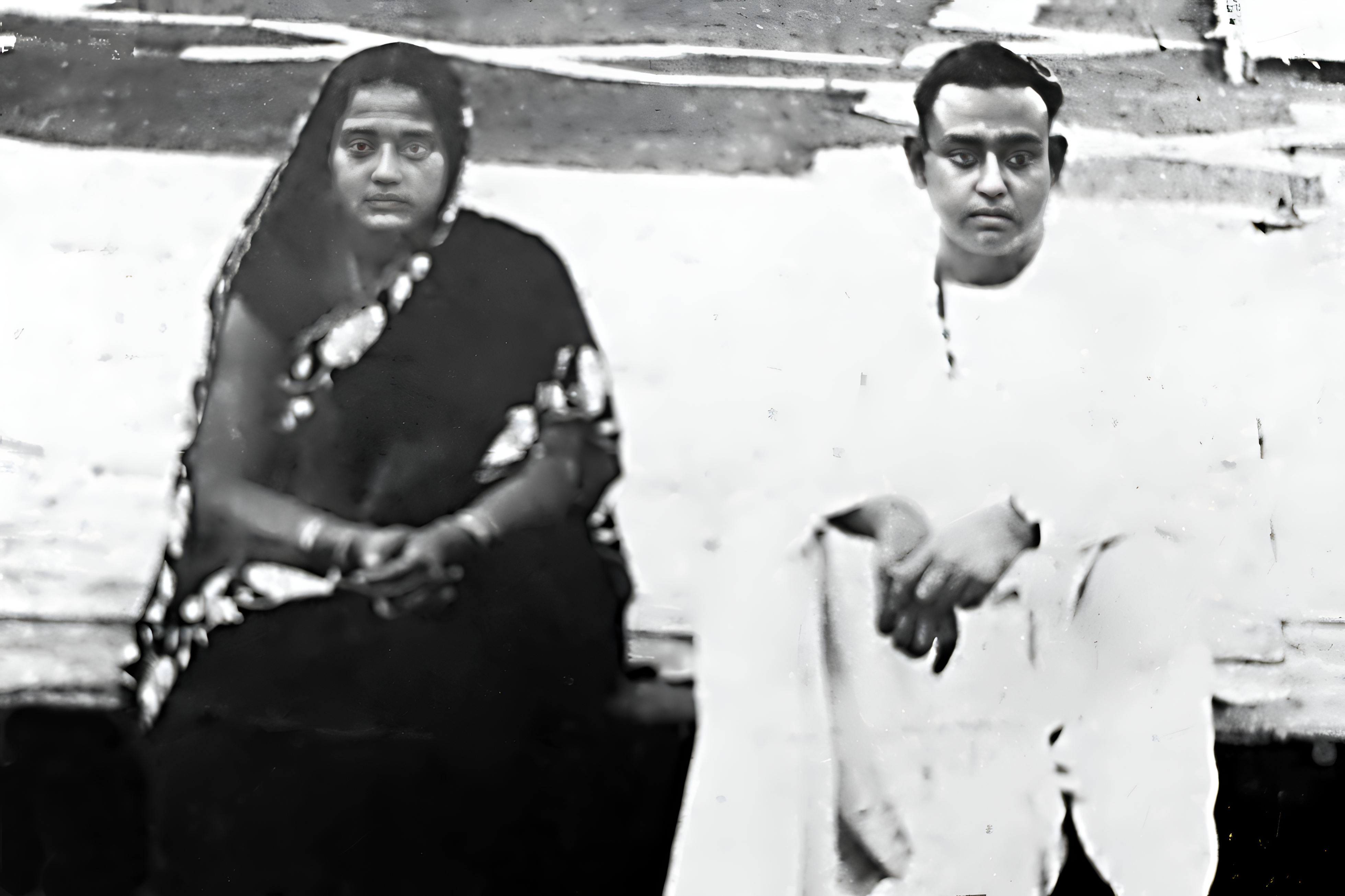
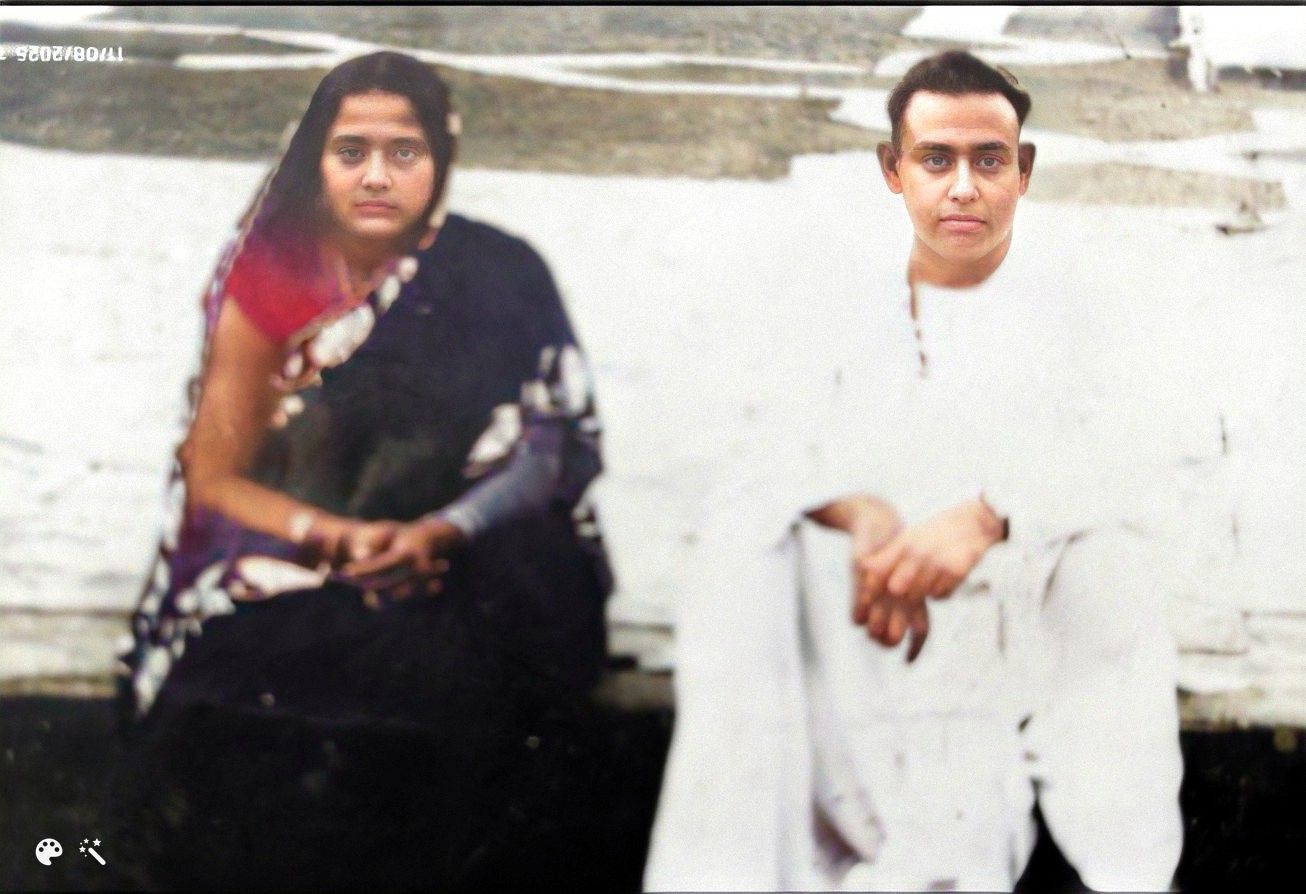
Note how different the two AI versions are. That’s because they cannot recover detail; rather, they generate something ‘fitting’ based on other images.
I guess that this discussion needs to close. Let me tell you why.
All the suggestions point to doing proper scans, and rightly so. However, the picture(s) are not with me, but with a person who lives far away in a village and has no access to technology.
This and the other pictures are from a classical album.
Very clearly, I will have to live with quality for the time being, using GIMP to improve as much is technically possible, and hope for the day when I will have the good luck of getting my hands on the album
Many thanks to all of you for trying to make the best of a lost cause
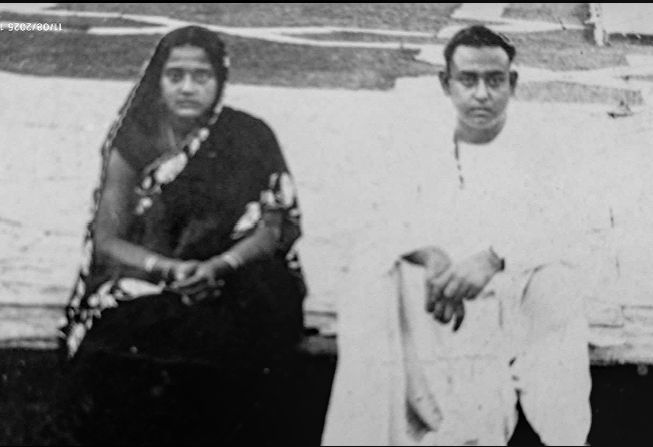
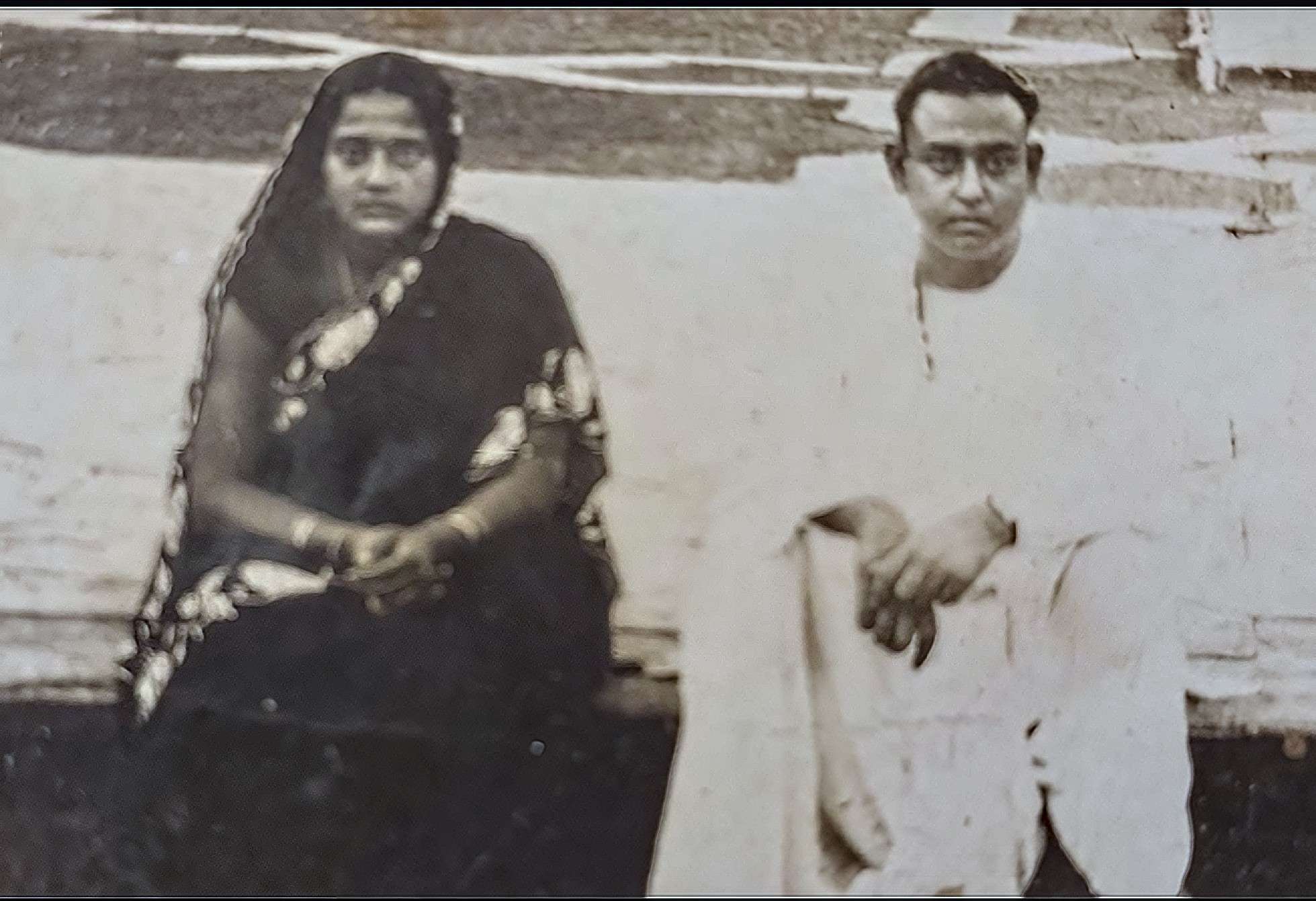
A try on the original .jpg. An attempt to create the impression of sharpness.
I used G’MIC-Qt. Upscale[CNN2x], Sharpen[Deblur]. Scaled to 50% (original size). Wavelet-decompose (5 layers) and duplicated layers 1 & 2 twice.
Please, let’s not run other people’s photos through the AI meat grinder. If OP wants to do that, they’re certainly free too. This is about showing your editing skills, not your prompt engineering.