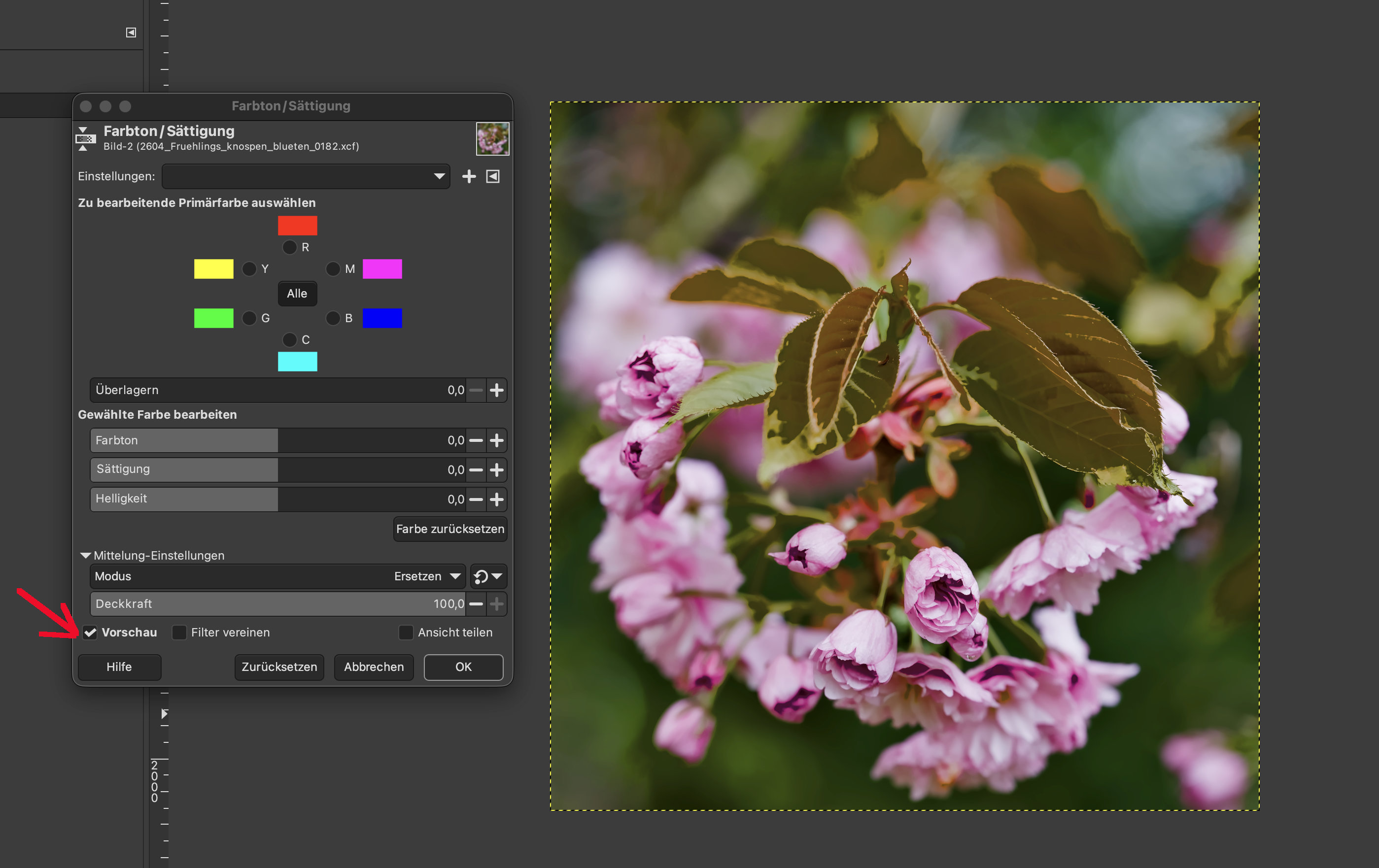
I’ve installed the new version of GIMP 3.2.4 and, whilst testing it, I’ve come across a problem where opening the dialogue box immediately changes the colour values after I tick the ‘Preview’ checkbox.
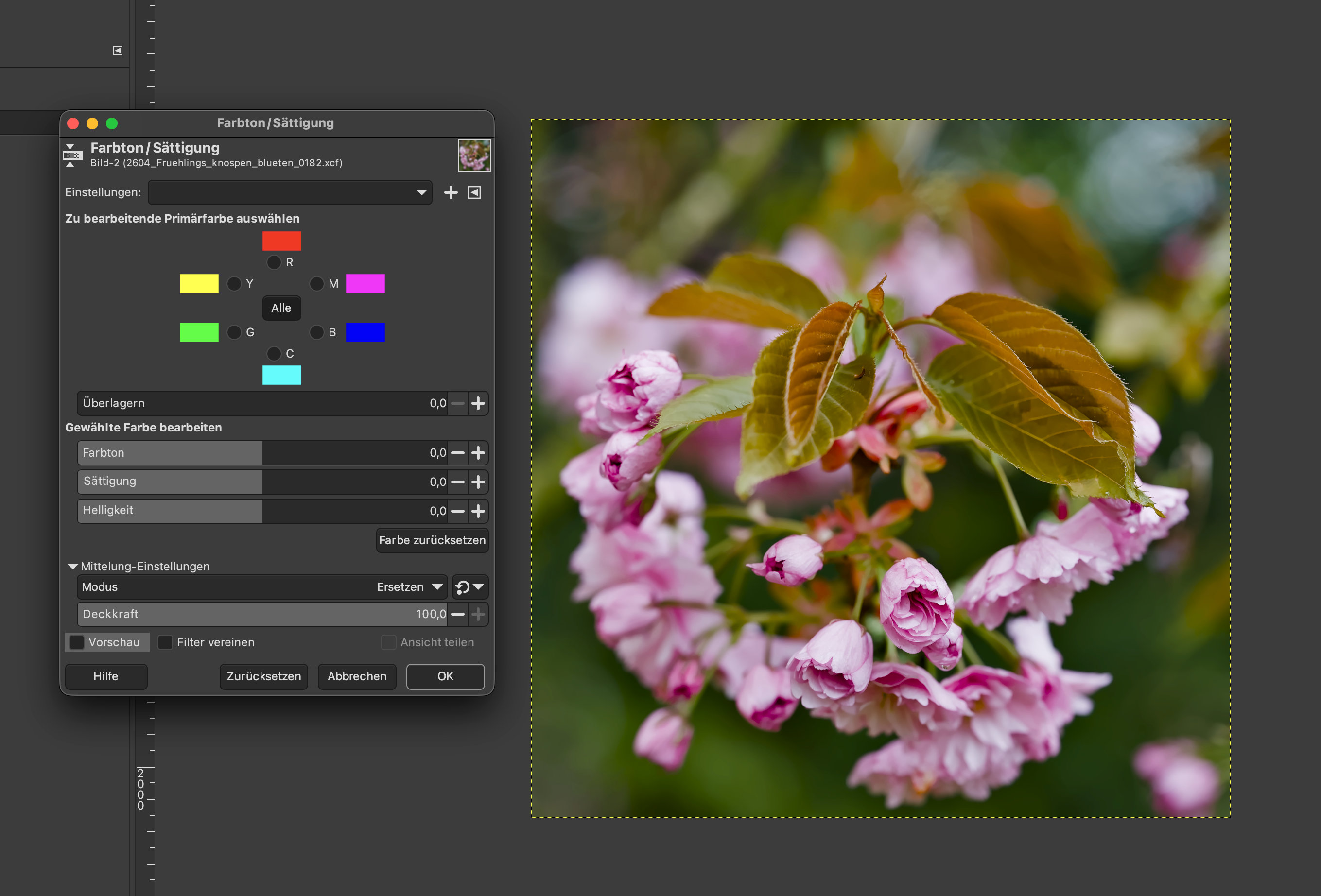
Here without preview:
I was unable to replicate this problem with my install so I am inclined to agree with the previous suggestion about color profile, but I am only guessing.
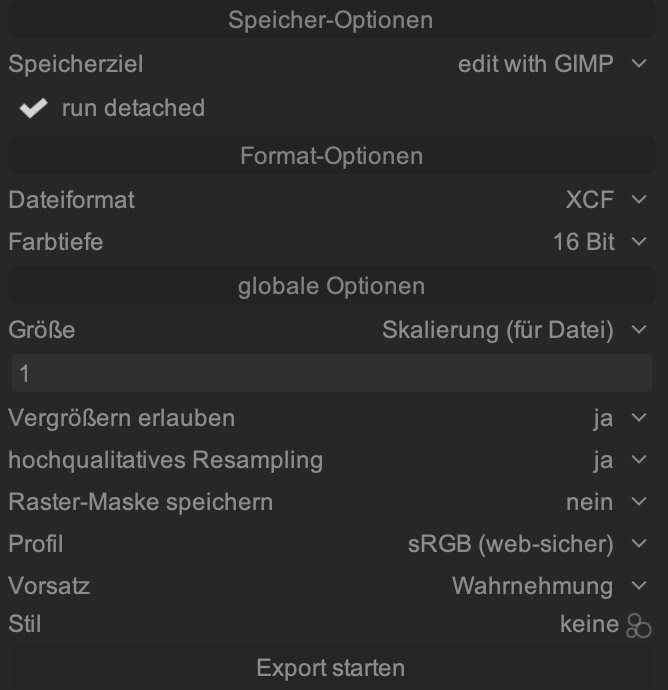
Thank you for pointing out that colour profiles might be the cause of the problem. I’ve run several tests using different profiles and also without any profile. None of them solved the issue. I’ll keep looking…
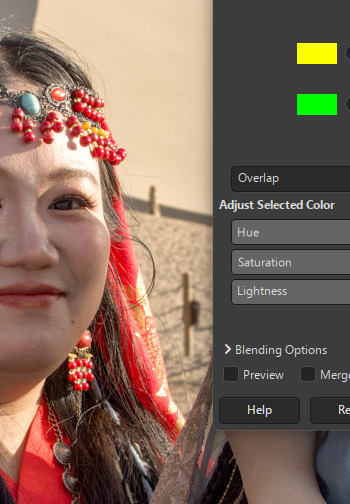
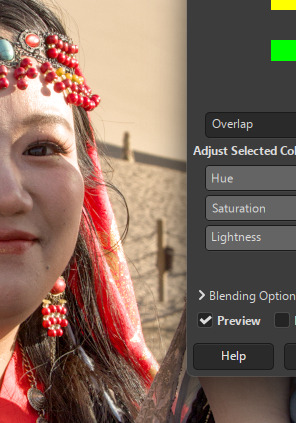
I can replicate this problem on my install when I send a 32 bit image from DT to GIMP. If I change it to 16 bit I still have the problem persisting. Obvious in the scarf.