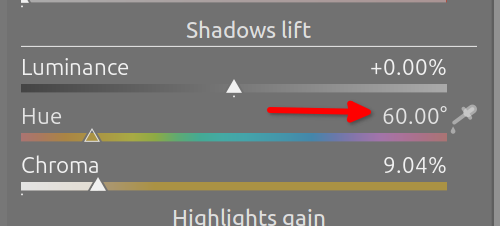
Hello guys, call me crazy but I’m colorblind and I’m still learning how to edit photos in Darktable. I’m trying to figure out how to learn Color Balance RGB module the way I could still use it. I’m particularly stuck with the hue slider. Would anyone know how to convert the degree value to an actual color (meaning I need to know the name of the color, for example, green-yellow, dark blue etc.) I know there is a Hex code converter but in this case I don’t even know the hex value. Basically, I’m trying to find as friction less way as possible. Thank you
You can just look at the slider.  Edit: I’m sorry, I missed that you are colour blind.
Those online (HSL etc.) converters may not be valid, as darktable uses different colour spaces.
2 Likes
It’s not I was looking for but you gave me the idea what to search for. I foudn this which is exactly what I need to know. Sorry, I’ve realised it only just now it was silly question. thank you though!
2 Likes
Nicely asked questions are never silly .
3 Likes
He mentions he’s colourblind
The hue slider is like a color wheel, cut and opened out strait, so if you have a picture handy you can sort of get a mental idea of where you are… Think of the slider as moving the hand on a clock to indicate the hue location in 360 degrees
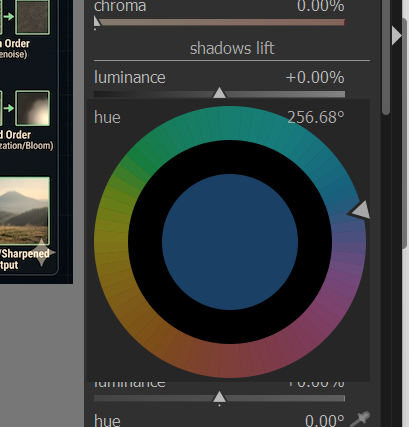
If you rightclick on the hue sliders you can also select that way
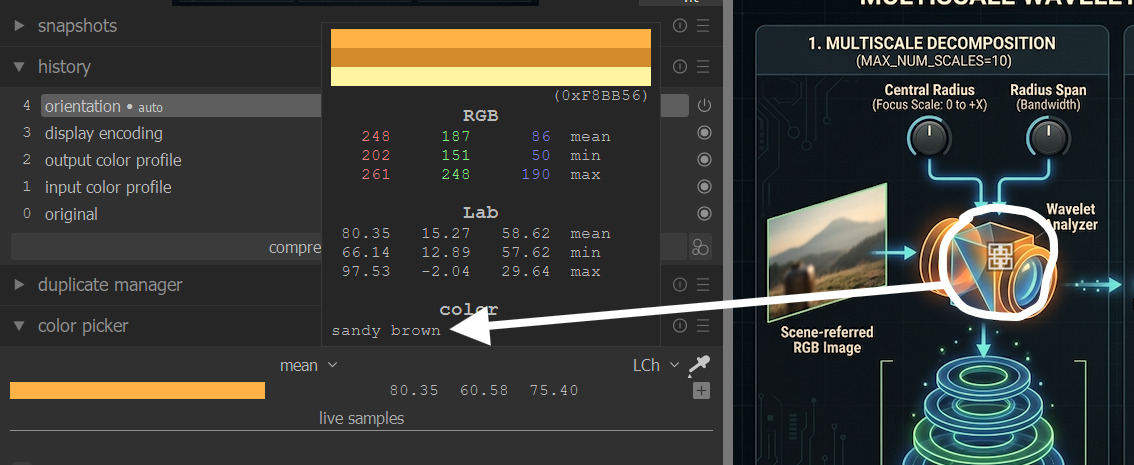
Also the DT picker can be set to use lch and if you hover on anything you have sampled it will tell you the color…
2 Likes
Oh sorry, I missed that.
I didn’t realize you could right-click on the hue sliders to get wheel selection. This is going to help me a lot, thanks for pointing it out!
1 Like
I learnt something new and pretty cool today. Thanks
Oh that is amazing maaan. Woow…You have no idea how much of a help is this for me. It’s like being without leg for years and you mounted me a new fresh prosthesis. thank you so much !
1 Like
I’m not sure when that feature was added, but it certainly seemed to slip under the radar, even with us veteran users!
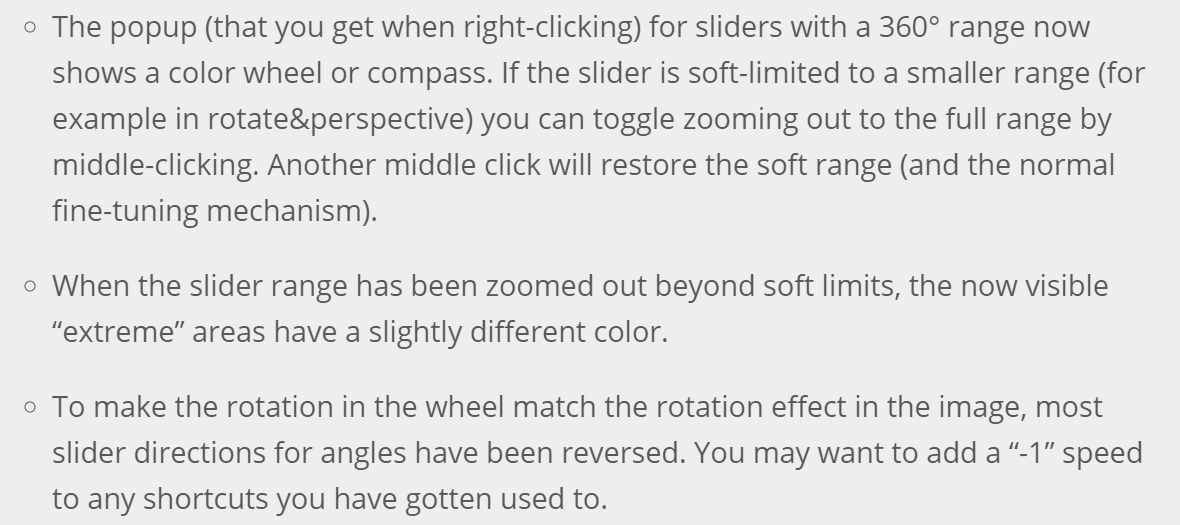
I was too focused on AgX to notice any other changes!
1 Like
Damn, but it doesn’t work with the sliders where I most wanted this feature: hue sliders in the masking options! You know that issue where if you want to restrict to hues around red you need to reverse the polarity. It would be nice to select from a wheel instead of doing this.
I guess this hue bar works differently and has 4 delimiters on it, so the feature couldn’t be implemented.