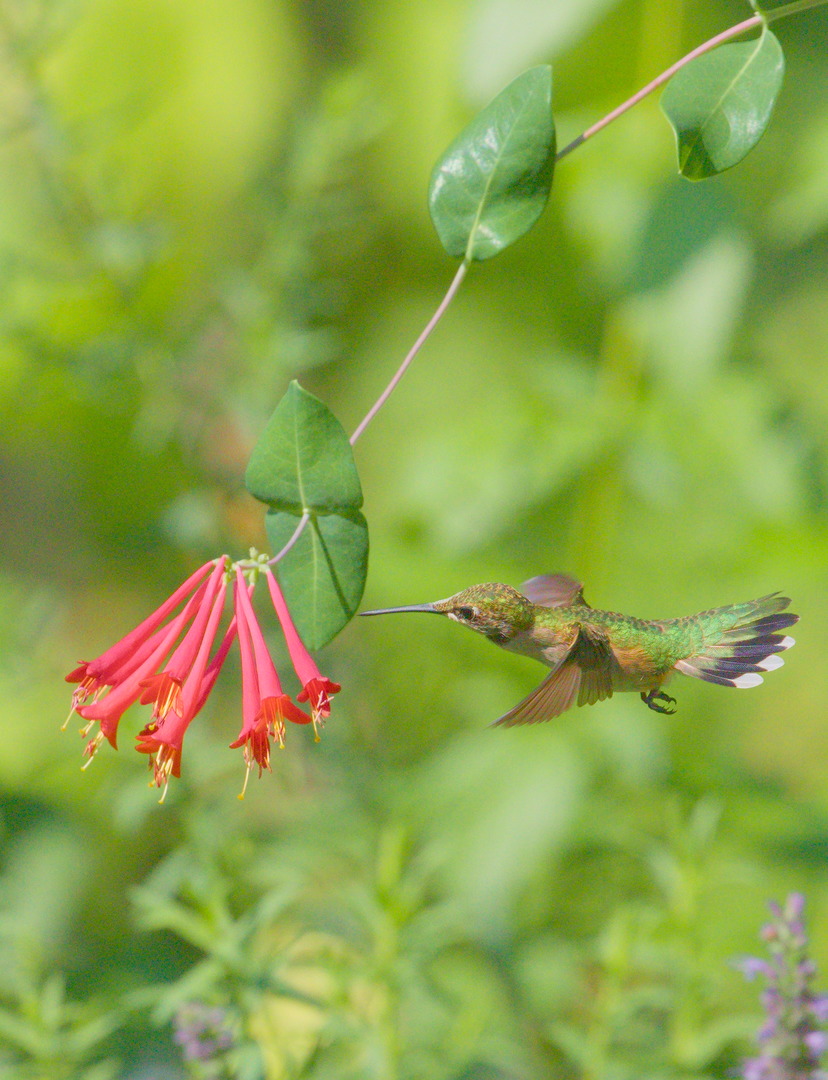
IMG_4968.CR3 (39.9 MB)
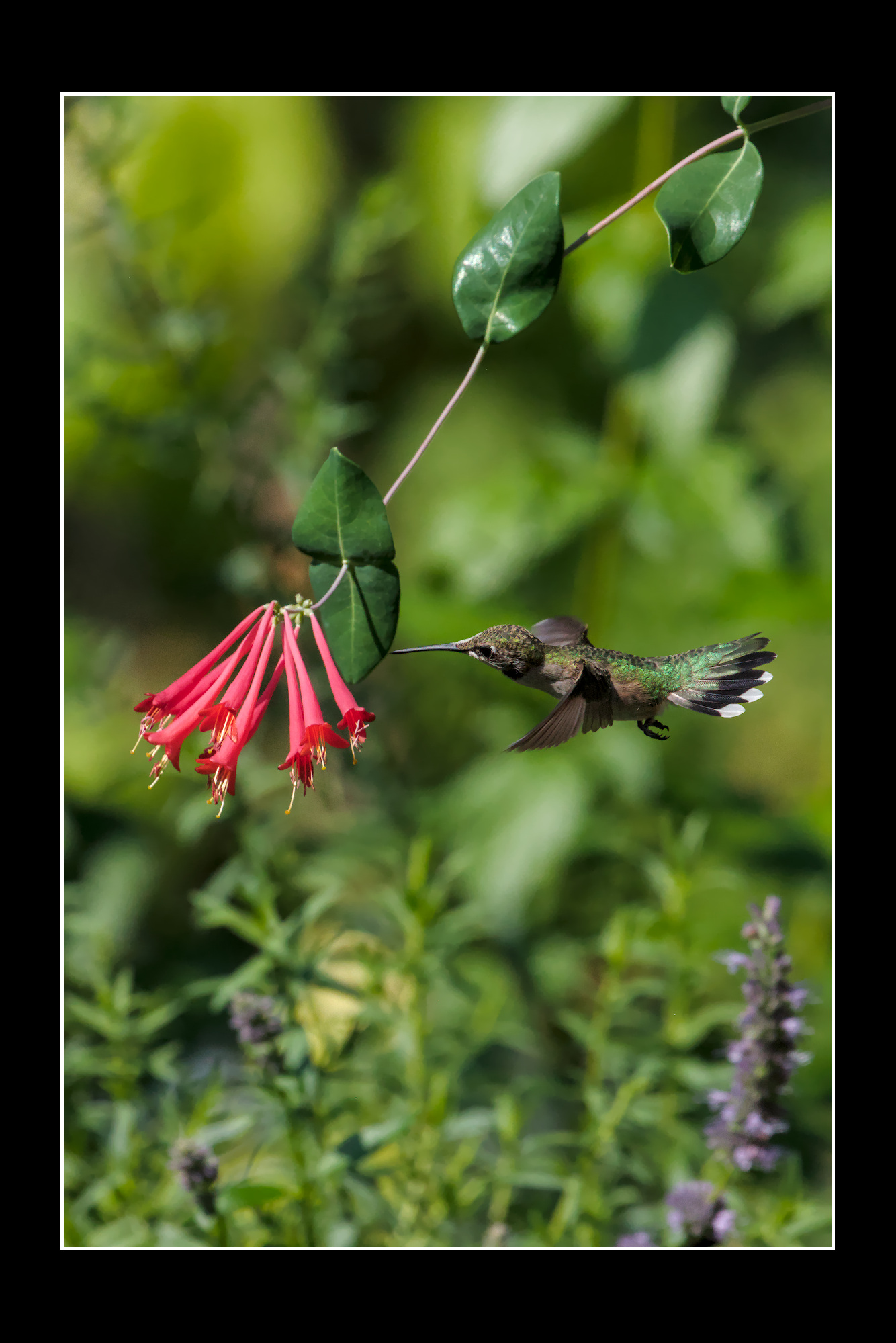
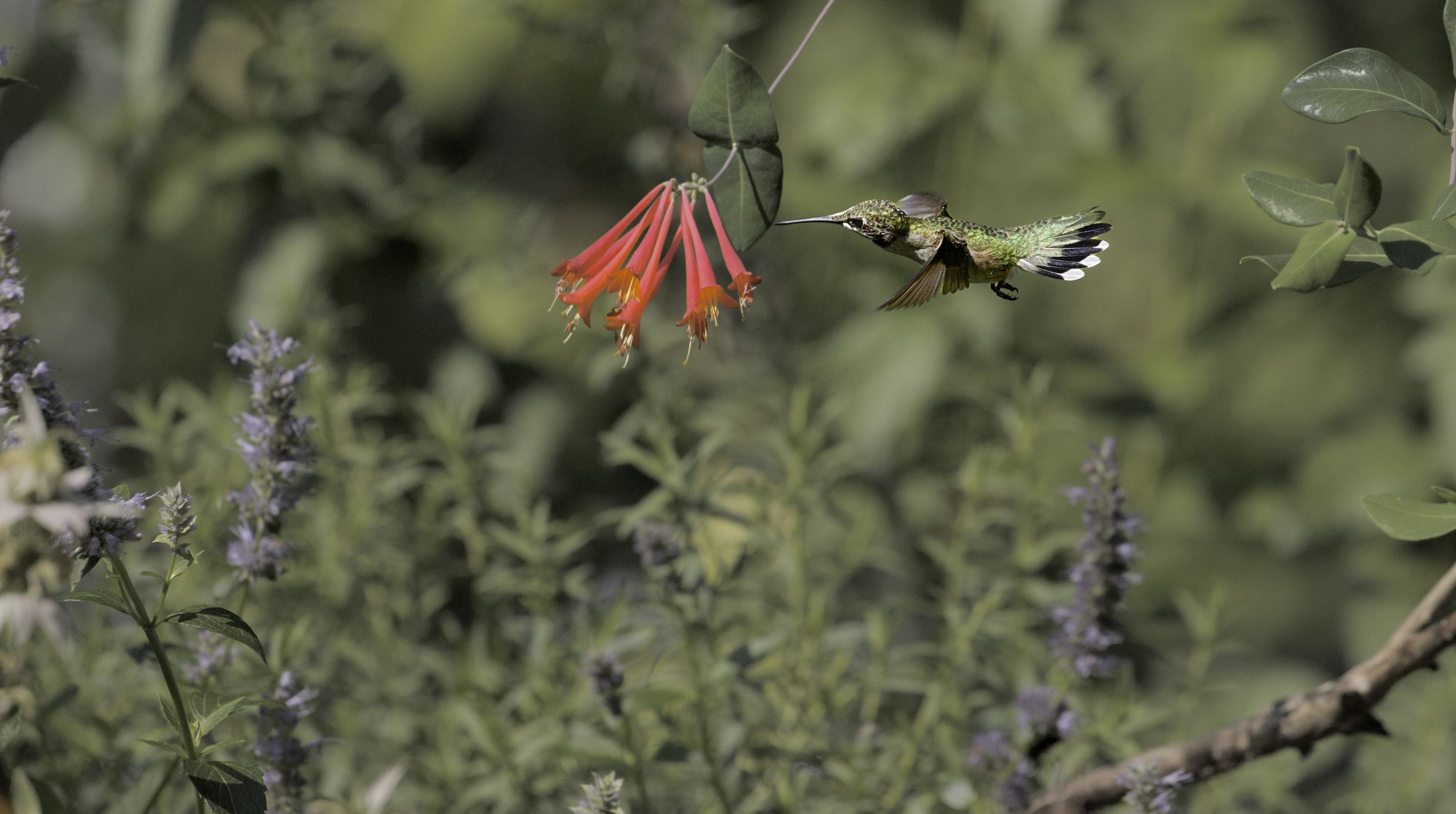
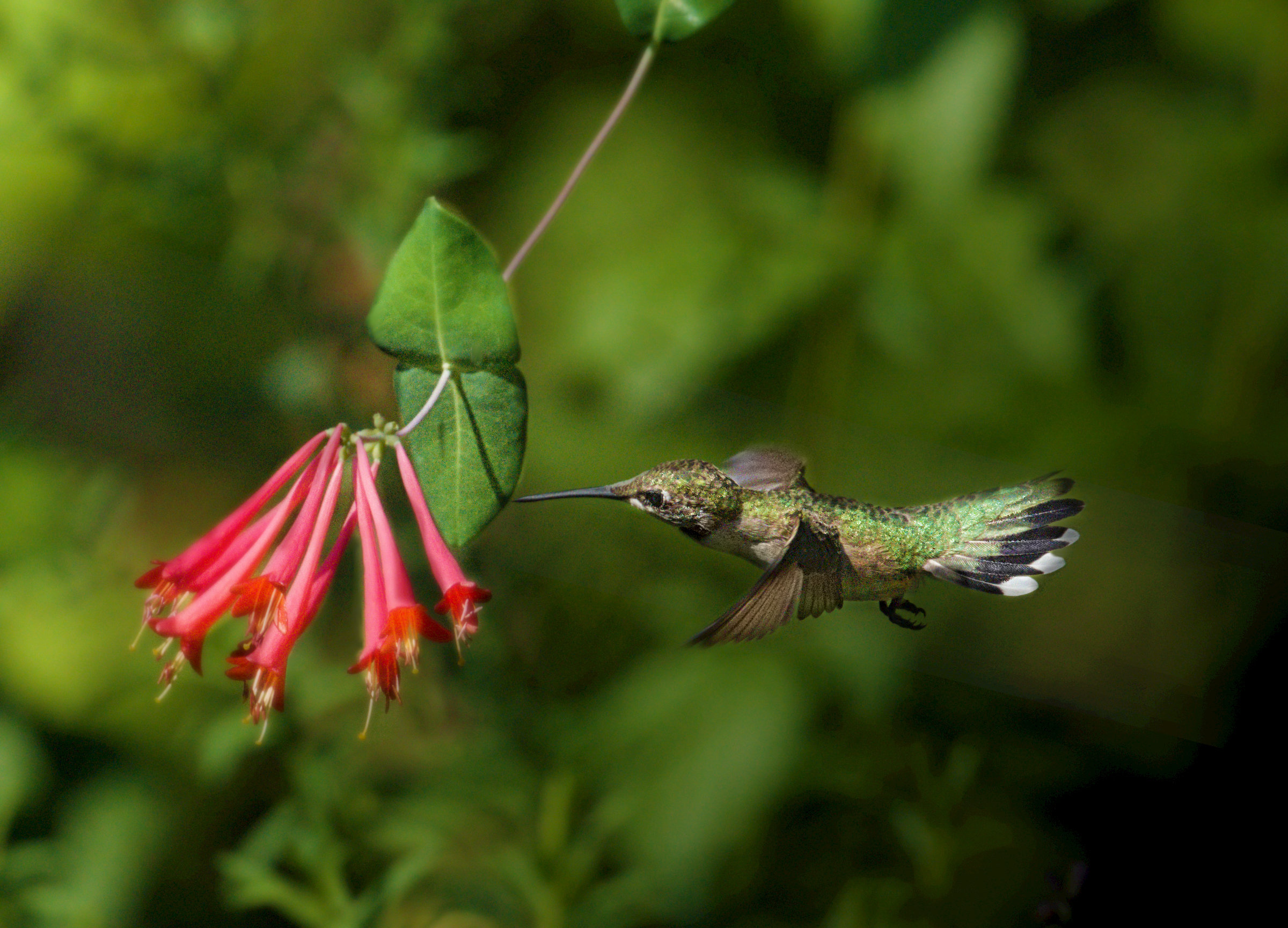
file of a hummingbird shot and would love to see how the experts here would edit it. Specifically, I’m curious to see how you’d treat the file in Darktable to really make the bird pop out from the background. Looking forward to seeing your edits, module choices, and workflows!
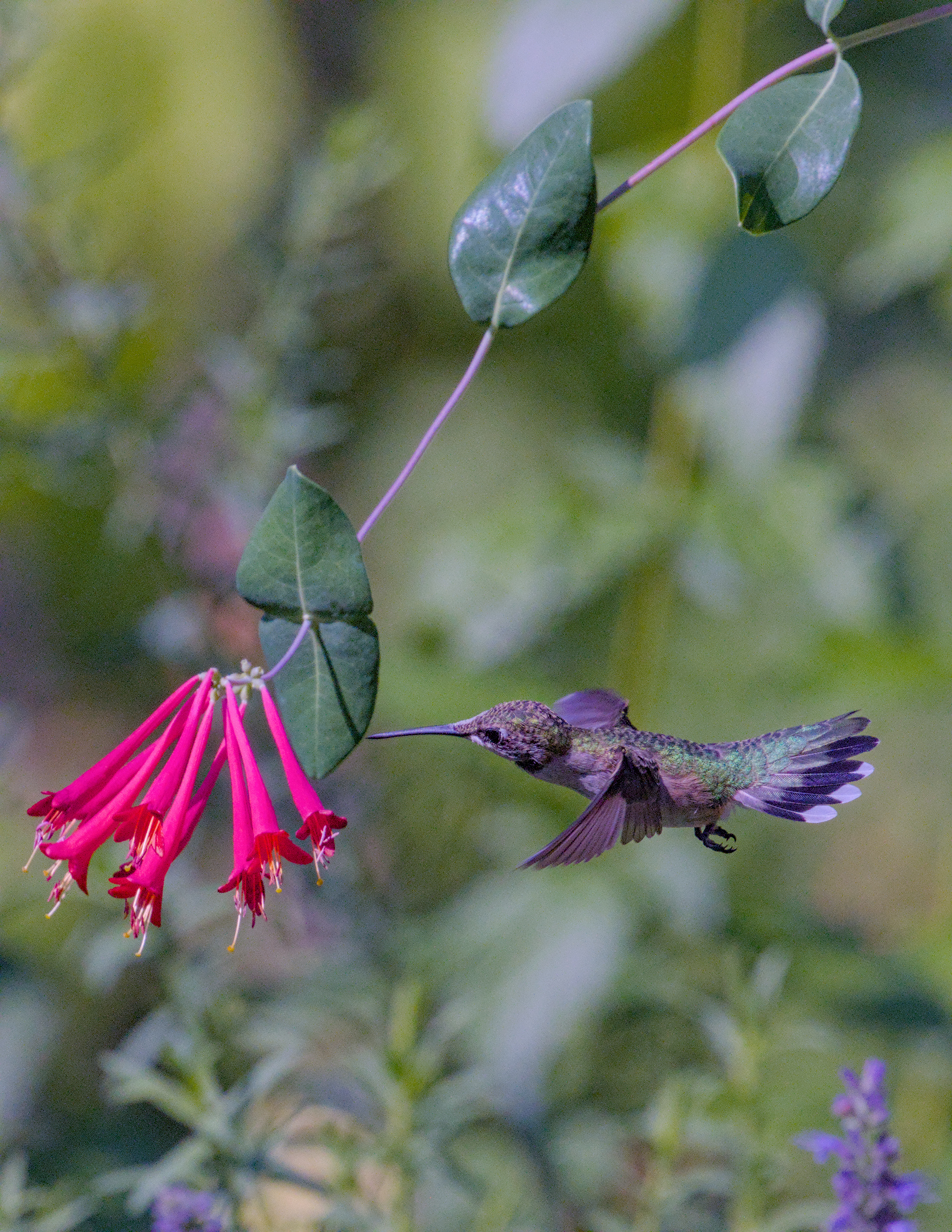
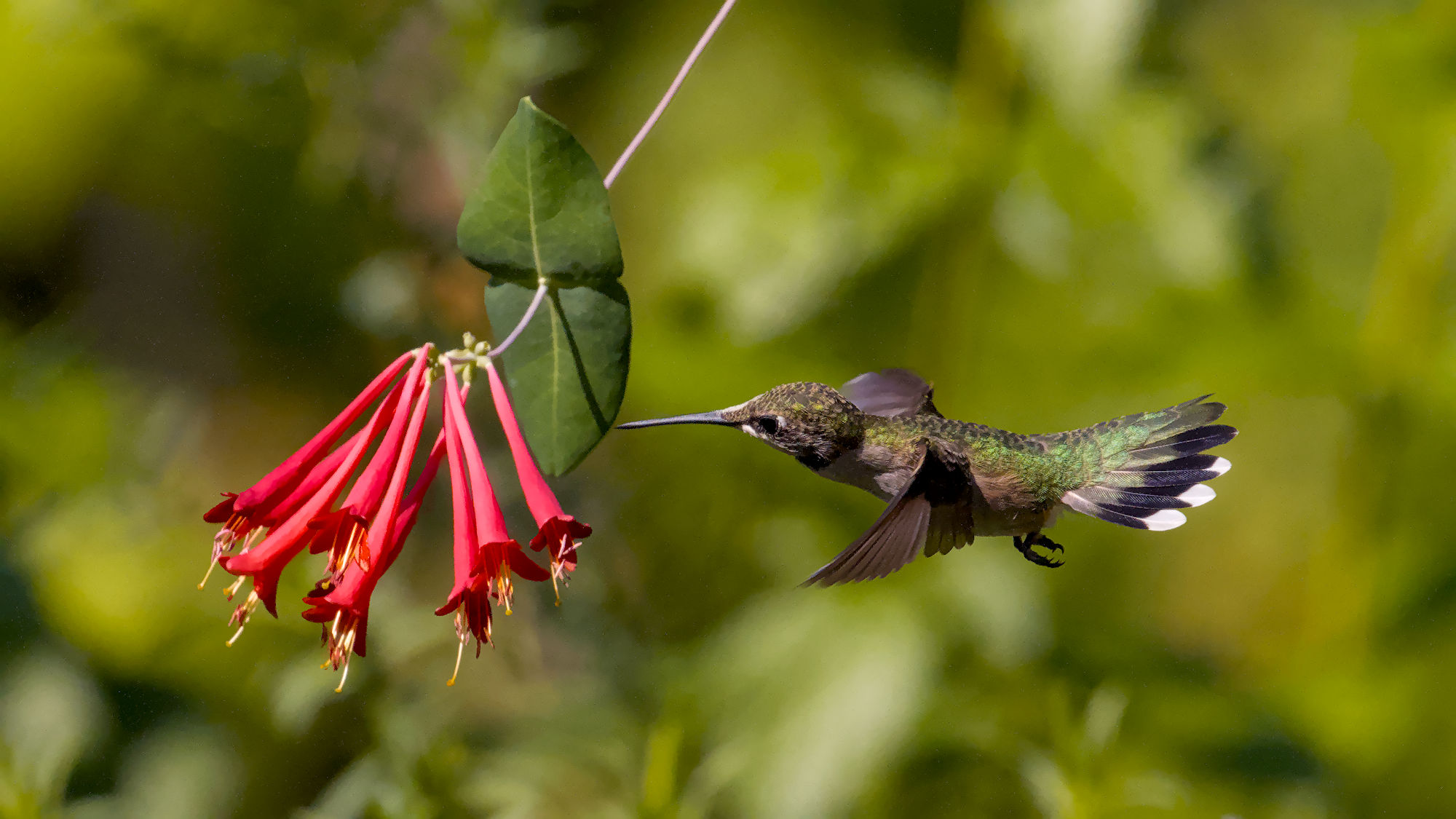
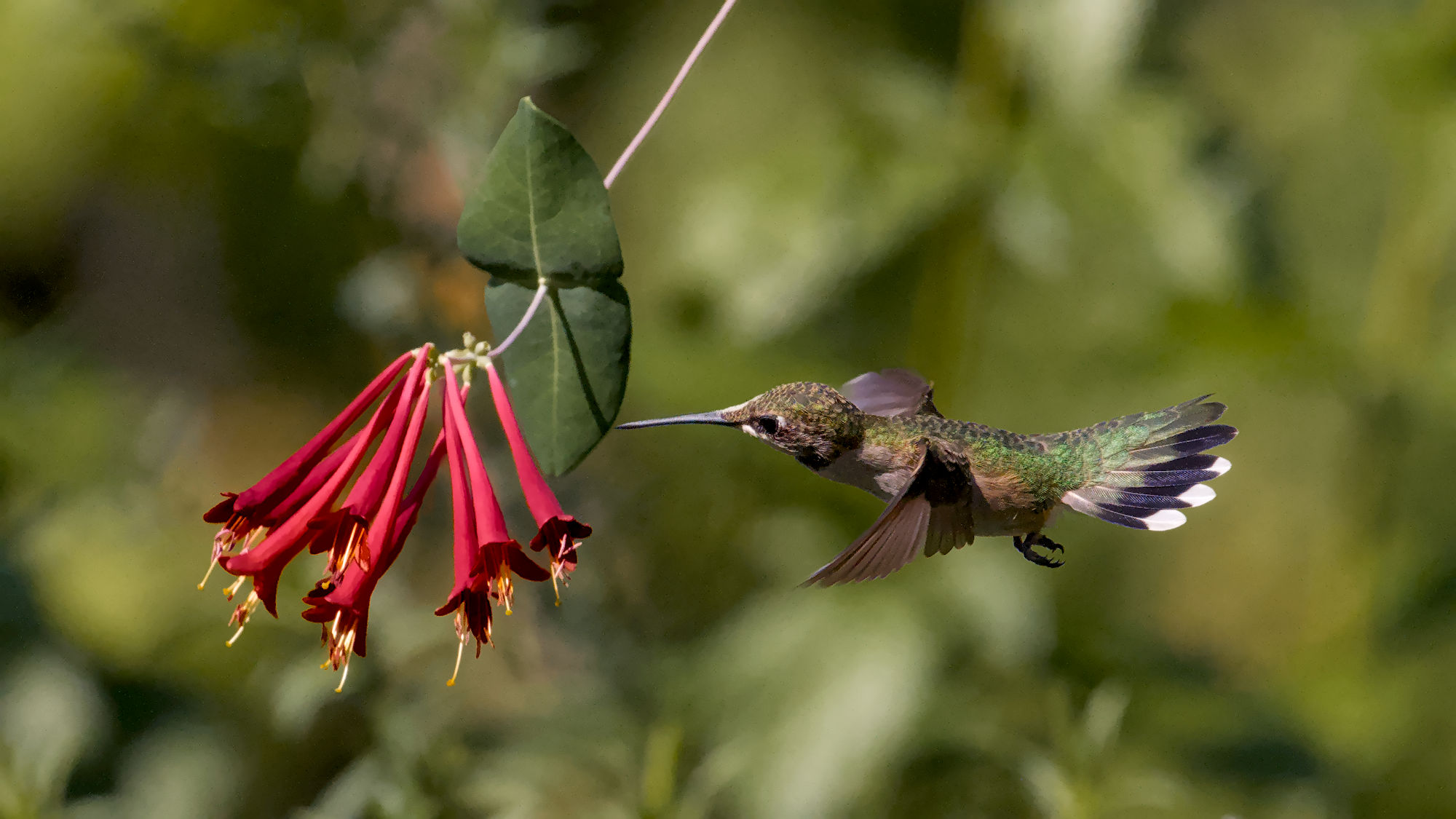
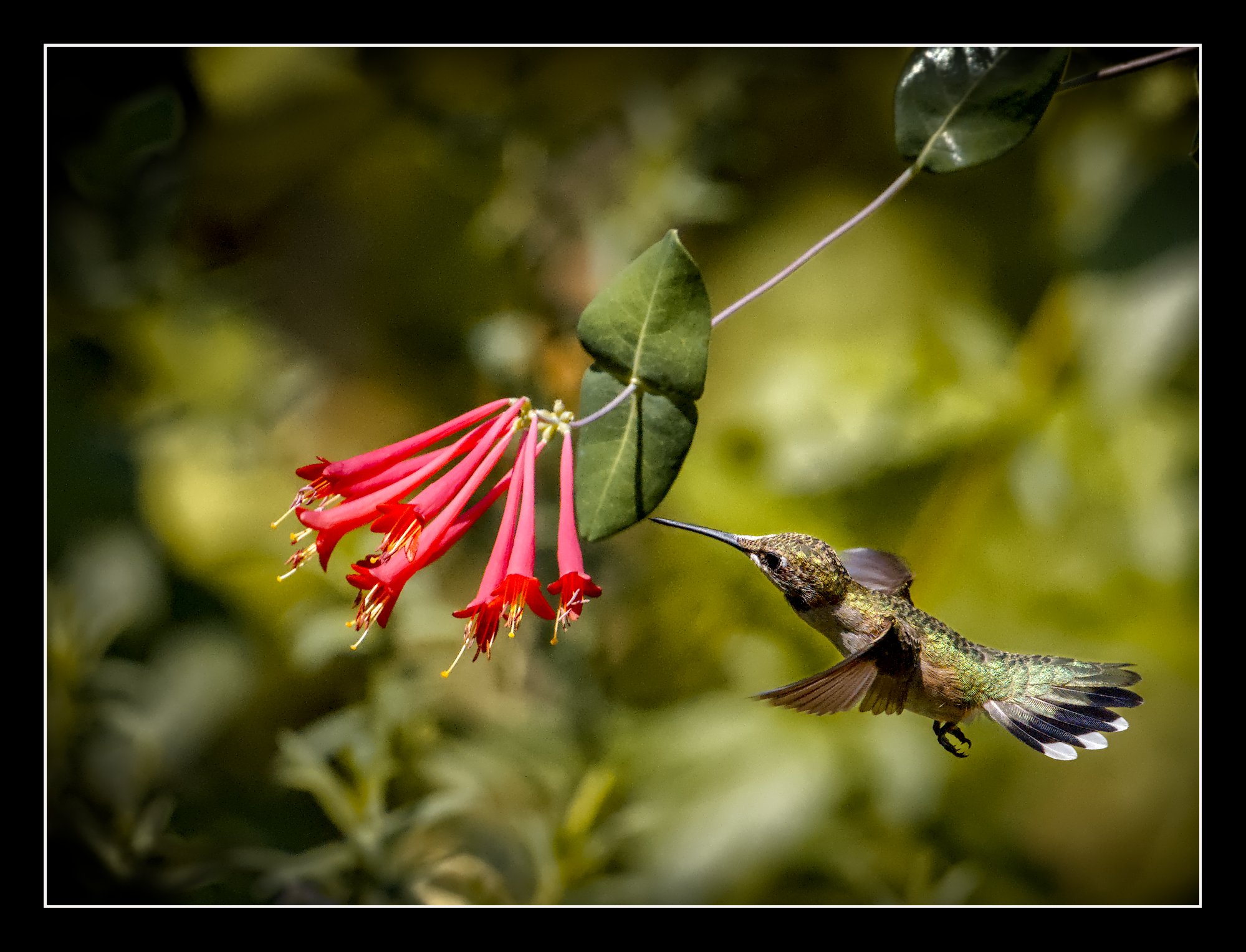
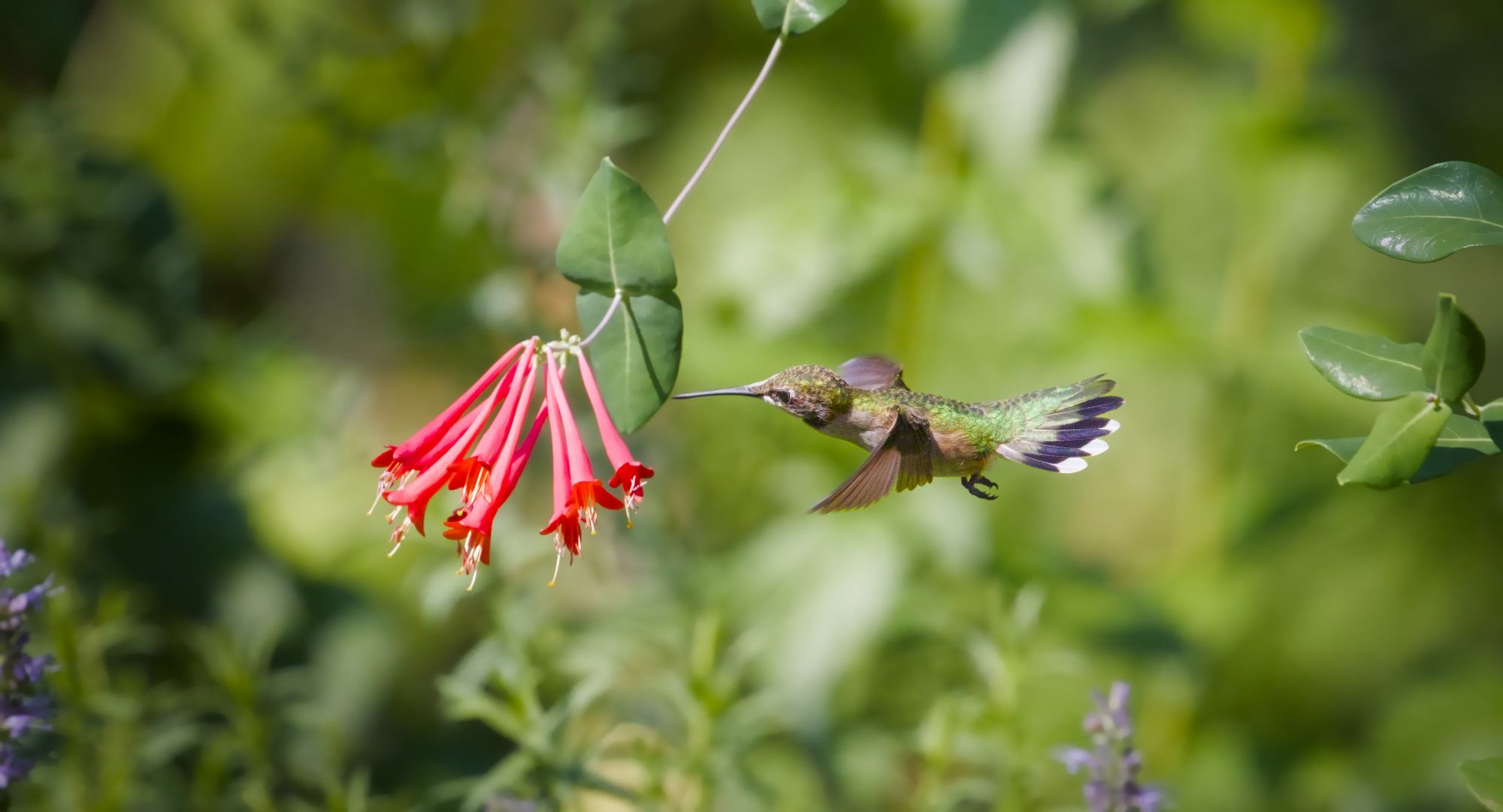
This might exclude me, but here is my attempt. I used AI masking to select the bird with minimal effort and applied the displayed referred shadow and highlights module to lift the shadows on the bird by 50%. I never use the slider above 50% but at times may apply multiple instances of the S&H module. IMG_4968.CR3.xmp (23.8 KB)
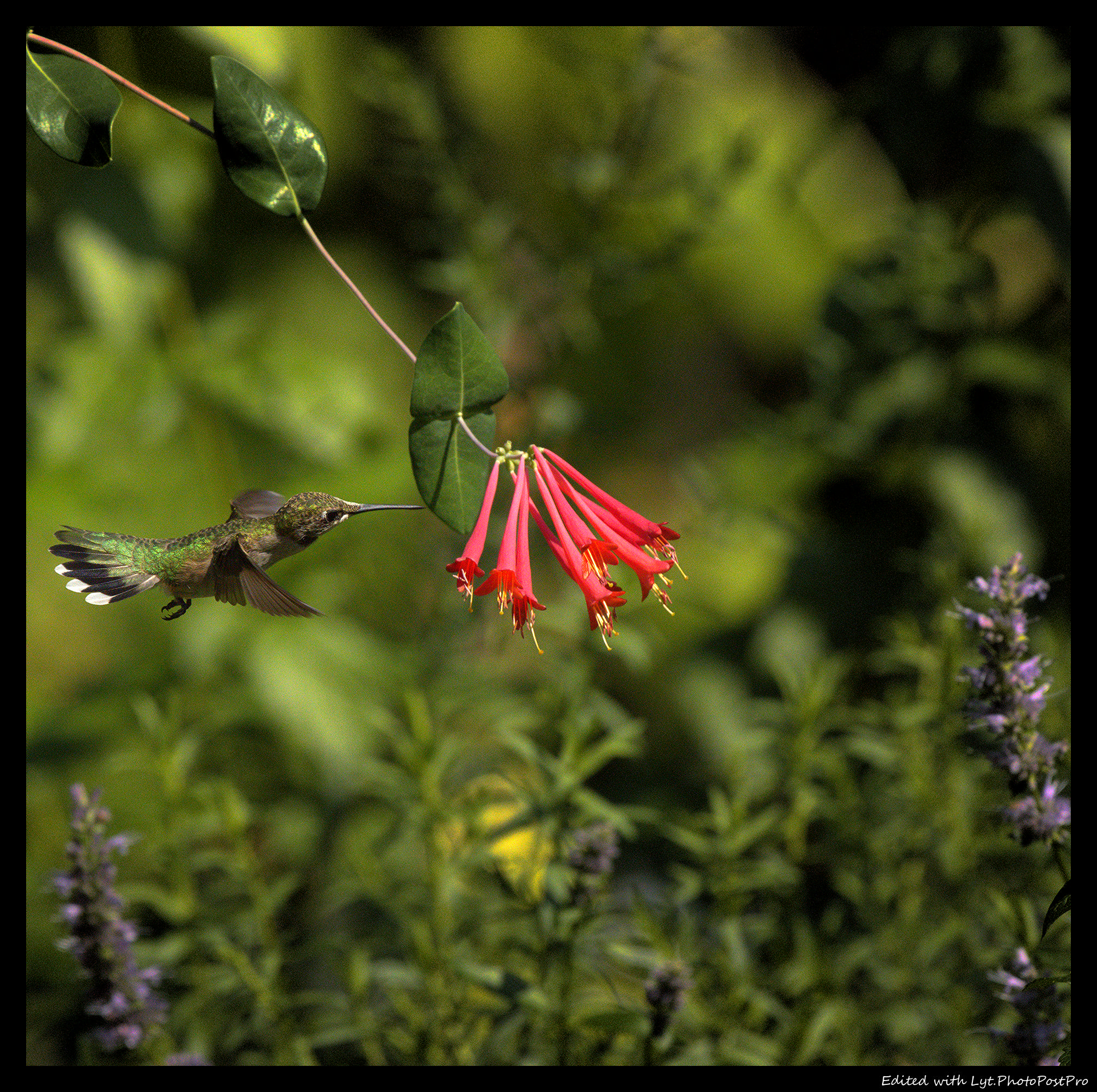
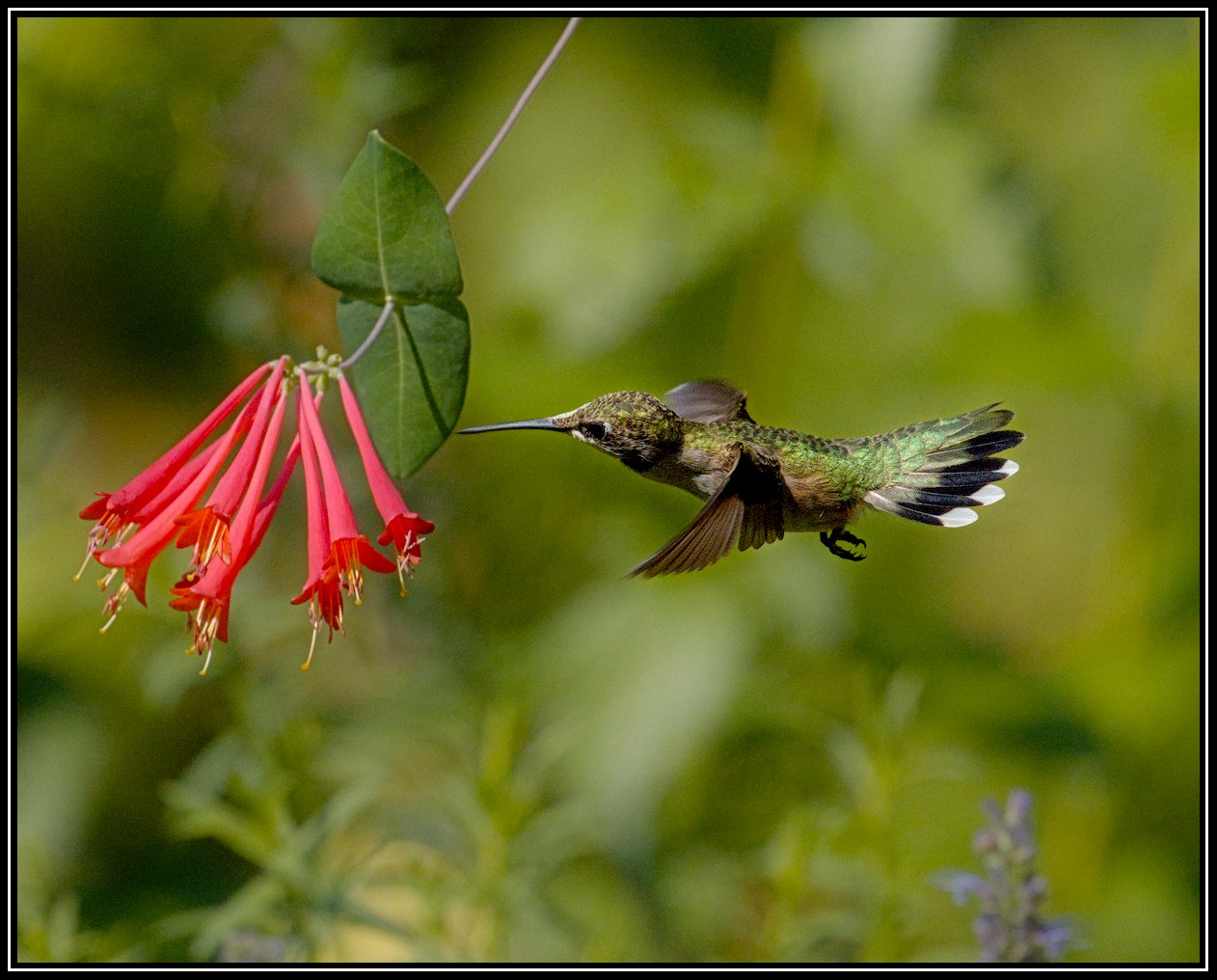
I tried a square re-composition to get closer to the hero, mirrored because I cannot stand images that go right to left. Vignette on top, right, bottom, added contrast just a bit, global saturation and global sharpen. Nothing fancy really.
There are a few masking artefacts, but this is probably the best I’m getting on this route.
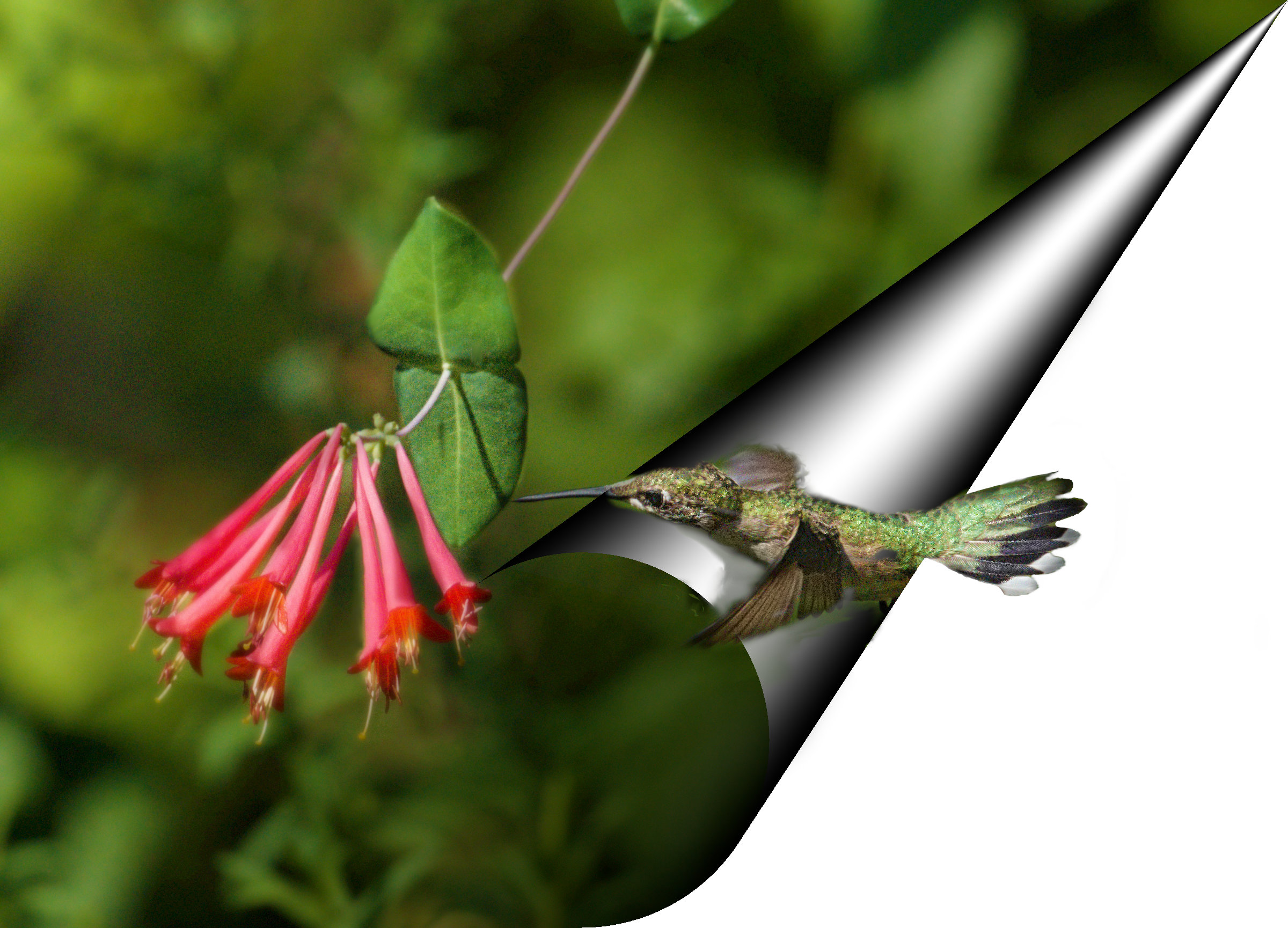
It’s an idea at least. Separate the bird and background greens with colour calibration so they’re at different hues, then create a parametric mask in another module, for use as a raster mask later, and then use another CC to get the white balance back to normal…
Maybe a good candidate for testing the new flexi masking?
I can in general follow you on this, but is this image, as in OP, really going to the left?
The bird looks/points to the left, yes, but it is standing still.
My perception of direction in this image rather goes the other way, though, which comes from the strong red color of the flower first catching the attention and thereafter my eyes wander right to the bird and stays put.
I find that @Popanz’s turning of the image and giving the bird an upward direction and thereby introducing a diagonal in a squared image, to be a better compositional move.
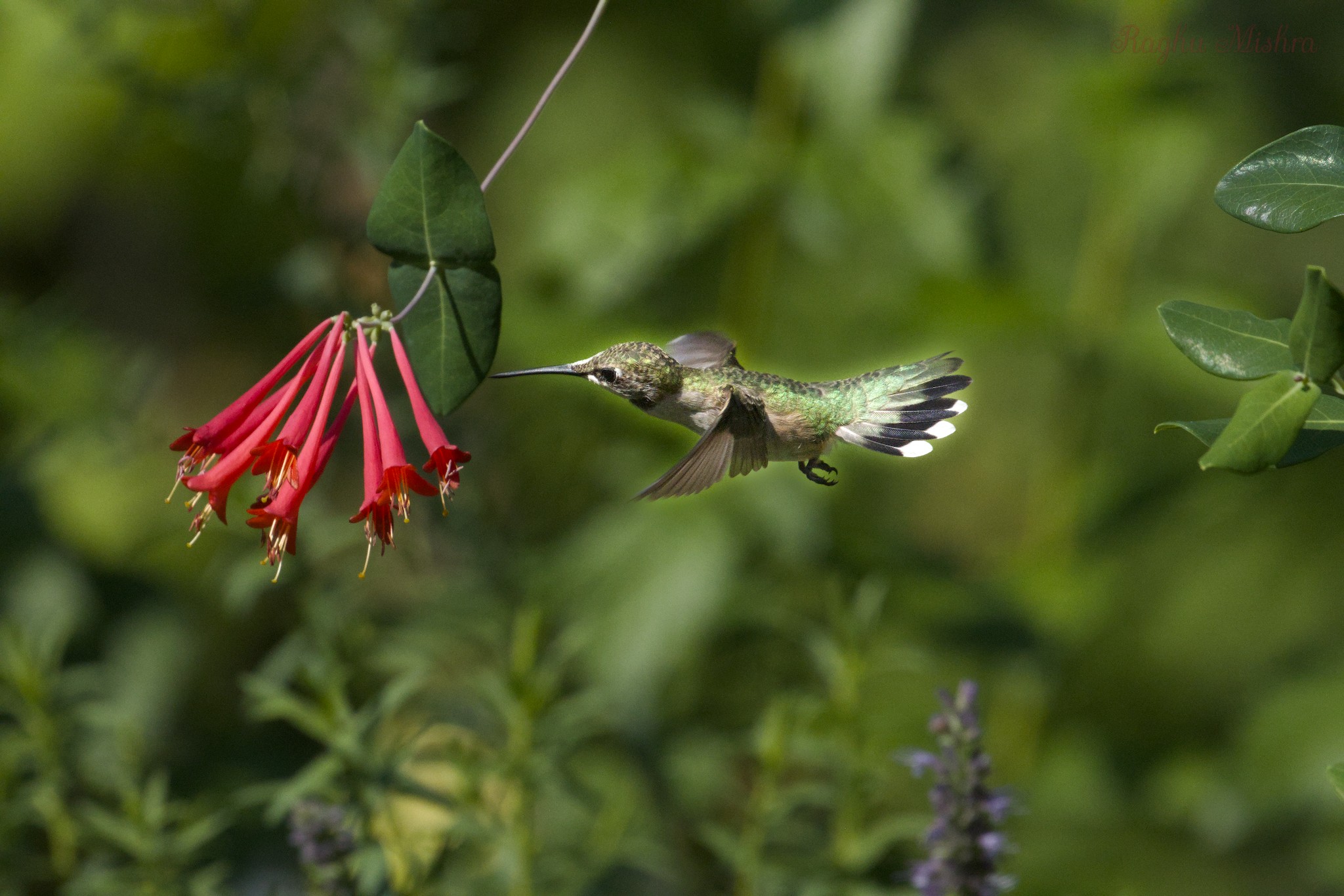

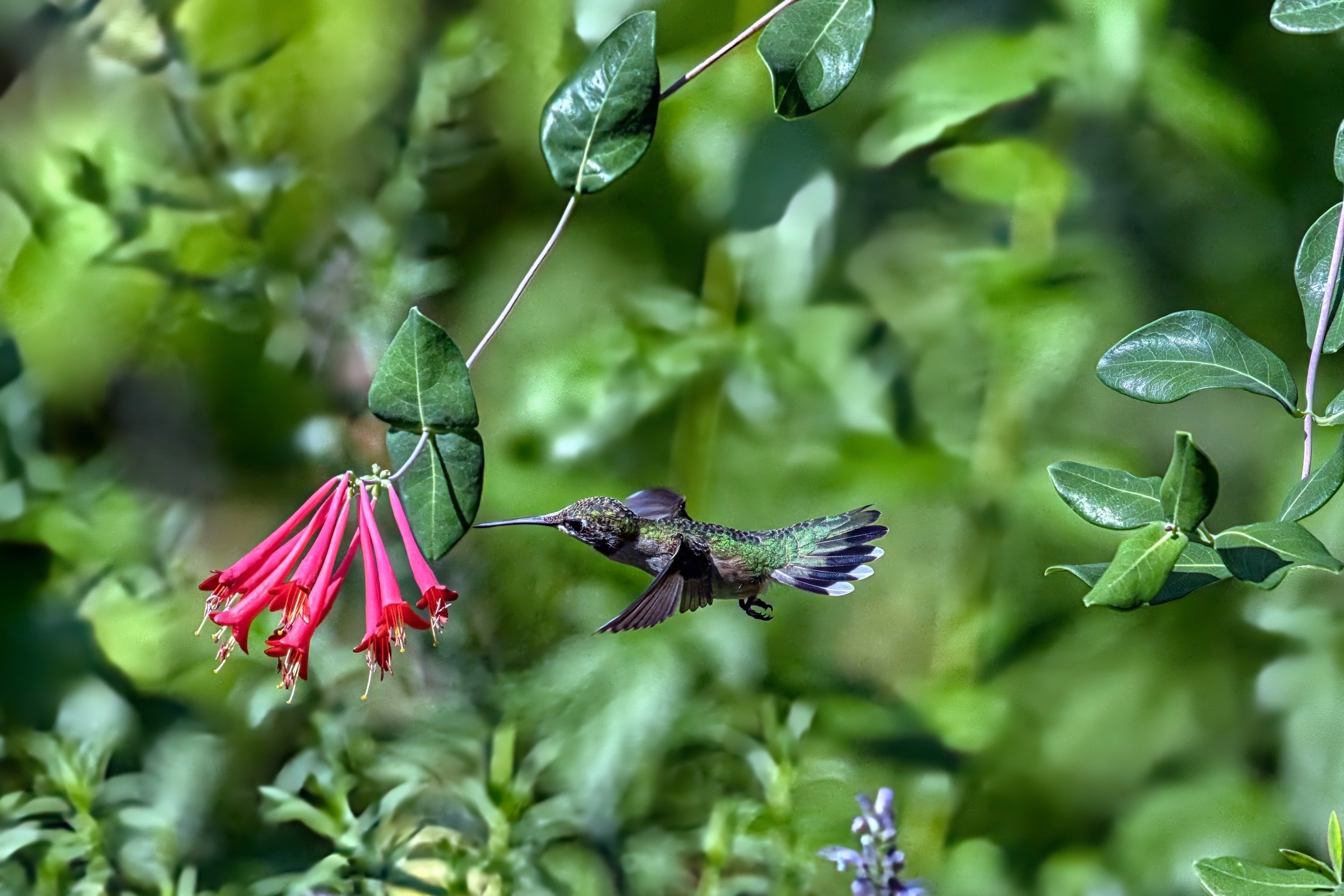

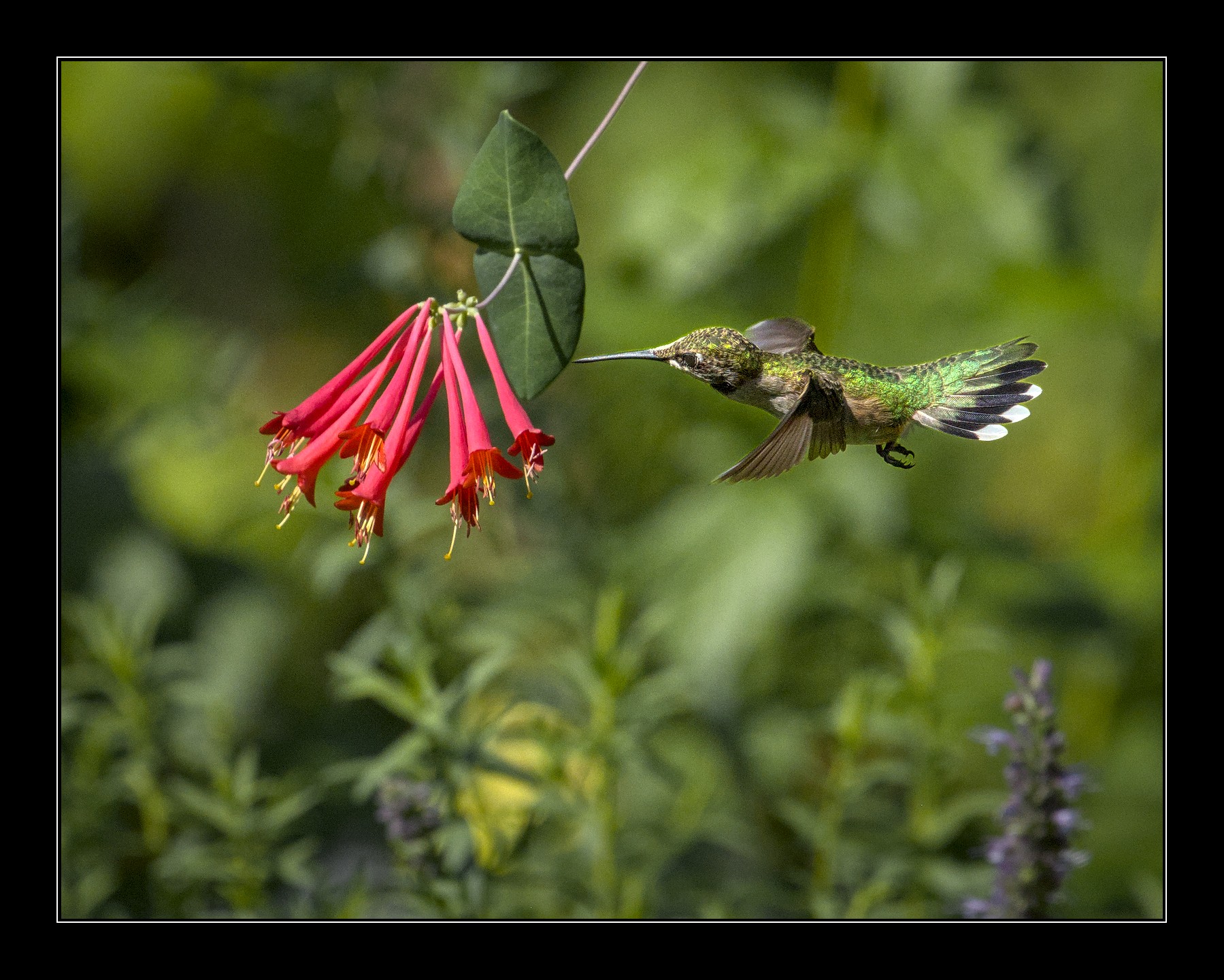
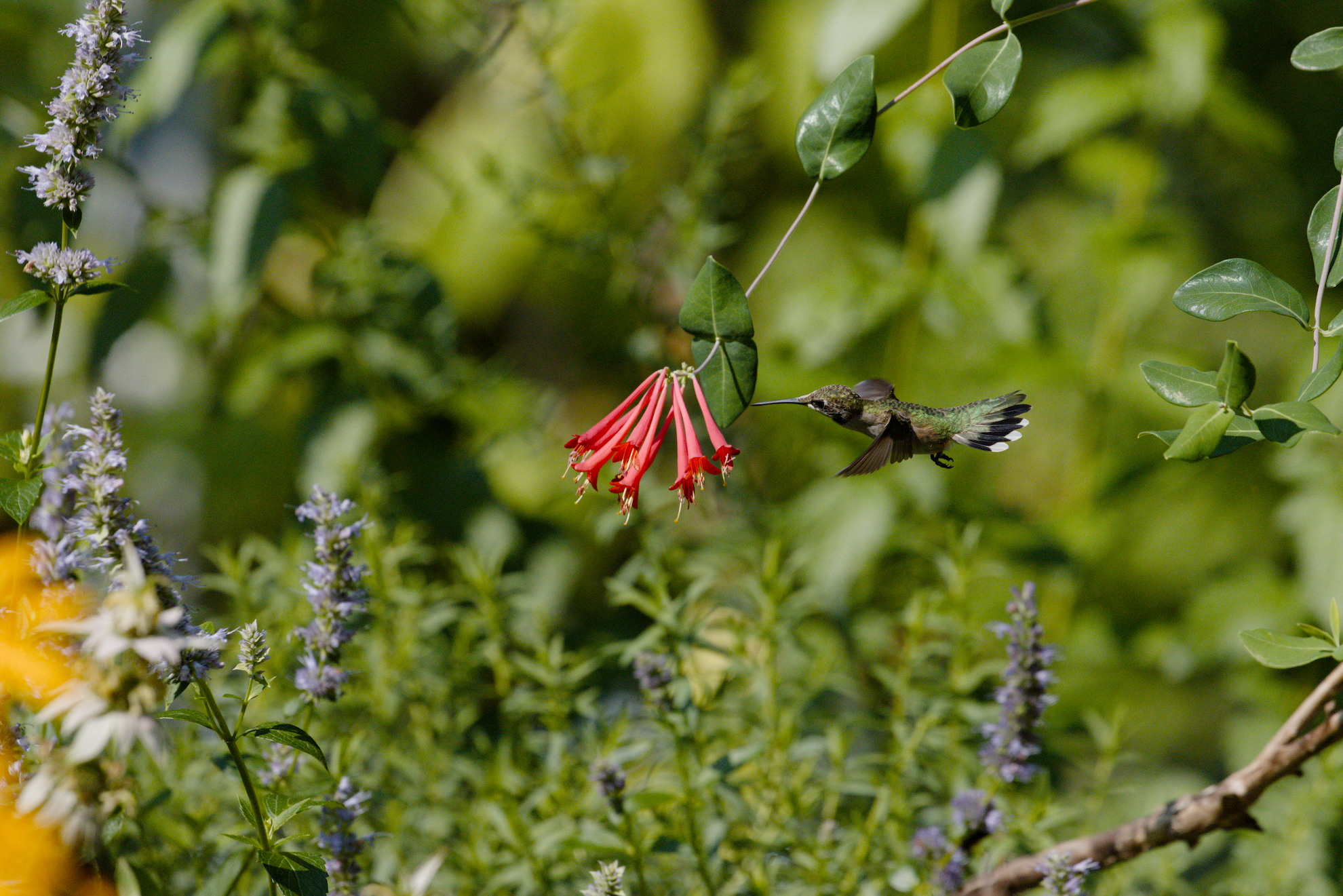
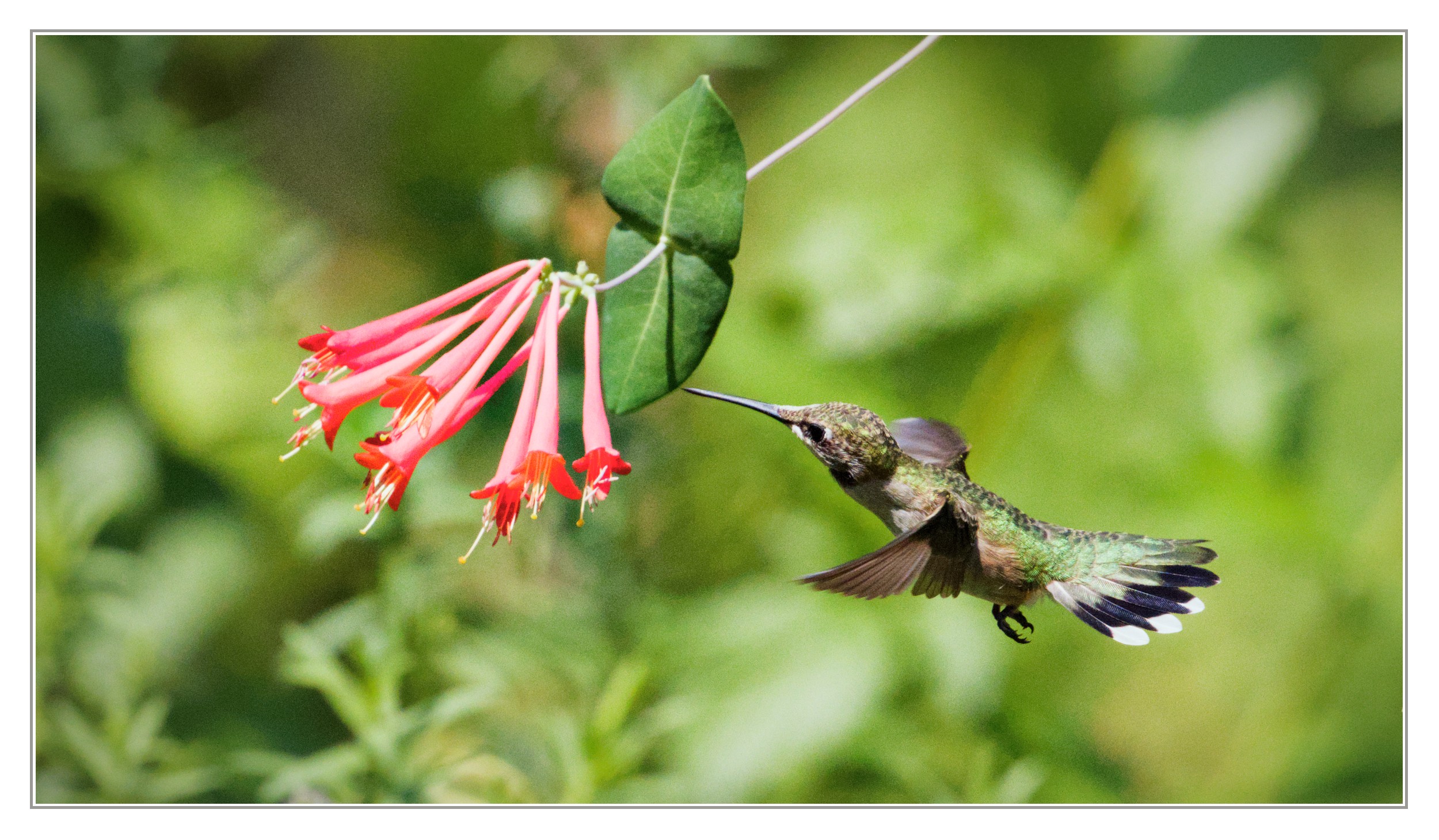

 thanks for sharing!