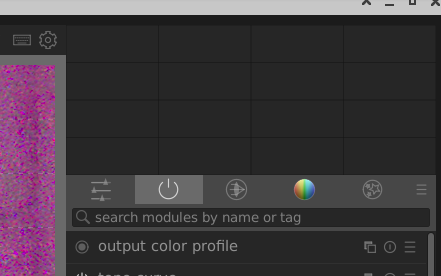
I do see the framework of horizontal and vertical dividers, so the histogram is present.
Only thing I can think of is this: The Red, Green and Blue channels are turned off.
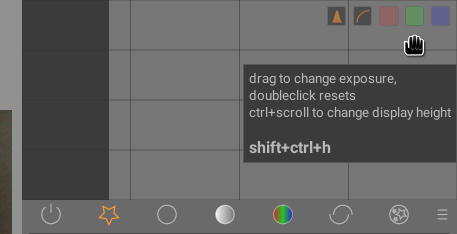
If you hover with the mouse over the histogram you should see something like this:
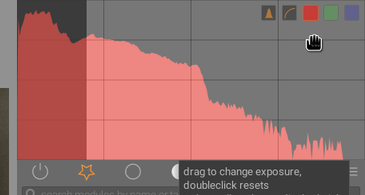
The R,G and B squares are muted in the above image and results in a black histogram, like yours, when not hovering over it. If you click on the red square you see this:
Also click on the G(reen) and B(lue) squares to get the full histogram back.
Assuming this was/is the issue: Not sure why this happens out of the box, though.