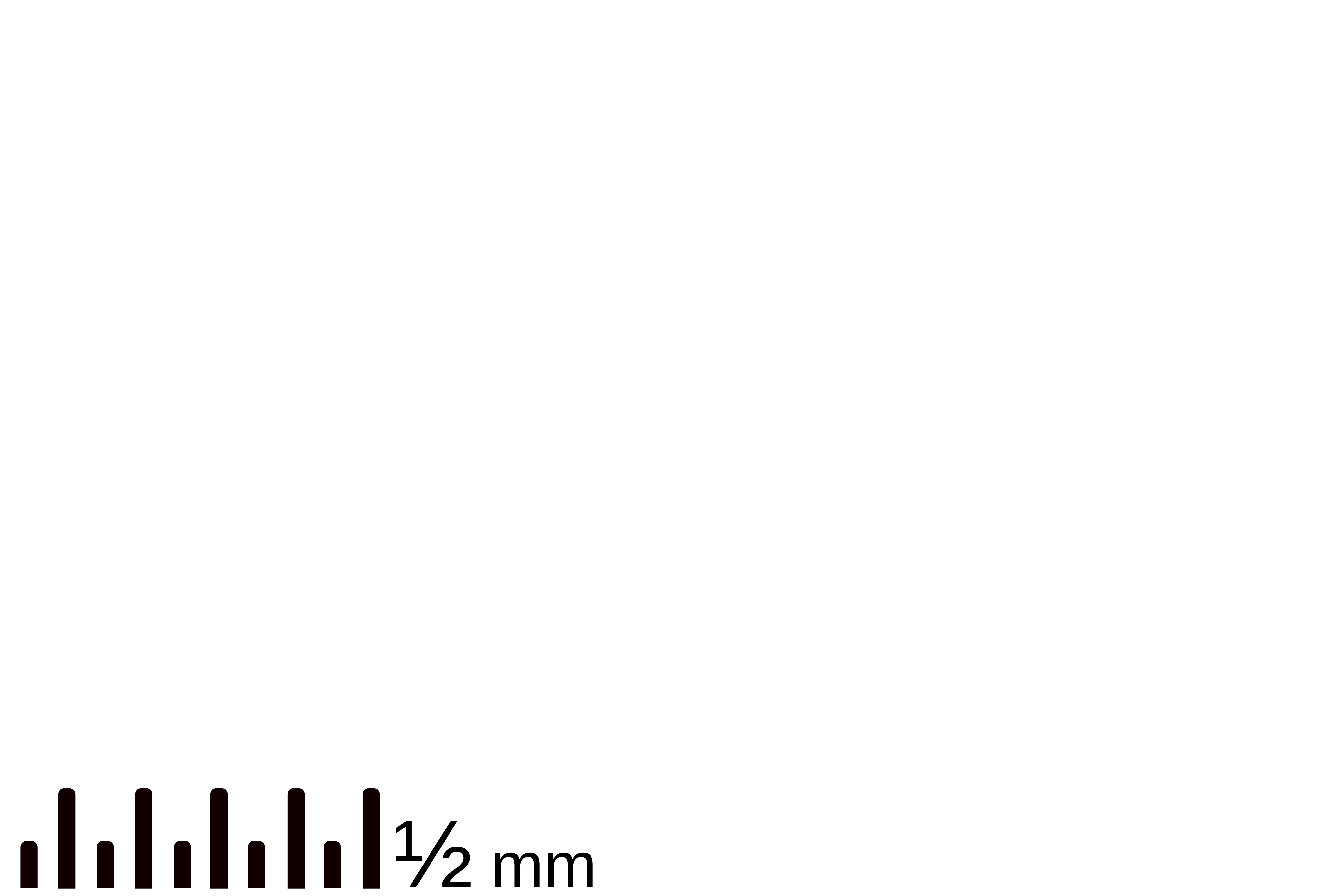
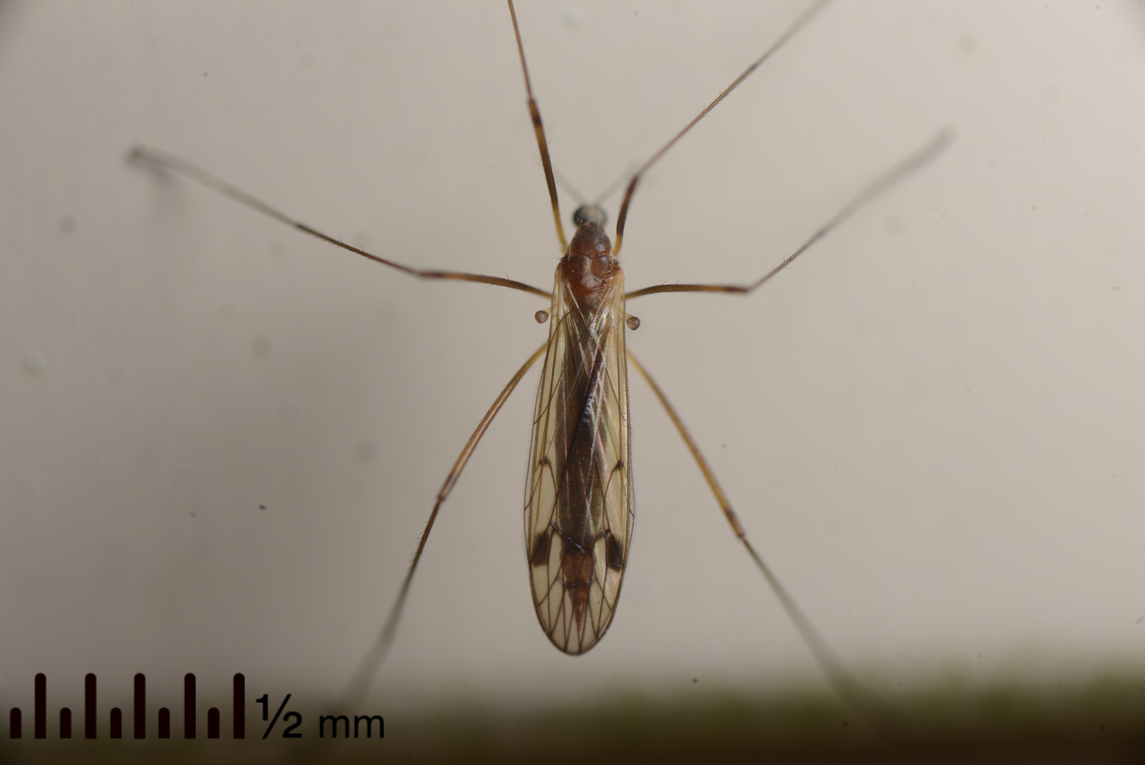
I’m hoping someone can give me a helpful steer in the right direction. I take a lot of insect macro photos. Back in darktable 3.8, I made a set of svg files with the same dimensions as my photos with various lens and focus configurations, so I could add millimetre scales to photos. Examples below.
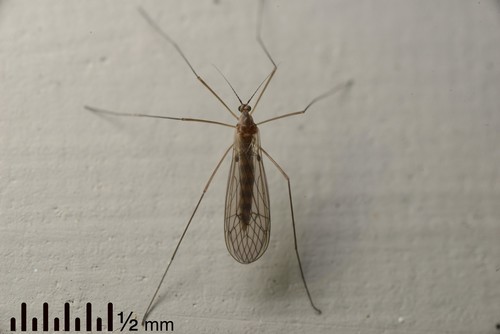
Example with correctly sized scale in darktable 3.8:
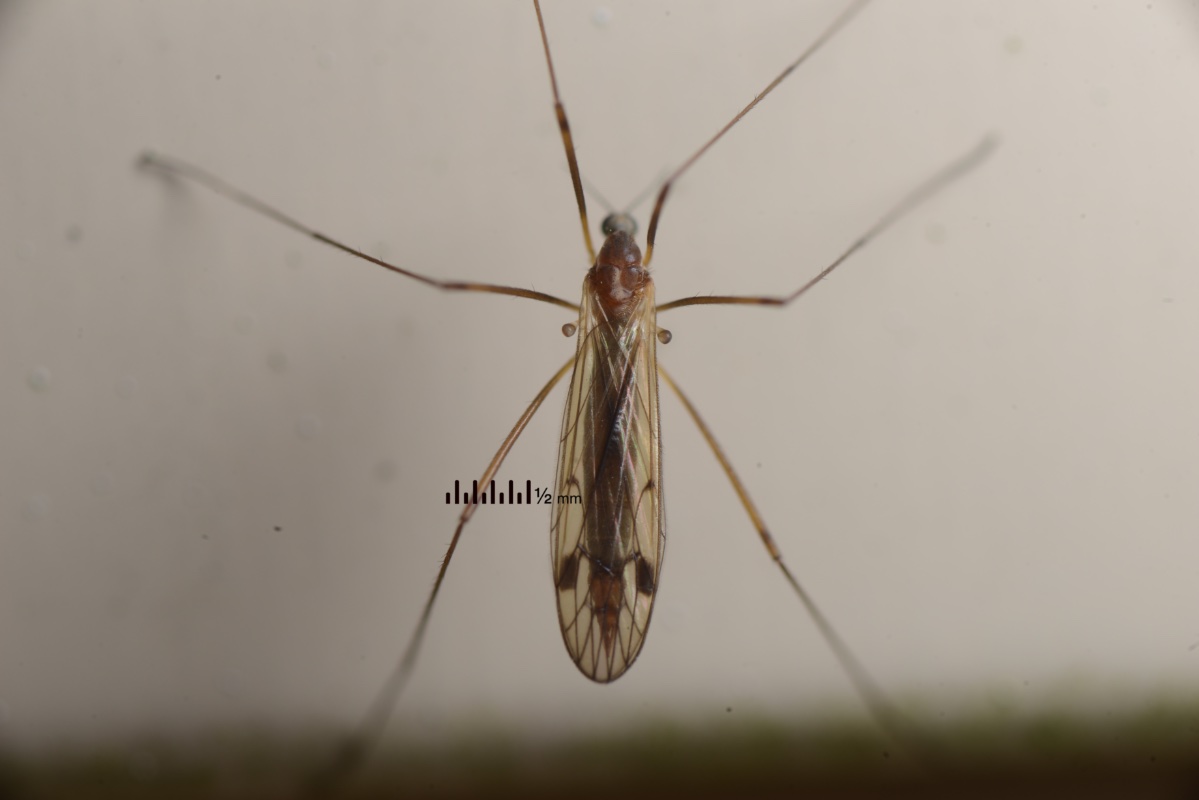
Example of the same svg applied in darktable 4.0.1:
Now, in darktable 4.0.1 (which I recently upgraded to), none of this works properly. The same svg files, applied to photos with the same camera and lens combinations, make scales that are very small and near the centre of the image. I haven’t found any settings that make things behave like they did in darktable 3.8.
Any ideas? (Thanks.)
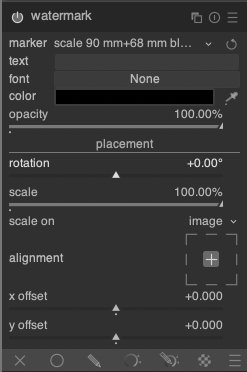
Here’s the watermark module.
In case it matters, this is on an M1 Mac with MacOS 12.6.
I figured it out! I tried adding a transparent box the size of the svg image to the background, and that works. It forces the whole watermark image to overlay correctly over the whole photo.
To clarify, when I first made my scale svg watermarks, I had started with a photo of a ruler taken with each lens and focus setup. I then added the vector art over the top of the ruler, hid the ruler image, and exported the svg. So the svg only contained the ruler vector art and nothing else, but the whole svg image was the exact dimensions of my photos.
This worked in darktable 3.8, because it respected the dimensions of the whole svg image. That doesn’t happen in darktable 4.0.1.
Now, I’ve had to add a rectangle that fits the full image, and set its opacity to 0%. With that additional vector object framing the svg file, darktable 4.0.1 now places the scale correctly over my photos.
Glad you got it sorted! Might be useful for others too… I’ve never done anything like this with the watermark module, but it seems a great way to do it.