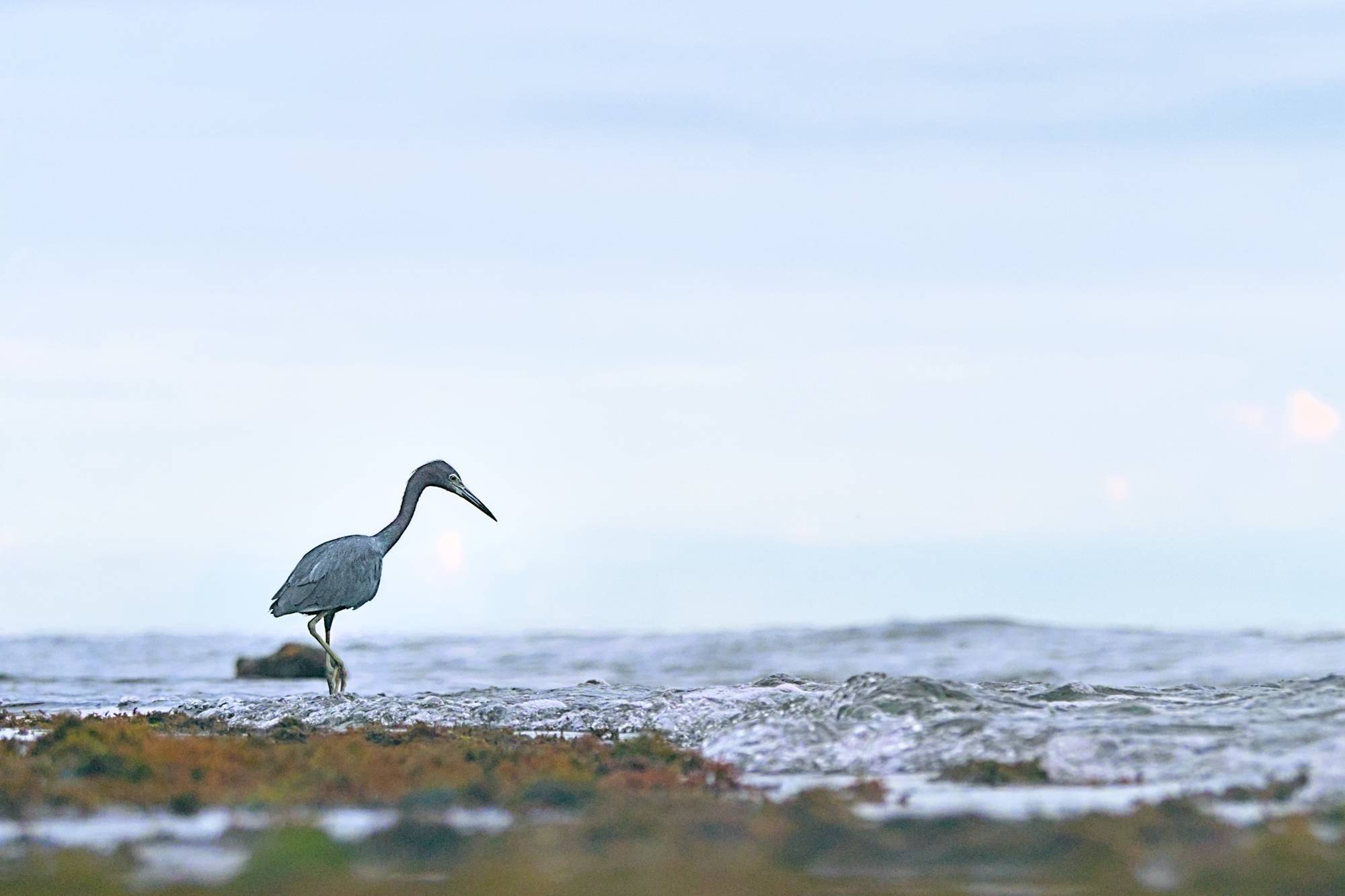
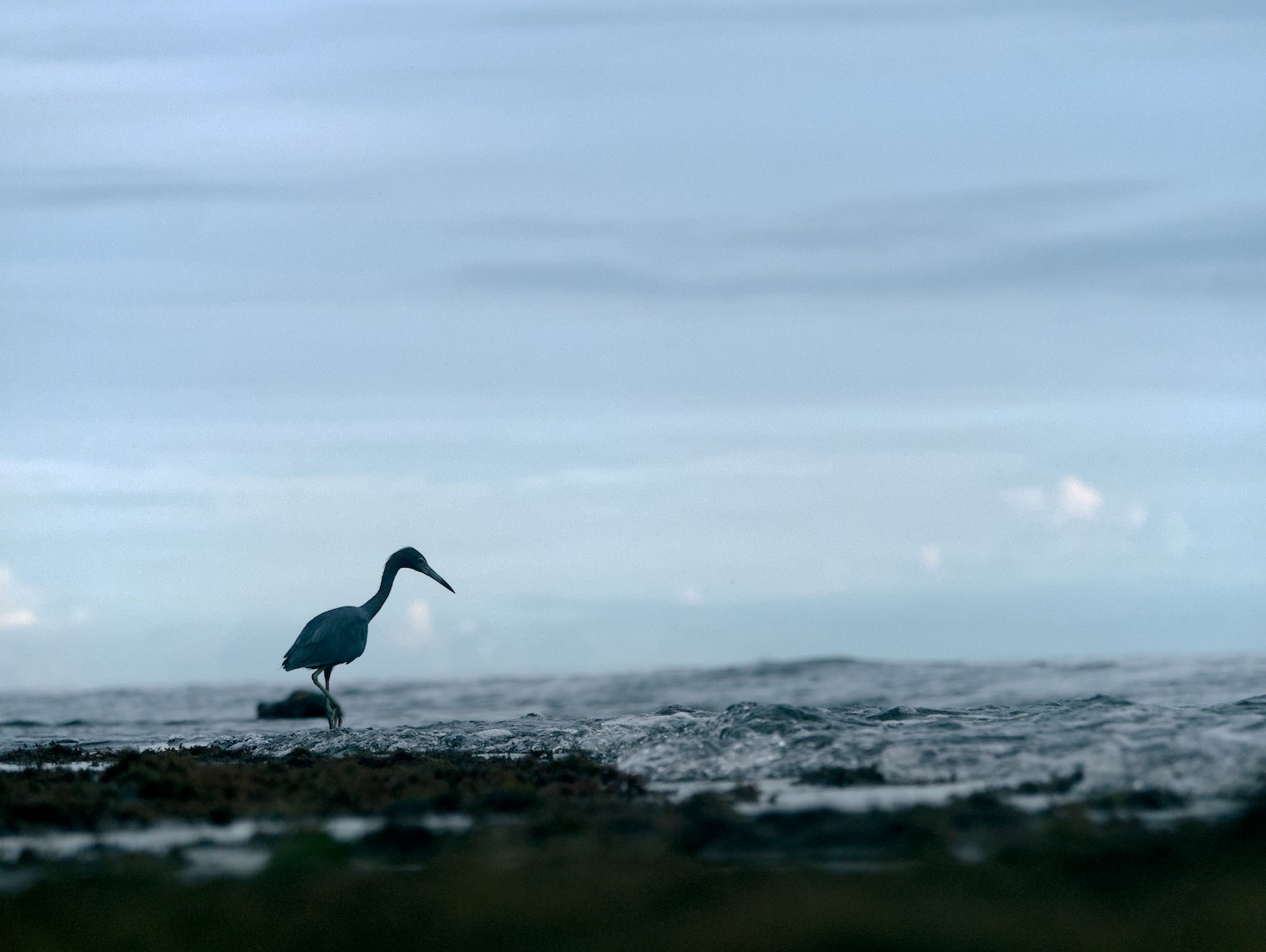
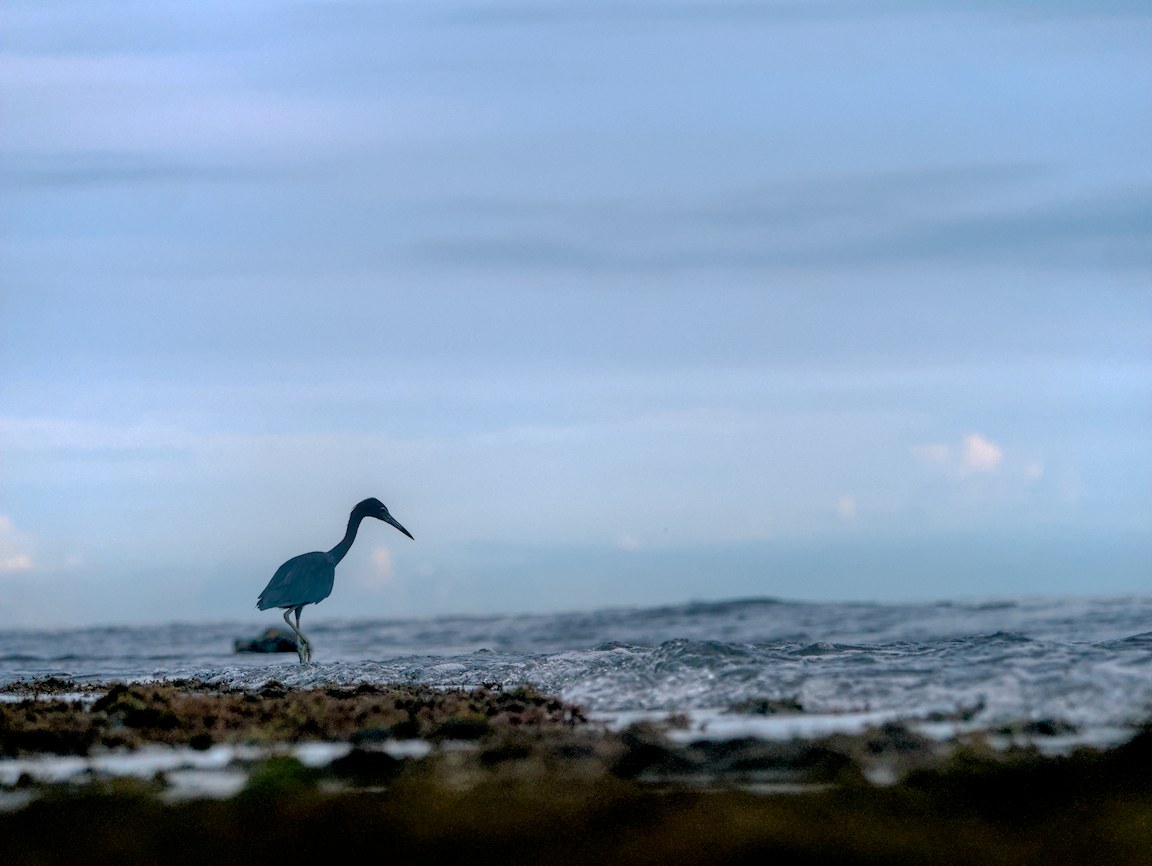
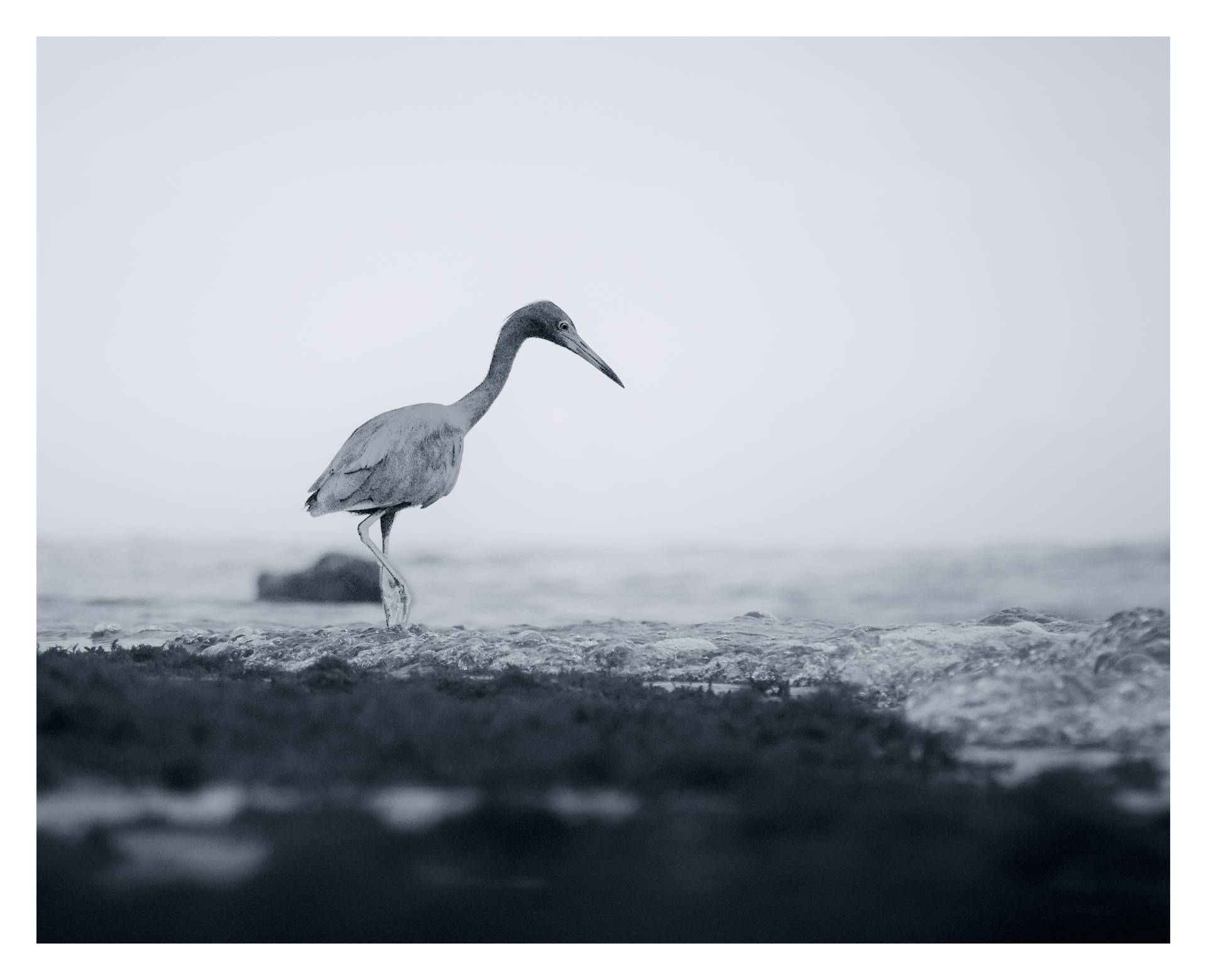
P1530705.RW2 (18.5 MB)
Hi there, this is my first time posting here.
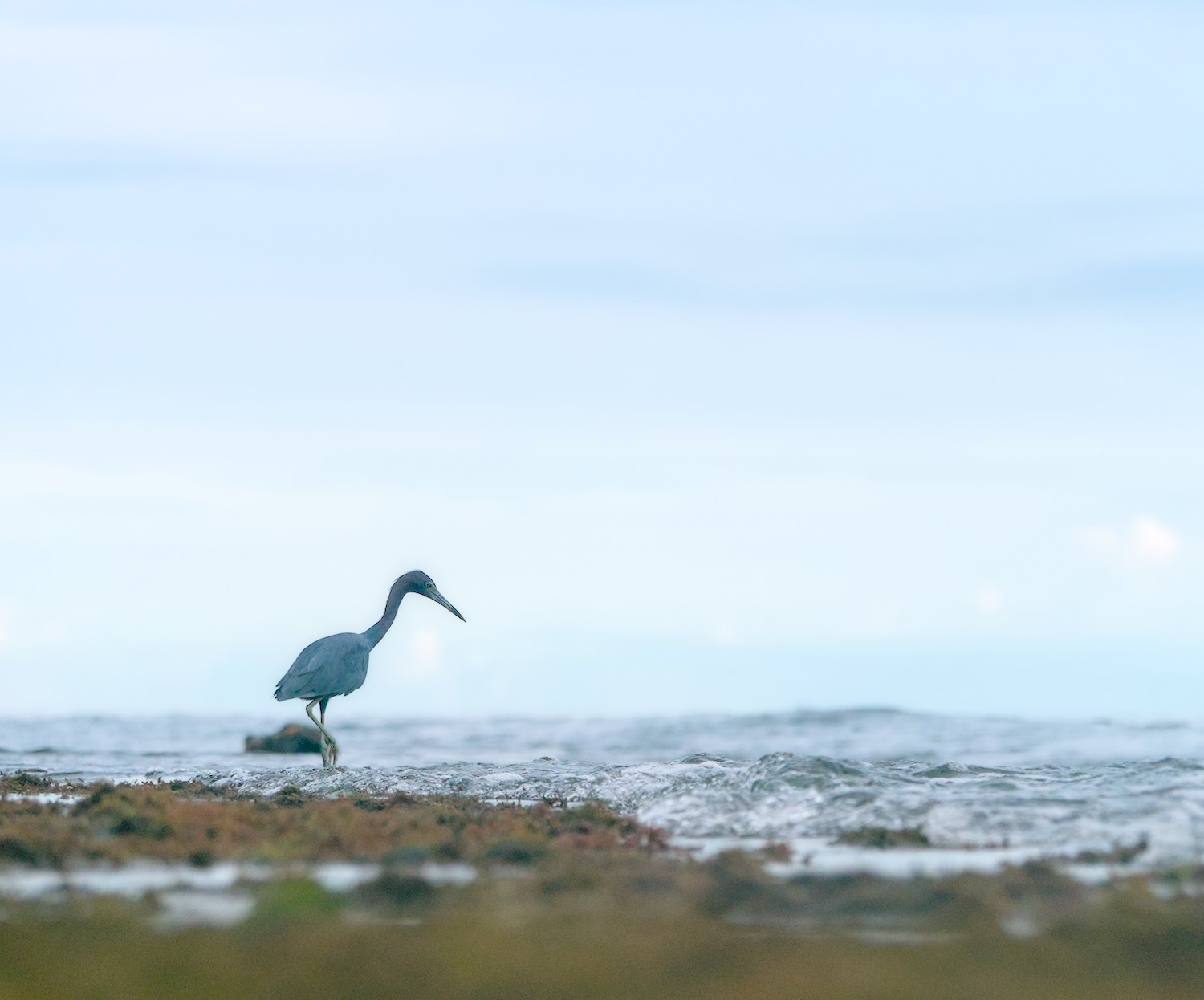
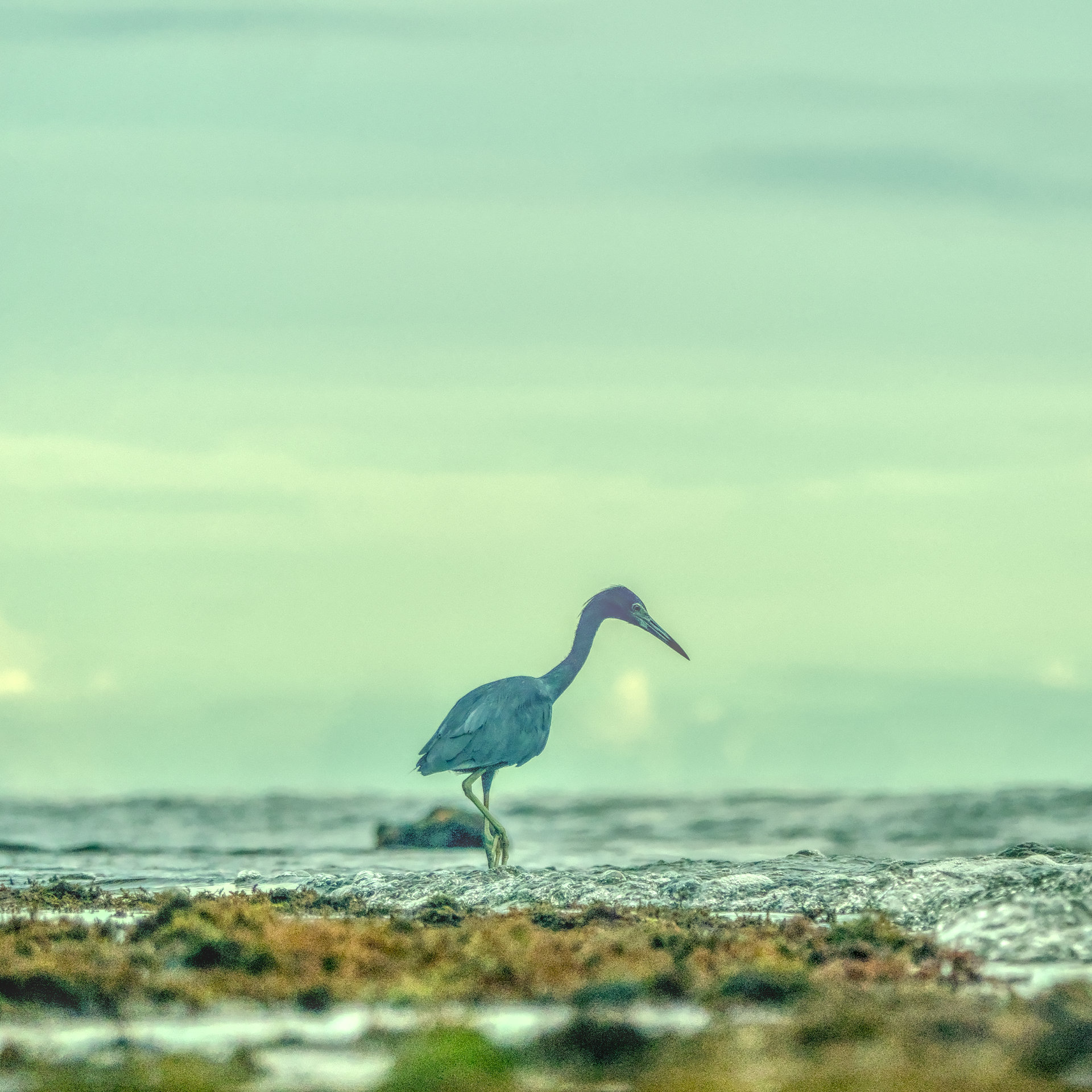
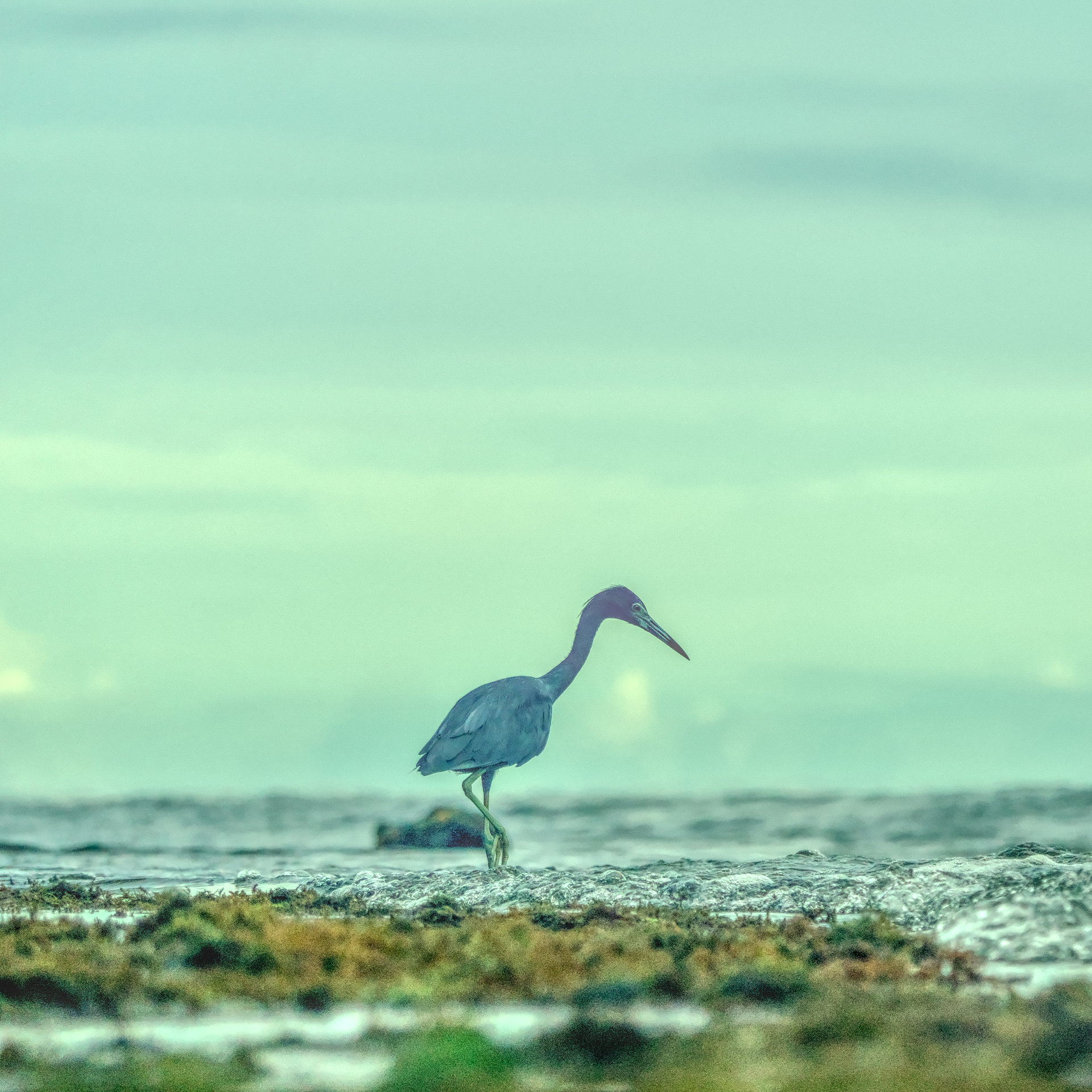
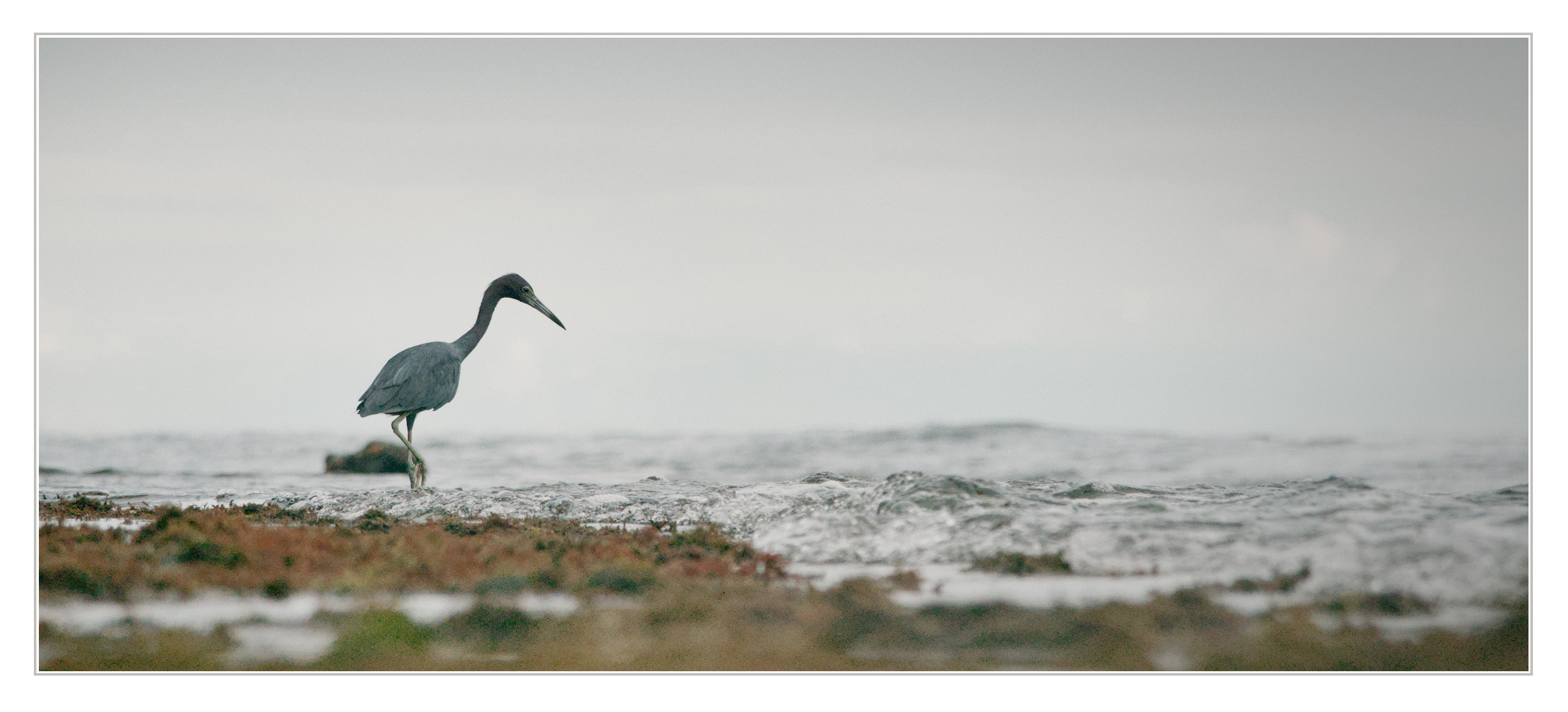
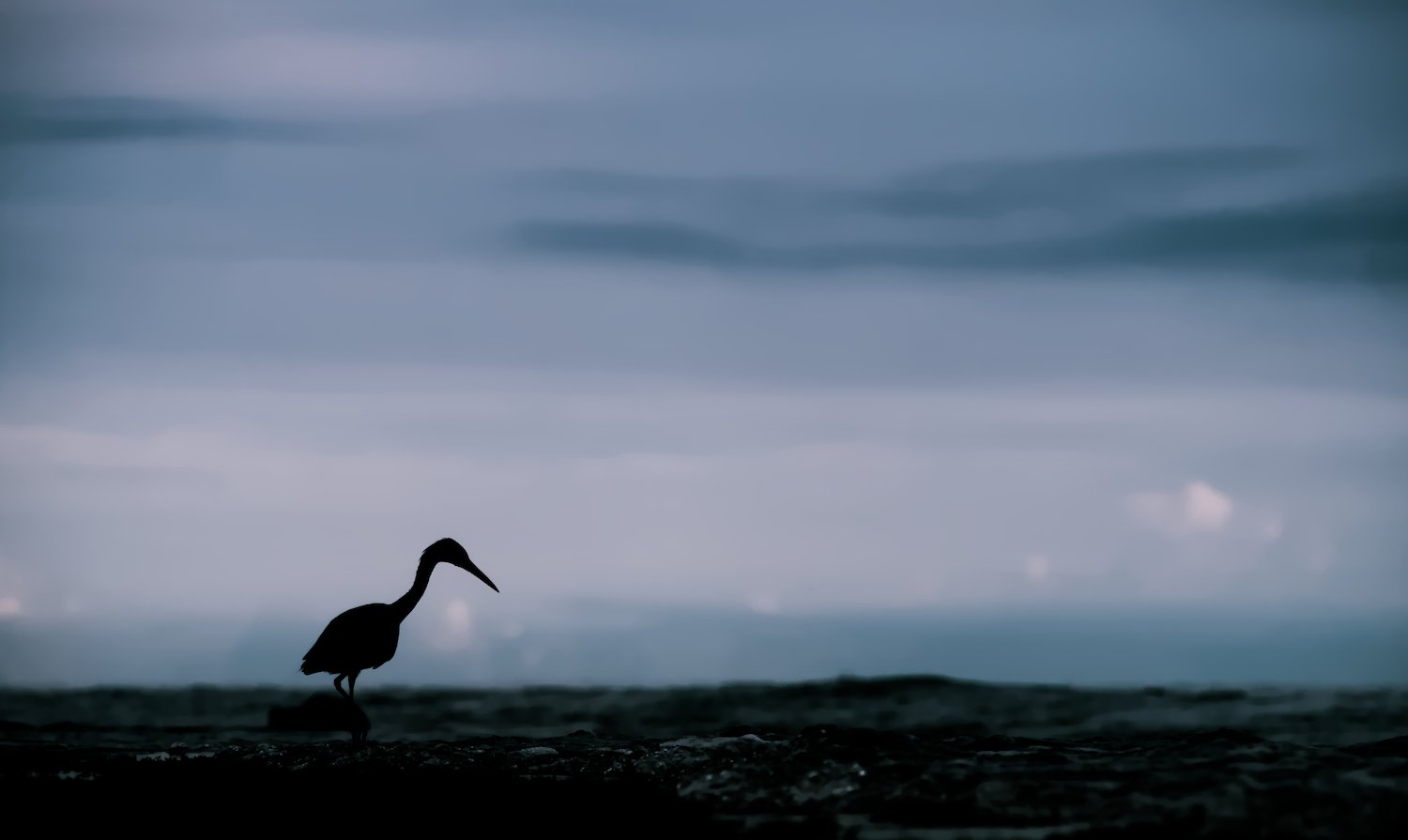
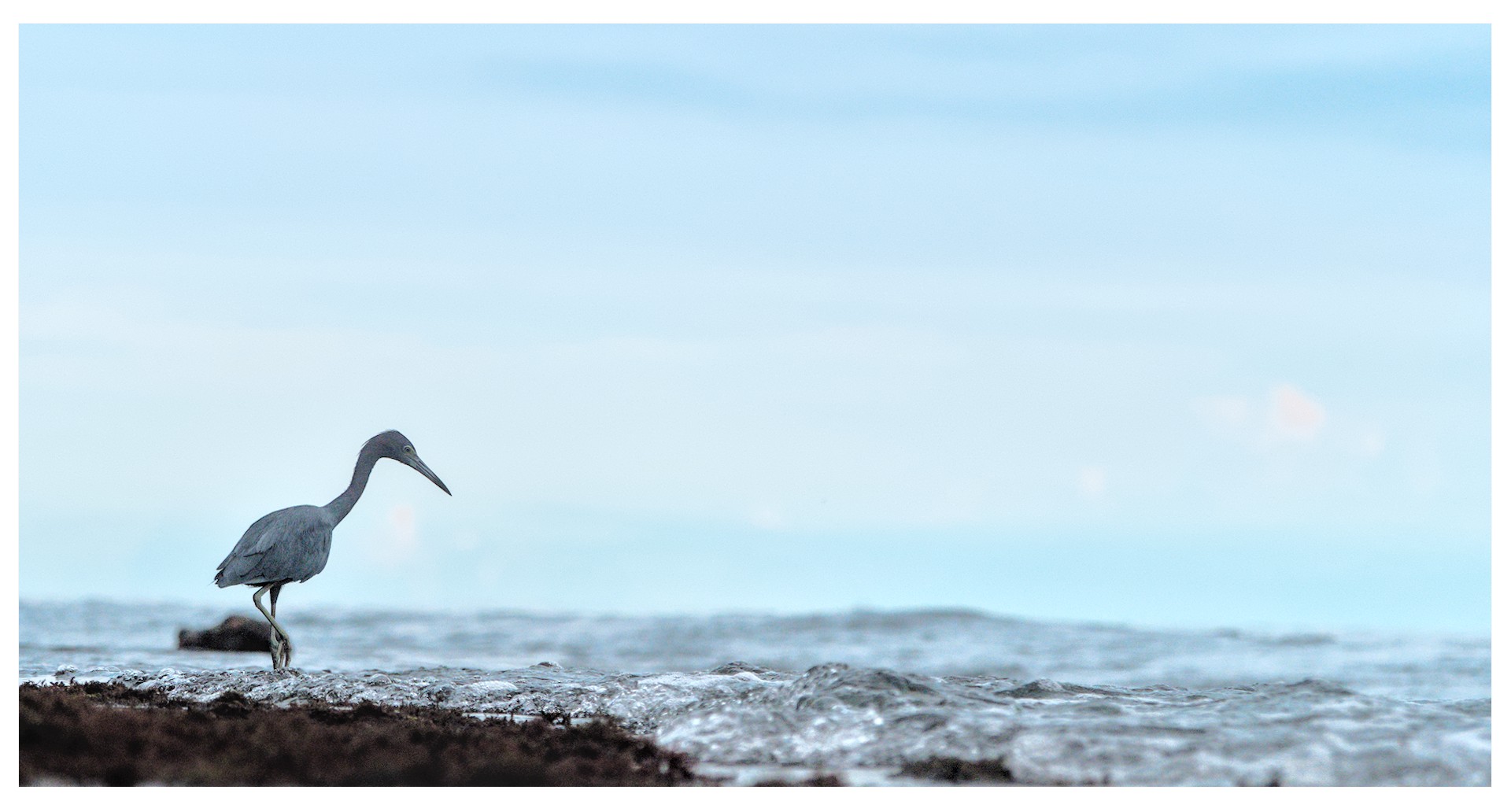
I took this photo in Costa Rica this year and was hoping to get a bit of a dreamy mood out of it - playing with the similar colour of the sky, sea and heron. But I tried a bit with Darktable and am not quite getting there, I am struggling to get a nice separation of the heron from to sky. So I was curious to see how you would be editing that image. Not giving any guidance, just hoping to get inspirations. I still attach the edit I got, so that maybe someone can point out what I am doing wrong
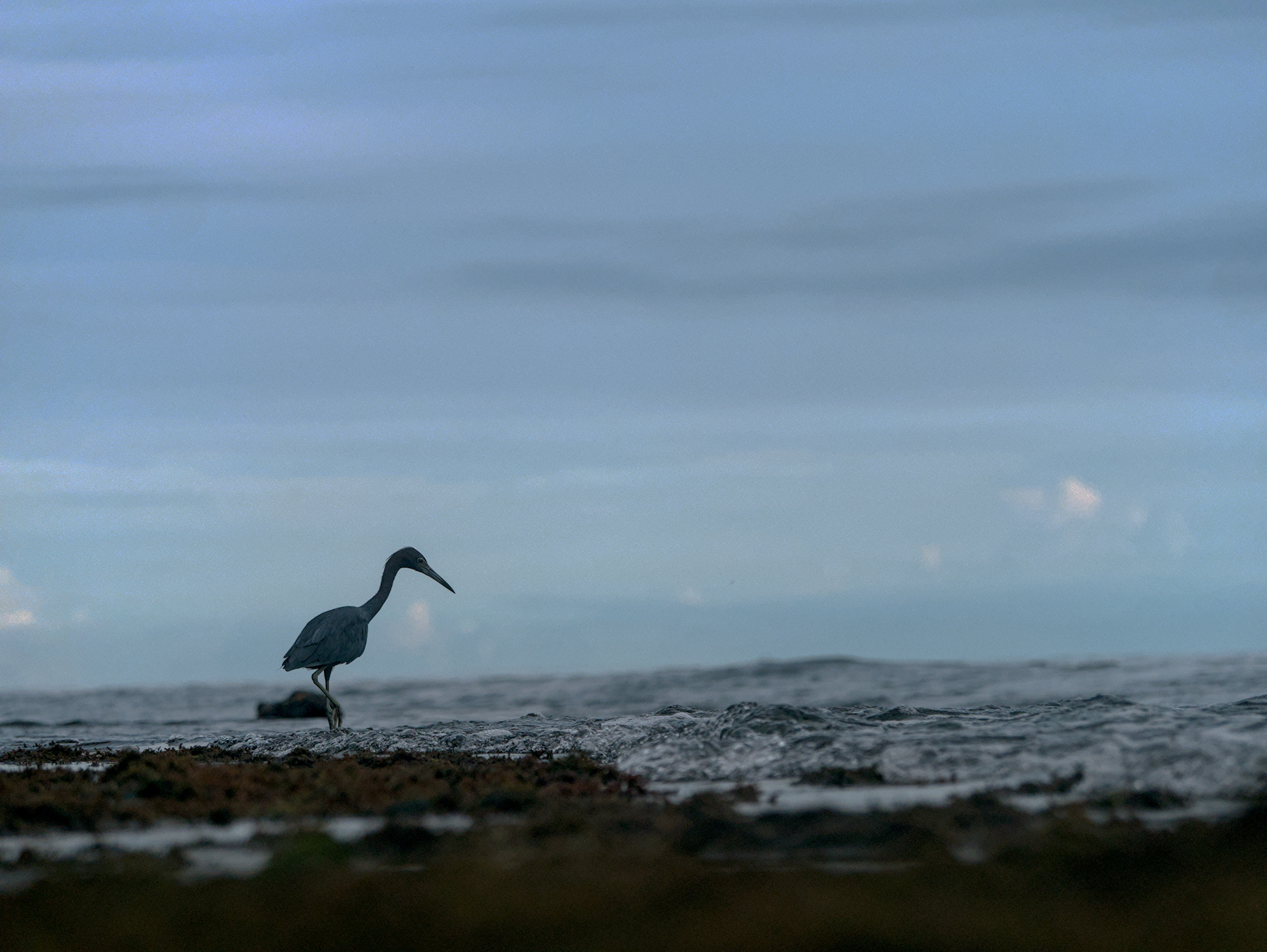
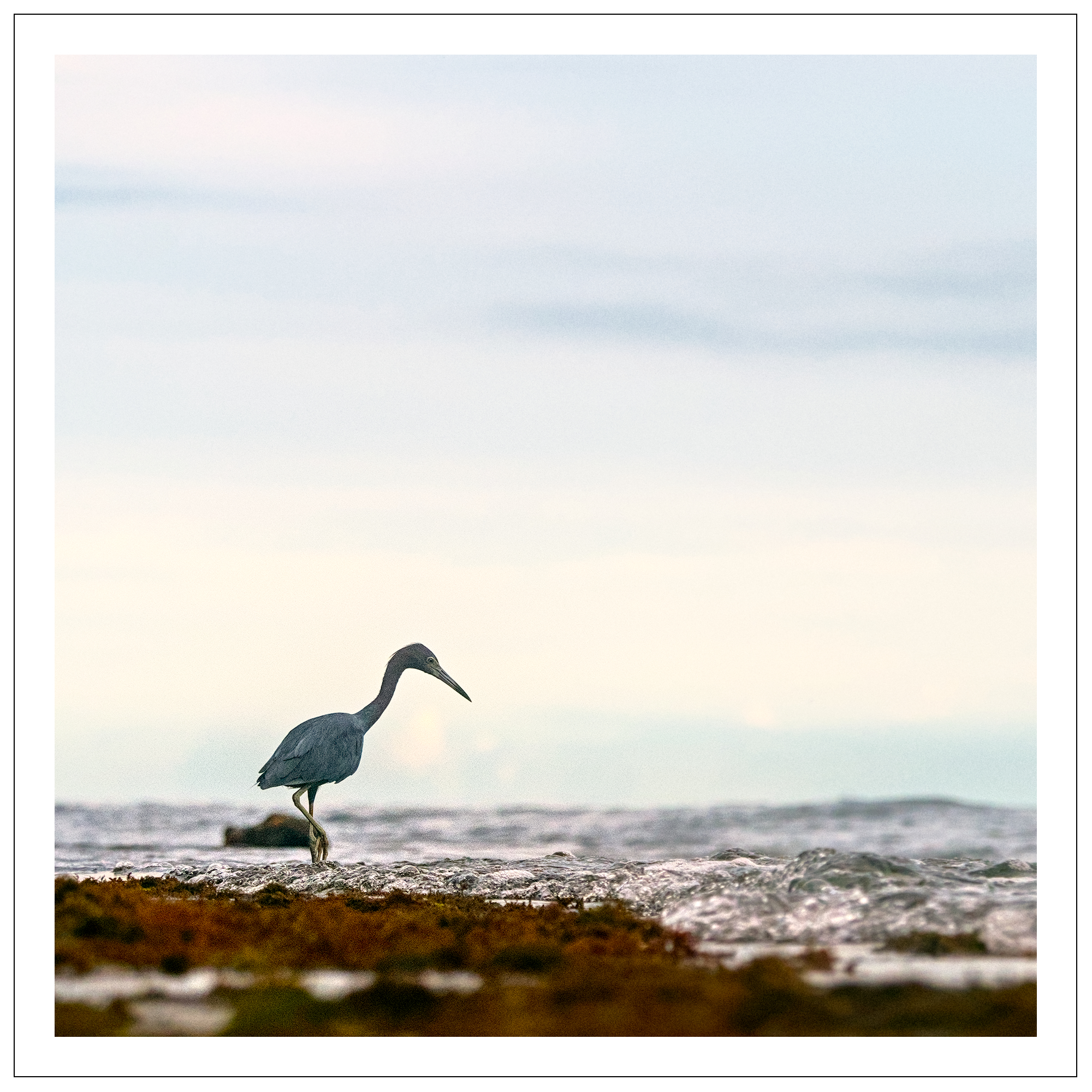
I went for a plain silhouette (the bird is striking and clearly identifiable), and attempted some “dreaminess” with emphasis on sky and color tint. Not the most original idea, I know. The sadness was not intentional. I tried some water-color style using d&s, learned something, but did not get any results I liked, and in the end used an edit with few modules and steps (could be simplified further, still): color balance rgb is doing it all. I think, for print I’d change the edit to more brightness in the sky.
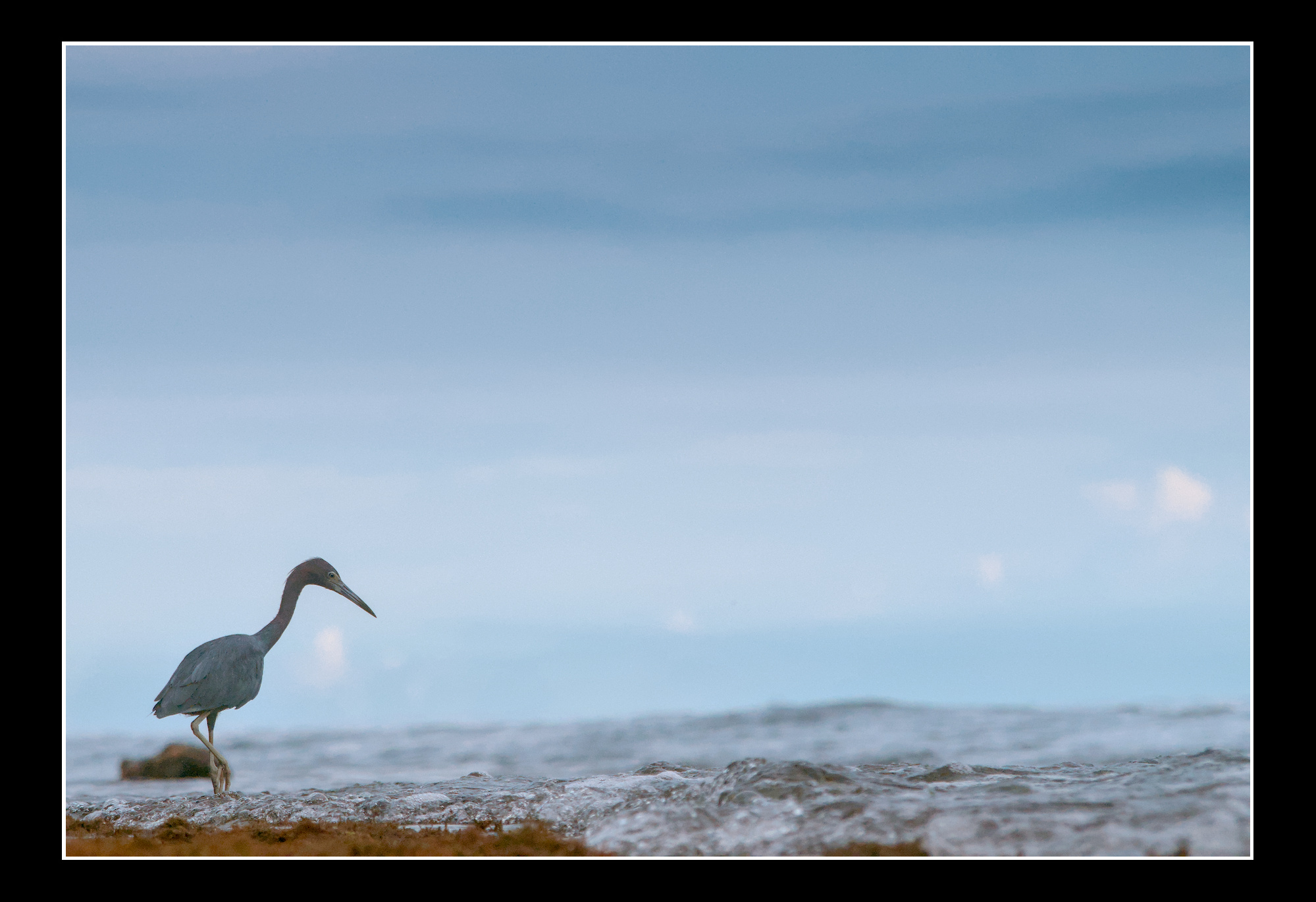
Ya well I don’t know if you call it on purpose, but going from memory now as I deleted it I think I just liked the color contrast with the bird and it was different so I went with it… it could easily be tweaked… I think your browser is in no danger…
I went back and took the green out. It wasn’t too hard. There are a few ways. I have a couple of channel mixer presets or I just use it. Color zones has a neat auto feature. I have used it on skin too. When you draw a range with the pipette and do it in saturation then you can hold shift when you define the range and it will define a negative saturation curve based on your selection. You might need a little tweak. I move the apex up.or down and broaden the peak some times to smooth it. The color eq is now available and there you can do a sort of hsl adjustment. The color lookup module works nicely for this. You can mask the sky and use RGB CB or primaries…so there are an abundance of tools that you can try and likely several others that I missed…