Thanks to my partner on the project, Filmulator has new builds going (it’s currently still running) and with a new feature: highlight channel crosstalk.
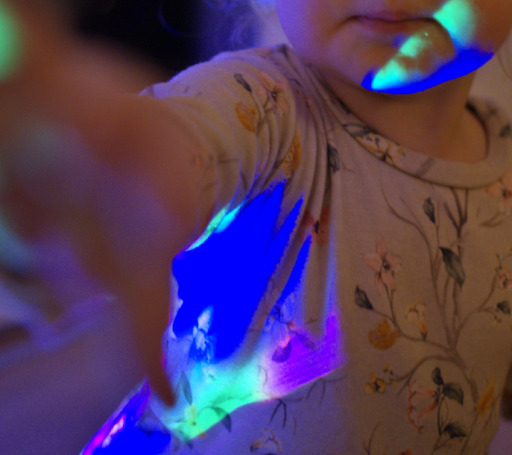
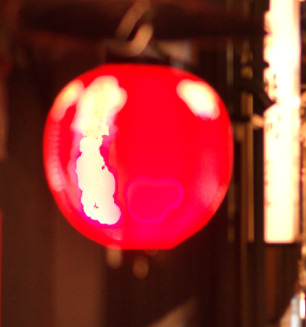
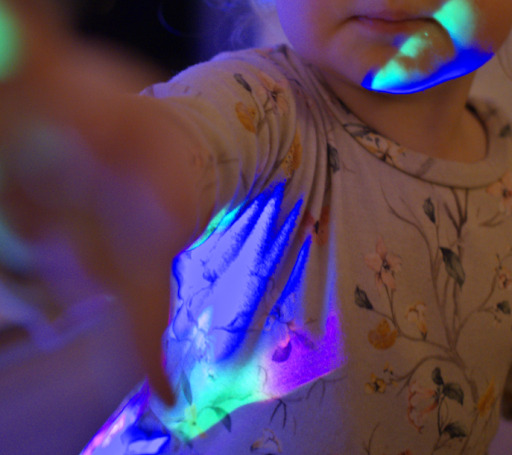
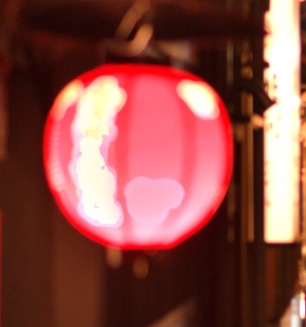
On many images, when a highly saturated color is blown out, Filmulator turns it a really ugly color. This happens often with blue, and occasionally with red.
Now, when a color channel is raised way above the “highlight rolloff point” you can choose to mix its value into the other color channels to lighten and desaturate the color.
The more real (or recovered) highlight data you have, the better the quality of the rolloff.
As far as I’m aware, other editors have always done this, but I like how controllable this implementation is (rolloff point and strength), as well as what it can do in combination with Filmulator’s tonemapping algorithm.
Lensfun is now functional again, but I haven’t gotten LibRaw updated yet.
edit: also this is the first time I’m running Filmulator on my 9800x3d gaming computer and it’s extremely fast. Plus I get panning and zooming at 240Hz low persistence.
edit 2: lensfun is not functional, it loads the profiles but doesn’t do anything…
Hi, I am not so familiair with Github. I see your job, but I can’t find where to download your Windows-installer. It 's not at the releases either. I hope you can give a hint. Thanks
Great to see news on Filmulator, I have always loved that program for its simplicity - it achieves great results without tons of modules and sliders (looking at you, darktable )
Where? Did not see them on filmulator.org and github?
Anyway, I managed to build it for myself on Intel, and it runs great.
Ah thanks, I see 0.12.0 is out and contains a MacOS build
A minor topic: this ARM64 build can be started also on Intel Macs ( I guess because the bundle is not signed), but naturally immediately exits with “Bad CPU type in executable”.
May I ask what has been changed with respect to “Noise Reduction”? It’s mentioned as a major new feature, but Filmulator had noise reduction also in the older releases.
BTW, I did two enhancements locally - honoring the display profile, i.e. supporting wide gamut displays (image preview appeared oversaturated on my Display P3 screen before) and “open with …” (in-place import of a file passed on the command line). Unfortunately Macos only, but if it is interesting for you I can create PRs.
 )
)