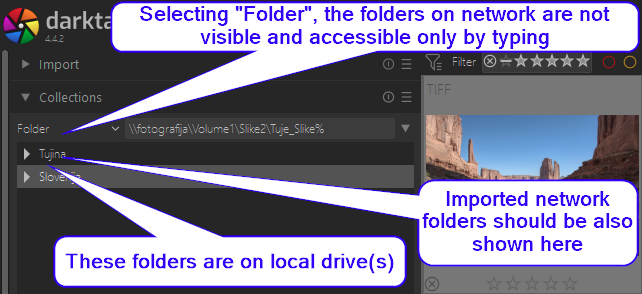
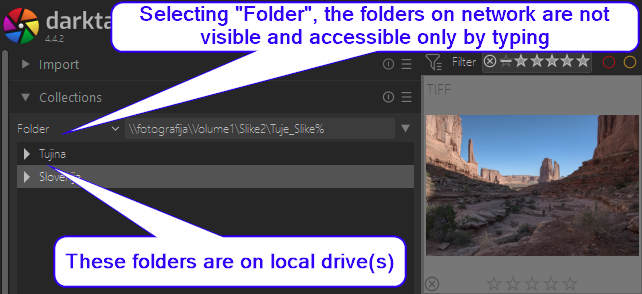
In darktable 4.4.2 (Windows 11) I imported some files from my NAS. The import process was the same as when importing from a local disk. But when trying to access the imported files from “Collections - Folder”, the folder (and its underlying sub-folder structure) imported from NAS is not visible (i. e. available for selection). The folders imported from local drive(s) are visible, including their sub-folder structure. (screenshot 1).
The images from the network (NAS) are accessible only by typing the exact path directly in the text field (possibly looking it up in the file explorer and copy/pasting into darktable).
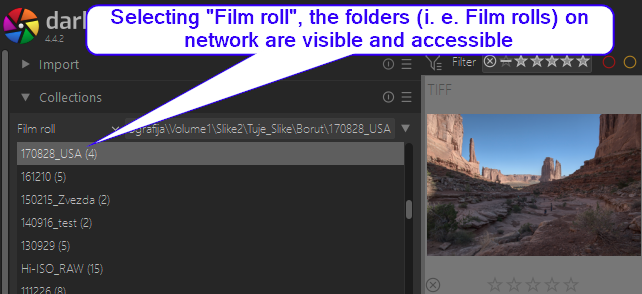
Also, the images on the network (NAS ) are normally accessible through “Collections - Film roll” (screenshot 2).
Is this normal behaviour? Or am I doing something wrong?