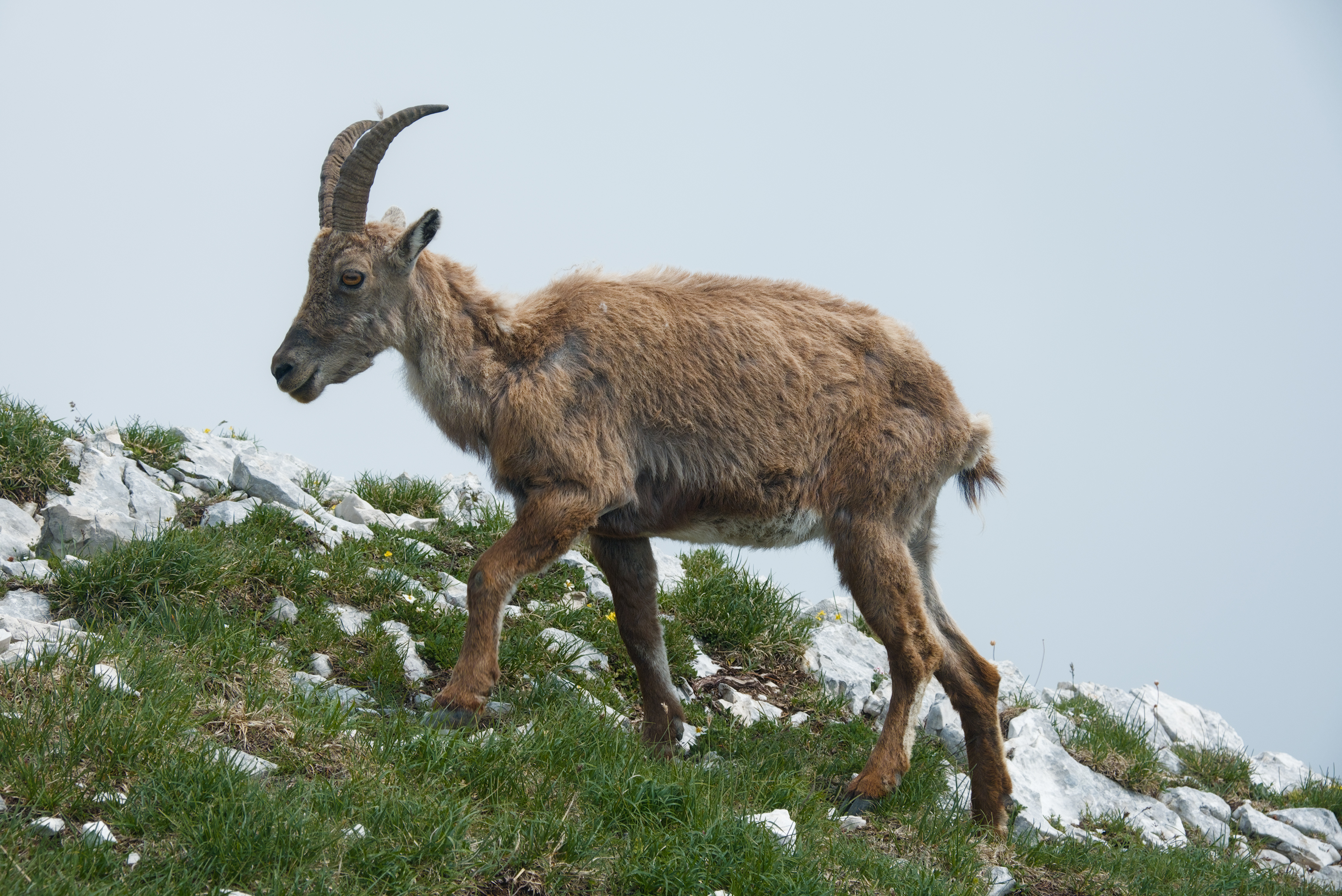
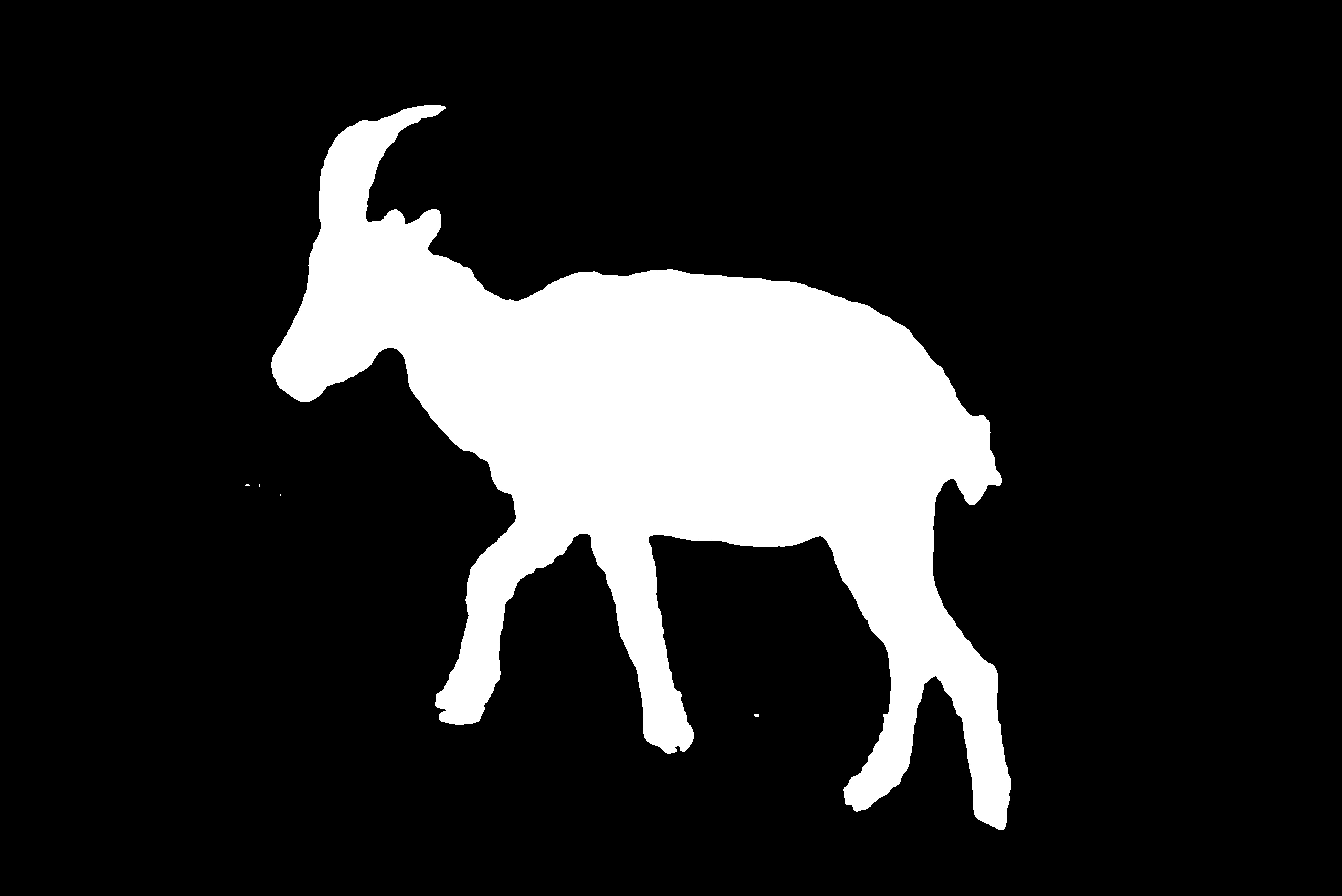
I was playing with IA mask generation and then I wanted to import one of the masks as a raster mask in dt but did not find how to do it. In the mask manager I can only draw shapes, and in the darkroom modules I can only select raster mask generated by other modules.
Is it something totally impossible at the moment in dt? Or is there some module/lua script to achieve this?
In the current stable version (4.6.1) you cannot import masks. Perhaps the next version (in development as 4.7.0, should be released as 4.8.0 within a few months) has some options that can be (ab)used to do this.
Current lua scripts that combine images use external programs to do the heavy lifting.
with new module overlay you can merge two images within darktable - in following modules the operations are done on the composite.
So quite different to masking
You may need to justify why this would be beneficial to users of DT and put together a feature request in Github. The developers are all providing there time for adding features free of charge so they want to see the value in putting effort into coding a new feature.
How/where did you generate an AI mask? I wonder if AI masks have real advantages and if they do if it is practical in the future to harness this power in DT?
I’m not sure if it would benefit to enough user to justify a feature request, also I think dt devs already have to many things to work on… But I was wondering because for me It sounds like a “standard” feature that raster masks can be imported. For example various HDRMerging tools generate raster masks for the exposures. Also, I can imagine someone could design a mask in Gimp and use it in dt, etc.
The advantages of AI masks I found so far:
speed : give one point to the AI and it masks the subject quickly ;
precision : the AI has semantic understanding of the scene so it can mask very precisely, especially the edges. Whereas parametric masks rely on the fact that in many scenes the image characteristics intersect the semantic meaning ;
creativity : one could prompt IA to generate mask, imagine prompting “mask the sky while avoiding the trees/subject in the front”
I have played with 2 tools:
The SAM model, there is a demo here, also the code is available online so you can play with it. I was able to extract the subject in one step on this photo :
The Lightroom AI. I’m not a LR user but I just tested the AI masking and it worked very well for the most common tasks : subject, background and sky masking.
More generally, I think that among all the AI things, this is one use case I would find useful. The disadvantage is that you’ll probably need a GPU and a trained model by (probably) a private company which “owns” a lot of data.
I can confirm these benefits. Especially speed and quality, much faster and much better than what I was able to achieve with gimp and darktable masks for some purposes. I have been using rembg for about two years now to mask the player portraits of my son’s soccer team, and I am saving weeks of tedious work and even get better results than what I could achieve, especially when it comes to hairs.
Being able to import masks would be a great addition to darktable. The problem that I see is that the crop of mask and picture needs to be exactly the same, which may not be guaranteed depending on the tool chain. Therefore, I can imagine that a combination of export → external script generates mask → re-import of mask (or entire picture with alpha channel where alpha channel becomes raster mask) at any position in the pipeline would maybe be even more useful.
@chris and @gigaturbo thanks for your reply to my question about the benefit of AI masks. I can see anything which is quicker, faster and more accurate would be a welcome addition to the DT masking options. I don’t know how challenging this would be to implement.
We can#t do right now. We can export data at a specific module though, there are people using that already and you might do a script writing out the module data and use whatever AI you have.
We don’t have a way to reimport any such mask for now.
I just skipped thru these comments, so excuse me if my comments are rubbish.
However, for bird photography, I am always interested in a mask for the bird in the photo. With feathering, this becomes a very easy task. Even a rough outline of the bird, followed by the least amount of feathering, gives a pretty good outcome.
Copying the mask to another similar photo and re-feathering is also effective. Not much need for AI.
Don’t get me wrong, darktables masking is already incredibly powerful. I am using it often for many use cases. The player portraits of the soccer team are my single special use case where the rembg masking is better than anything that I can achieve with darktables masks, and it processes the several 10 pictures (e.g. 20 players, 3 poses) in less than 5 minutes, without any need for additional input. Unfortunately I need to replace the entire background in this case, which is anyway a difficult task for masking, e.g. replacing an unsteady dark background from the shoot by a light one. Conditions for shooting are not great in this case, as I get a short time slot before training and typically in harsh sunlight which I need to make the best out of it.