Hi Gregor,
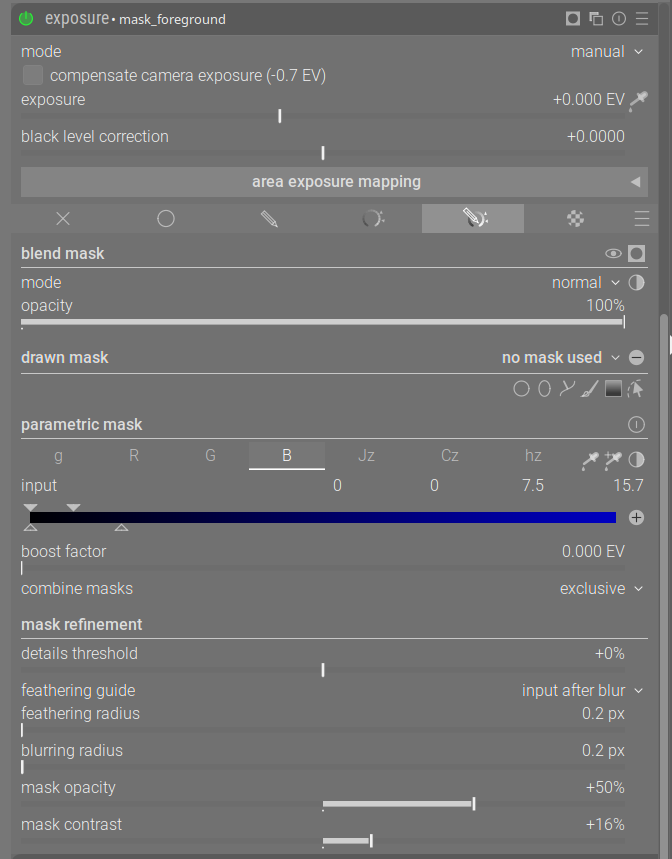
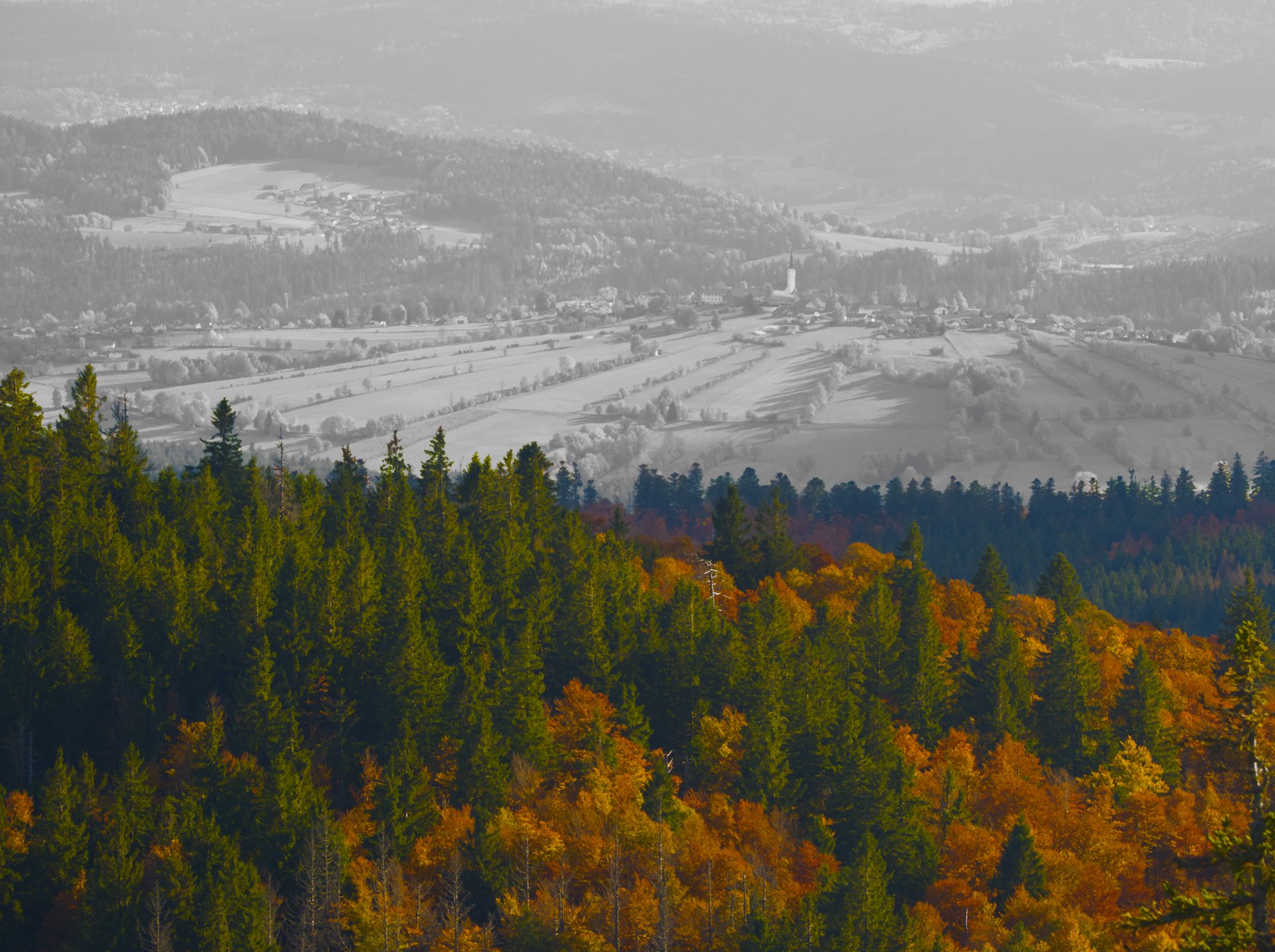
This time I used a mask on the blue channel as @wpferguson suggested. Did this in an ‘exposure’ instance and used it as ‘rastermask’ to vastly overdo saturation in ‘color rgb’ and make the other half monochrome in ‘color calibration’. As far as I am concerned don’t need any additional action. The far away haze is lighter in the blue channel, the foreground darker except for bare trees.
Guys, you can do the para mask and then fill in the holes, as @wpferguson says, and without using the Mask Manager. Are we agreed on that?
Edit: I don’t seem to need to use CTRL with the brush.
I have carefully worked through Bill’s suggestion and can fill in the holes. I didn’t need to use ctrl with the brush to do this. But is there a way to remove part of the mask. The dreaded L program has an eraser function which lets you removed unwanted parts of the mask. I feel this would be a handy feature in DT. In gimp I can remove parts of the mask by inverting paint color and using a brush.
Also if I created a raster mask I didn’t see a way to remove or add to the mask using a brush. Am I missing something here?
You can do the same parametric mask, set to exclusive, add a brush stroke, in mask manager set to inverted shape and it will be subtracted from the mask.
@hannoschwalm would it be reasonable to suggest the addition of an eraser brush in the drawn masks that could be used to remove unwanted parts of the mask.
Thanks Bill, but this one only adds to the parametric mask. It doesn’t remove. That’s the feature I’m convinced DT can’t do, and I’m surprised it’s not a common need.
There seems to be some answers but I think there is one question above at some point is asking basically, if in the same module with the same paramteric mask you can both add portions to that mask and also remove other bits using drawn mask objects or paths…so basically like switching the brush in GIMP from white to black and I am pretty sure your can’t…you can do one or the other…
If the mode is exclusive then only those parts of the parametric mask overlapping with the drawn elements will be there so you will remove the rest of the parametric mask and if you invert the drawn mask then the parts overlapping will be removed and the previous parts of the parametric mask will re-appear. So in both cases a subtraction from the parametric mask.
Inclusive will add either the area enclosed by the drawn elements to the parametric mask or if you invert them then it wall add all the other image outside the drawn mask to the parametric mask… So in both cases addition
Since the interaction between the final drawn mask elements and the polarity changes are both global then you can’t get actions that both add to and subtract from a given parametric mask at least I am pretty sure. If you could have exclusive and inclusive be element specific so that each drawn elements could interact independantly with the final parametric mask in either of those selected combining modes then you could get this but likely with the current overall logic for combining all the mask elements this would create some sort of problem and or coding esp to support older versions of the software…
None that I’m aware of. I’ve been hoping you devs might take it on! It would provide tremendous flexibility. Removing part of a parametric mask, as mentioned above, would be easy.
I know I posted this in the Dreams discussion but I would love to see GIMPs brush functionality here in darktable. I hadn’t even thought of the ability to switch from black to white as GIMP does to erase.
Something like holding one of the control keys (alt, shift, ctrl) down and brushing will remove from an applied mask. And forget about vector nodes… just brush away. It seems to me the most intuitive way to do it.
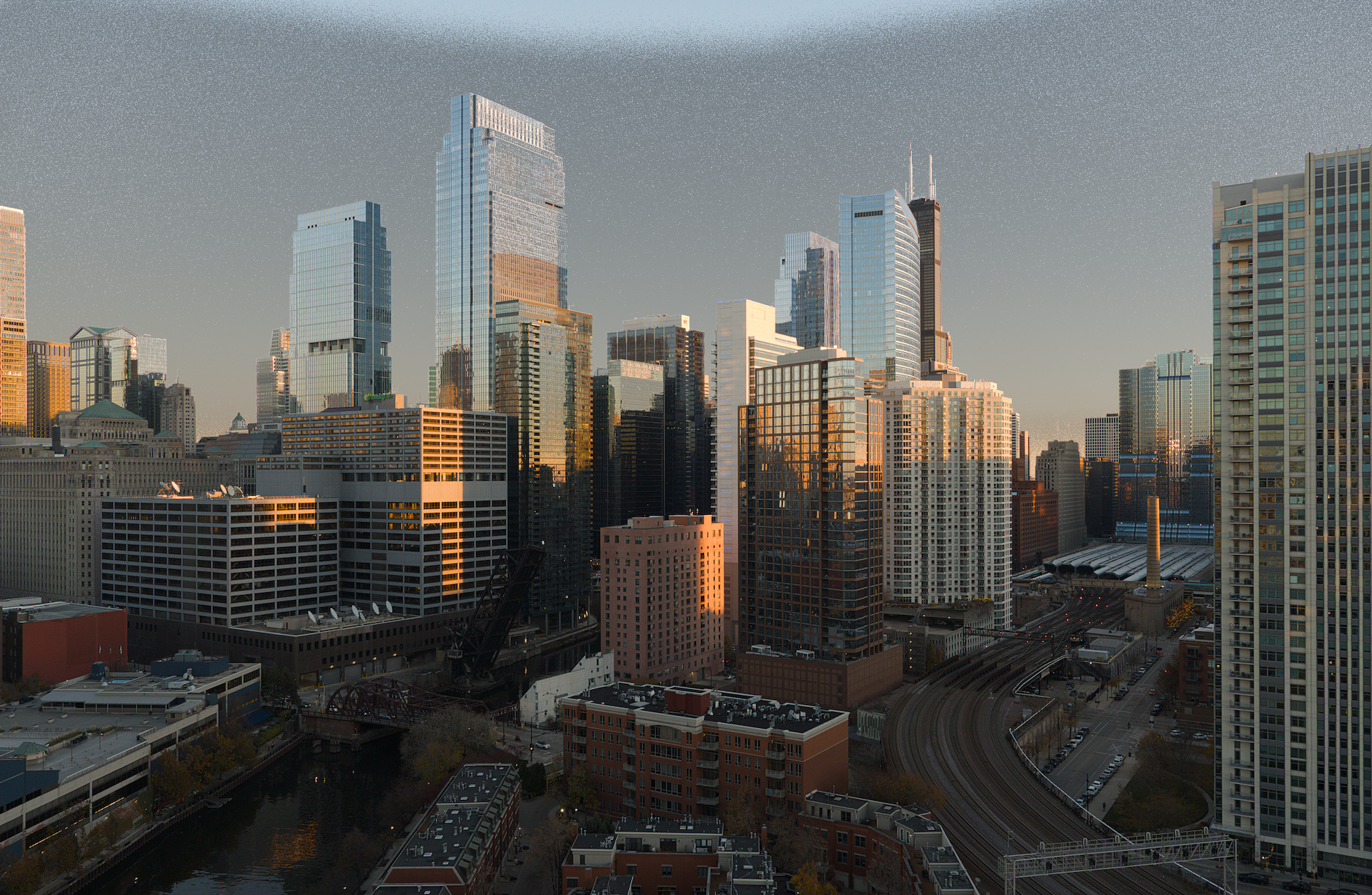
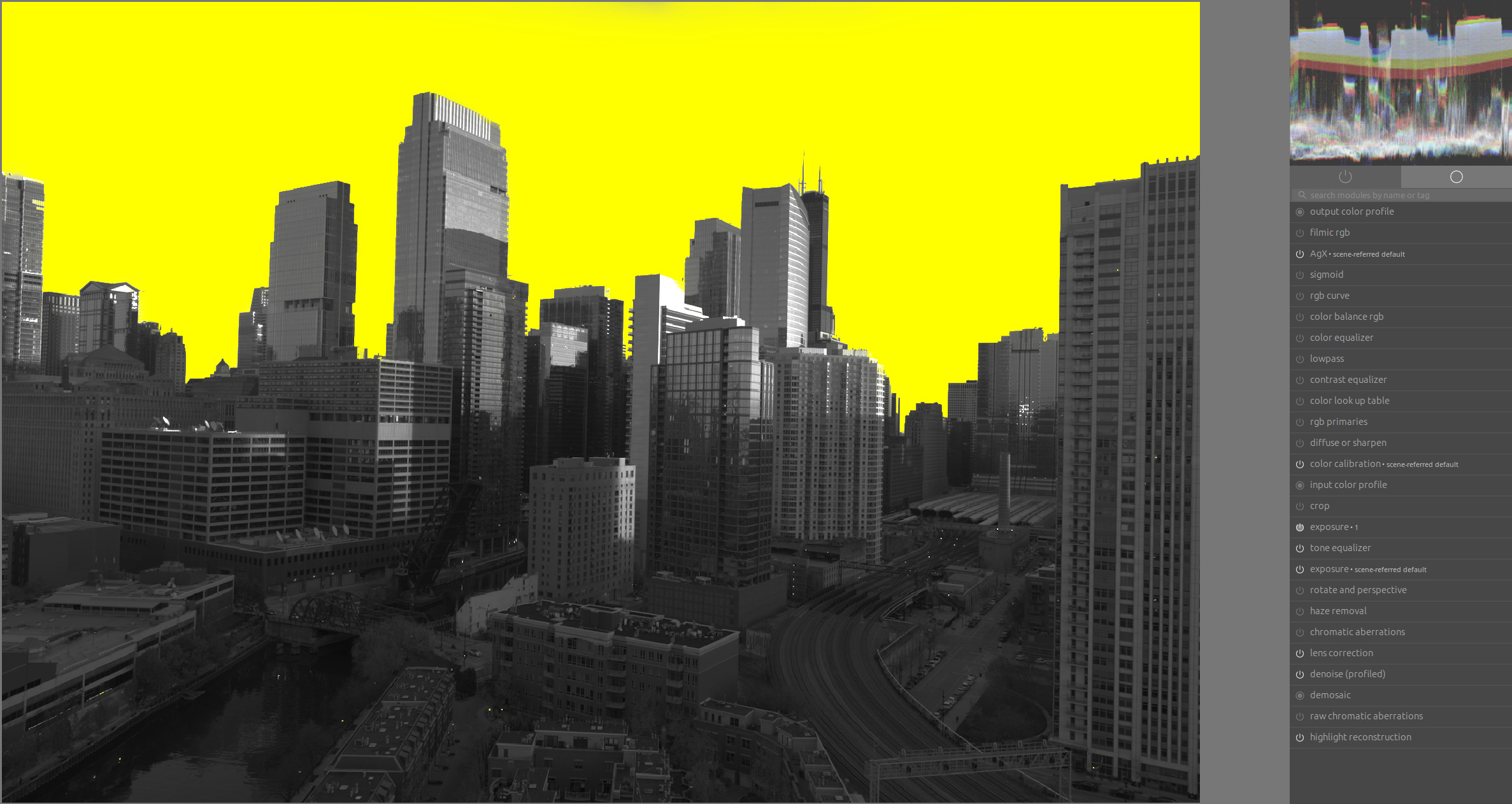
This is only an example, since the color of the sky is quite similar to the color of the buildings. It would be easiest to add more sky with a paintbrush/path and remove buildings with a path. I’m not so inclined to post this as a play raw because I don’t care much about this picture, but I care much more about good masking techniques! SIU00482_02.ARW.xmp (17.1 KB) SIU00482.ARW (24.0 MB)
For me, it doesn’t make sense to mask the sky here on its own because the colors and brightness of the sky should be reflected in the skyscrapers, but for practice purposes:
Thanks Boris! Artistically I agree with you. What I understand from your post/example is:
Increase contrast first
Mask on a dummy module early in the pipeline and use it as a raster mask later
Over-mask then remove the extra (or vice versa?)
It seems like you use feather radius, mask contrast, and mask opacity together. I really need to play with these to understand better, but it seems you are using darktable’s ability to detect edges combined with amplification of the mask opacity so it is either on or off depending on which side of the edge it’s on. Wow.
Mask opacity and mask brightness can be used to fill out a region that is only slightly masked.