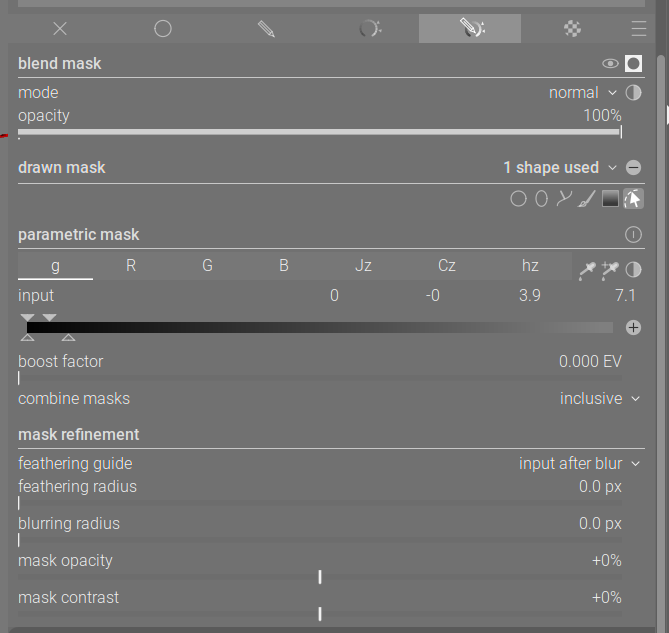
I’m struggling with a workflow that seems basic but feels impossible in Darktable due to mask logic constraints.
The Setup:
Module 1 (Exposure): I use Drawn & Parametric mask. I draw a path around a forest and refine it with the L-channel to get a perfect edge against the sky.
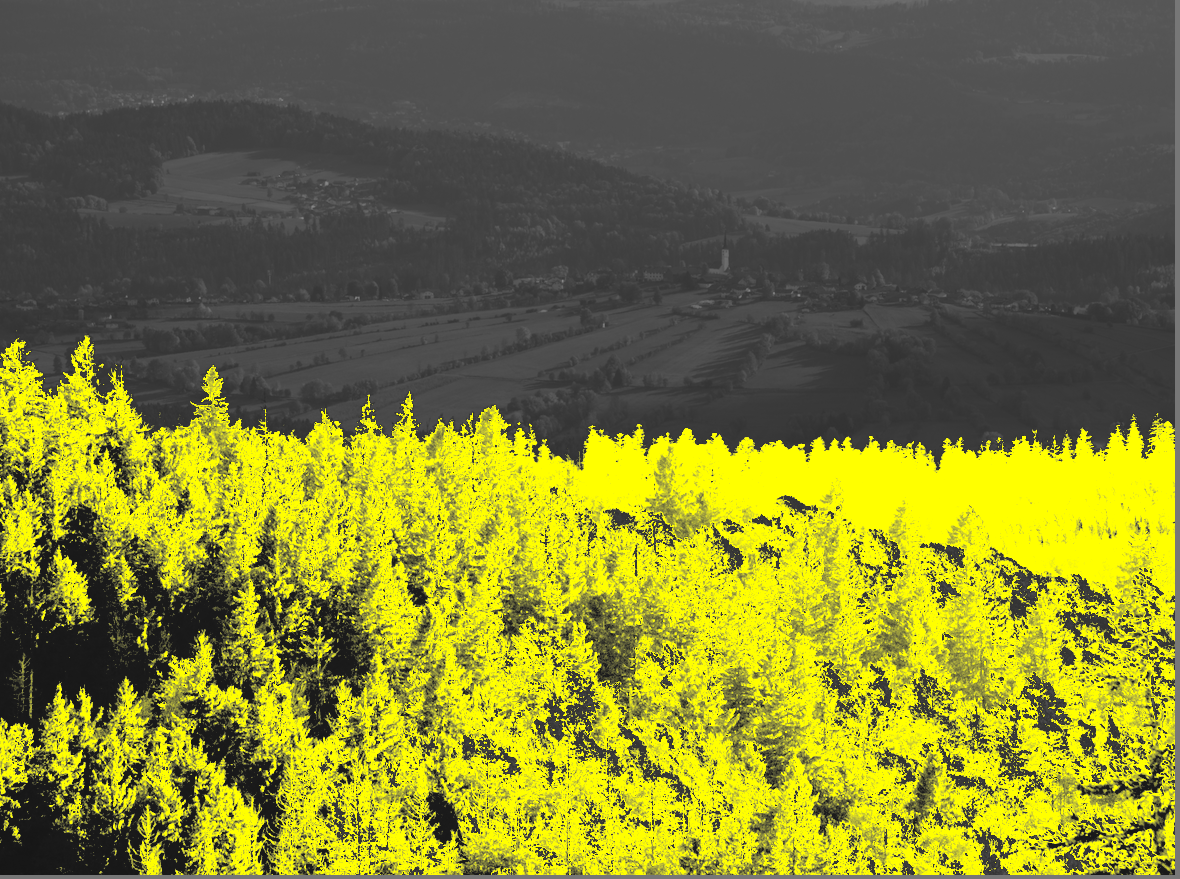
The Problem: The edge is perfect, but the mask has many “holes” inside the forest because some trees have similar tonal values to the excluded background. (See Mask1.jpg)
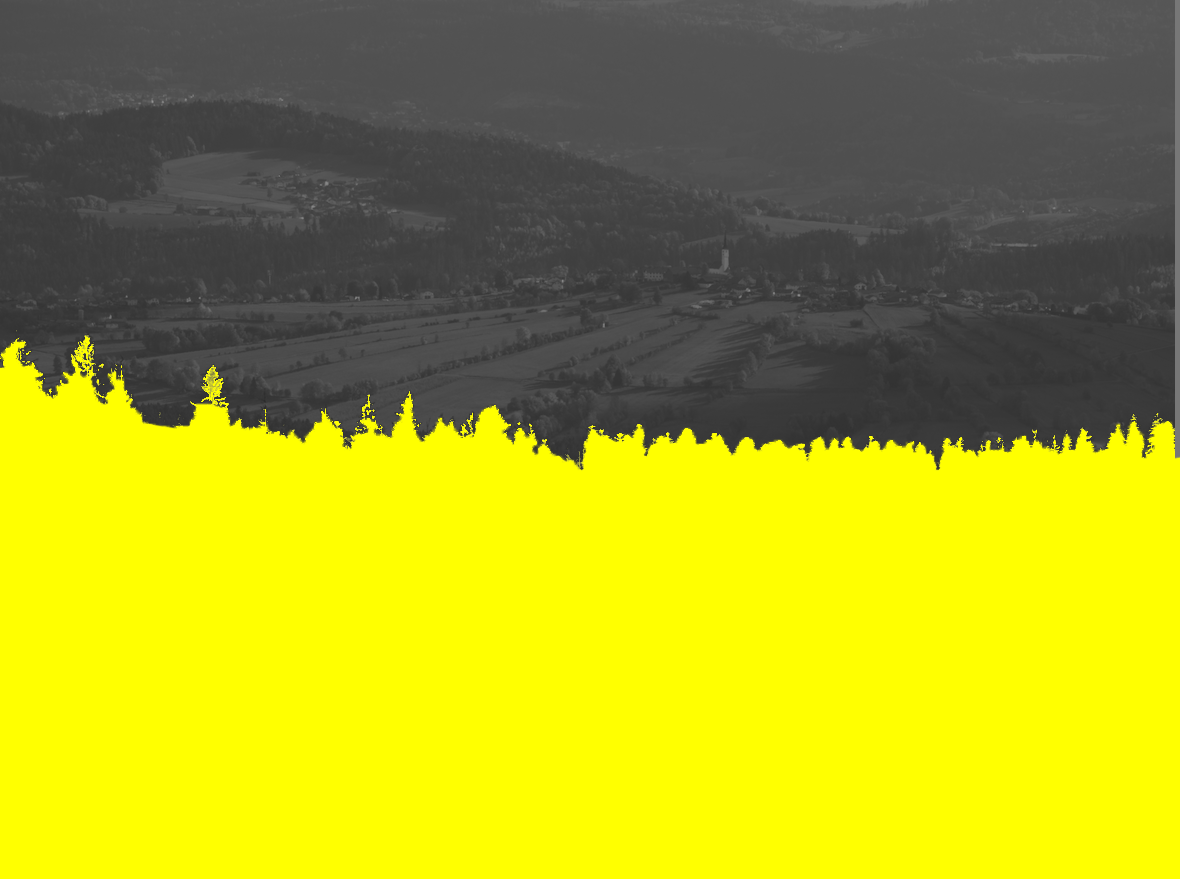
The Goal: I want to fill these holes (make the forest 100% yellow) while keeping the outer edge exactly as defined by the first mask. (See Mask2-Fill.jpg)
What I’ve tried and why it fails:
Adding a second path over holes: Doesn’t work because the Parametric mask (L-channel) still “punches holes” through all drawn shapes in the same module.
Second Module + Raster Mask: If I create a solid mask in a second module and try to use it as a Raster Mask, Darktable (in my version) forces me to choose EITHER Raster OR Parametric. I cannot use the Raster mask as a “boundary” and then use Parametric sliders within that boundary in the same module.
Mask Refinement: Blurring or Contrast adjustments ruin the surgical precision of the edges.
My Question: Is there a way to use a Raster Mask (the “perfect edge”) as a container, and then “fill” it using Parametric or Drawn shapes inside the same instance? If not, why is this "either-
or" limitation present, and what is the official workaround to “solidify” a porous parametric mask?
Could you post the image, possibly as a Play Raw so that others can try their hand at it?
EDIT: At the bottom of the mask module there is a “combine masks” drop down. Experiment with the choices there and see if adding a drawn shape over the dark spots and choosing inclusive for the mask works
There is no single way to get what you want on every single possible image. If, for example, the foreground trees were against a blue sky (as opposed to more trees as in your image), you could first mask on hues and then on g or L. Maybe you include a rough drawn mask, but its pretty easy.
Sometimes, you may need multiple instances of the module with different masks. Sometimes you can add another drawn mask to the same module and play with the various blending and intersection methods.
There are many ways to do things, in part, because there is no one way to do everything.
Doing what @wpferguson said, and supplying an image in a Play Raw format, might be the easiest way to get what you are after.
Switch to inclusive for your path…it would still be hard along the edges but 90% could be included…also usually contrast feathering and opacity boost for the mask can fill things in…Also consider masking the sky if you can get the same edge and just invert… Always mask the easiest thing and invert to get the more complex element… as noted if you can share the image or a similar one people can see what they can come up with…hard edges on the trees will often lead to halos if you make too large an adjustment so it would all have to come together even when you do get the mask…
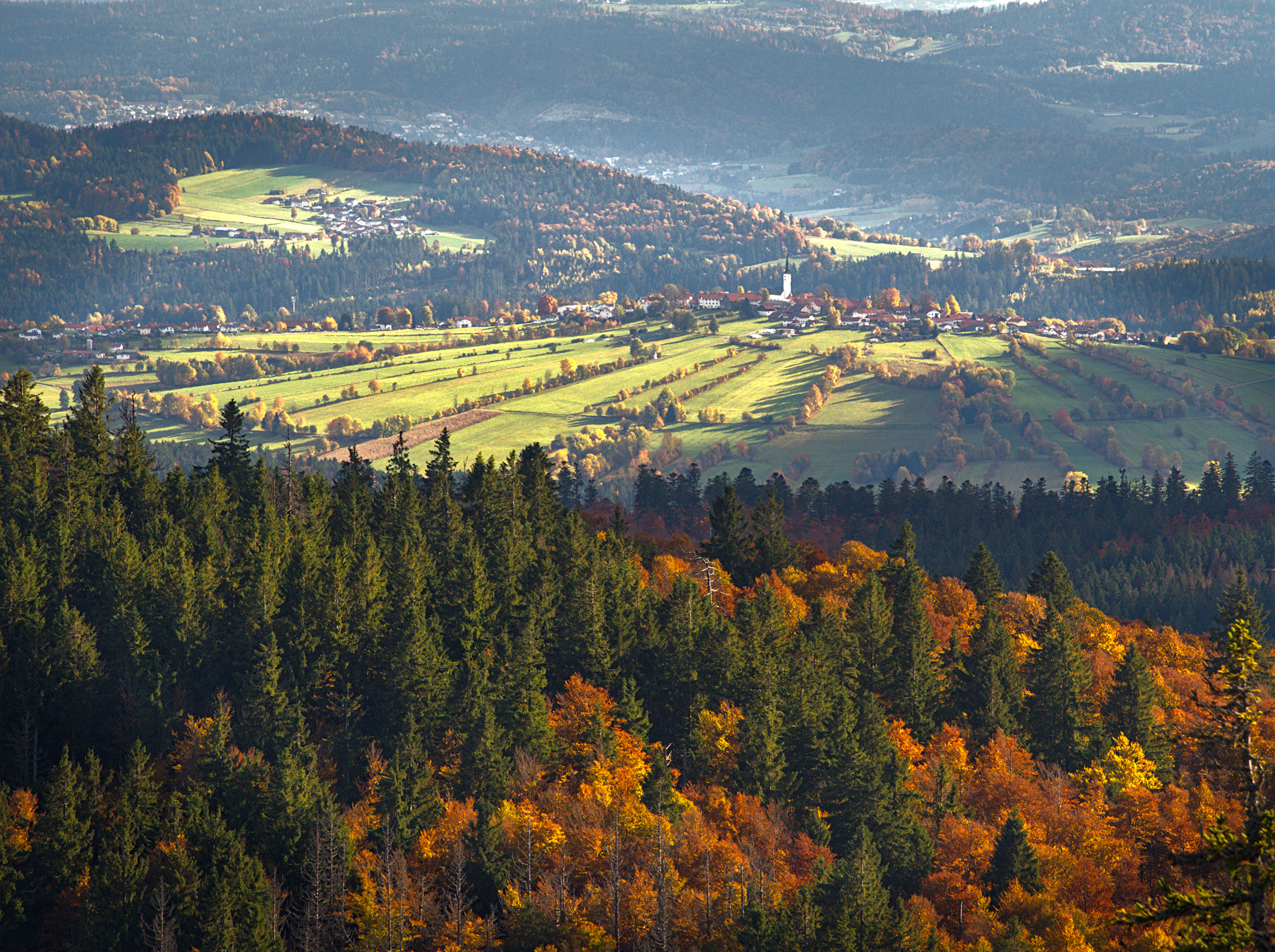
Here is my original RAW file.
In the attached JPG, I managed to get the foreground (forest) looking close to what I want. However, as you can see, the background (hills and sky) is now a mess. This is because my mask wasn’t “tight” enough, and my exposure adjustments for the trees leaked into the background.
After testing this further, it seems this is simply not possible with Darktable’s current mask logic.
What I need is to keep the exact boundary of a parametric + drawn mask, but fill the holes inside it so the interior becomes solid.
However, inclusive shapes do not “fill holes” — they bypass the parametric mask entirely.
Without inclusive, the parametric mask keeps punching holes.
There is currently no operation equivalent to:
“fill (solidify) the interior of a parametric mask while preserving its exact boundary.”
So unless I invert the logic (mask the sky), use multiple heuristic masks, or round-trip through GIMP as a raster mask, this workflow cannot be done inside Darktable alone.
This appears to be a limitation of the current procedural mask model rather than user error.
Thank you Jetze, yes It’s much better now, not a perfect but still much closer to what I wanted and Thank you!
I essentially used now the same logic as you:
I used a Drawn & Parametric mask (which is effectively the same as combining them separately).
I used the G (Gray/L-channel) slider to get the sharp forest edge.
Then, I added a Drawn Path inside the forest area and set it to Inclusive.
It’s not a perfect solution because of the halos that appear along the edges, and I still have to spend quite some time with feathering and blurring to hide the “stitching” between the two masks.
It would be much better if the software allowed me to “fill holes” or “solidify” feature within the parametric mask itself, without compromising the edges.
This is a question for the developers and please forgive me for using the L word. In LR after you make a mask you can use the brush to either add to or erase parts of the mask and I found this very handy for the circumstances described here. Is it practical to improve the masking capabilities of DT by letting the brush have a + or - function to add or remove from the current mask?
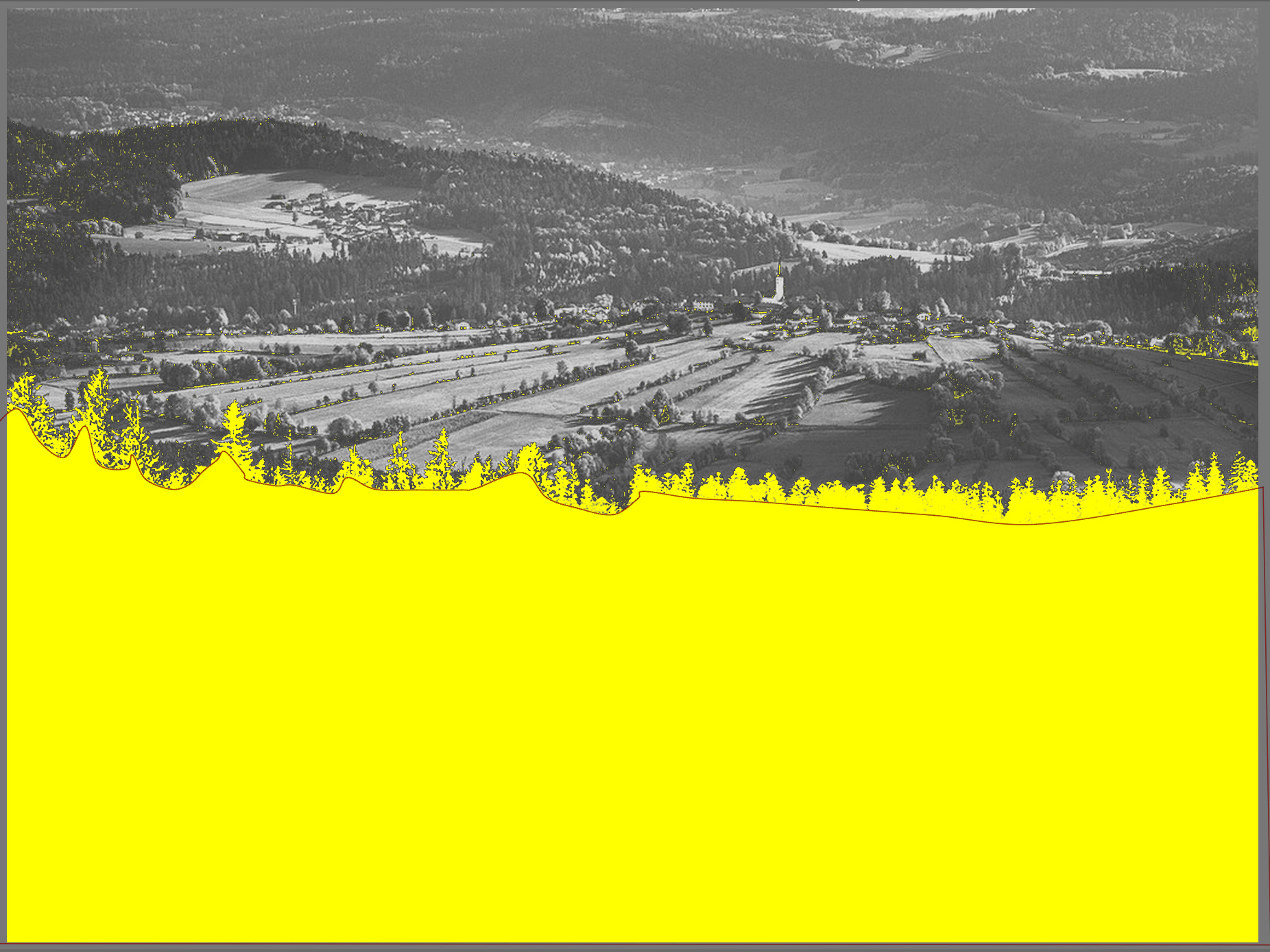
I did parametric and drawn, used the blue channel to mask. I then changed the mode to inclusive and ctrl-clicked the brush and cleaned up the holes (very small - branches) with that.
No, you cannot add and remove from a parametric mask with mask manager. You can only add or remove. I’ve encountered this issue before as well, and went through all the tutorials and posted here before concluding I wasn’t missing something.