OK I have been playing with a couple of images and the results are SPECTACULAR (Linux Mint). I don’t have any time to do anything else this evening but should be able to do much more testing tomorrow. I think a lot of people are going to be very happy with RawRefinery.
1 Like
Nice results in my preliminary testing! Thanks for sharing this! Hope ROCm support will come sometime 
1 Like
@priort
Yeah, I want to make the install as simple as possible, but I think this aspect of Torch/Cuda dependancies will be a bit annoying. It’s hard to get around.
@kap55
Did only installing libxcb-cursor0 work? Or did you need to install the full stack?
I’m so glad you like the results! The models are not perfectly polished at the moment, let me know what you like about them, and if you find any odd behaviors.
I’m glad you like it so far.
I don’t have access to an AMD GPU, but if you are willing to test for me, I think we can get it working. It may be as simple as installing the right torch version and pointing torch to the right device based on ~10 minutes of research.
p.s. I’m being post rate limited haha. My account is too young, but I’ll try to reply to everyone.
2 Likes
You can highlight text from a post, click the Quote button that pops up, and reply to multiple people in one post. It helps with clarity too.
1 Like
I got a build error for PiDNG on Windows 11.
Seems like this is the issue: Can't install PiDNG · Issue #66 · schoolpost/PiDNG · GitHub
Don’t know if there are other DNG libs or if you could consider usnig open-exr instead? Used that fixed and successfully ran it on Windows 11 using:
python -m RawRefinery.main
Found one peculiarity, canceling “Saving as CFA” still processes the image returns a error after instead of just returning to the application.
Here is one test from me with the same post processing in darktable.
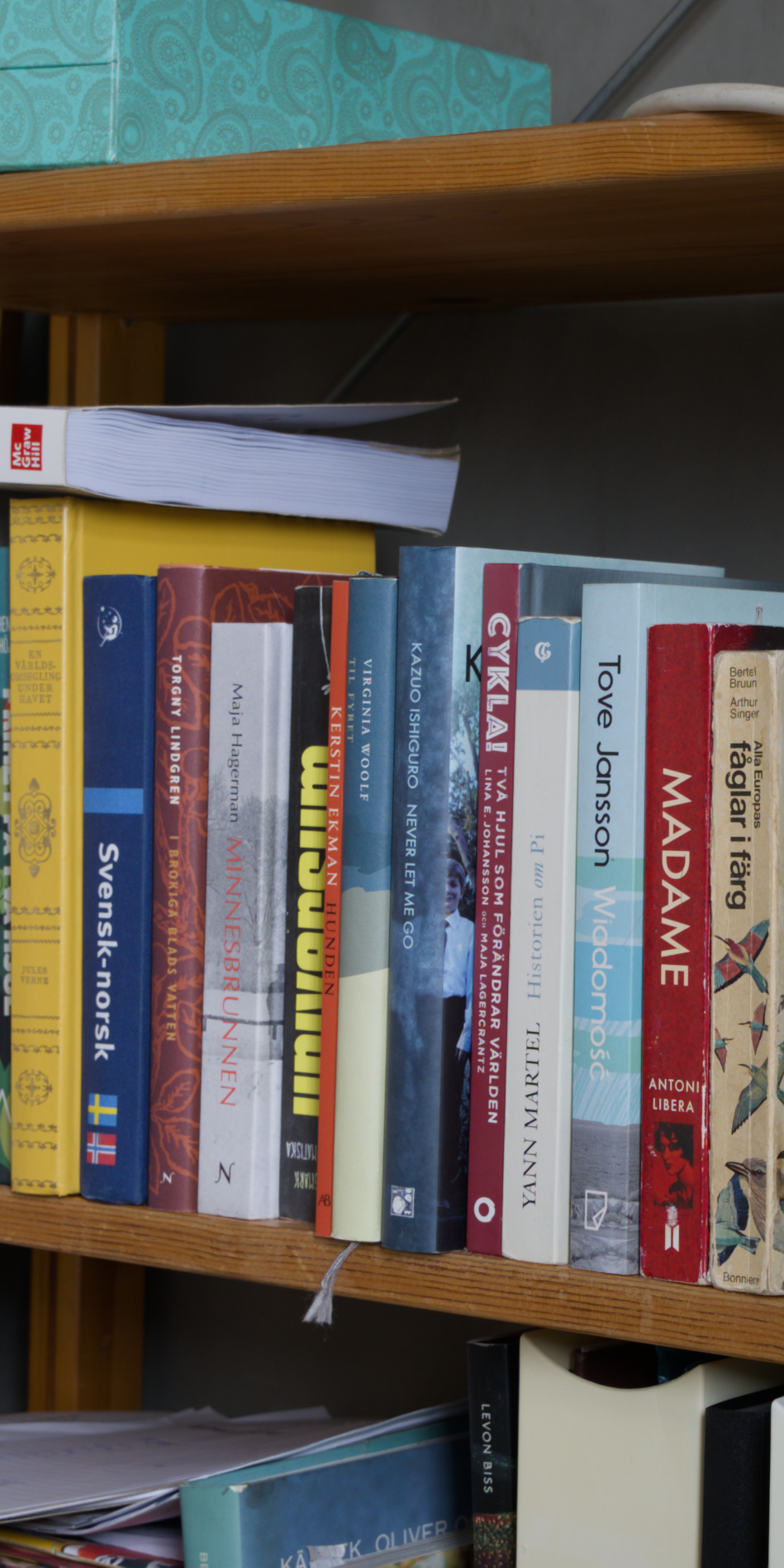
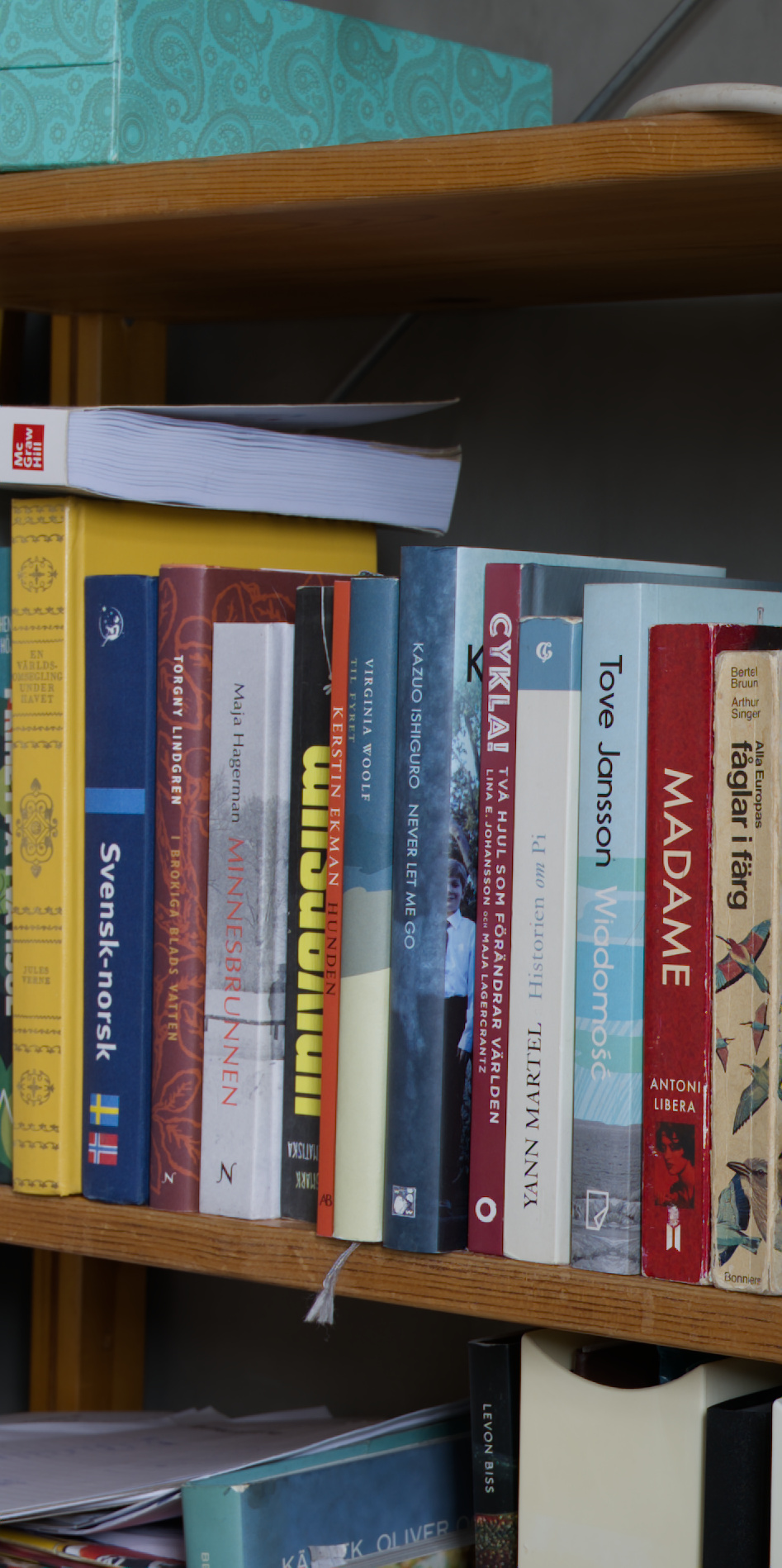
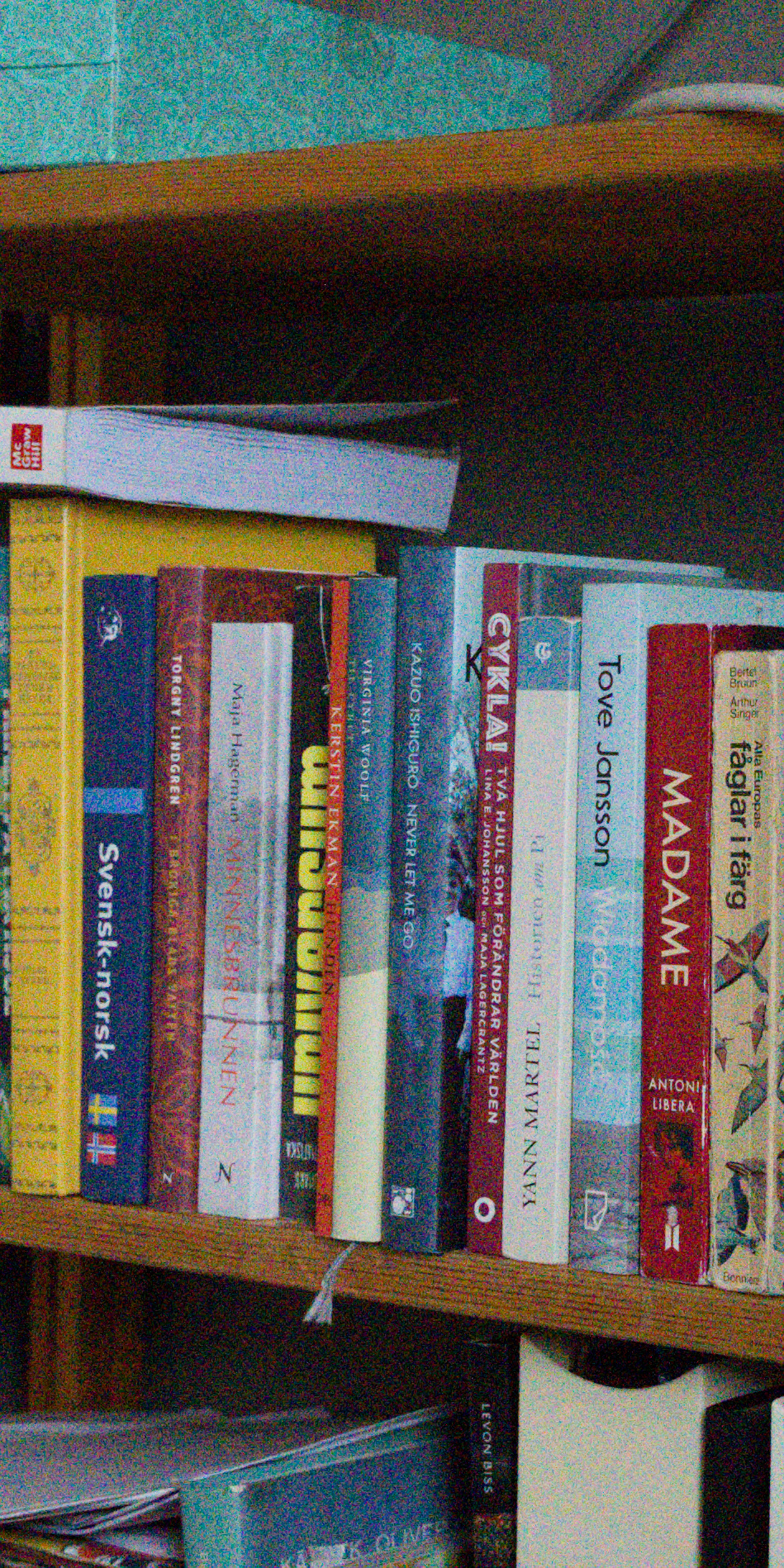

I’m pretty impressed! Seems like there is a slight change of color on a low ISO image but details are not altered much. The ISO 25600 cleanup is massive!
How does you your “Grain” parameter work btw? Is it 0-100% re-adding the residuals? Any other tricks you had liked to share?
4 Likes
Installing libxcb-cursor0 is all that was required to get RawRefinery working. Once I got past that hurdle it was smooth sailing.
I have processed about 35 images using Tree Net Denoise without any problem at all. I did try a couple of images using the Heavy and the Light versions of Tree Net Denoise and while I did notice a difference I found I was happy with the regular version and continued with that. Only suggestion I have for the time being would be to include exif information in the output DNG. I have entered that on your Github site.
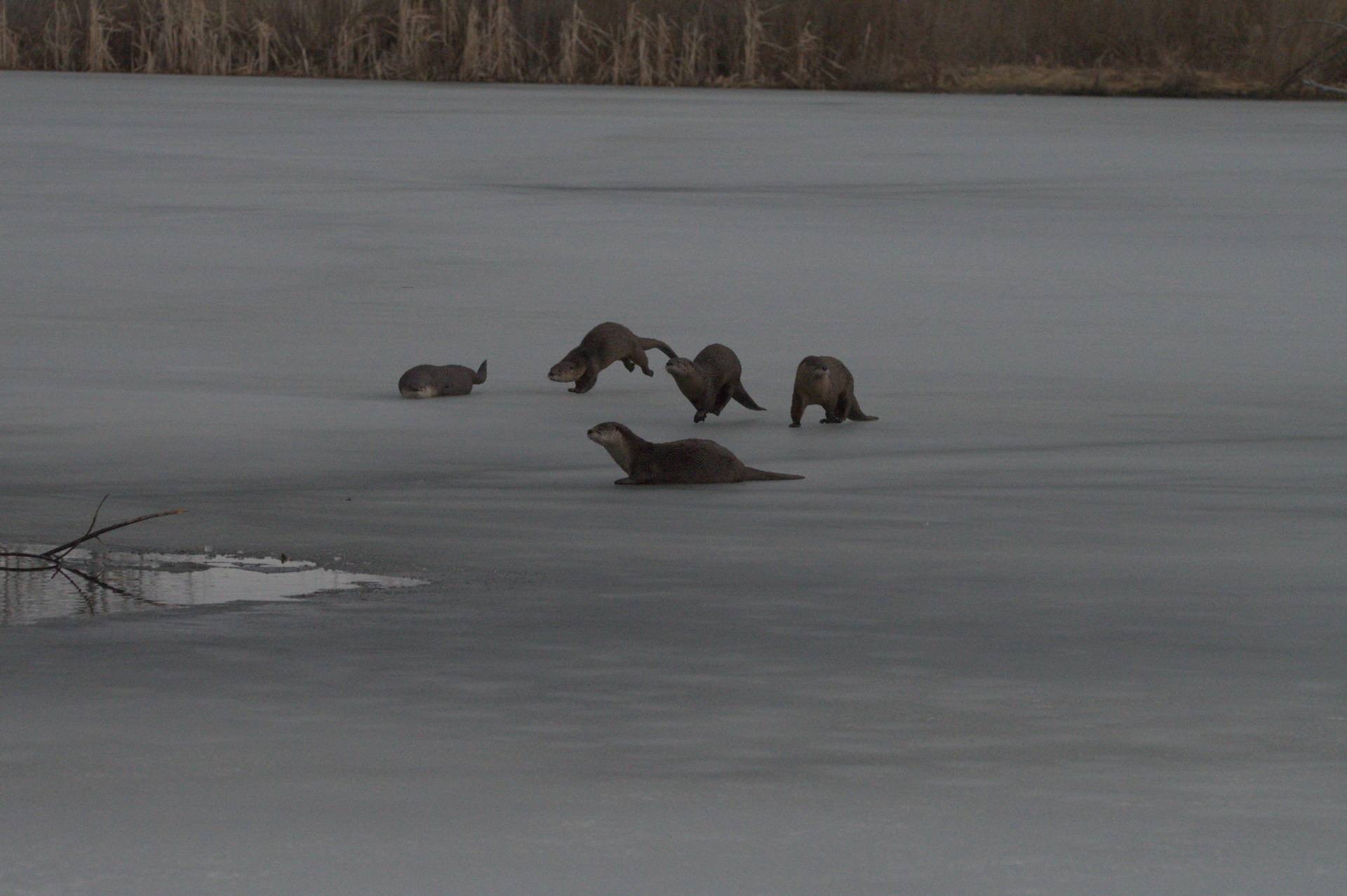
Here is a before/after - Exposure/AGC/Frame were applied in Darktable after denoising with RawRefinery.
3 Likes
Very impressive, the results are really good.
I’m relatively new to Machine Learning, but I’ve been curious about the workflow for Raw denoising models. Based on what I’ve seen, the process you followed involves de-mosaicing and converting the image to Rec.2020 Linear before it hits the model, then ‘re-mosaicing’ it back to a native state to save as a DNG.
This raises a few specific questions for me:
- The De-mosaicing Dilemma
Since the model likely trains on de-mosaiced data, does the specific de-bayering algorithm used during training bias the results? I’ve always assumed training on a raw mosaic wouldn’t work well because the gradients are undefined, but I wonder if the choice of de-mosaicing method creates a ‘ceiling’ for how well the denoiser performs.
- Color Space & Clipping
Why use Rec.2020 instead of the camera’s native color space?
I kinda can see why but I was curious what was your thought process
Converting to a standard gamut might clip data that falls outside that range. Changes to the color space might distort the gradients the model relies on to distinguish noise from detail.
- White Balance & Highlights
Does the denoising get affect by applying the white balance gains? If we white balance early to remove the natural green tint of a Bayer sensor, we risk clipping the red or blue channels before we reconstruct highlight detail. Would it be more effective to denoise the ‘green’ unbalanced image?
Thanks, lets see if I did it right!
Maybe I can offer options. DNG has some nice properties to work with, but obviously if it doesn’t work on windows, it doesn’t work on windows. And in the end, DNG is just a fancy TIFF anyways.
If you want to put in a pull release for open-exr, I can try to figure out why it’s throwing an error.
Yes, I’ve also noticed color shifts at times. It could be because of some of the preprocessing I do on the training images. There certainly are other imperfections as well, I hope to polish the model performance further.
Yeah that’s how the grain slider works. I want to train new versions of the model that is conditioned to produce different noise characteristics, but one thing at a time haha.
And, well, depending on what counts as a trick, look at the post processing I’m doing for the deblurring models at the moment. I completely refit the output on the input data to avoid color shifts. It, well, it works well enough for an alpha.
3 Likes
Great questions.
- The De-mosaicing Dilemma
First, I want to explain briefly why the model goes from a color filter array (CFA, such as bayer) image to a 3 channel rgb back to a CFA image.
If you want to work directly on bayer data, a natural way is in a 4 channel representation, where you stack each pixel in a 2x2 square on top of each other. This allows the model to operate on non-demosaiced data directly, and it has the “benefit” of reducing the resolution by a factor of 4, speeding up the model. I say “benefit” in quotes, because my experience is there is a trade off in quality unless you increase the model size, erasing the speed up.
However, as a matter of simplicity, I decided I wanted to maintain a consistent interface for the models, and the 3 channel de-mosaiced version is the most universal, and, in my testing, returns just as good or better results.
The choice of de-mosaicing is important, but ultimately does not result in large differences in my testing. I chose Malvar (2004) mostly because it is relatively fast.
It may seem odd that I then re-mosaic the image, but, in practice, the results are virtually identical to saving the 3 channel image, and 3 times the size.
- Color Space & Clipping
By working in a common color space, the model has an easier job than working in the camera rgb space that varies from camera to camera.
It might also seem natural to then work in an XYZ space, but I found working in a space as close as possible to the final result worked best.
It would be interesting to go back and retest using the model in the camera space, but my experience was that it resulted in worse performance. However, I have improved my workflow since my early experiments, so perhaps that no longer applies.
- White Balance & Highlights
I do not explicitly apply a white balance, but of course that just means I’m assuming a D65 illuminant.
I would be quite willing to try a training run in the camera color space, either on a 4 channel rggb representation, a sparse representation (e.g. 3 channel, but with 0 at missing pixels), or with any demosaicing algorithm you suggest (that is easy to implement use). I think you know more about this than I, and I would be interested in trying alternatives. A single training run can be done overnight essentially, the primary cost is difficulty of setup, but most of these things are already just parameters in my training script.
3 Likes
Very impressive. Installed on Archlinux with
pipx install rawrefinery
pipx ensurepath
Works fine but only CPU at the moment. Will try to get my AMD GPU working at the weekend.
I’d be interested in making an Arch README, but I’m unfamiliar with the nuances of ARCH. Do you have any suggestions for what ARCH users might need to know?
Will try to get my AMD GPU working at the weekend.
AMD might not work at the moment with how I’m checking for a GPU, but I will try to push an update by the weekend. I would be very interested in your experiences
1 Like
Not really. I don’t do python stuff very often. I only know that using pip is depreciated due to an “externally managed environment”. Therefore, the use of pipx to get a virtual environment.
The result shown here are possibly the most impressive denoising results I have seen to date. Many of the denoising programs overcook it and give everything this super smooth look, but this seems to denoise without sacrificing detail. I can’t wait for a windows version to test.
Can this ever become part of Darktable and/or RawTherappee? Or will it always have to be a standalone program used before other raw editors?
2 Likes
See also discussion here.
Thanks for the reply and link to the discussion about AI and DT. This would be one case where I personally would embrace AI inclusion in DT if it is practical and achievable. Like any module it would then be the user’s choice to use it or not use it. But of course it may be totally impractical to code into DT or RT.
2 Likes
Yes, I know you are also part of the discussion in the linked thread. I just wanted to point out, that this decision can not only be made by the RawRefinery side. Let’s see what the future brings.
I should clarify my question. Is it practical to include this as a module in RT or DT. The discussion about AI inclusion aside. It is a mute point if this denoising has to stand outside of the raw editing software.
I’m really glad you like the results!
I would be thrilled to contribute to Darktable or RawTherapee. I even plan on making a compute backend that might make it easy to include. Of course, as Thomas points out, that’s not my call.
However, I am unsure on how practical it is to include, I do foresee some challenges, but it’s hard to say. For example, DT uses OpenCL as its GPU backend, but I use torch/CUDA. Would DT be willing to add another dependency? Create a CUDA version? Would we need to create a version of RawRefinery that works on OpenCL?
I think if I were a DT dev, I would not create a Torch/CUDA version, but I might be willing to call a RawRefinery compute back end as an optional module. Then, it’s up to the users to pip install RawRefineryCompute or whatever if they want the AI features. It’s a bit cumbersome, but it lets the DT devs not have to think about distributing and running the models.
4 Likes
And, of course, the users who don’t want AI, don’t have to download the AI dependancies and models either.
2 Likes