here’s the file
This is my first time posting on pixls.us, so if i ignored any rules that exist, pardon!
seeing from the photosite color i can see the red value are missing (or at an extreme vaule).
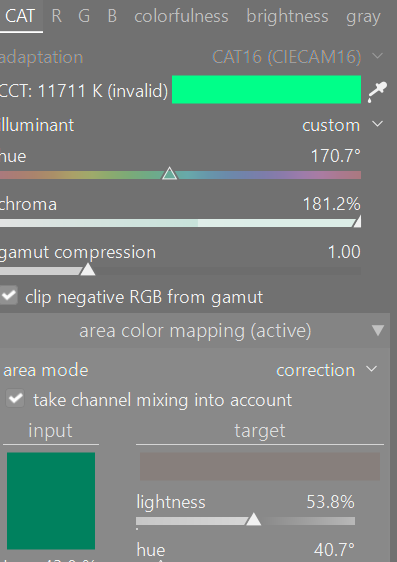
Maybe someone more technical will give a better answer. I would try formatting the card in the camera and not just deleting images if you haven’t already formatted the card. I looked at your image in darktable and you either shot in a very green light source or something crazy is happening with the colors on this image.
Also you can just drag and drop a CR3 file when posting here.
Having a corrupted SD card would result in the file being unreadable IMO. Also, most SD cards are formatted exFAT, which has checksums, so corruption would result in an error message when you copy/read files.
It is more likely to be another issue.
(EDIT unless the file was corrupted by the camera, and written to the card as such, but I consider that unlikely)
i suspect, some error happened during writing the file, since the preview was fine. I agree to @Tamas_Papp to format the card (in camera, not on your computer) and try again.
2 Likes
Do i uncheck the low level format option?
Yes you uncheck that low level format. However before you you do anything to the card, i would try a new one. just to make sure that it isnt your camera acting up.
1 Like
Problem solved by changing card reader. And the color cast was caused by the raw black tone setting.
3 Likes