Hi everyone!
I’ve been working on a Krita plugin called Krita Smart Select. It adds an AI-assisted lasso selection workflow for quickly creating soft object selections.
The idea is simple:
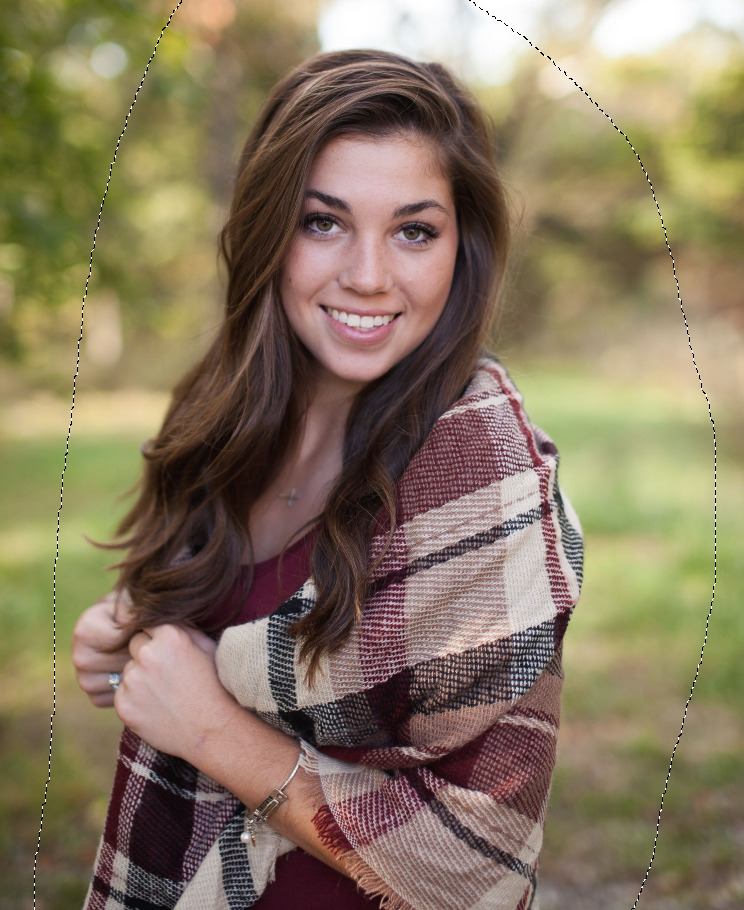
- Draw a rough lasso around the object.
- Click Select object with AI.
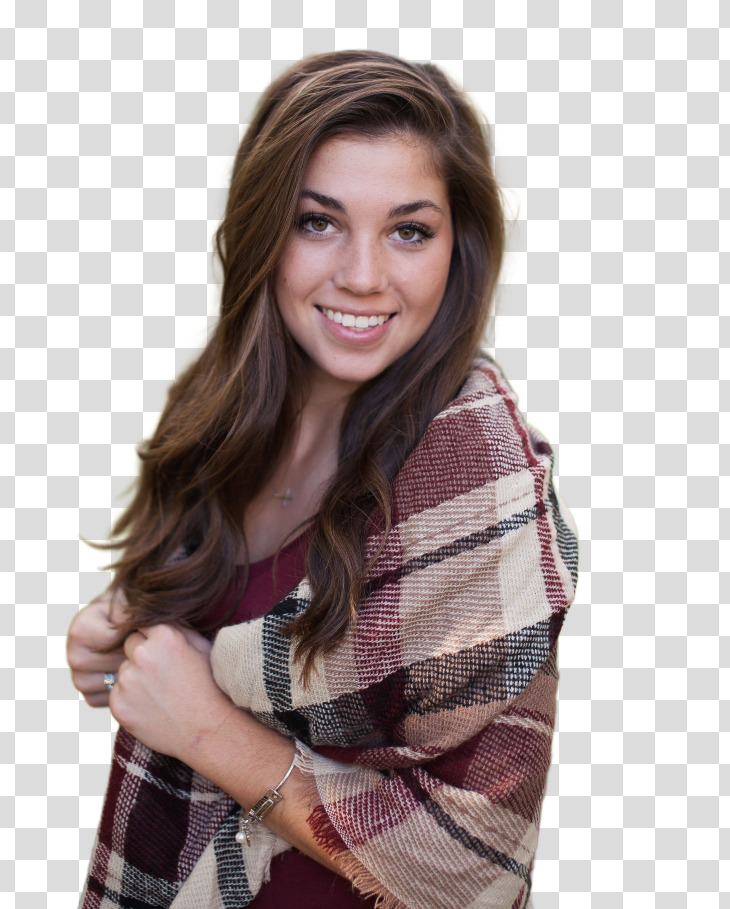
- The plugin creates a soft alpha selection clipped to your lasso region.
It is designed for cases where a regular lasso is too tedious, especially around soft or semi-transparent edges. In my tests it works nicely with things like hair, glass, and other objects where hard binary selection is not enough.
What it does
- Adds a native Krita canvas tool: Smart Select
- Uses a lasso-first workflow, so the user stays in control of the target area
- Produces a soft alpha selection, not just a hard binary mask
- Clips the result to the lasso region and document alpha
- Supports Krita selection actions like replace/add/subtract/intersect
- Runs the AI model locally
Requirements
Current release target:
- Linux
- Krita 5.3.1
- NVIDIA GPU strongly recommended
- The plugin downloads and manages its Python AI runtime/model cache automatically on first use
The current model is BiRefNet HR Matting.
Installation
Download the ZIP from the GitHub release page:
Then in Krita:
Tools -> Scripts -> Import Python Plugin
Choose the downloaded ZIP and restart Krita.
Repository
The README includes installation notes, development setup, screenshots, and documentation links.
Notes
This is still an early release, so feedback and PRs very welcome!
Thanks!