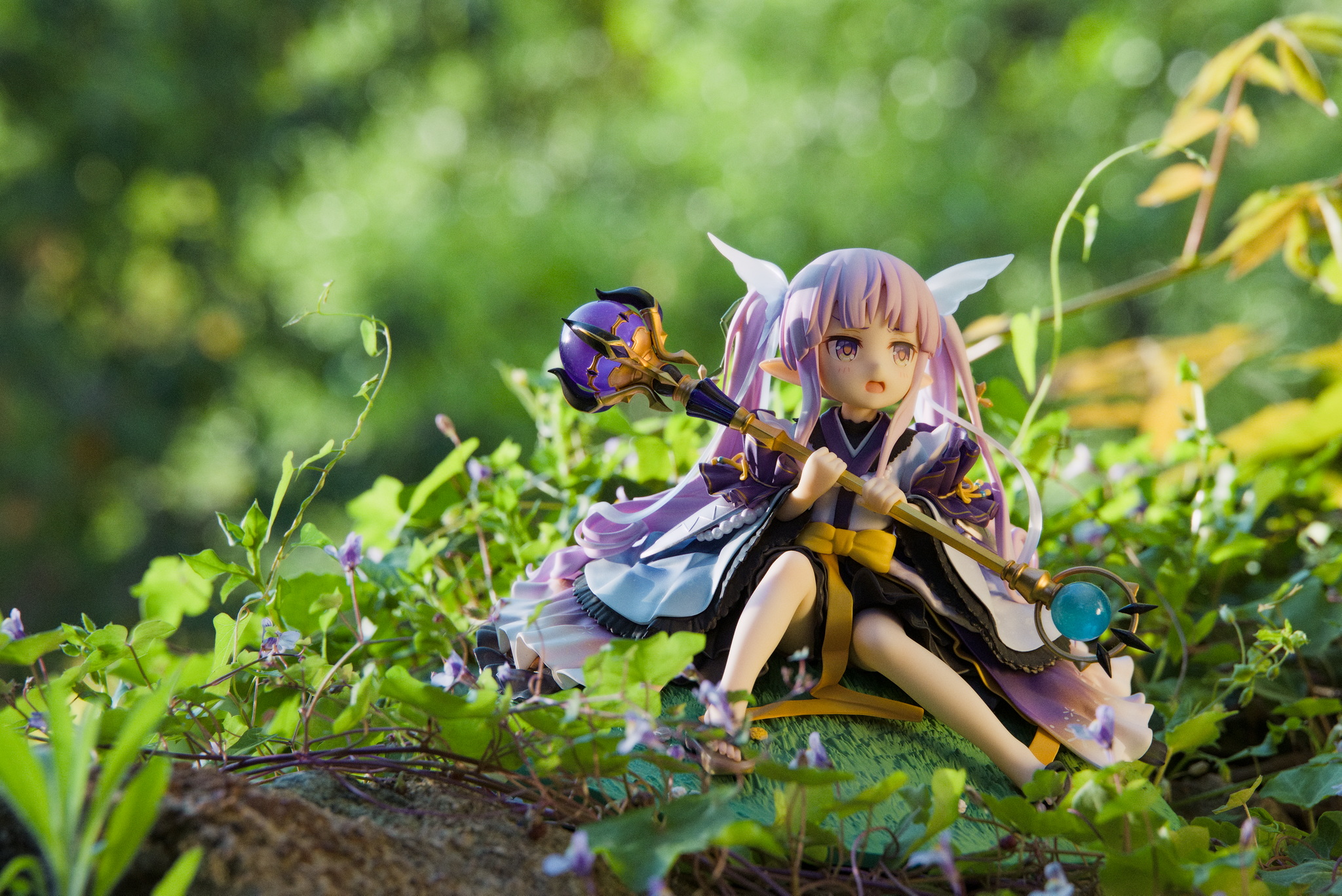
@alicem does this raw have lossy compression? I am impressed by the small file size. Half the size of a Fuji raw for the same megapixels.
kG79A1719.CR3.arp (13.9 KB)
2 Likes
It is indeed a compressed Canon raw. It is lossy but according to articles I found on the web, the algorithm they use is very efficient and it’s generally extremely hard to notice any difference, even when zooming a lot. Even if I’m not a fan of lossy formats (I used to rip dirty black metal CDs as FLAC, years ago…  ) I decided to bite the bullet ’cause the size ratio and quality seemed worth it. I’m not sure many people use uncompressed Canon raws, these days, especially for non-professional shooting, but I may be wrong. Some people even go through the trouble of converting their old uncompressed
 .cr3-s into the newer format. I find it rather confusing that the two “flavors” share the exact same filename extension, though…
2 Likes
Yeah, I agree that it looks pretty good. I can’t notice any difference, looks just like a regular raw file. Great feature
I found the picture easy to edit in DT5.3. I don’t see the lens distortion you speak of. Maybe I could bright the shadows just on the figurine.
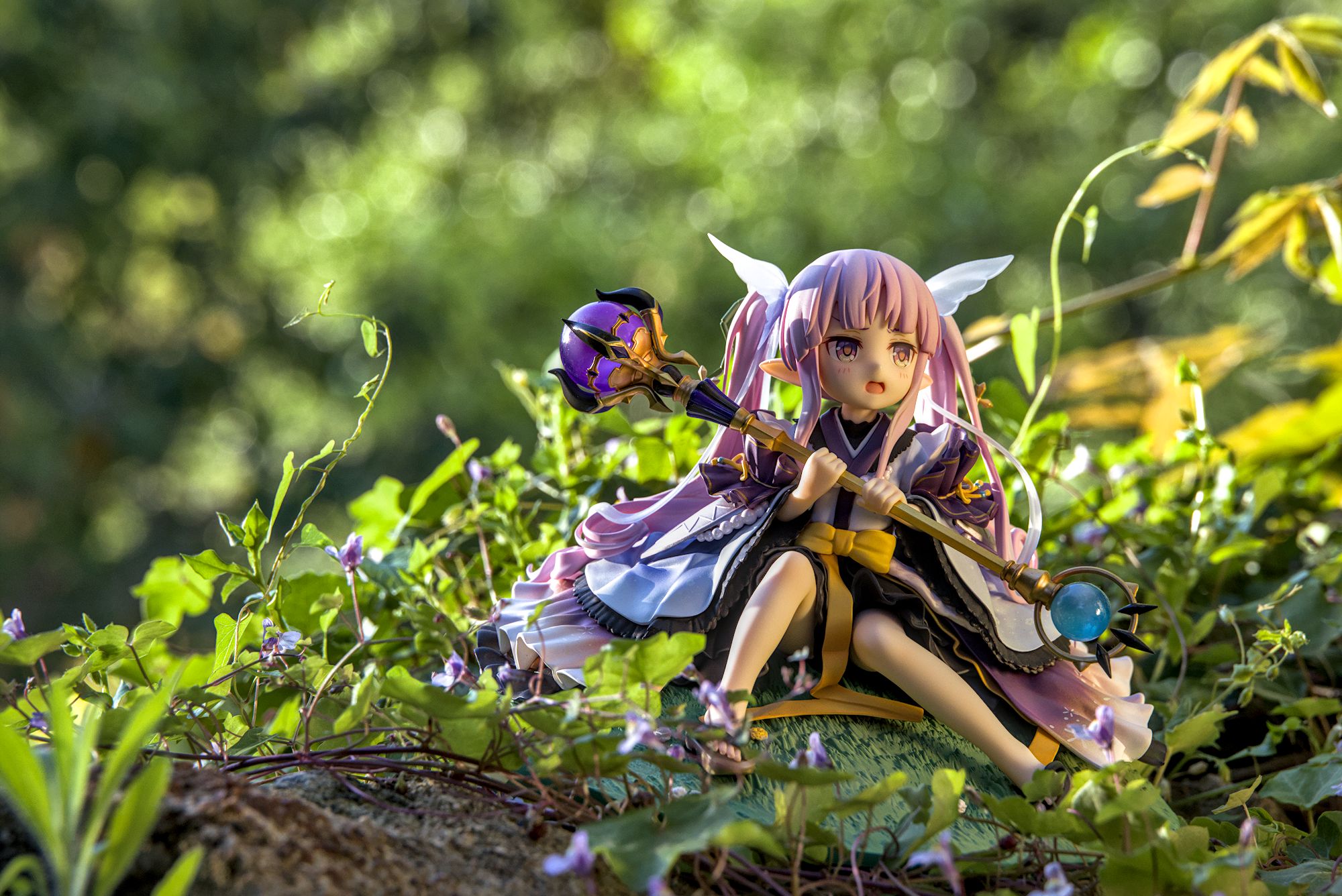
kG79A1719.CR3.xmp (11.6 KB)
2 Likes
Nice to see you there, @Terry. Thanks again for your tips last year when I was debuting with this camera. 
Nice version.
Regarding distortion, well, this is maybe not the picture on which it is the most noticeable (I did not check before posting), but basically:
- The embedded JPGs themselves often feel a bit unnatural, generally in a “pincushion” distortion way, despite the fact that (I think) my camera is set up to fix distortion. I guess it doesn’t do that perfectly for my 24−240 lens, which may be why some reviewers complain about that aspect of that lens.
- For reasons beyond my knowledge, using the automated correction button to set the distortion slider in RawTherapee to a certain value generally does not match the look of the embedded JPG, regardless of whether I tick the “Geometric distortion” checkbox in the “Profiled Lens Correction” tool.
- I generally edit this manually, using, as a starting point, the following “procedure”:
- Untick the “Geometric distortion” checkbox.
- Use the “Automatic” button.
- Multiply the automatically generated slider value by… −1/3.

Don’t ask me why, but this generally gives results that feel more natural to me… I may someday open a topic about this.
(Edit: The end of the video glitched a little bit and the final comparison with the embedded JPG was cut.  But you see the point.)
Sometimes, it’s only when you start fiddling with the distortion slider that you realize that something was amiss with the initial setting. The human eye is a strange thing.
1 Like
@Terry That is because @alicem is using RT, not dt.
@alicem Check to confirm that your camera and lens indeed have profiles and accurate and up-to-date ones at that. Oftentimes, RT uses profiles from similar cameras or lenses. It may be worth opening a request/issue or modifying your config file as needed.
I’m not sure about the camera itself (I know it’s in camconst and a bunch of other things, but not sure what’s the correct place is for that particular aspect we’re talking about, and I haven’t dived into those files since I purchased the gear), but I specifically made sure, before buying, that the lens was mentioned explicitly in the lensfun/ files. I assumed that it was enough. 
$ ag '<model>.*24.*240' \
        -G canon \
        --nofilename \
        ~/bin/RawTherapee_5.12_extracted/usr/share/lensfun/
<model>Canon RF 24-240mm F4-6.3 IS USM</model>
It has a <calibration> element, with seven <distortion> specifications.  (Plus
(Plus <tca> thingies that are even more obscure to me.)
Anyway, even if RT better succeeded in automatically matching the embedded JPG, if you take into consideration the fact that those JPGs are rarely perfect either, that wouldn’t really improve my workflow. I just took a habit of adjusting that myself.  It requires a negligible amount of time when compared to the absurd amount I spend on the tone curve and tone mapping. Sometimes it can even be an additional way to bring the subject or background forward, haha.