Pberg
August 21, 2026, 11:36am
1
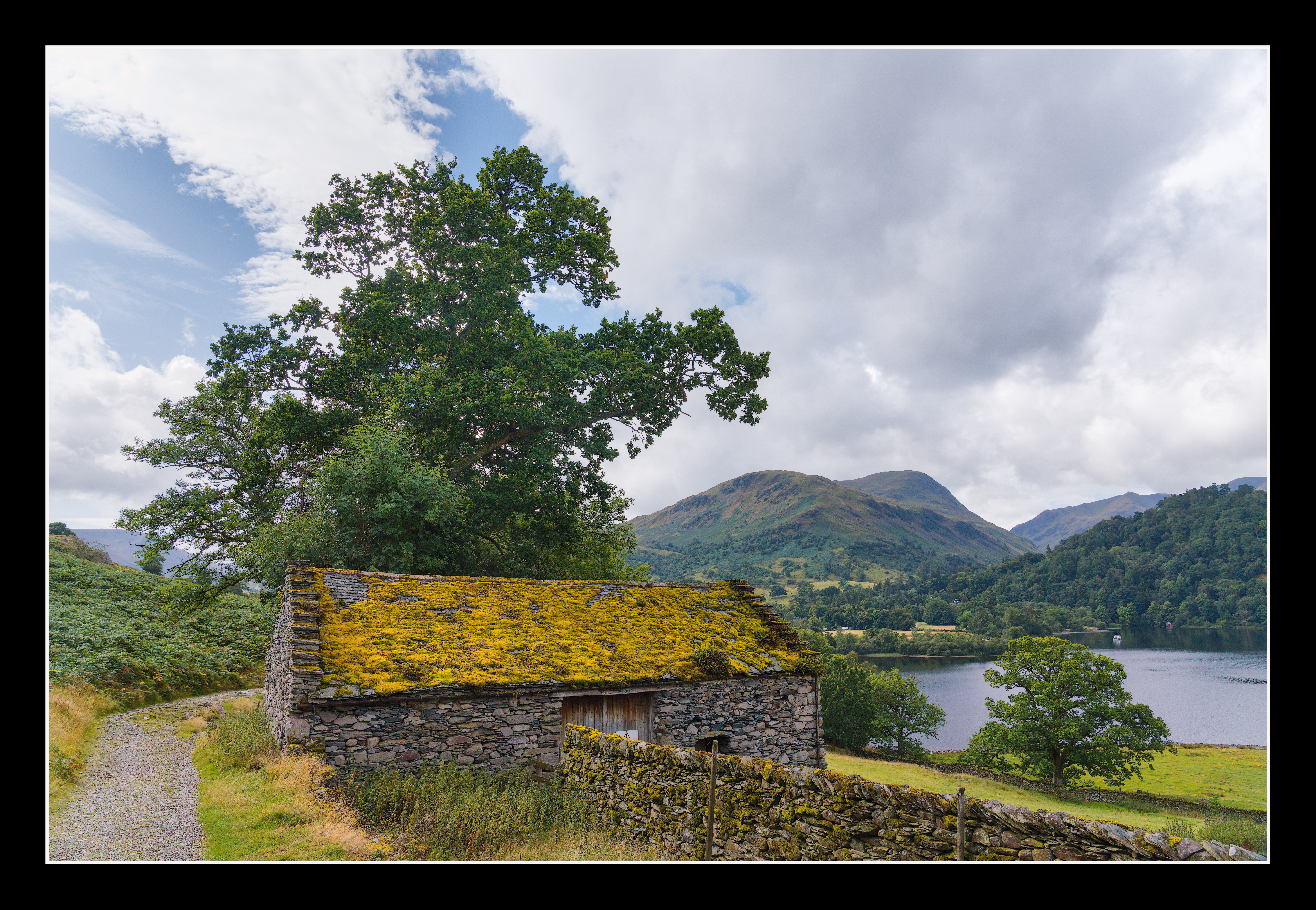
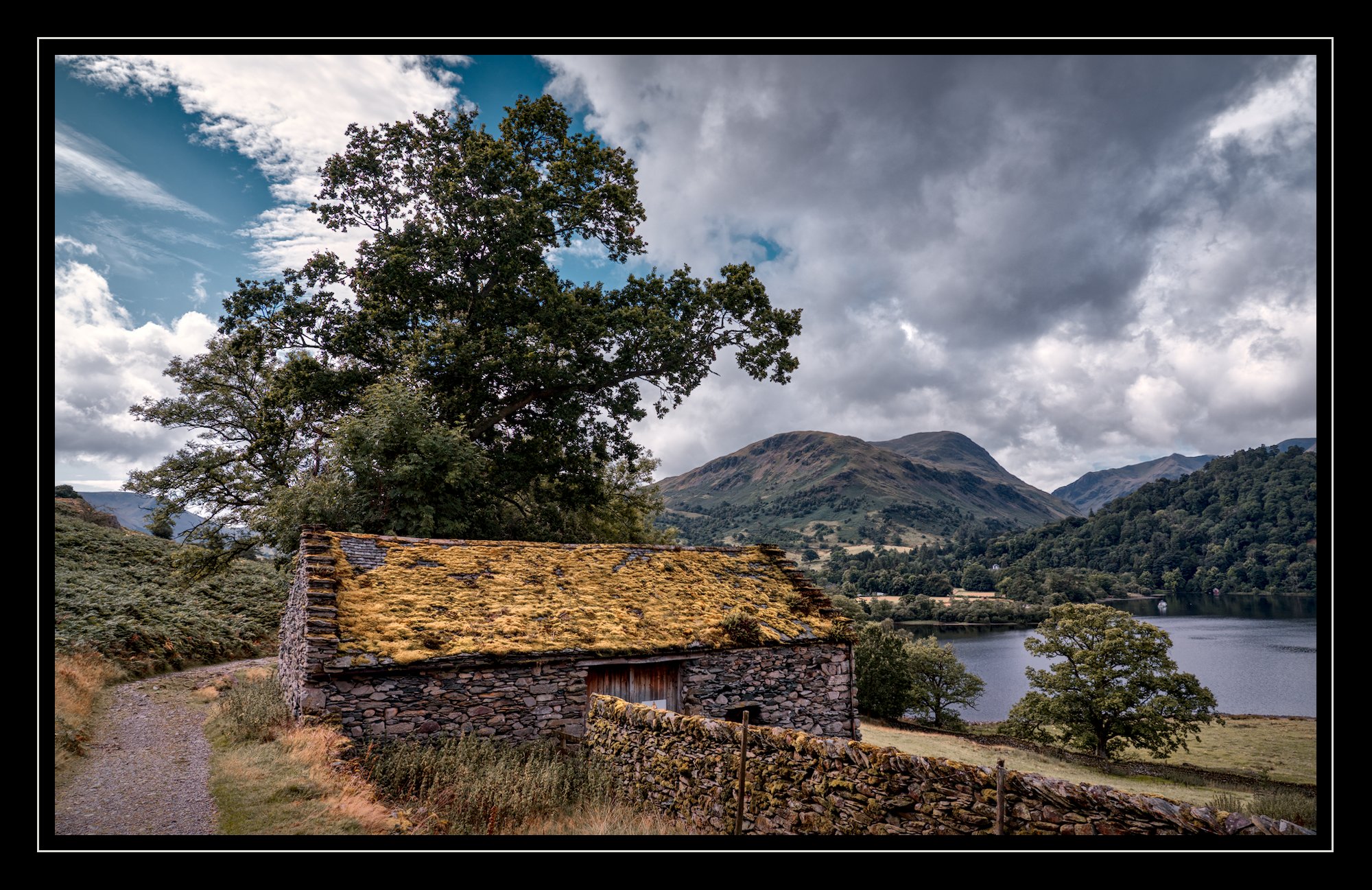
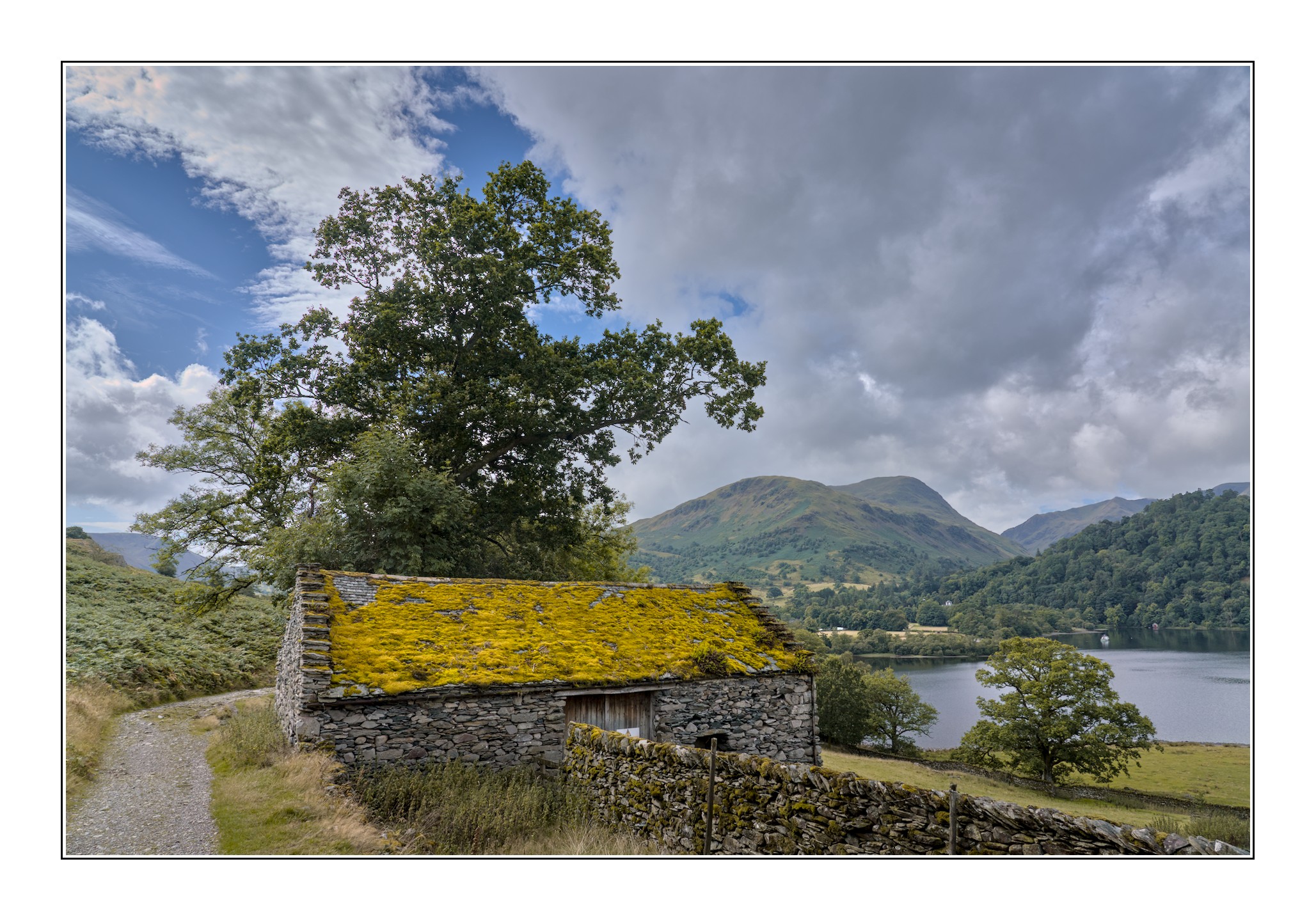
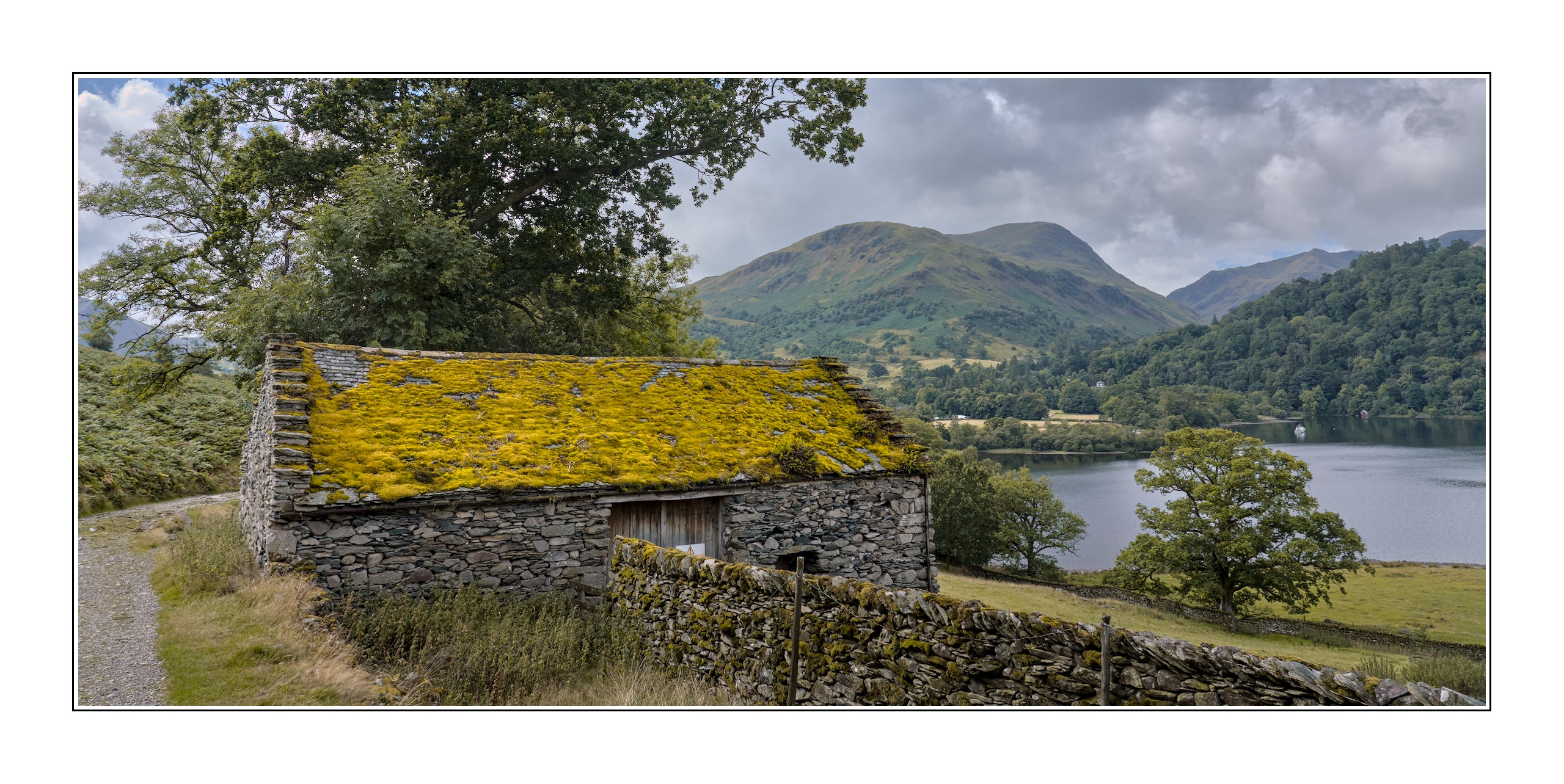
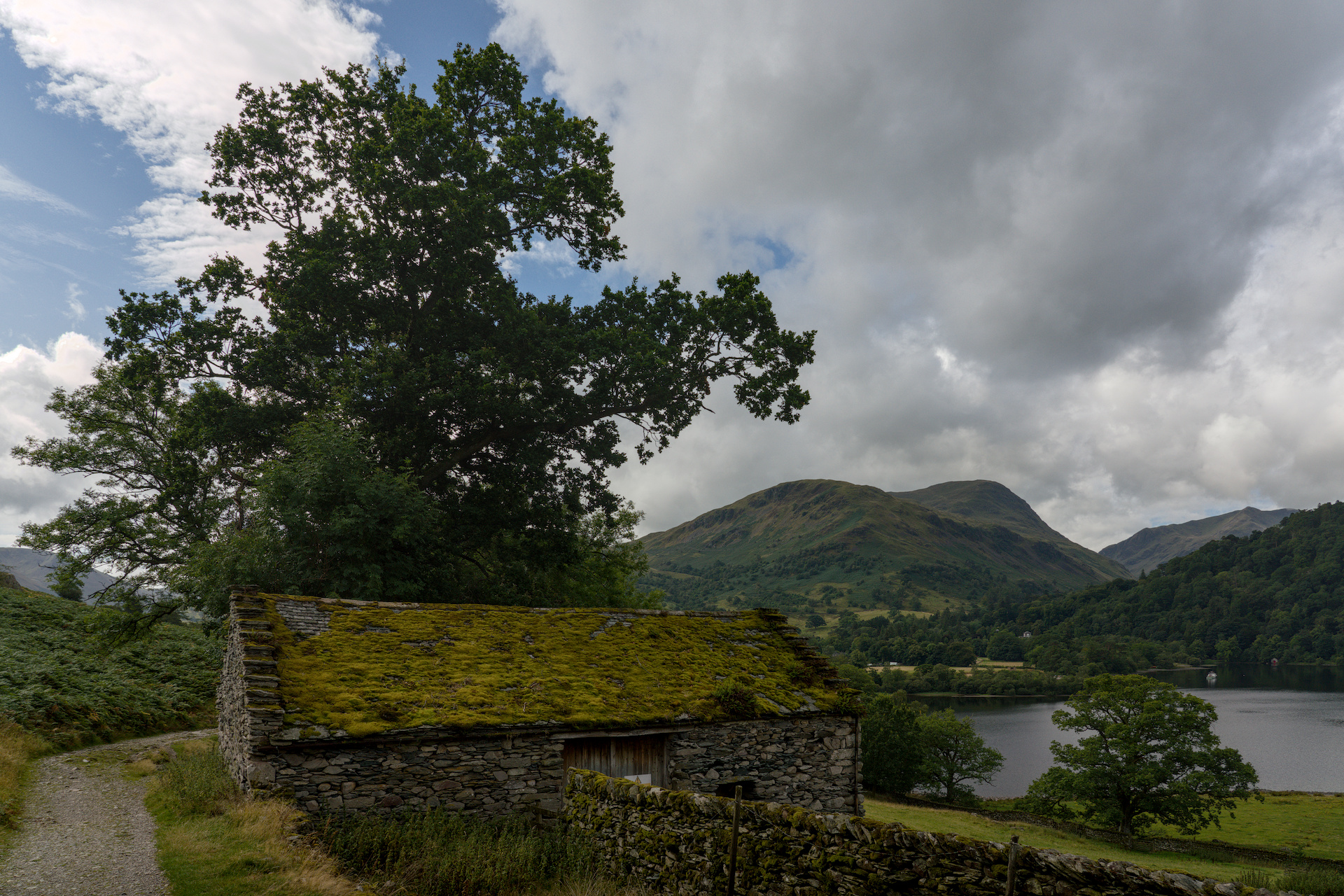
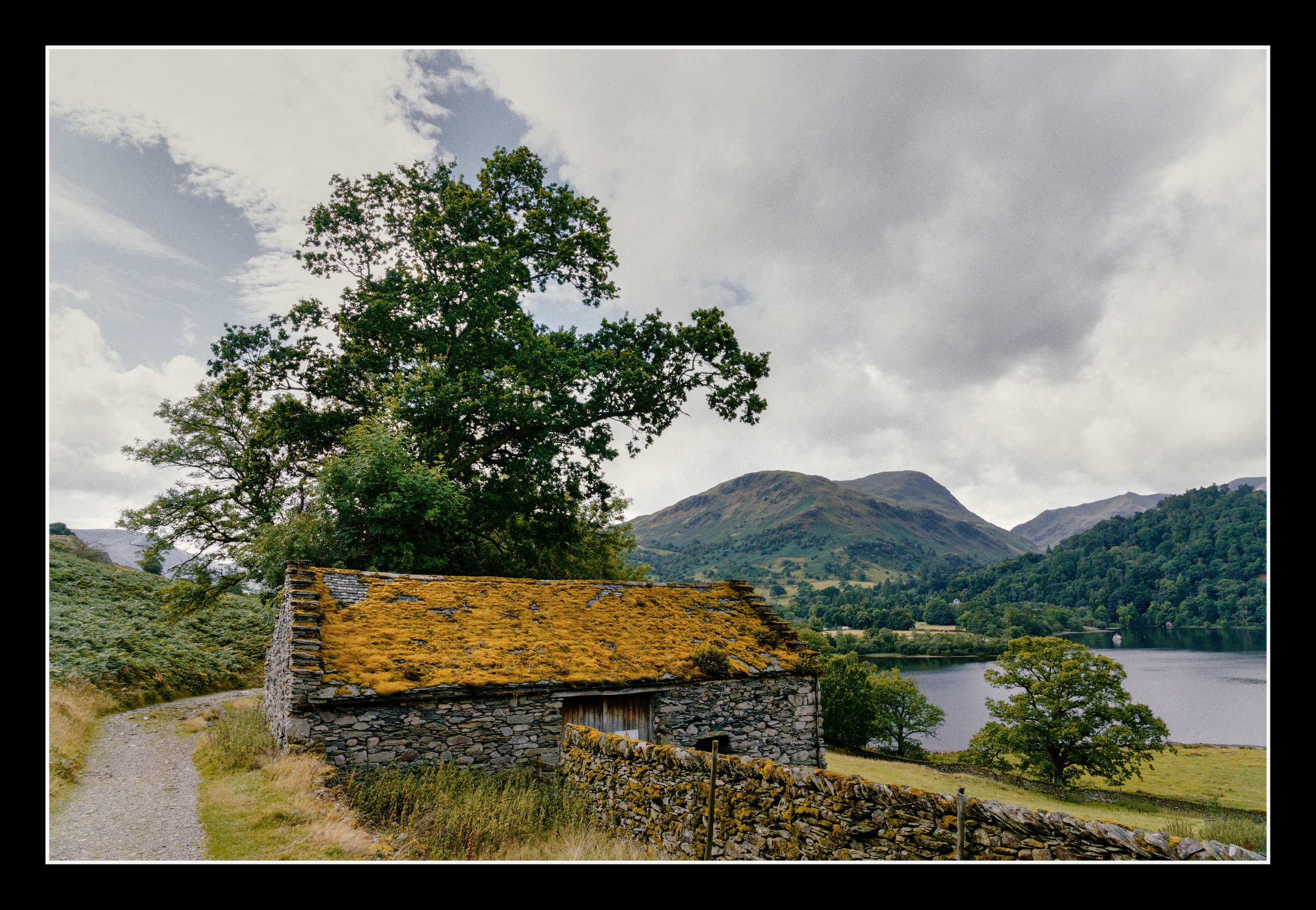
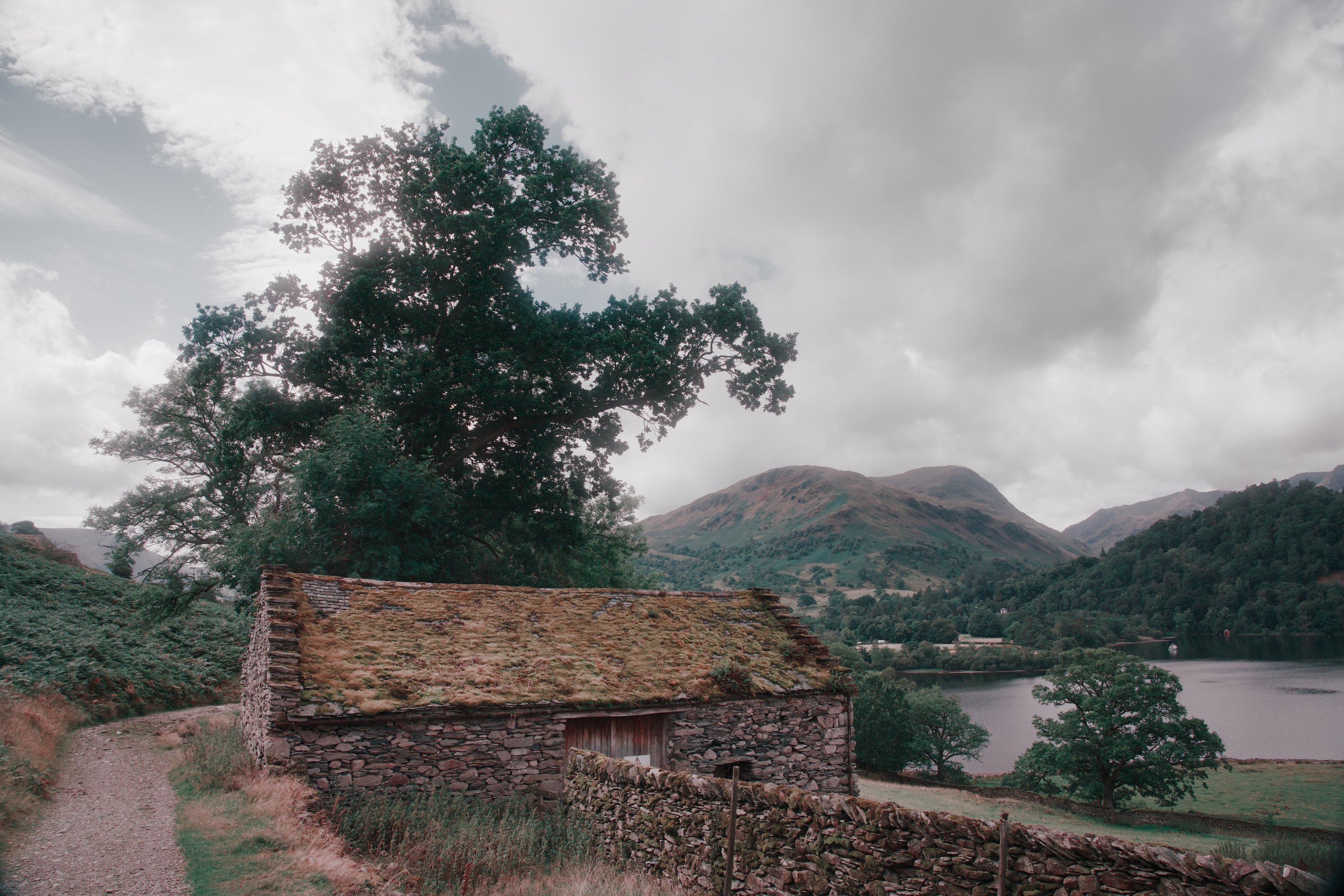
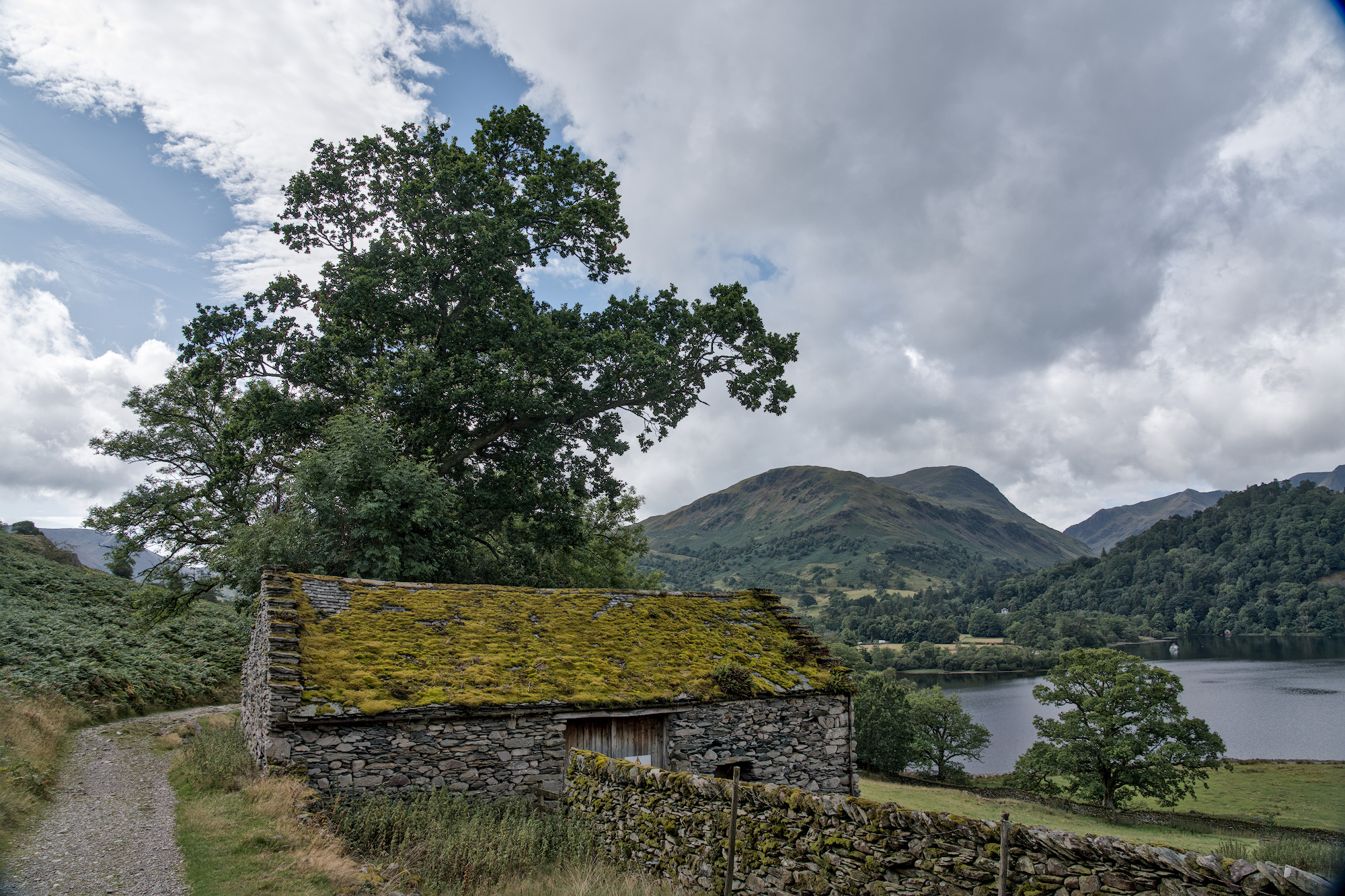
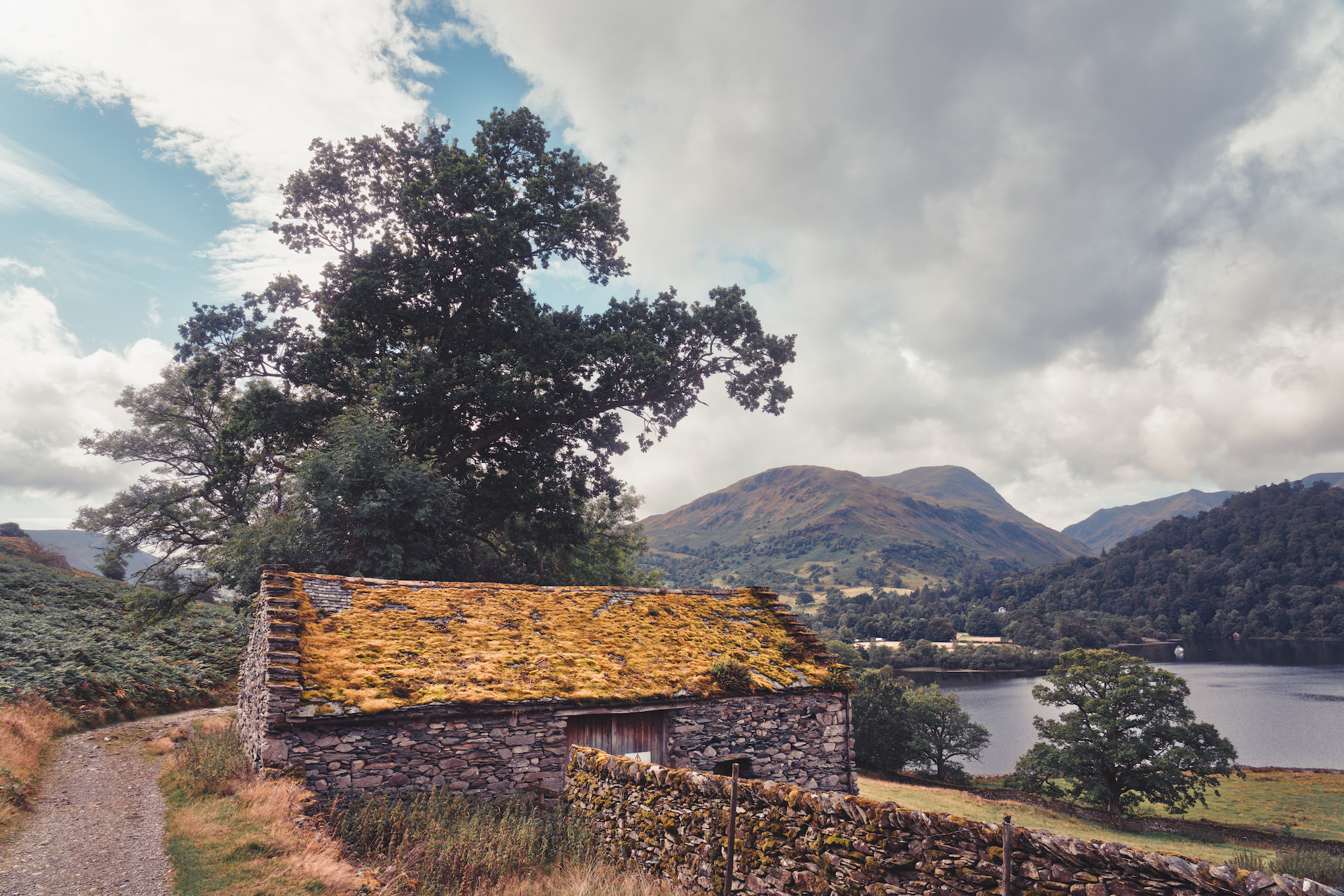
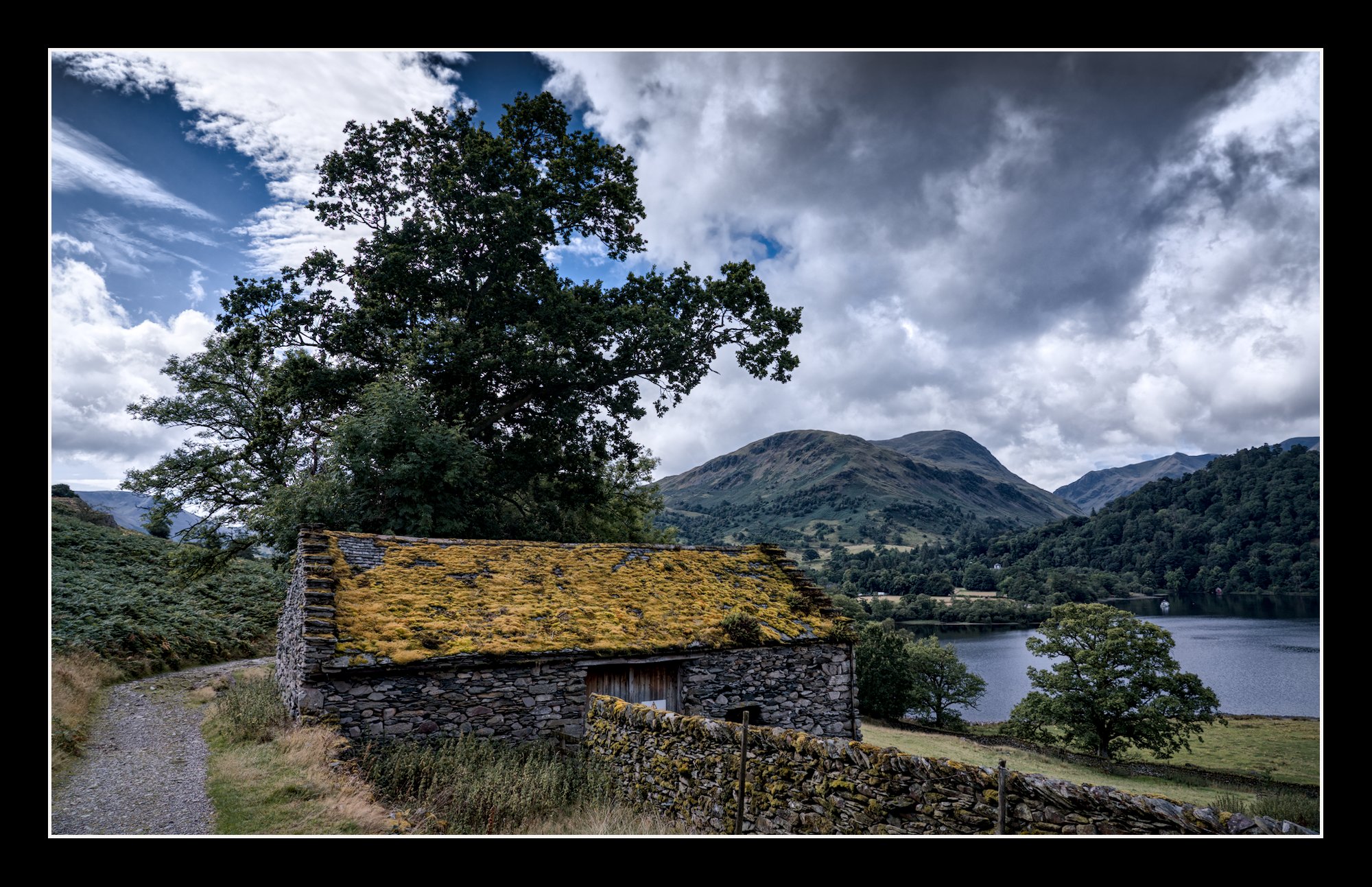
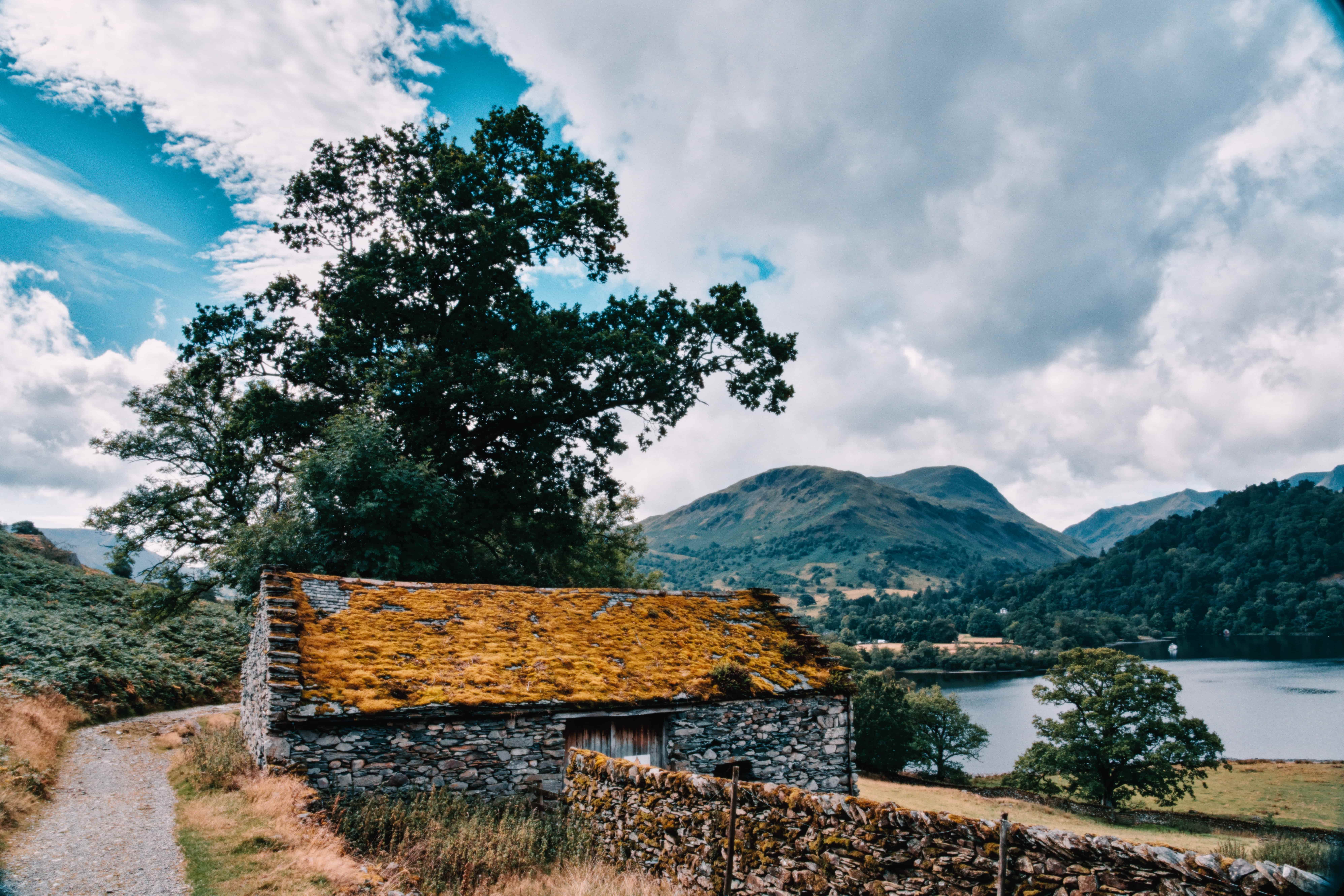
Interested to see how you edit this shot of a landscape close to the southern end of Ullswater in UK shot during this very hot and dry Summer.
A7R00619.ARW (41.4 MB)
A7R00619_02.ARW.xmp (22.5 KB)
This file is licensed Creative Commons, By-Attribution, Share-Alike .
11 Likes
A7R00619.ARW.xmp (13.1 KB)
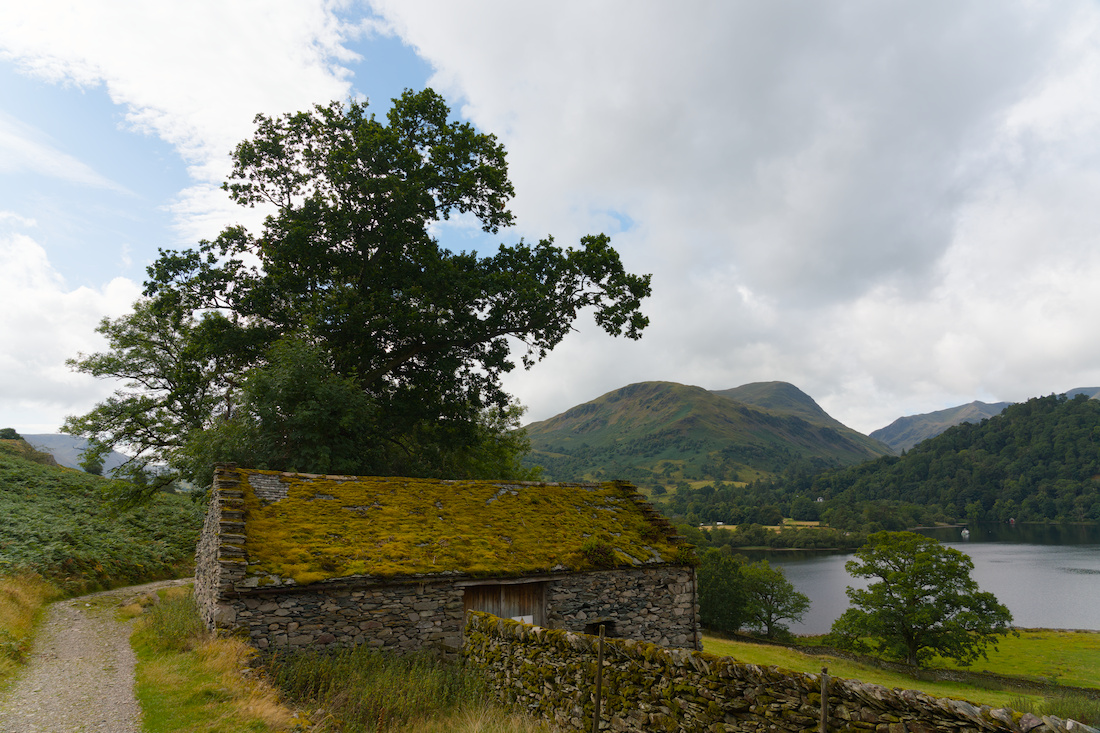
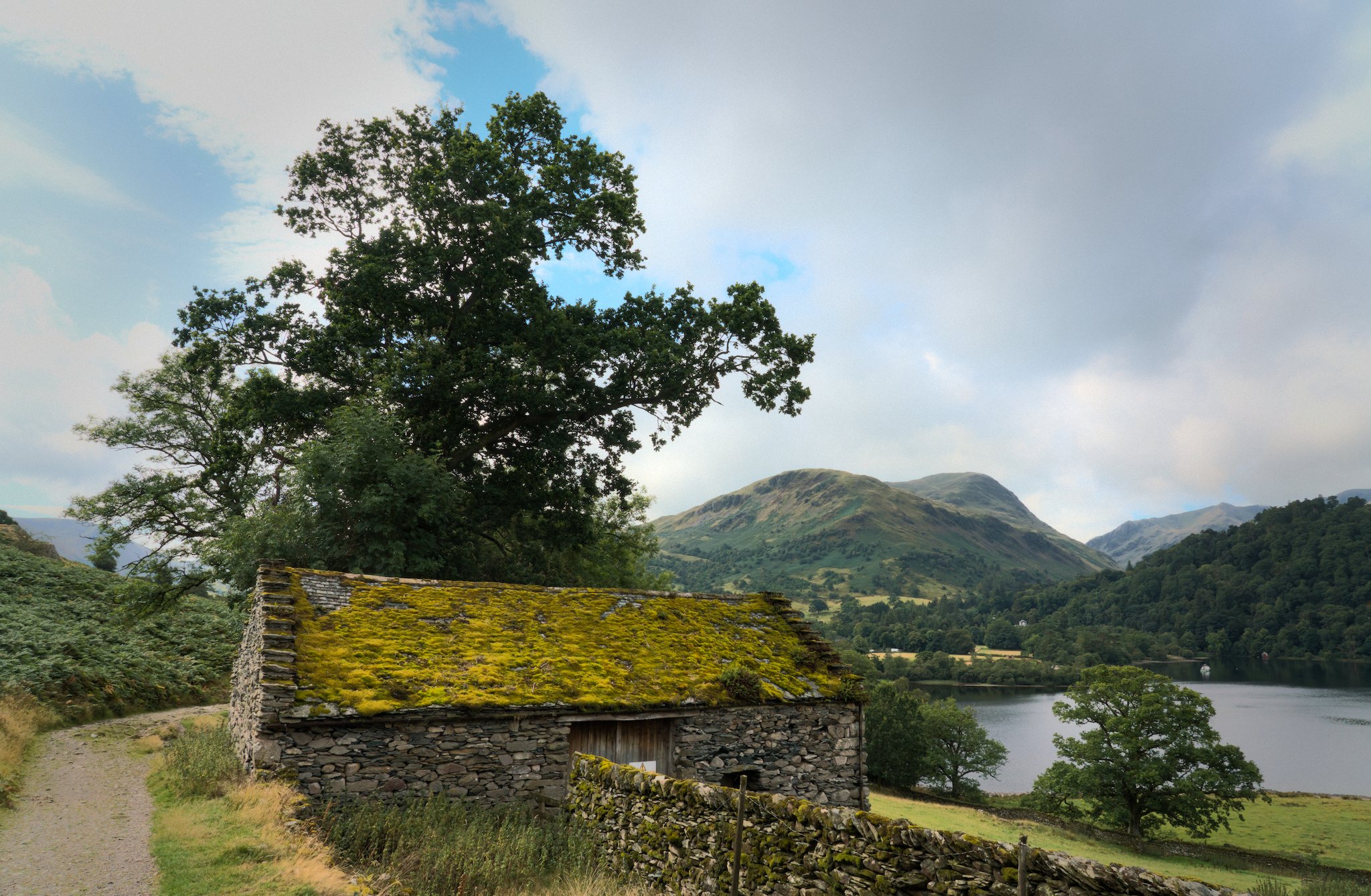
Here is what I came up with. To me it looked like the light was mainly from the left behind so the colors on the roof and building were left subdued and slightly flat.
4 Likes
Pberg
August 21, 2026, 1:29pm
4
You are absolutely right about the light position and consequent colours of the roof and building being subdued and flat.
I came across the spot the photograph was taken an hour after I would have preferred and tried to cheat the light a bit by rotating it to the left.
Judging by your keen eyes, am not sure I was successful
Edited with Ansel.
1 Like
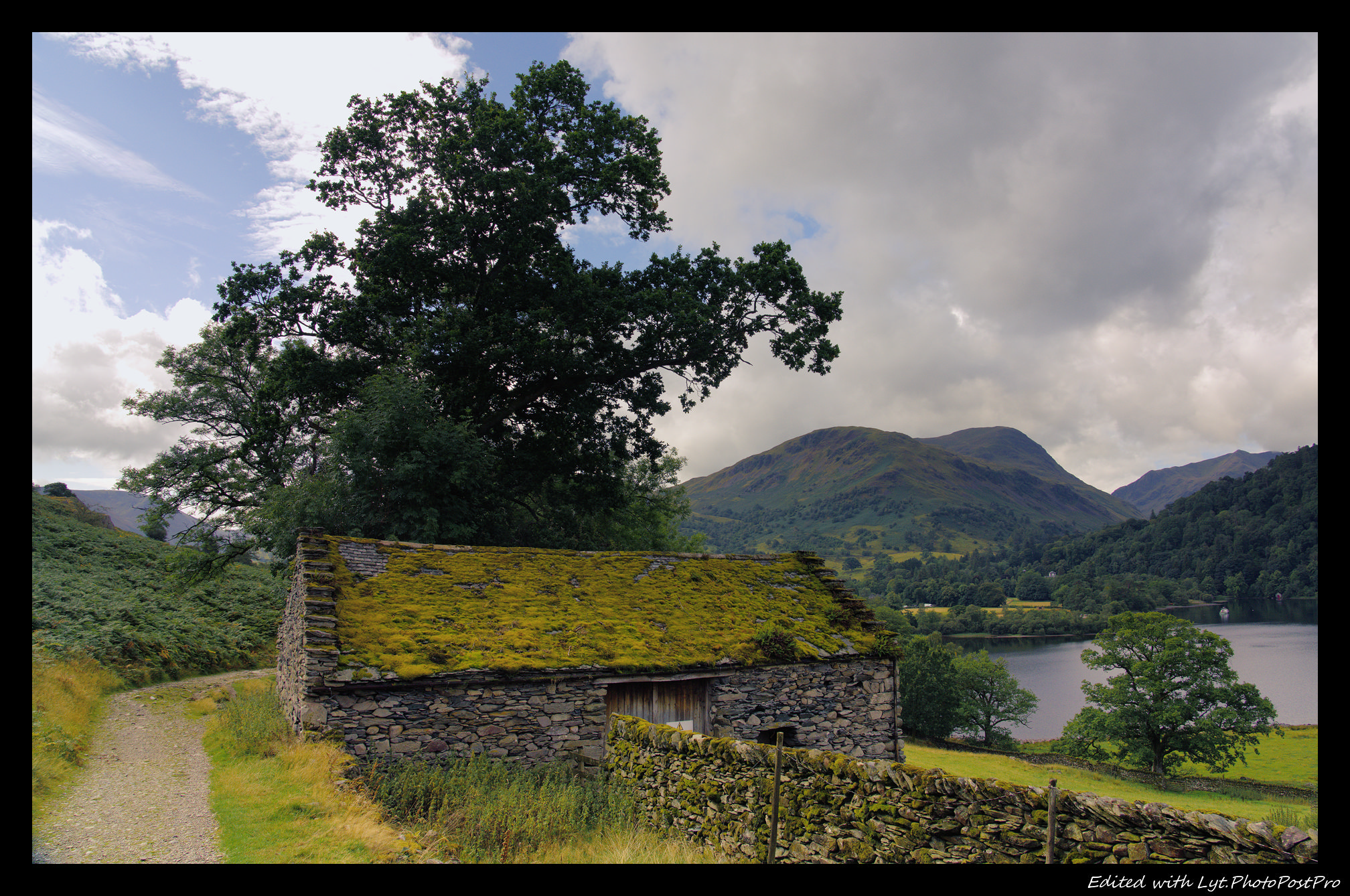
My take: Removed a bit of sky, light up the bottom, added some warmer colours…
And a final touch of sharpen for the stone walls…
1 Like
ho4
August 21, 2026, 3:07pm
7
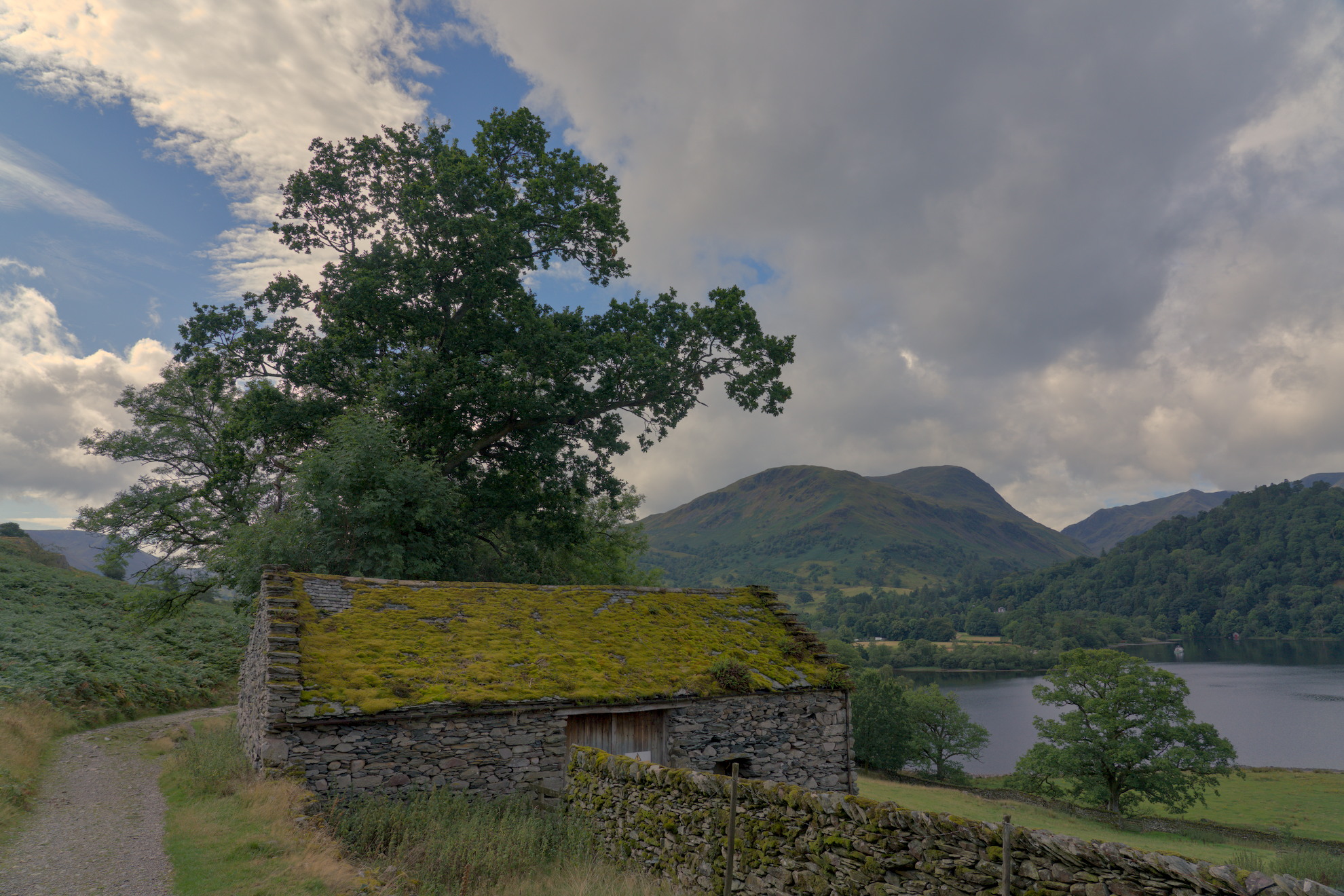
Not a fan of so much texture so here’s my softer interpretation. Mainly just the shenanigans inside the spektrafilm module in darktable
4 Likes
Lovely spot!
SDR JPG attached directly and a much better HDR version attached as a zip file. Corrections in Darktable and edited with HDR Finisher.
A7R00619_finished.zip (849.9 KB)
2 Likes
EDUARDOCB
August 21, 2026, 4:46pm
9
The walls of the house were brightened with RGB white balance and a touch of blurring with diffuse-sharp.A7R00619_05.ARW.xmp (54.2 KB)
2 Likes
Pberg
August 21, 2026, 6:02pm
11
NIce edit.
You know the spot right?
That side of the lake is wonderful.
Not sure what you mean with HDR Finisher?
Can you explain?
Jetze
August 21, 2026, 6:22pm
12
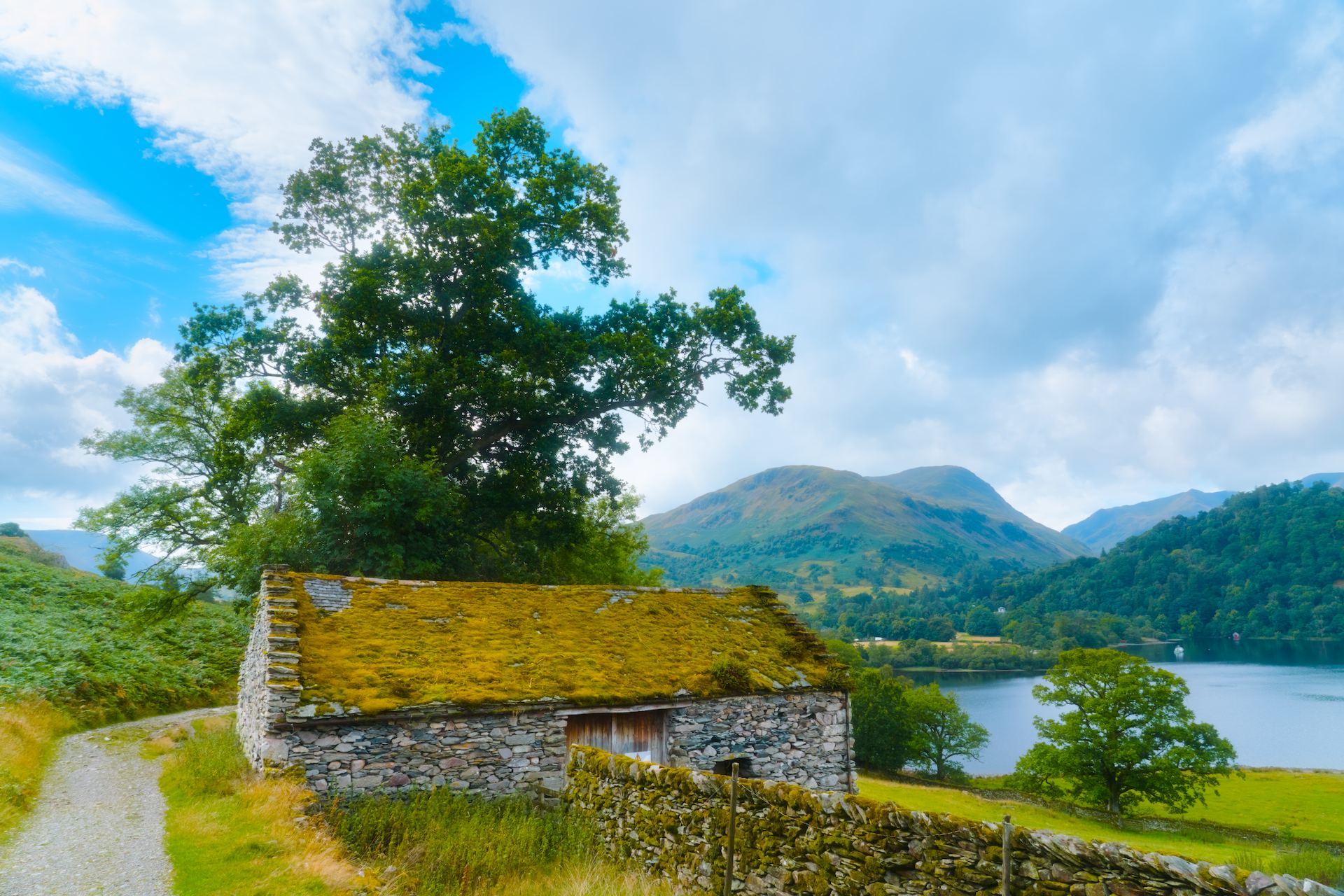
Tried to give the yellow-browns a touch more accent for the dryness.
A7R00619.ARW.xmp (31.3 KB)
hesitate…
A7R00619.ARW.xmp (31.9 KB)
2 Likes
Pberg
August 21, 2026, 6:41pm
14
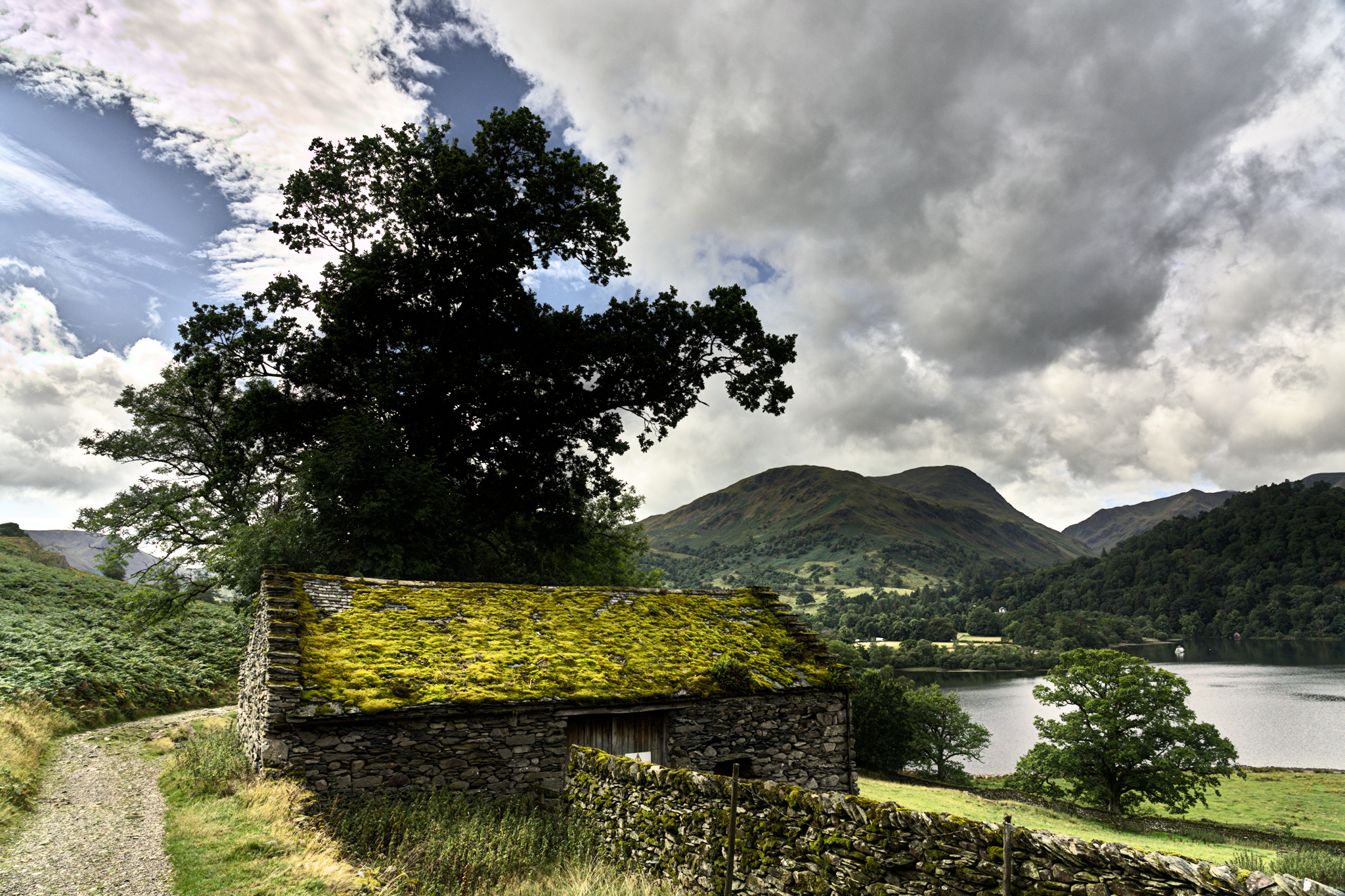
Another go, for fun, using Spektrafilm as the tone mapper and a bit of added heavyness in the clouds with local contrast
A7R00619_03.ARW.xmp (45.6 KB)
1 Like
Pberg
August 21, 2026, 6:43pm
15
Thanks.
Way further than I dare to go even when playing!
Thanks also for the advice on color zones earlier.
1 Like
Terry
August 21, 2026, 7:19pm
17
I found this an interesting image to play with. The foreground needed brightening. DT offers at least three options to do this. The first in Tone equalizer, the second is color balance rgb and the third is the old school shadow and highlights module. I tried all three methods and had successful results with each. Here is my shadow and highlights version which I am not claiming to be superior to the other modules but just an example of my edit.A7R00619.ARW.xmp (19.7 KB)
2 Likes
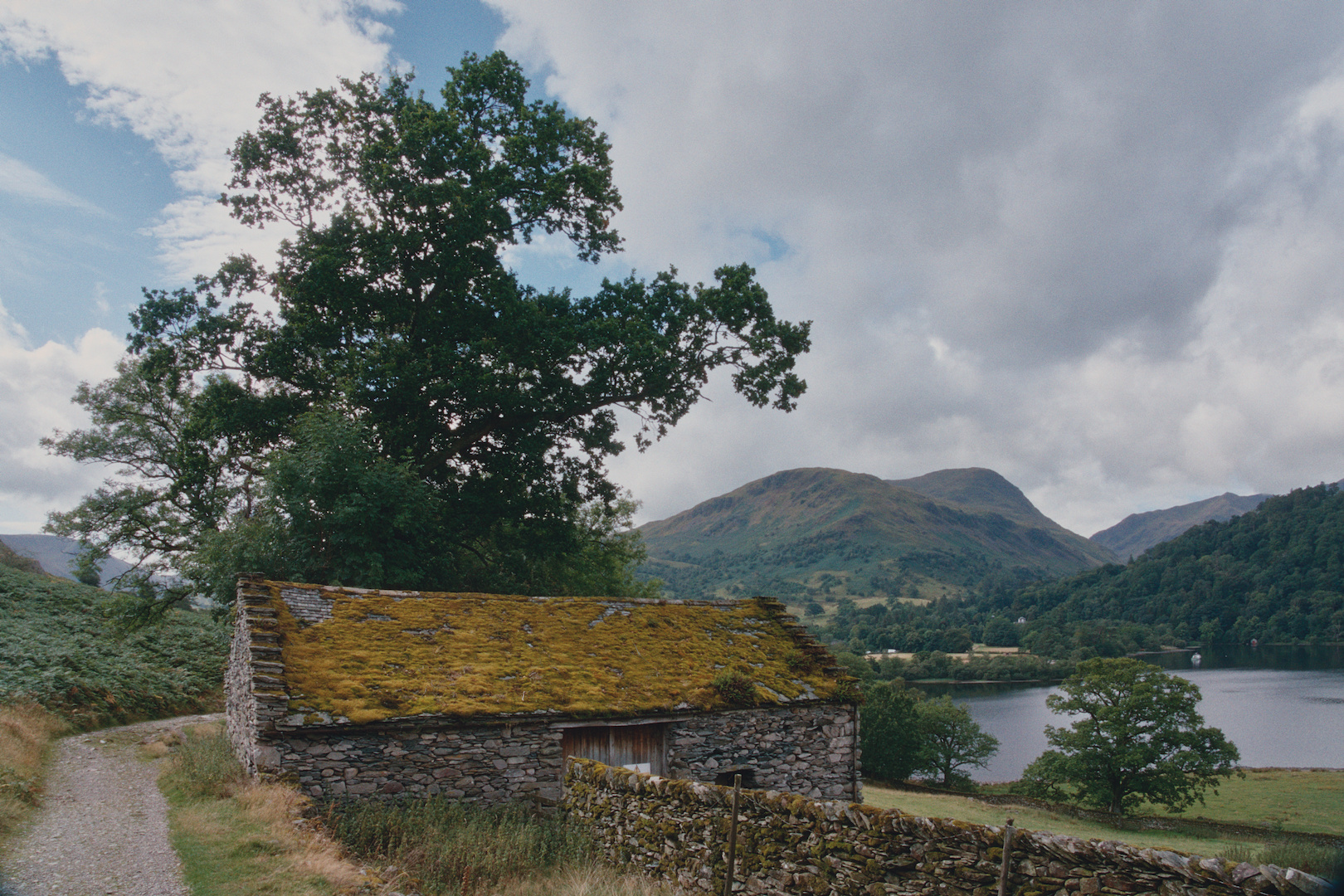
This reminded me of an old photo I had left in a drawer…
A7R00619.arw.xmp (11.7 KB)
dt 5.6 with tone curve + Spektrafilm Portra 800 Vintage Preset
3 Likes